- Examples
- SaaS app design examples
- Chronicle design examples

Chronicle design examples
Explore Chronicle UI design examples. Stunning presentations, made effortlessly
Product screens

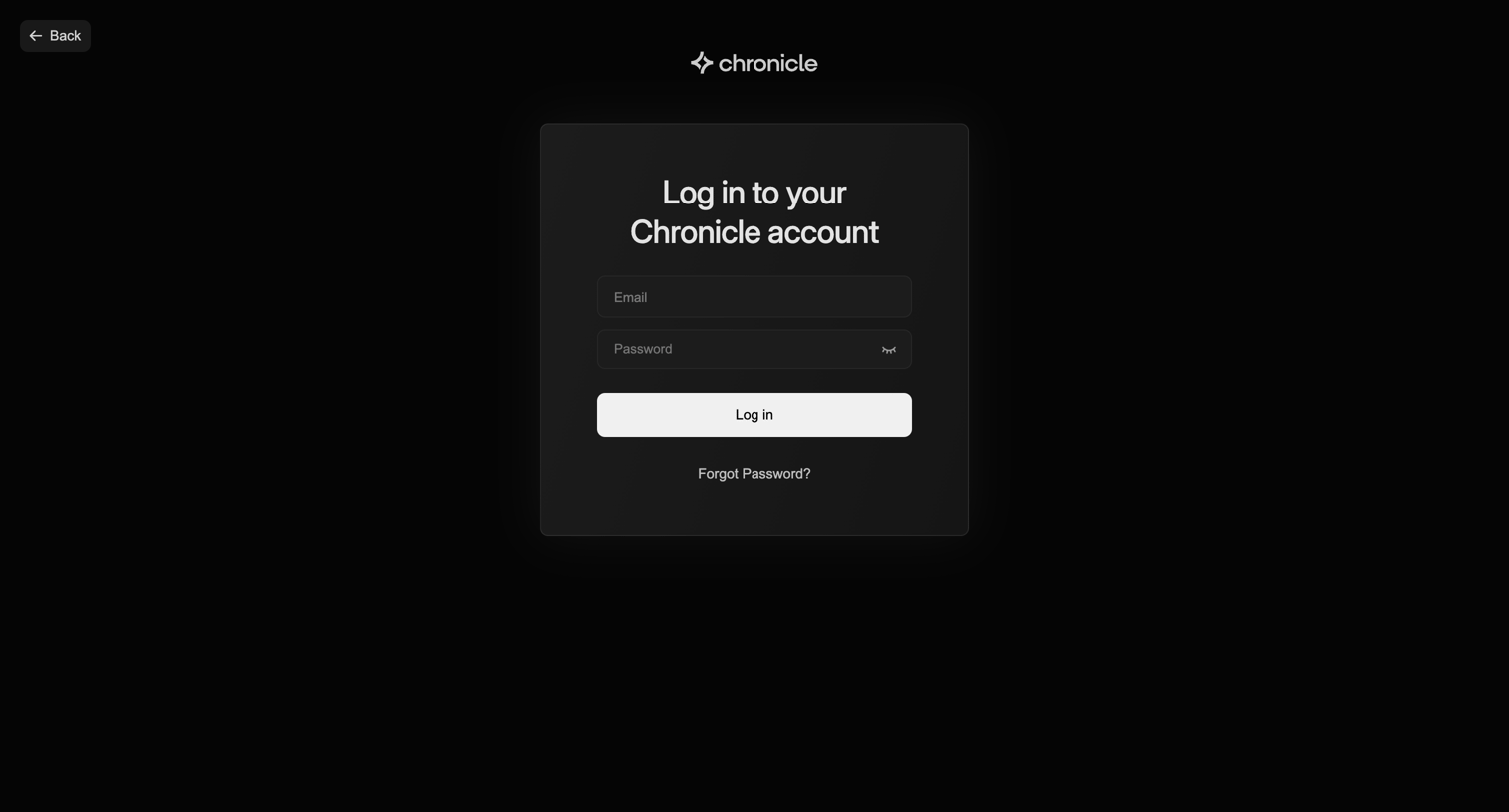
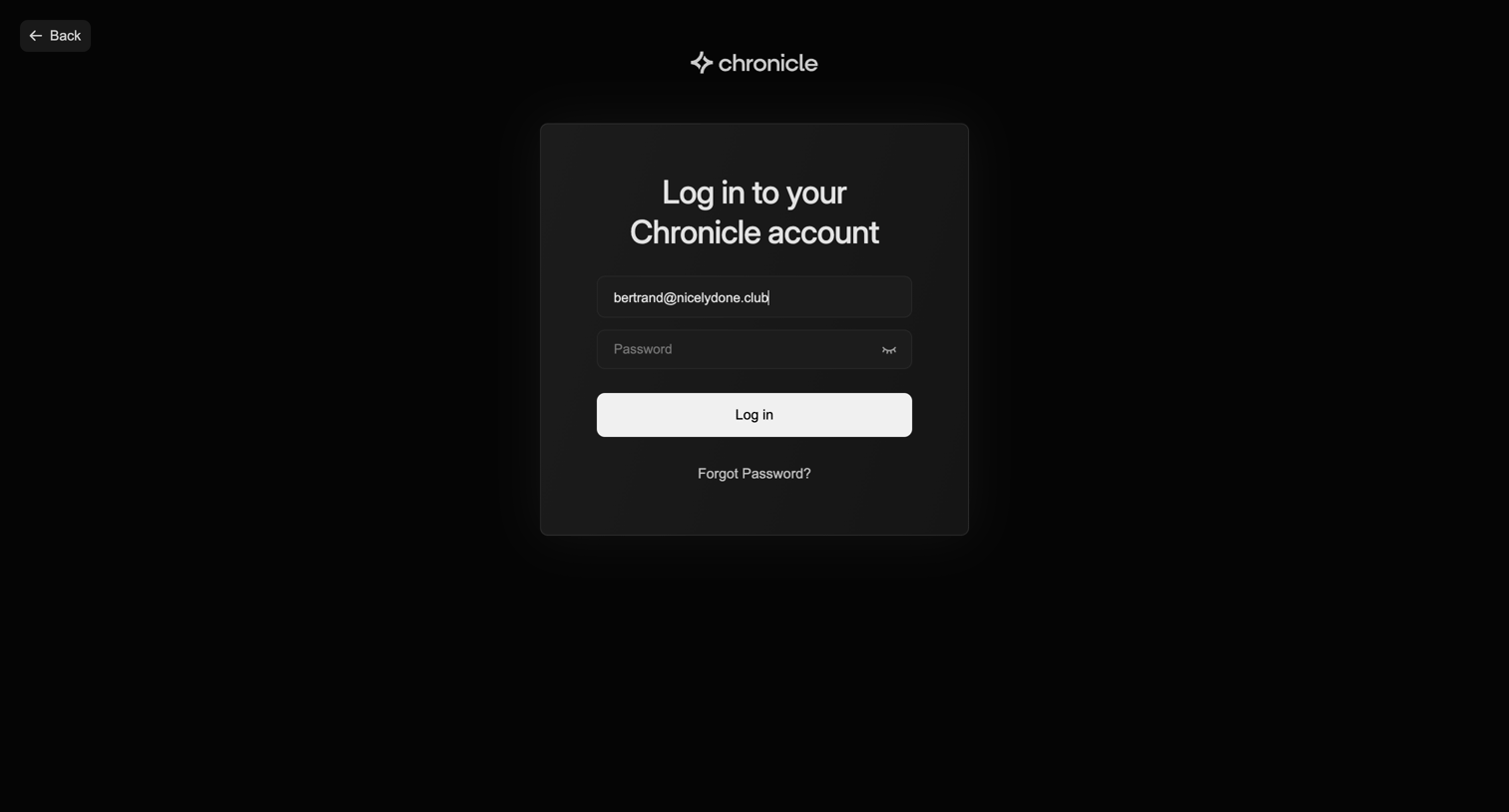
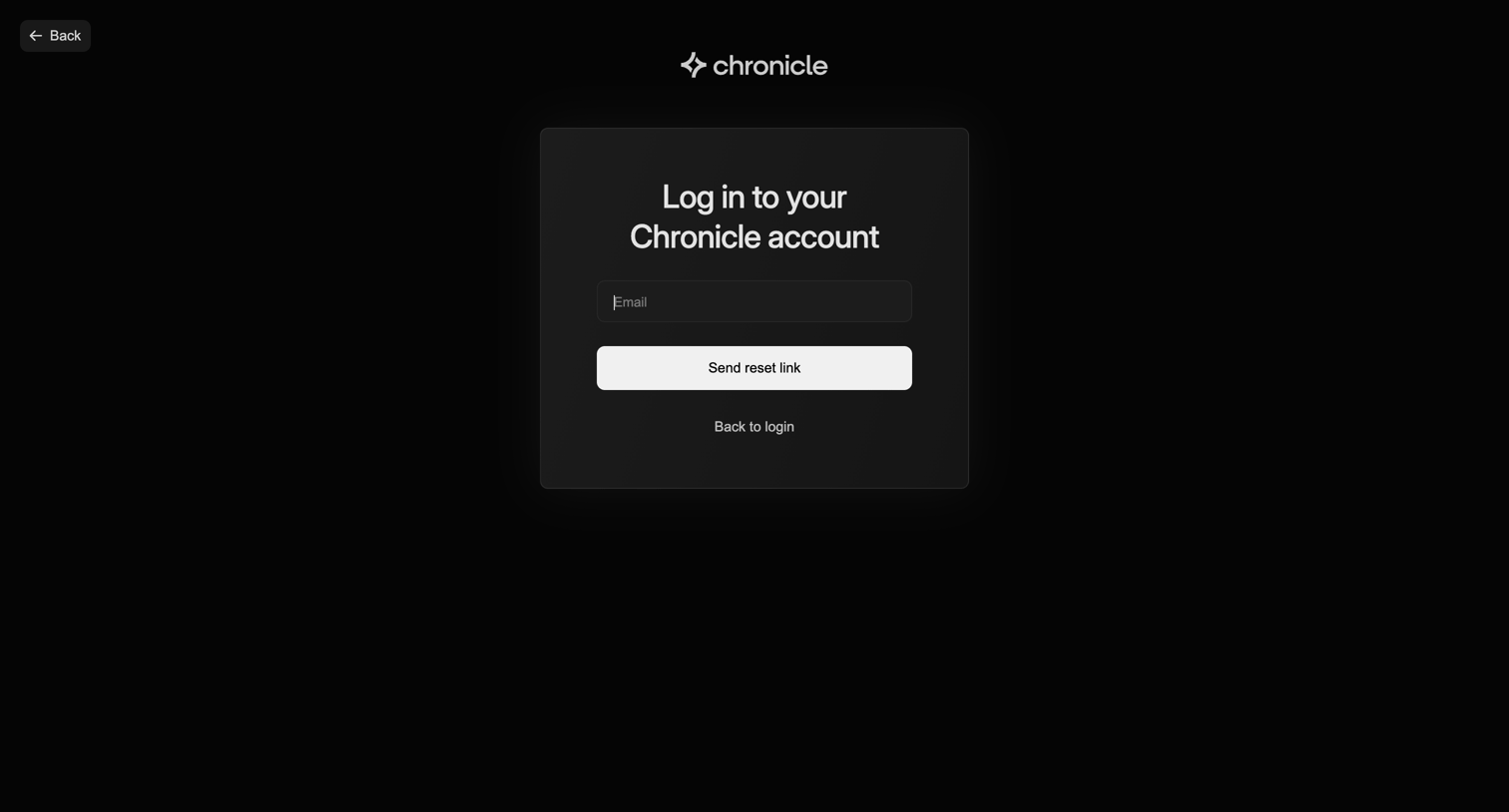
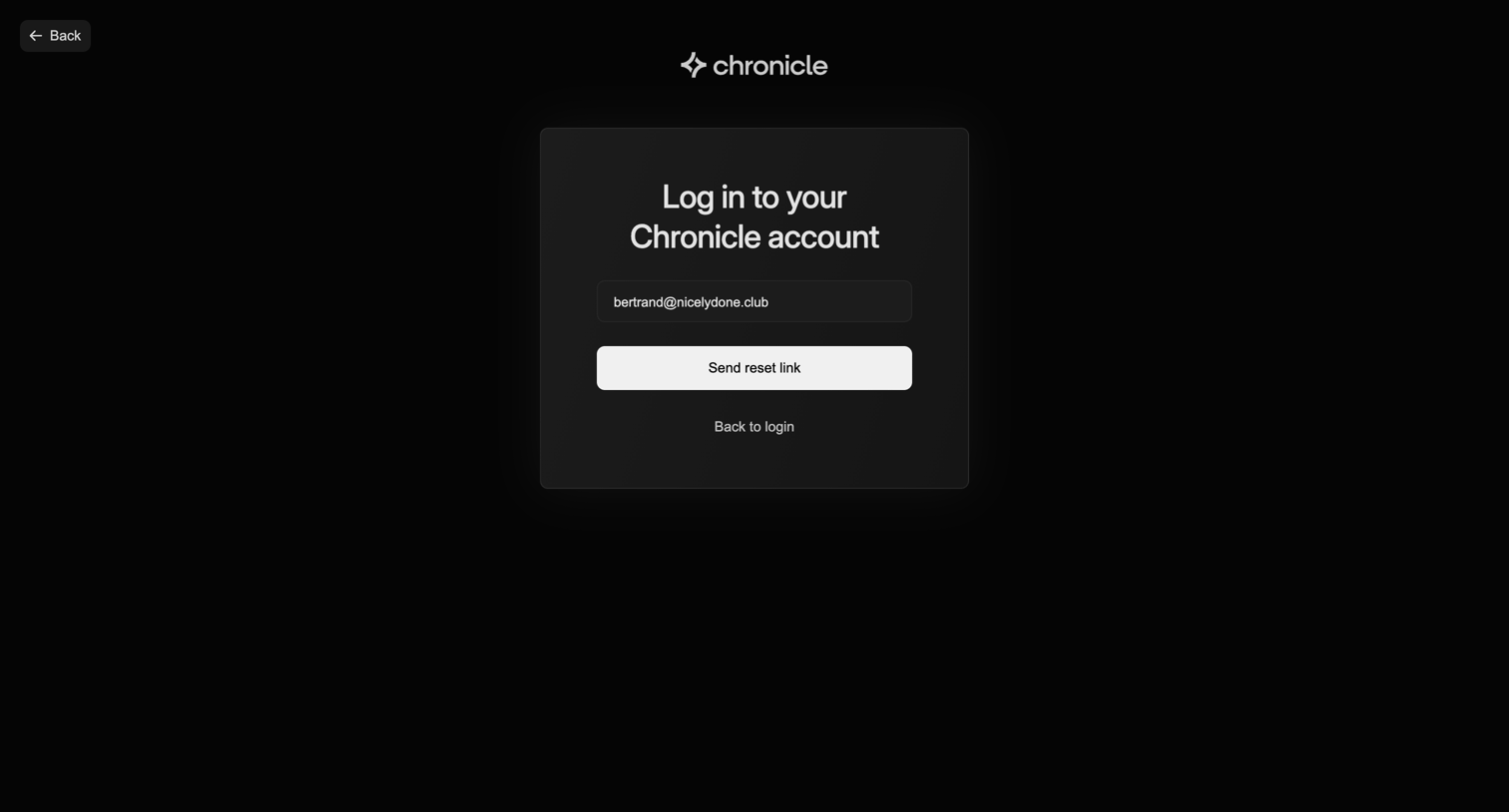
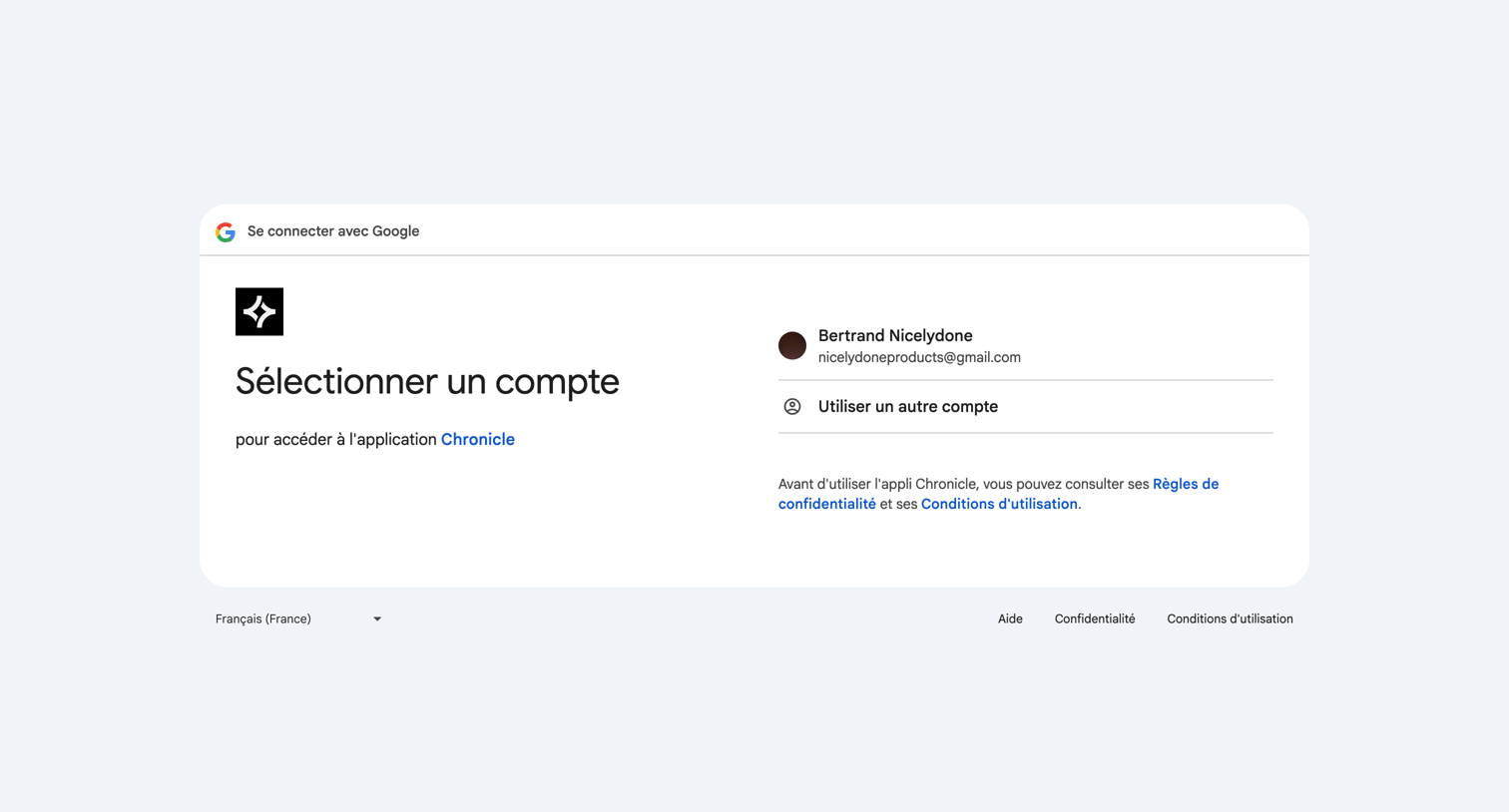
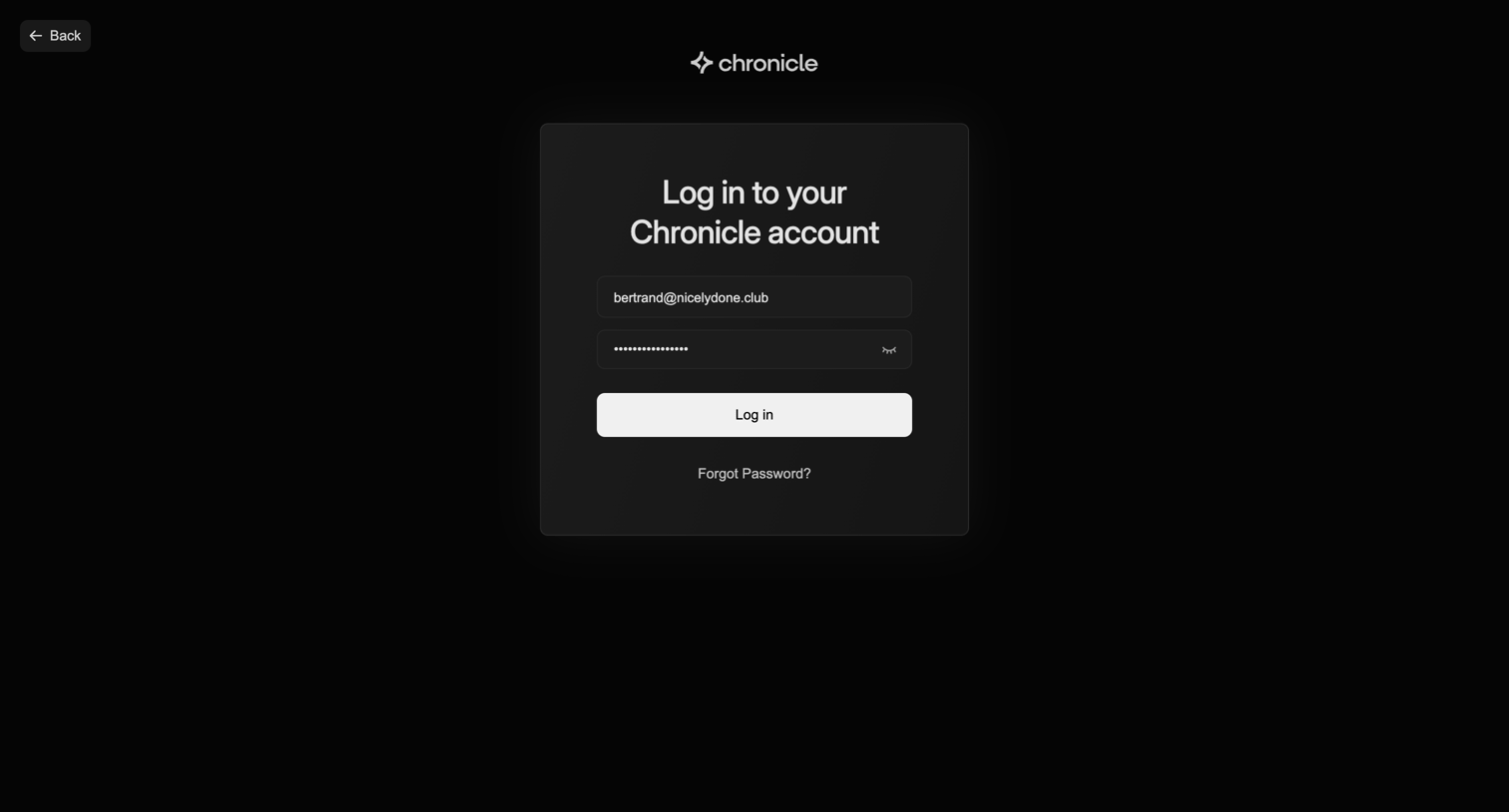
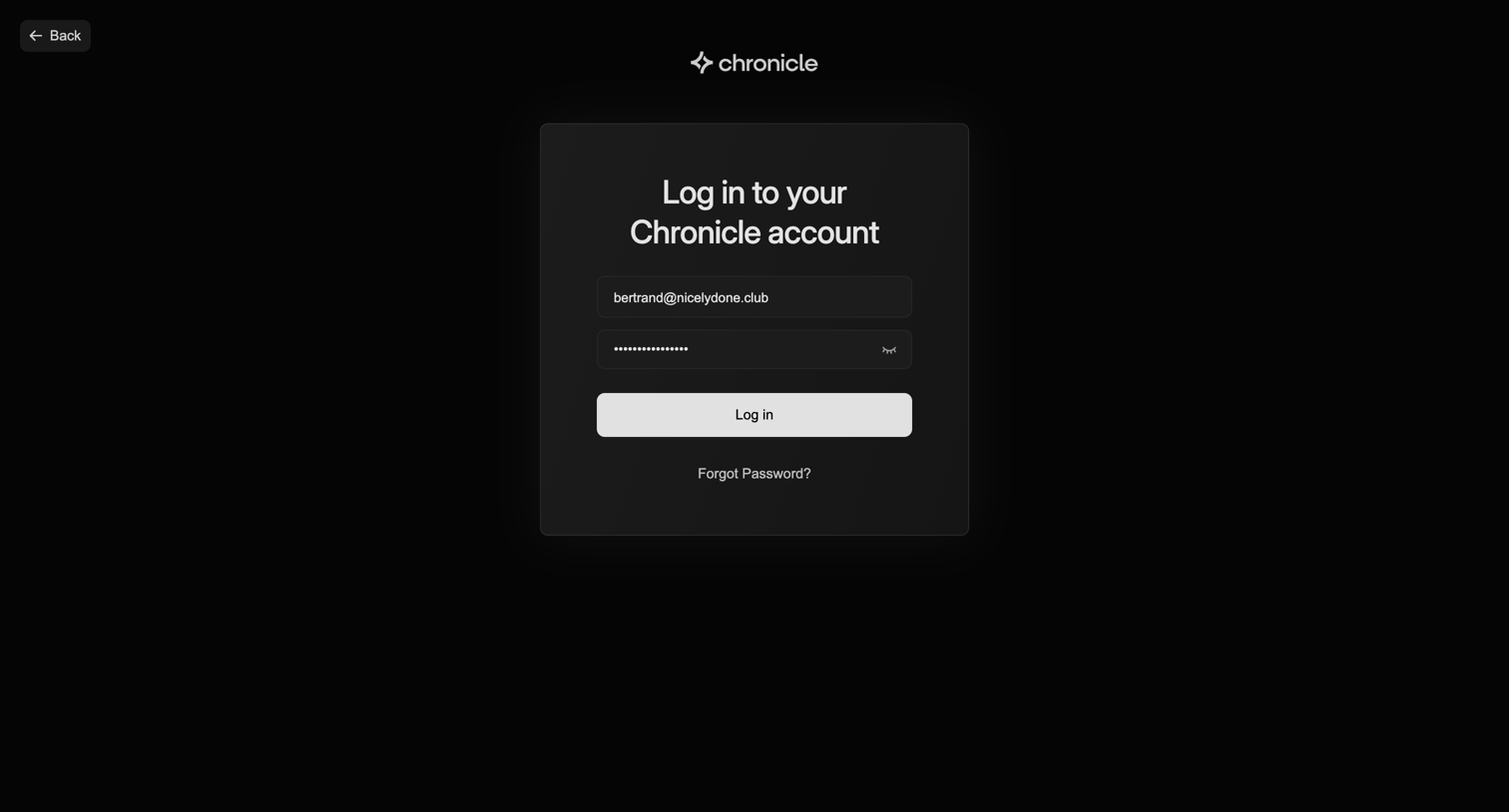
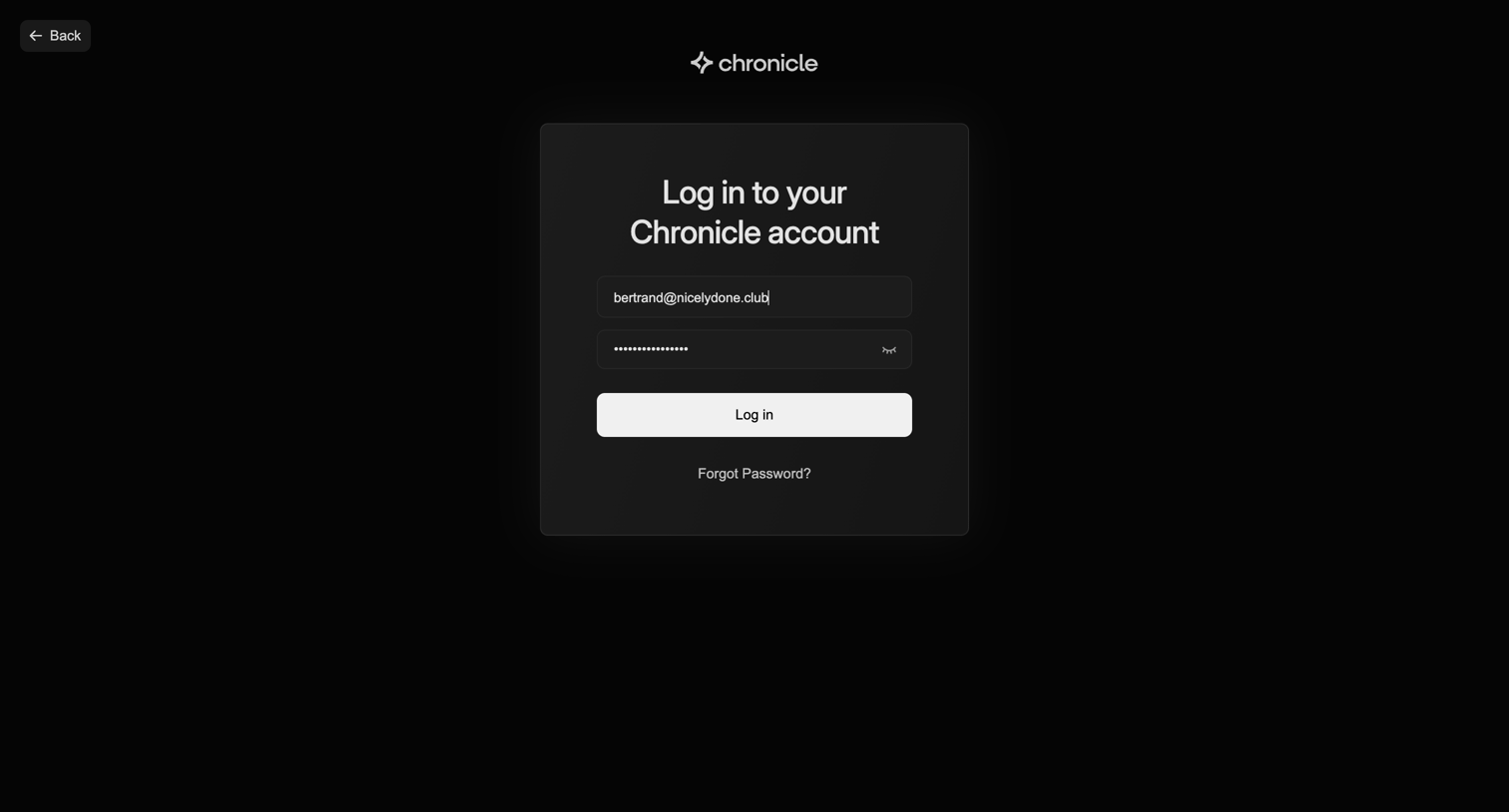
Sign-in screen where the user authenticates into their Chronicle account using an email and password.
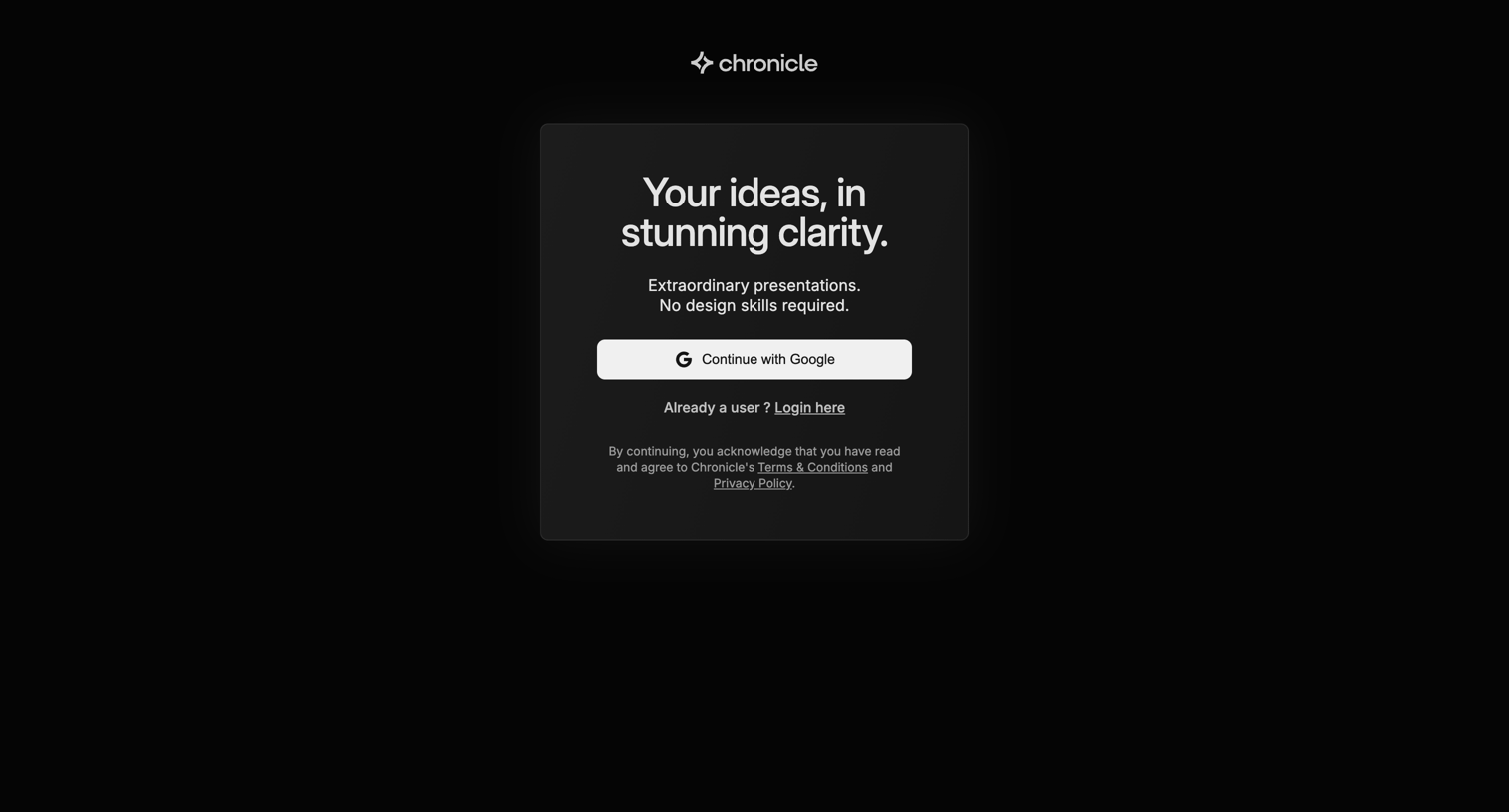
Onboarding screen where the app introduces its value proposition of transforming ideas into presentations through a minimalist text reveal.


Onboarding step where the user selects their professional role from a grid of multi-select pills to personalize their workspace.


Onboarding step where the user selects their work role from a grid of pill options to personalize their account.


Onboarding step where the user selects the types of documents they plan to create, such as pitches, reports, or proposals, to personalize their workspace.


Onboarding screen where the user is invited to watch a quick intro video before starting to create.


Creation page where the user chooses to start a new document by pasting text, generating from a prompt, importing a URL, or starting from scratch.


Wizard step where the user enters a text prompt to generate a new document, with suggested prompt chips and configuration dropdowns for language and style.


AI generation wizard step where the user provides a detailed text prompt to generate a pitch deck, with options to configure chapters, rewrite style, and language.
Browse the full SaaS app library
Explore real SaaS apps with their product screens, marketing screens, flows, and components.