Exactly user flows examples
Explore Exactly user flow examples. Preview the opening screens and steps for each task. Create images in seconds with an AI that understands your style
Preview these flows


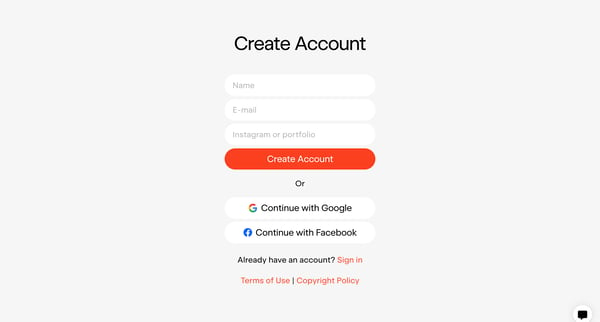
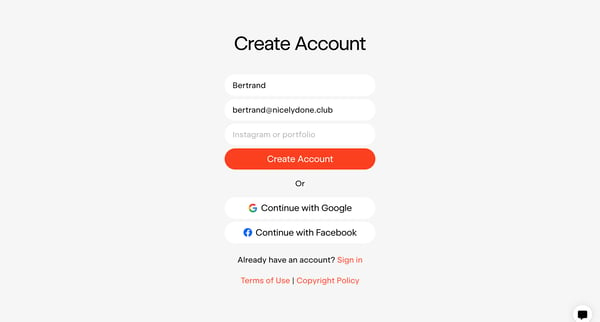
This flow guides a user through the process of creating a personal AI model by uploading images in a consistent style, setting up an account, and finally receiving notification upon successfu
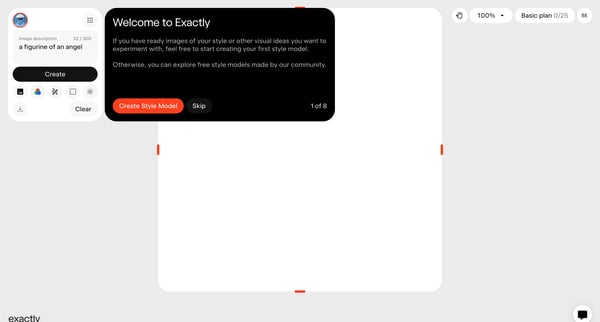

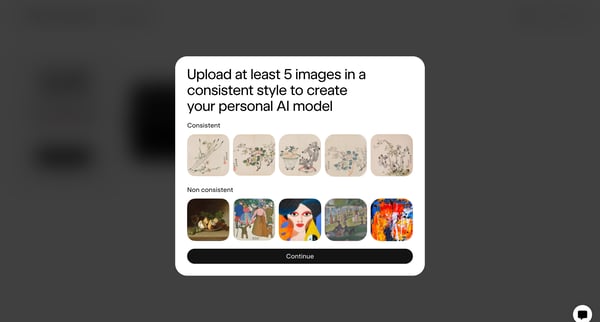
This flow guides the user through the process of creating a personalized AI model by uploading images, providing descriptions, naming the model, and starting its training.
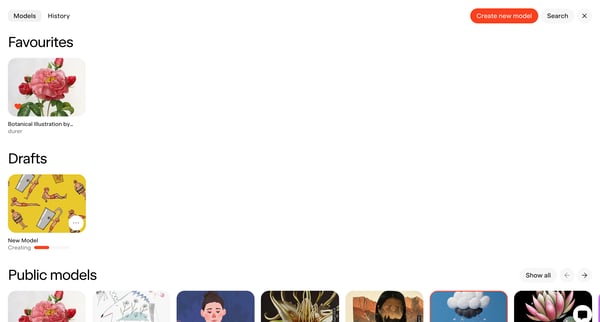
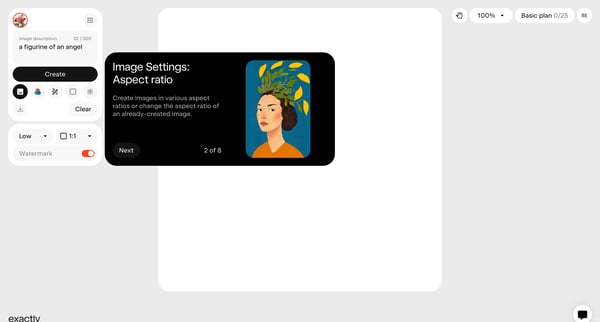
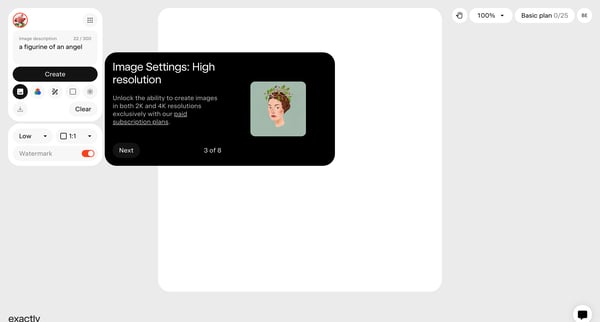
This flow guides the user through a series of steps designed to showcase and configure the essential features of a product, focusing on creating and modifying images.
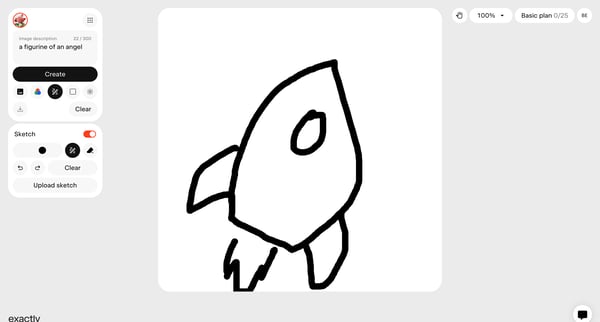
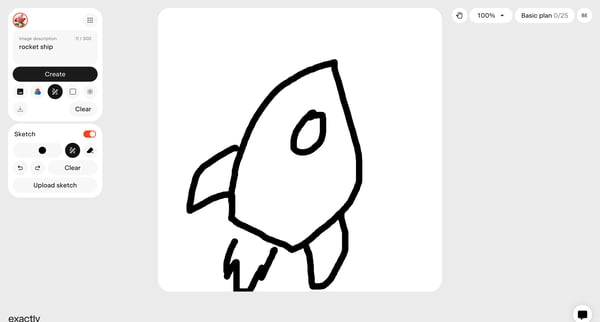
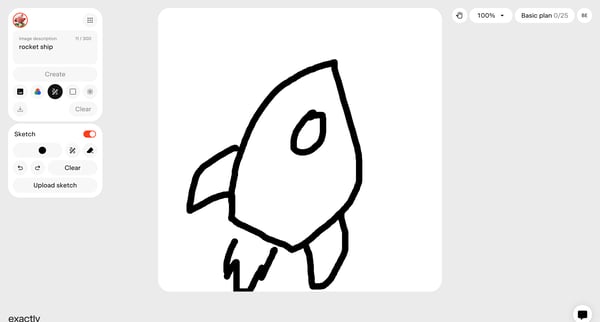
This flow guides the user through the process of creating, editing, uploading, and augmenting a digital sketch within an application, culminating in adding final details.
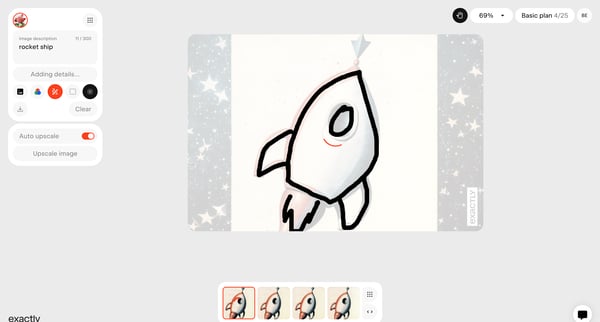
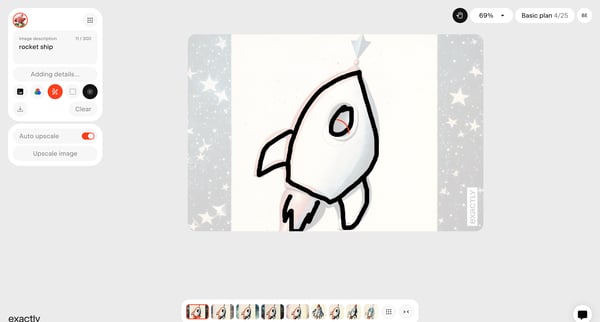
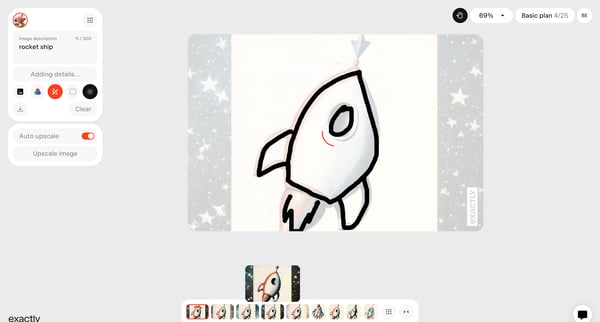
This flow outlines the process of enhancing and customizing an image, specifically a rocket ship, through various design adjustments and Artificial Intelligence enhancements within a creation
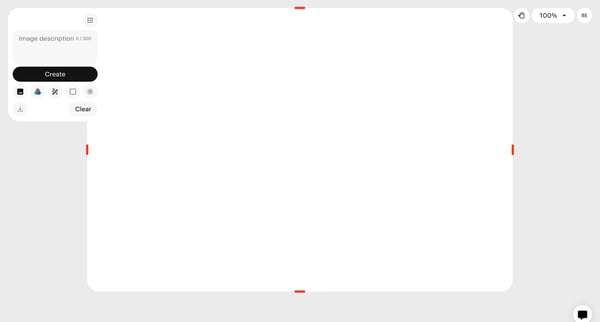
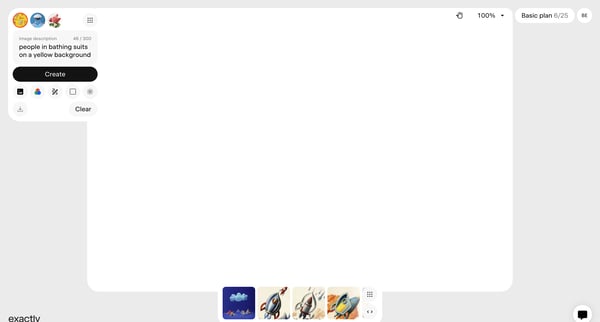
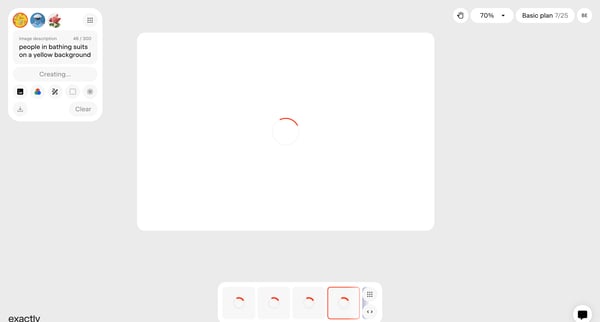
This flow outlines the process of adding and editing an image description, adjusting image settings, and applying upscale and watermark features within a creation tool.
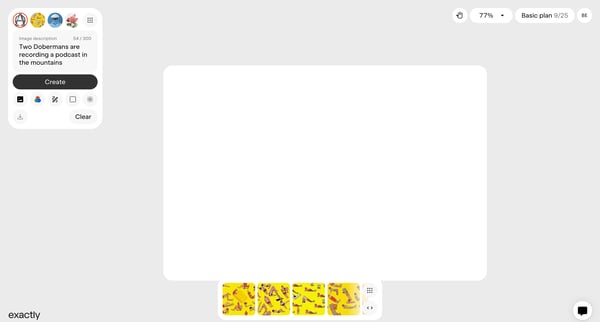
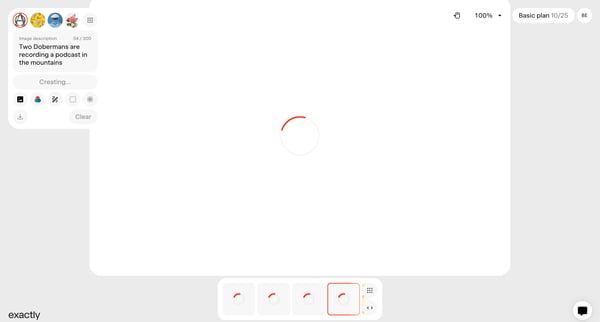
This user flow enables the creation and refinement of an image description, leveraging artificial intelligence to generate and edit visuals, culminating in the evaluation and selection of gen
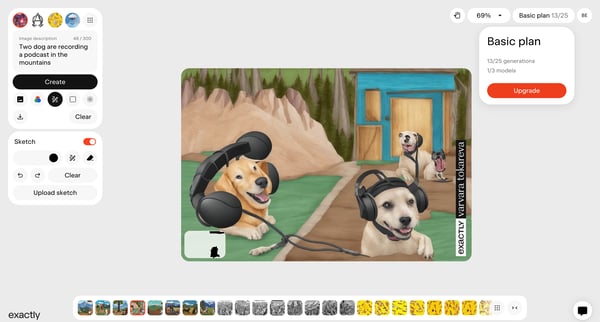
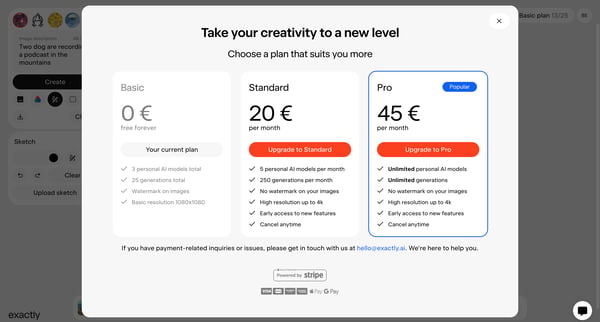
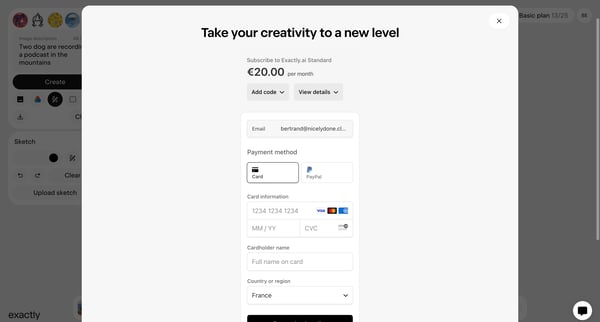
This flow guides a user through the process of upgrading their subscription plan to access more features.
Explore the full SaaS flow library
Browse the full SaaS flow library.
Trusted by the best teams







