Benefit List UI examples
Benefit List UI design examples from SaaS apps. See how websites explain what a product offers through a short list. Explore how headings, descriptions, and supporting visuals divide the benefits into…
Explore the examples
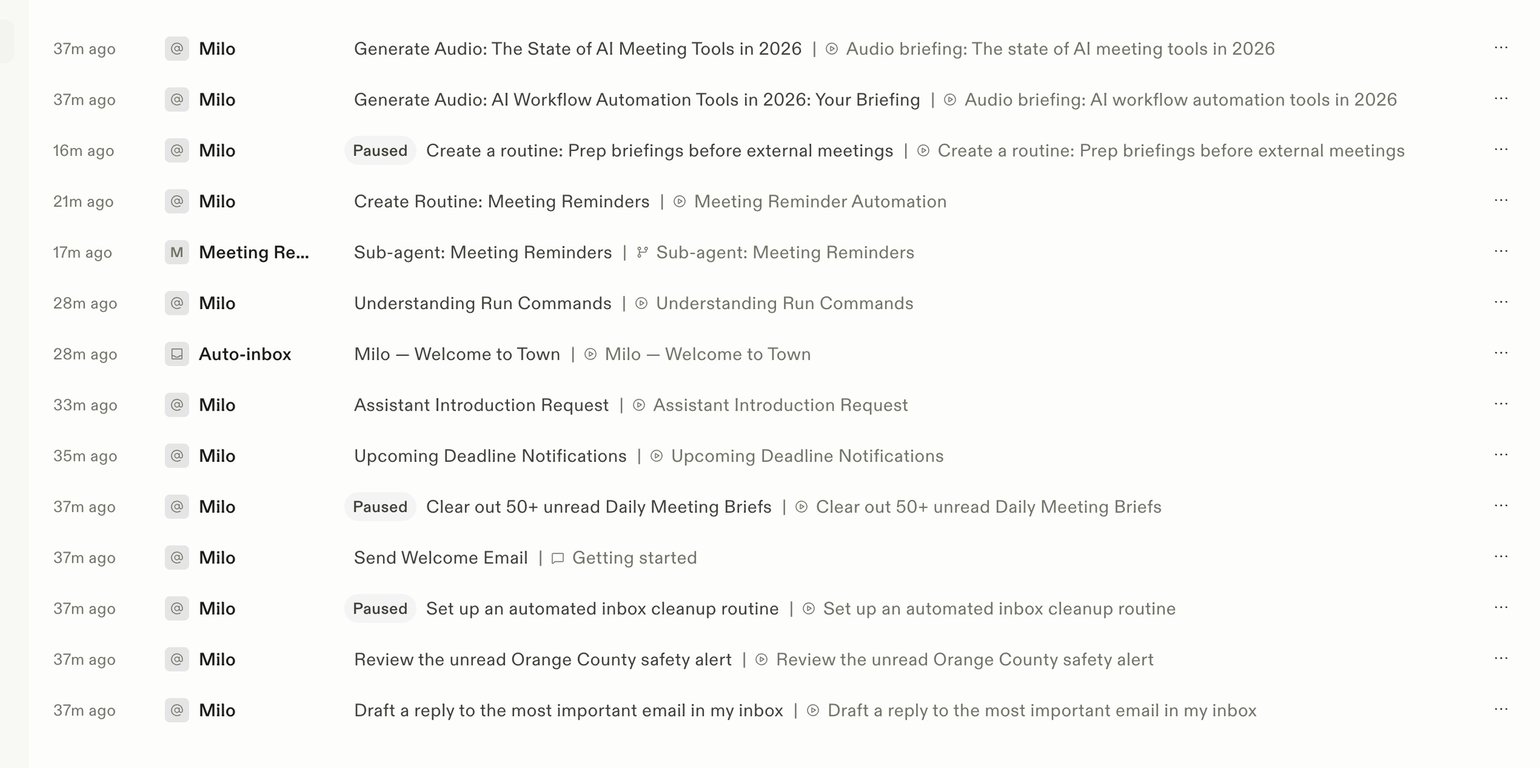

A list of automated tasks and communications from an AI assistant, showing timestamps, sender, and activity details.
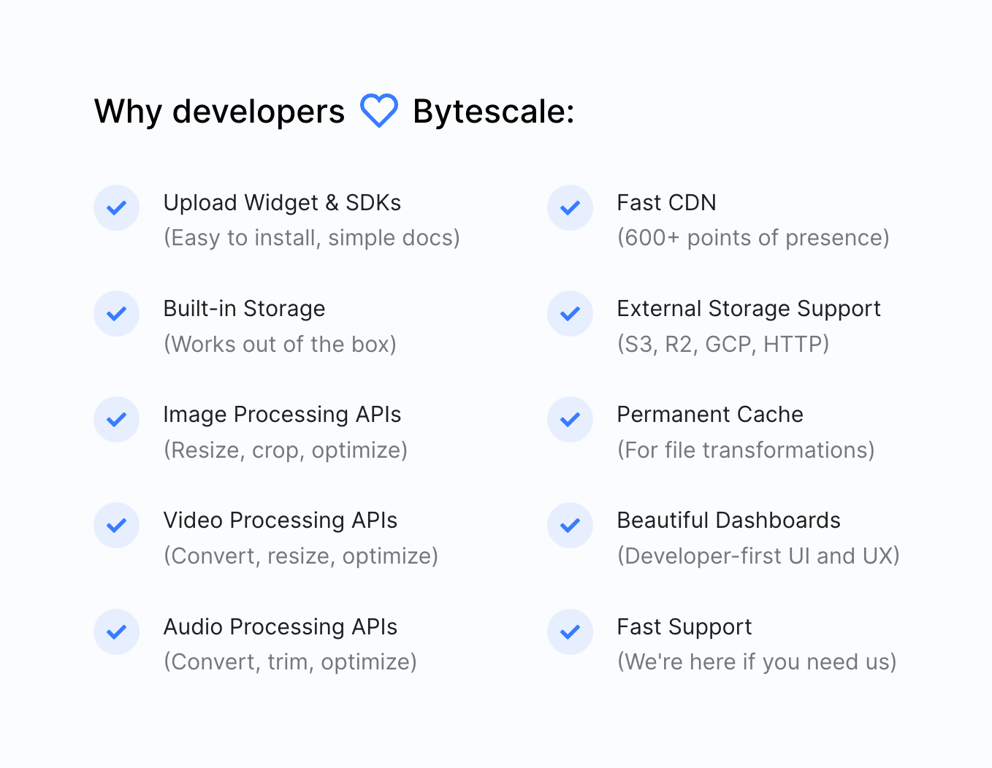

A two-column grid listing product benefits, each with a blue checkmark icon, a bold title, and a brief muted description.
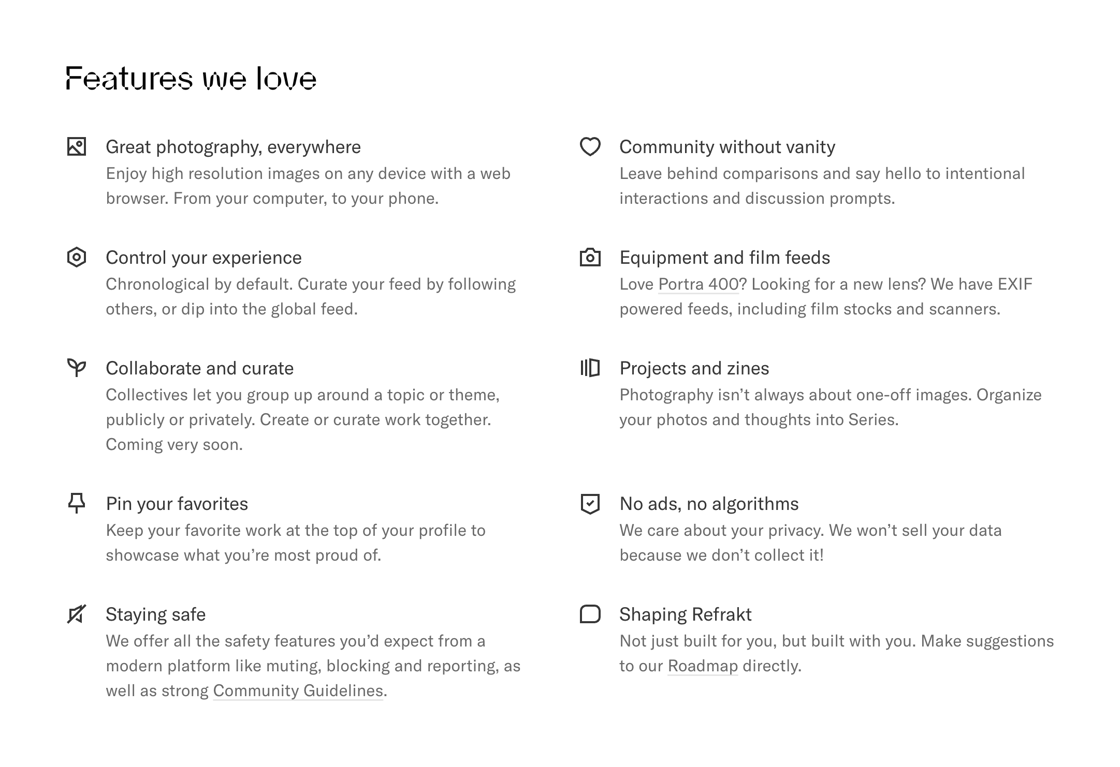

A two-column grid of features, each with an icon, a title, and a short description.
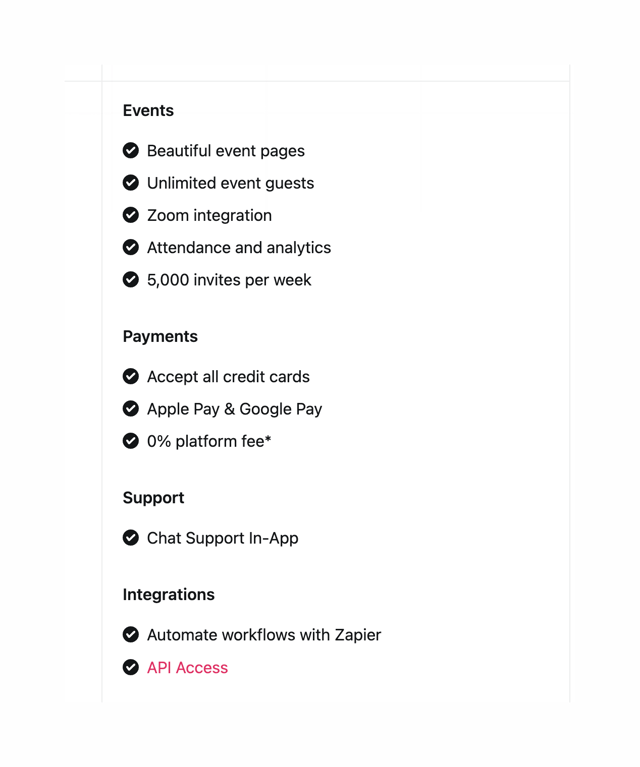

A list of features and integrations.
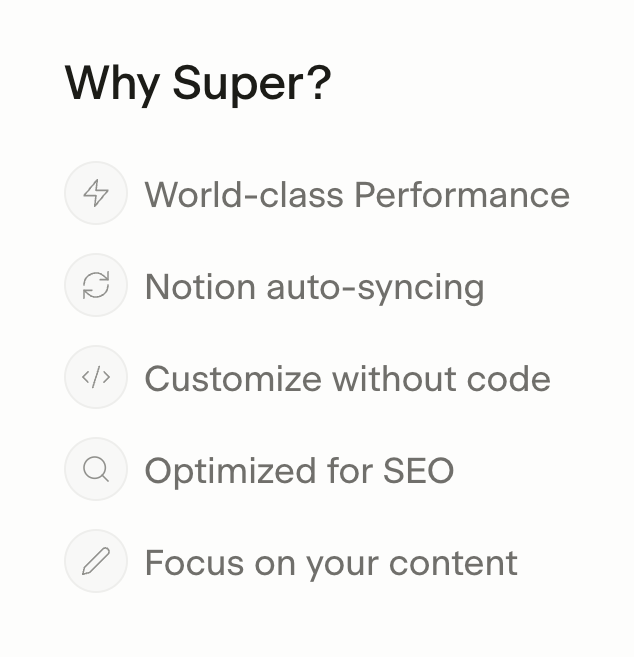

A vertical list of product benefits, each featuring a circular outlined icon alongside a short descriptive label.
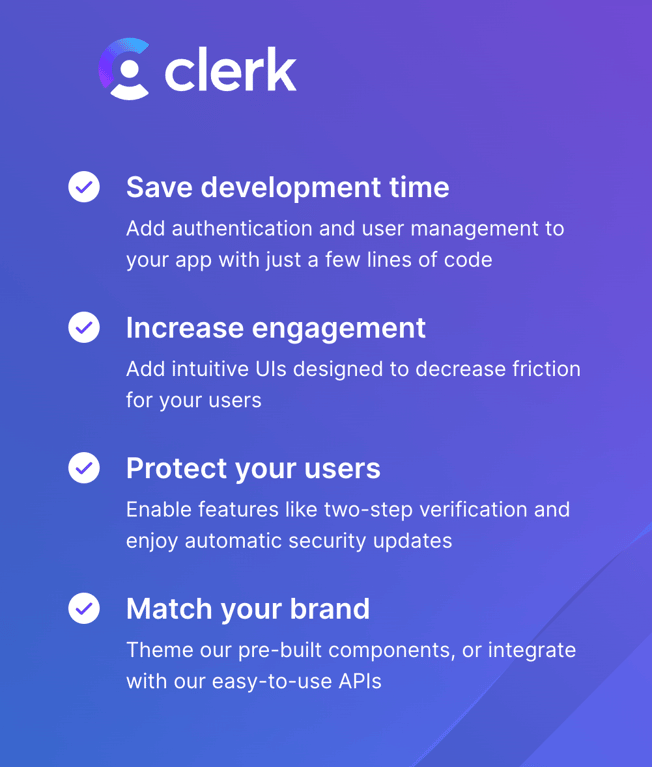

A vertical list of product benefits with checkmark icons, titles, and descriptions, displayed on a gradient background.
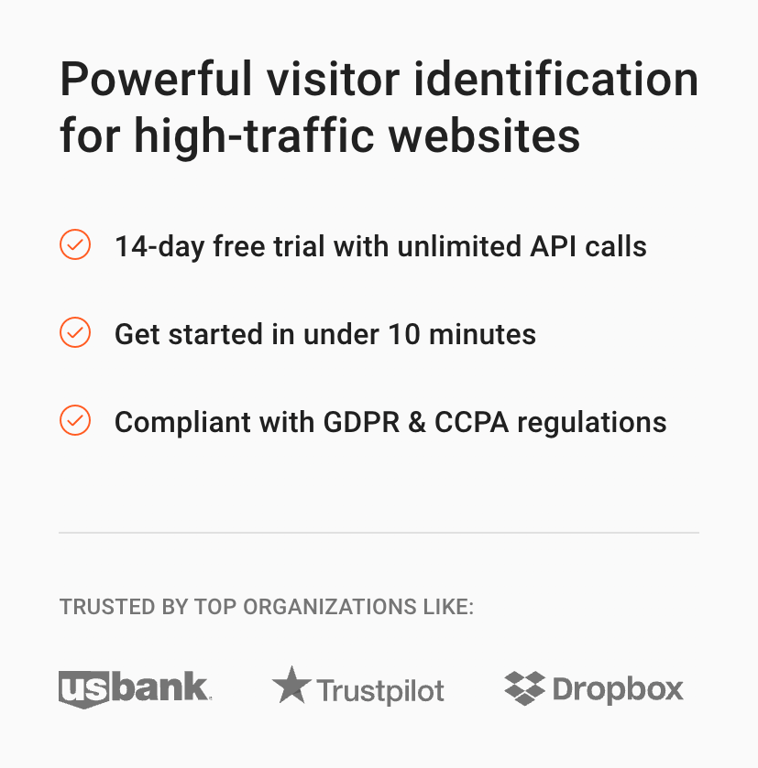

A side panel displaying the main value proposition, a list of benefits with checkmark icons, and a logo wall of trusted organizations.
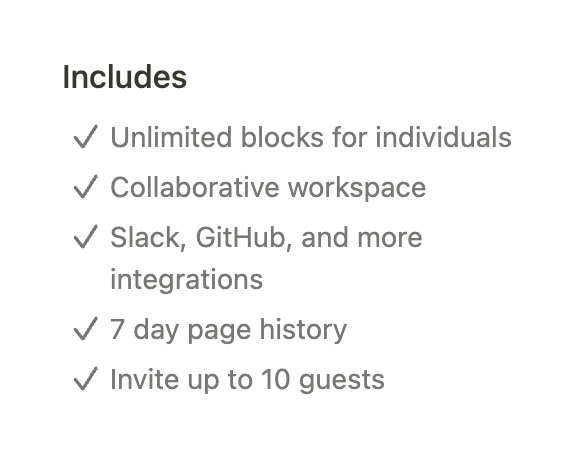
A vertical list of features included in a pricing plan, each preceded by a checkmark icon.
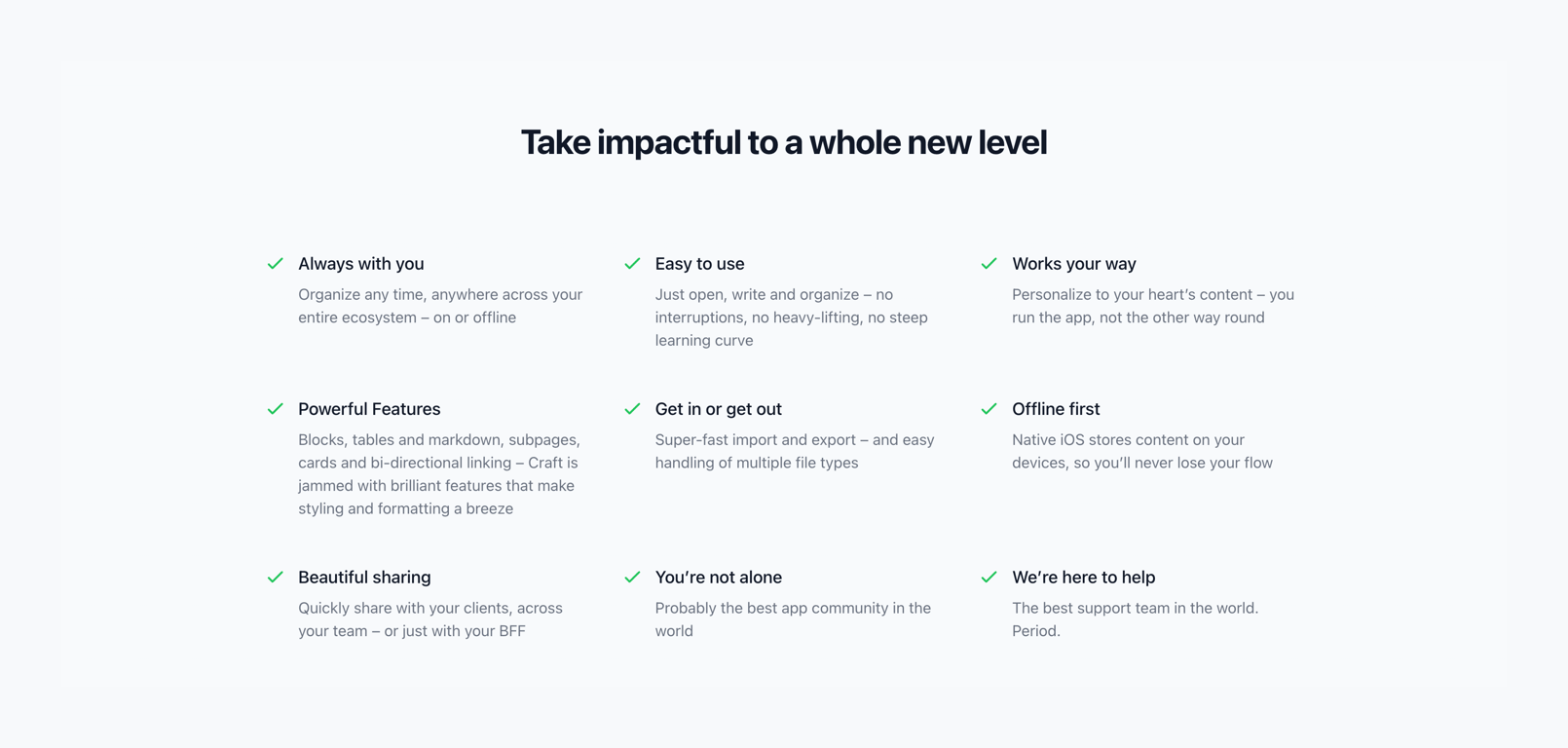

A 3x3 grid of product features, each with a green checkmark icon, a bold title, and a short descriptive paragraph.
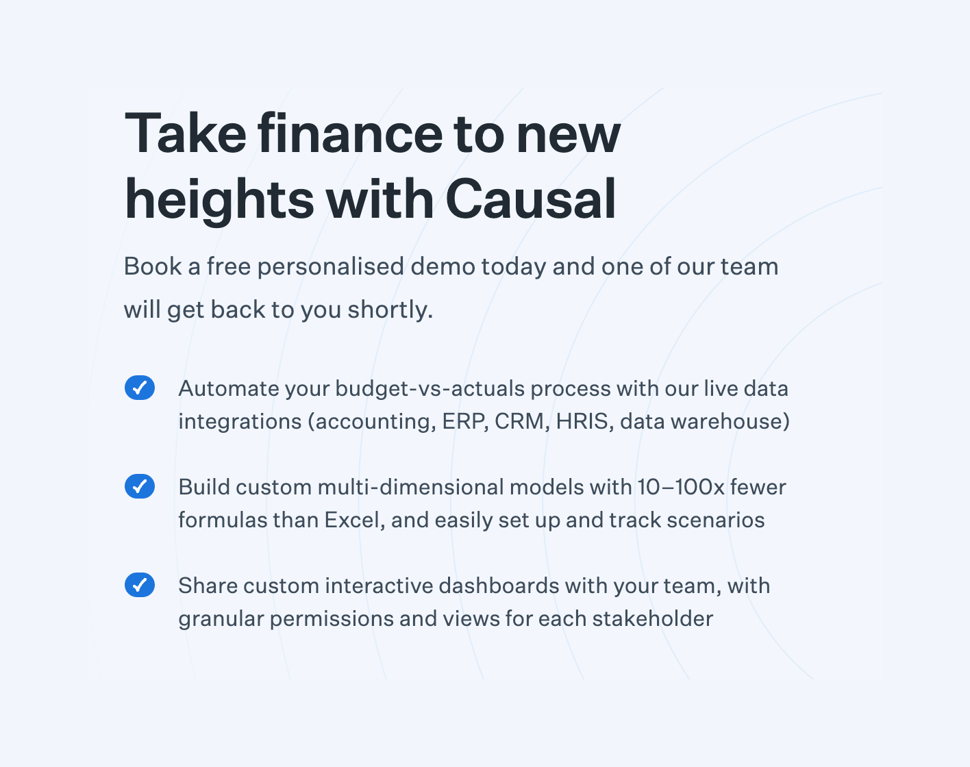

A section highlighting the benefits of booking a demo, featuring a headline, a brief introductory text, and a list of key features with checkmark icons.
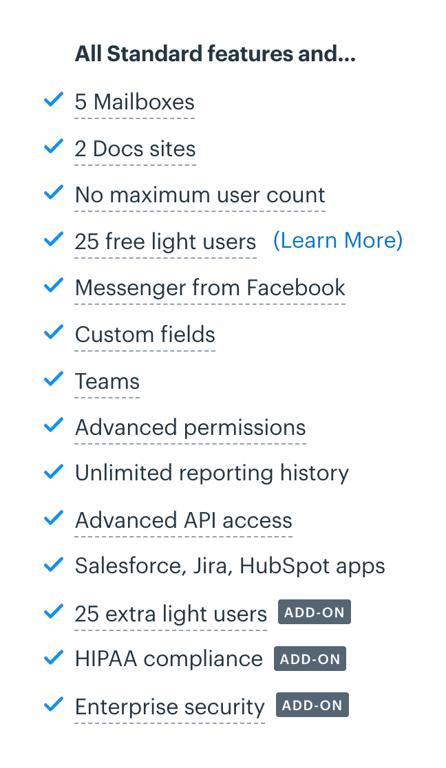

A vertical list of features included in a pricing plan, with checkmark icons and some items marked as add-ons.
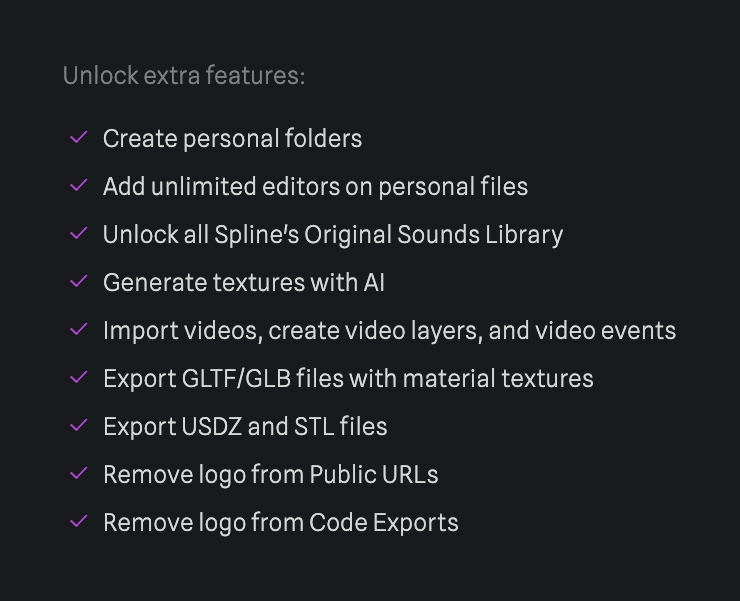

A vertical list of features with checkmark icons, typically found in a pricing or upgrade modal.
Browse the full component library
See 16 more Components.
Trusted by the best teams








About Benefit List
See how websites explain what a product offers through a short list. Explore how headings, descriptions, and supporting visuals divide the benefits into readable sections.