Skip to content

Clerk design examples

Explore Clerk UI design examples. Authentication and User Management

Product screens
Clerk - Sign up | Clerk screen
Clerk logo
Clerk

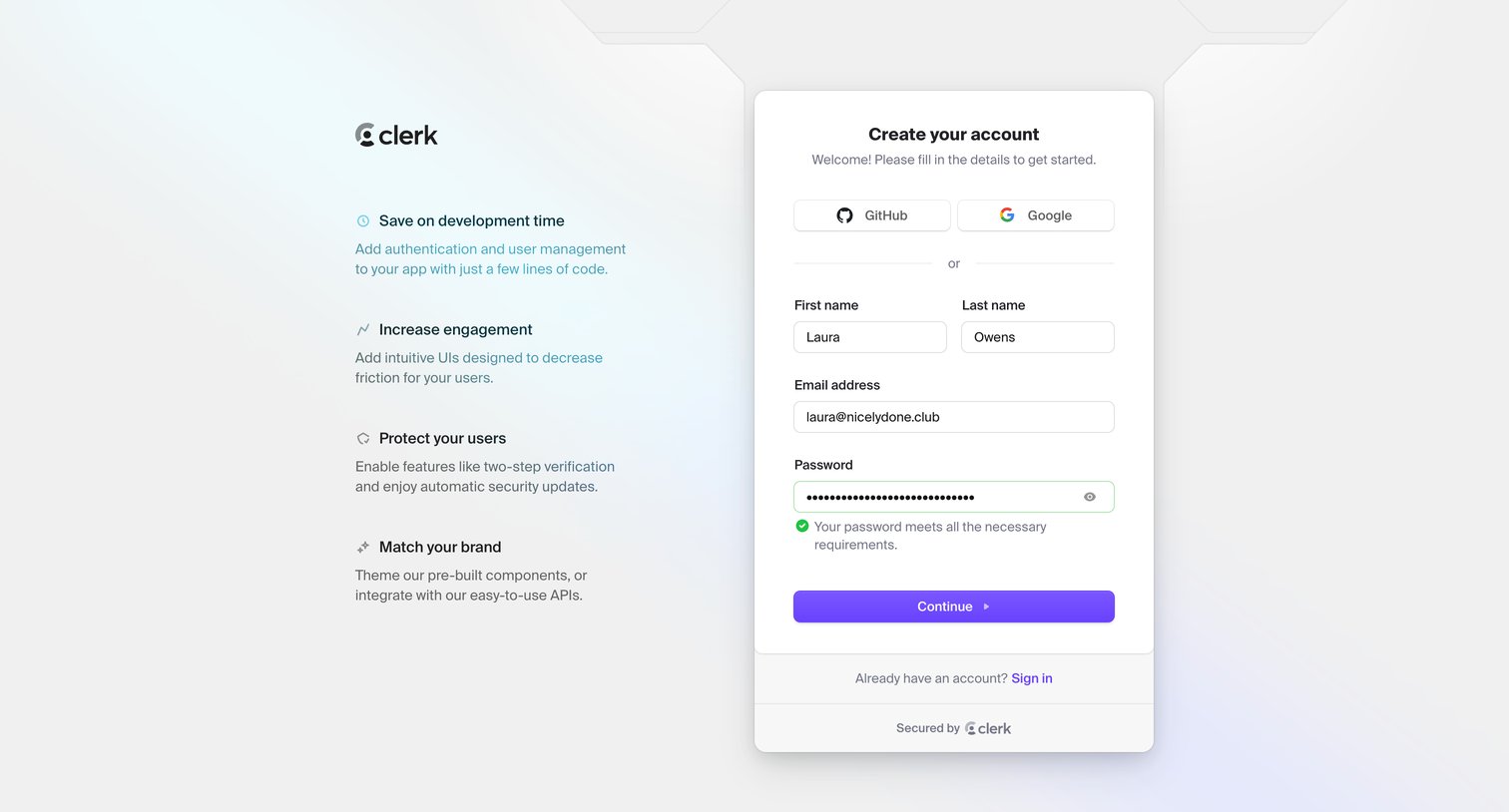
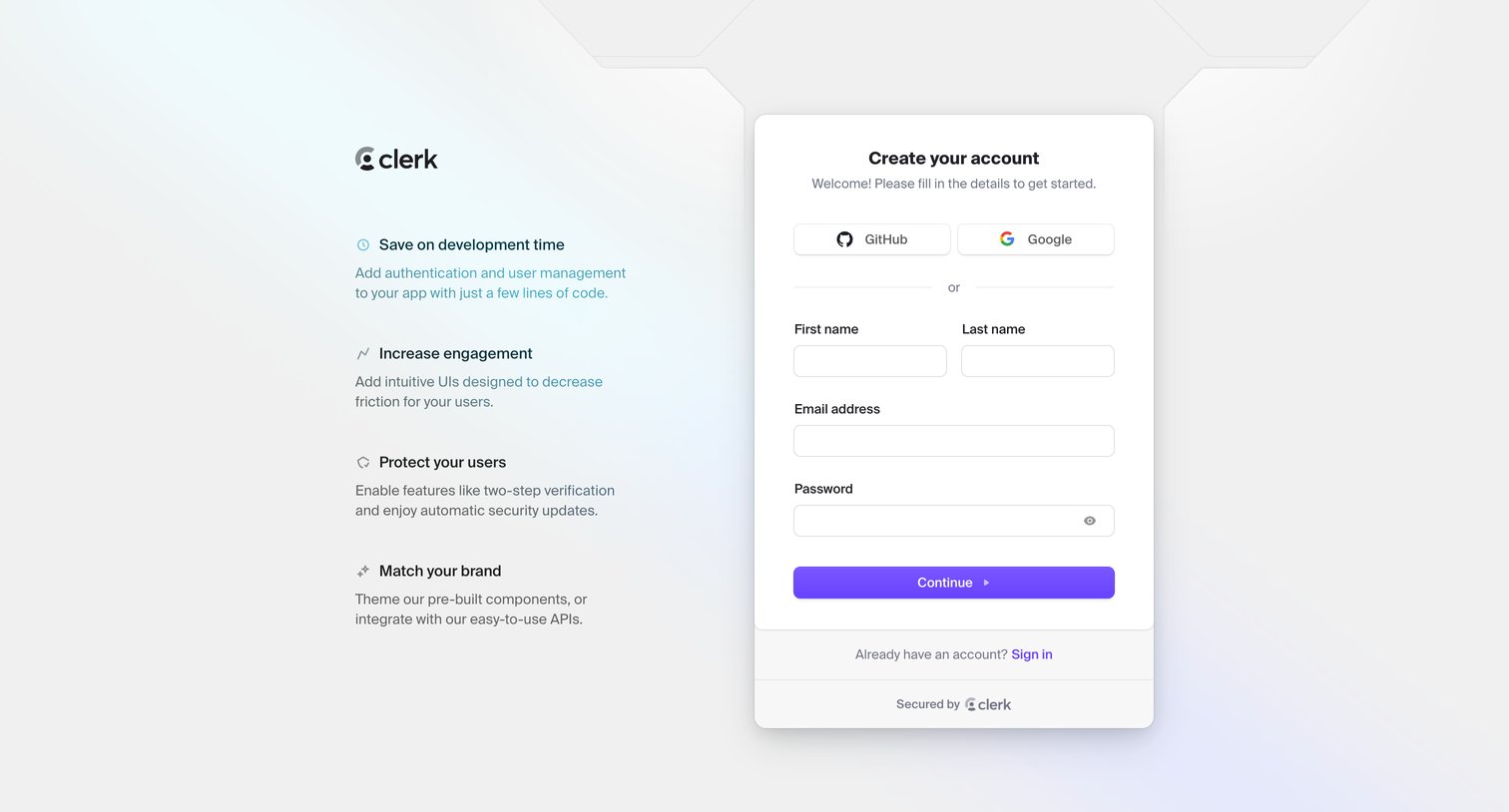
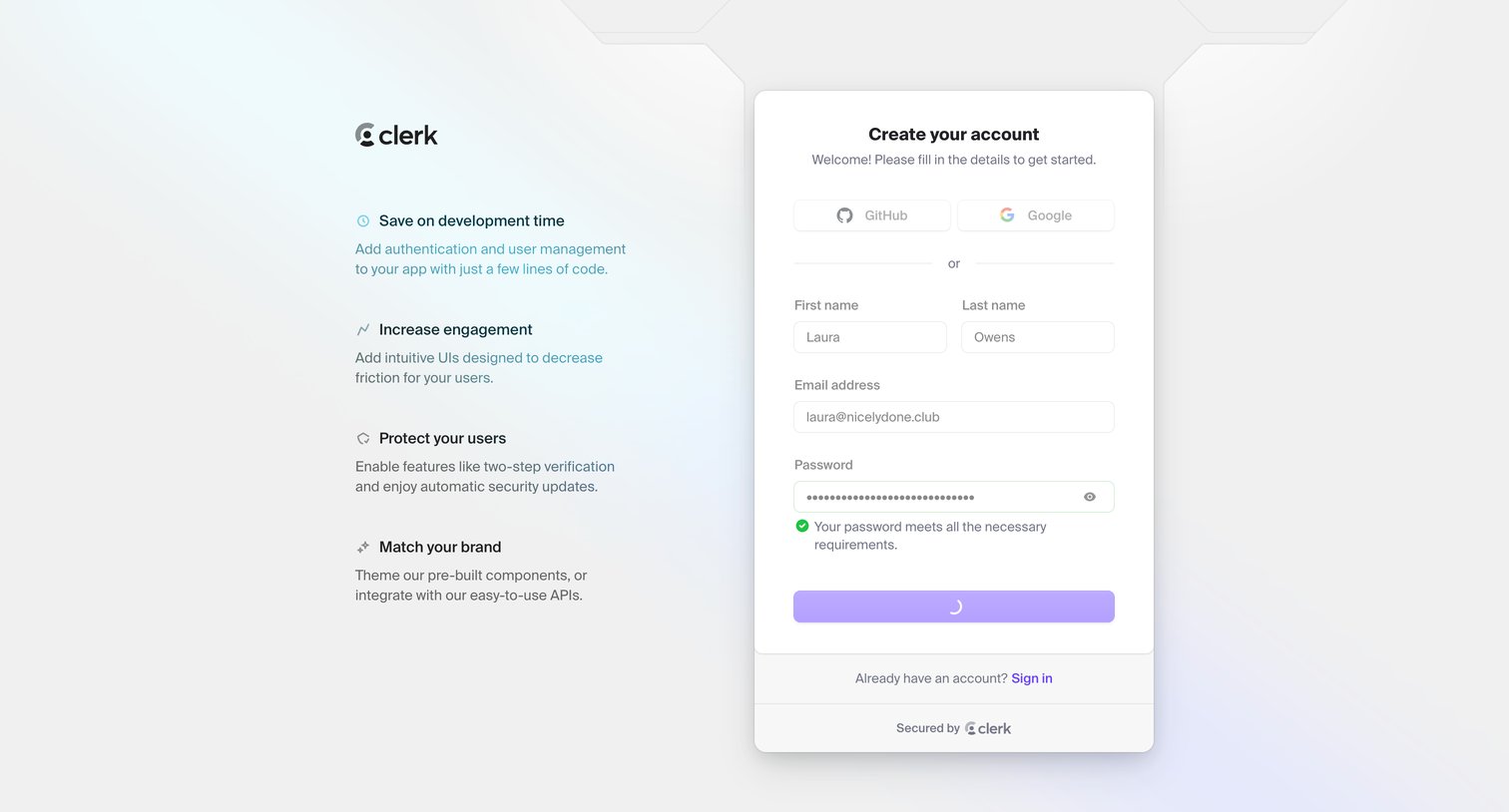
Signup screen where the user can create an account using GitHub, Google, or by entering their name, email, and a password, alongside a list of product benefits.

Clerk - Sign up | Clerk screen
Clerk logo
Clerk

Signup page where the user creates an account using GitHub, Google, or email, alongside a list of product value propositions.
Clerk - Sign up | Clerk screen
Clerk logo
Clerk

Signup screen where the user creates an account using GitHub, Google, or email and password, alongside a list of product benefits.

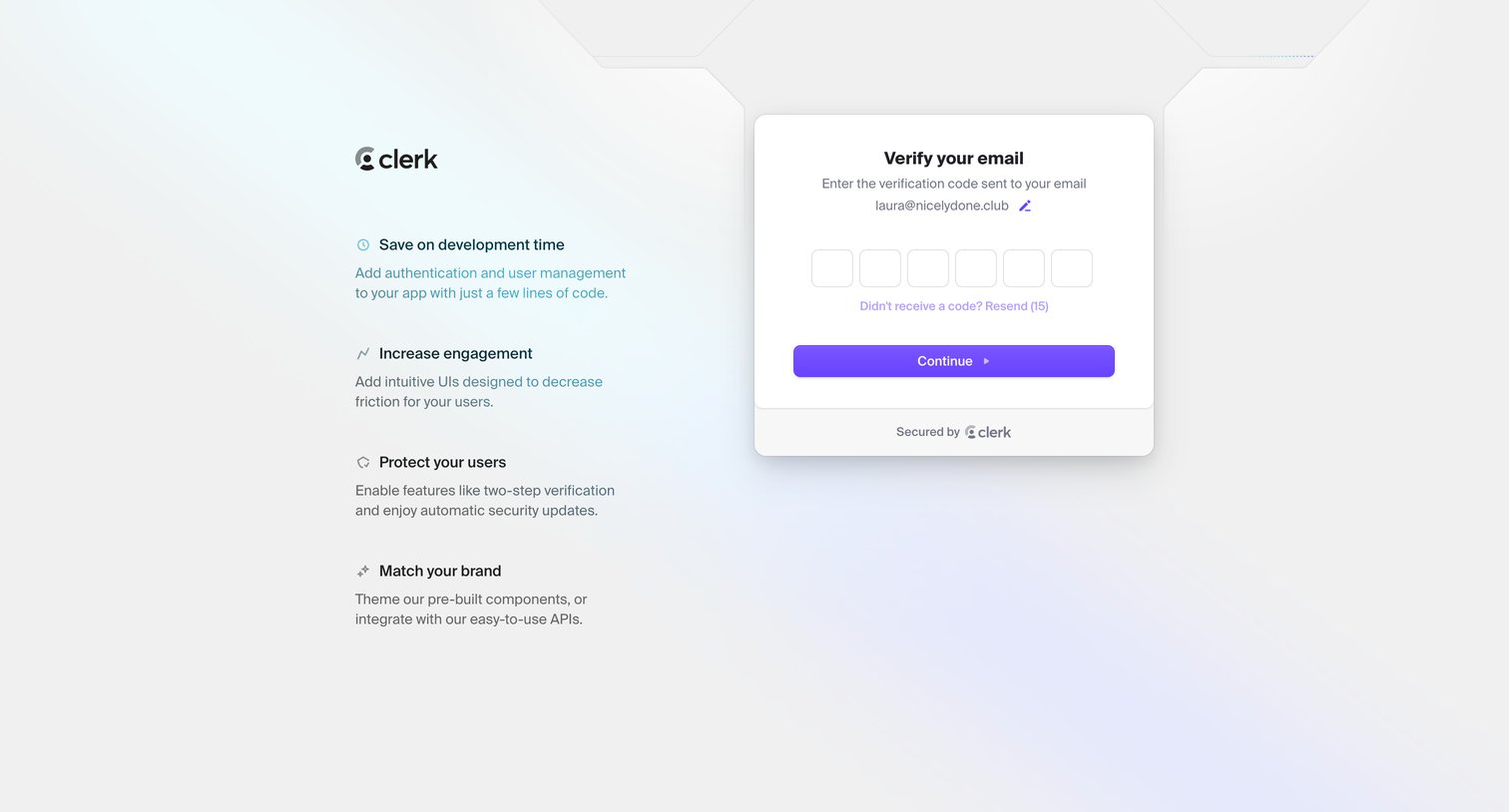
Clerk - Sign up | Clerk screen
Clerk logo
Clerk

Auth screen where the user enters a 6-digit verification code sent to their email to continue signing up for Clerk.
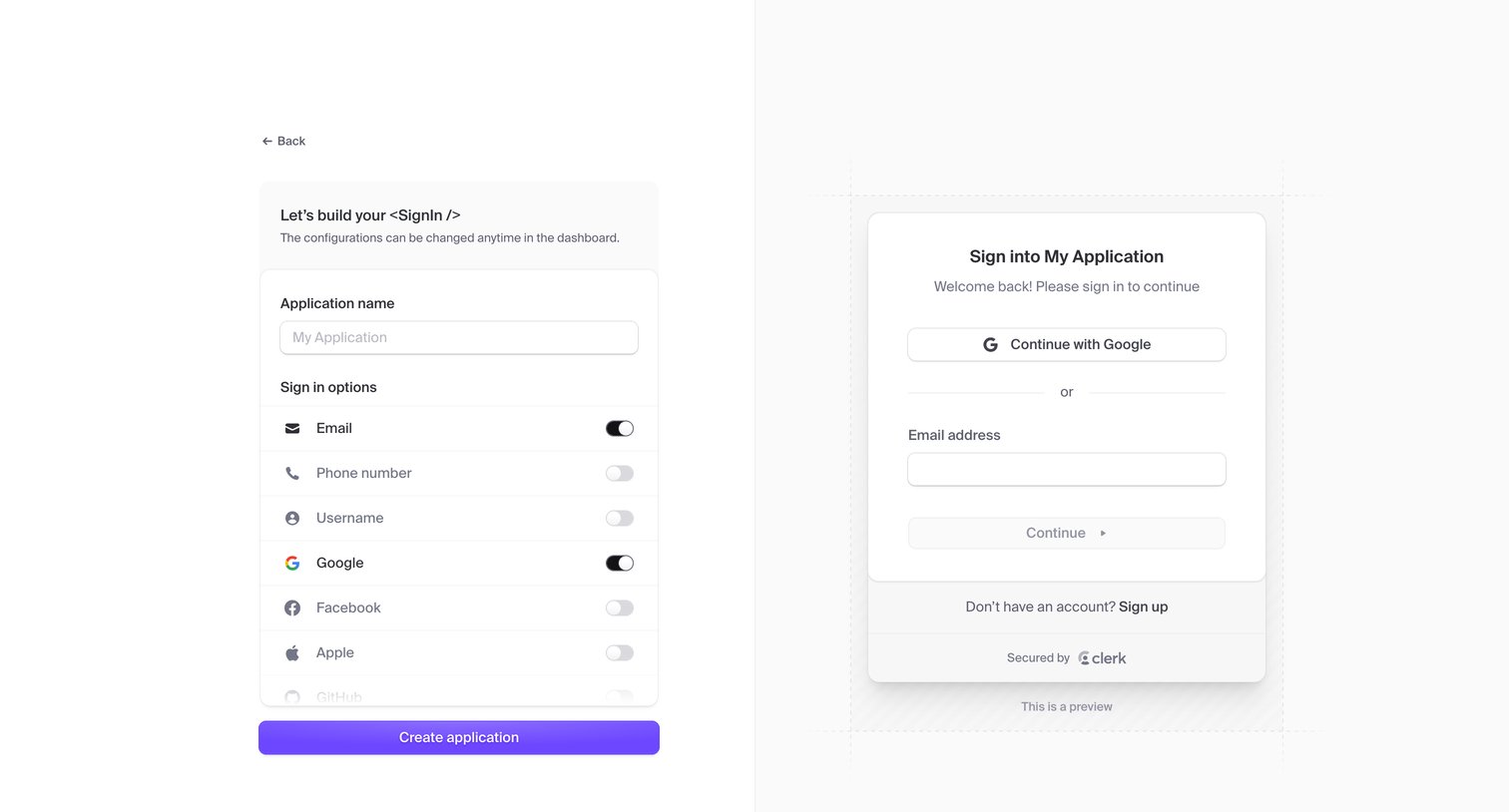
Clerk - Dashboard | Clerk.com screen
Clerk logo
Clerk

Application creation page where the user configures sign-in options like email, phone, and social providers alongside a live interactive preview.
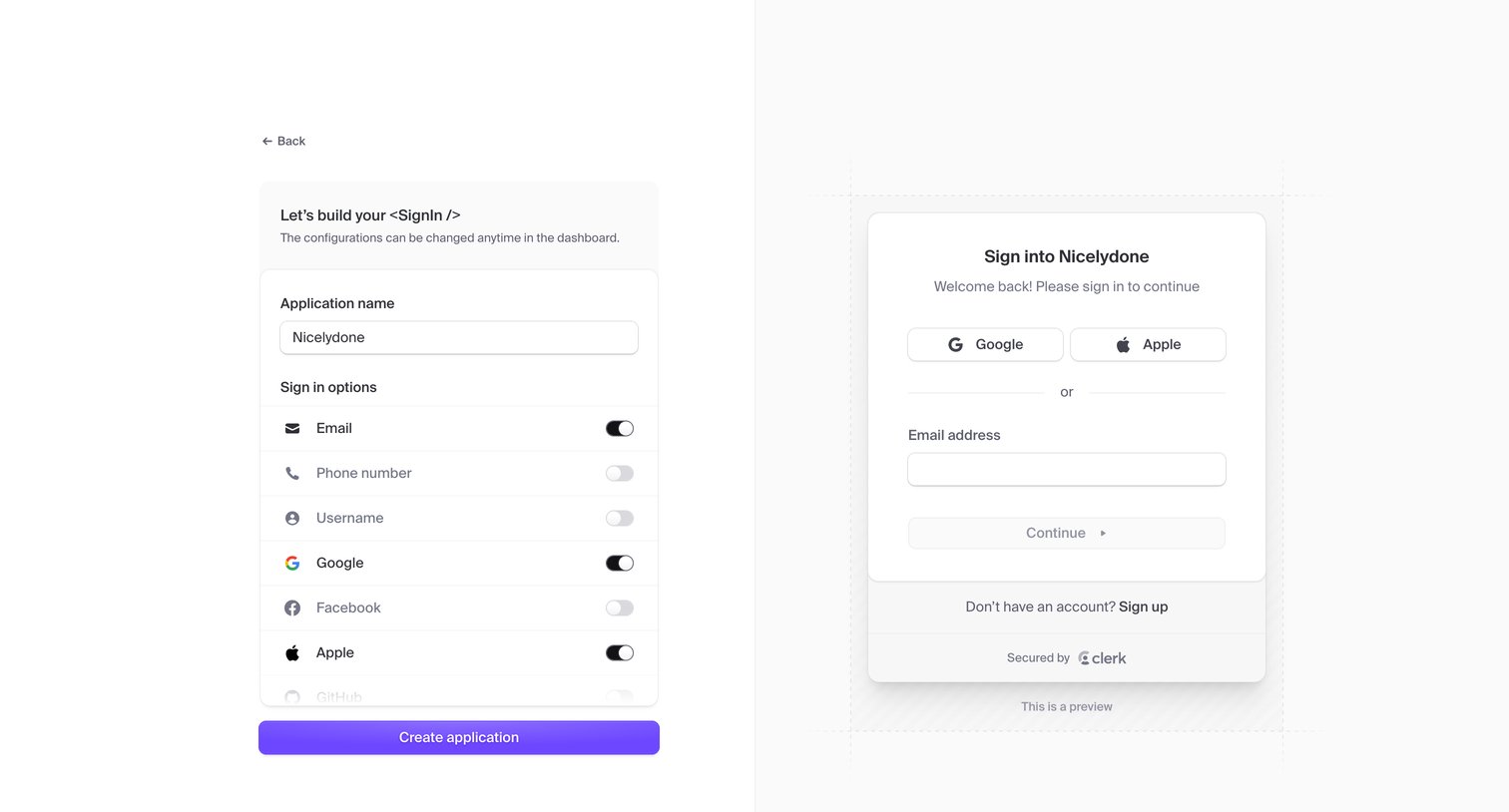
Clerk - Dashboard | Clerk.com screen
Clerk logo
Clerk

Creation screen where the user names their application and configures sign-in options with a live preview of the resulting authentication component.
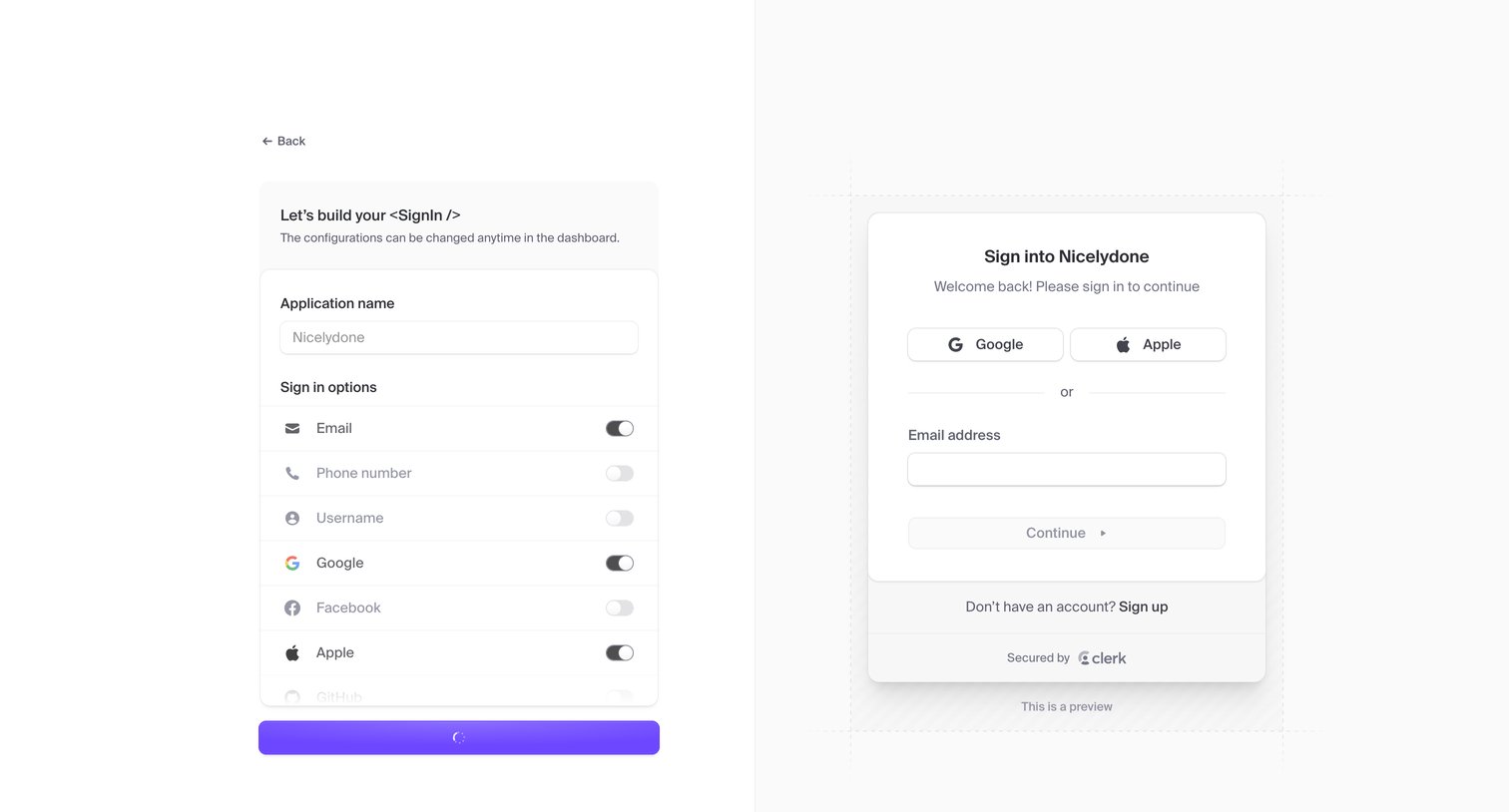
Clerk - Dashboard | Clerk.com screen
Clerk logo
Clerk

Create flow where the user names their application and toggles authentication providers while viewing a live preview of the resulting sign-in card.

Clerk - Dashboard | Clerk.com screen
Clerk logo
Clerk

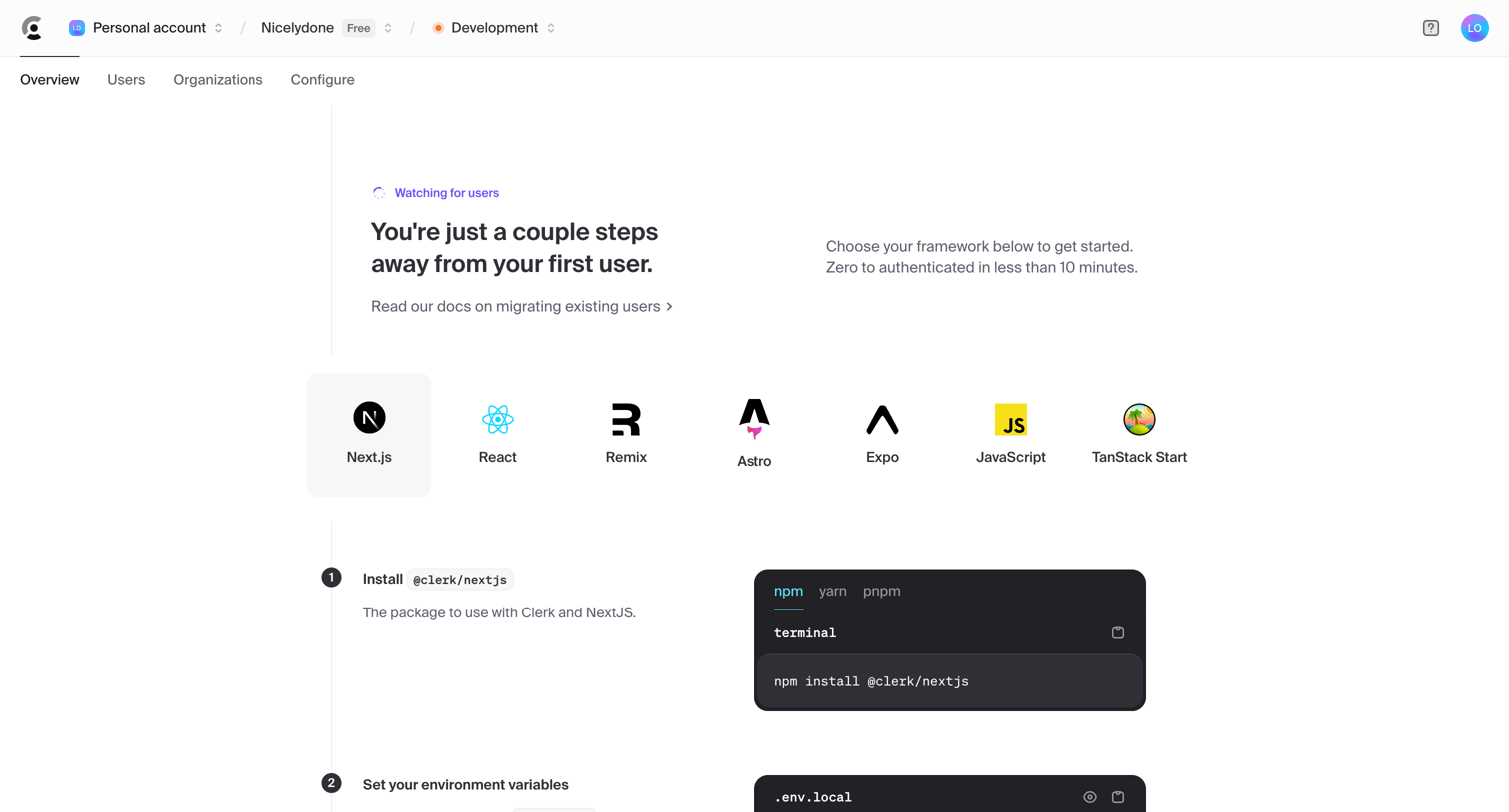
Dashboard overview acting as a setup checklist where the user selects a framework like Next.js and follows steps to install packages, set environment variables, and configure middleware.
Clerk - Sign in | Clerk screen
Clerk logo
Clerk

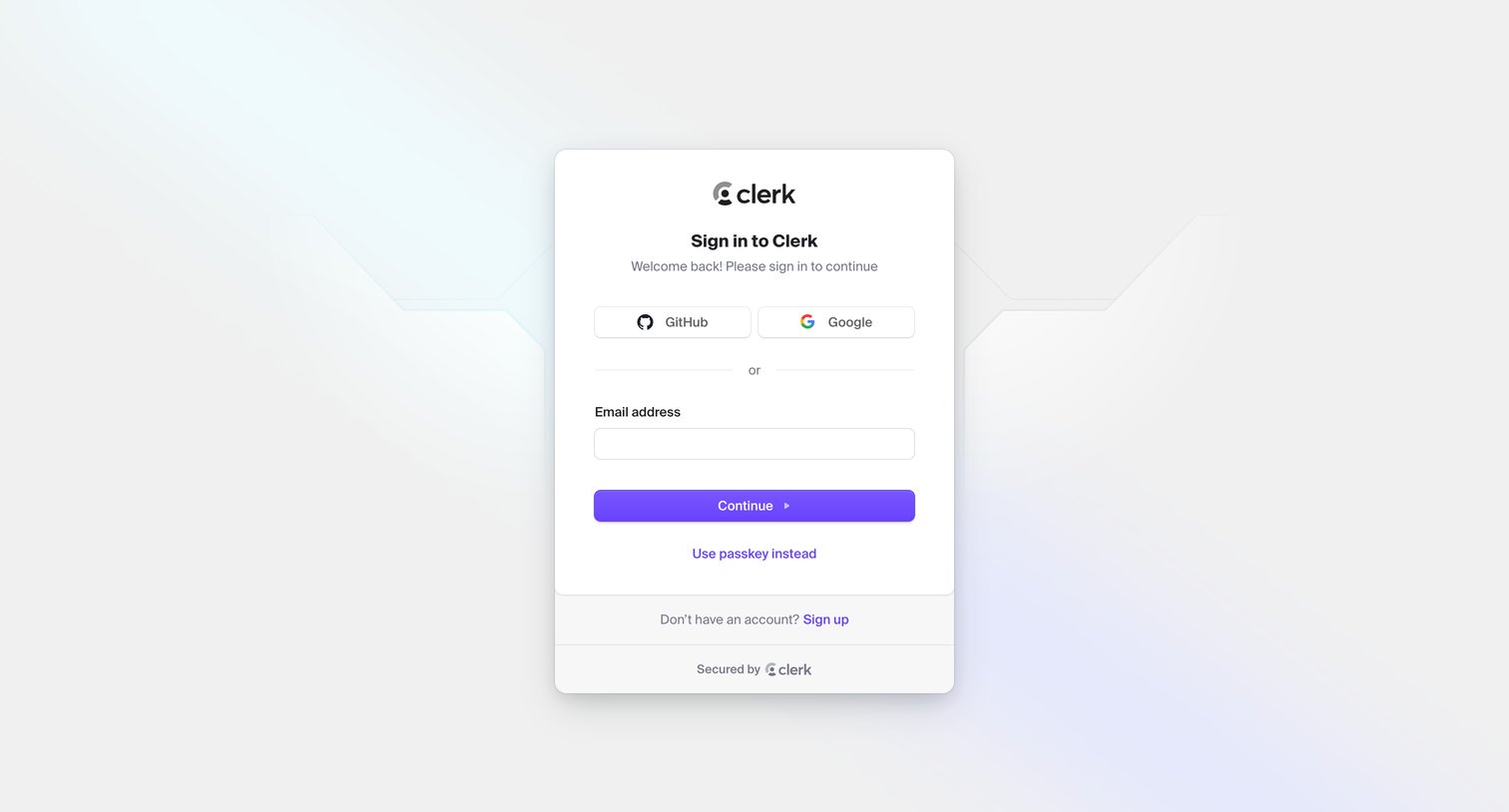
Sign-in screen where the user authenticates with GitHub, Google, email, or a passkey.

Clerk - Sign in | Clerk screen
Clerk logo
Clerk

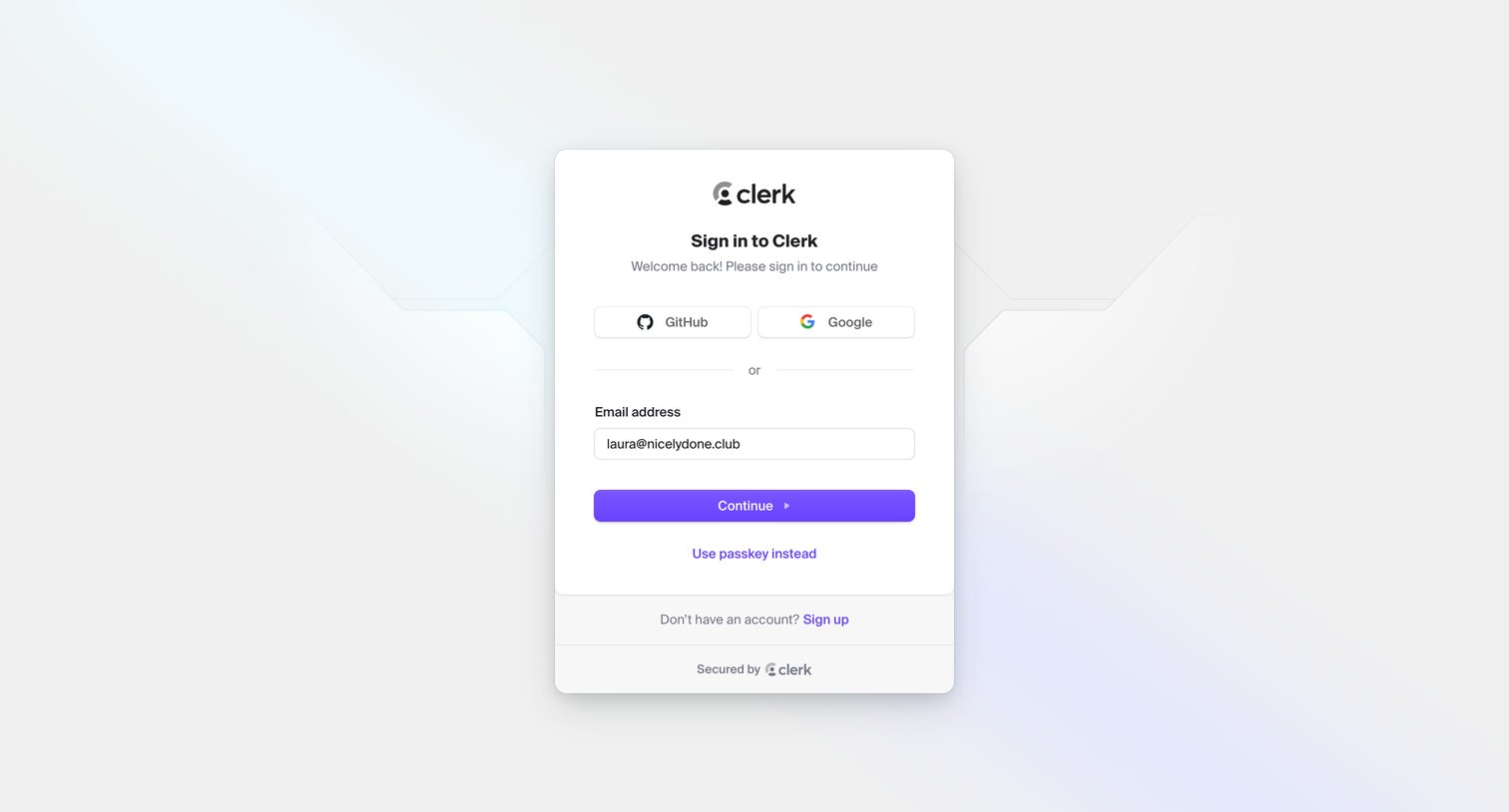
Sign-in screen where the user authenticates with GitHub, Google, or an email address.

Clerk - Sign in | Clerk screen
Clerk logo
Clerk

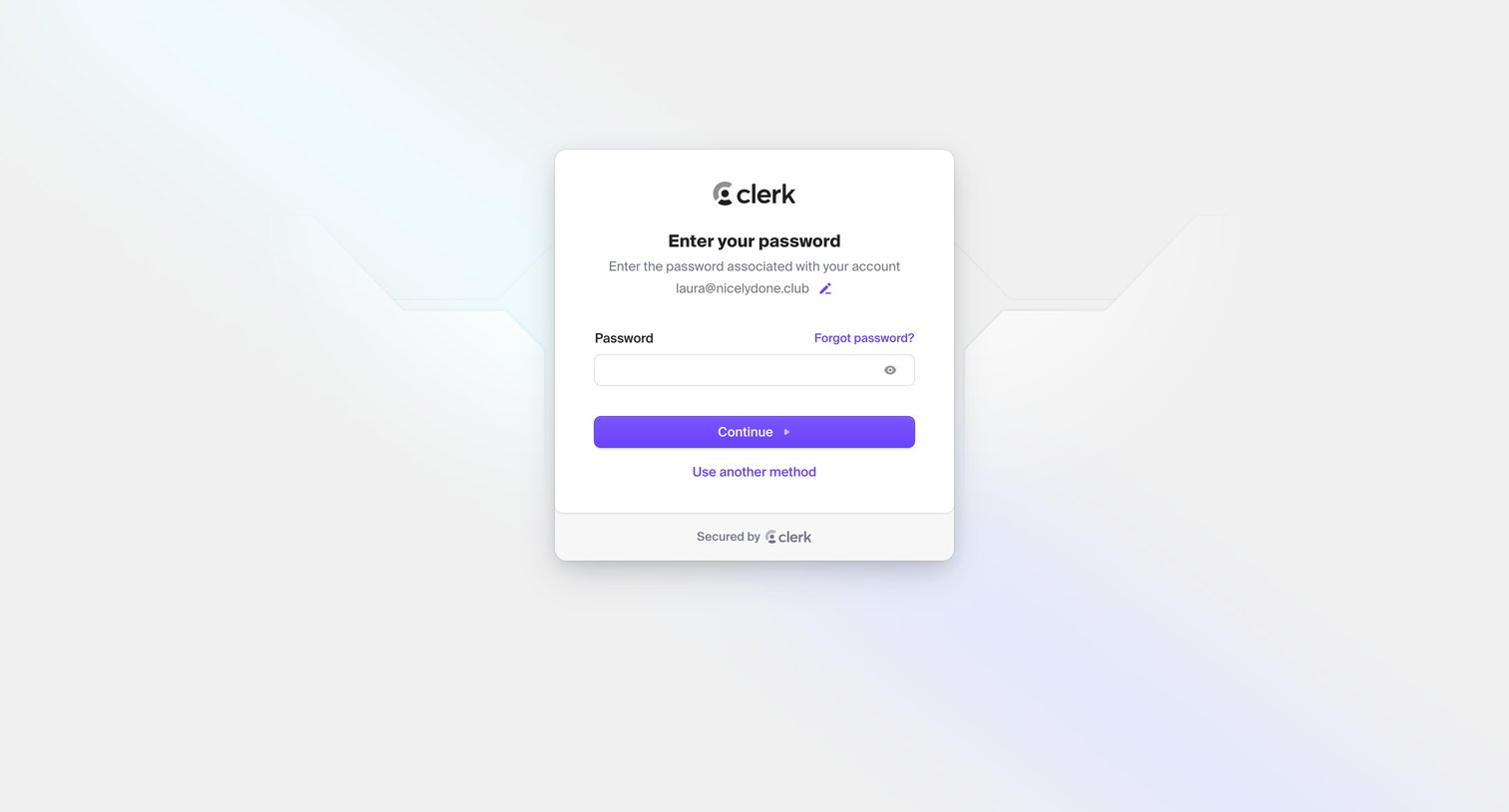
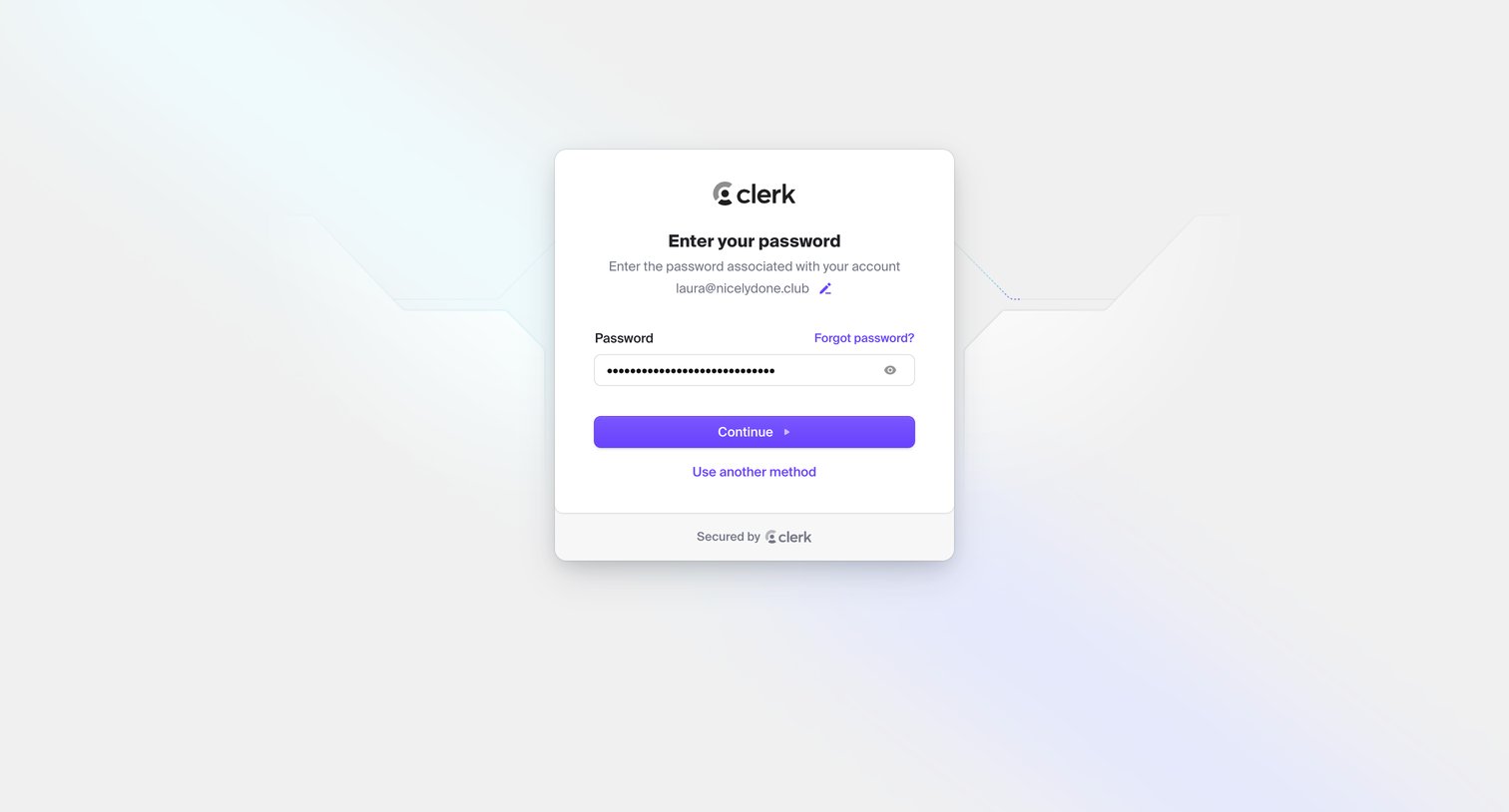
Sign-in screen where the user enters their password to authenticate a recognized email address, with options to reset the password or choose another method.
Clerk - Sign in | Clerk screen
Clerk logo
Clerk

Sign-in screen where the user enters their password to authenticate an already provided email address.

Browse the full SaaS app library

Explore real SaaS apps with their product screens, marketing screens, flows, and components.

Trusted by the best teams