Clerk UI components examples
Browse Clerk UI component design examples. Preview individual interface elements and explore related component categories. Authentication and User Management
Explore the examples
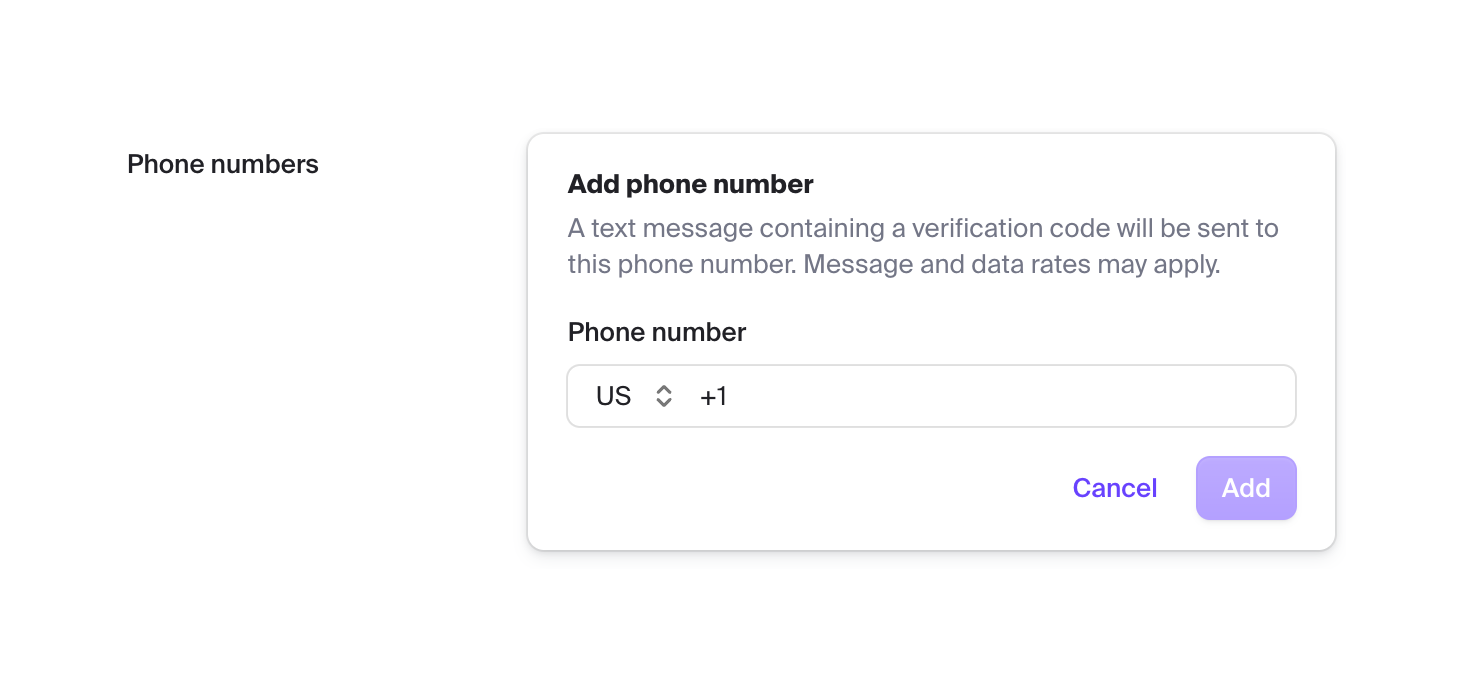

A form section for adding a phone number, featuring a country code selector and an input field, enclosed within a card layout.

A horizontal banner displaying a usage limit and a call to action to upgrade. It features a circular progress indicator showing current usage against the limit.
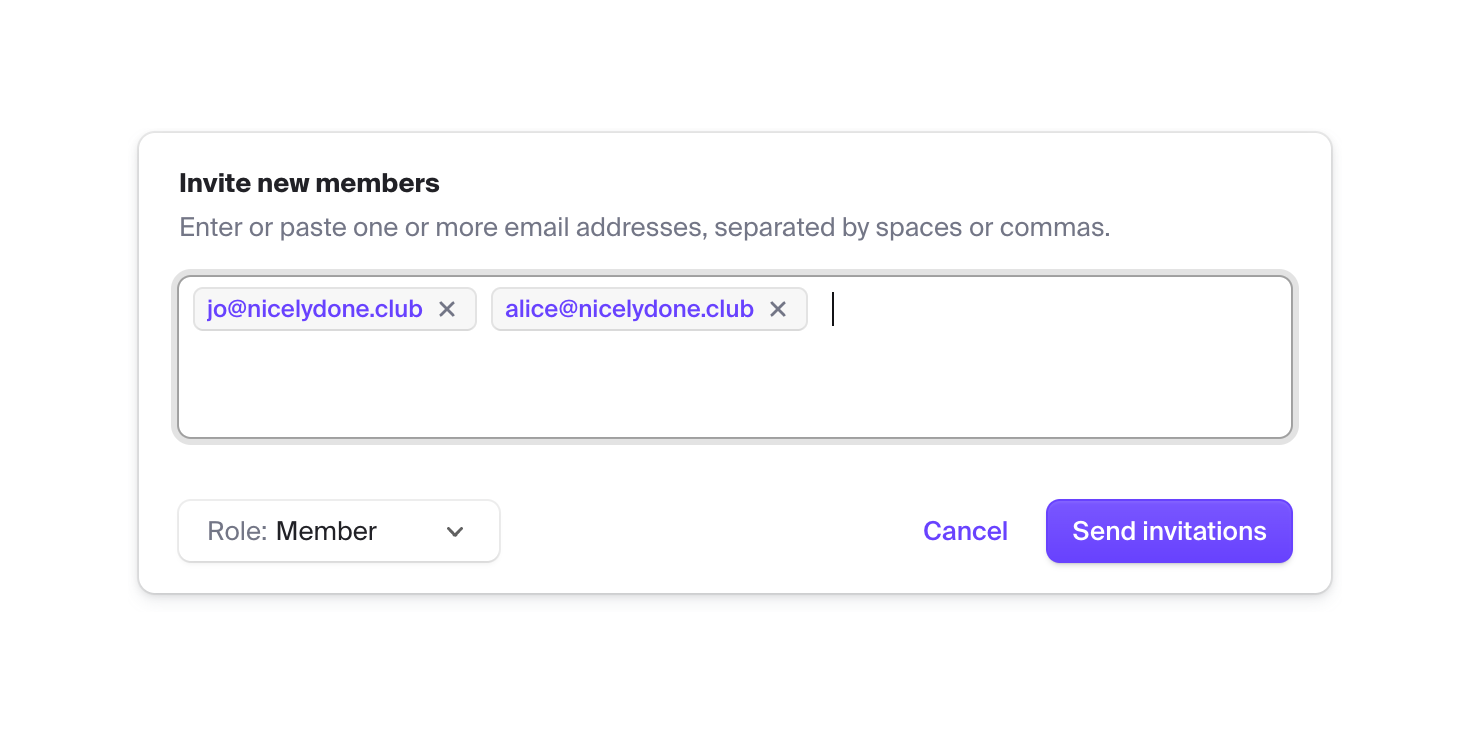
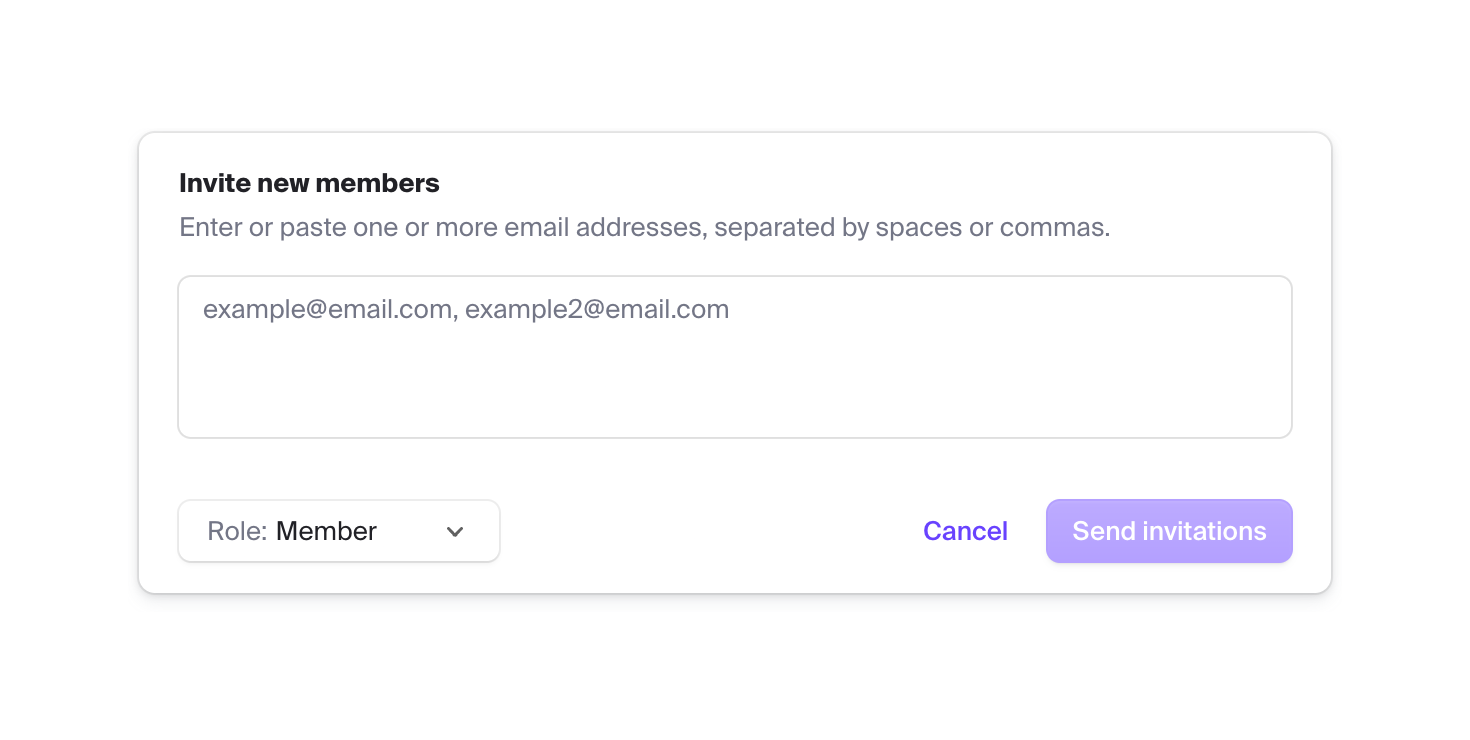
A form card for inviting new members to an organization. It includes a multi-email input field with tag-like chips for entered addresses, a role selection dropdown, and action buttons to send invitations or cancel.


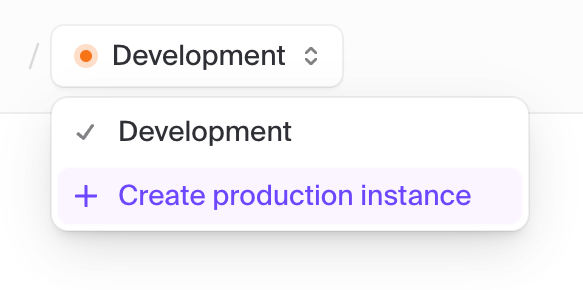
A breadcrumb navigation component where each segment acts as a dropdown selector. It displays the current account, project, and environment hierarchy.
Browse the full component library
Browse the full UI component library.
Trusted by the best teams







