Help Scout design examples
Explore Help Scout UI design examples. Shared Inbox, Help Center, & Live Chat Software
Product screens
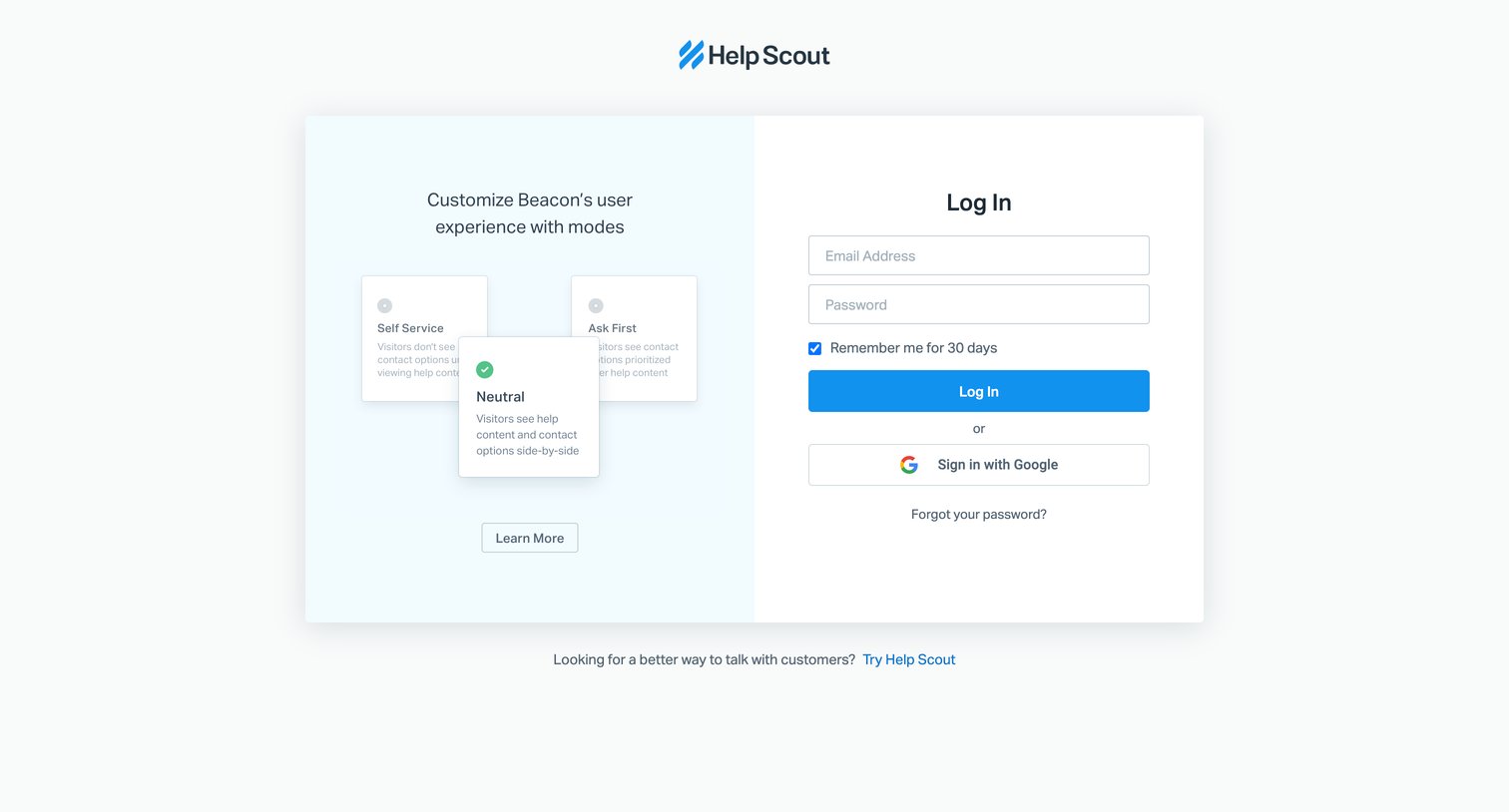

Sign-in screen where the user authenticates with email or Google, alongside a feature spotlight explaining Beacon modes.
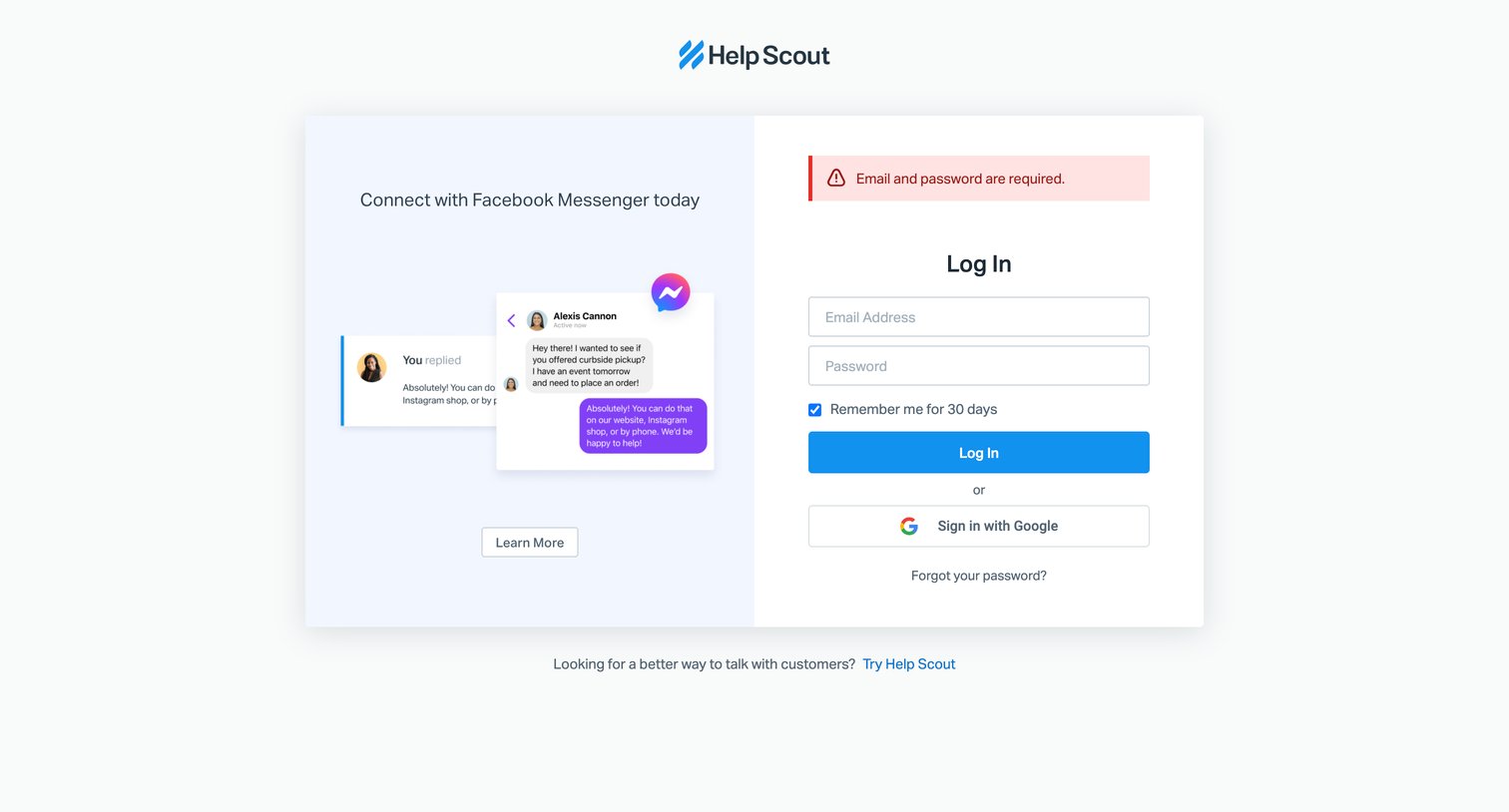
Sign-in screen where the user is prompted to enter their email and password after an initial submission failed, with an alternative option to authenticate via Google.
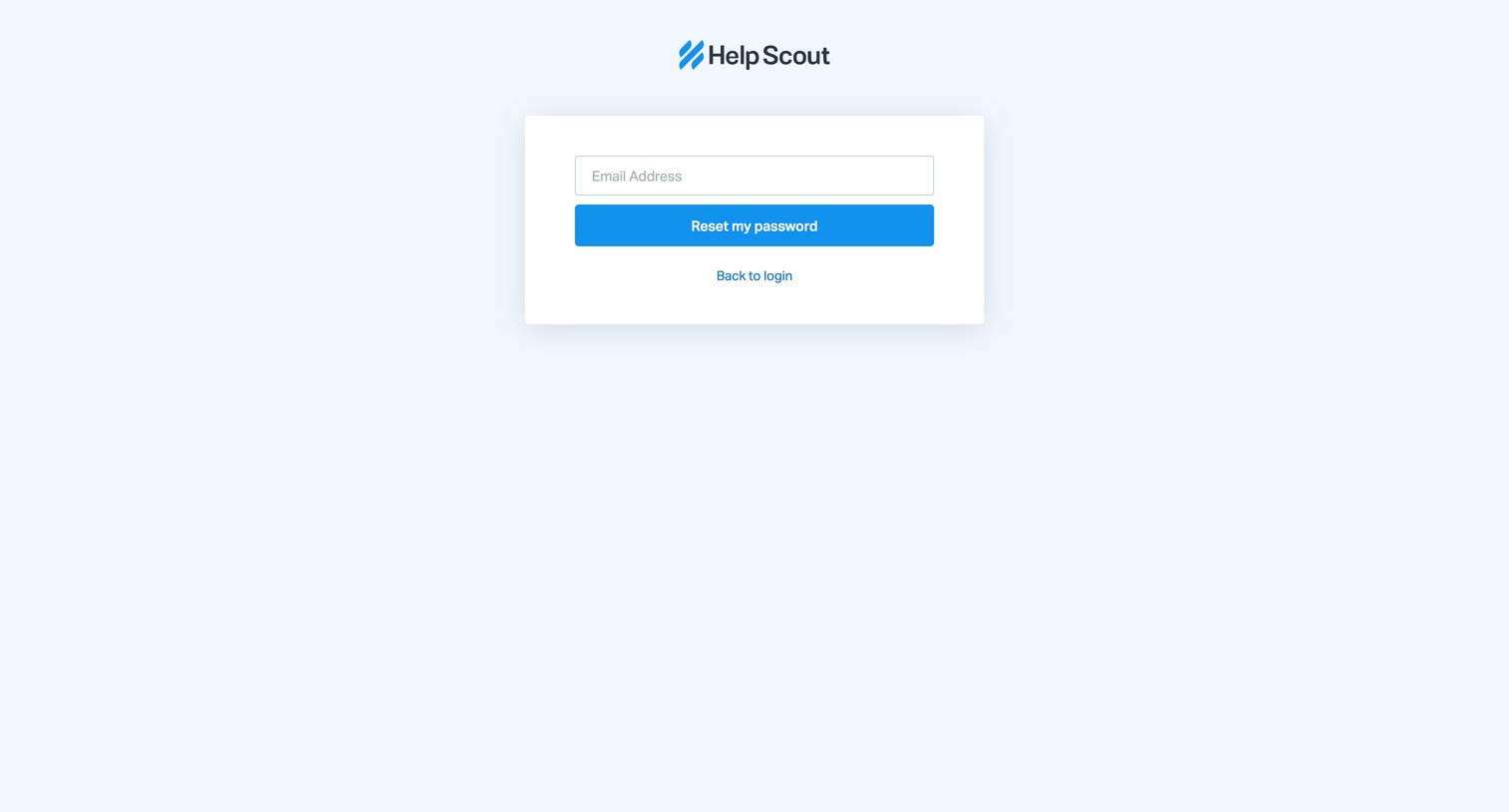
Password recovery screen where the user enters their email address to receive a reset link.
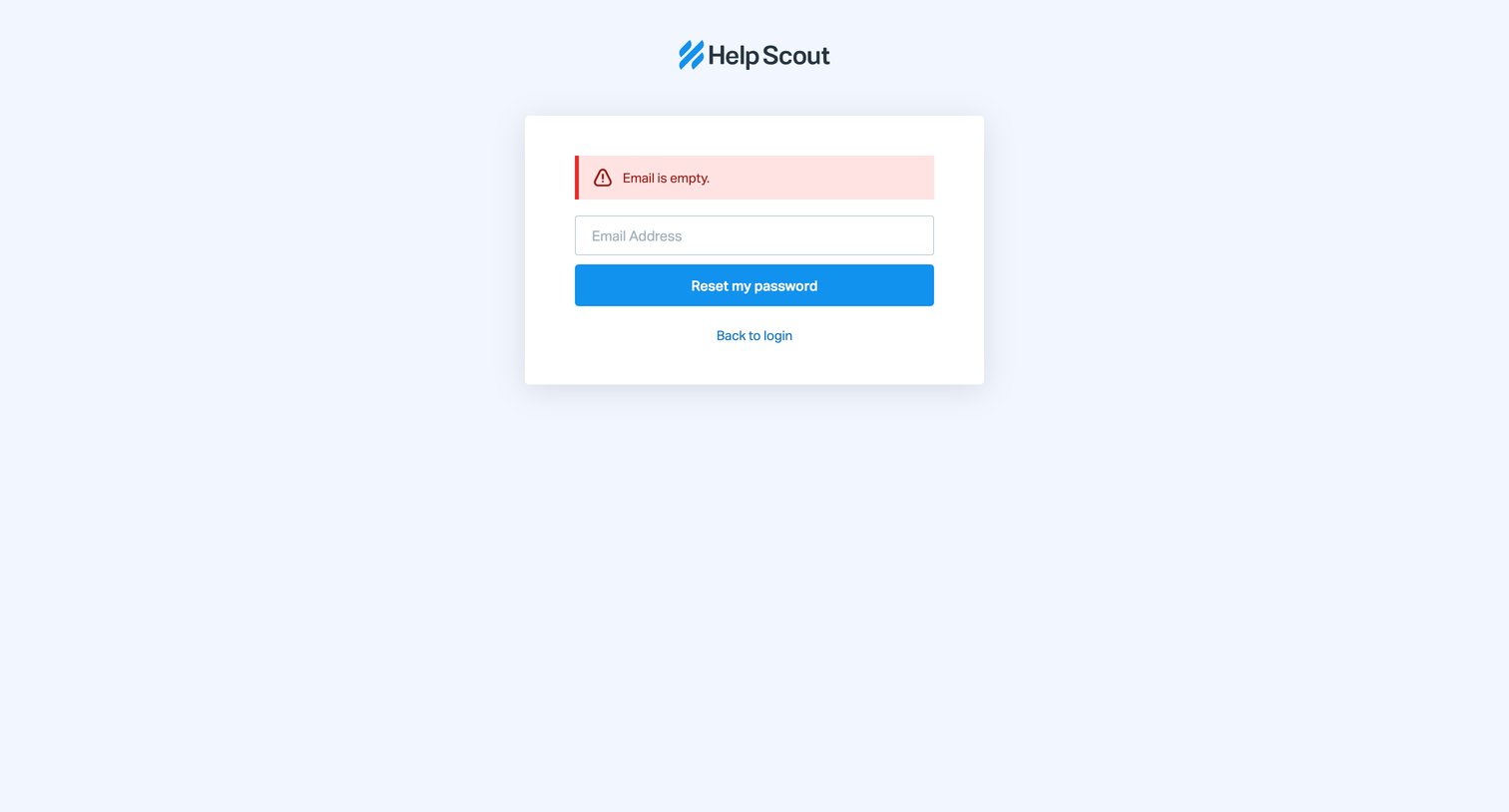
Password recovery screen showing a validation error because the user attempted to submit the reset form without entering an email address.
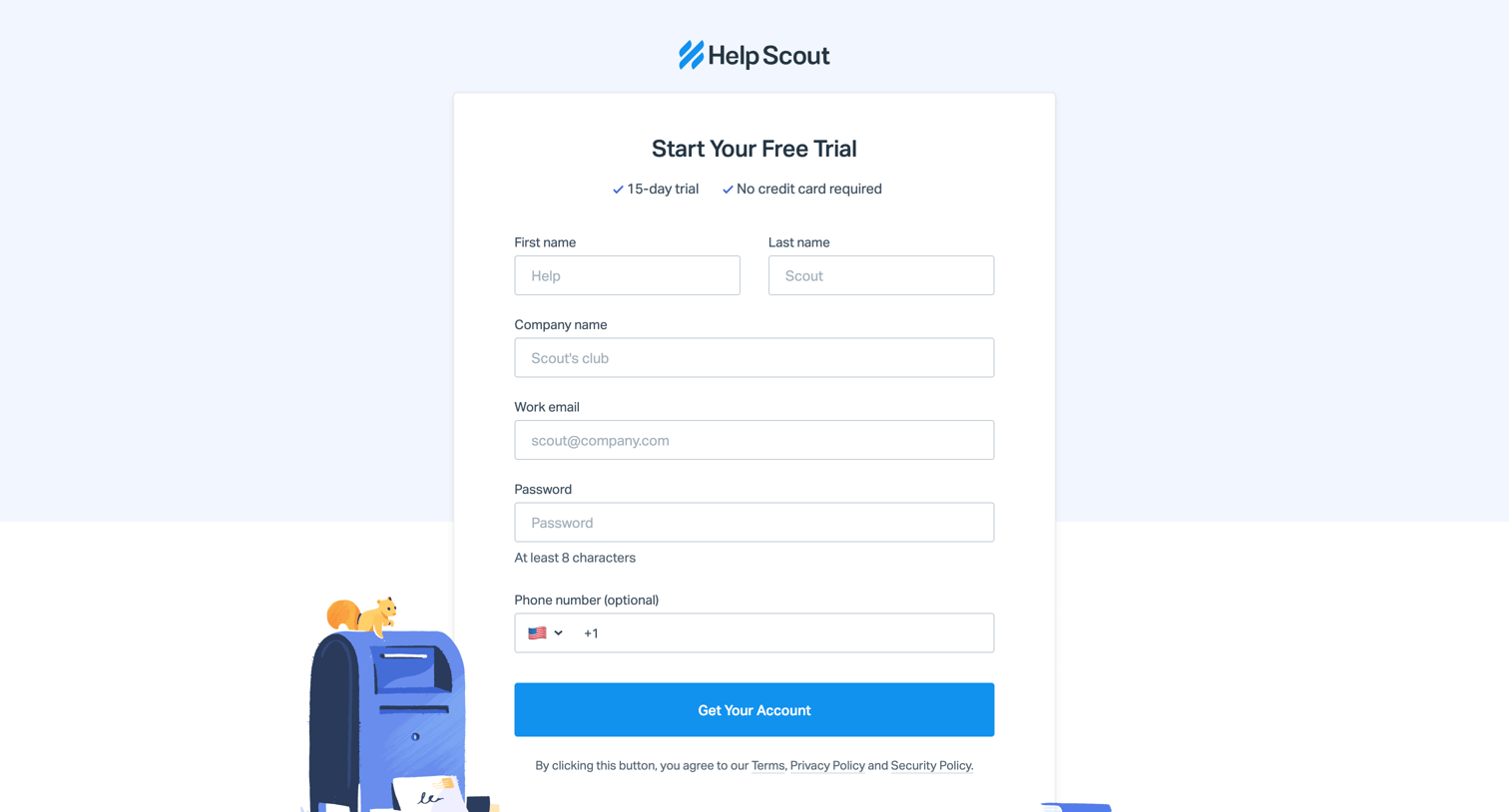
Signup screen where the user enters their personal and company details to start a 15-day free trial, supported by customer logos.
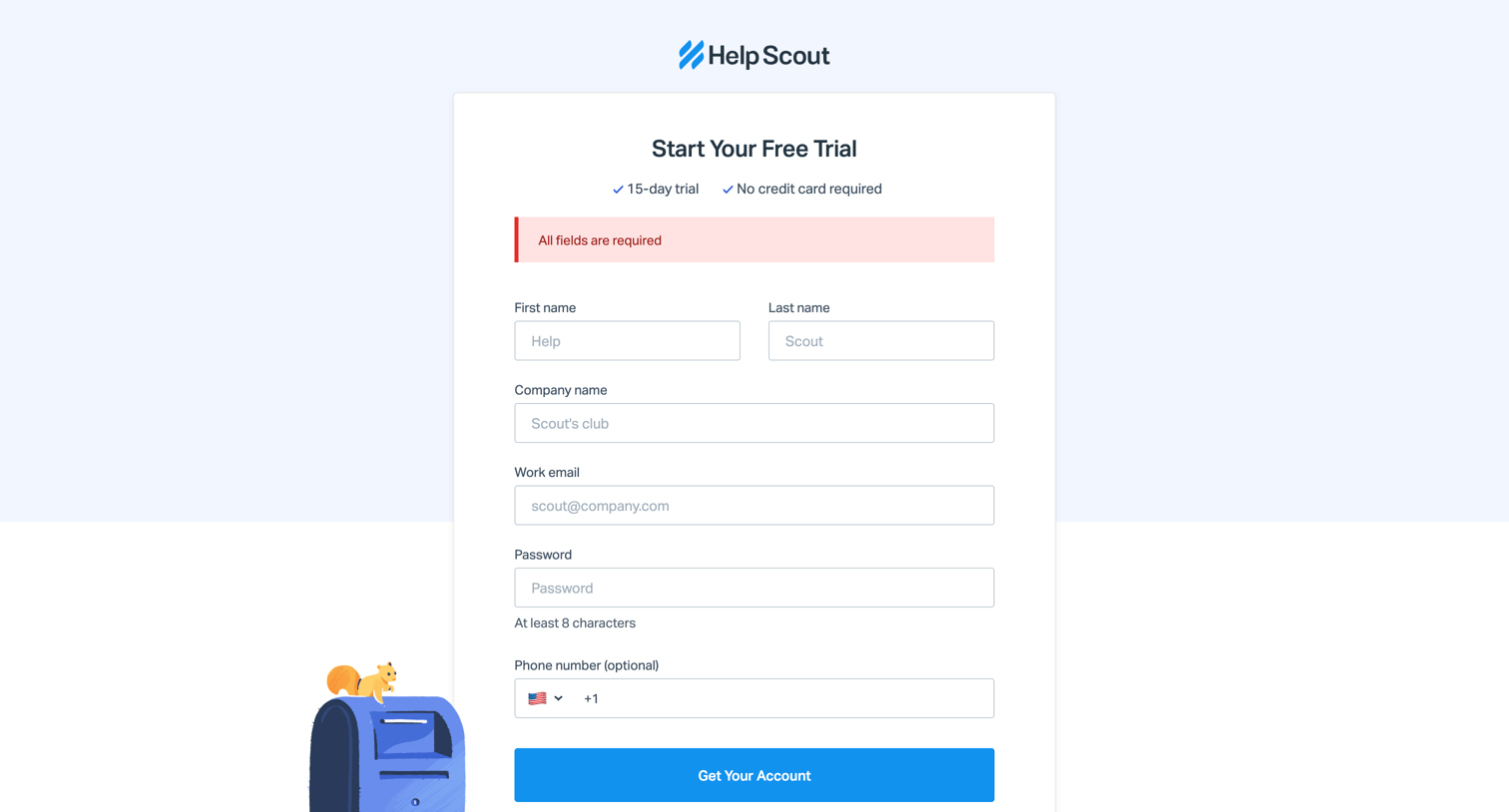
Signup page where the user enters their personal and company details to start a free trial, currently showing a validation error for missing fields.
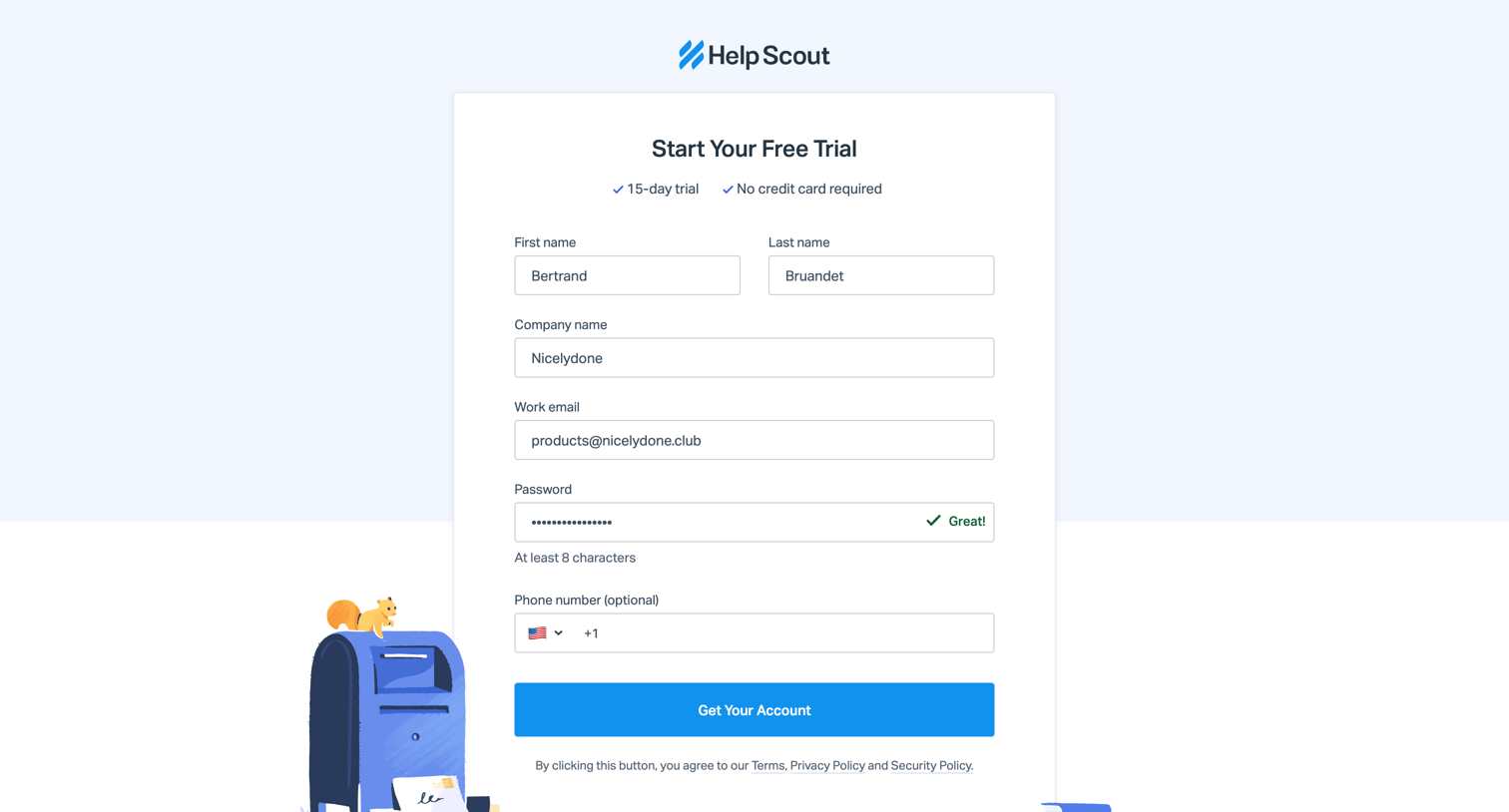
Signup screen where the user enters their personal and company details to start a free trial.
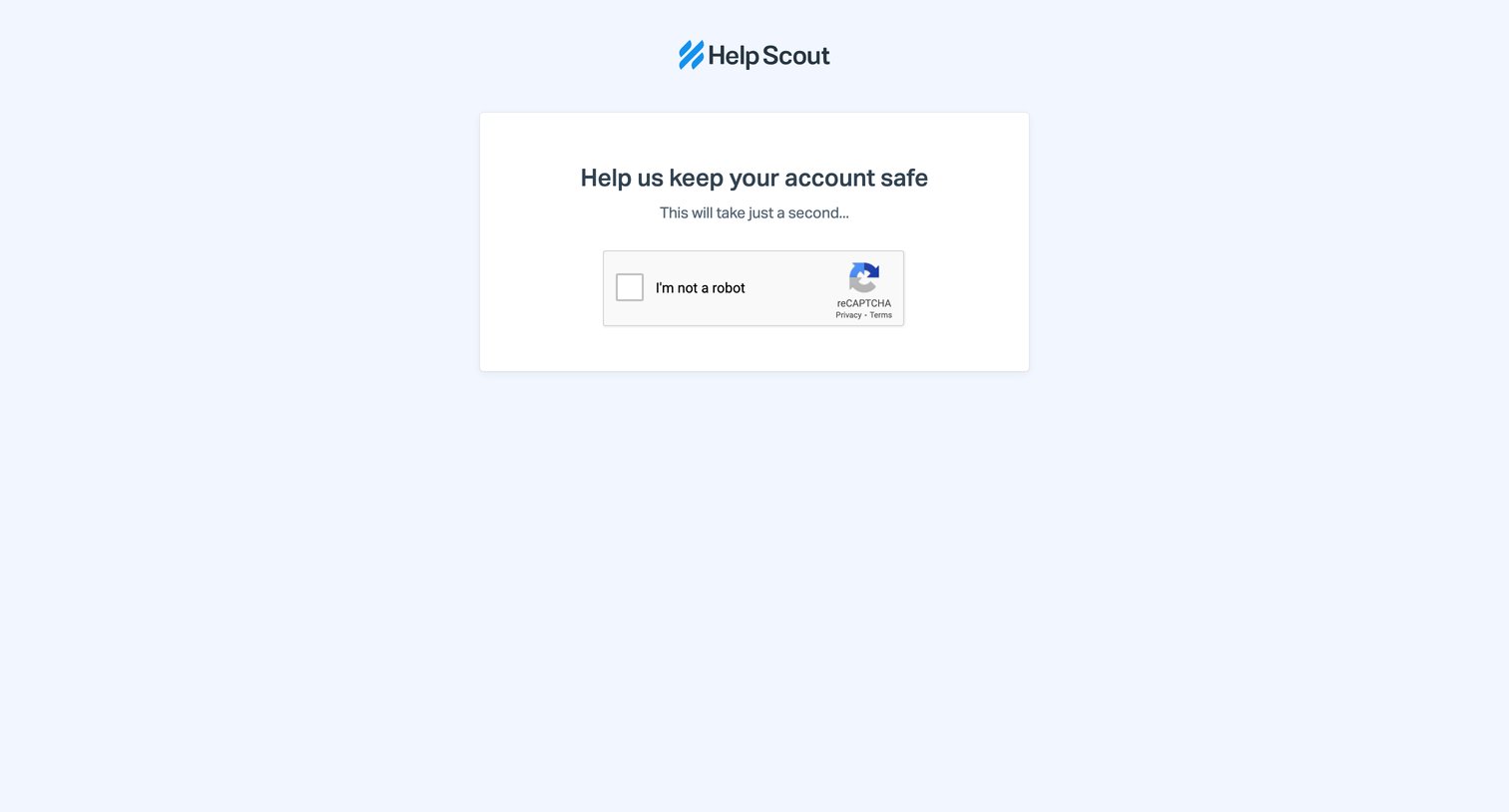
Verification screen where the user must complete a reCAPTCHA challenge to prove they are human and keep their account safe.
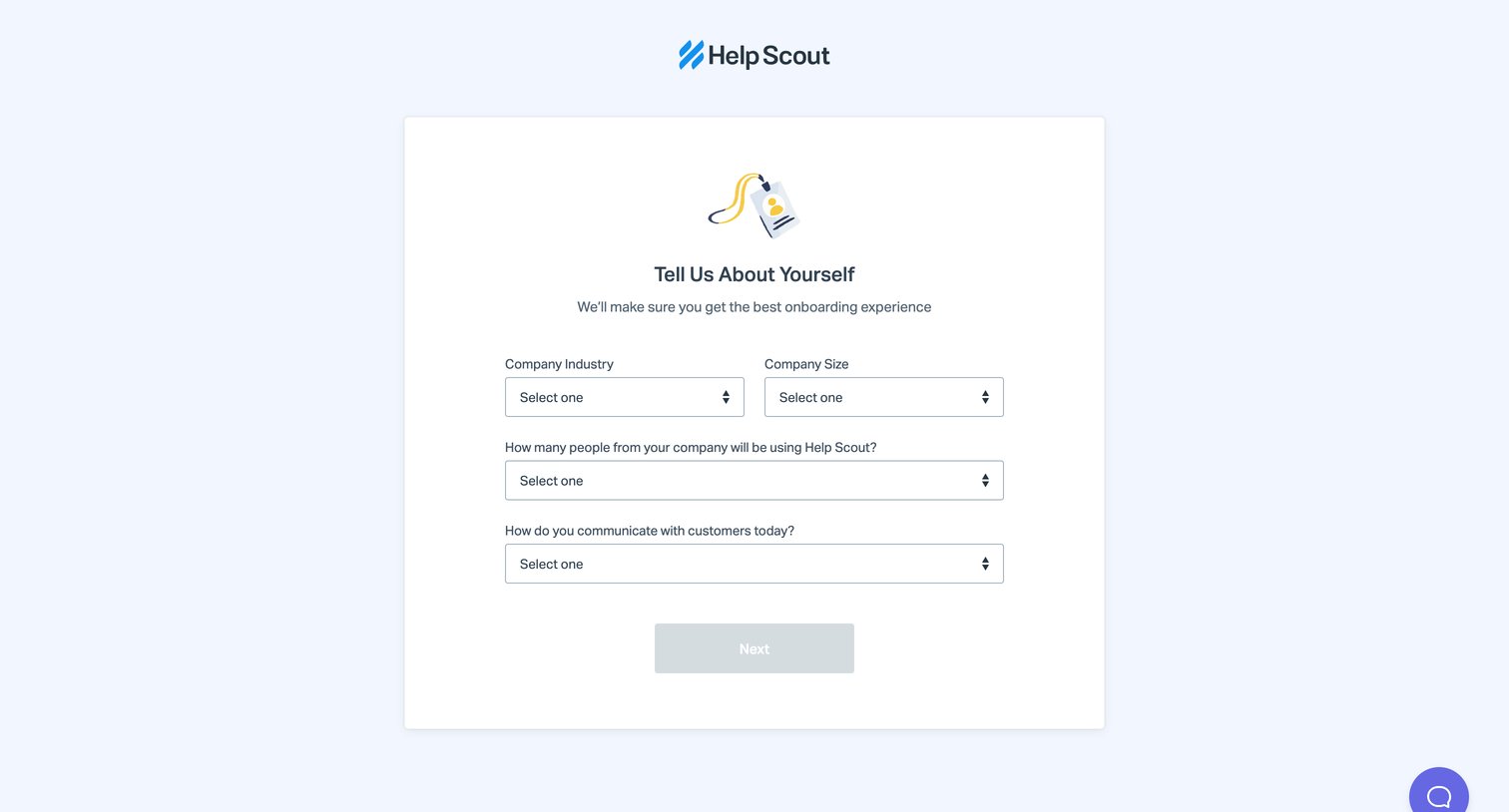
Onboarding step where the user provides their company industry, size, team size, and communication methods to tailor their experience.
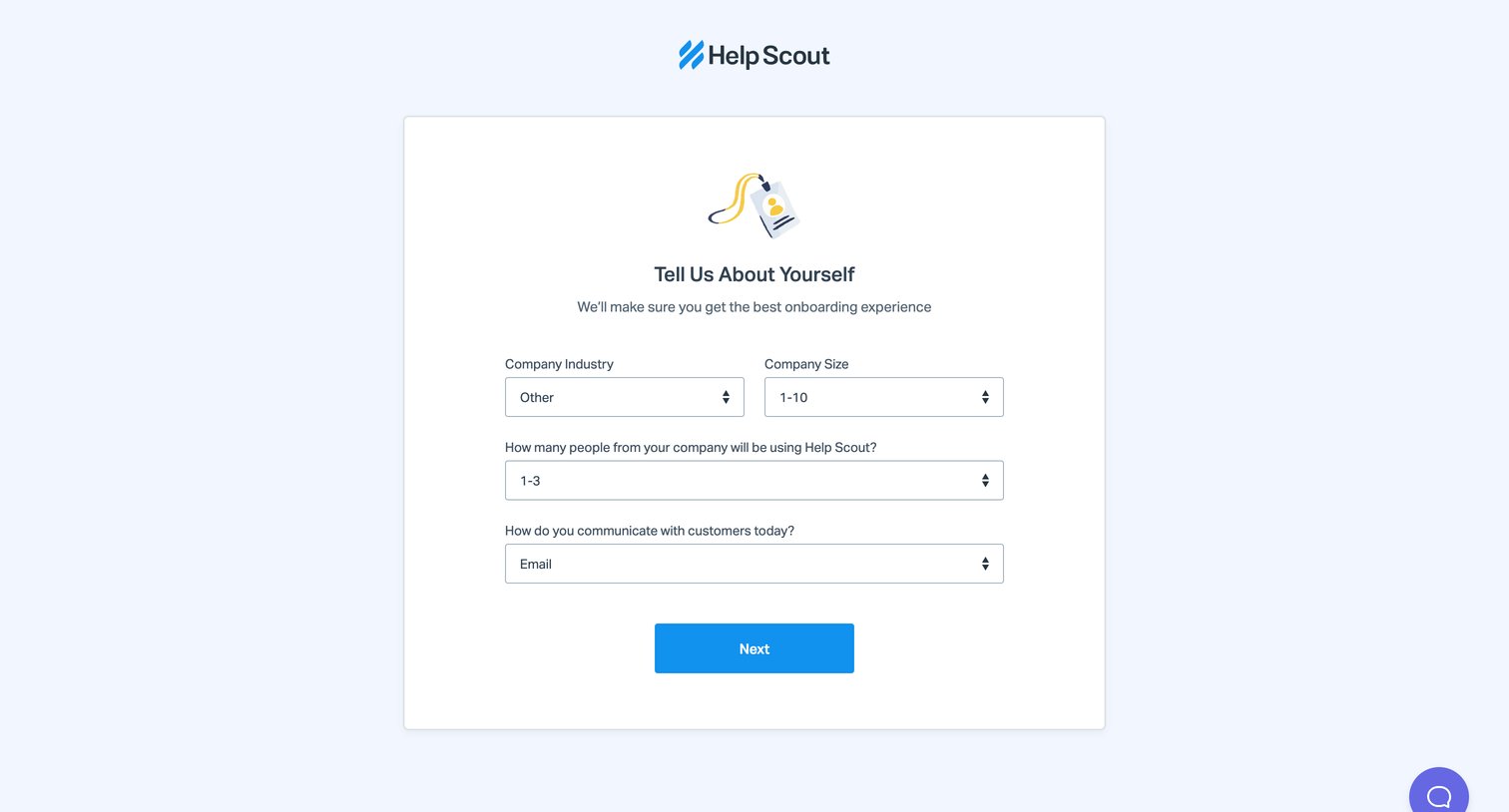
Onboarding step where the user provides company details like industry, size, and communication channels to personalize their experience.
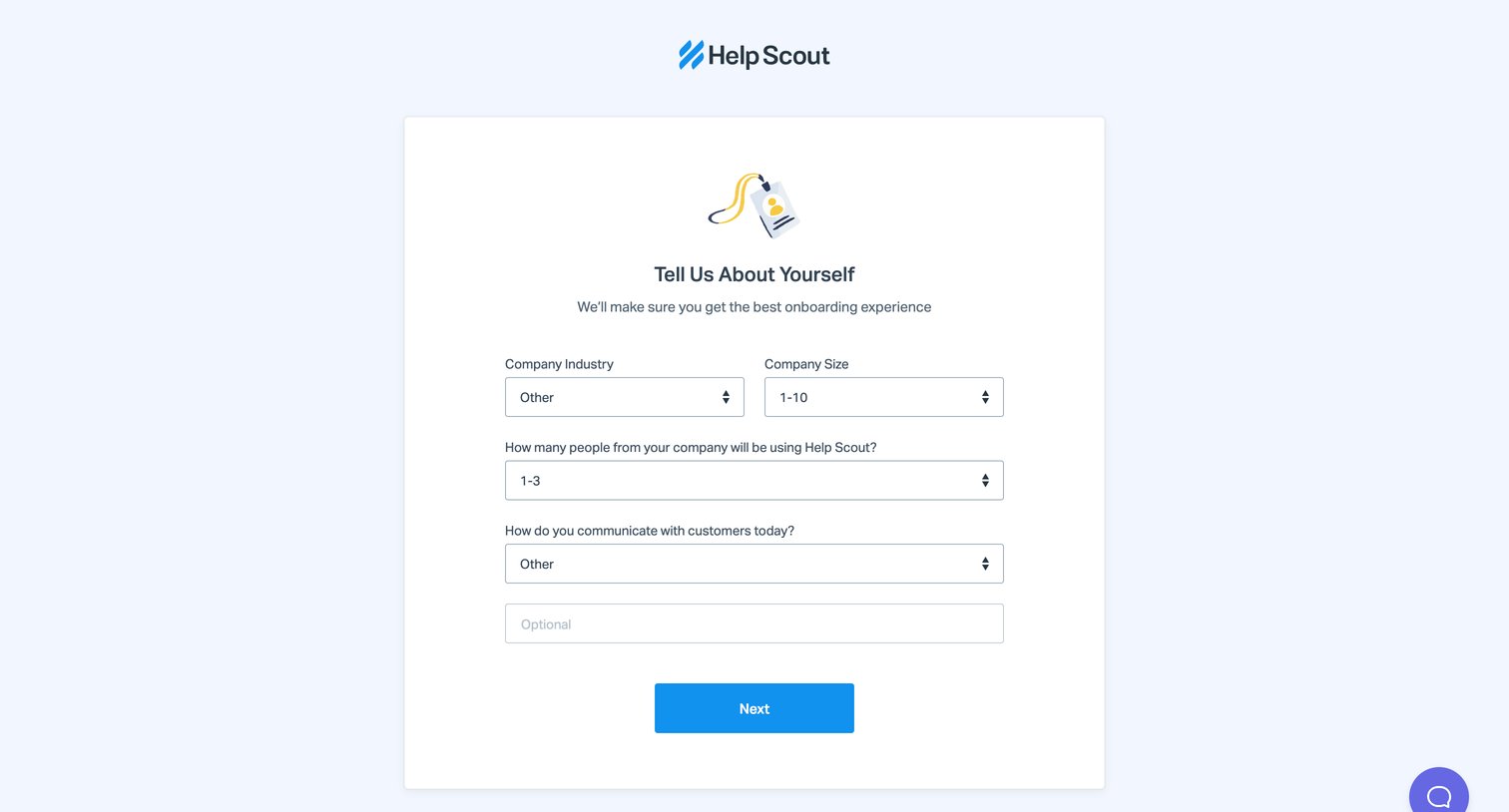
Onboarding step where the user provides their company industry, size, and communication methods to customize their experience.
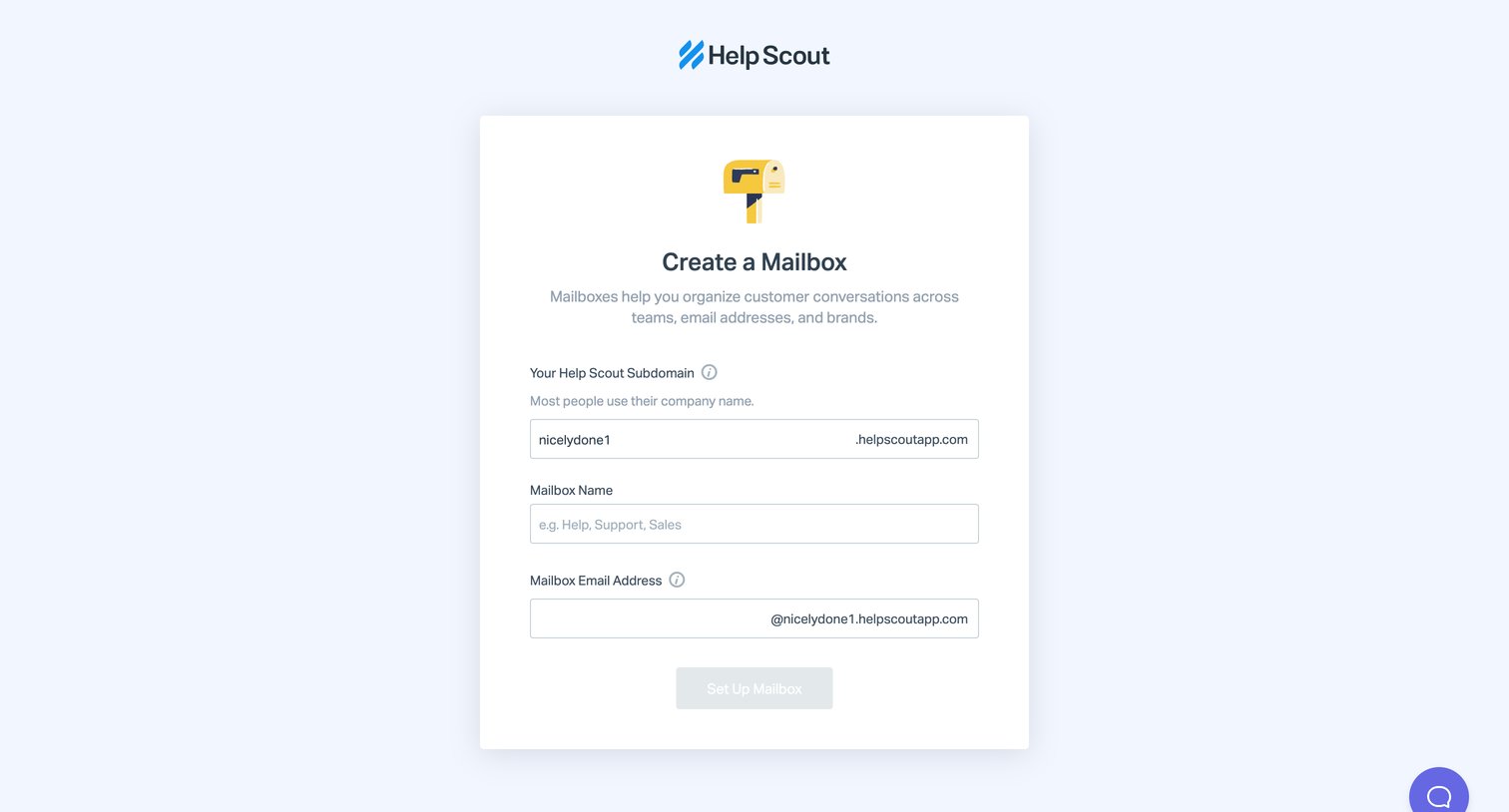
Creation form where the user configures a new shared mailbox by setting a subdomain, name, and email address.
Browse the full SaaS app library
Explore real SaaS apps with their product screens, marketing screens, flows, and components.
Trusted by the best teams







