Help Scout marketing pages examples
Explore Help Scout website design examples. Preview marketing pages and browse related SaaS page designs. Shared Inbox, Help Center, & Live Chat Software
Explore the examples
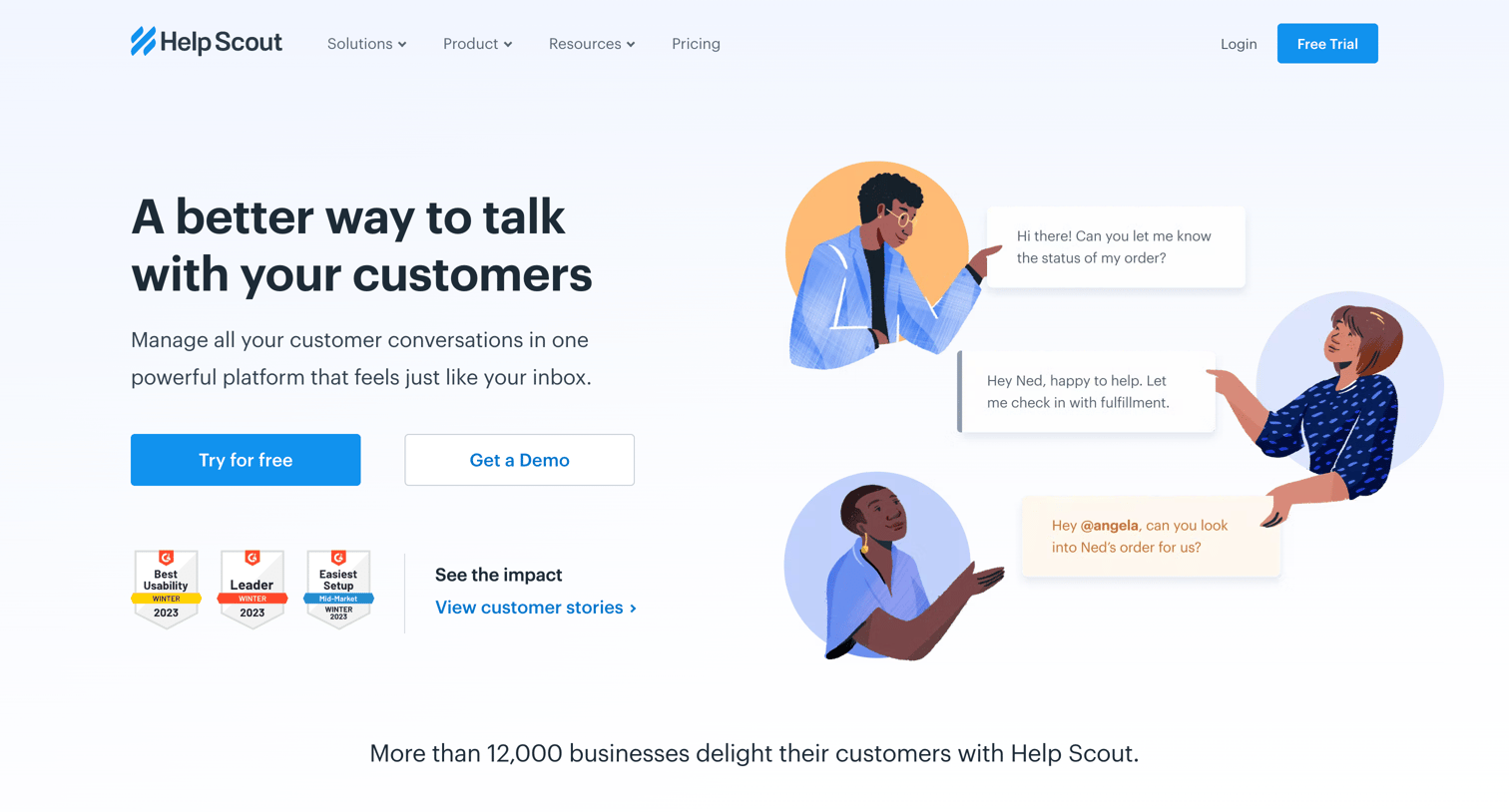

Landing page for a customer support platform highlighting features like shared inboxes, social proof via G2 awards and customer quotes, and a primary call to action to start a free trial.
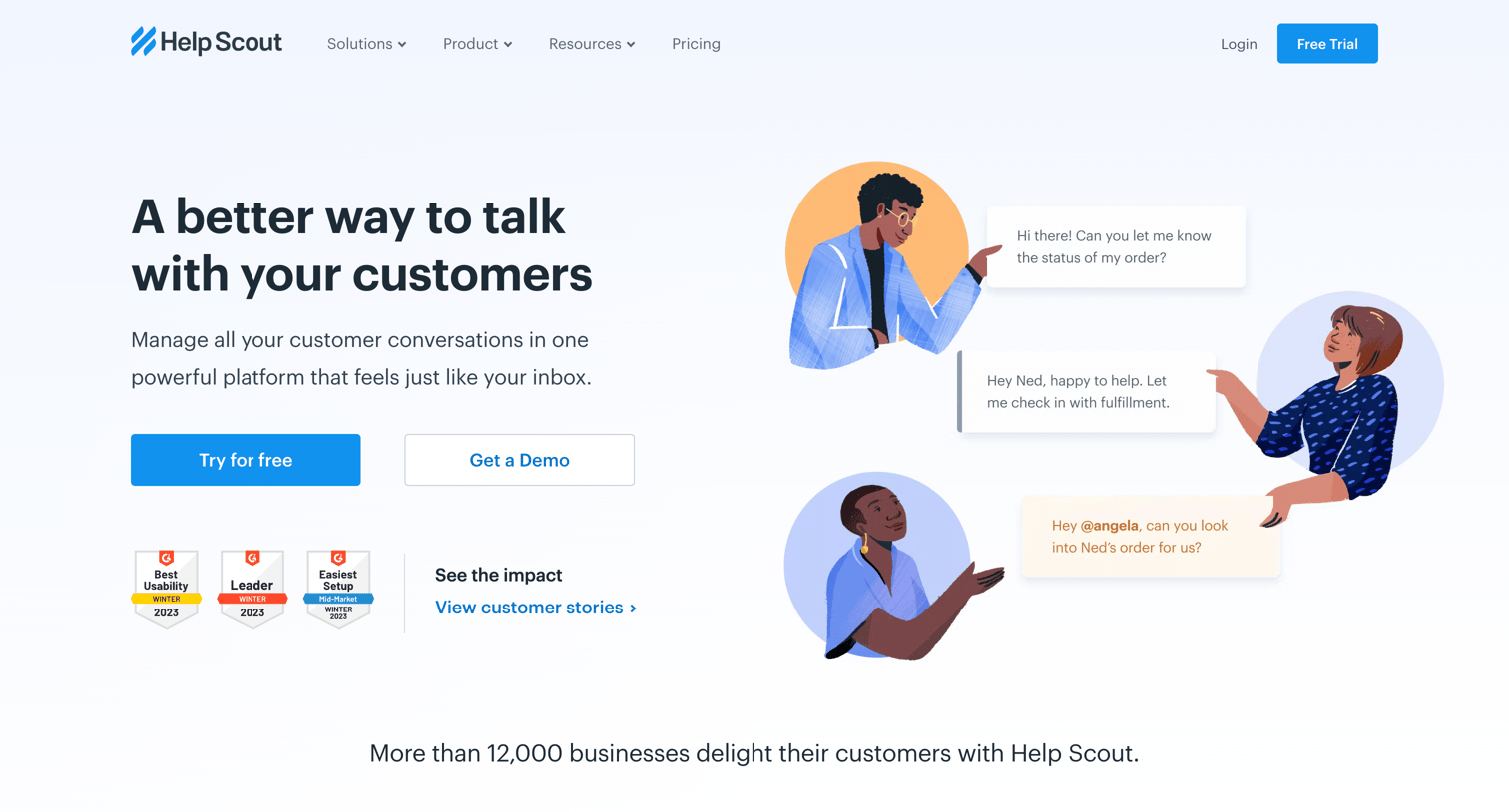
Landing page for a customer service platform highlighting features, social proof via G2 badges and testimonials, competitor comparisons, and a primary call to action to start a free trial.
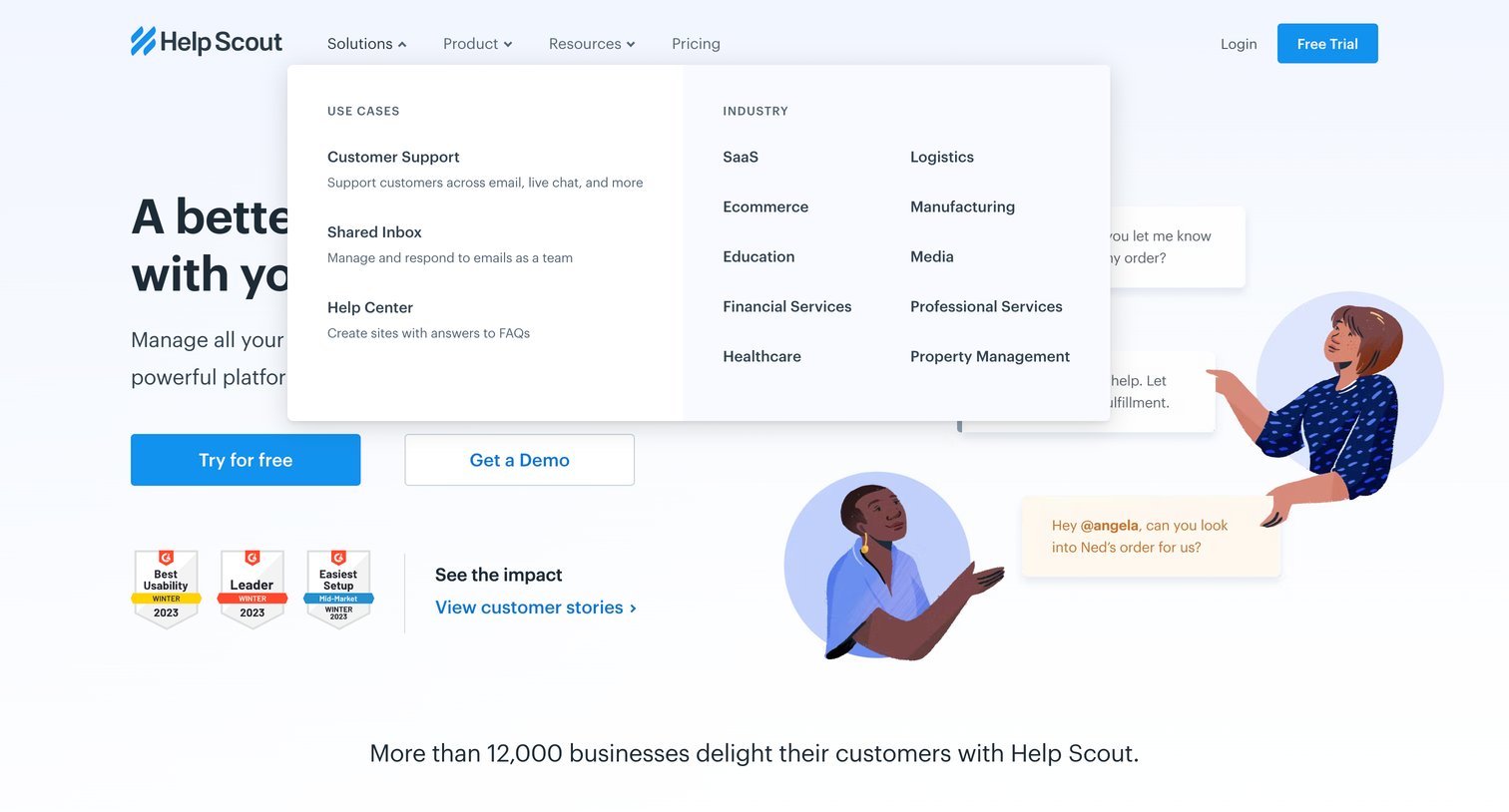
Landing page where the user can explore solutions by use case or industry via an open mega menu, start a free trial, or view customer stories.
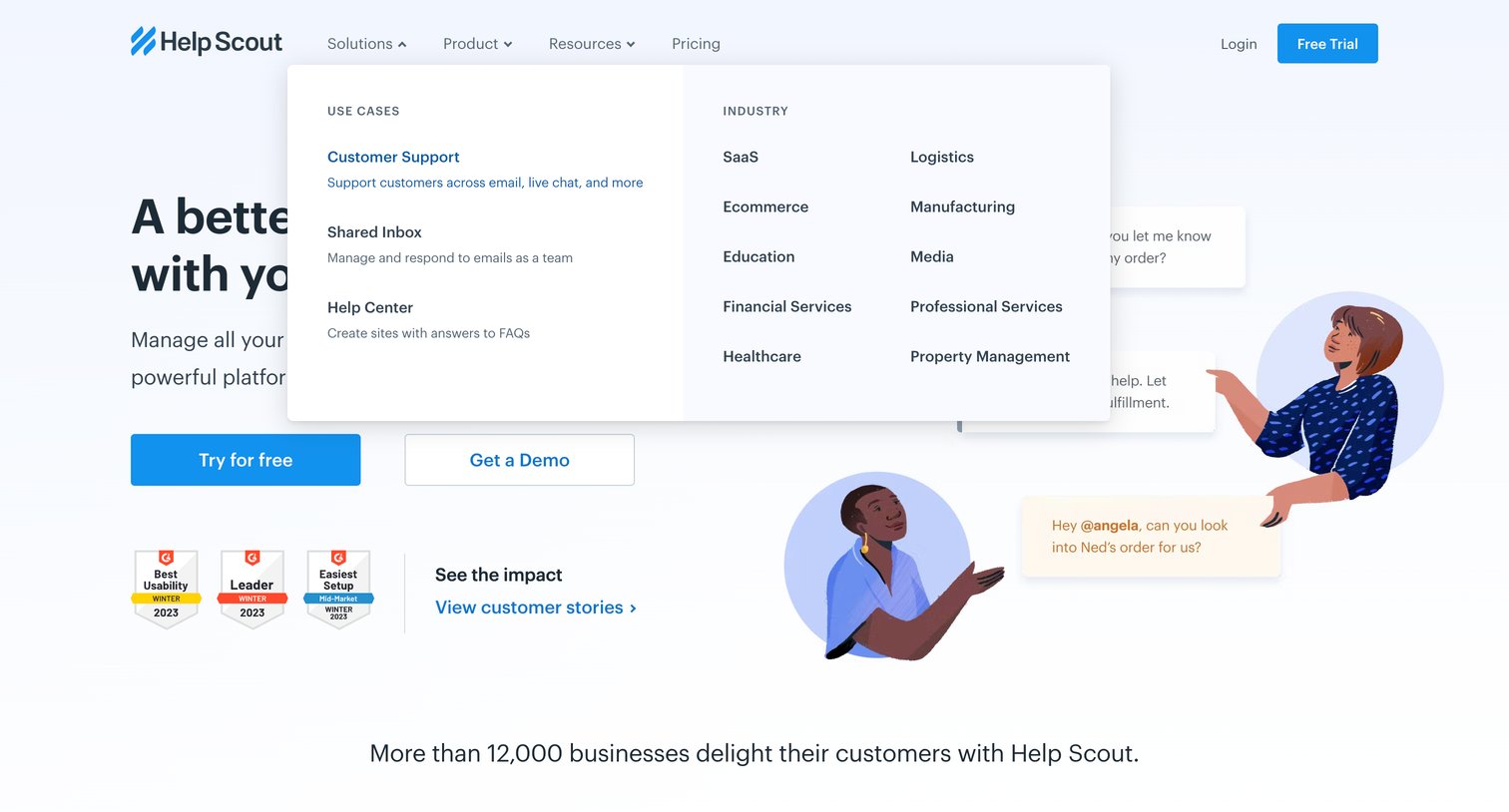
Landing page featuring a split hero with trial and demo CTAs, G2 award badges, and an open mega menu displaying use cases and industries.
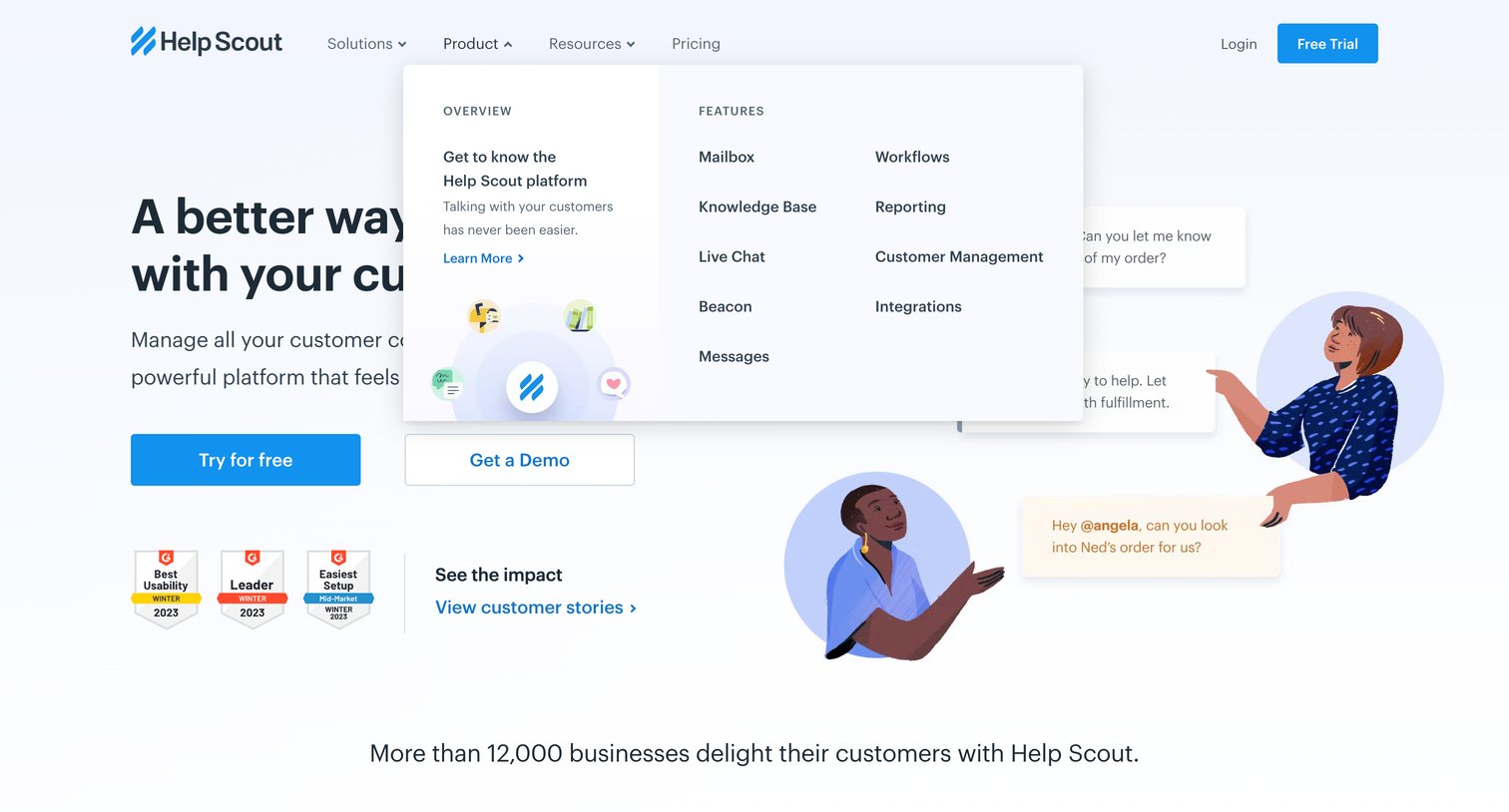
Landing page where the user can explore product features via an open mega menu, start a free trial, or request a demo, supported by social proof badges and customer logos.
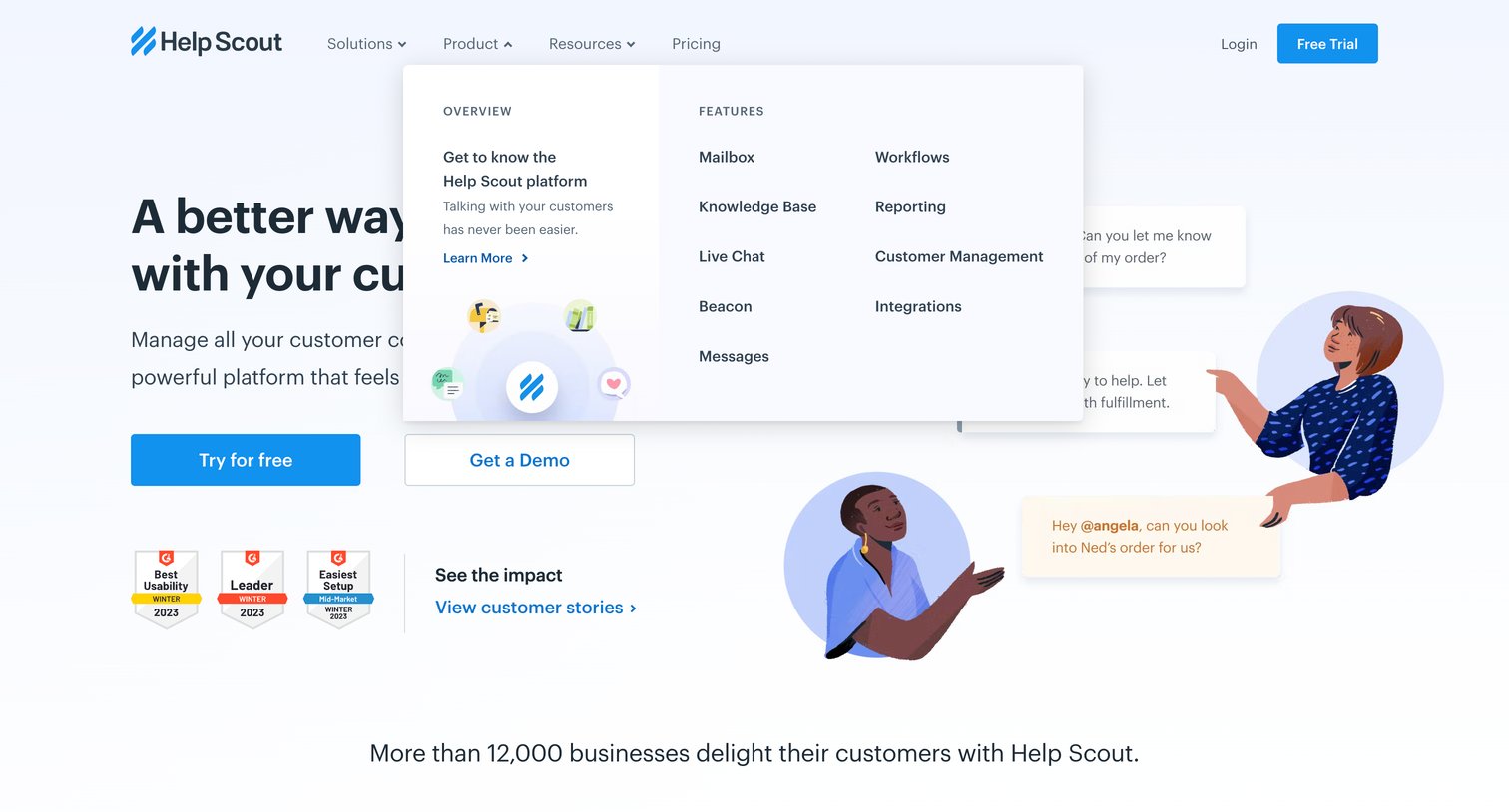
Landing page hero section where the user can start a free trial, request a demo, or explore product features via an open mega-menu dropdown.
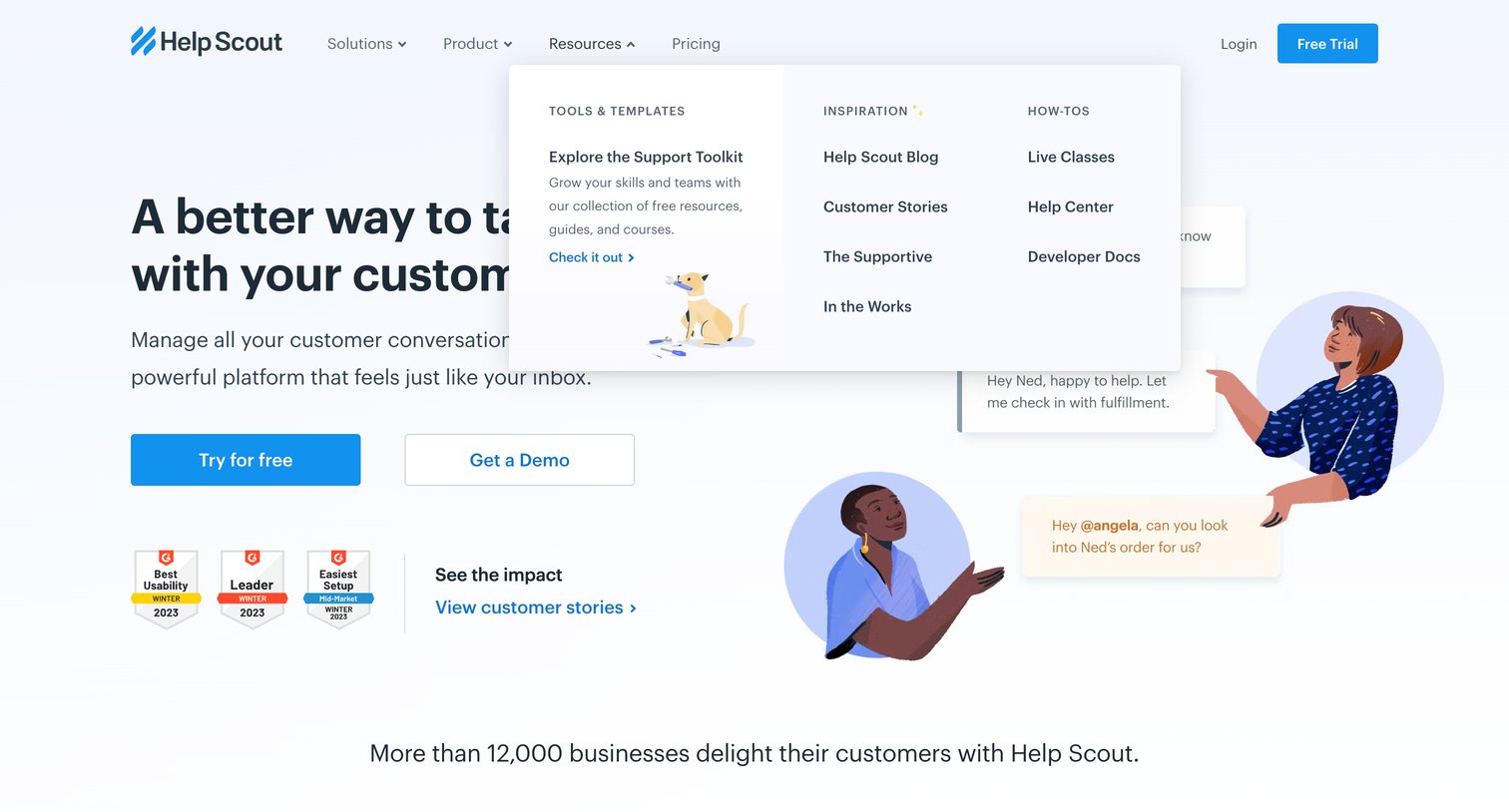
Landing page where the user can start a free trial, request a demo, or explore resources via an open mega menu.
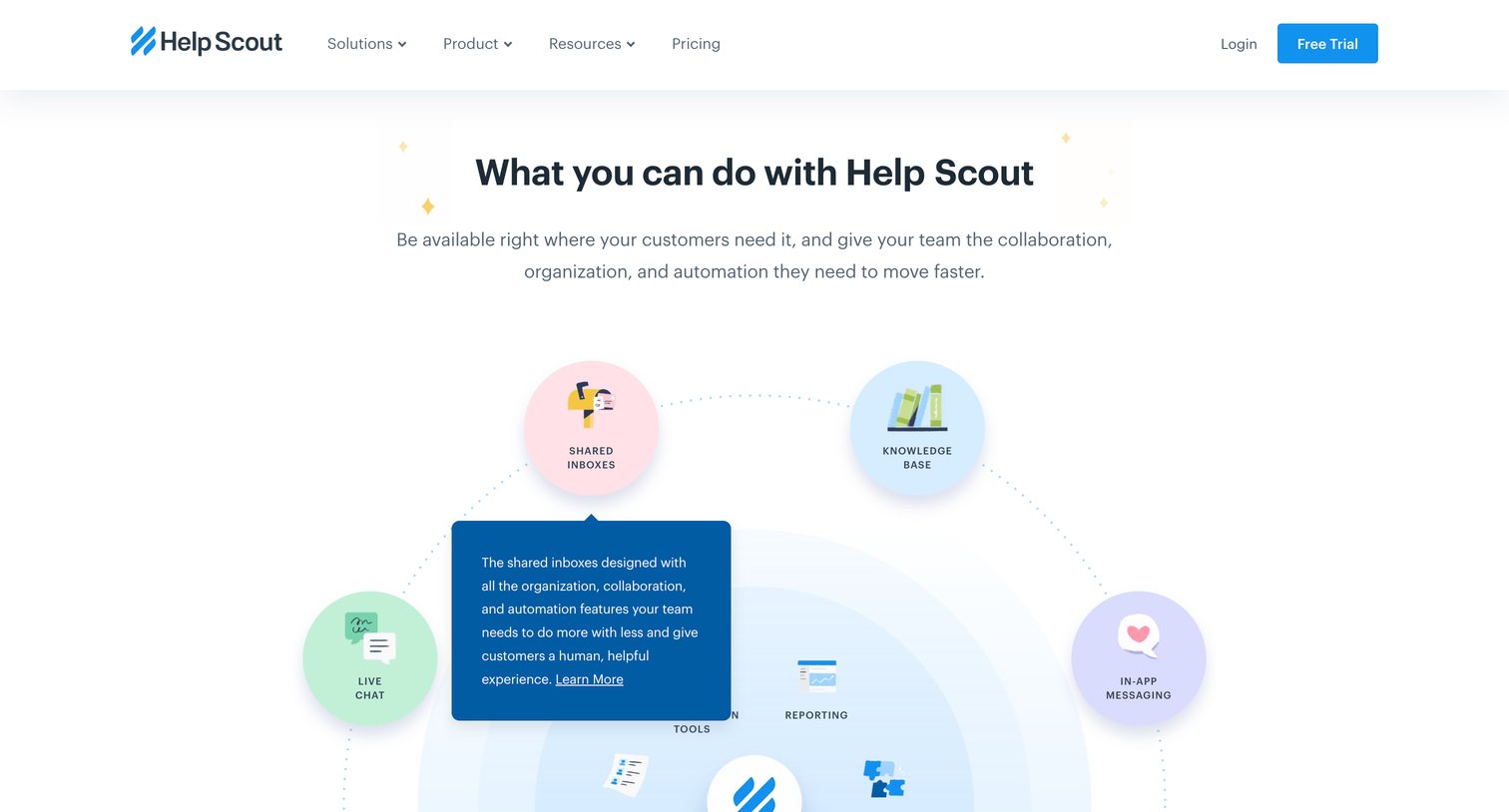
Landing page where the user explores product capabilities like shared inboxes, knowledge base, and live chat through an interactive circular diagram.
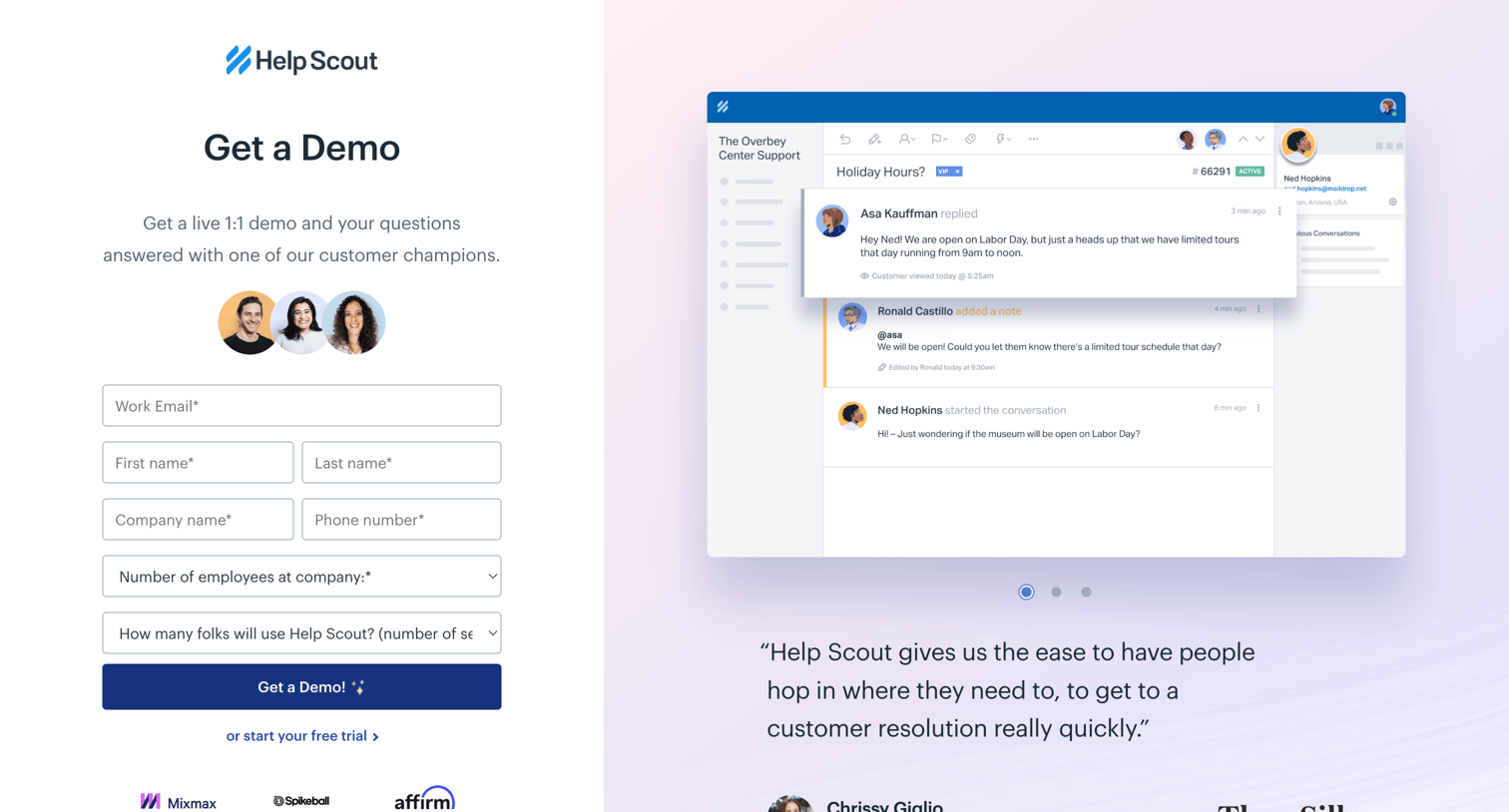
Demo request page where the user fills out a lead capture form to schedule a live 1:1 session, supported by customer avatars, a logo wall, and a testimonial.
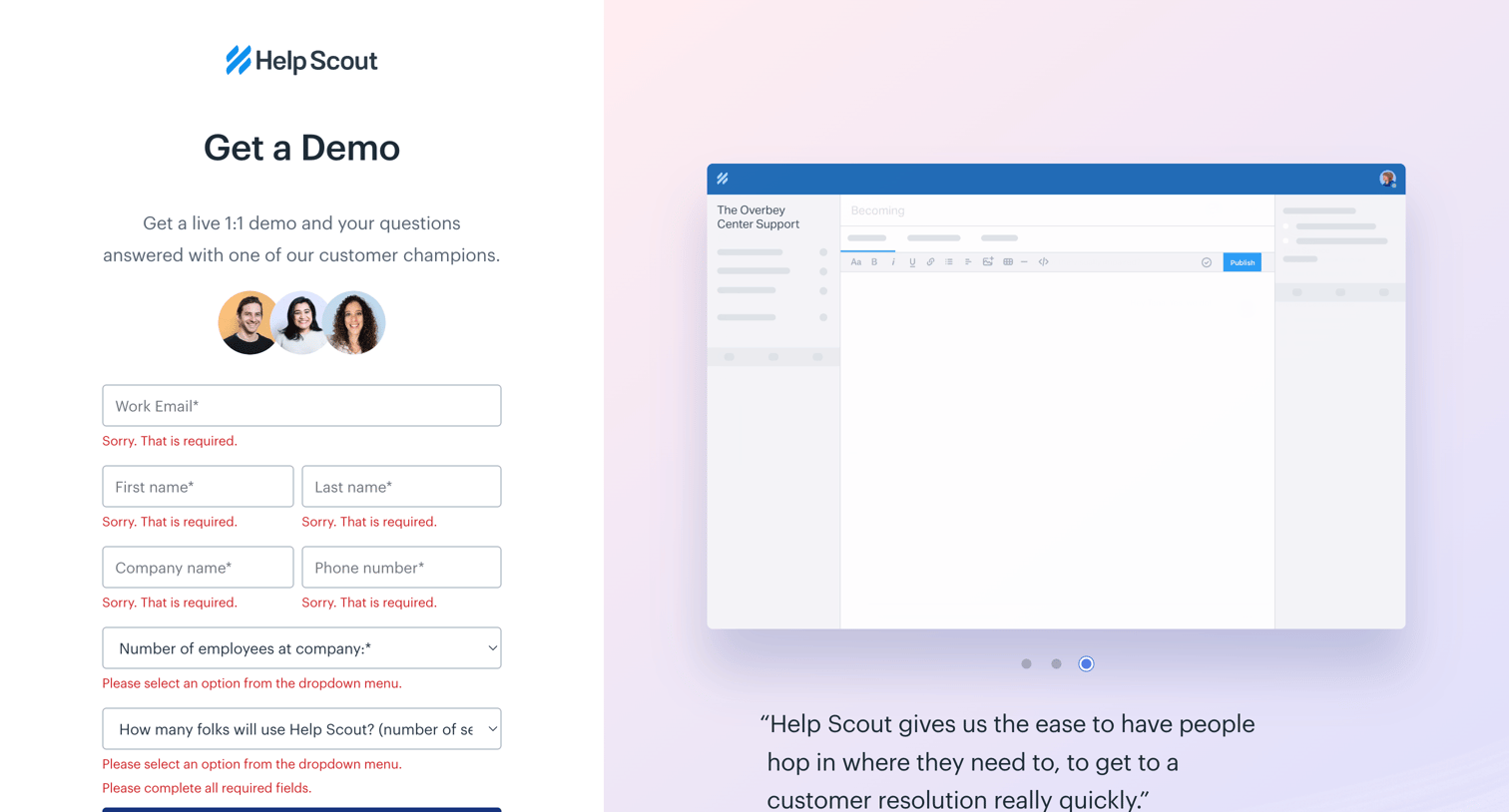
Demo request landing page where the user is prompted to correct validation errors on a lead capture form alongside customer social proof.
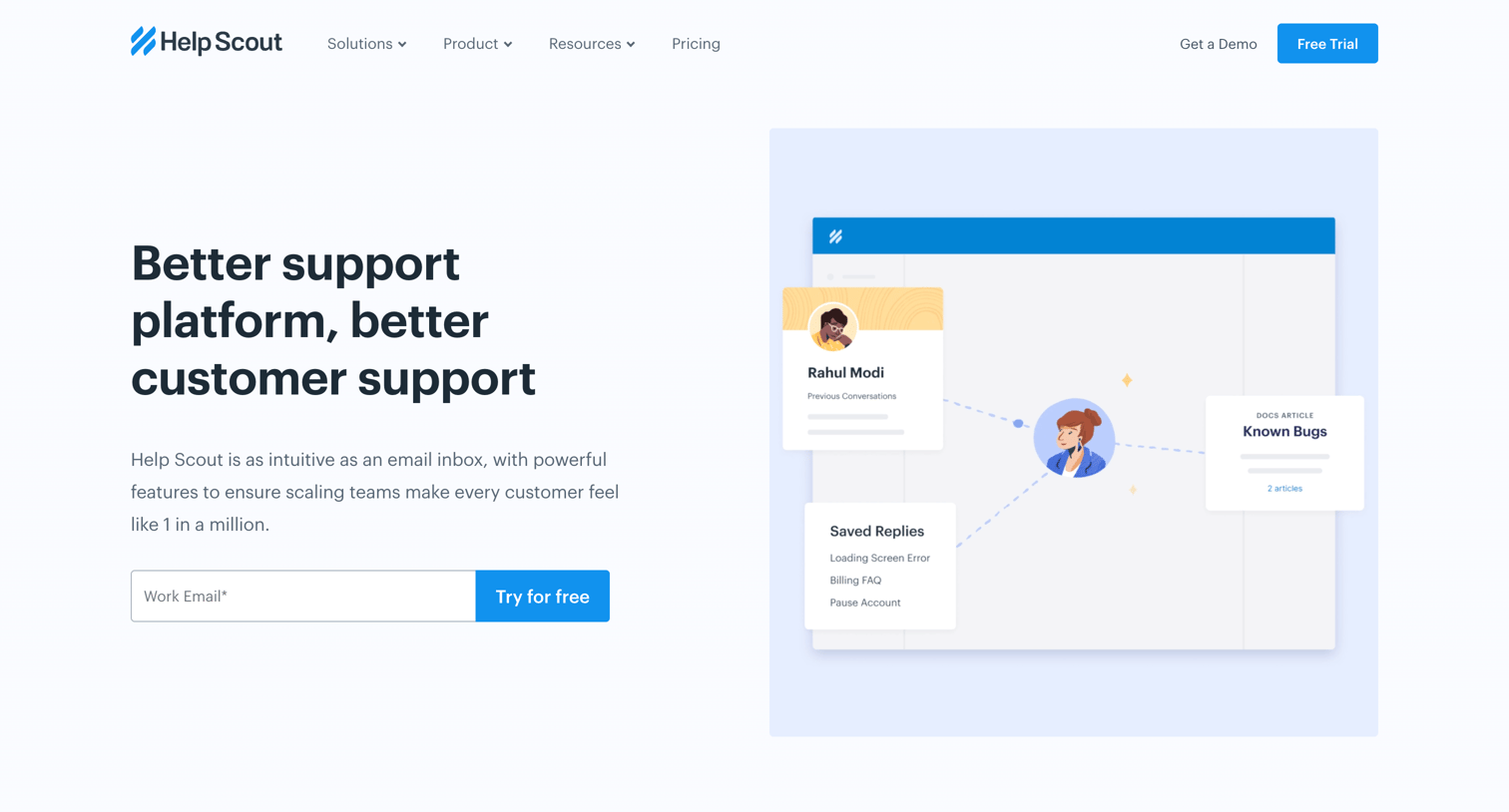
Marketing page highlighting the platform's benefits for customer support teams, featuring a shared inbox preview, feature grids, and a customer testimonial.
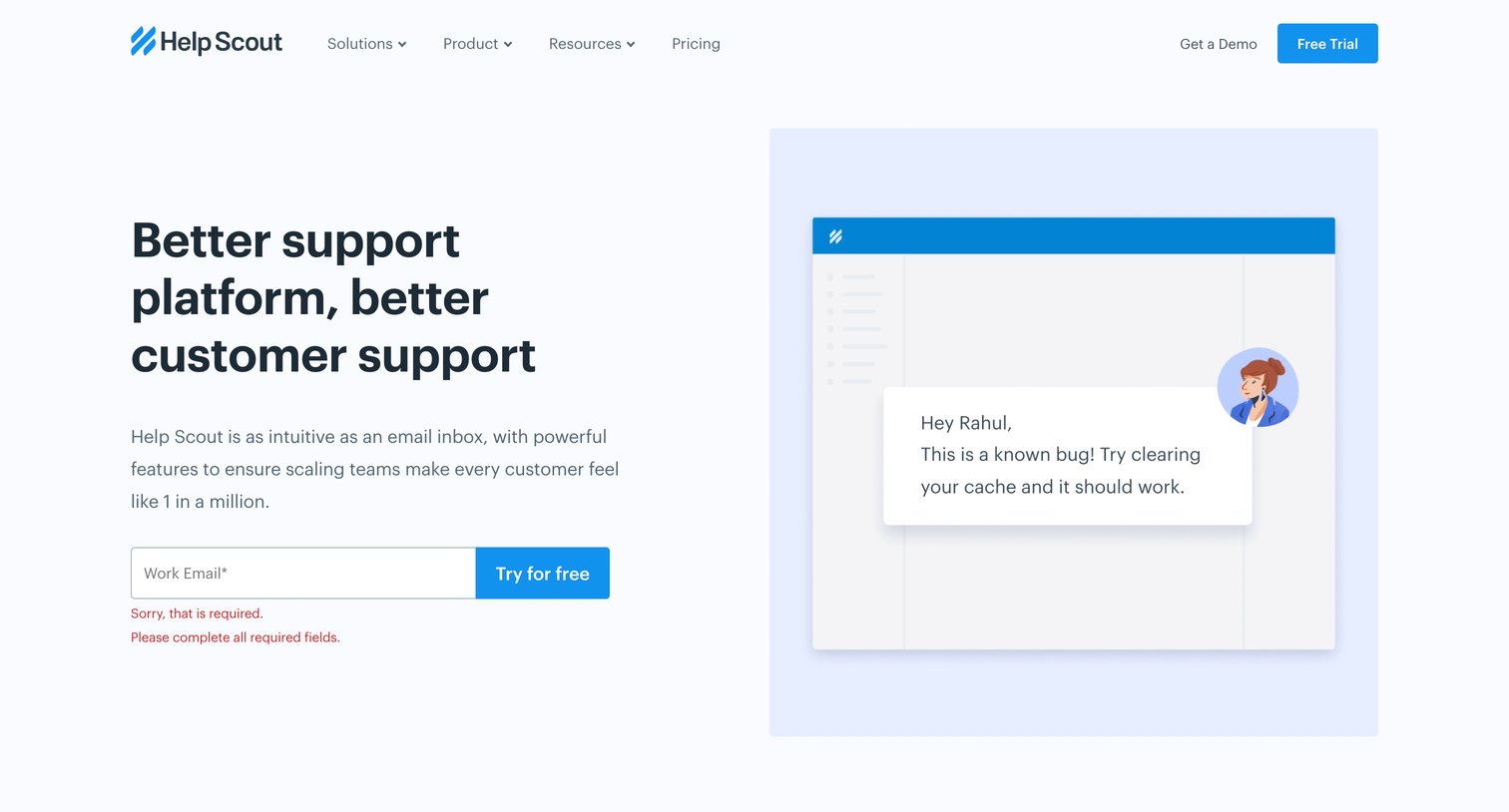
Solution landing page where the user is prompted to start a free trial with their work email, currently showing an inline form error.
Explore the full SaaS screen library
Upgrade to unlock the full library.
Trusted by the best teams







