Super design examples
Explore Super UI design examples. Create websites with Notion
Product screens
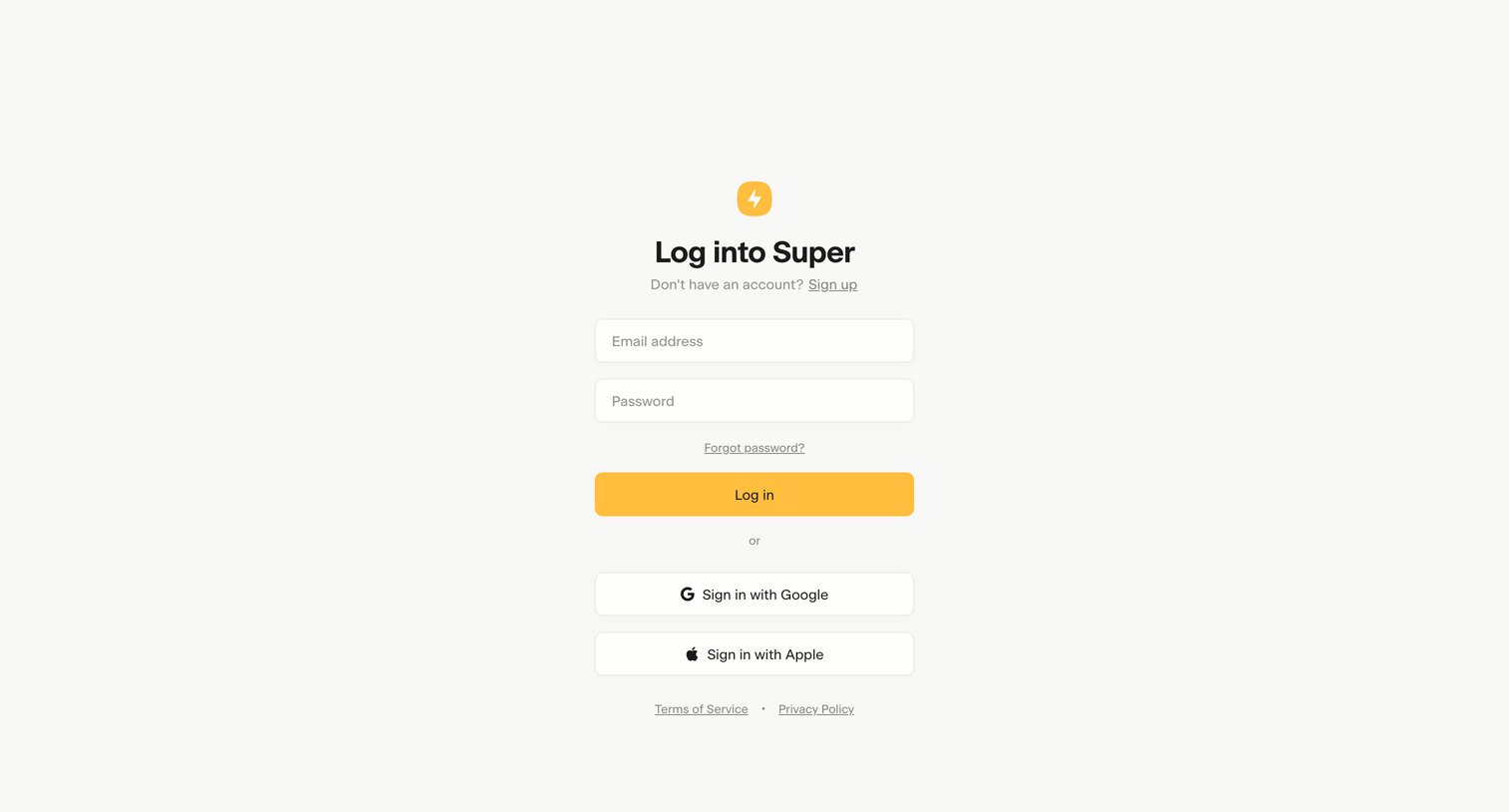
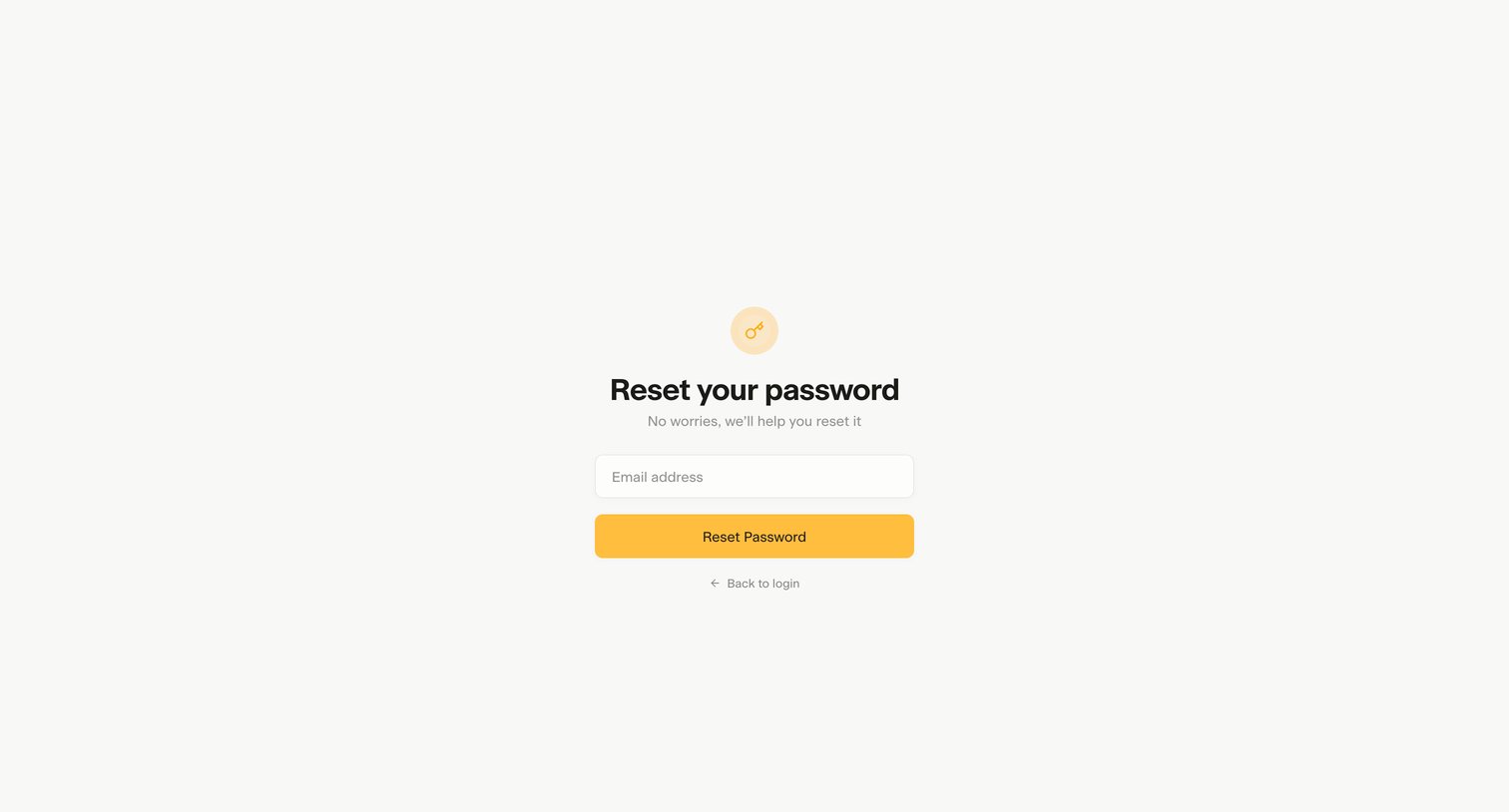
Password recovery screen where the user enters their email address to request a reset link.
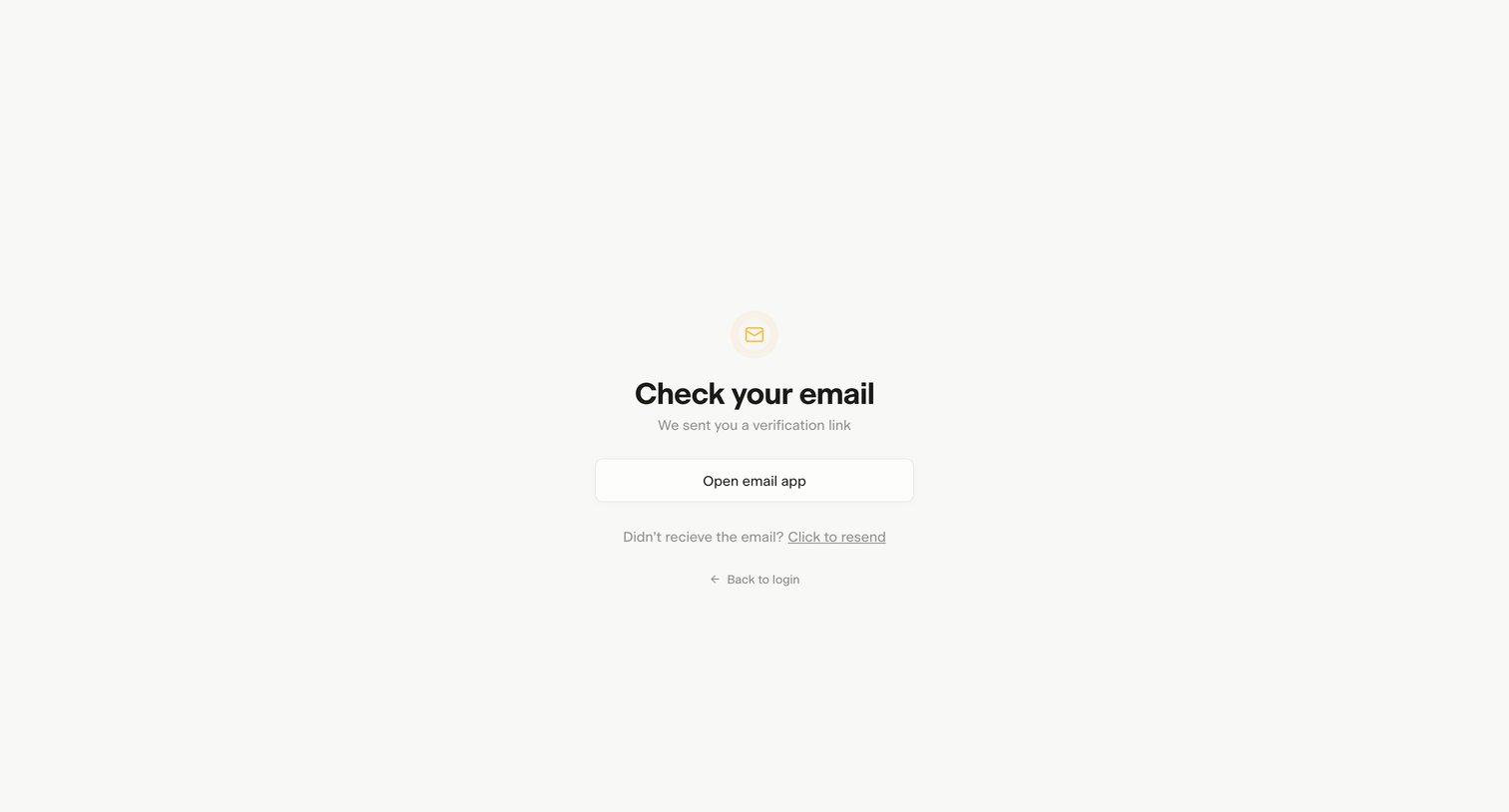
Verification screen where the user is prompted to check their email for a verification link, with options to open their email app, resend the link, or return to login.
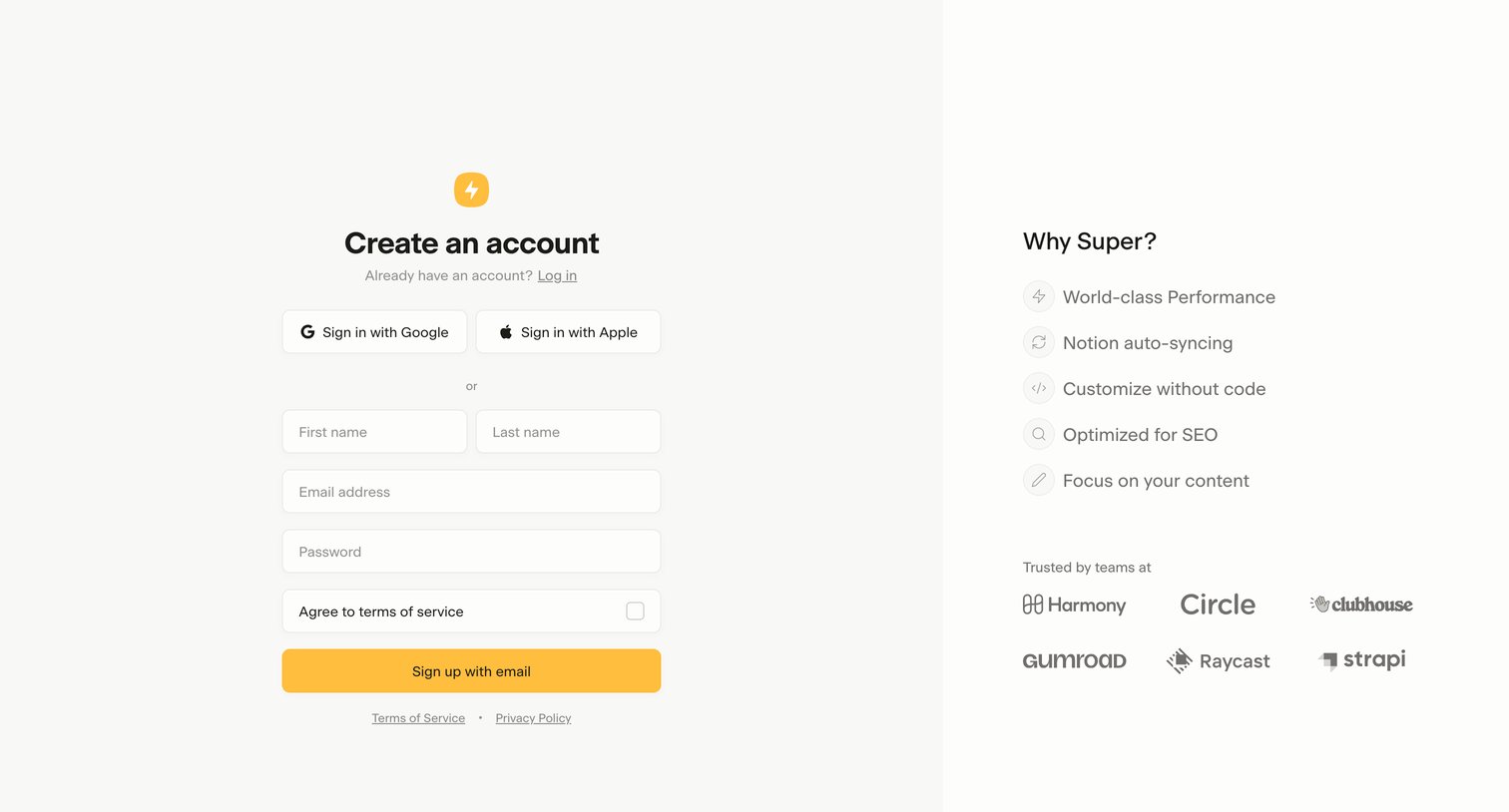
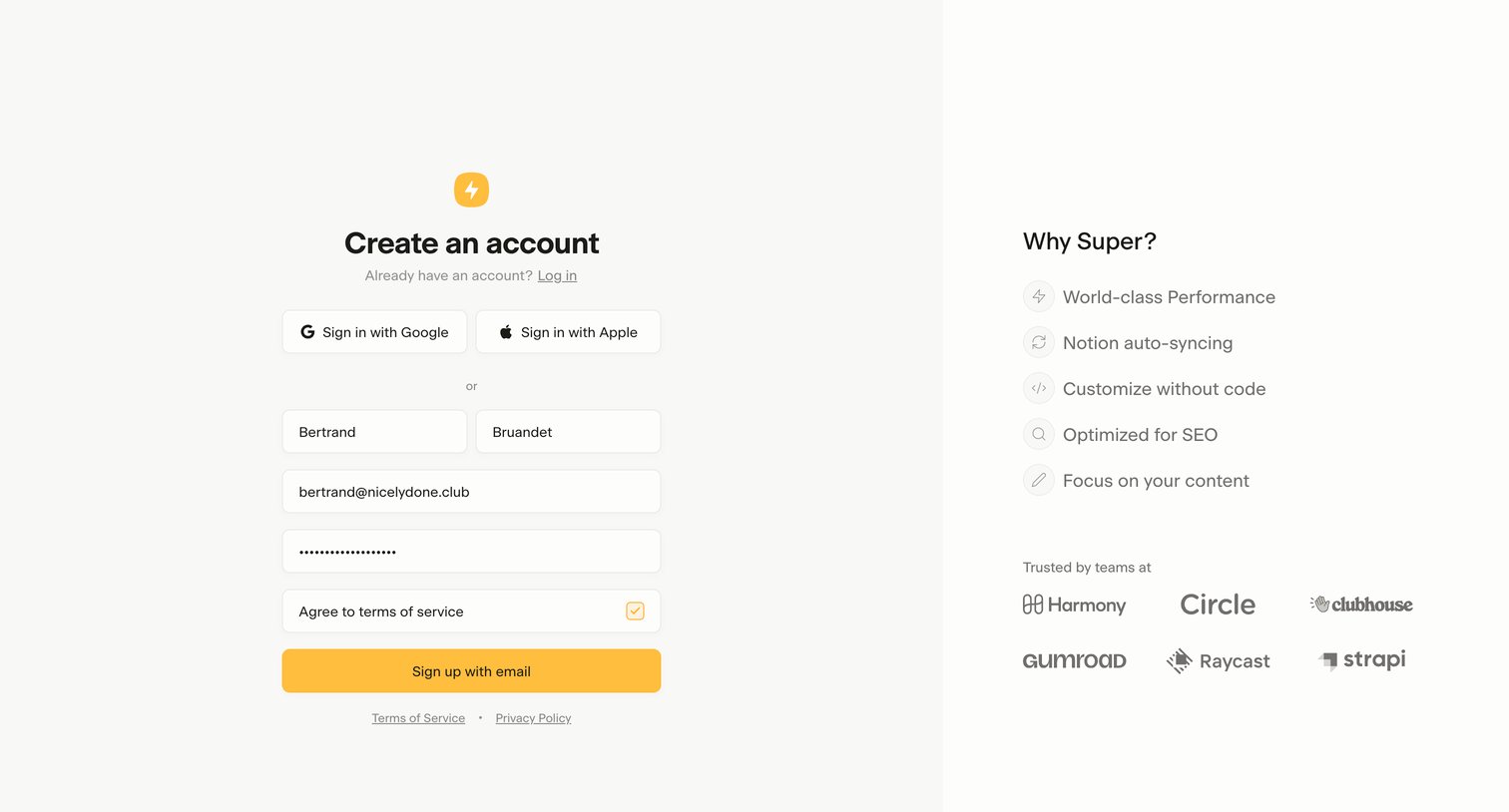
Signup screen where the user can create an account via Google, Apple, or email, alongside a list of product benefits and a customer logo wall.
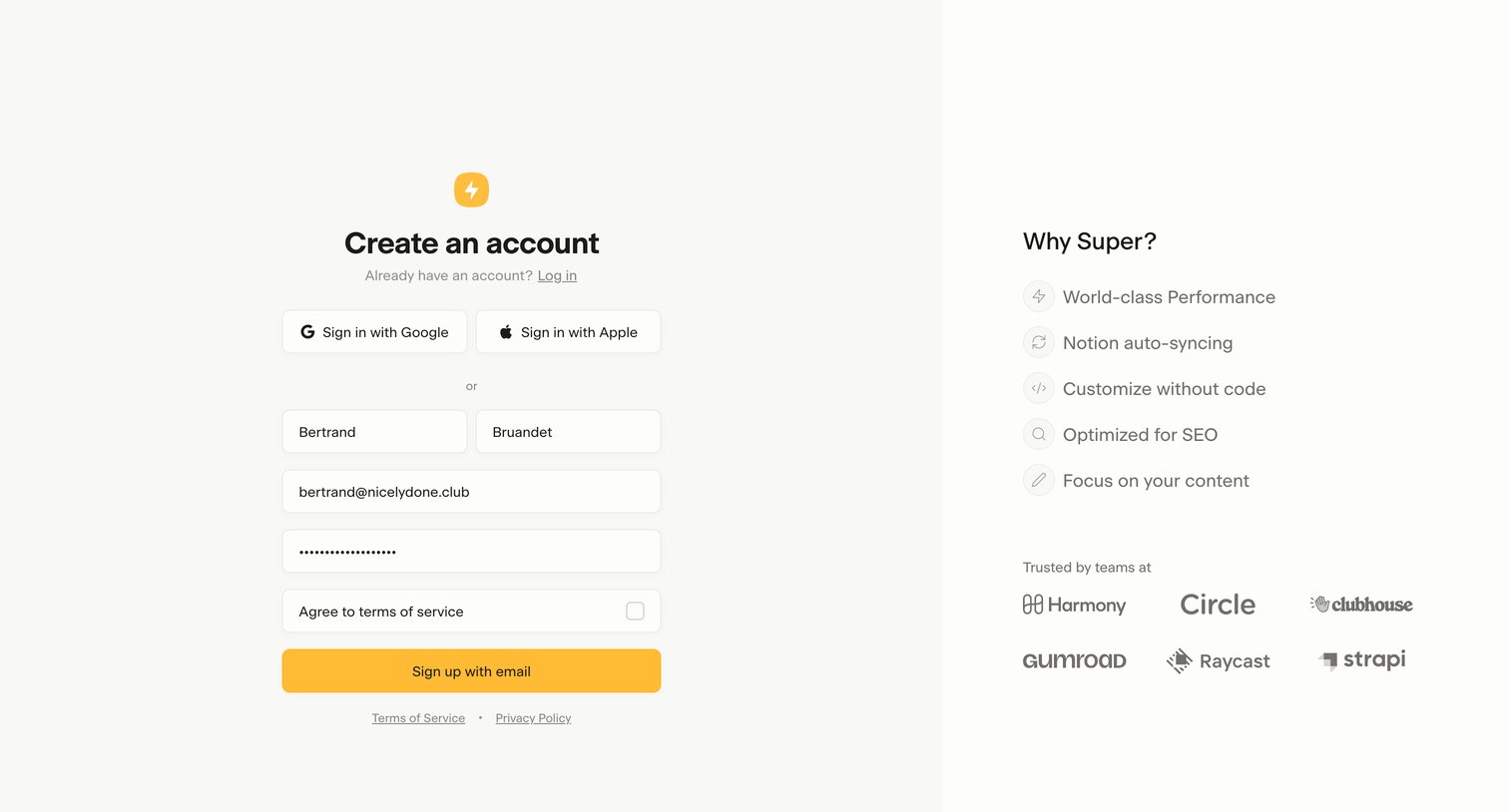
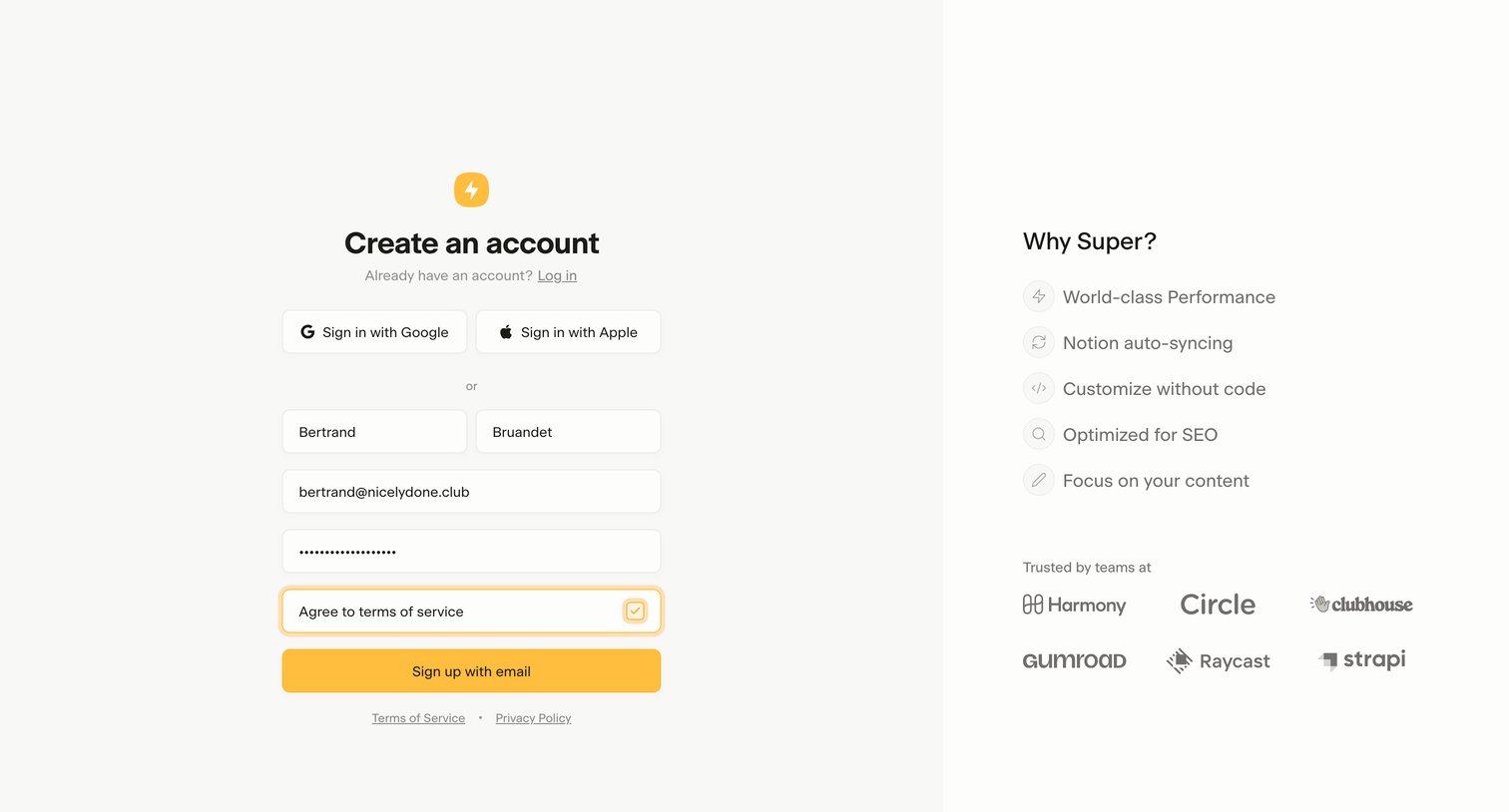
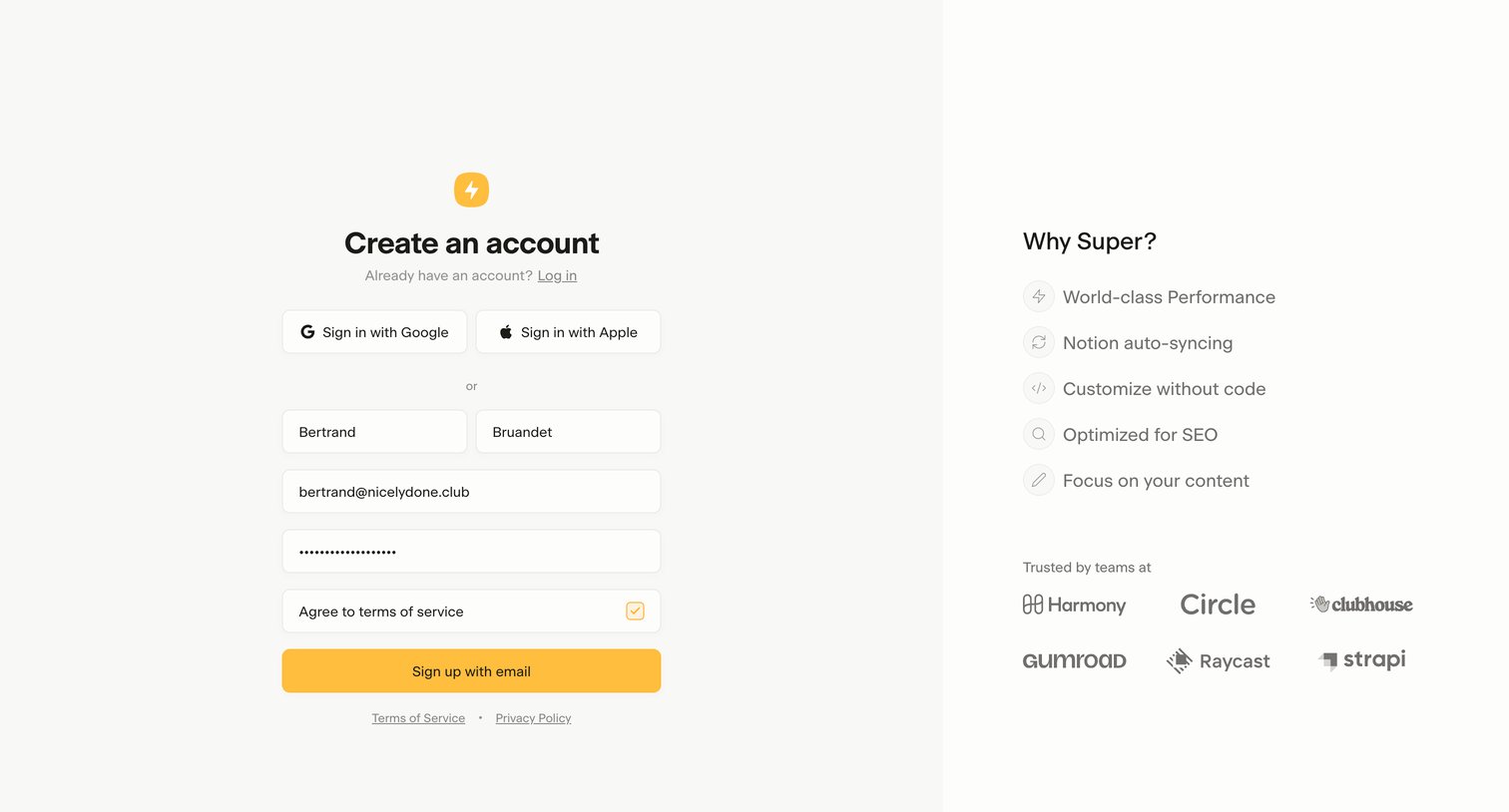
Signup screen where the user creates an account using Google, Apple, or email, alongside a feature list and social proof logos.
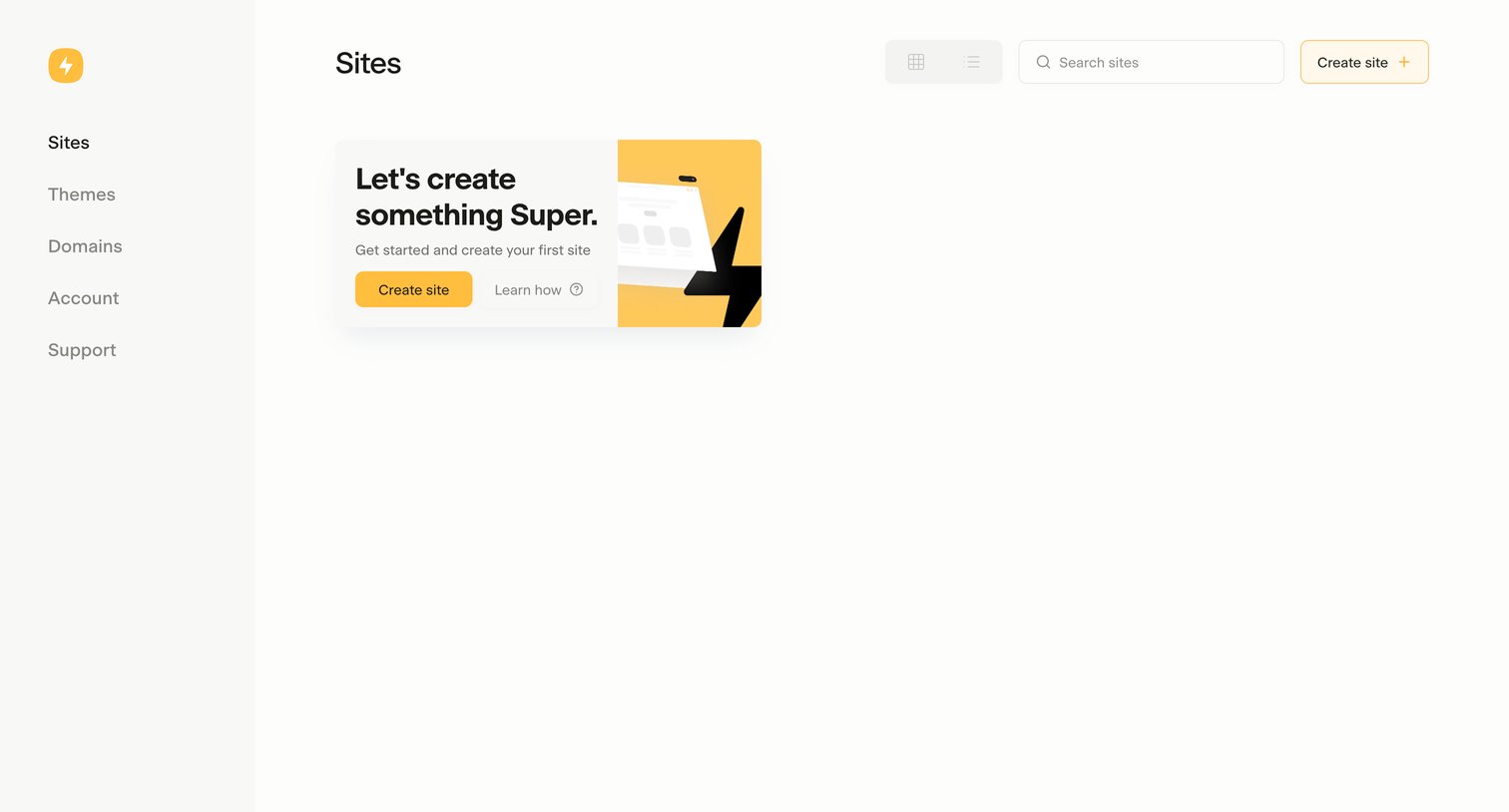
Dashboard empty state where the user is prompted to create their first site, with options to search or toggle between grid and list views.
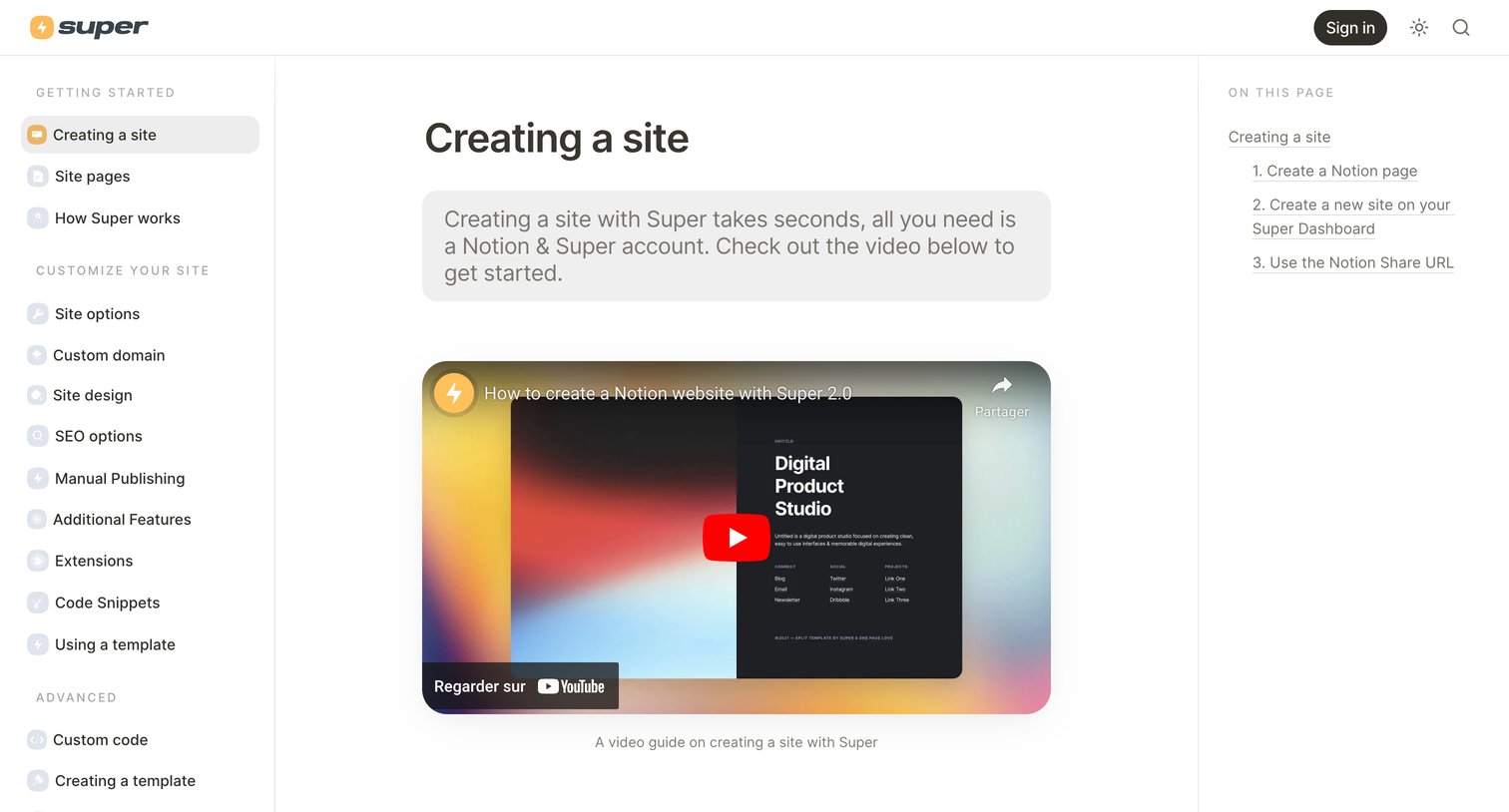
Help center article explaining how to create a site using a Notion public page, featuring a video tutorial and step-by-step instructions.
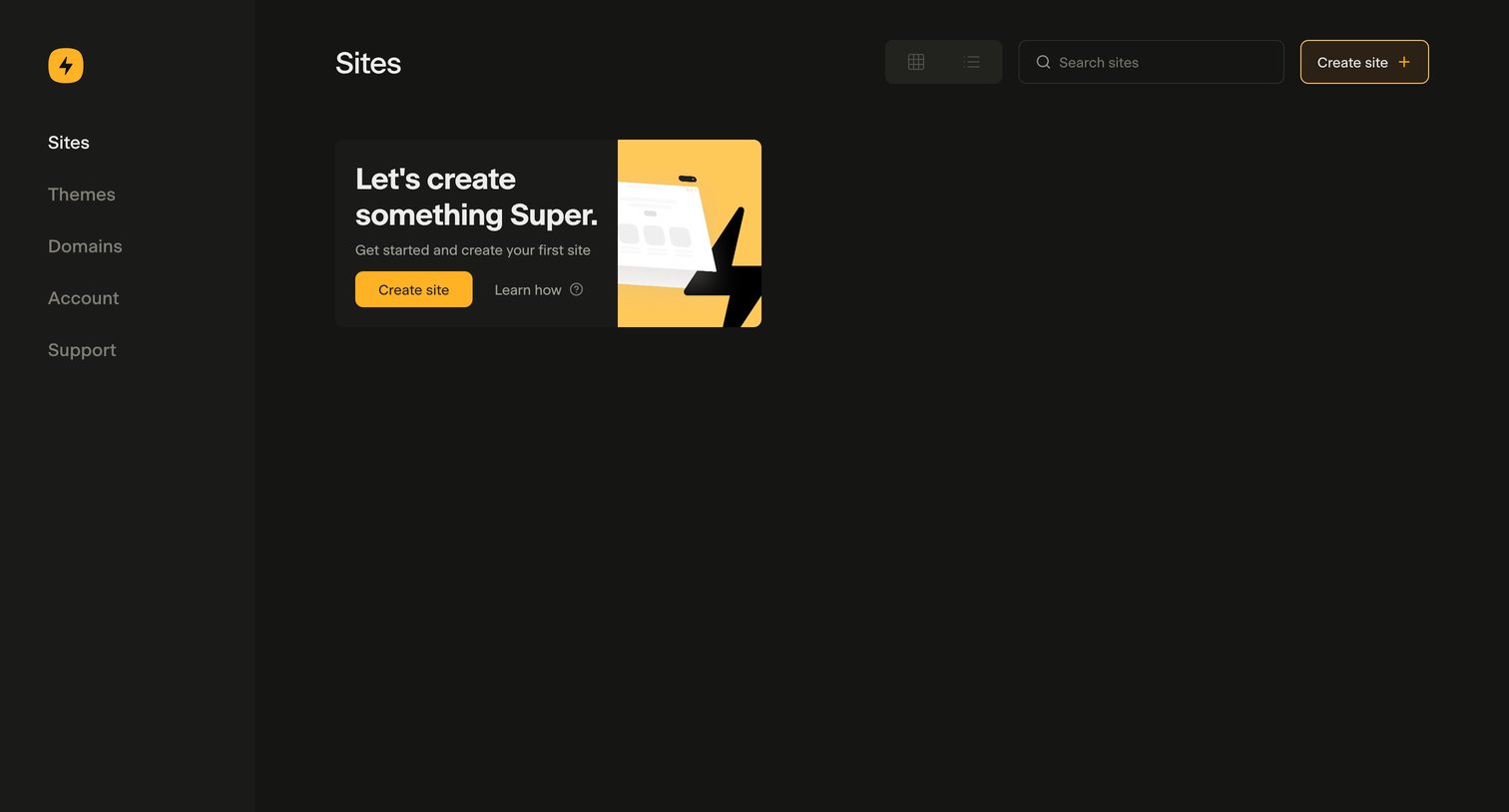
List view where the user is prompted to create their first site via a prominent empty state card.
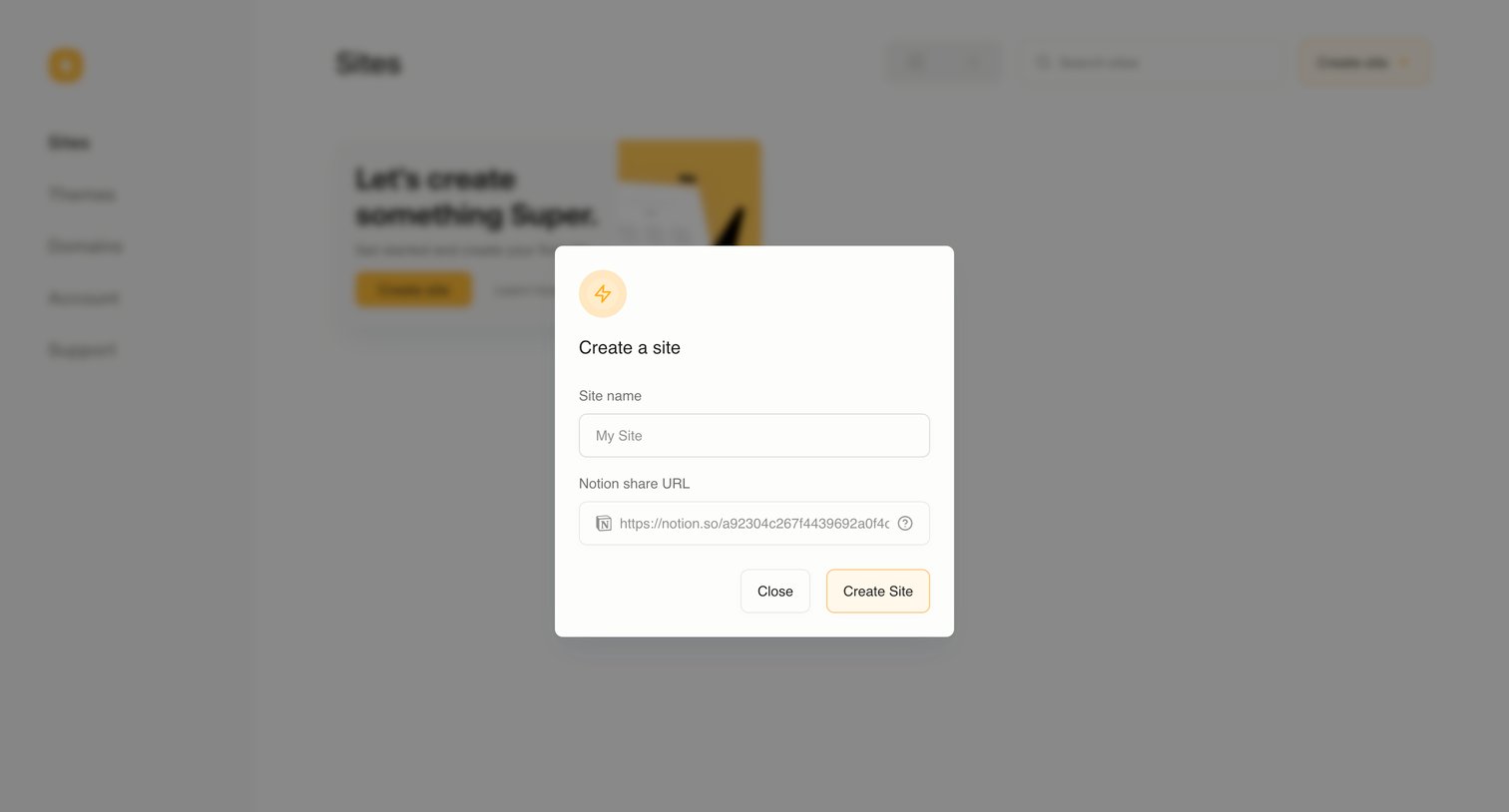
Modal where the user creates a new site by providing a name and a Notion share URL.
Browse the full SaaS app library
Explore real SaaS apps with their product screens, marketing screens, flows, and components.
Trusted by the best teams







