Super marketing pages examples
Explore Super website design examples. Preview marketing pages and browse related SaaS page designs. Create websites with Notion
Explore the examples


Landing page for Super, a website builder that uses Notion as a CMS, featuring templates, customer showcases, and a step-by-step guide.
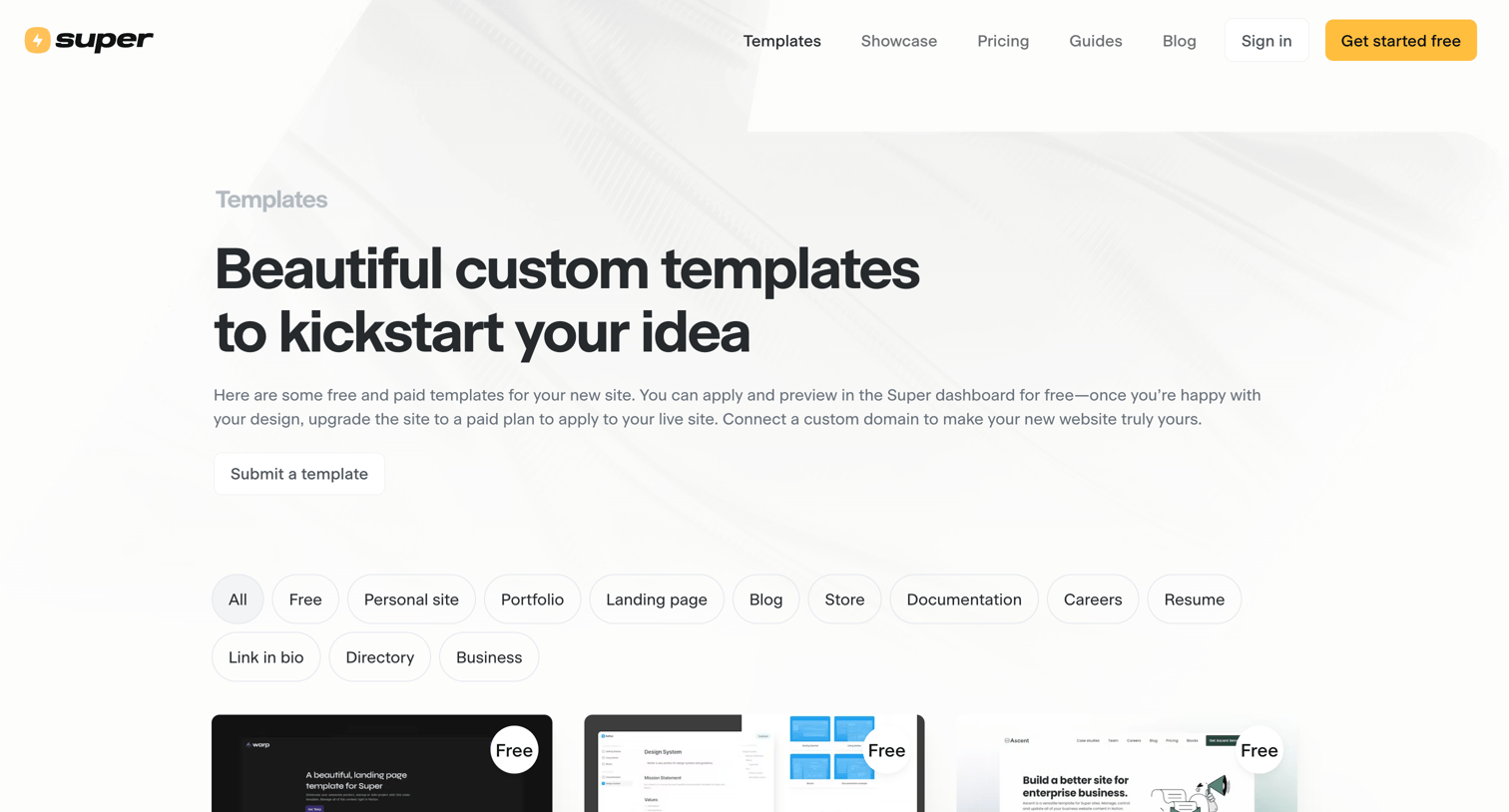
Resources page where the user browses and filters a gallery of free and paid website templates.
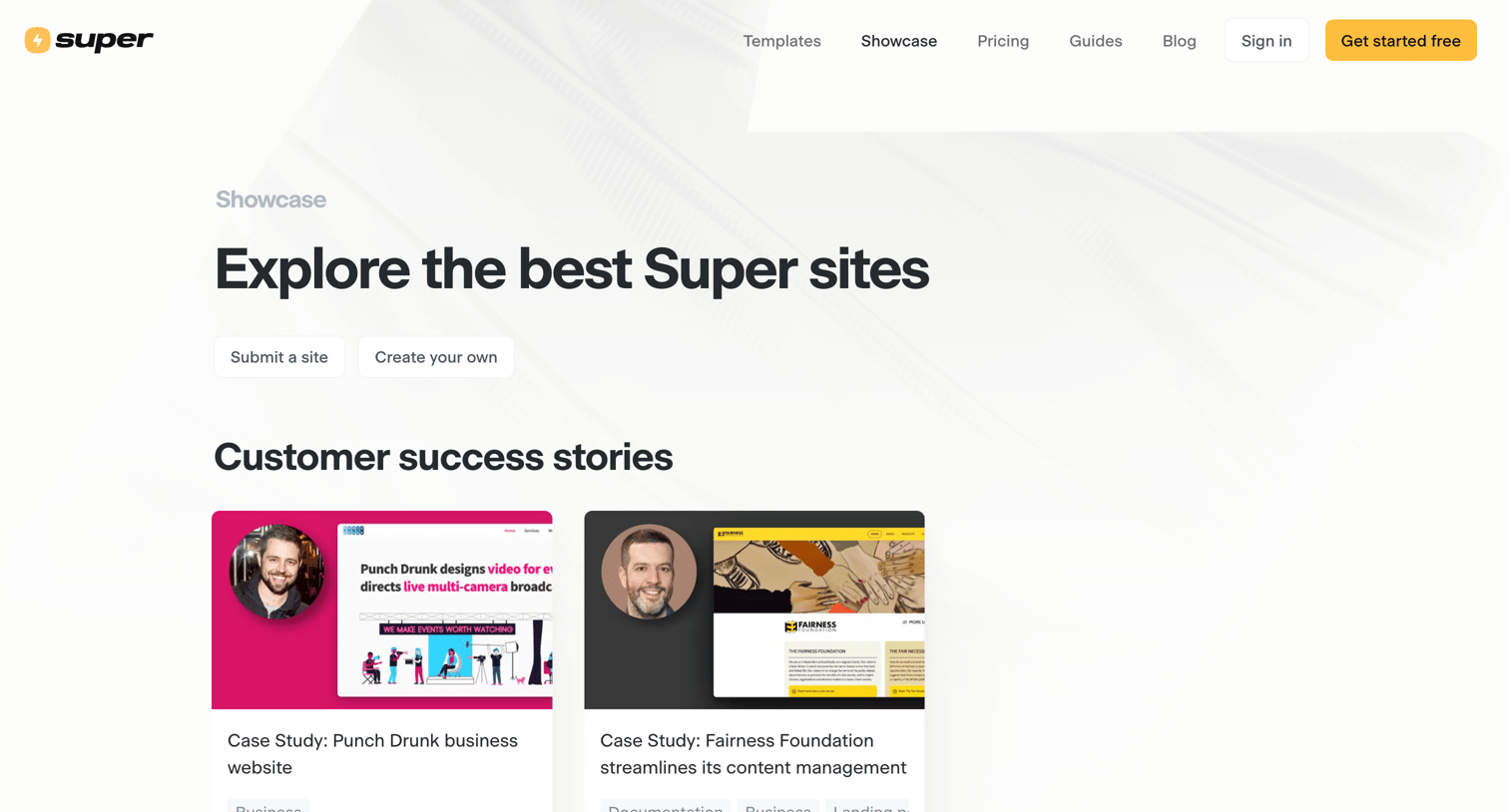
Showcase page where users can explore a gallery of websites built with the product, filterable by category like personal site, landing page, and portfolio.
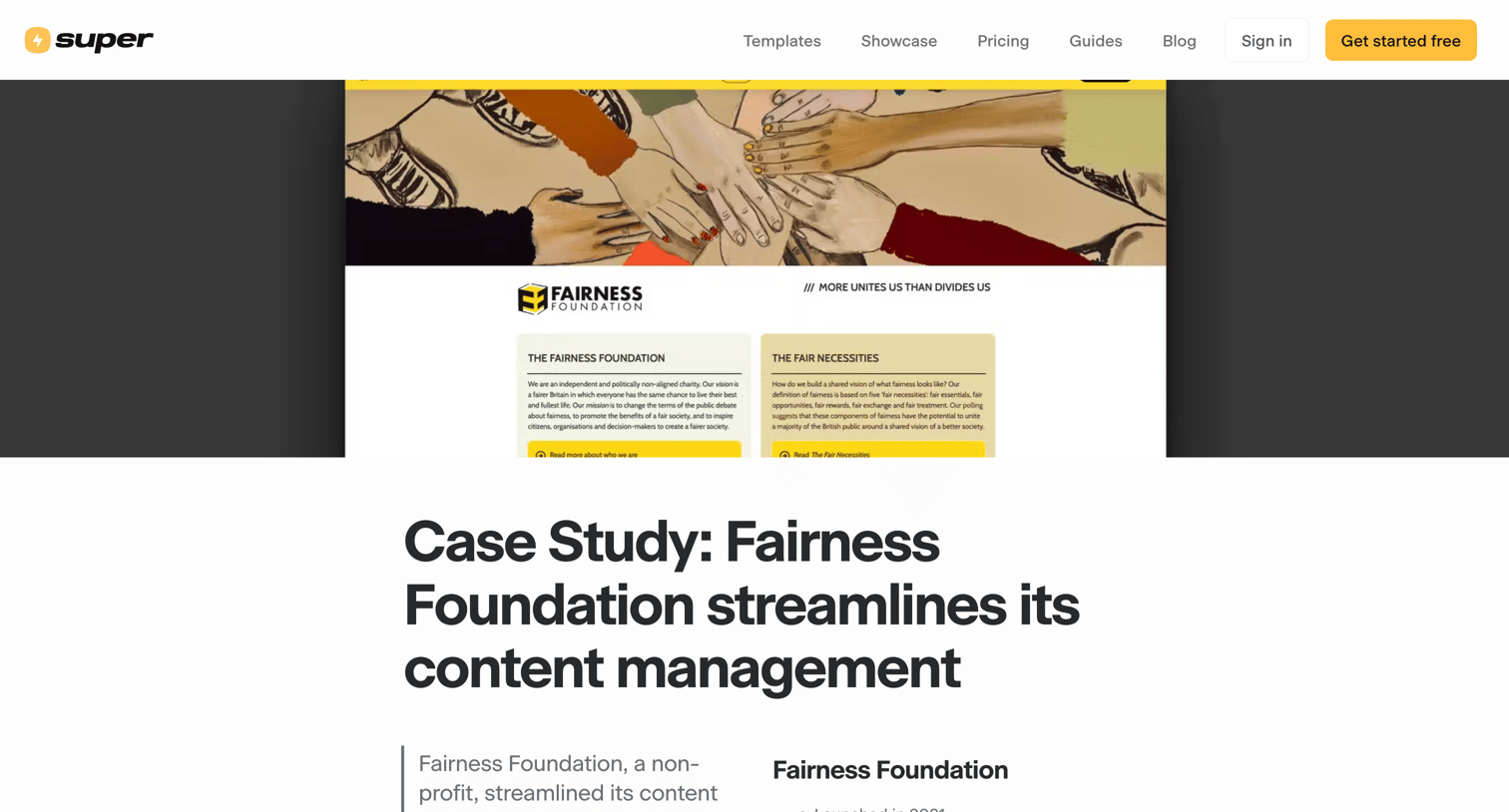
Customer story detailing how the Fairness Foundation uses Super and Notion to manage their website, featuring inline quotes, product screenshots, and a template gallery.
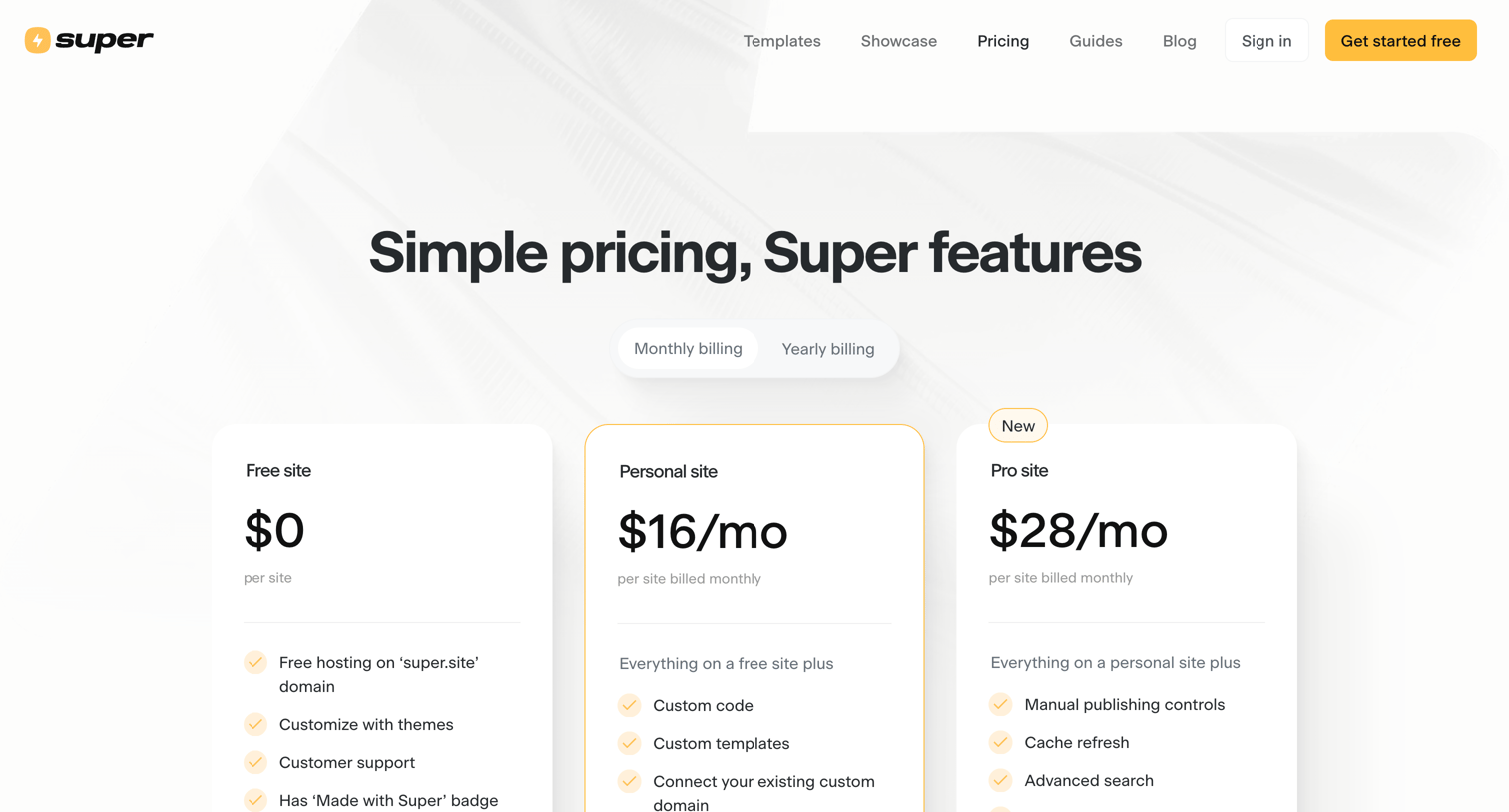
Pricing page where the user selects between Free, Personal, and Pro site plans with a monthly or yearly billing toggle.
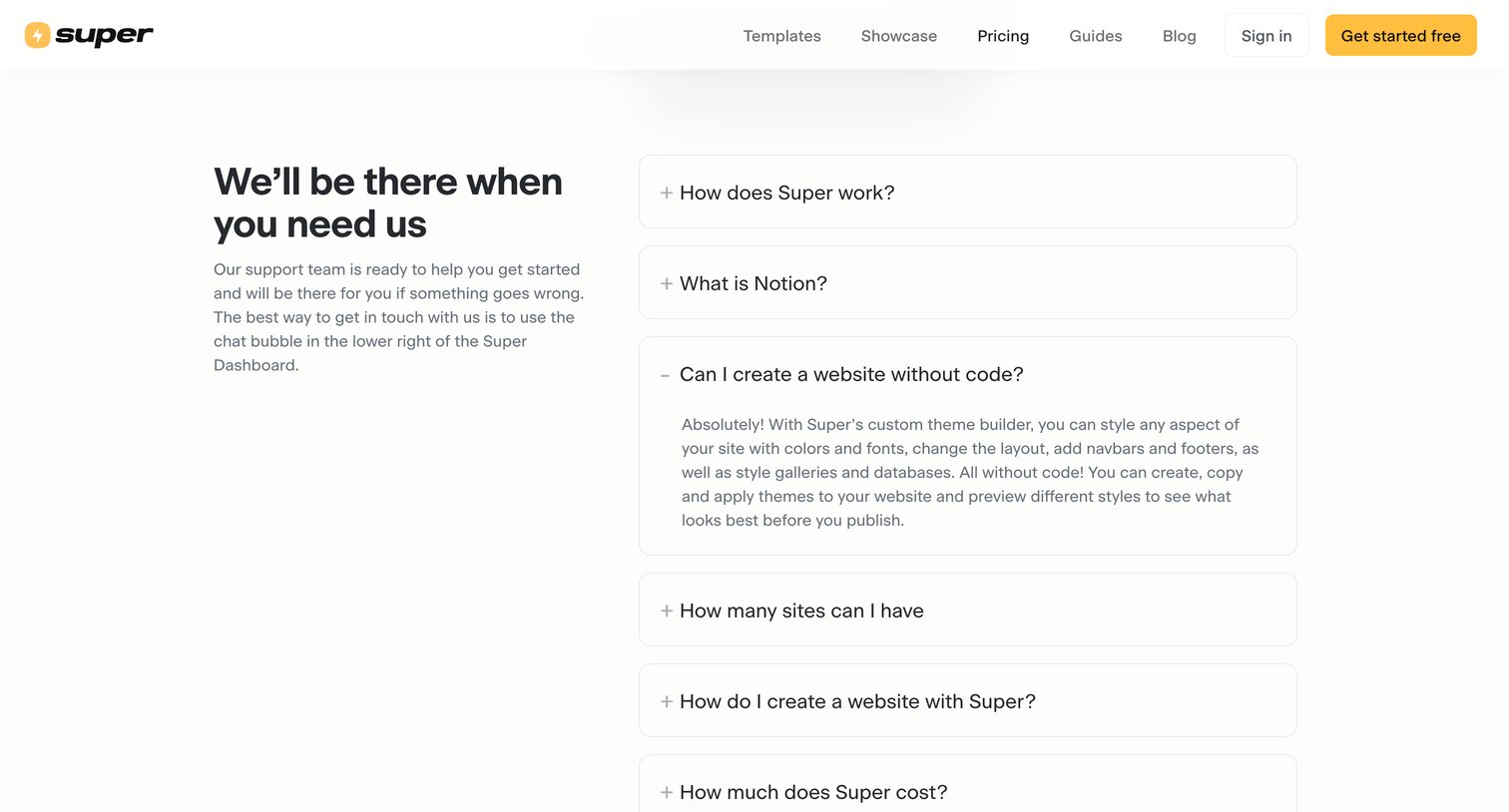
Pricing page section featuring an accordion of frequently asked questions about how the product works, its relationship to Notion, and cost.
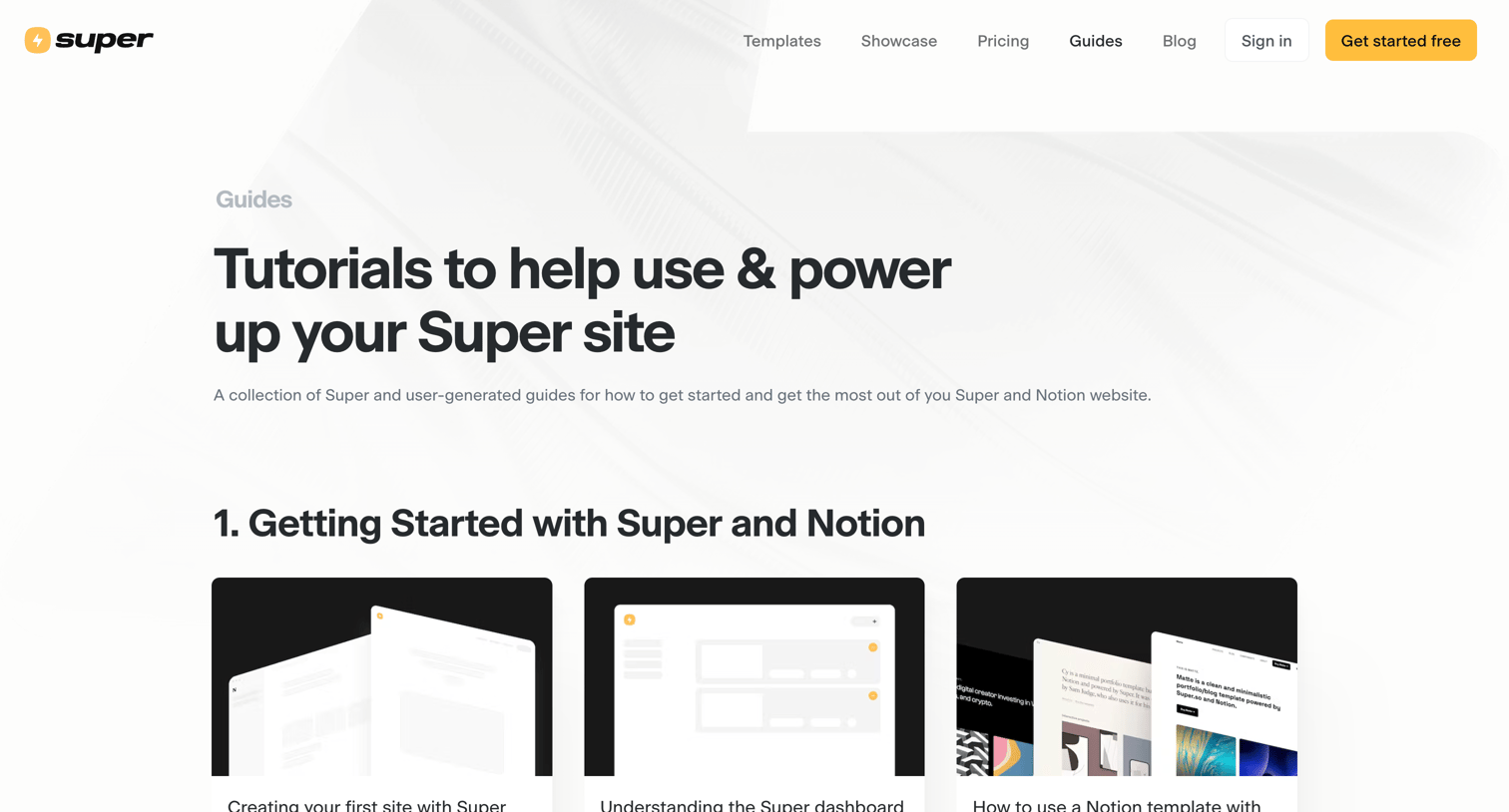
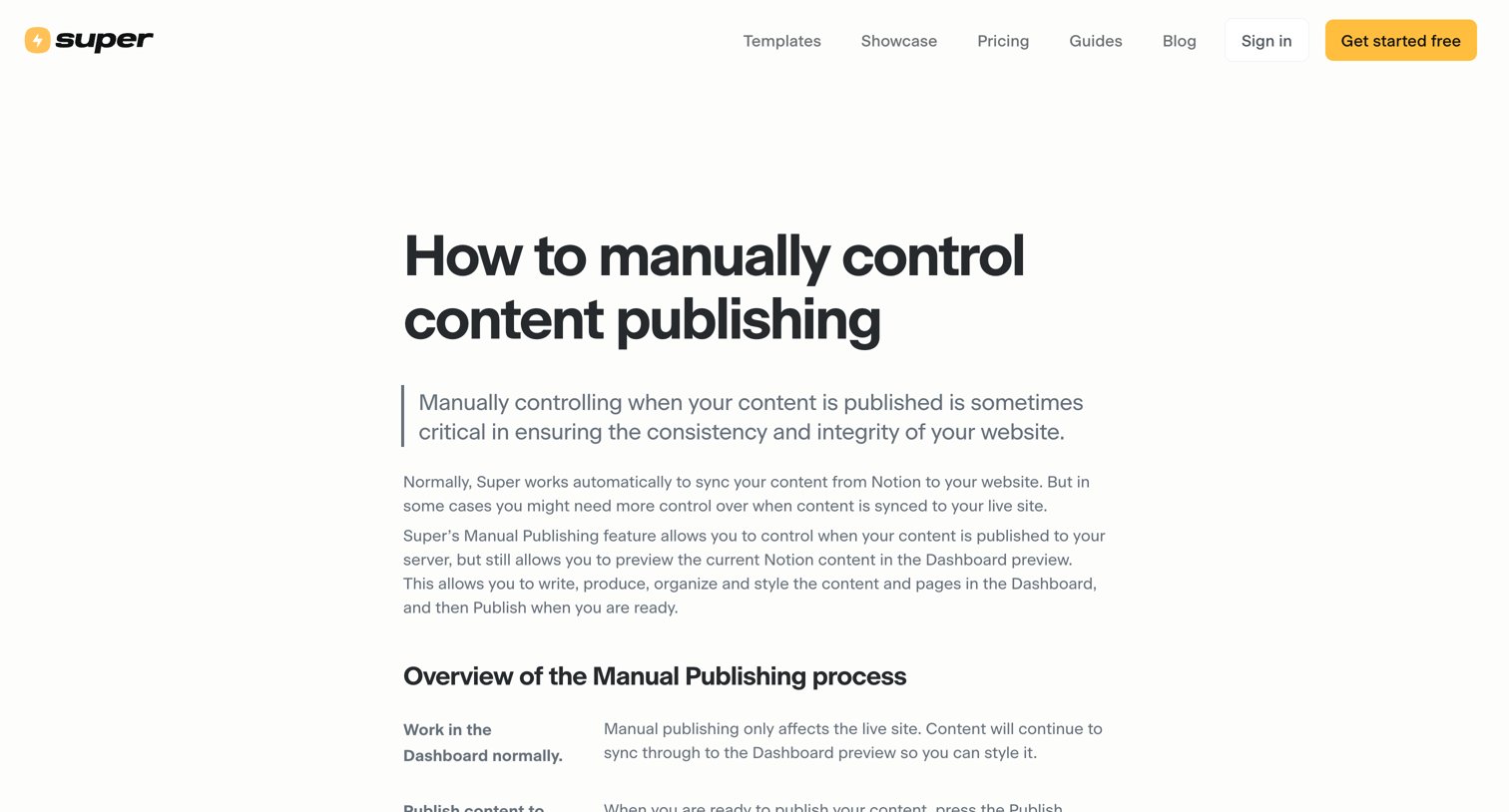
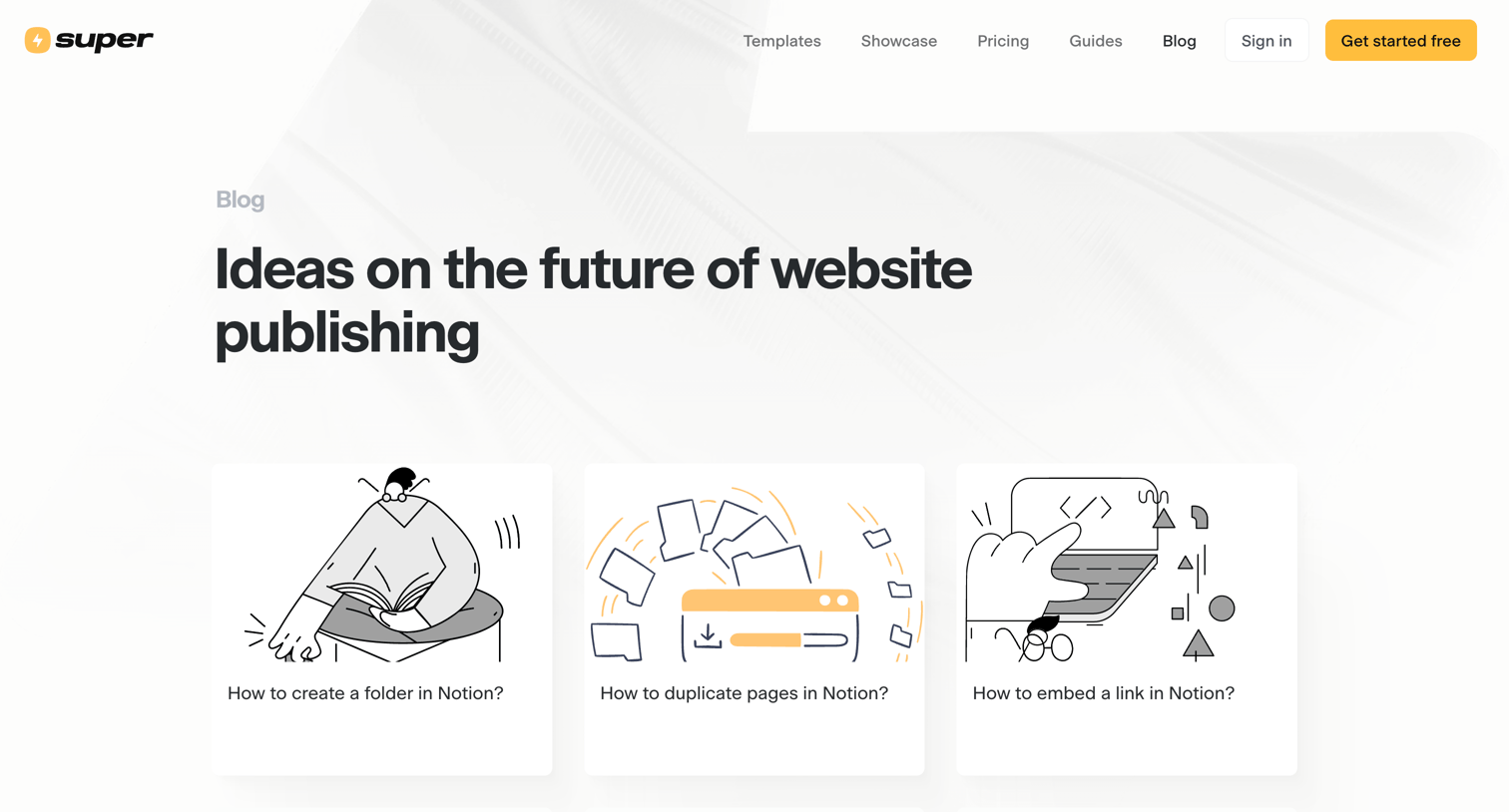
Blog index page where the user browses articles and tutorials about using Notion for website publishing, productivity, and content management.
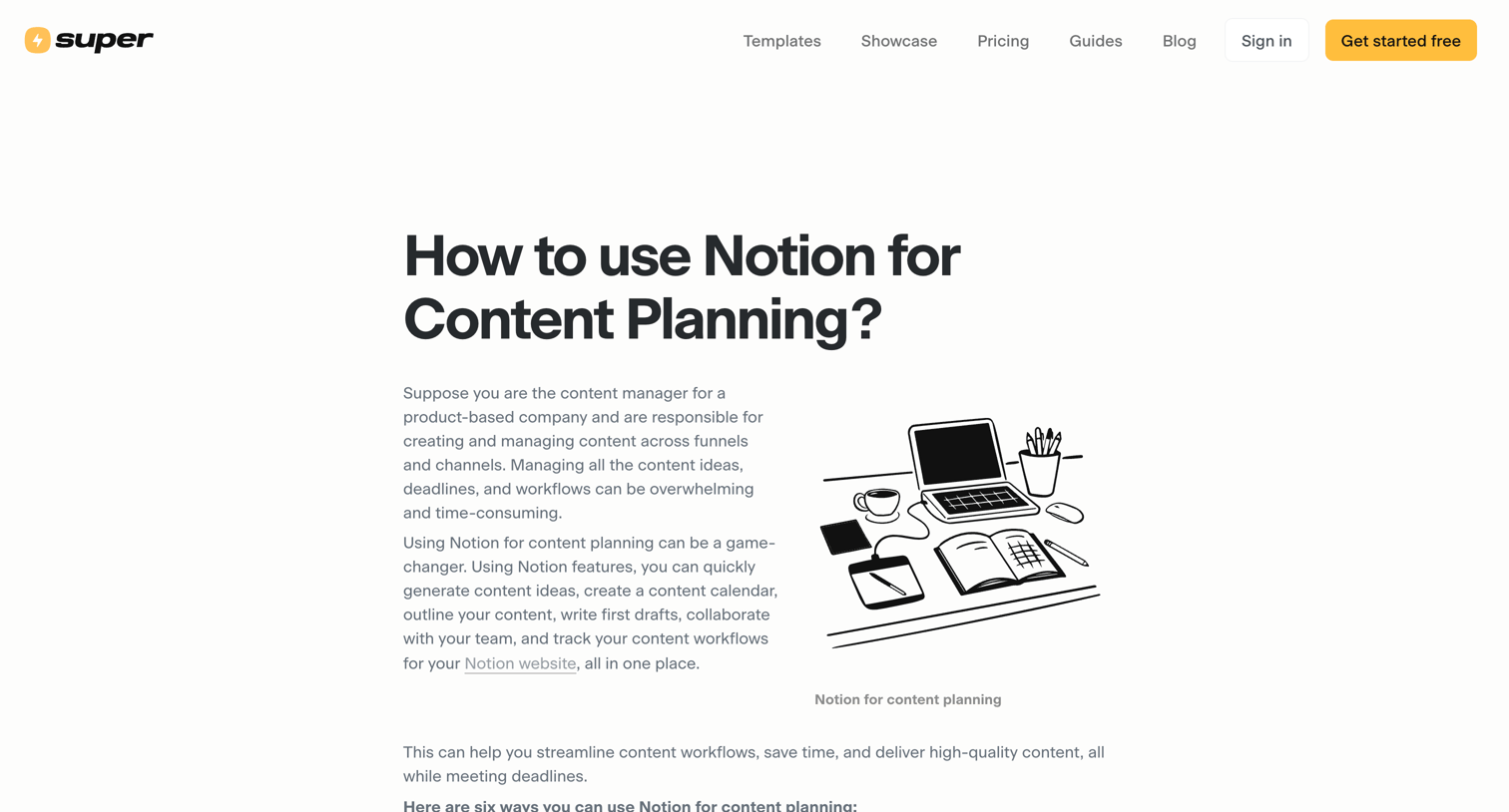
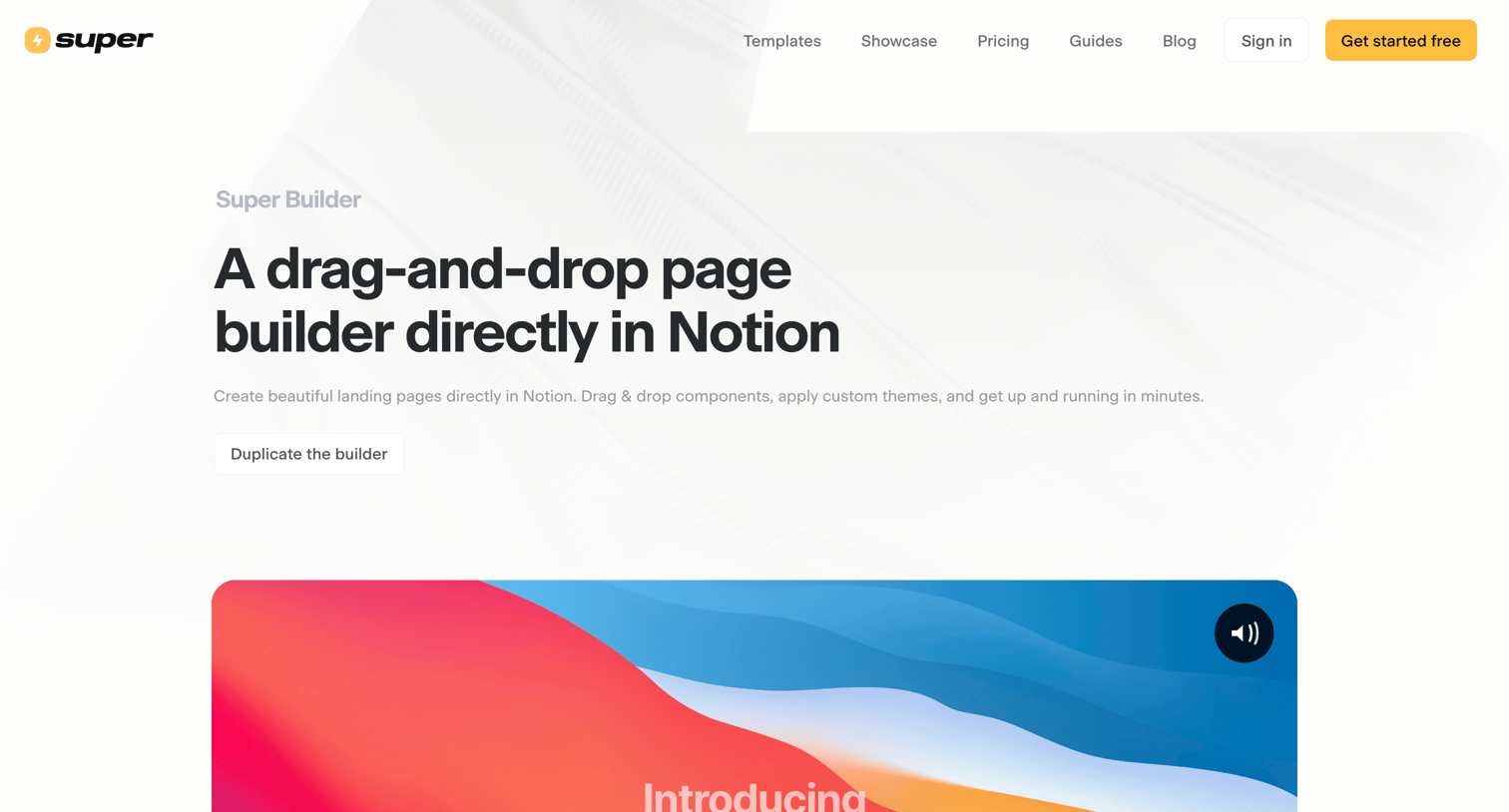
Feature page introducing a drag-and-drop page builder for Notion, showcasing available components, custom themes, and an FAQ section.
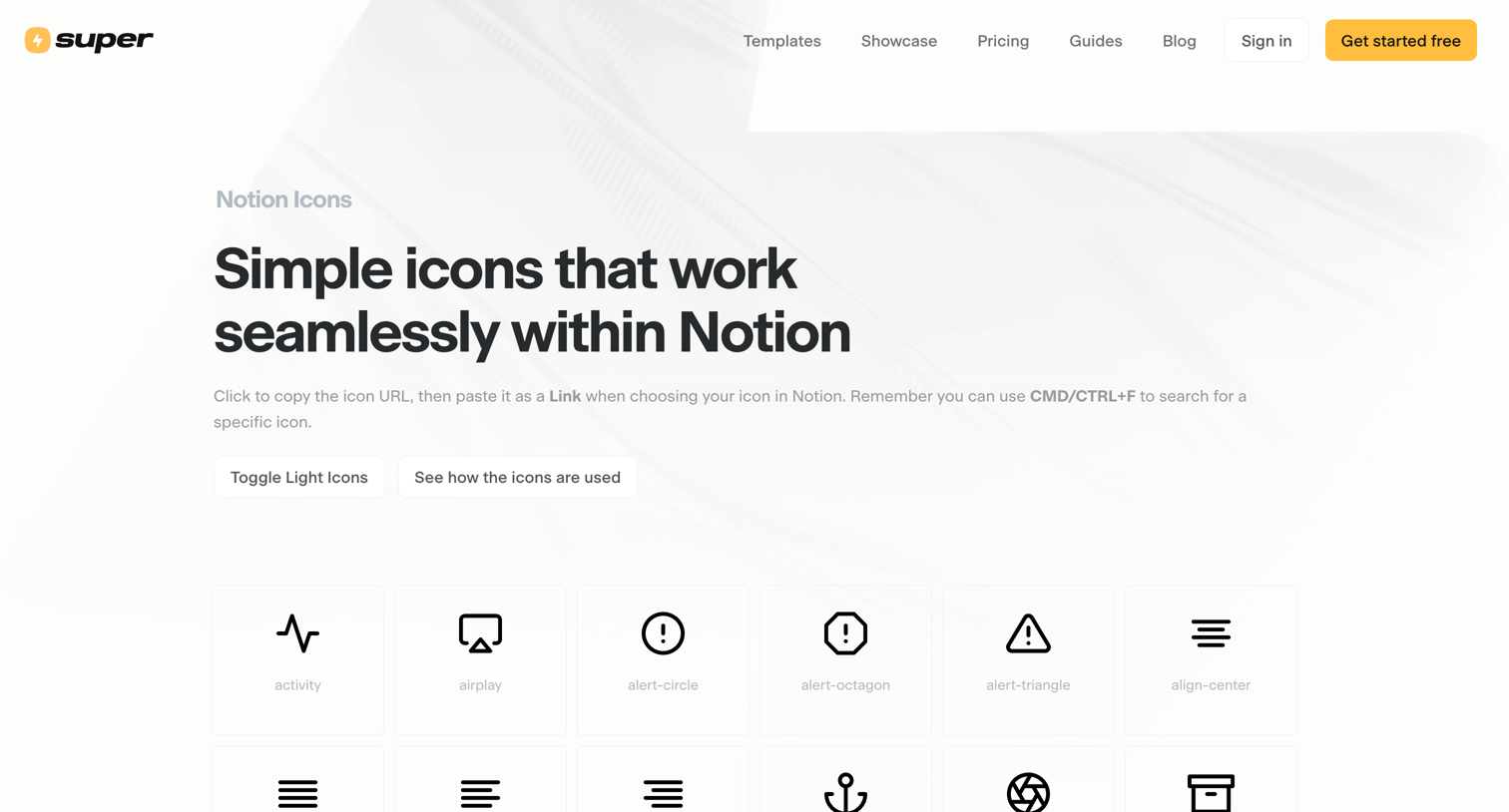
Resources page providing a large grid of icons that users can click to copy for use in Notion.
Explore the full SaaS screen library
Upgrade to unlock the full library.
Trusted by the best teams







