Blog Index page examples
Blog Index page design examples from SaaS websites. See how websites organize a collection of articles. Explore how categories, featured stories, and article previews help visitors choose what to read next.
Explore the examples

Bottom section of a blog post featuring a large footer with company contact information and navigation links.
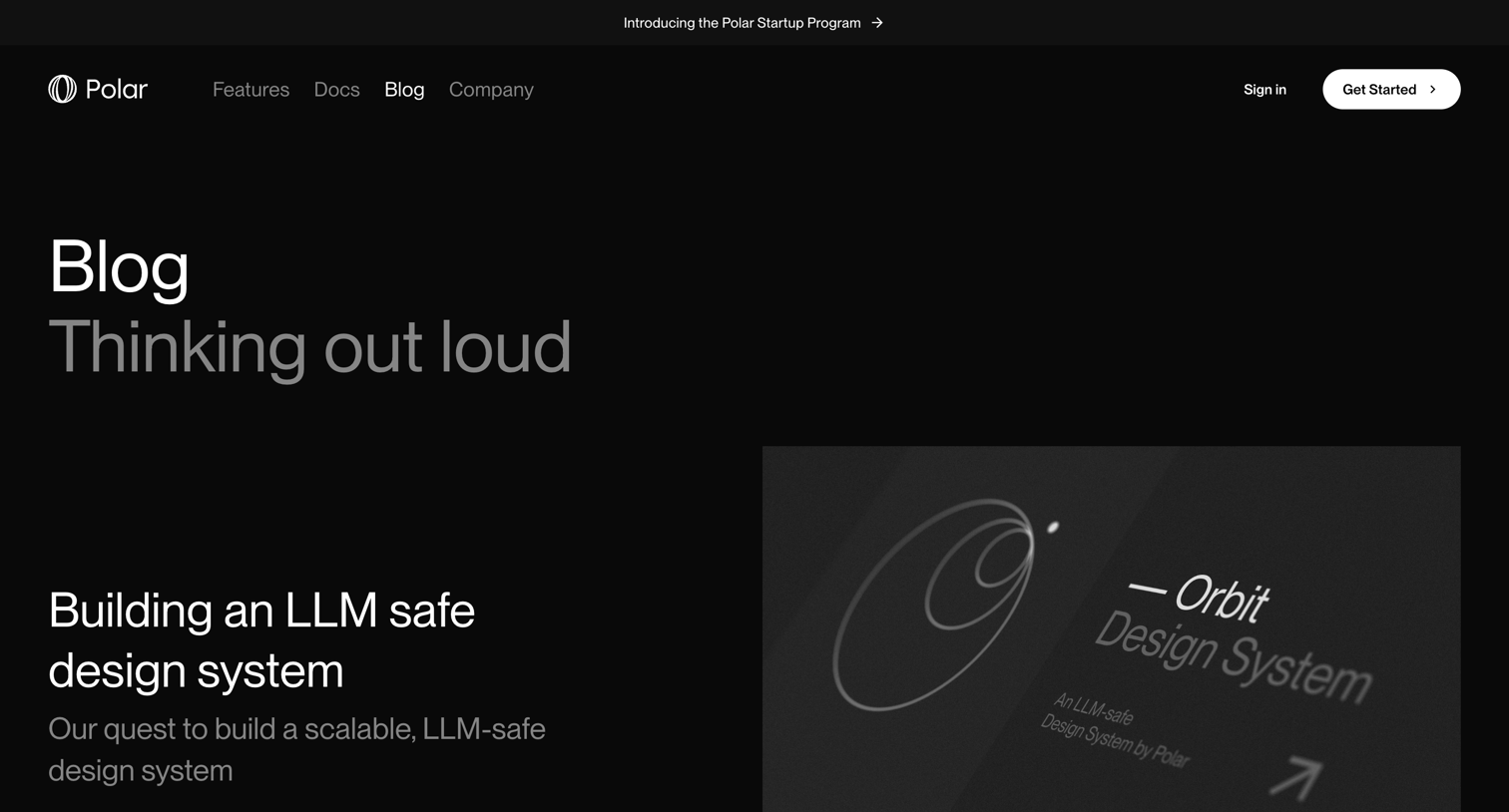

Blog index page featuring a highlighted latest post alongside a grid of recent articles and company updates.
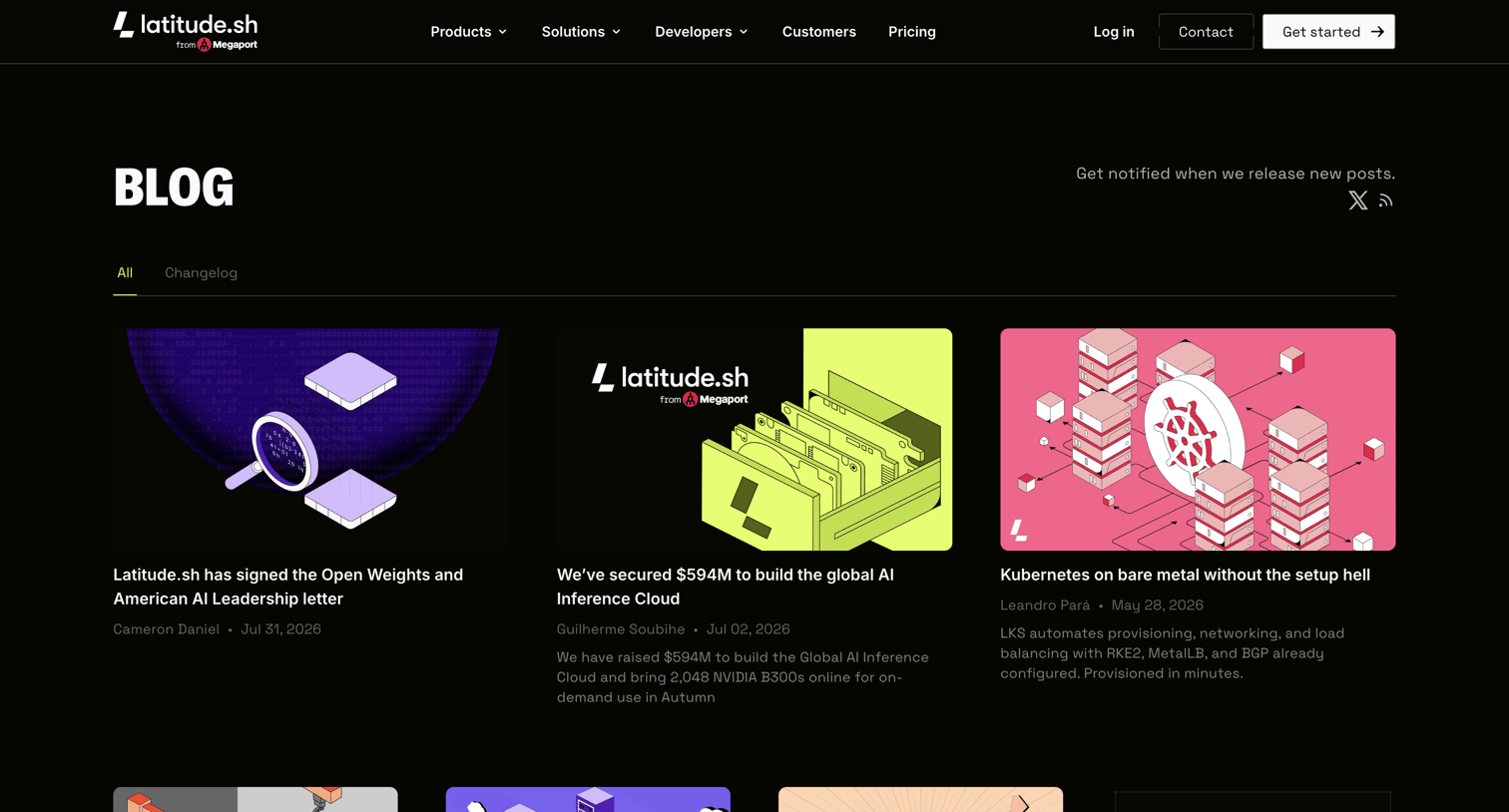

Blog index page displaying recent articles in a mixed grid layout with tabs to filter by all or changelog posts.
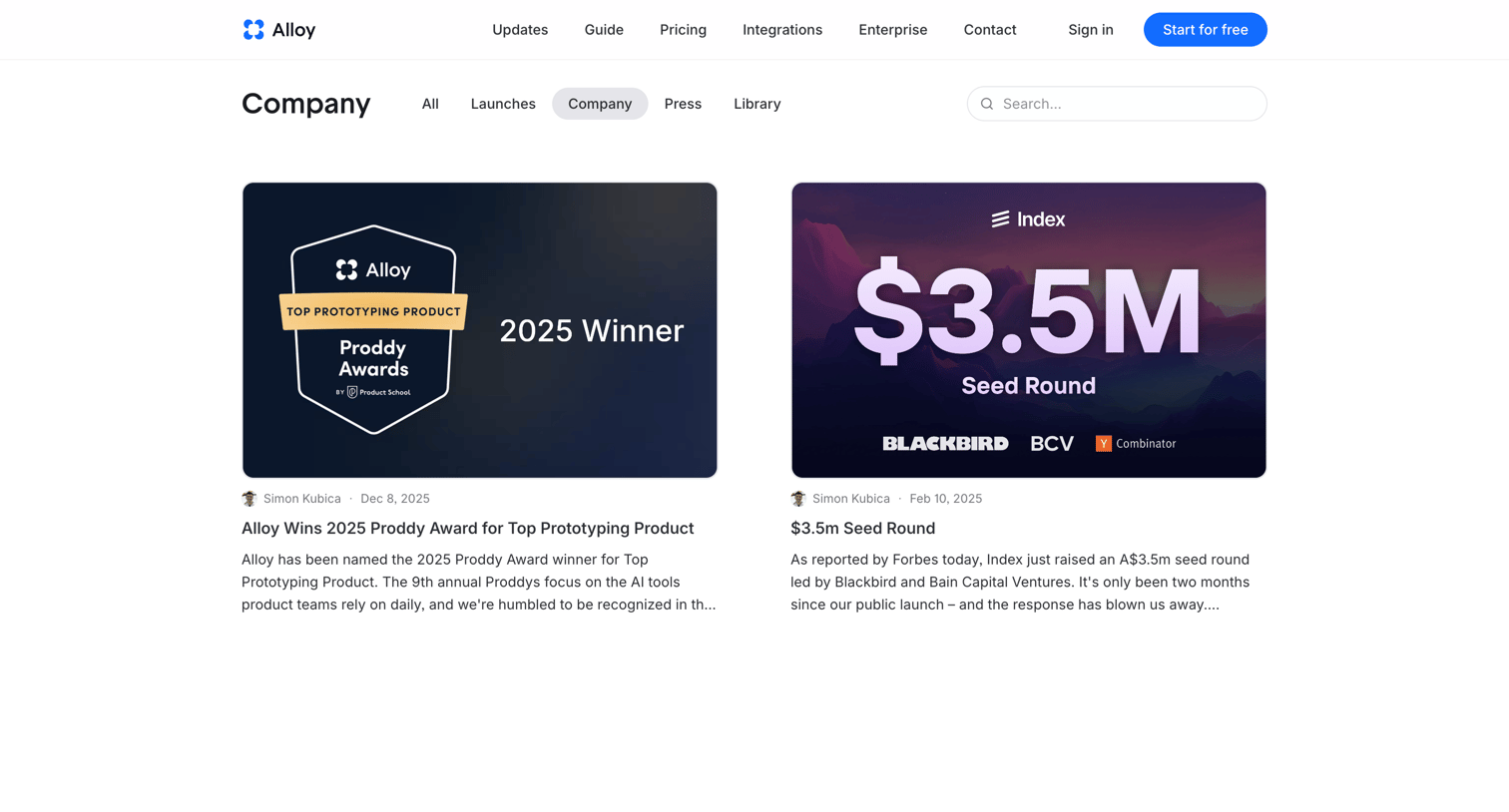

Blog index page filtered by the company category, displaying recent news like awards and funding rounds in a two-column card grid.
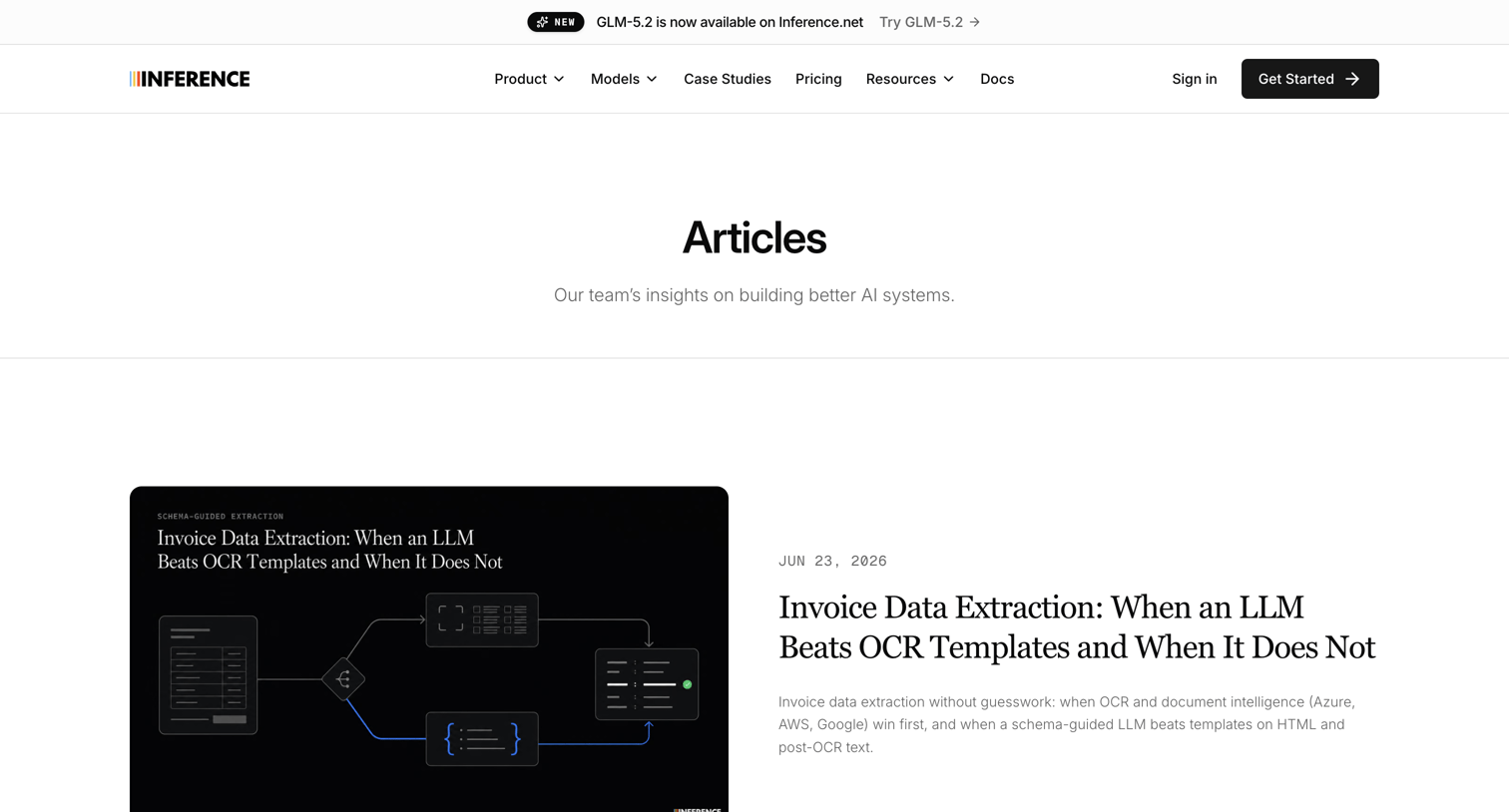

Blog index page listing technical articles about data extraction, web scraping, and building AI systems.
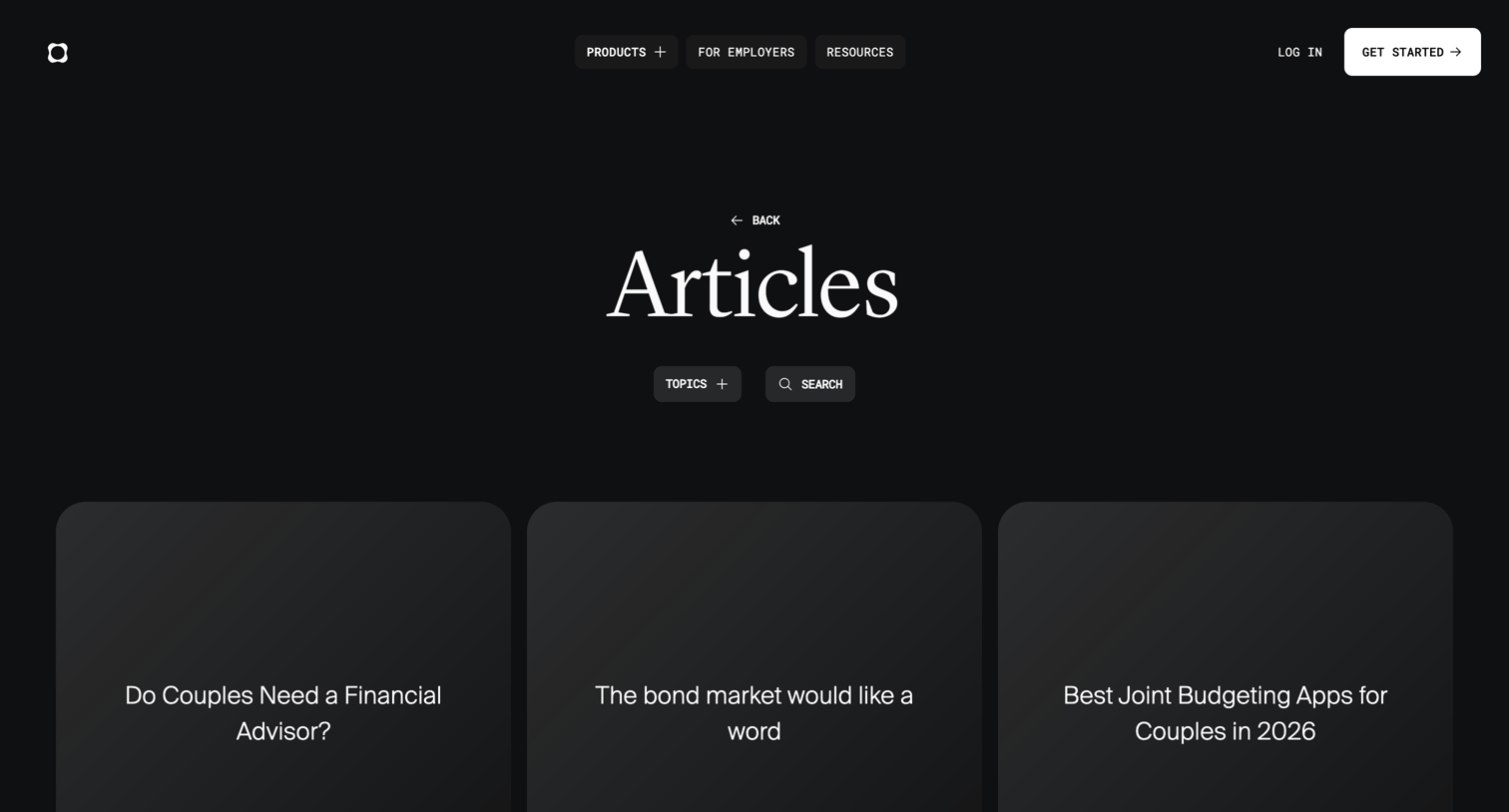

Blog index page displaying a grid of financial advice and AI-related articles with a load-more button.
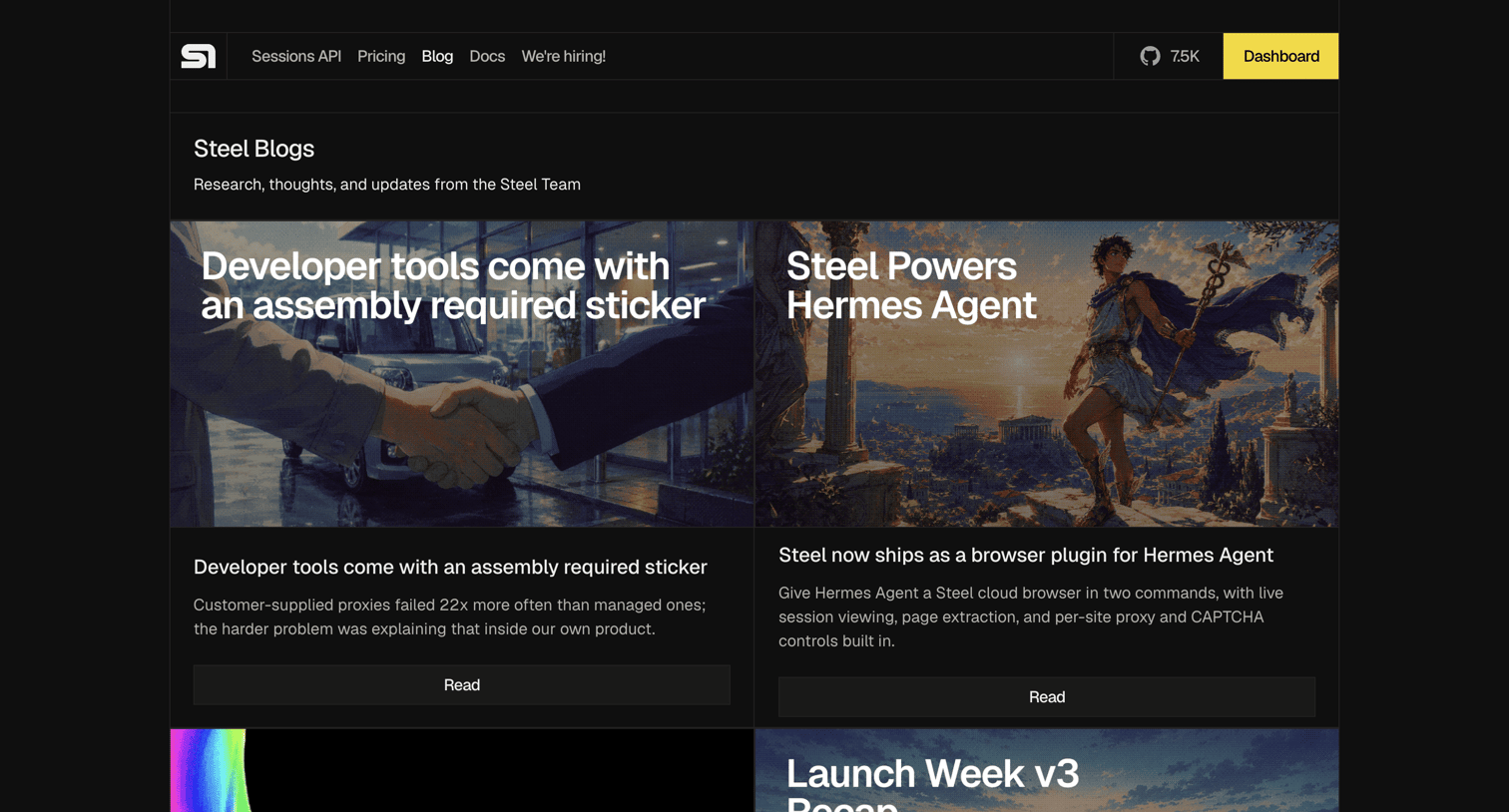

Blog index page where the user browses research, thoughts, and updates from the Steel team via a two-column grid of article cards.
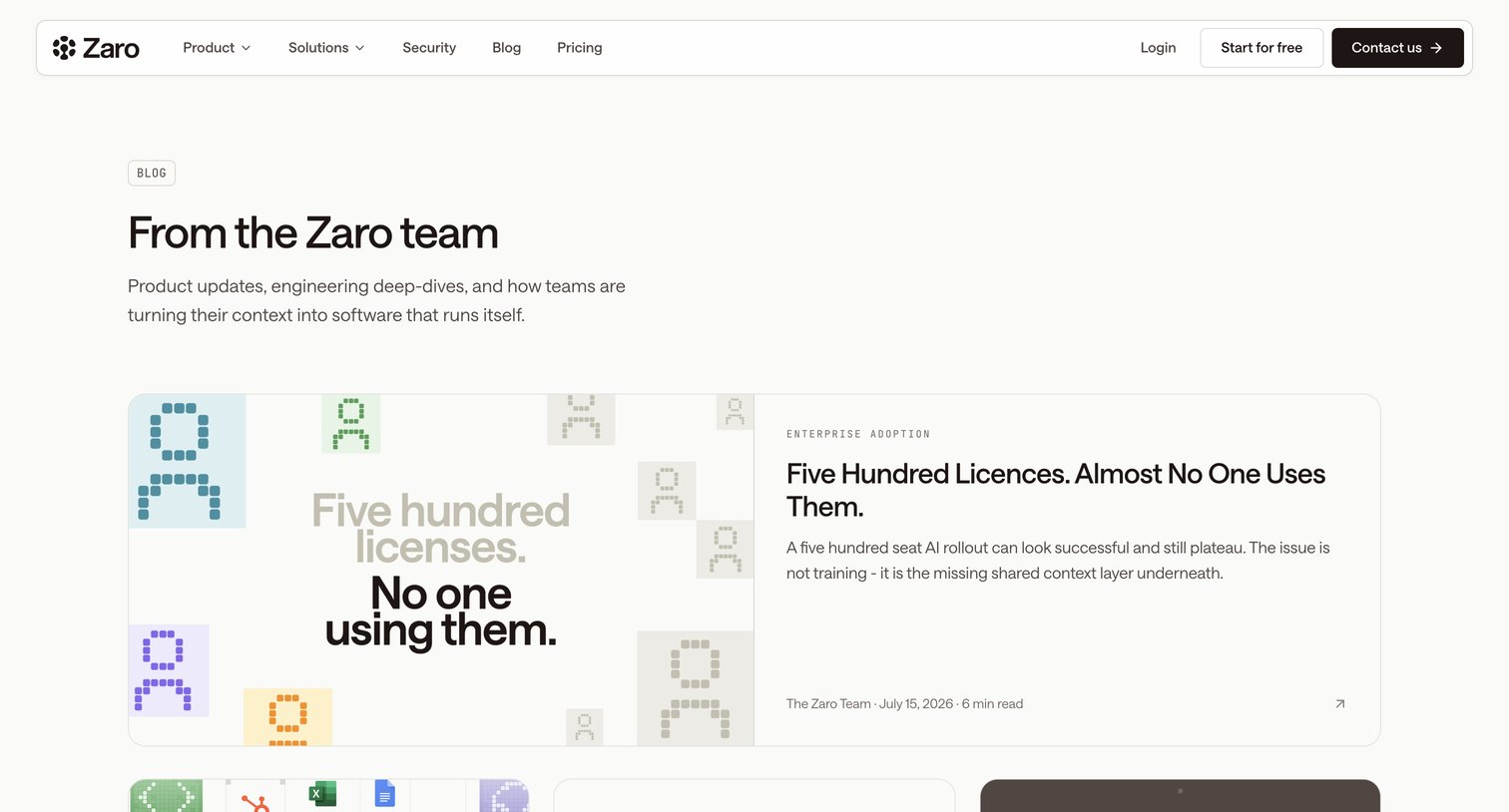

Blog index page featuring a highlighted recent post followed by a grid of articles covering product updates and engineering deep-dives.
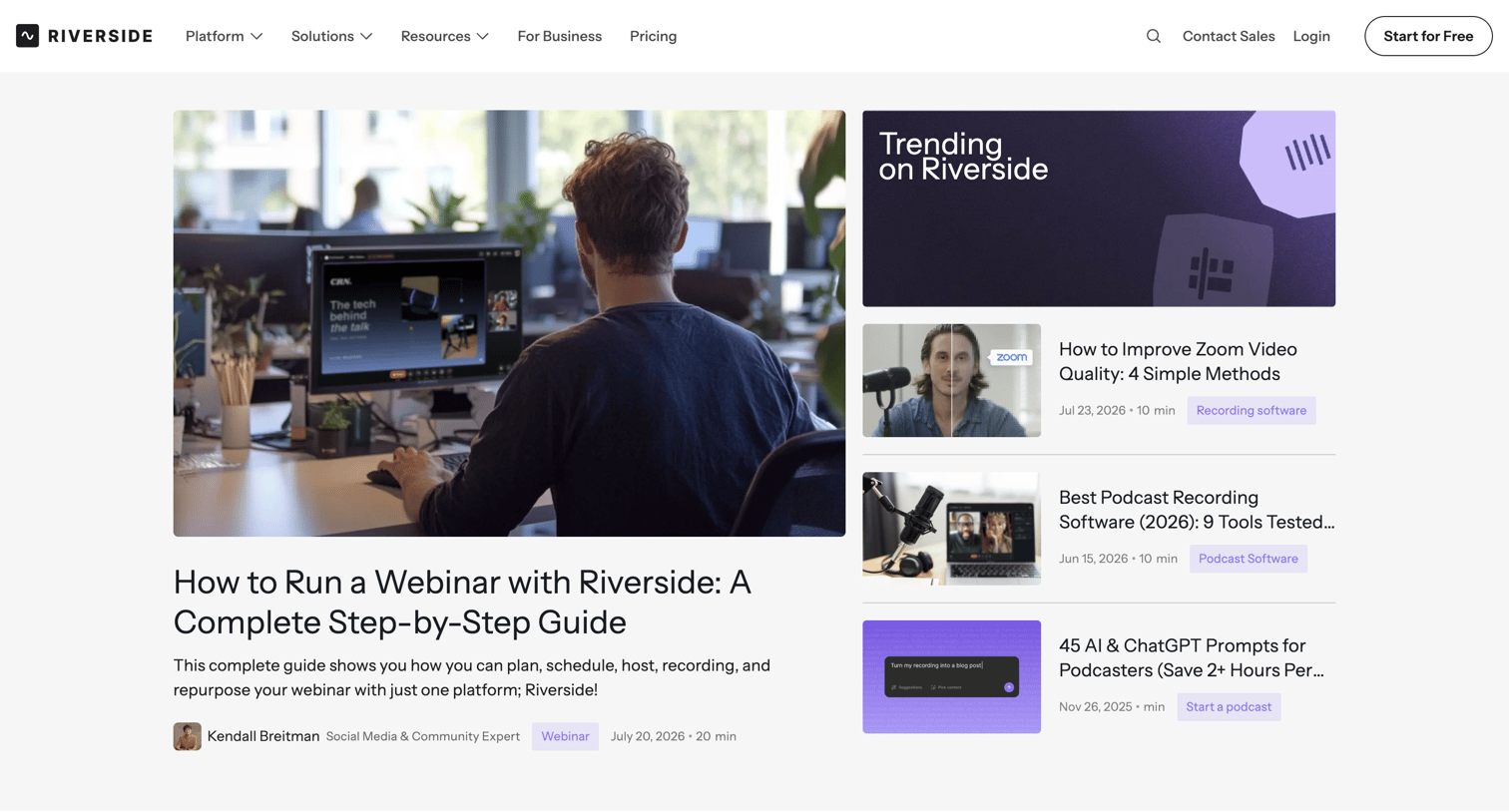

Blog index page featuring highlighted articles, a newsletter subscription form, categorized post grids, and a directory of contributing experts.
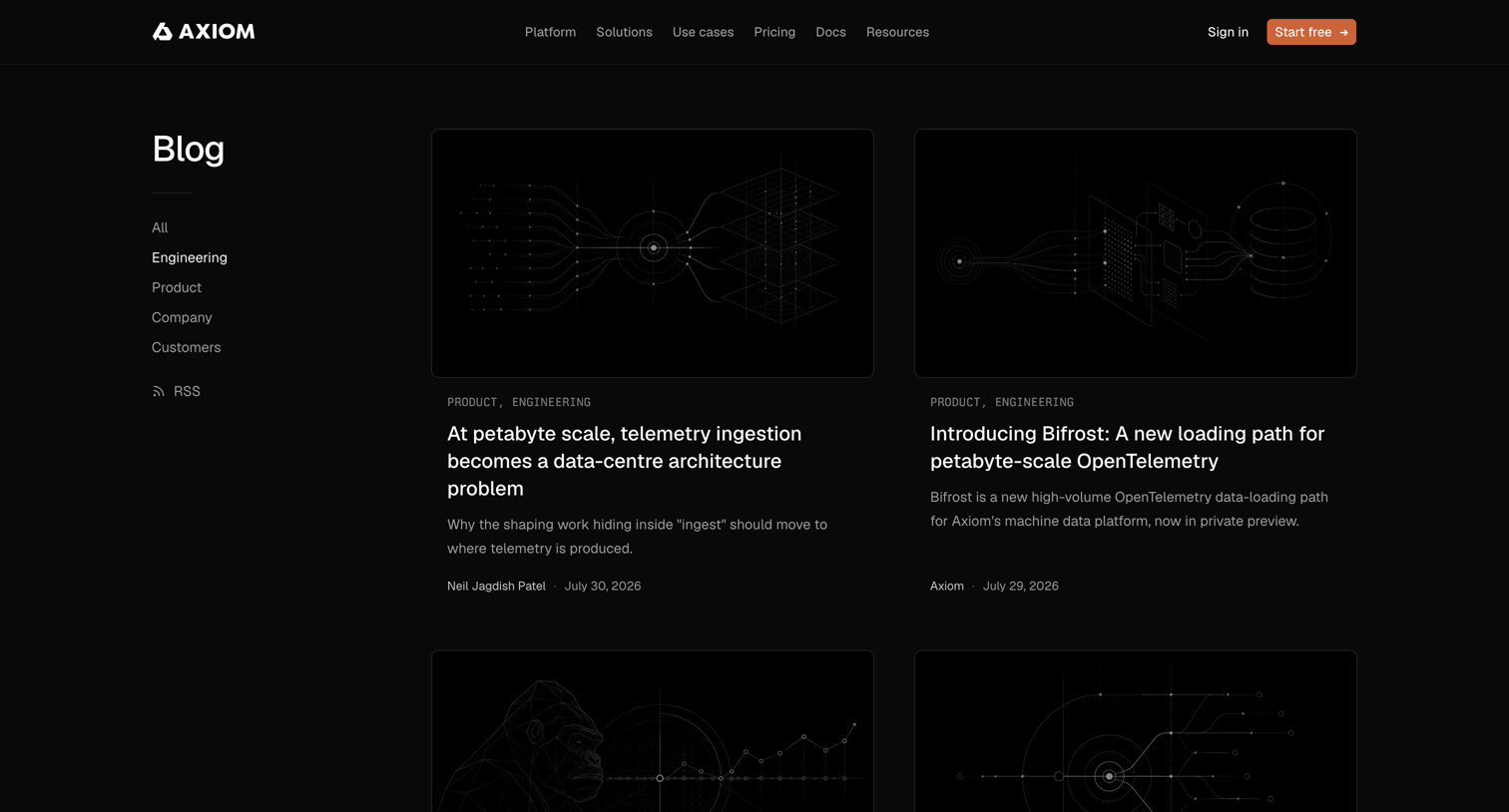

Blog index page displaying a grid of recent engineering articles followed by a compact list of older posts, with category navigation in the left sidebar.
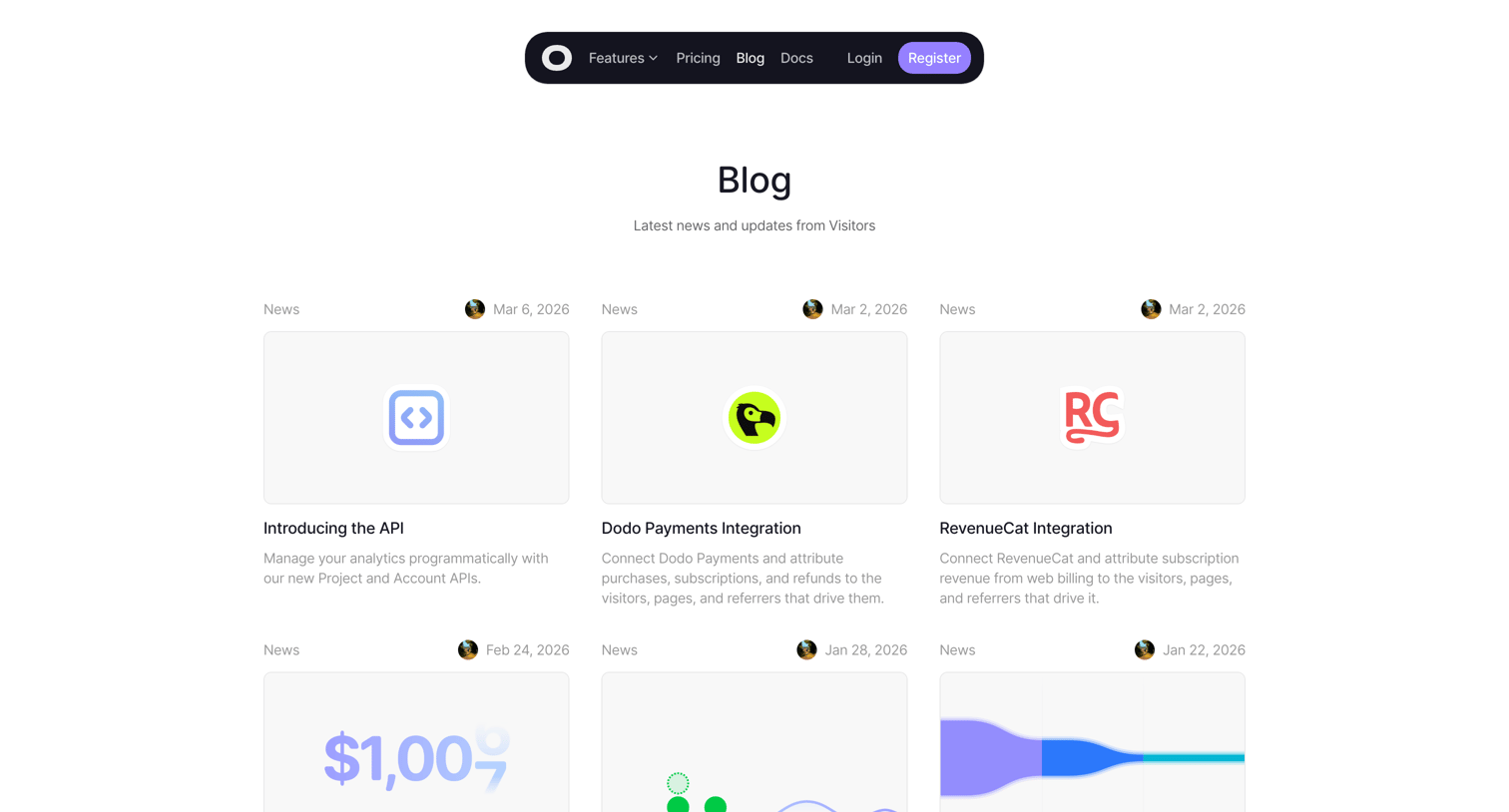

Blog index page displaying a grid of recent articles categorized by news, guides, and engineering, complete with author avatars and publication dates.


Content category page for Sales featuring a mix of featured articles, video episodes, highlight clips, and a newsletter subscription prompt.
Explore the full SaaS screen library
Upgrade to unlock the full library.
Trusted by the best teams








About Blog Index
See how websites organize a collection of articles. Explore how categories, featured stories, and article previews help visitors choose what to read next.