Super user flows examples
Explore Super user flow examples. Preview the opening screens and steps for each task. Create websites with Notion
Preview these flows

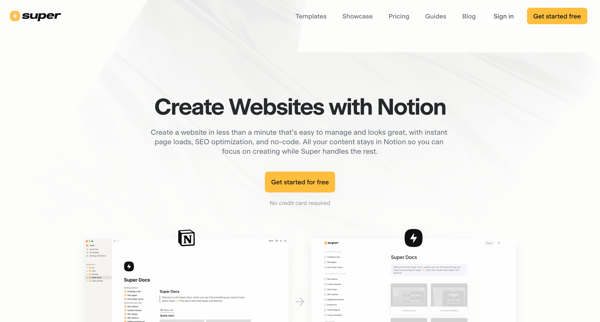
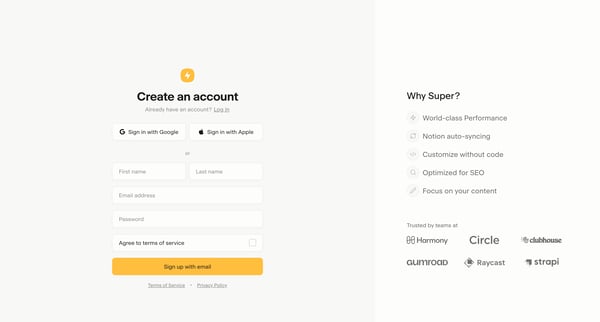
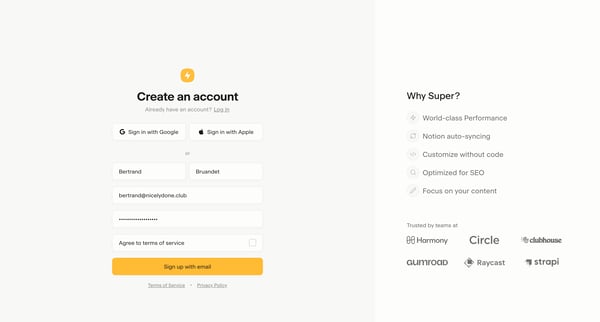
This flow guides the user through creating a Super account and initiating their first website project with an easy and seamless signup process, leveraging Notion for content management.
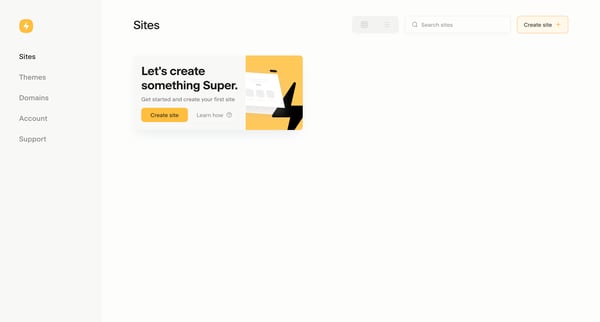
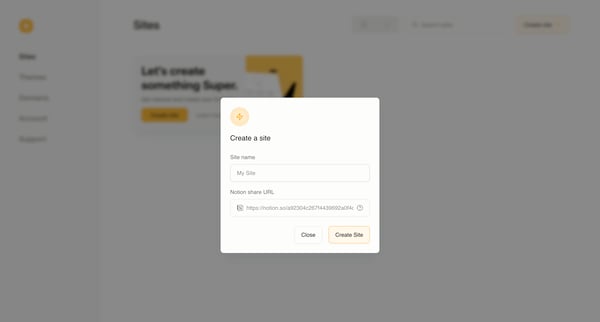
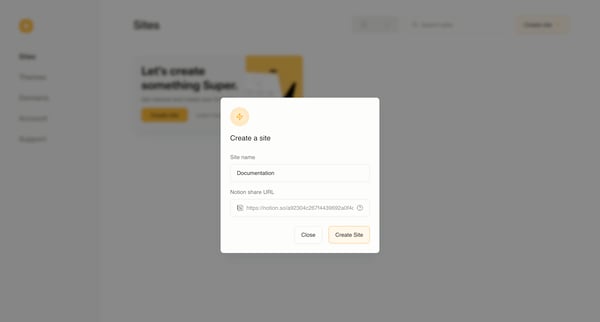
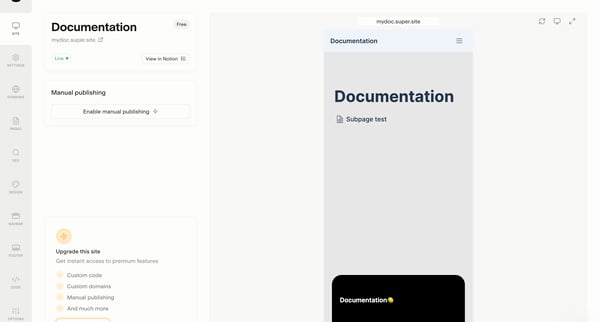
This flow guides users through the process of creating a new website, from initiation to the final creation, ensuring sharing is enabled and providing an option to upgrade and access premium
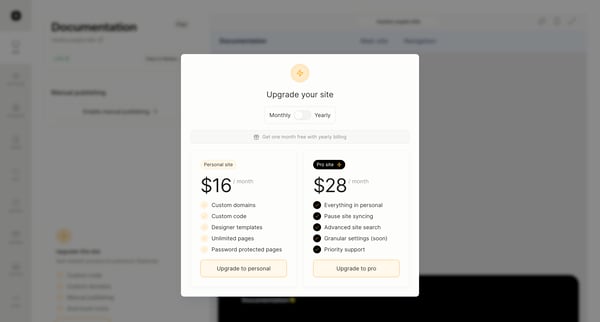
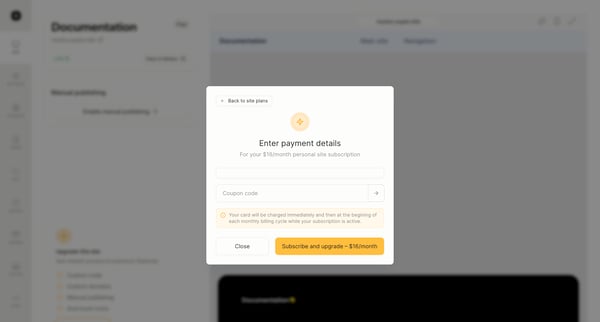
This flow guides a user through upgrading their subscription to access premium features, including selecting a new plan, entering payment details, and confirming the upgrade.
Explore the full SaaS flow library
Browse the full SaaS flow library.
Trusted by the best teams







