Slideshow UI examples
Slideshow UI design examples from SaaS apps. See how interfaces present a sequence of visual items within one area. Explore how slide content, navigation controls, and position indicators work together.
Explore the examples
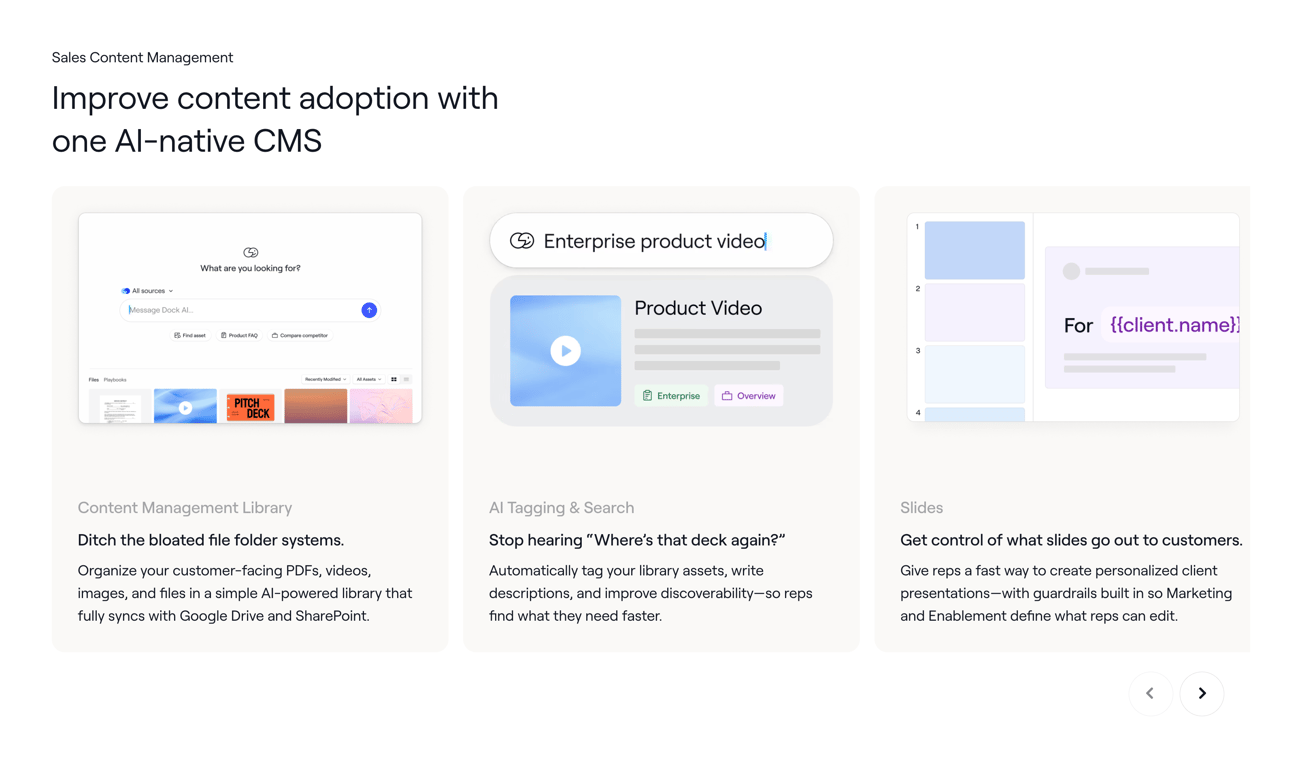

A product feature showcase page for an AI-native content management system, highlighting content library, AI tagging, and slide management capabilities through three distinct cards.
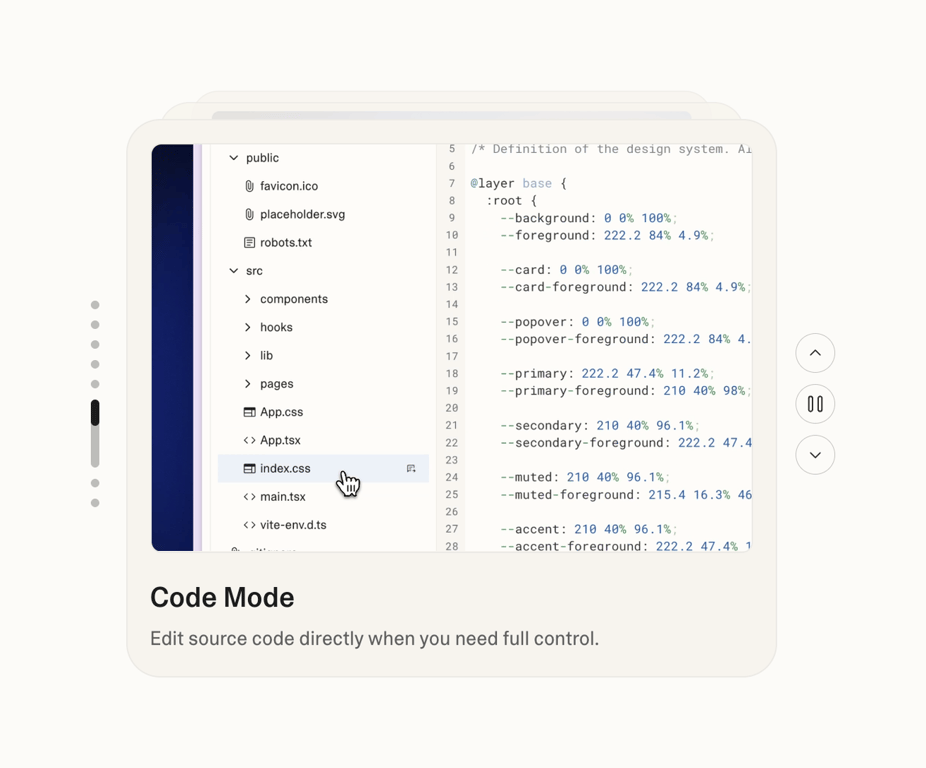

A user interface displaying a code editor with a file navigation panel and a code content panel, highlighting a 'Code Mode' feature.
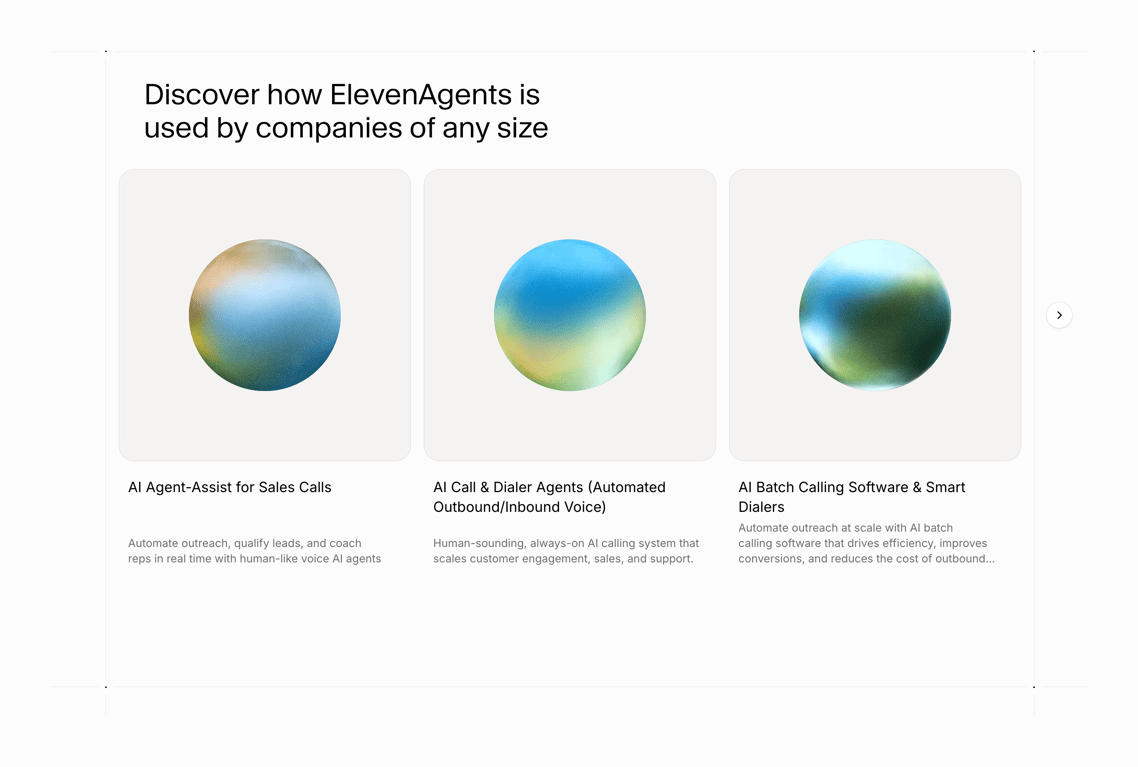

A section showcasing three AI agent solutions for businesses, detailing their applications in sales and customer engagement.
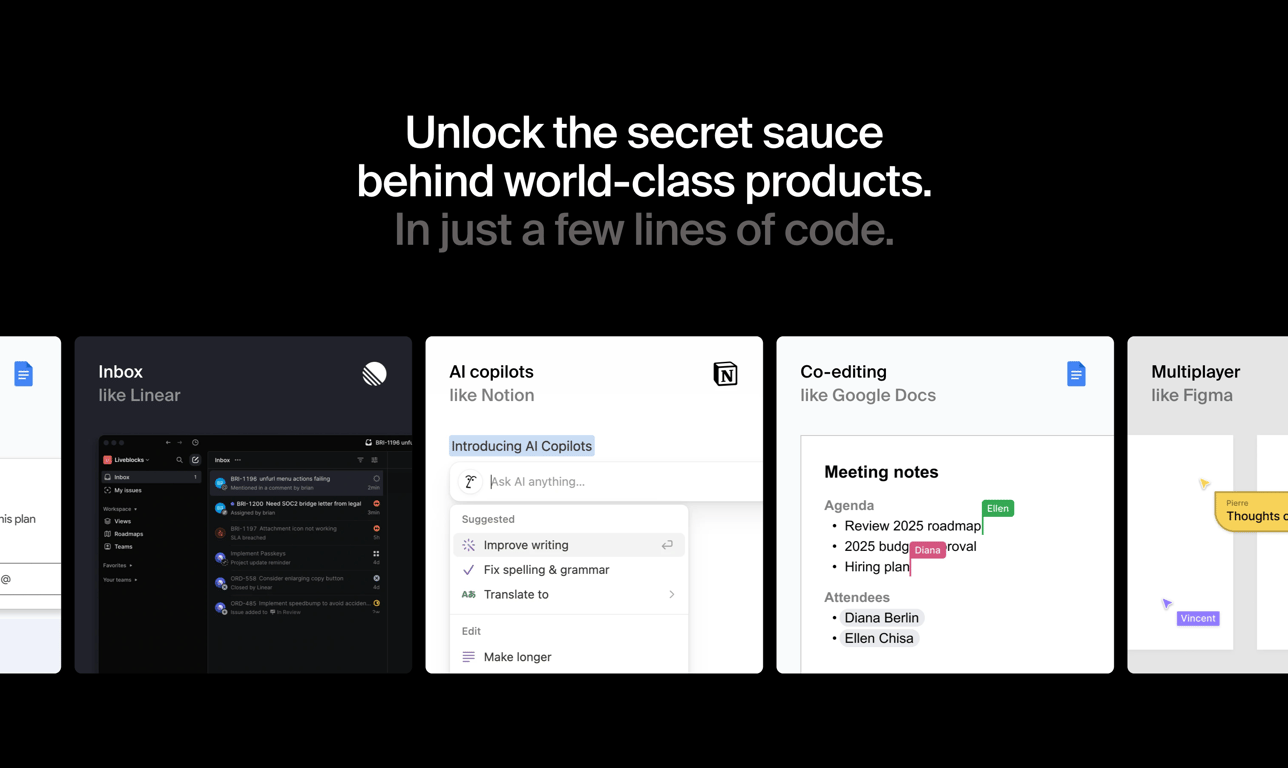

A marketing page showcasing various product features like an inbox, AI copilots, co-editing, and multiplayer functionality, presented as examples of world-class products.
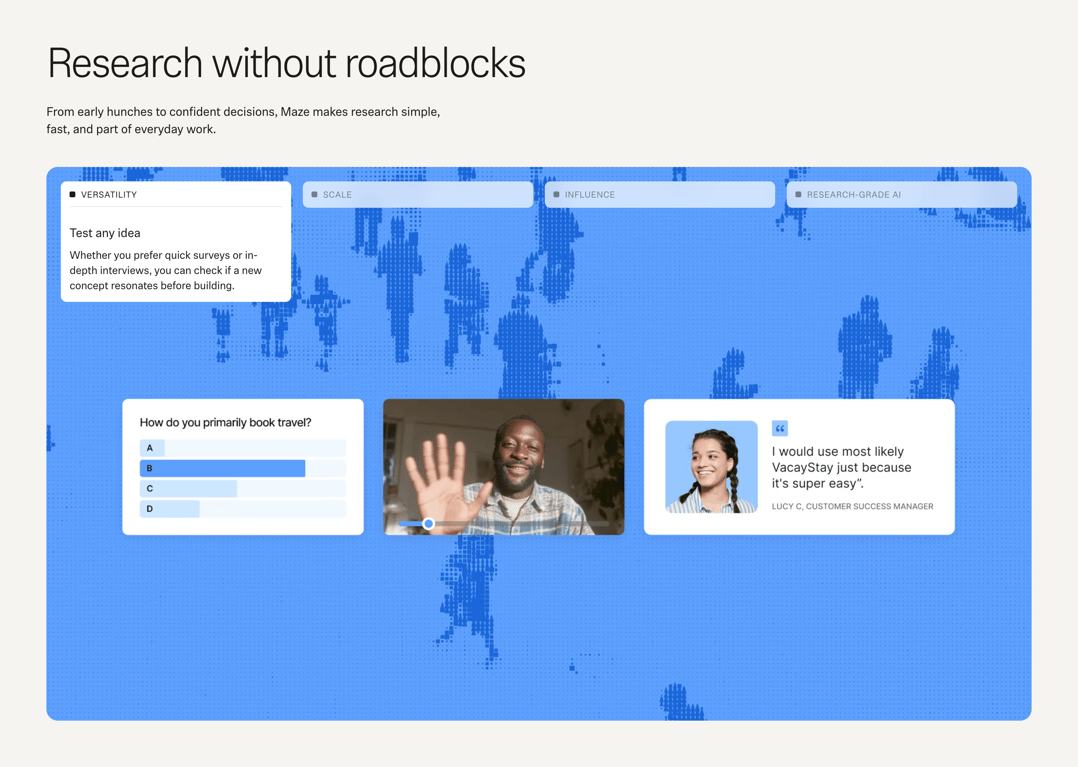

A web page section showcasing product features related to user research, including a survey, video interview, and customer testimonial, against an abstract blue background.
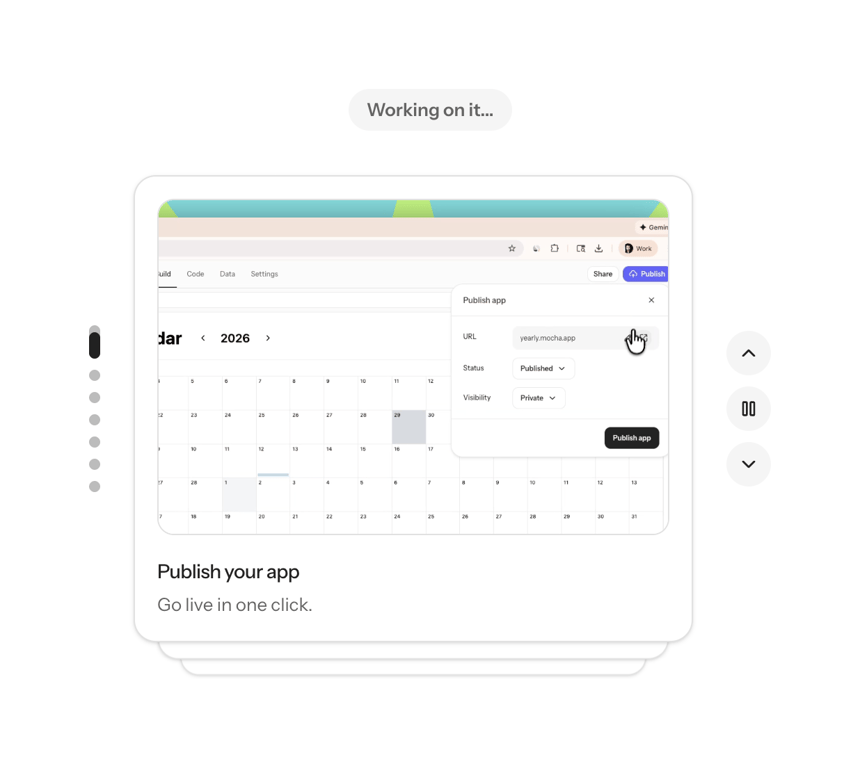

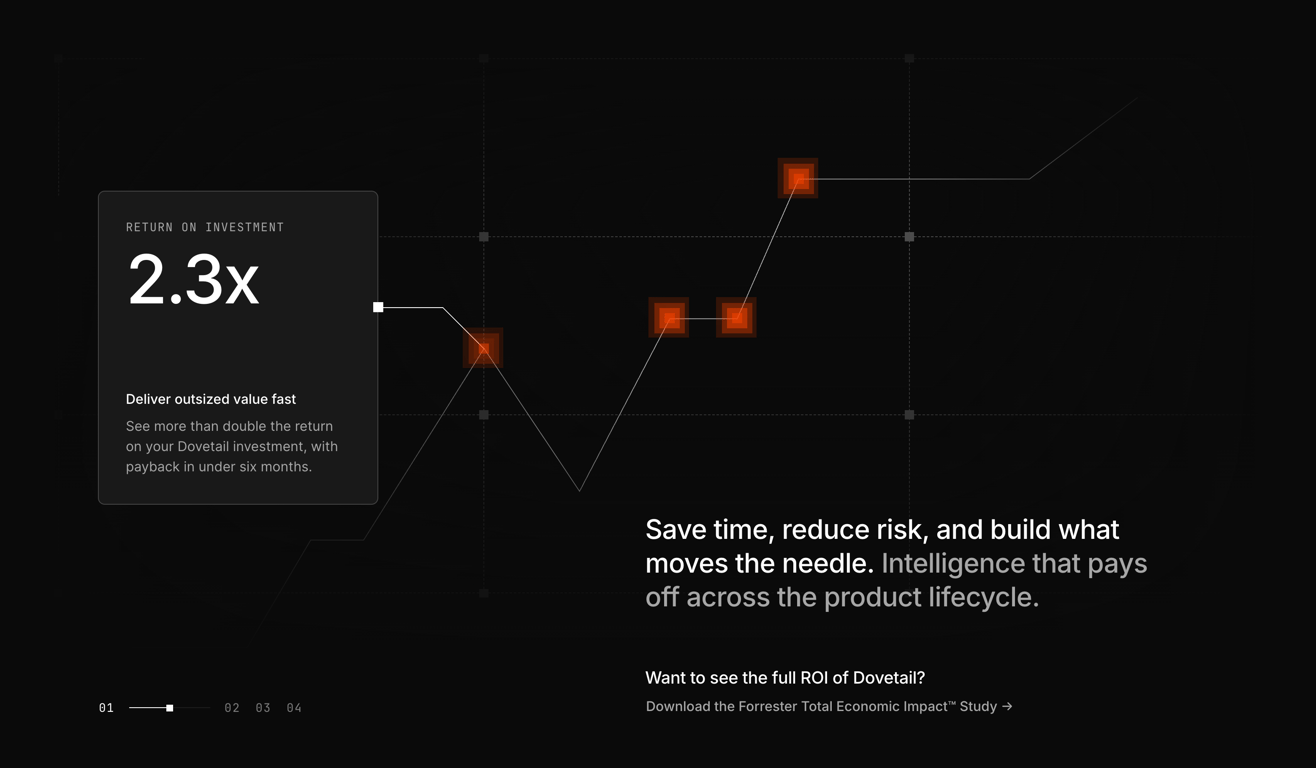

A dark mode interface displaying a line chart with a highlighted data point and a callout box showing return on investment details, alongside marketing text and a navigation slider.


A section of a webpage displaying customer testimonials from various businesses, emphasizing the benefits of a service.
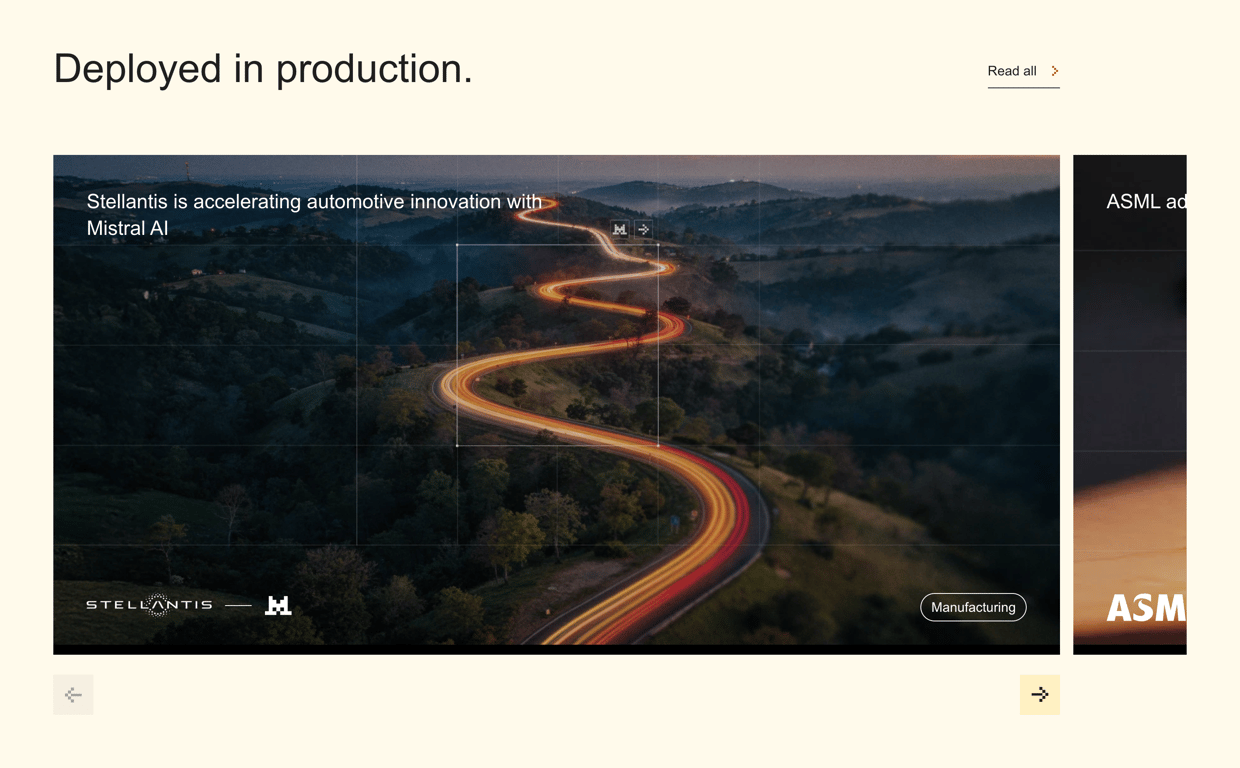

A webpage section showcasing a partnership between Stellantis and Mistral AI, featuring a large image with a grid overlay and navigation controls.
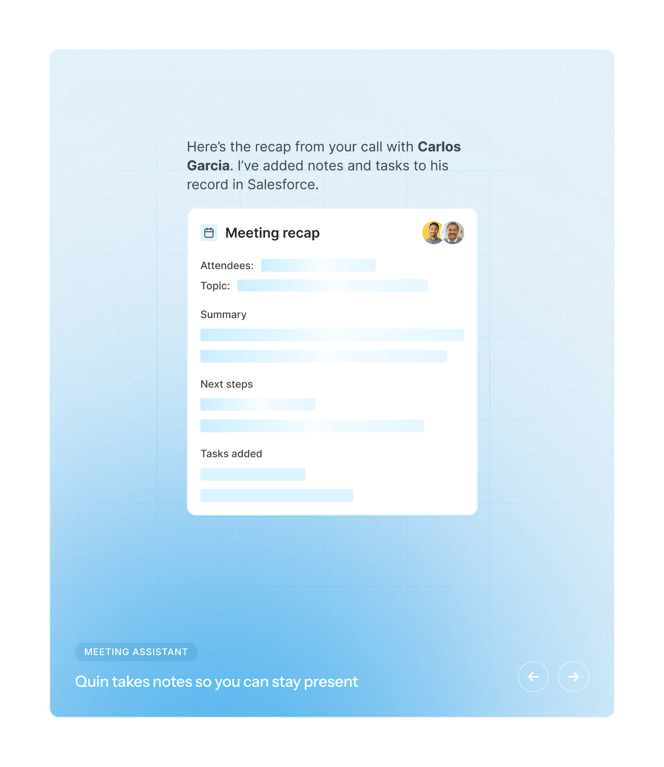

The screenshot shows a meeting recap modal.



Browse the full component library
See 7 more Components.
Trusted by the best teams








About Slideshow
See how interfaces present a sequence of visual items within one area. Explore how slide content, navigation controls, and position indicators work together.