Tips UI examples
Tips UI design examples from SaaS apps. See how interfaces offer short guidance near a task. Explore how tips combine useful text with links or actions without taking over the surrounding workspace.
Explore the examples
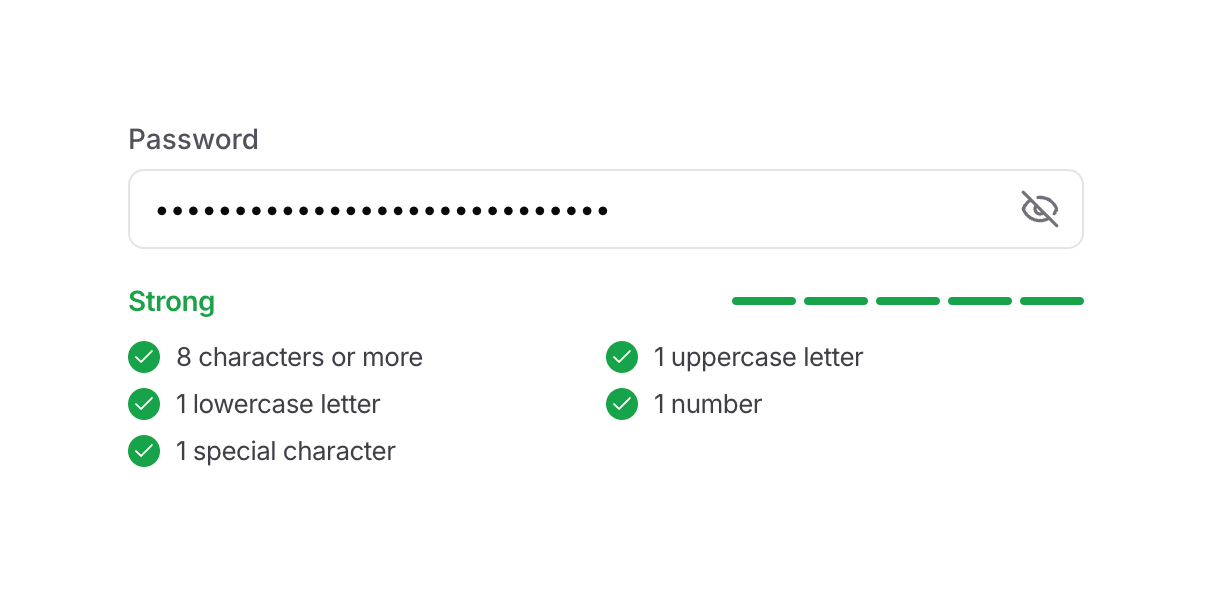

A password input field with real-time strength validation and criteria checklist.
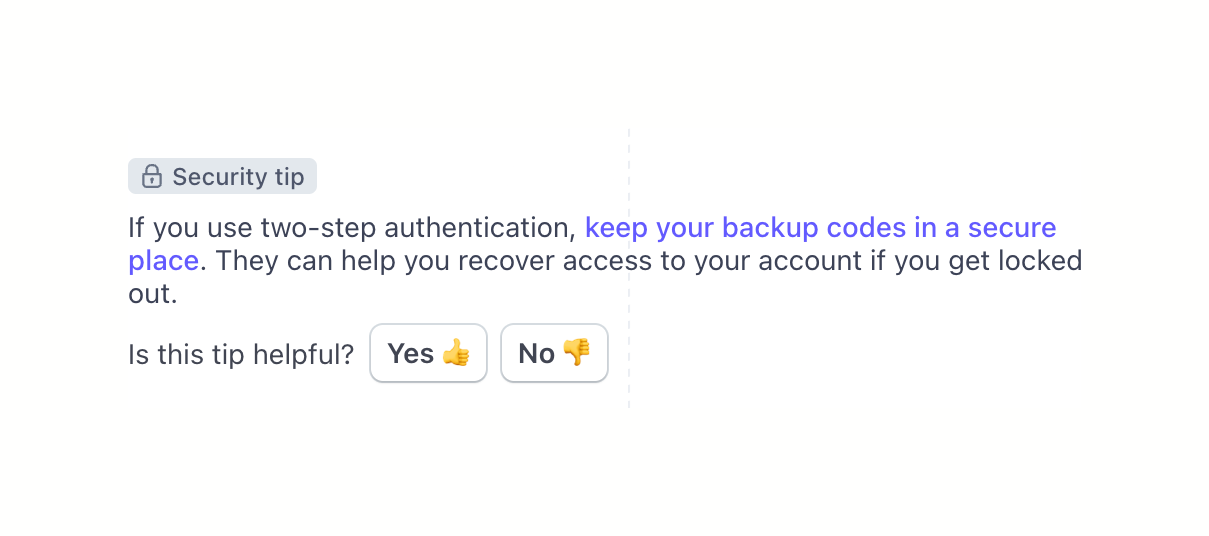

A contextual security tip block providing advice on two-step authentication backup codes, featuring a helpfulness feedback prompt with thumbs up/down buttons.
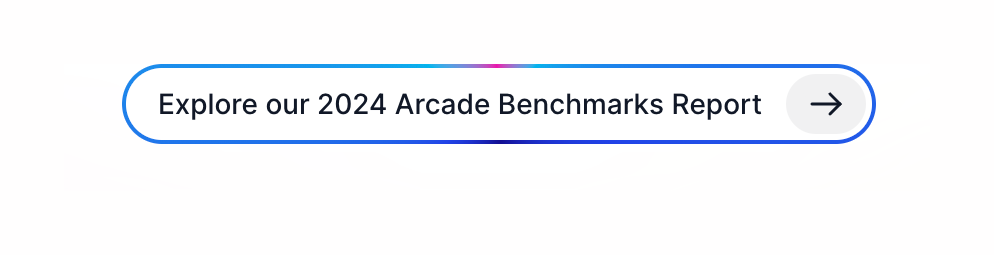
A pill-shaped banner link with a blue border, text, and a right arrow icon button.
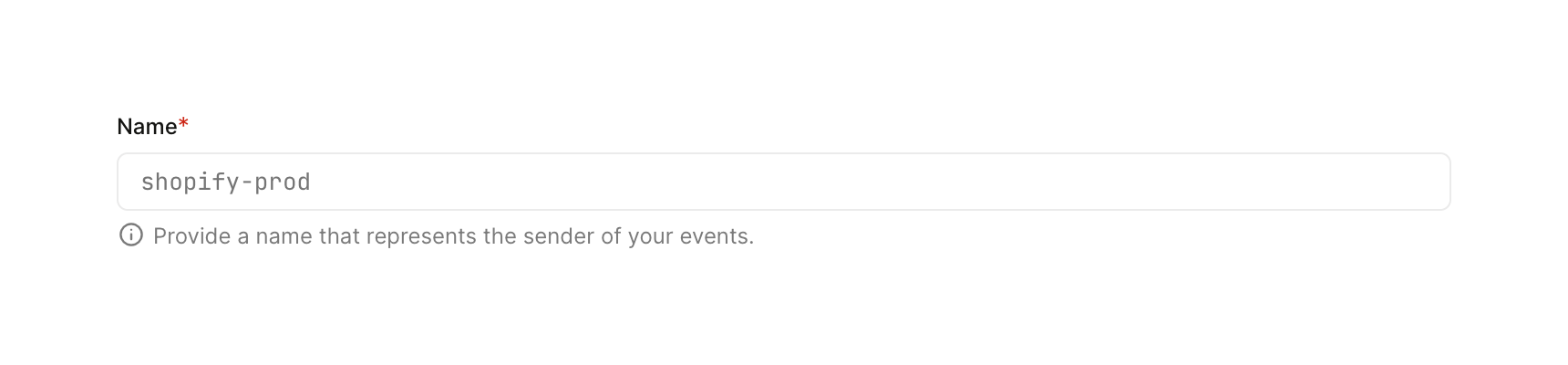

A required text input field labeled 'Name' with a placeholder value and helper text below it.
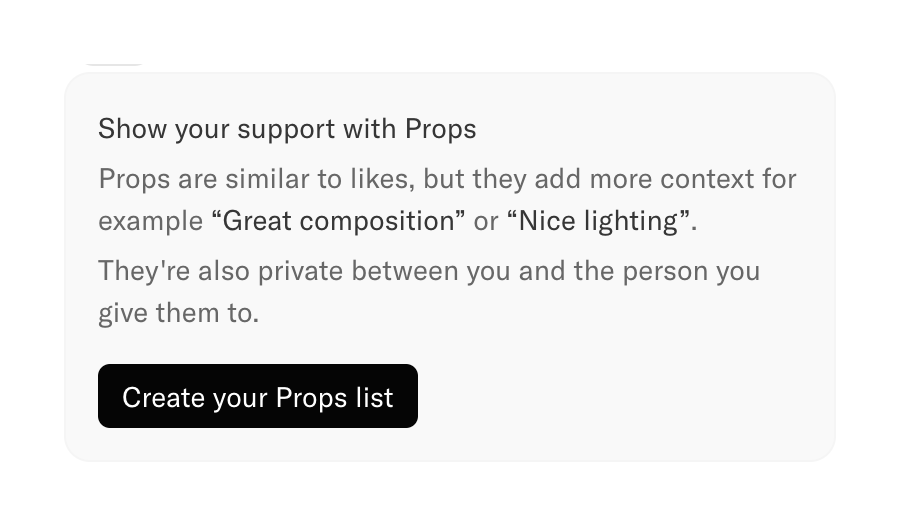

A card explaining the 'Props' feature, which allows users to give contextual feedback instead of simple likes. It includes a title, explanatory text, and a call-to-action button to create a Props list.
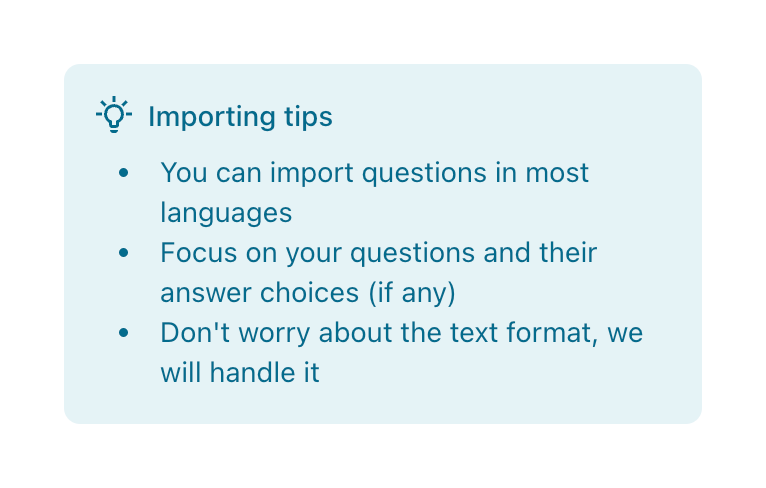

A callout box providing tips for importing questions, featuring a lightbulb icon and a bulleted list.
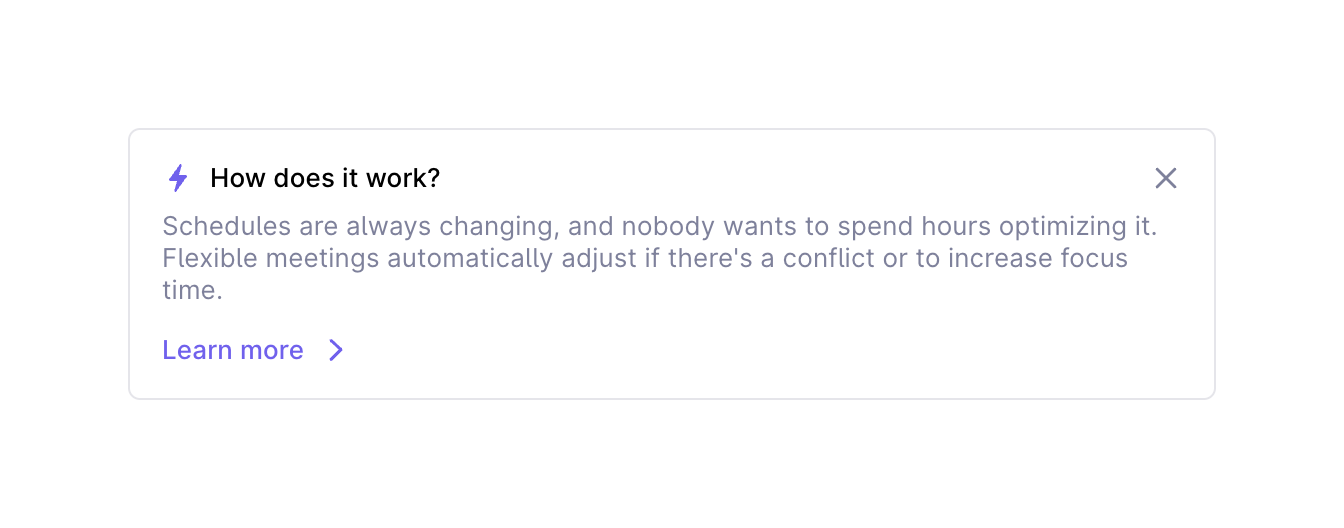

A dismissible informational card explaining how a feature works, with a title, description, and a 'Learn more' link.
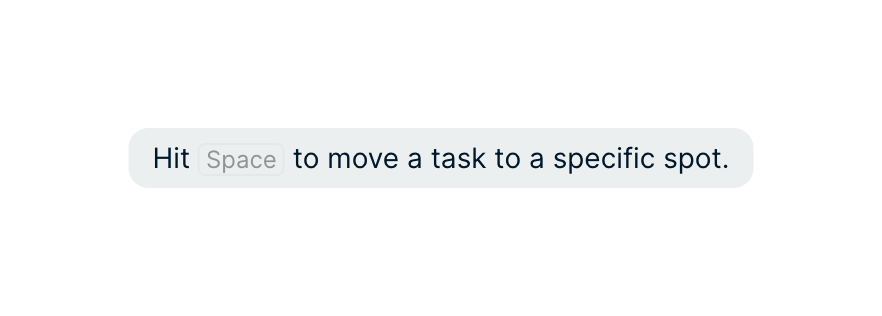

A tooltip with instructions

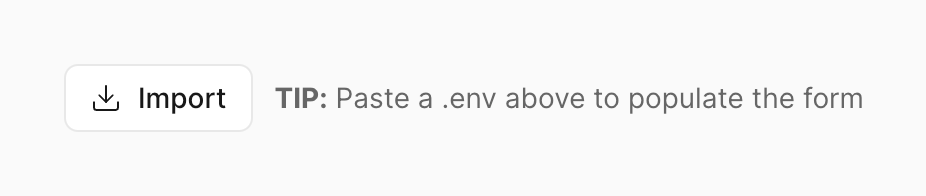

An outlined button labeled Import with a download icon, placed next to a helpful tip about pasting a .env file.
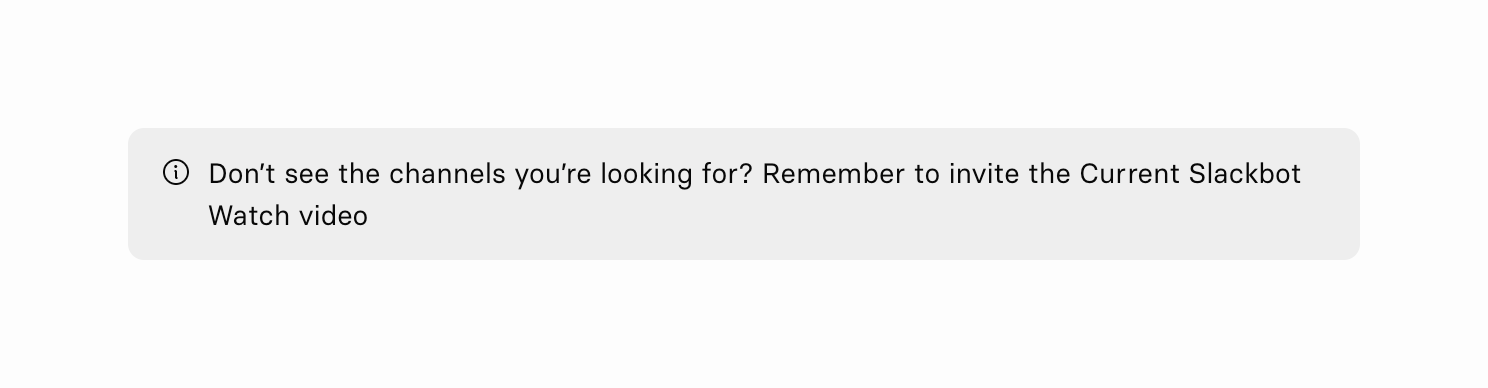

A subtle inline alert providing troubleshooting information and a link to a video tutorial.
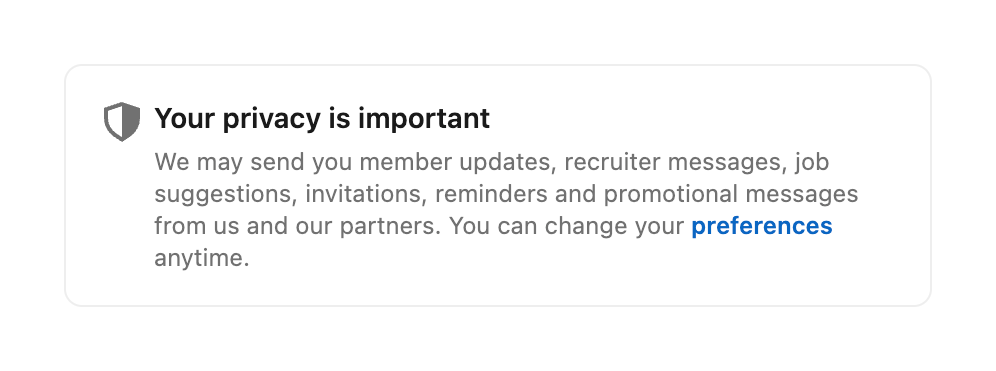

A bordered card displaying a privacy notice with a shield icon, a bold title, and explanatory text containing a link to preferences.
Browse the full component library
See 26 more Components.
Trusted by the best teams








About Tips
See how interfaces offer short guidance near a task. Explore how tips combine useful text with links or actions without taking over the surrounding workspace.