Evervault design examples
Explore Evervault UI design examples. Security toolkit for developers
Product screens

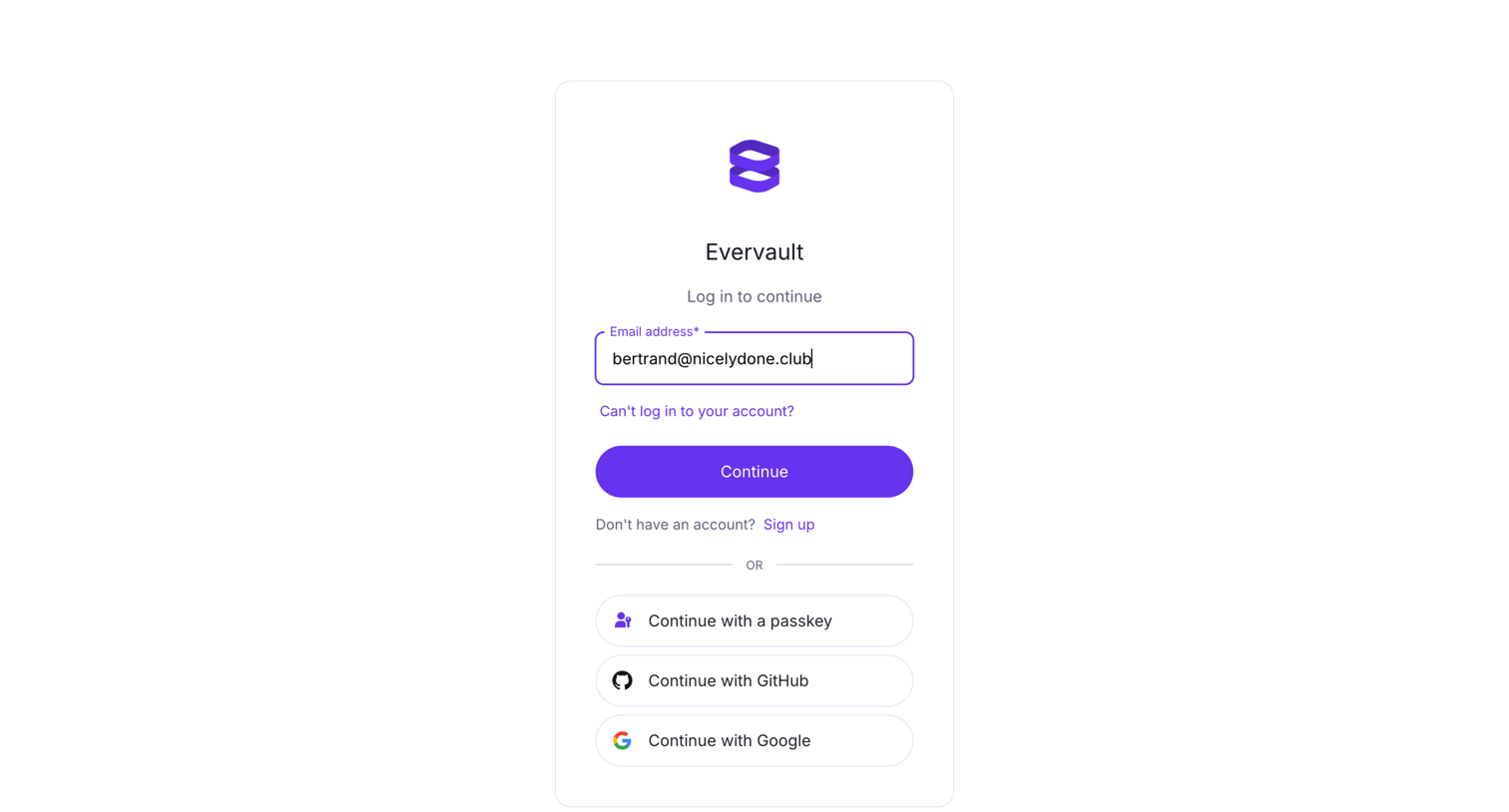
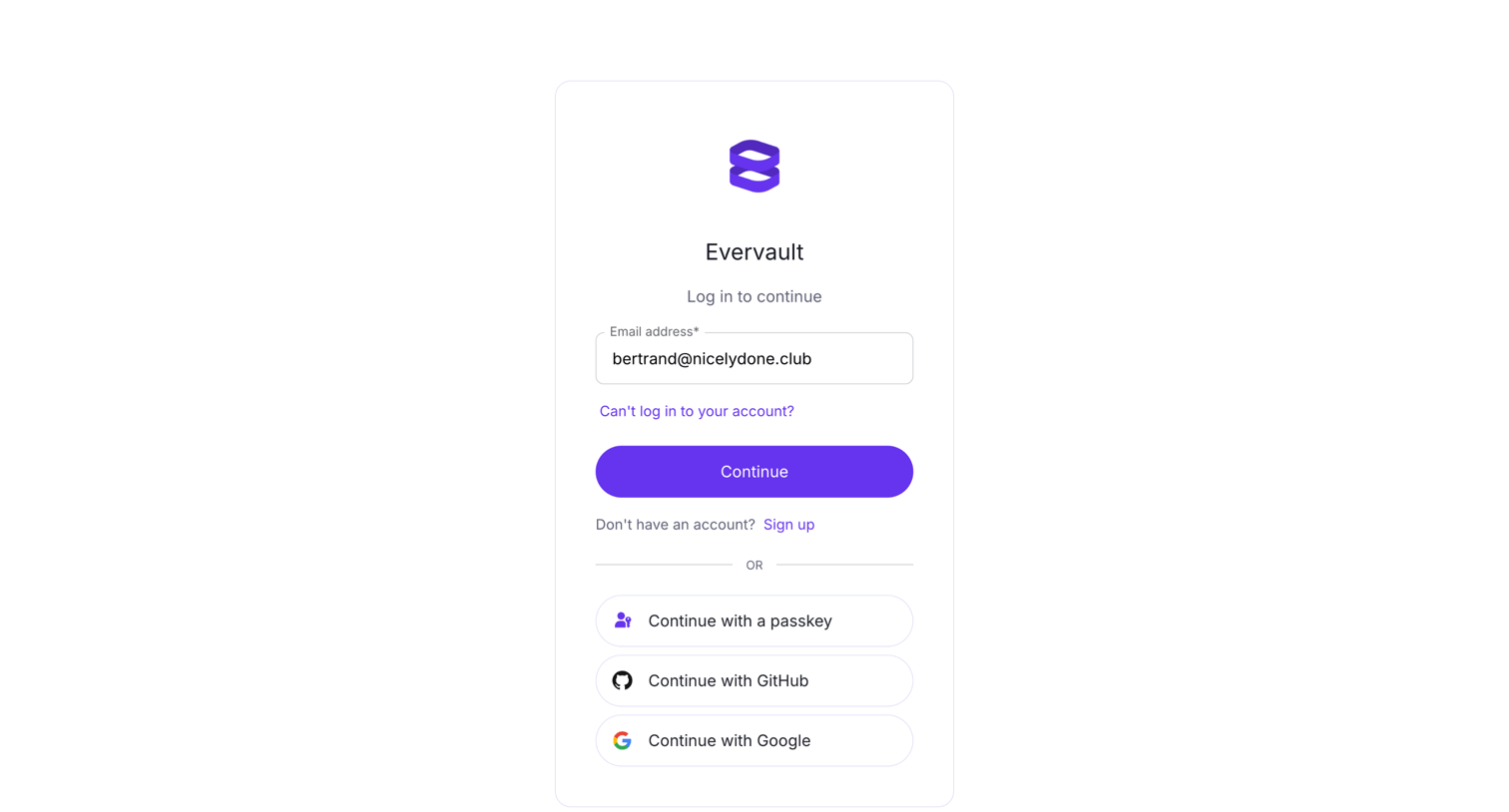
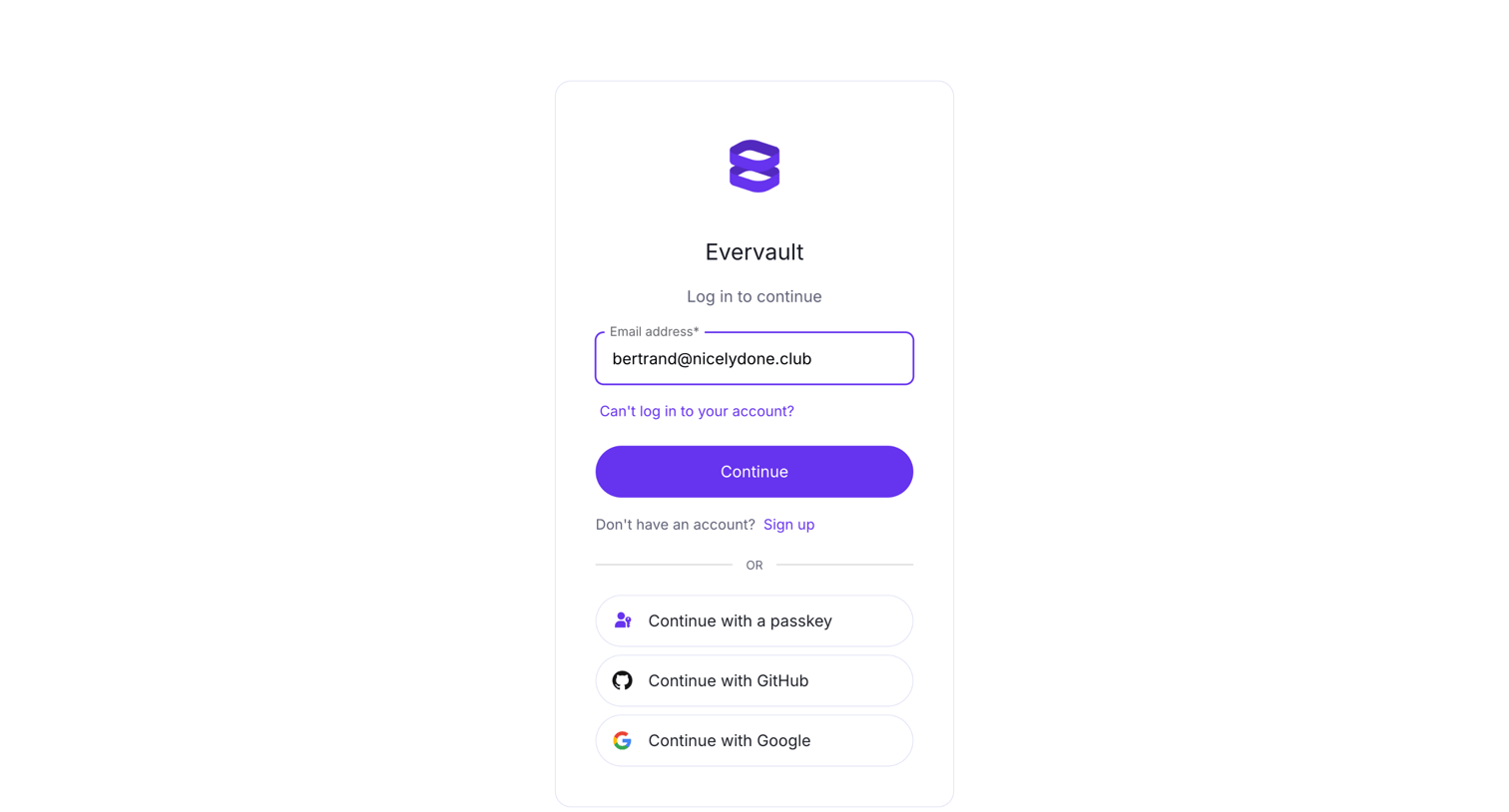
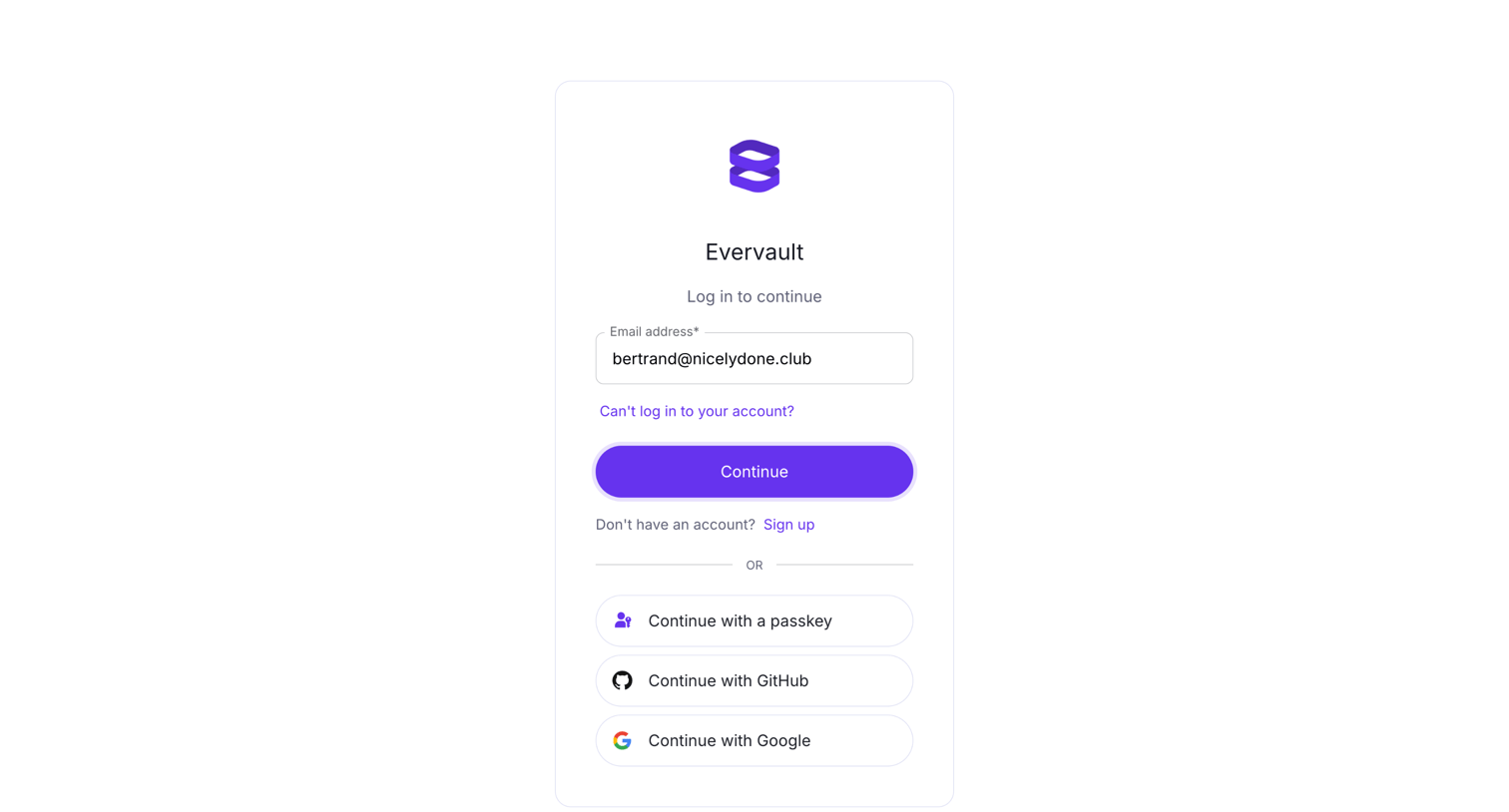
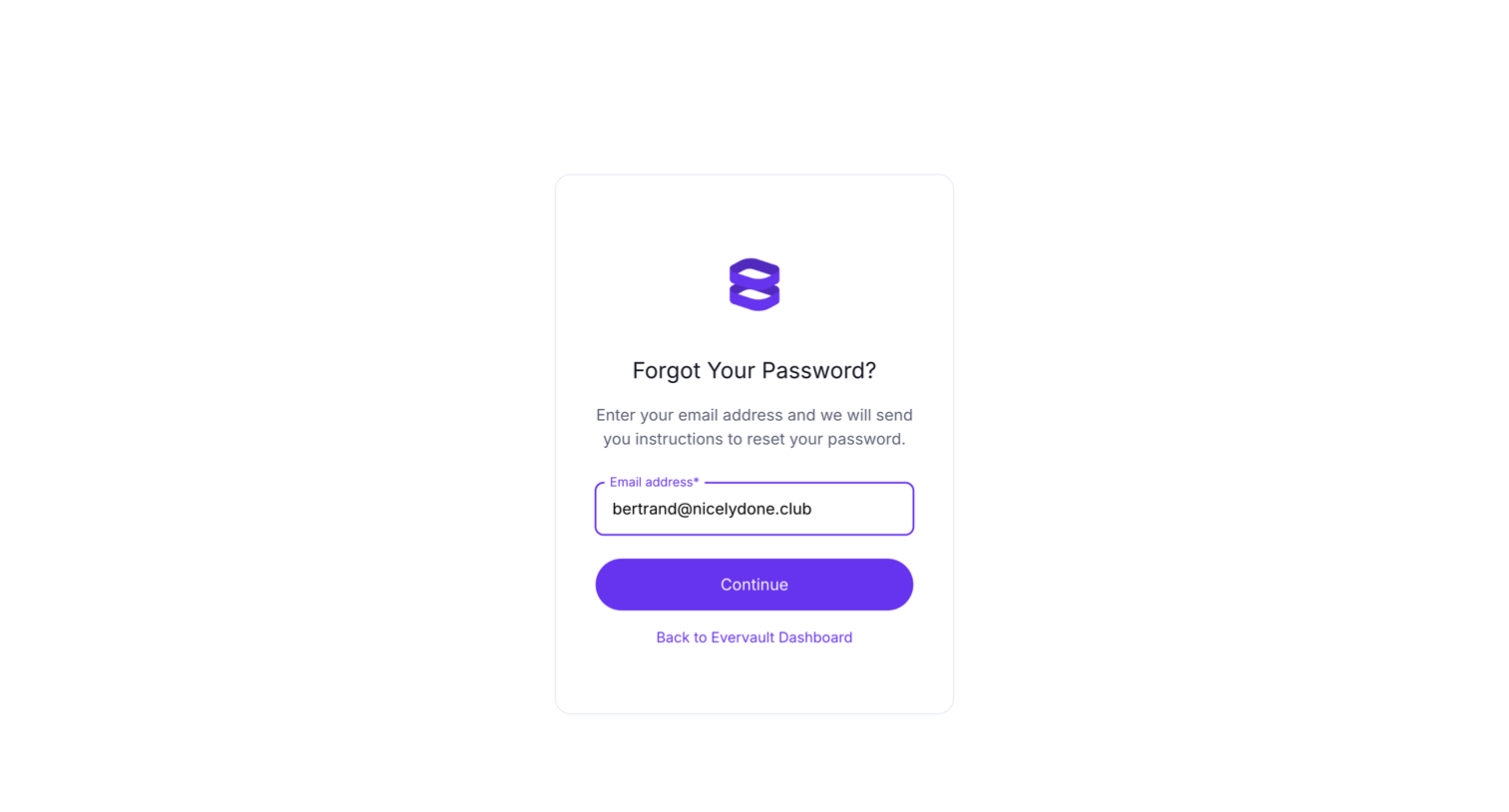

Password recovery screen where the user confirms their pre-filled email address to receive reset instructions, with an option to return to the main dashboard.
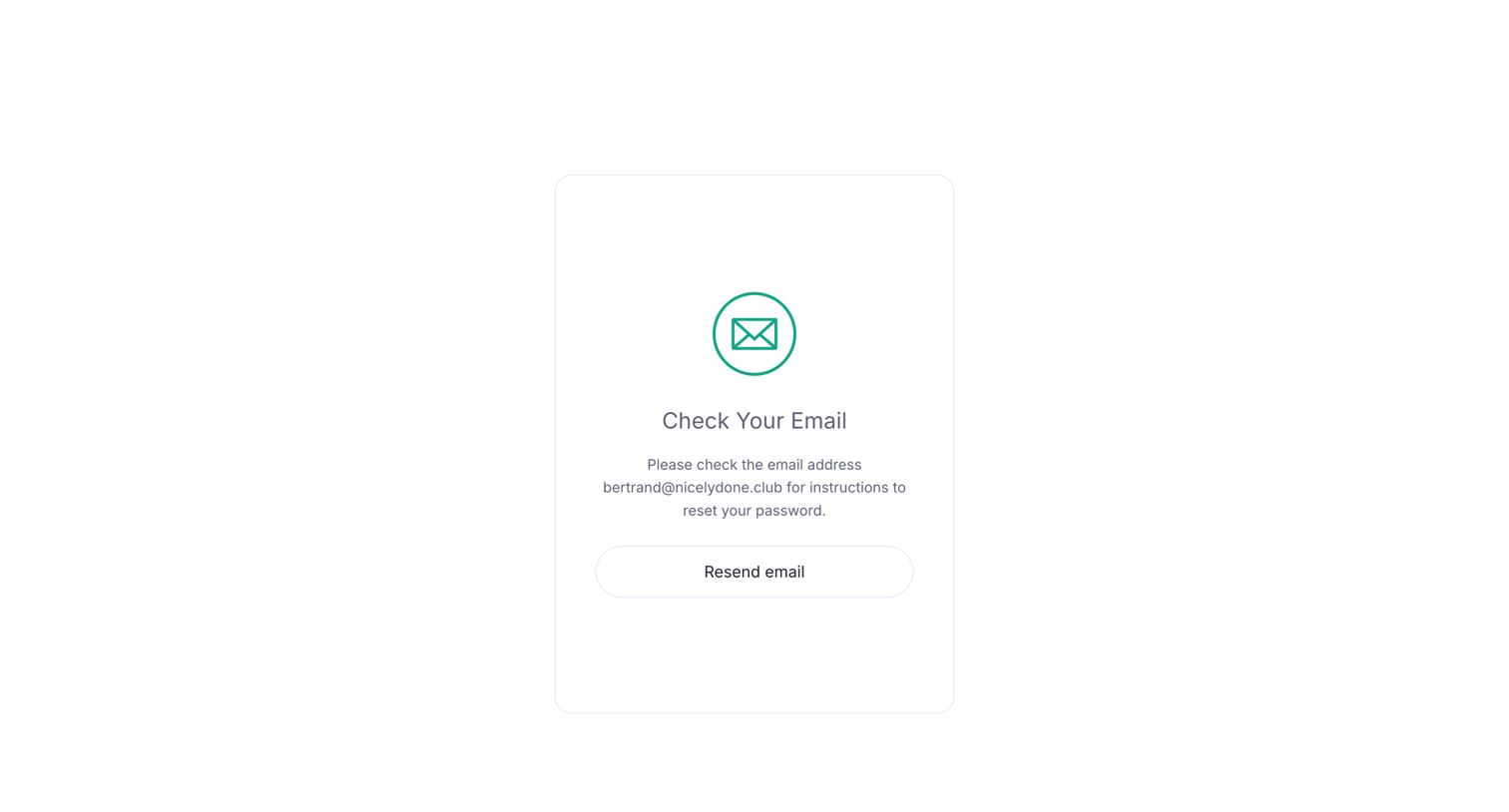
Password recovery screen where the user is instructed to check their email for reset instructions, with an option to resend the email.
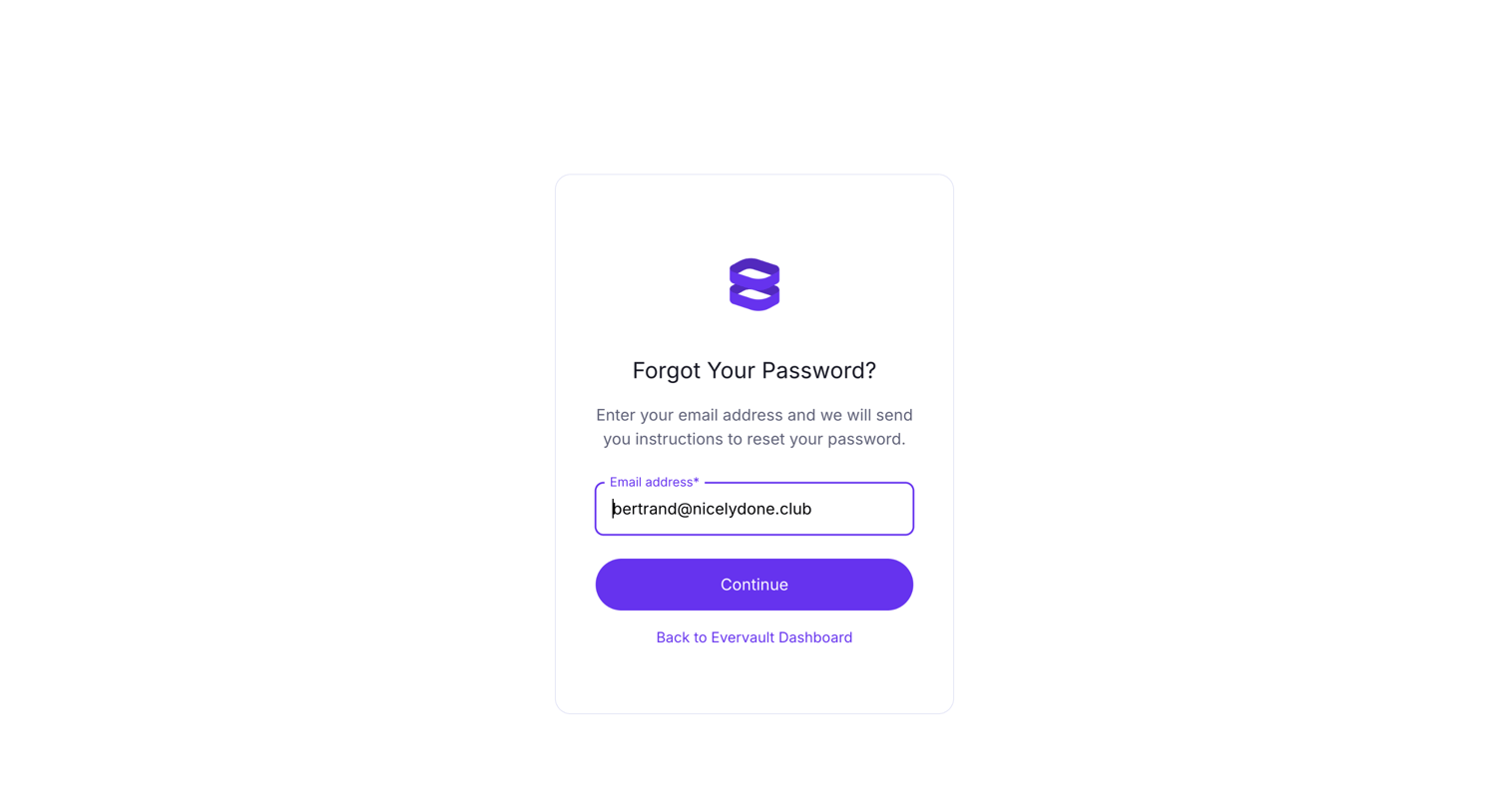
Password recovery screen where the user enters their email address to receive reset instructions.
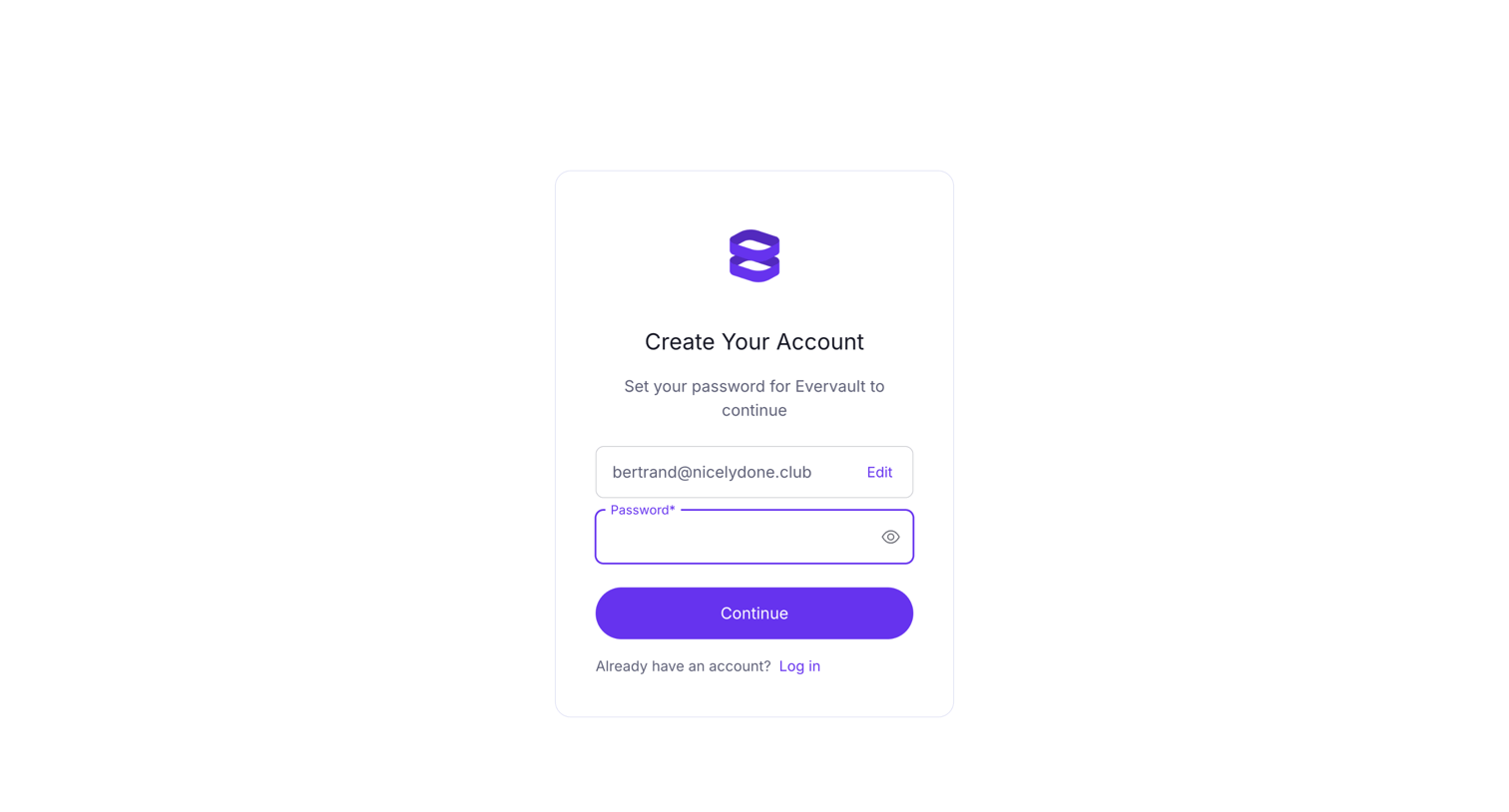
Signup screen where the user sets a password for their new Evervault account after their email has been captured.
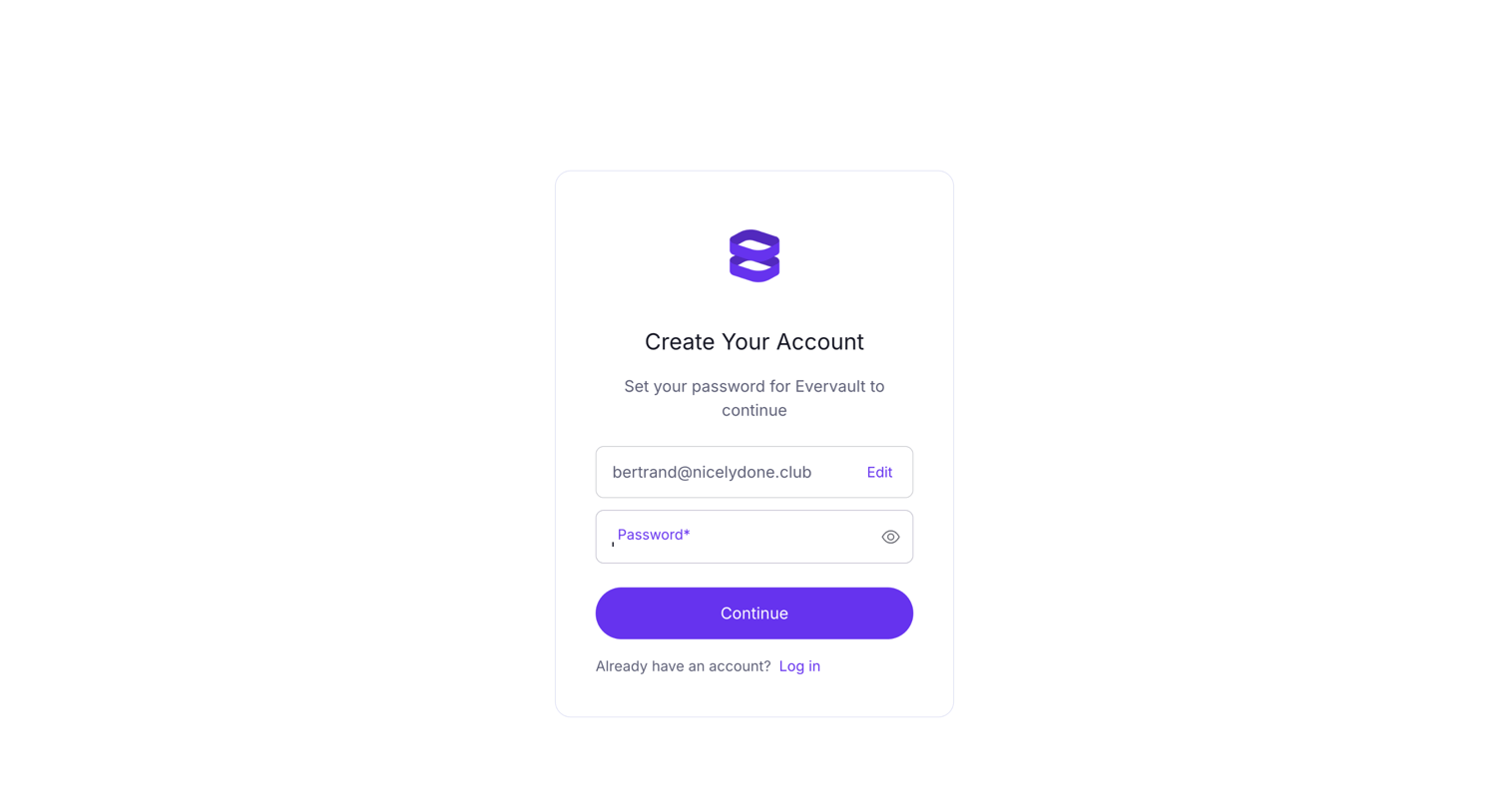
Signup step where the user sets a password for their pre-filled email address to finish creating an Evervault account.
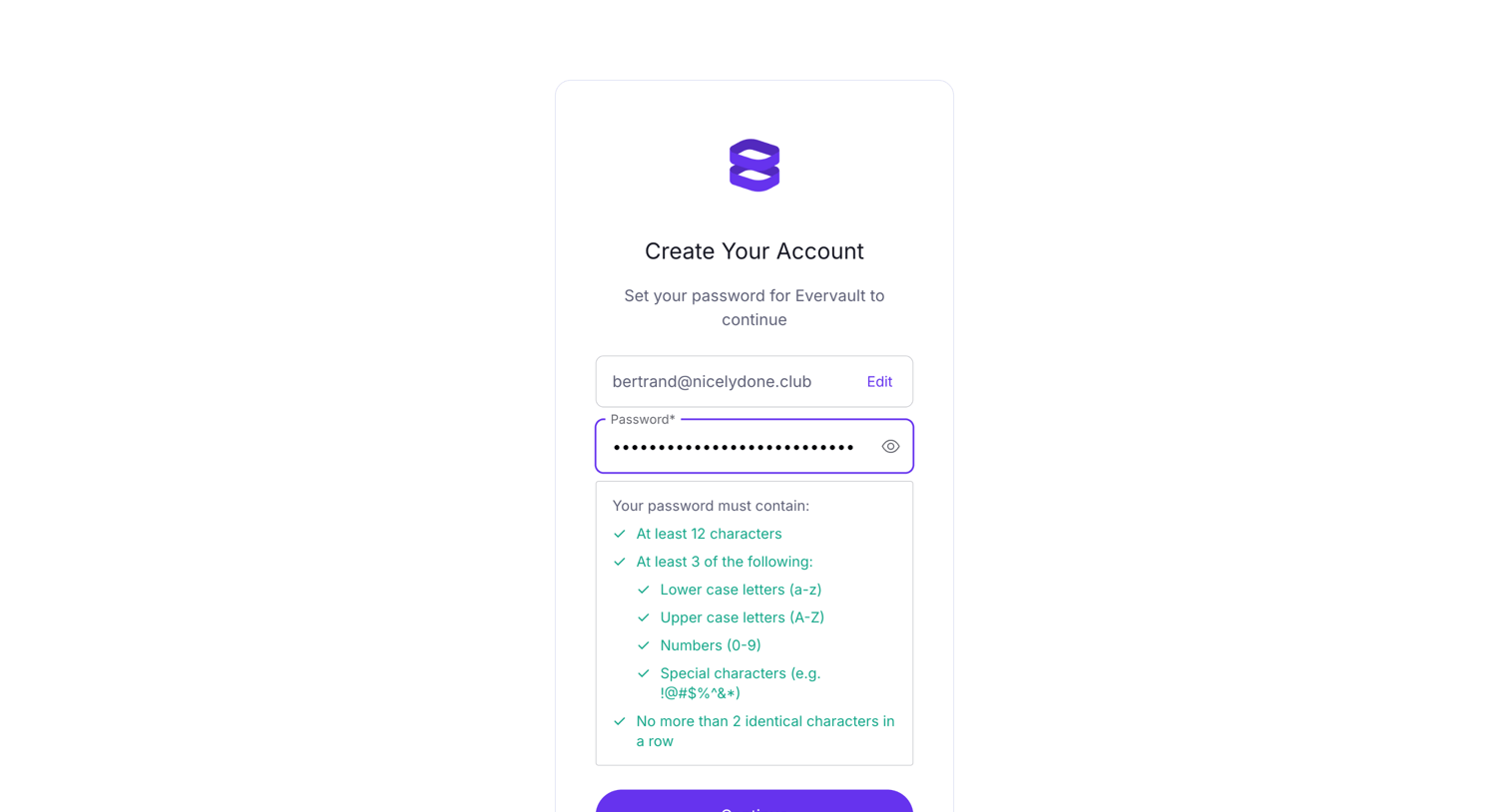
Signup screen where the user sets a password for their new account, featuring a real-time password requirements checklist that updates as they type.
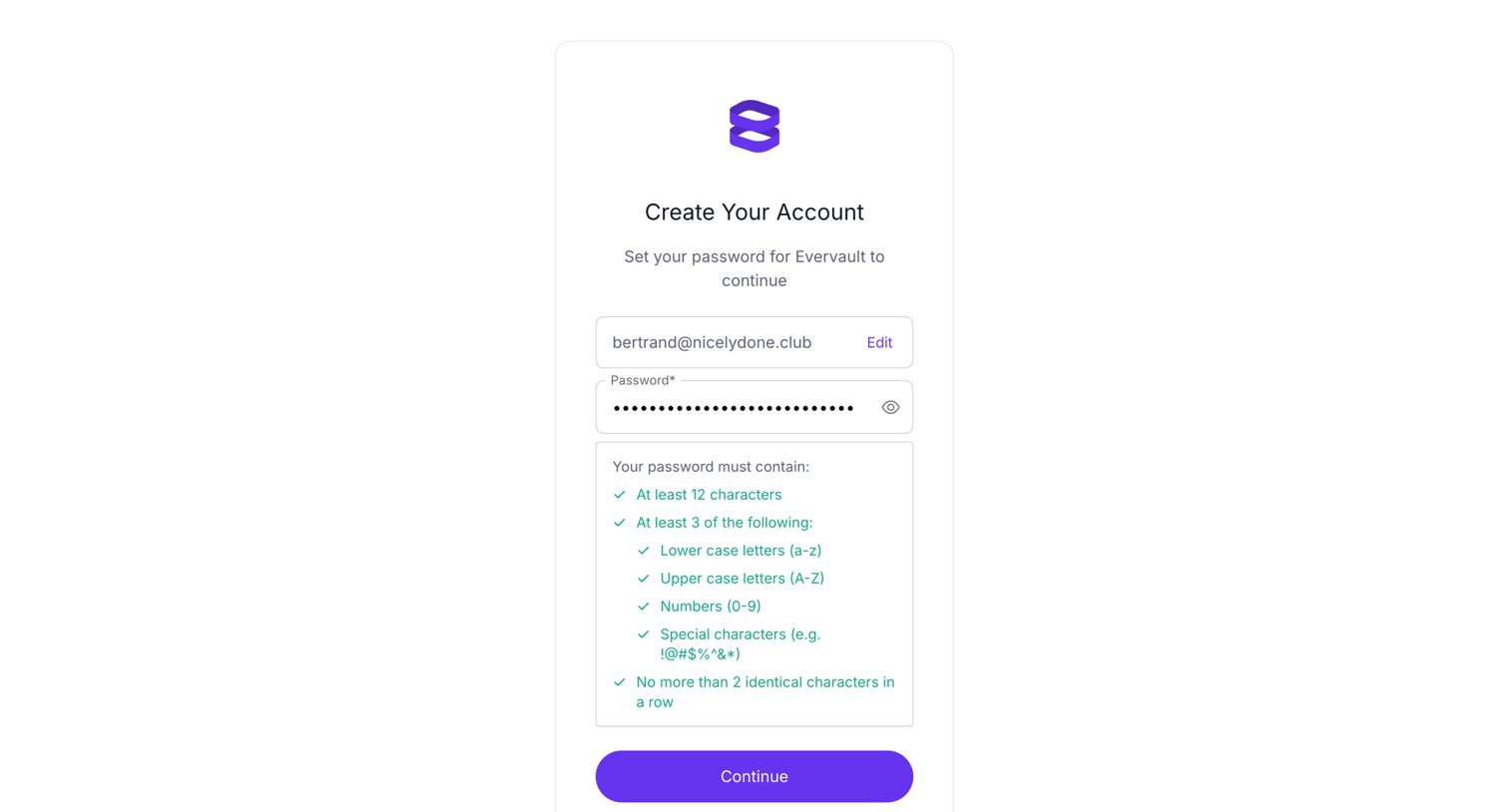
Signup screen where the user sets a password for their new account, featuring a real-time validation checklist for security requirements.
Browse the full SaaS app library
Explore real SaaS apps with their product screens, marketing screens, flows, and components.
Trusted by the best teams







