Arcade design examples
Explore Arcade UI design examples. Create effortlessly beautiful demos in minutes
Product screens
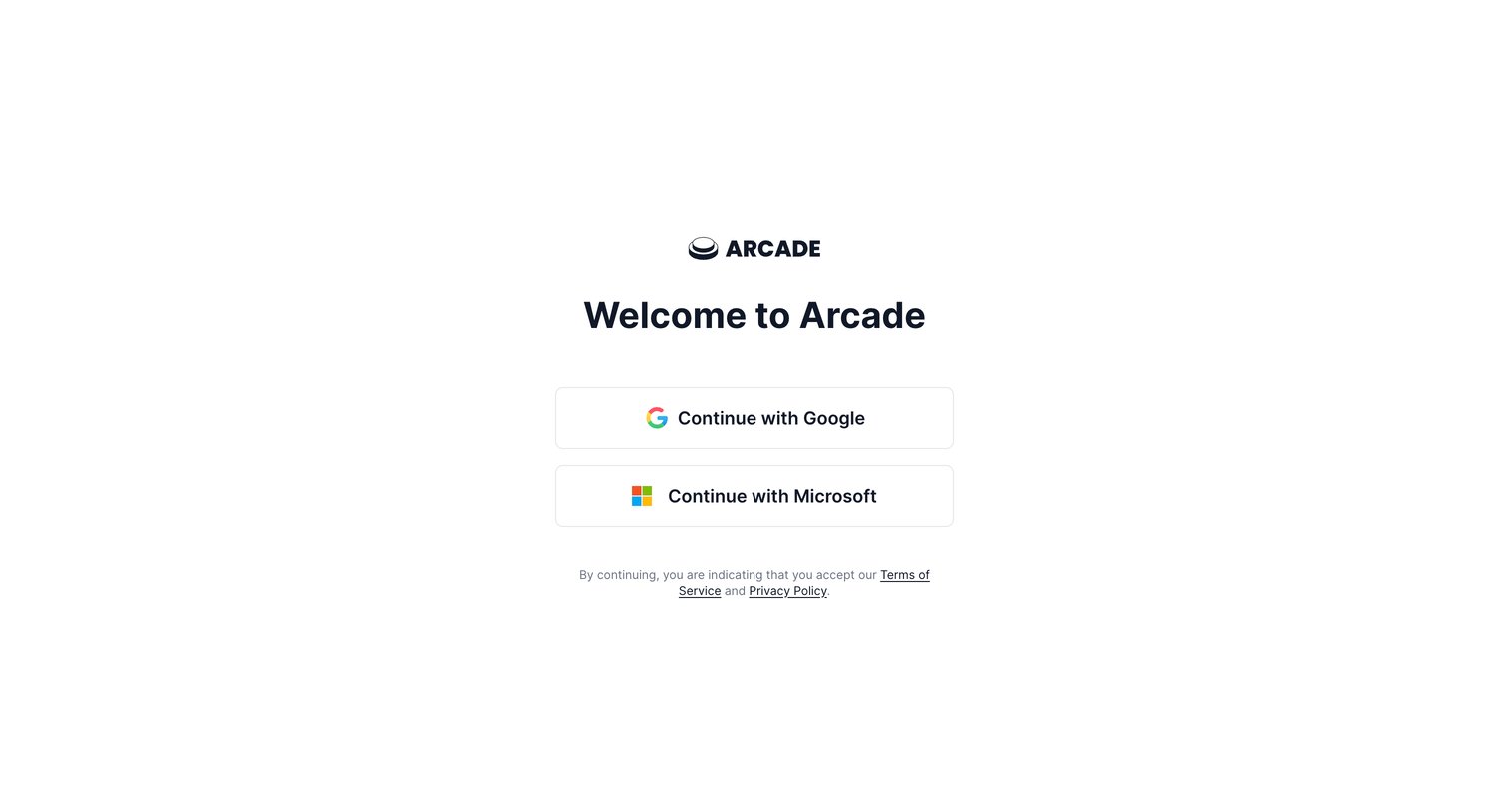
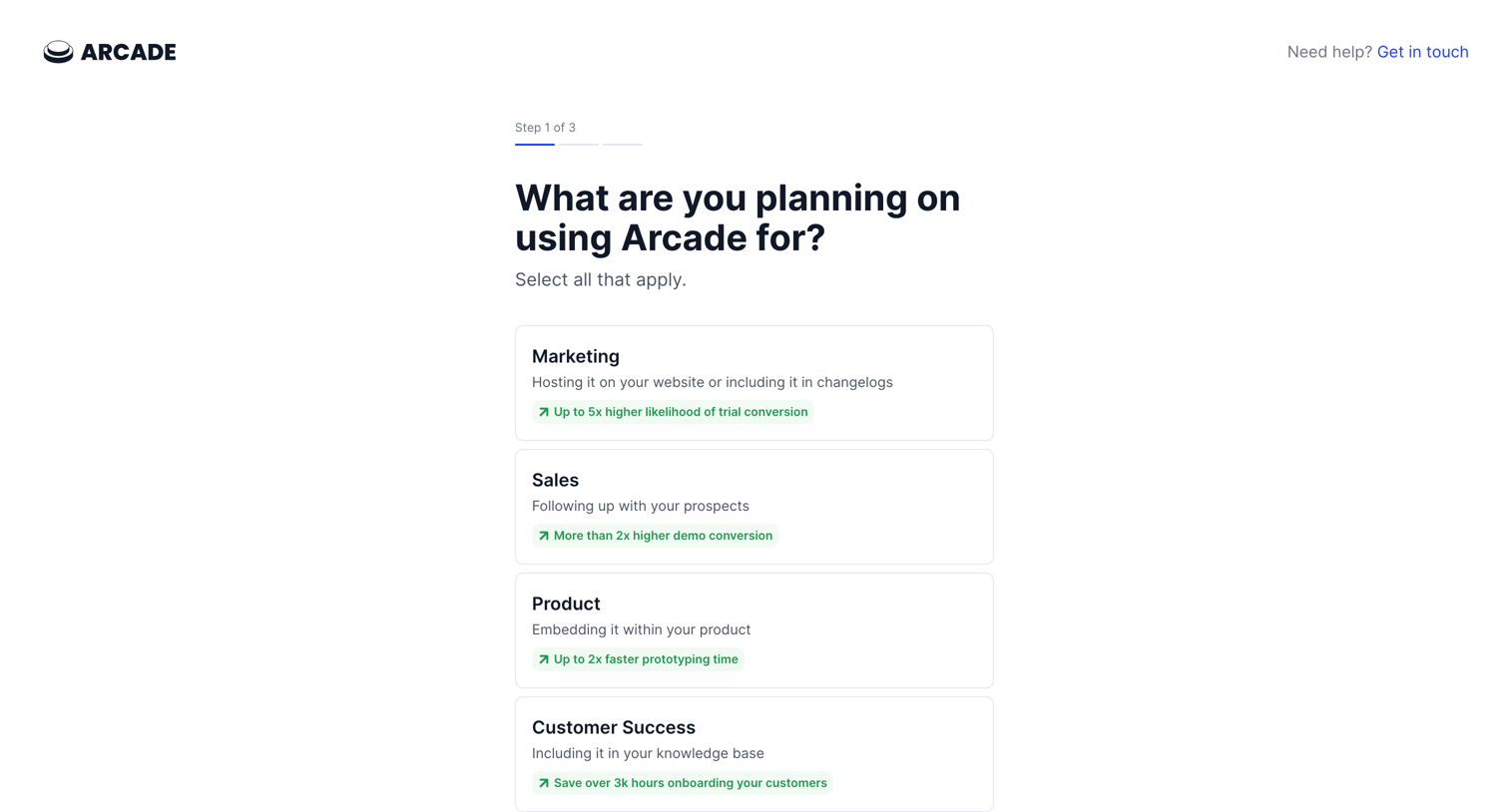
Onboarding step where the user selects their intended use cases for Arcade, such as Marketing, Sales, or Product, to personalize their setup.
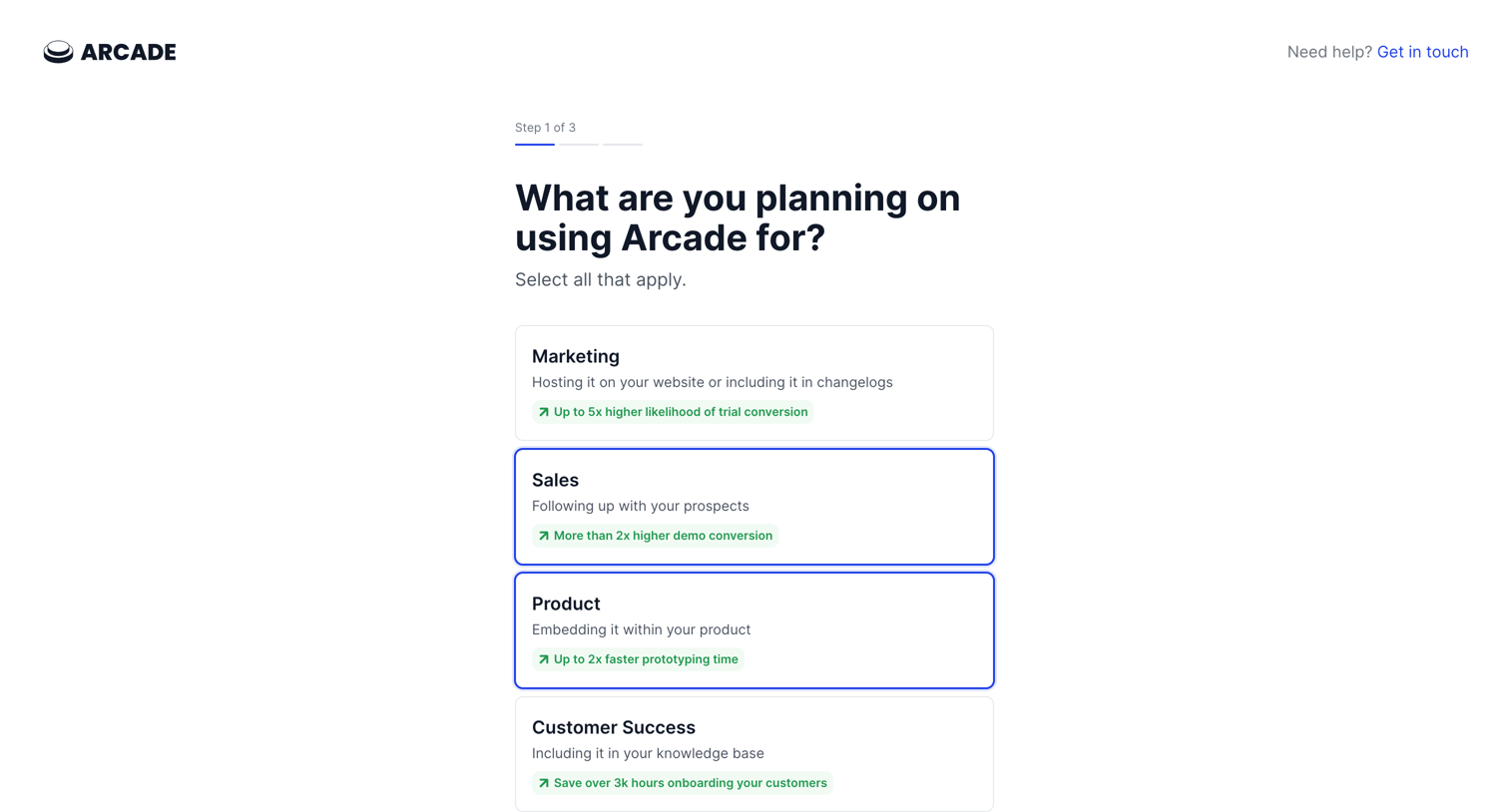
Onboarding screen where the user selects their planned use cases for Arcade, such as Marketing, Sales, or Product.
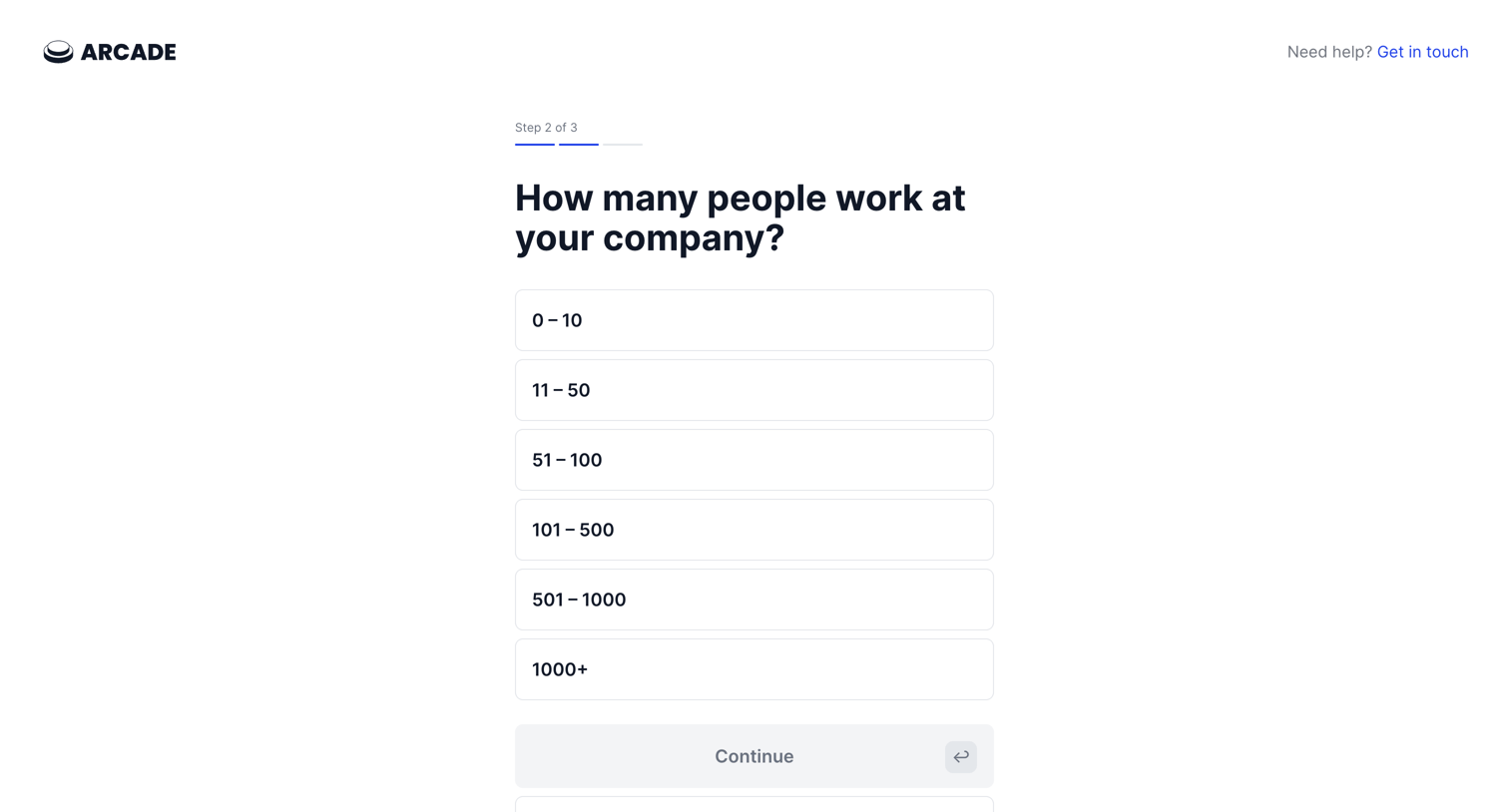
Onboarding step where the user selects their company size from a list of ranges to continue setup.
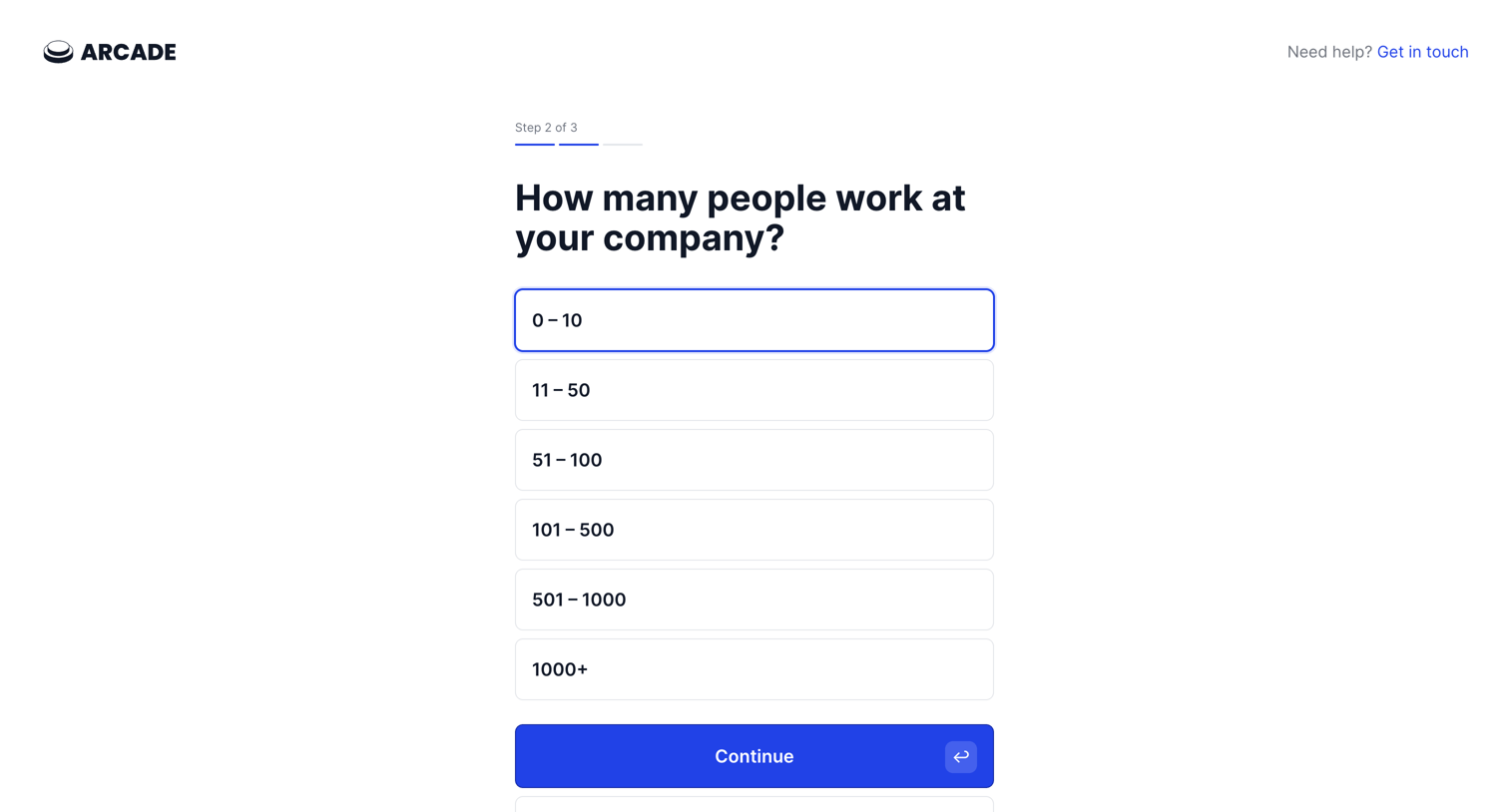
Onboarding step where the user selects their company size from a list of ranges to continue setup.
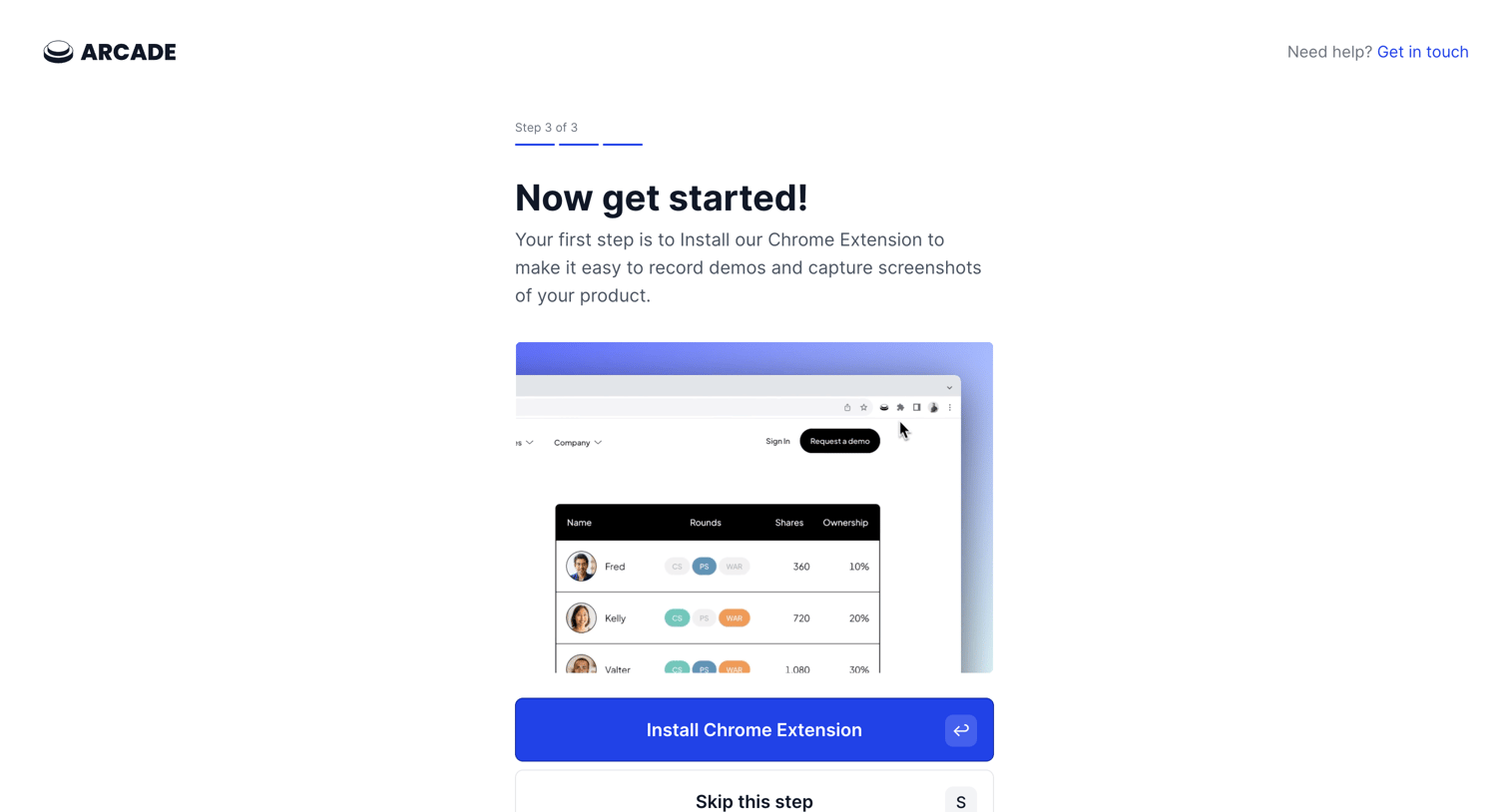
Onboarding step where the user is prompted to install the Chrome extension to record demos, with an option to skip.
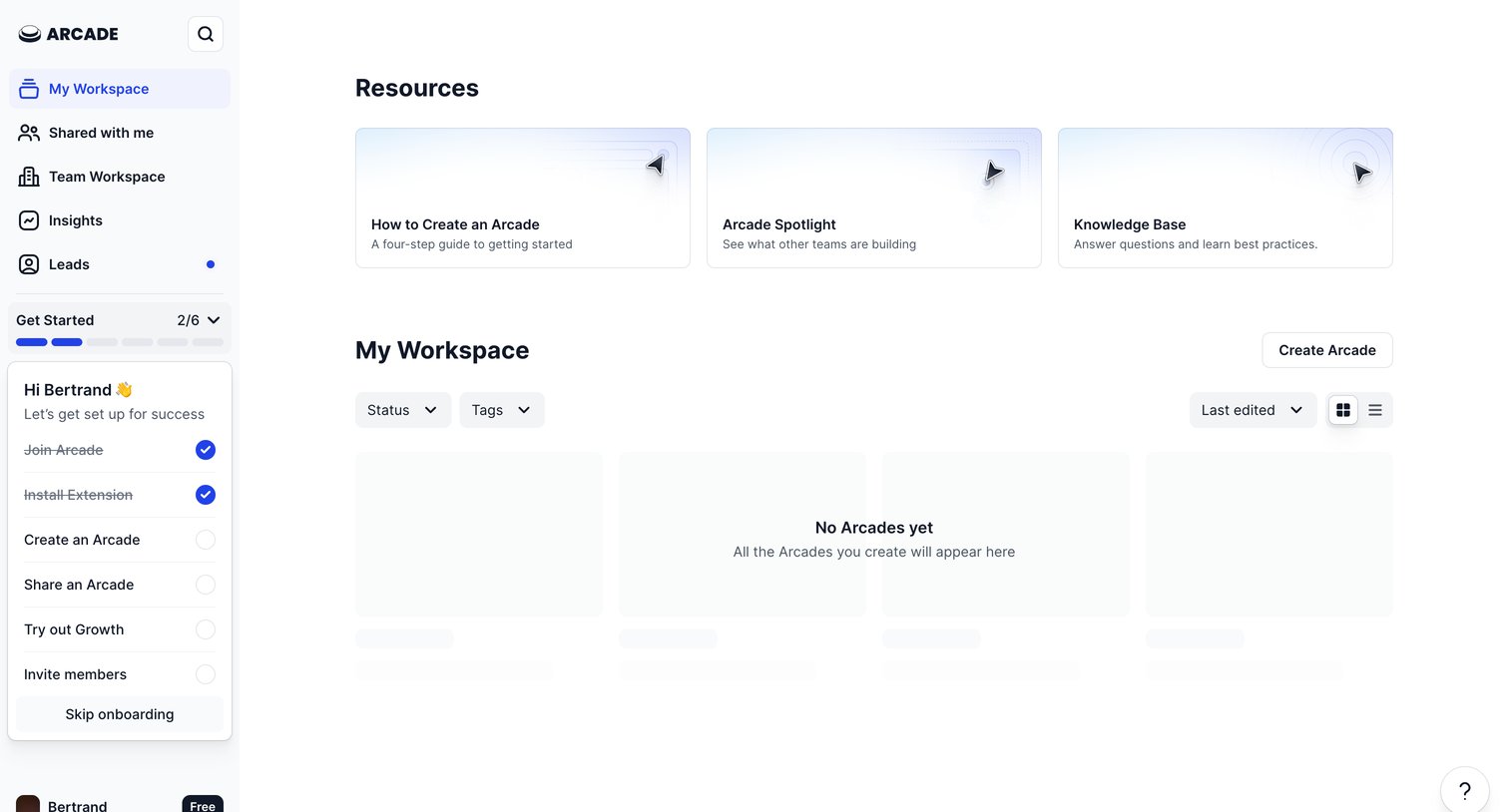
Workspace list view where the user can access getting-started resources and create their first Arcade, with an active onboarding checklist in the sidebar.
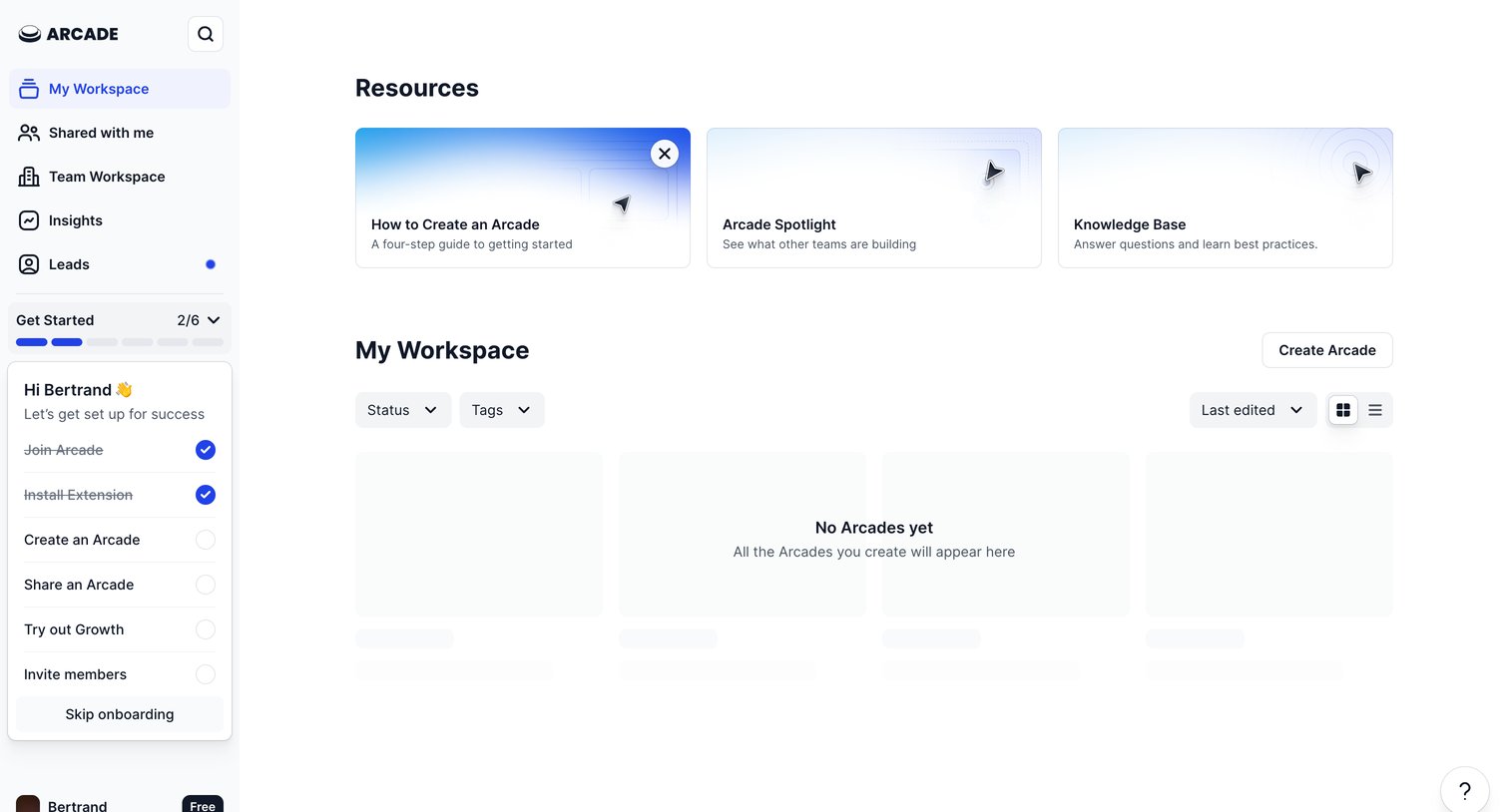
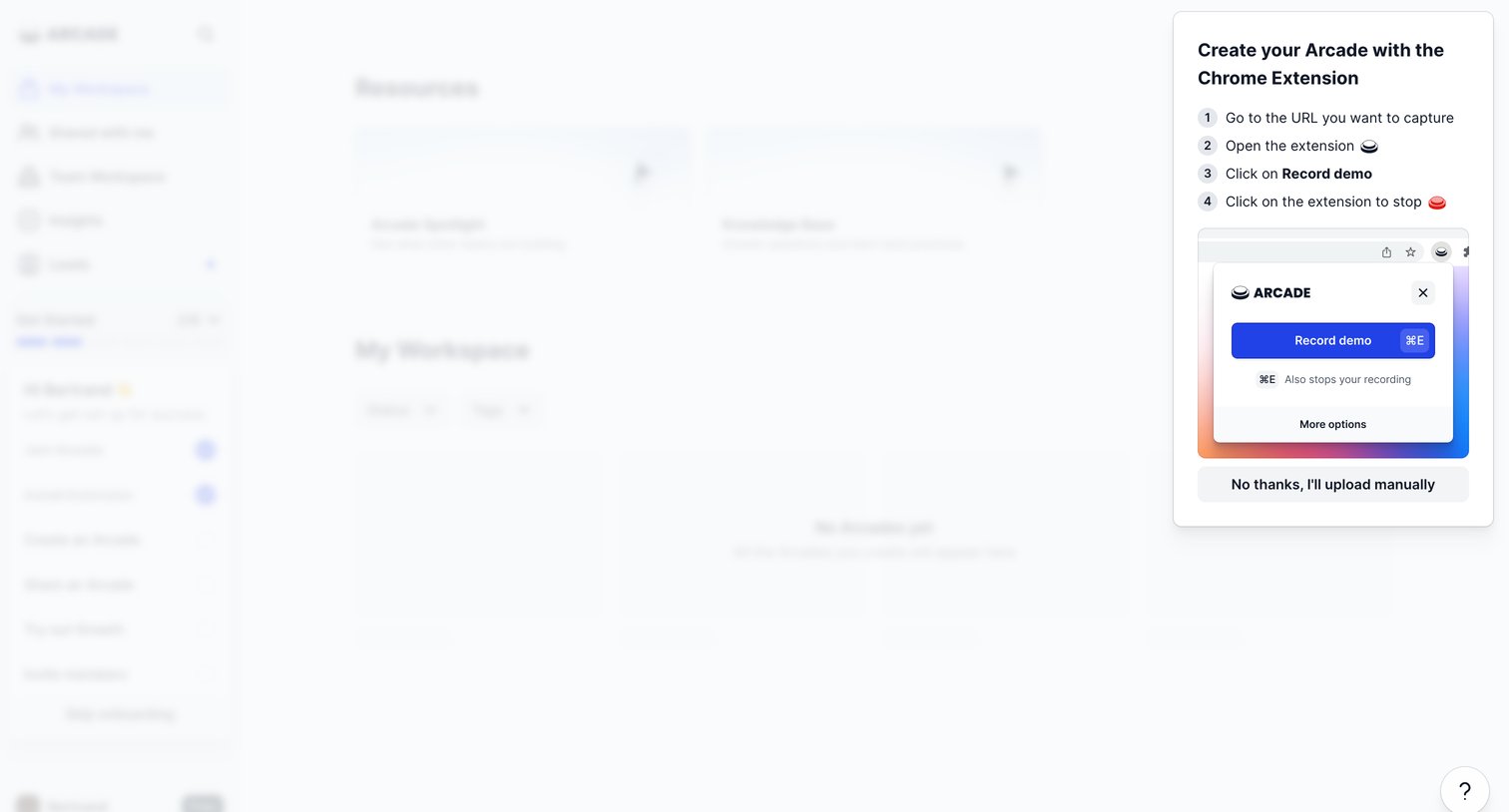
Home dashboard with an onboarding overlay prompting the user to create their first Arcade using the Chrome extension, featuring step-by-step instructions and a manual upload fallback.
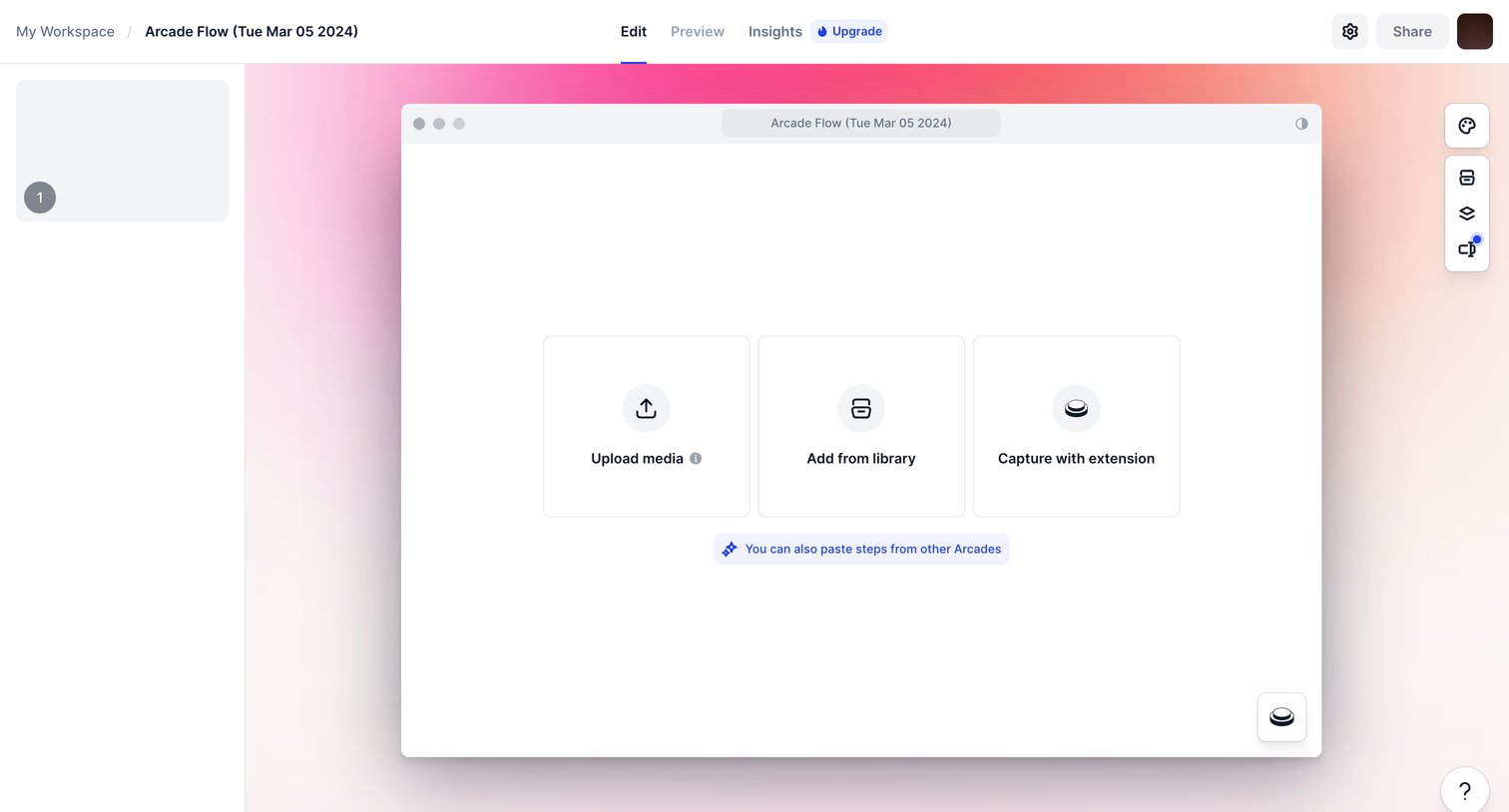
Design editor for an interactive product tour where the user is prompted to upload media, add from a library, or capture a new recording to start building their flow.
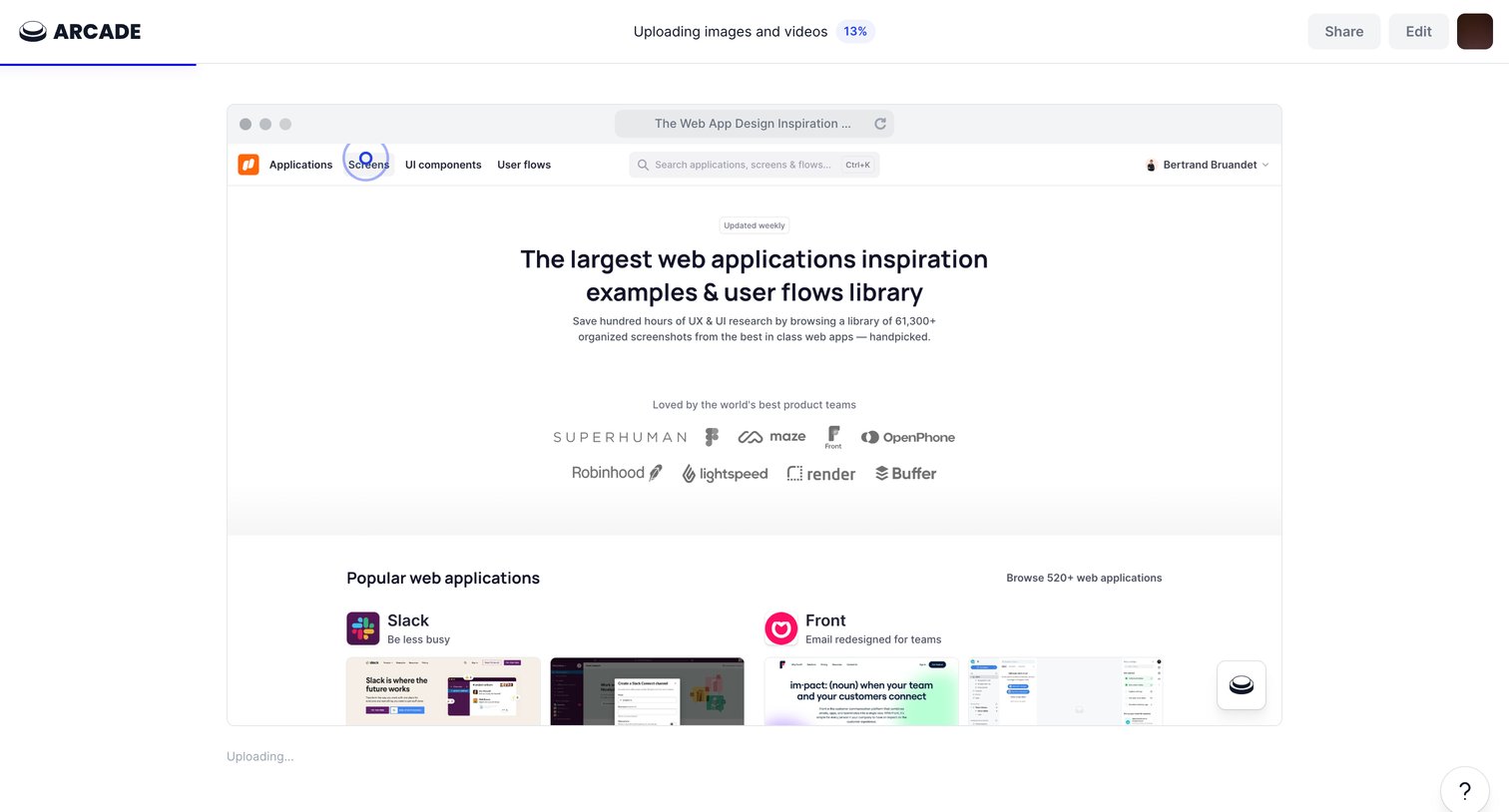
Editor screen showing the upload progress of a recorded web application demo inside a browser mockup.
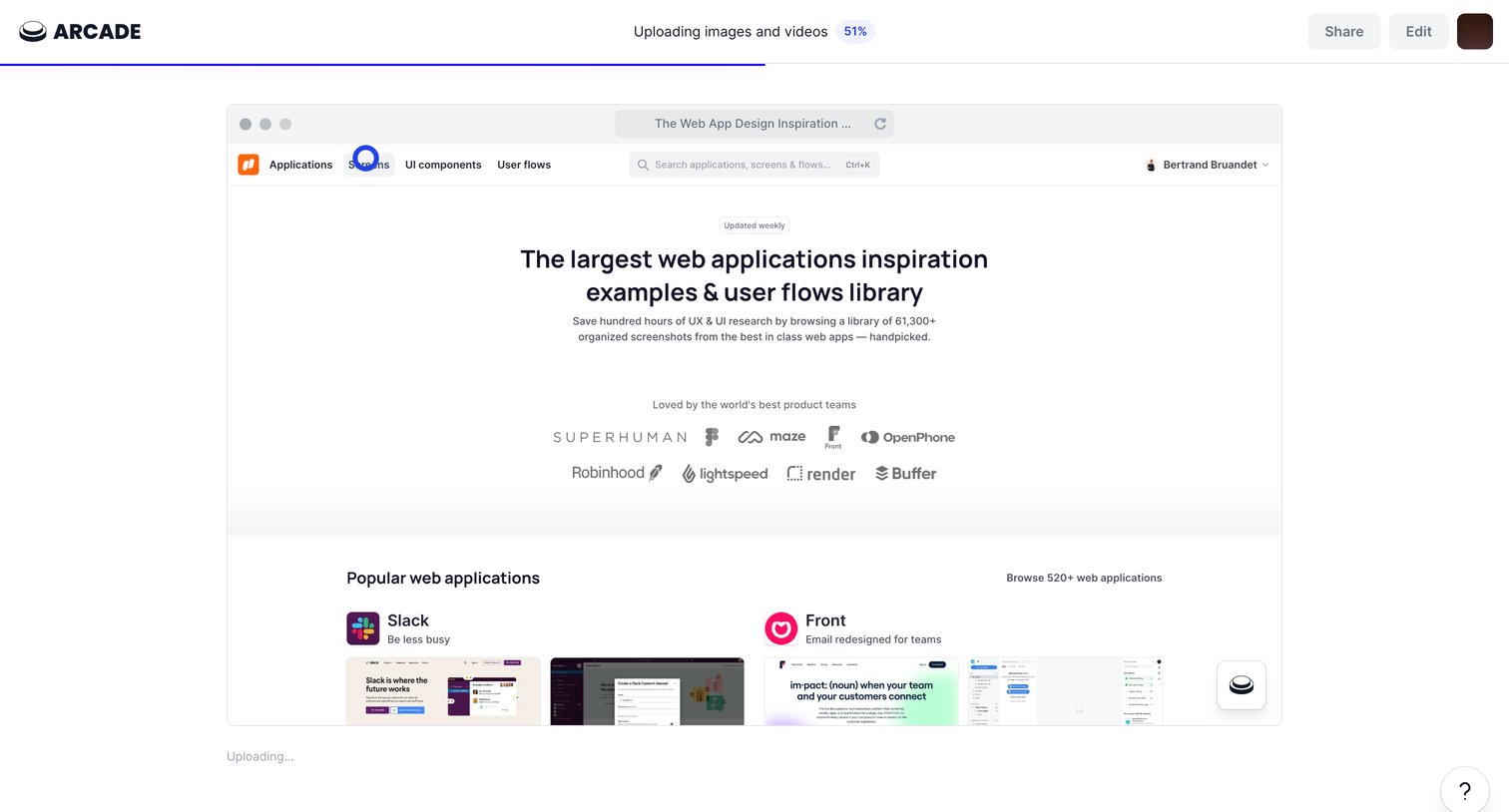
Creation screen where the user waits for a screen recording of a web design inspiration site to finish uploading, with options to share or edit the pending artifact.
Browse the full SaaS app library
Explore real SaaS apps with their product screens, marketing screens, flows, and components.
Trusted by the best teams







