Arcade user flows examples
Explore Arcade user flow examples. Preview the opening screens and steps for each task. Create effortlessly beautiful demos in minutes
Preview these flows

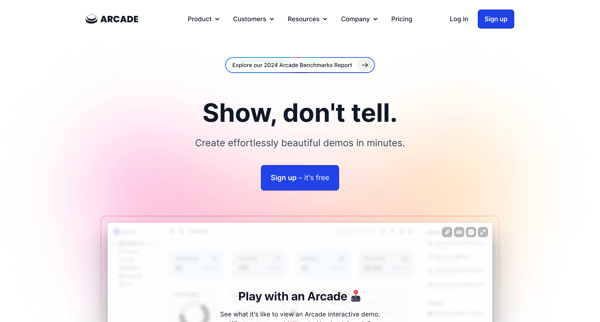
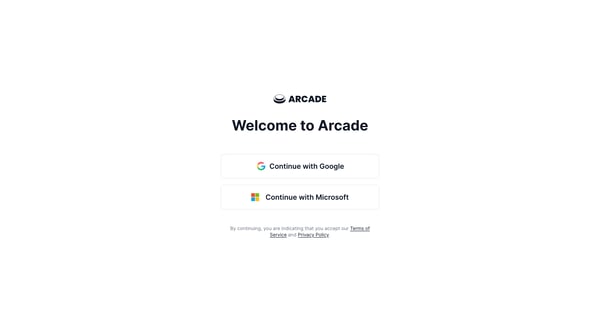
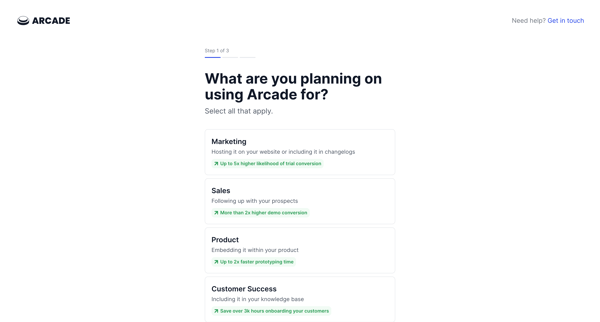
This flow guides new users through setting up their account with Arcade, including understanding its use, specifying company size, and prompting the installation of a necessary Chrome extensi
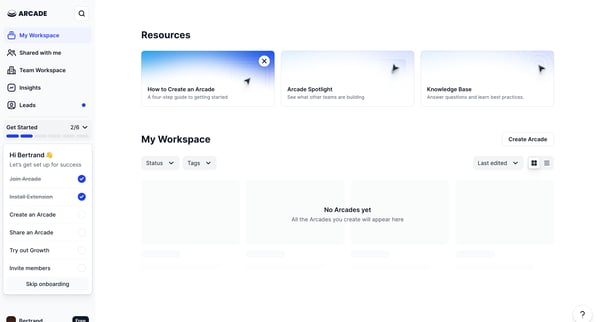
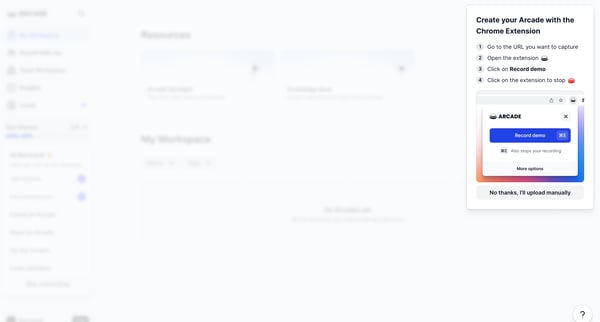
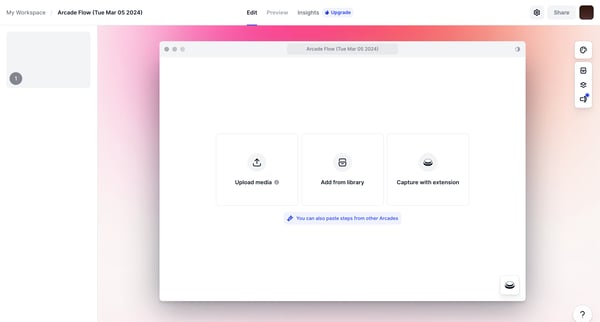
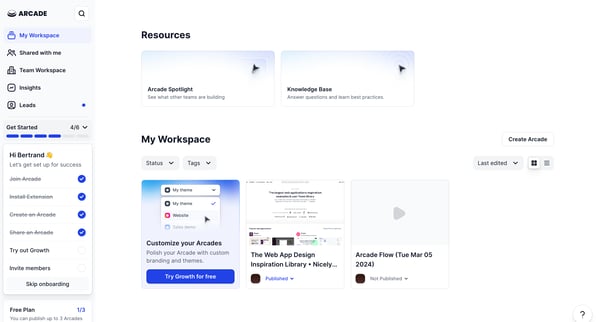
This user flow guides users through the process of creating, editing, sharing, and managing Arcades, ultimately enhancing their web app design inspiration and collaboration within a team.
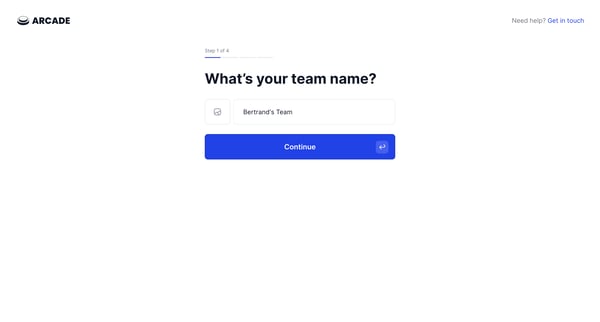
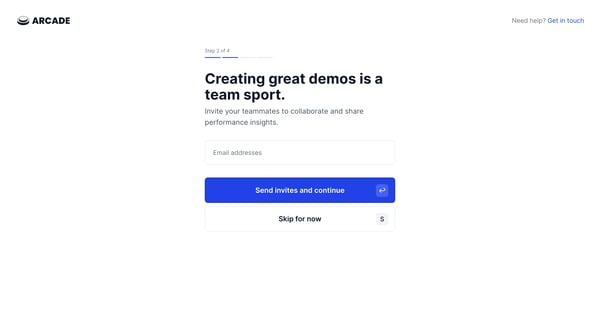
This flow guides a user through setting up a team workspace in Arcade, from naming the team and inviting members to integrating tools and finalizing the setup with a trial plan.
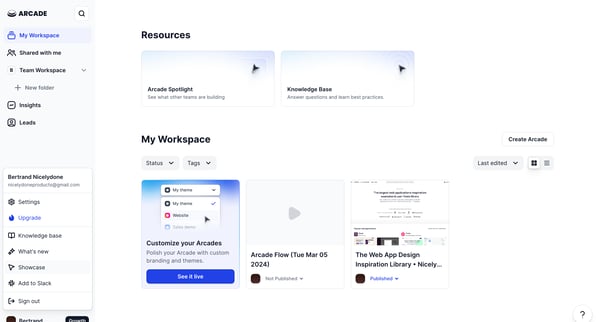
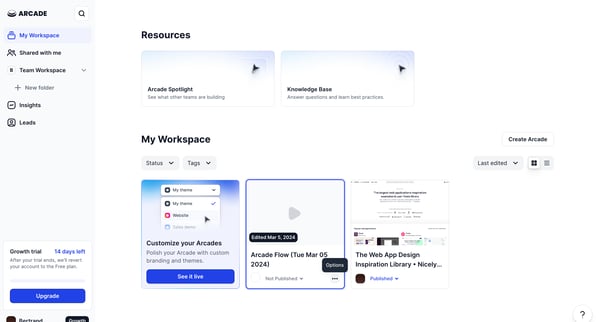
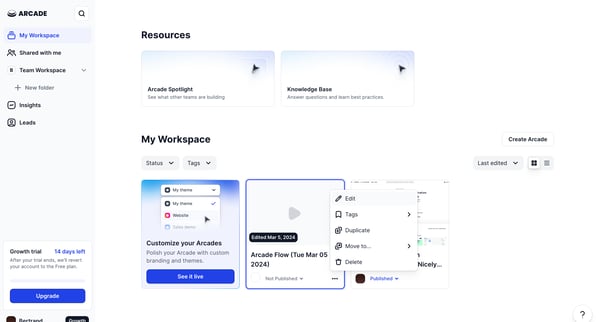
This flow guides the user through the process of deleting an Arcade, starting from navigating the user workspace to confirming the deletion of an Arcade.
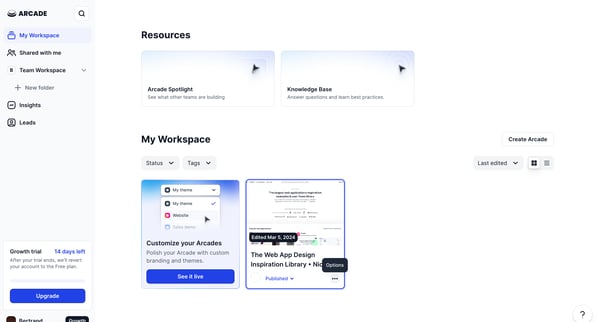
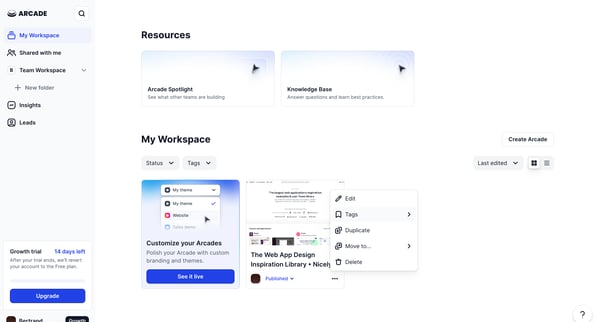
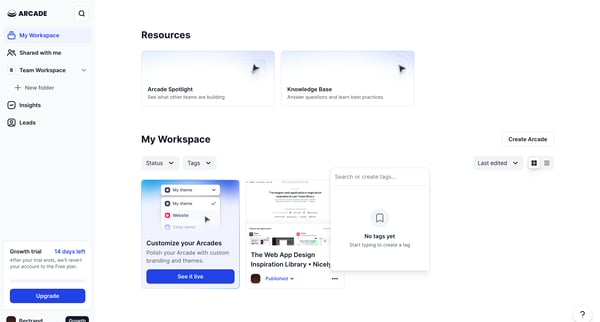
This flow guides the user through the process of customizing their Arcade by selecting and organizing web application inspirations and applying custom branding and themes.
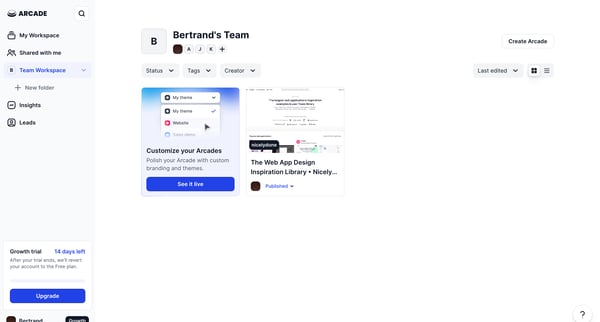
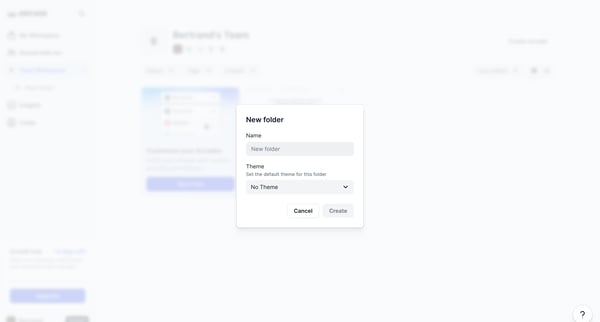
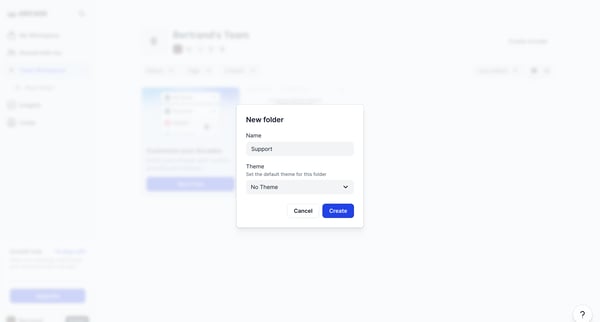
This flow enables users to create and customize a new collection folder within their workspace, setting up its name and theme.
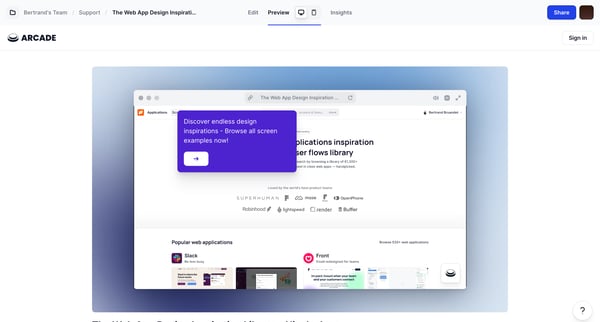
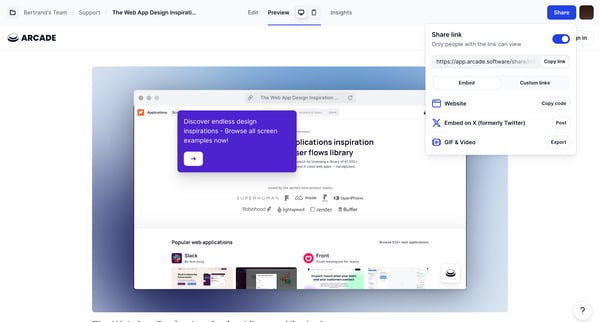
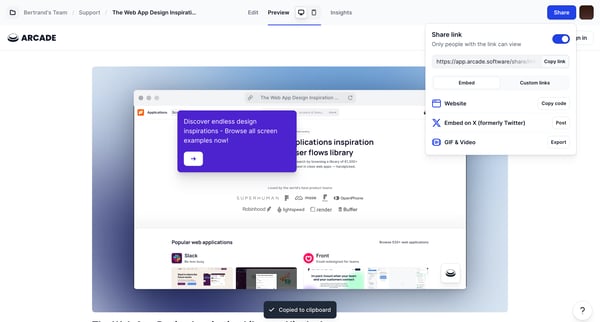
This flow enables users to share web app design inspirations through a customized linking process, including creating, managing, and distributing custom links.
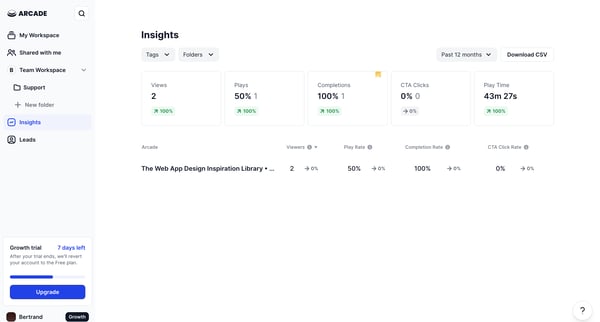
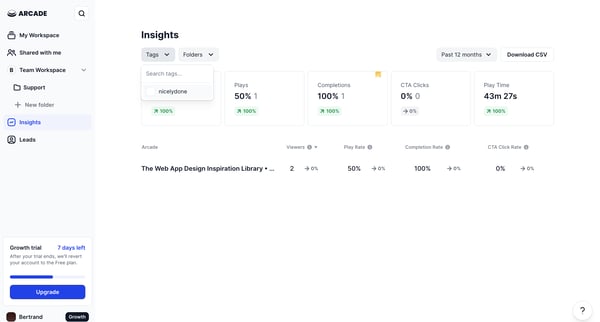
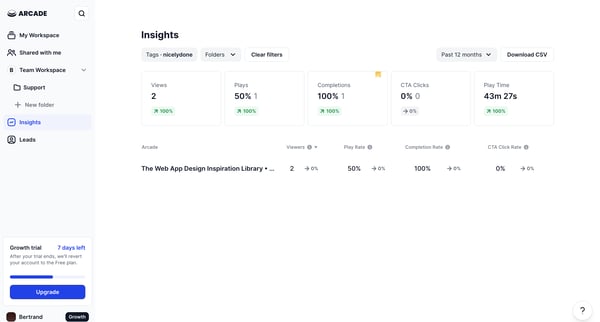
This user flow facilitates users in filtering and sorting performance data within the Arcade application, enabling optimized insights retrieval based on specific criteria such as tags, time f
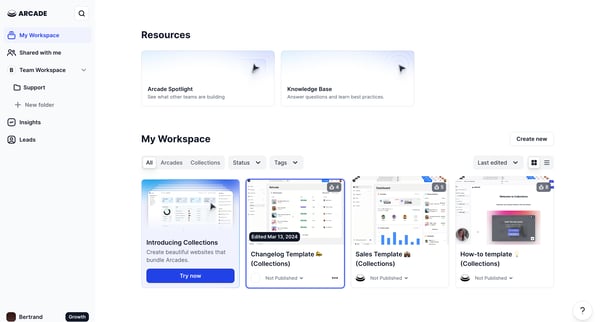
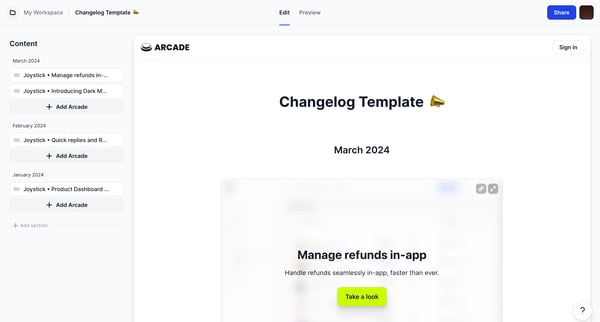
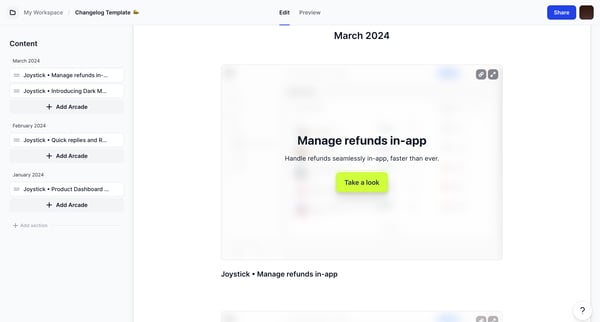
This flow guides a user through the process of editing, managing, and sharing updates in the Changelog within the Arcade platform, ultimately culminating in the collection and publishing of v
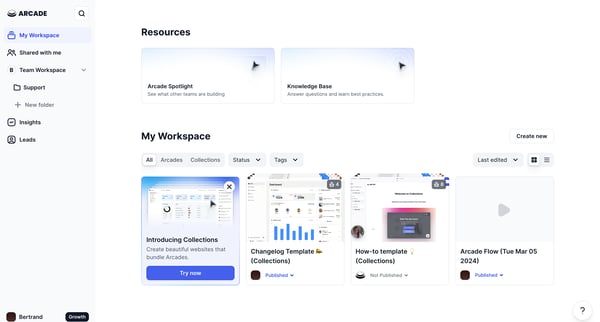
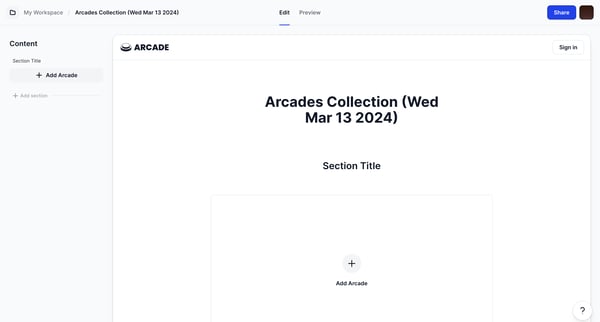
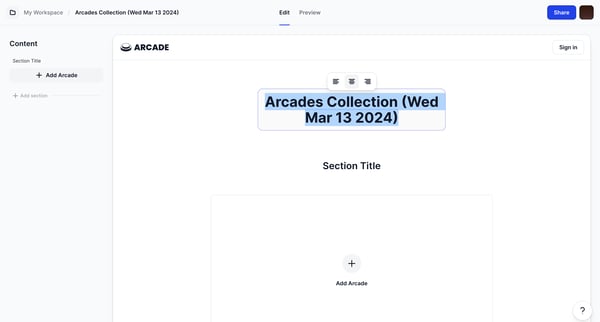
This user flow guides users through the process of creating and modifying a collection of arcades, including adding arcades, encountering and addressing errors, and viewing the final collecti
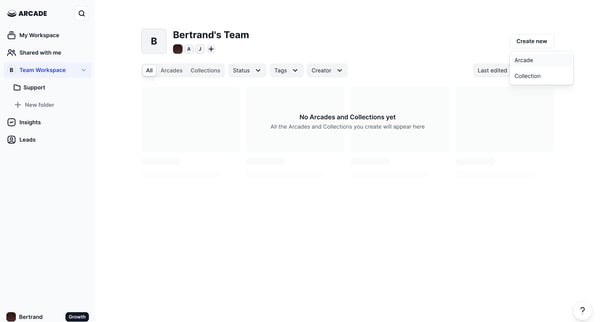
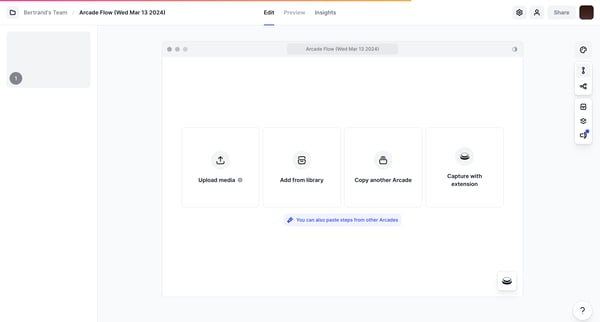
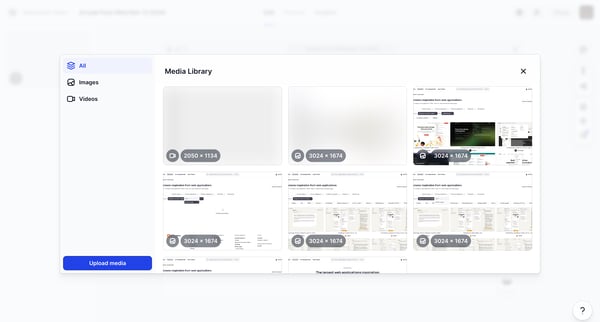
This flow enables the creation, editing, and management of an interactive Arcade flow, incorporating various elements such as media libraries, design editors, form submissions, and insights o
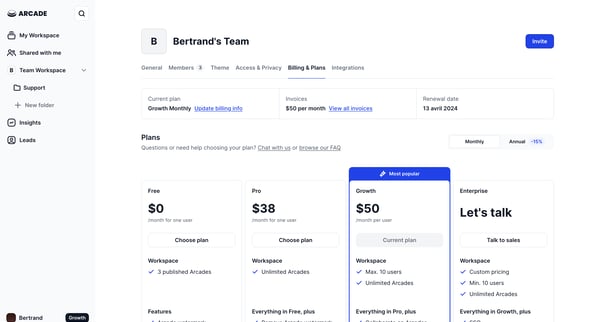
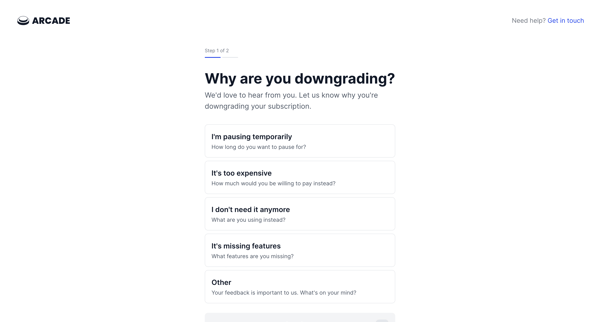
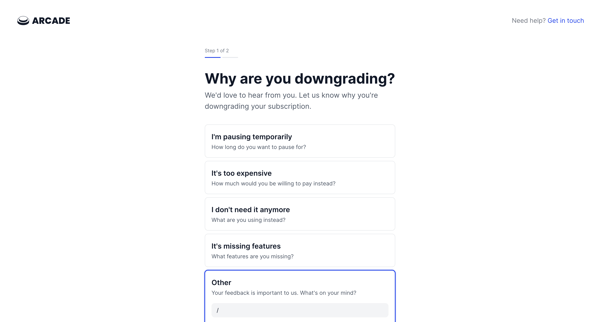
This flow guides a user through downgrading their subscription plan, collecting feedback, and confirming the downgrade with associated feature loss.
Explore the full SaaS flow library
Browse the full SaaS flow library.
Trusted by the best teams







