Stripe design examples
Explore Stripe UI design examples. Payments infrastructure for the internet
Product screens
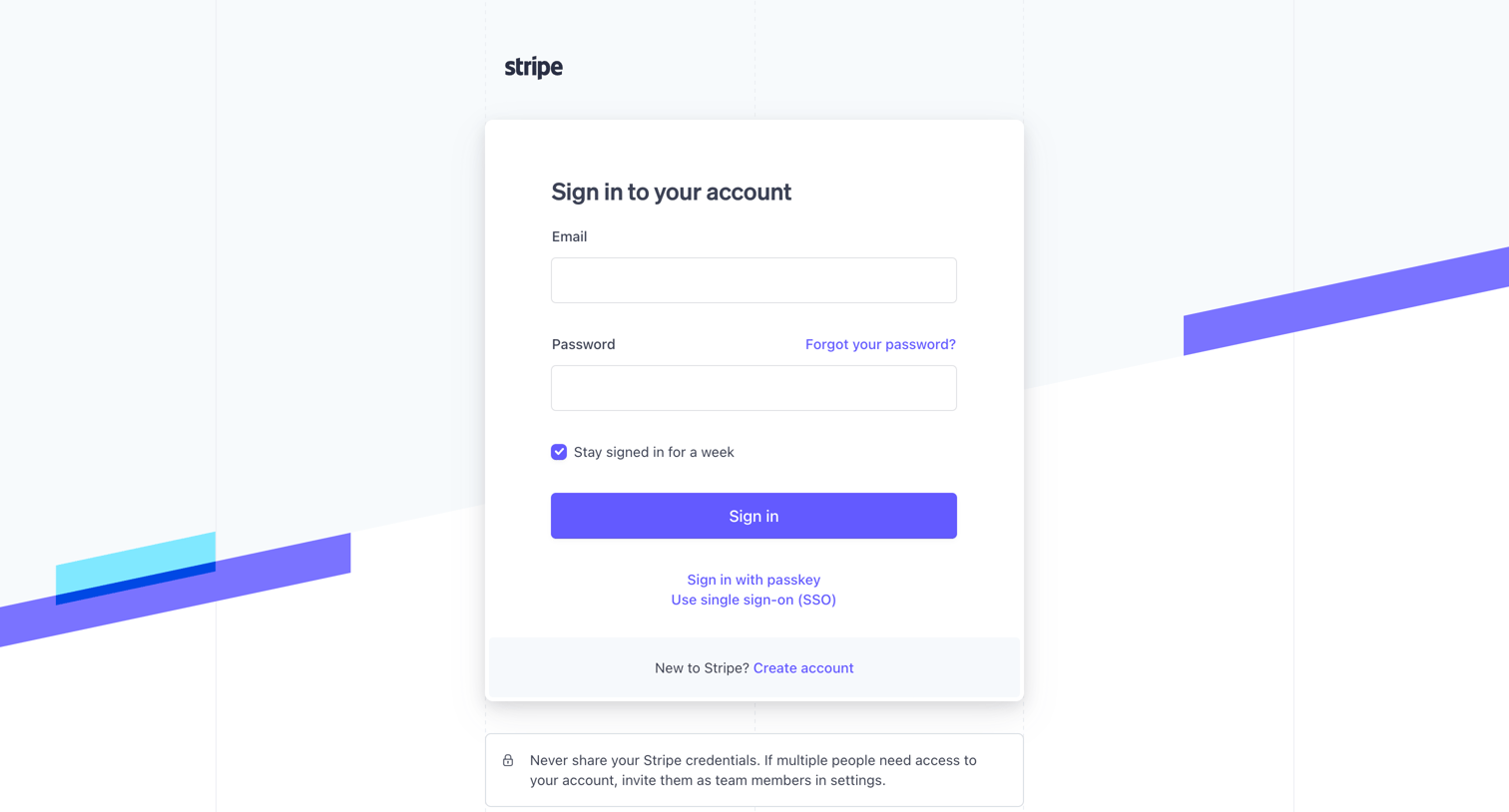
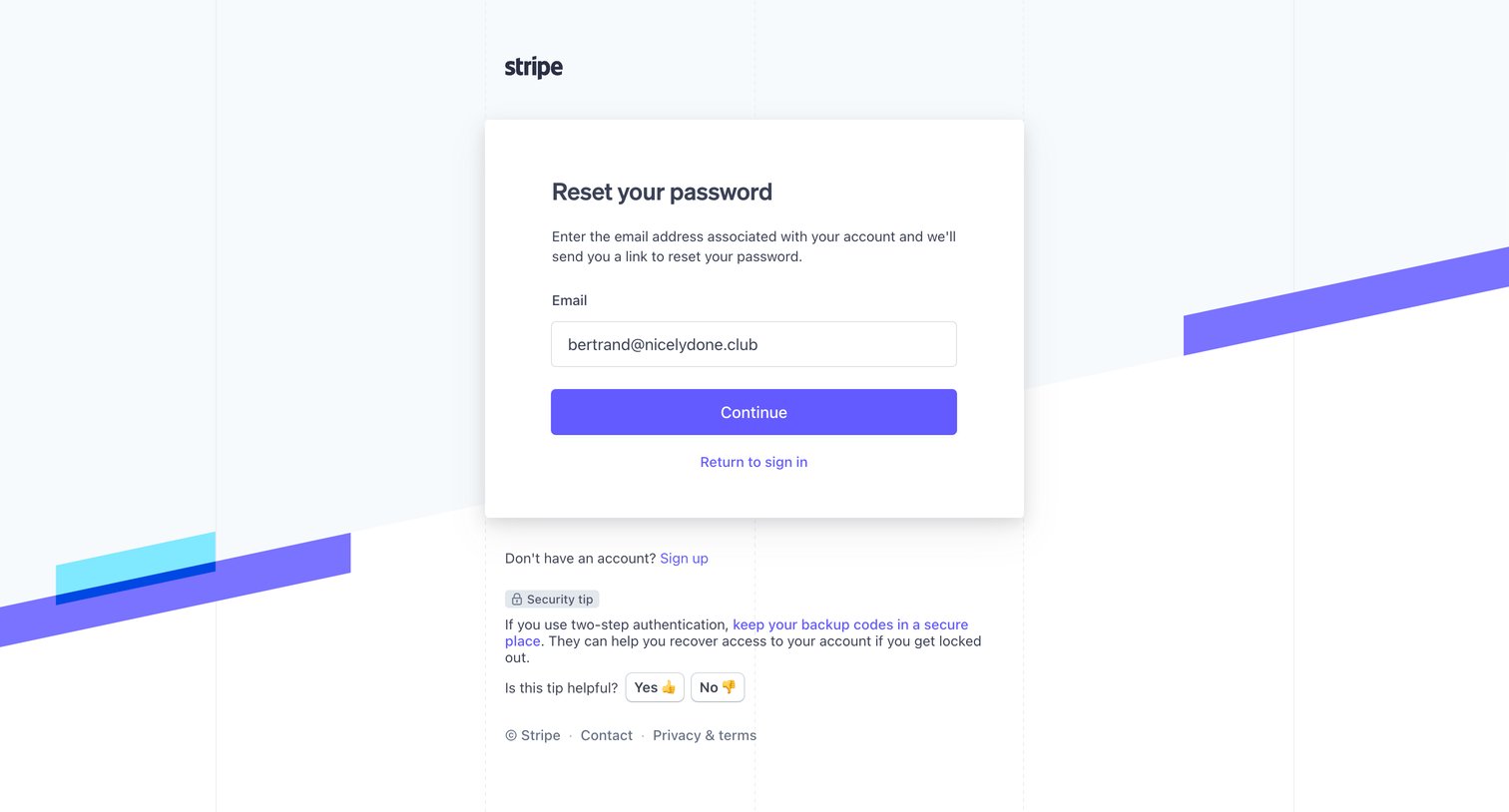

Password recovery screen where the user enters their email address to receive a reset link, featuring a security tip about backup codes.
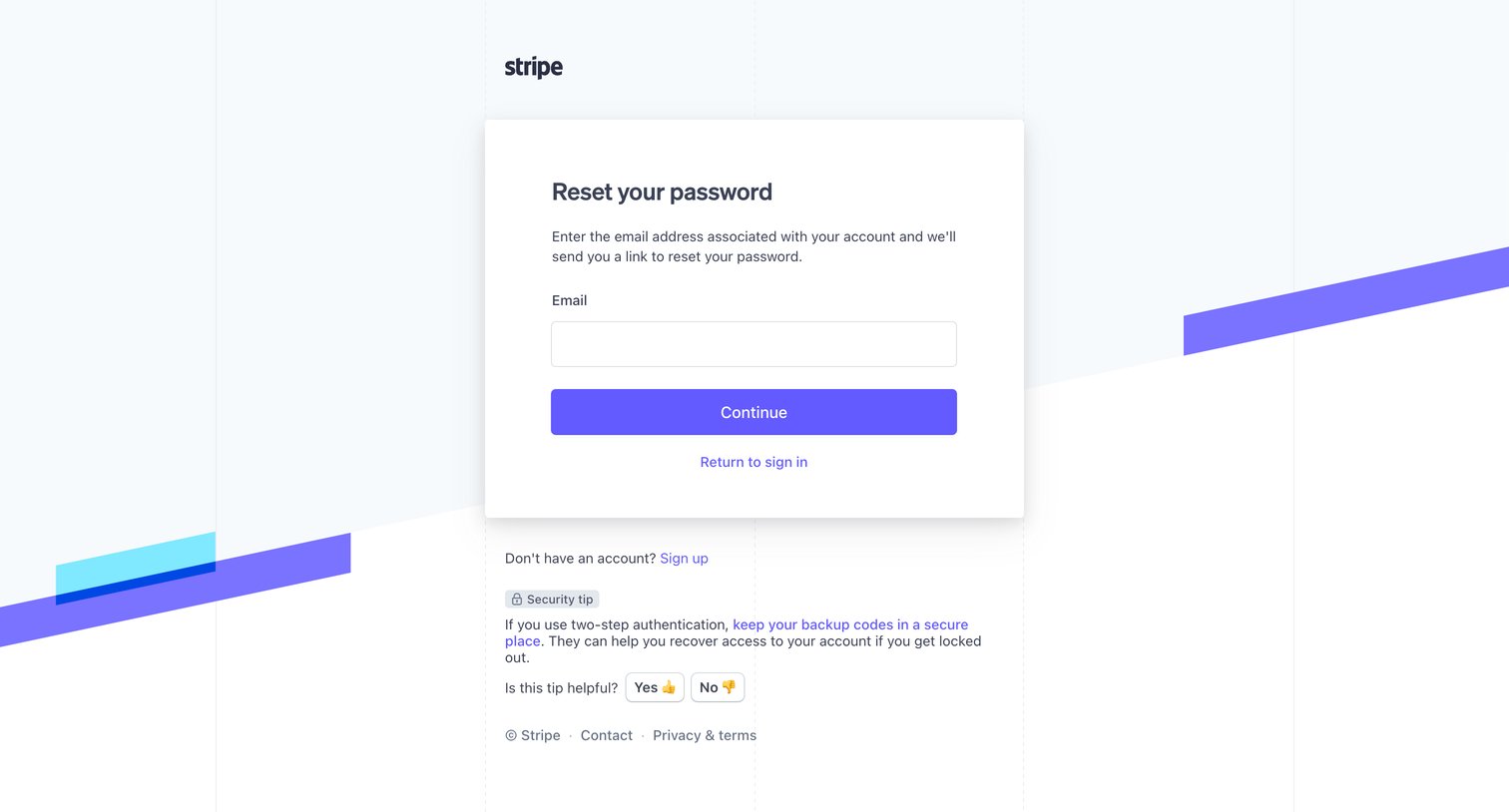
Password recovery screen where the user enters their email address to receive a reset link, featuring a security tip about backup codes below the main card.
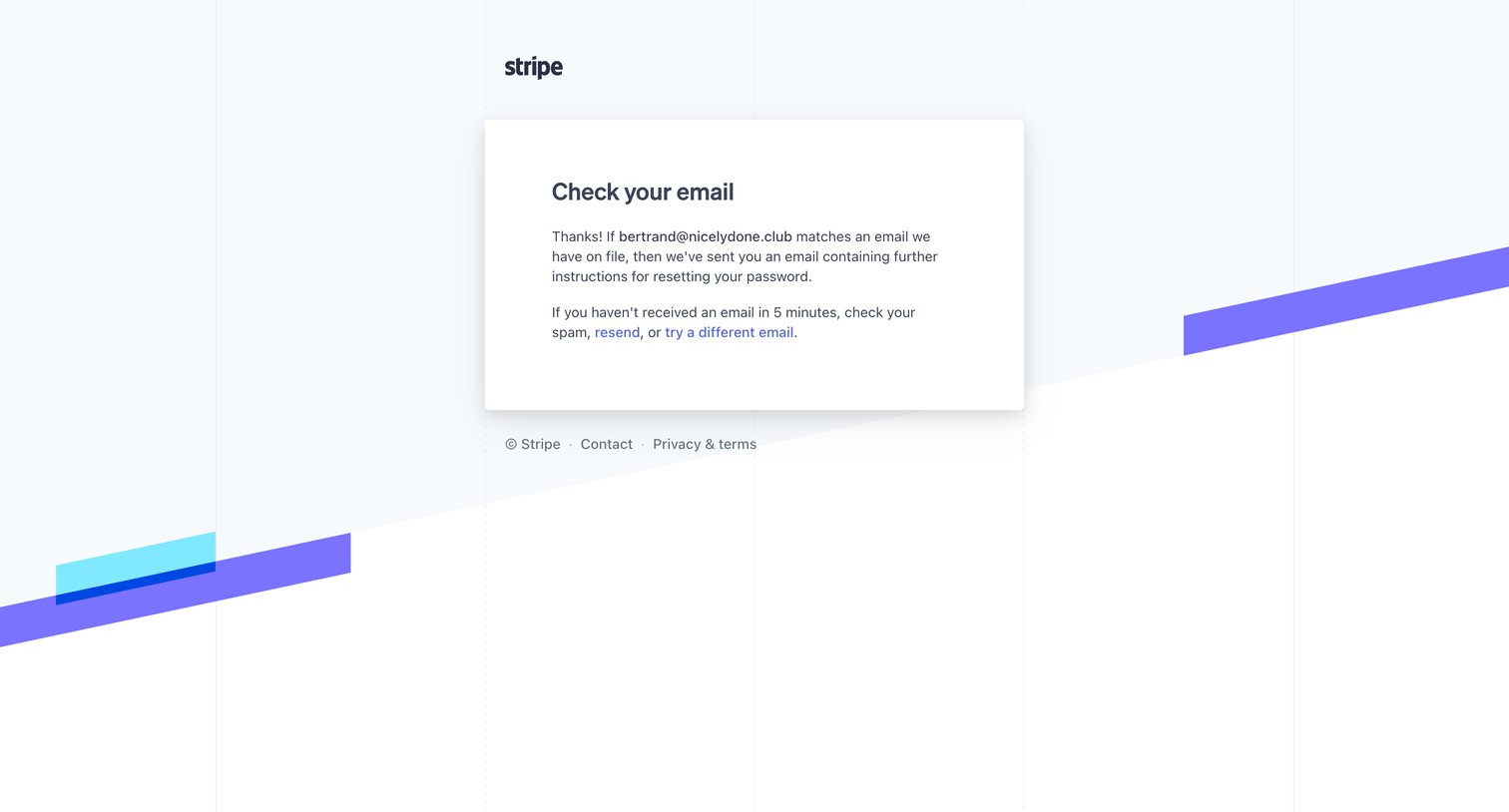
Password recovery screen confirming an email has been sent with instructions to reset the user's password, offering options to resend or try a different address.
![Stripe - Home – New Business – Stripe [Test] screen](https://assets.nicelydone.club/cdn-cgi/image/g=top,w=1512,h=814,f=webp,fit=cover/https://assets.nicelydone.club/f/50ecb14a-955f-4369-ba7b-de0cfdb69d60.png)
Dashboard home screen where the user views high-level payment volume metrics, manages test API keys, and accesses onboarding tasks like creating a payment link.
![Stripe - Dashboard – New Business – Stripe [Test] screen](https://assets.nicelydone.club/cdn-cgi/image/g=top,w=1512,h=814,f=webp,fit=cover/https://assets.nicelydone.club/f/1670104e-601e-4bbf-94df-dc6c6232e213.png)
Onboarding step where the user is prompted to complete their business profile to start accepting payments.
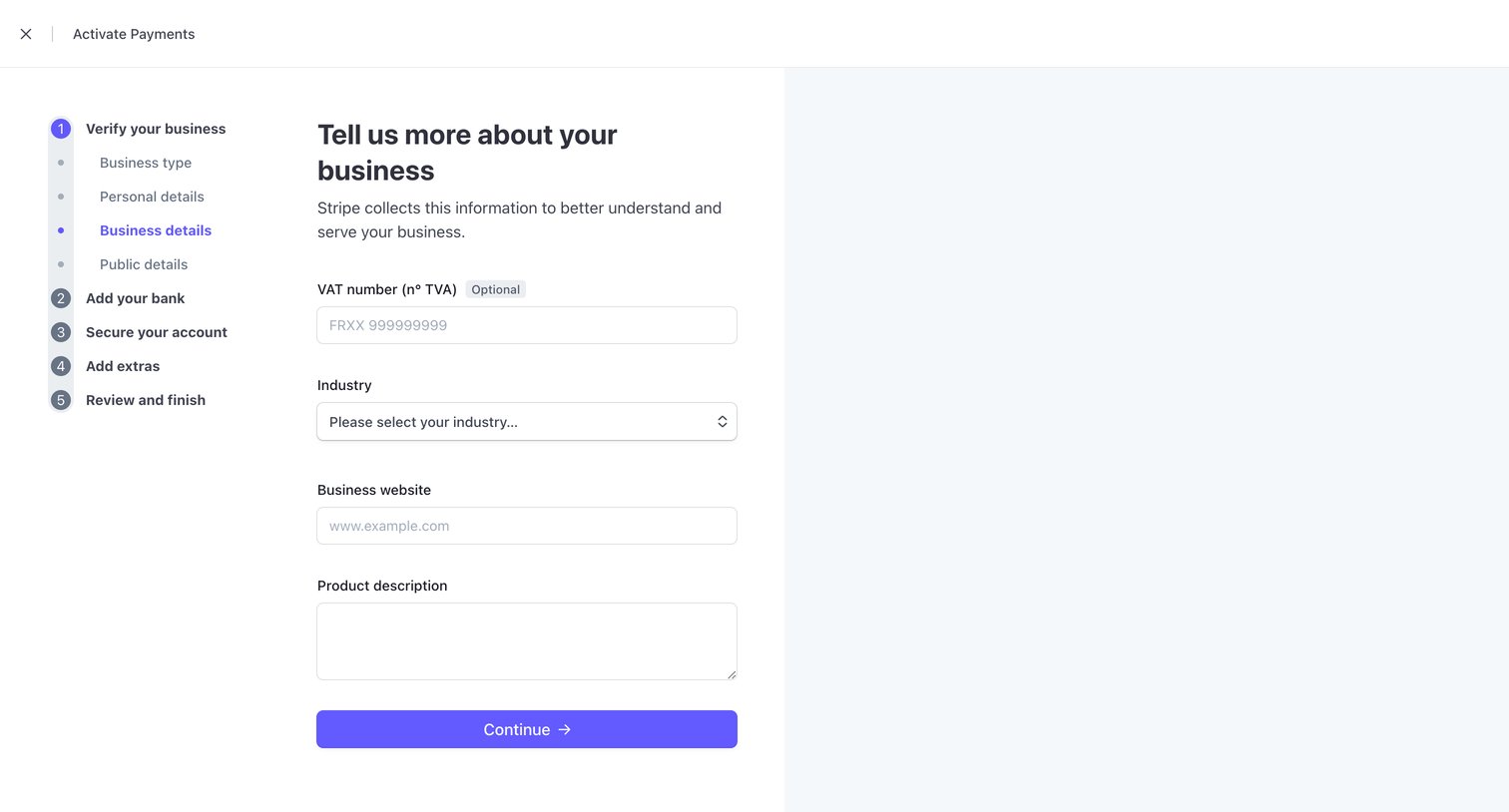
Onboarding step where the user provides business details like VAT number, industry, website, and product description to activate payments.
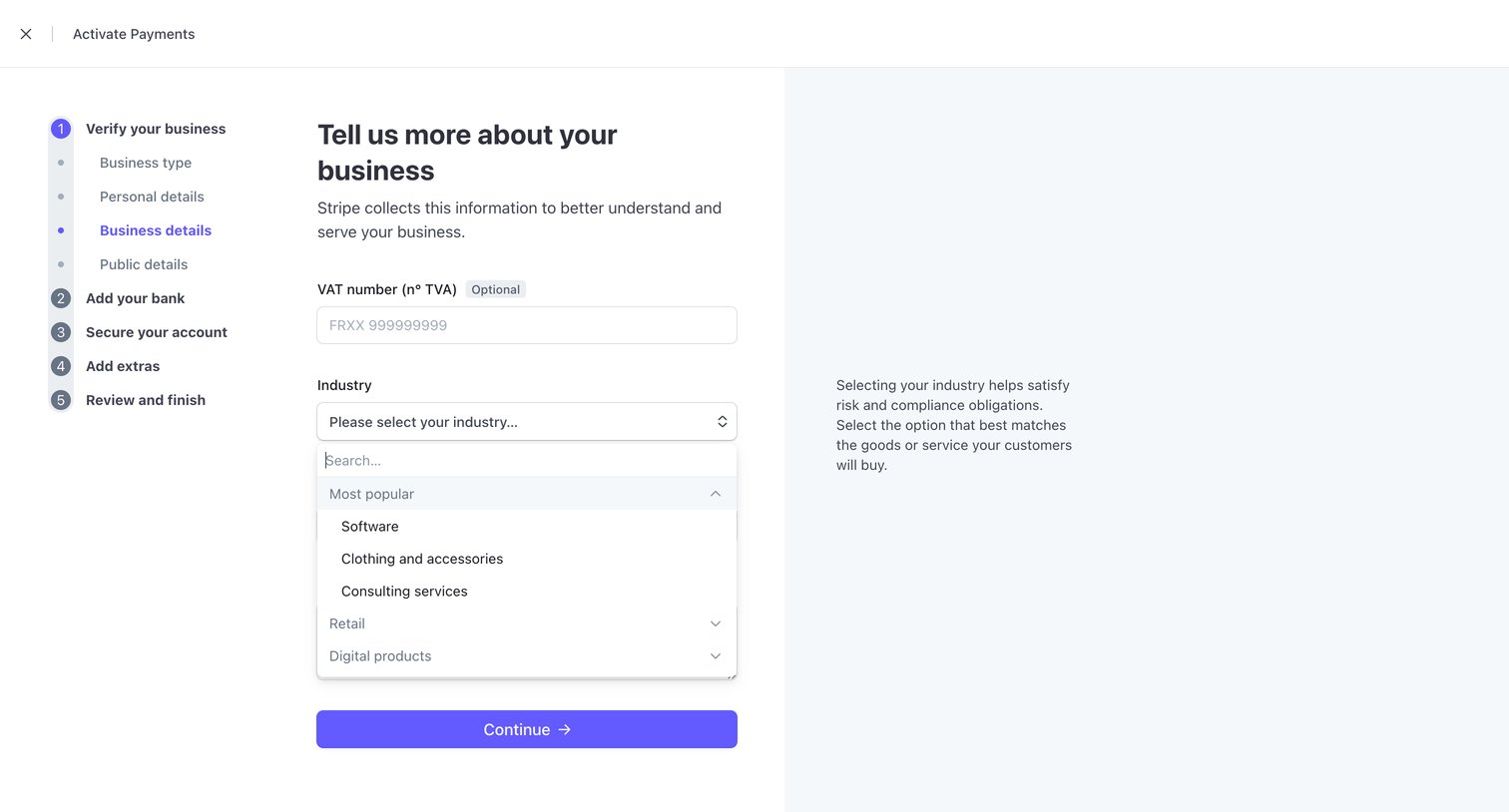
Onboarding step where the user provides their VAT number and selects their industry to activate payments.
Browse the full SaaS app library
Explore real SaaS apps with their product screens, marketing screens, flows, and components.
Trusted by the best teams







