Stripe UI components examples
Browse Stripe UI component design examples. Preview individual interface elements and explore related component categories. Payments infrastructure for the internet
Explore the examples
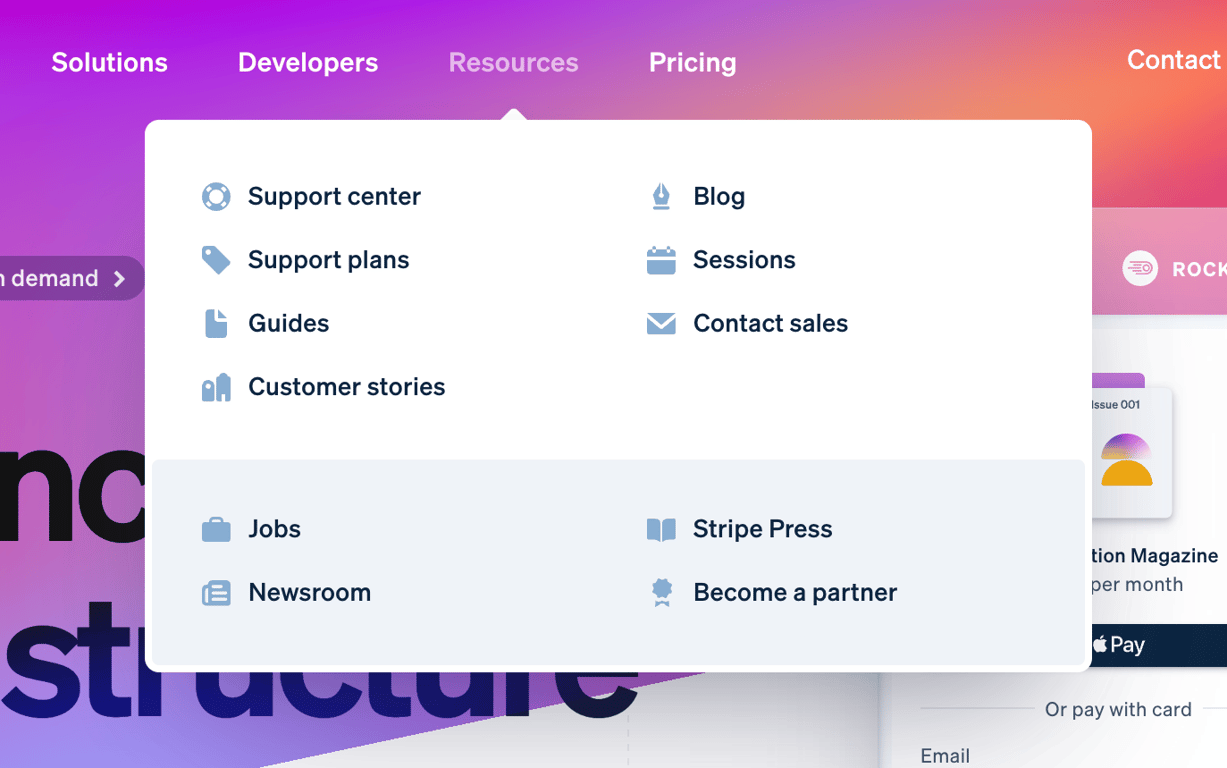

An open mega menu dropdown displaying a grid of resource links with icons, divided into a primary white section and a secondary light blue section.
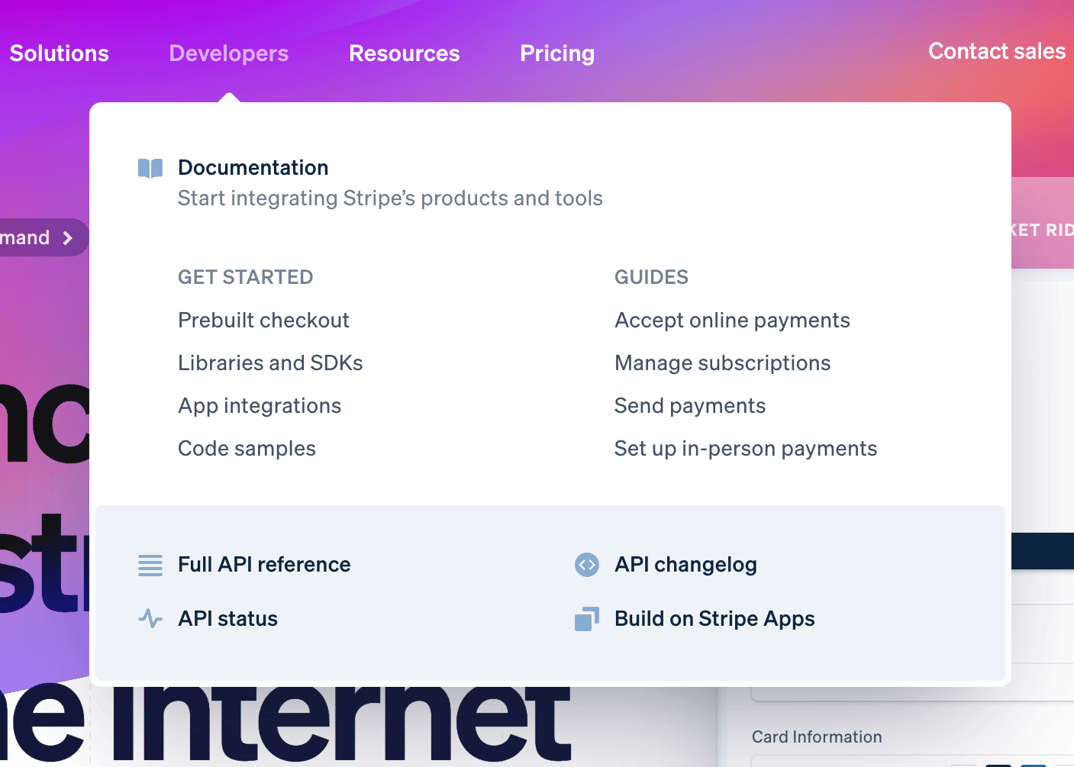
A large dropdown menu containing categorized links and resources, triggered from a top navigation bar.
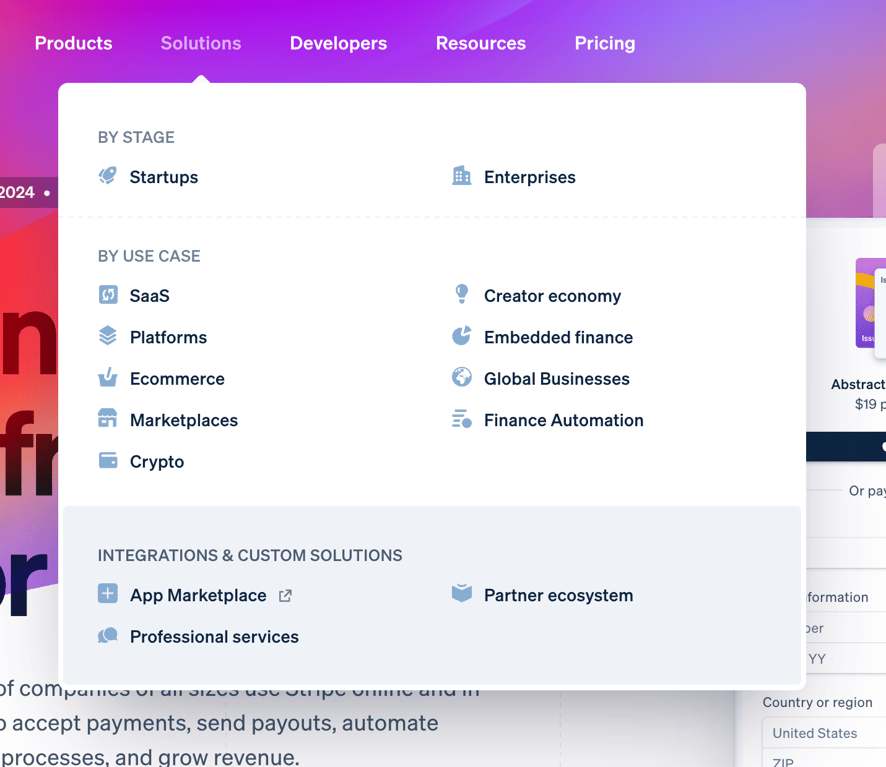
A large dropdown menu appearing from a top navigation bar, categorizing links by stage, use case, and integrations.
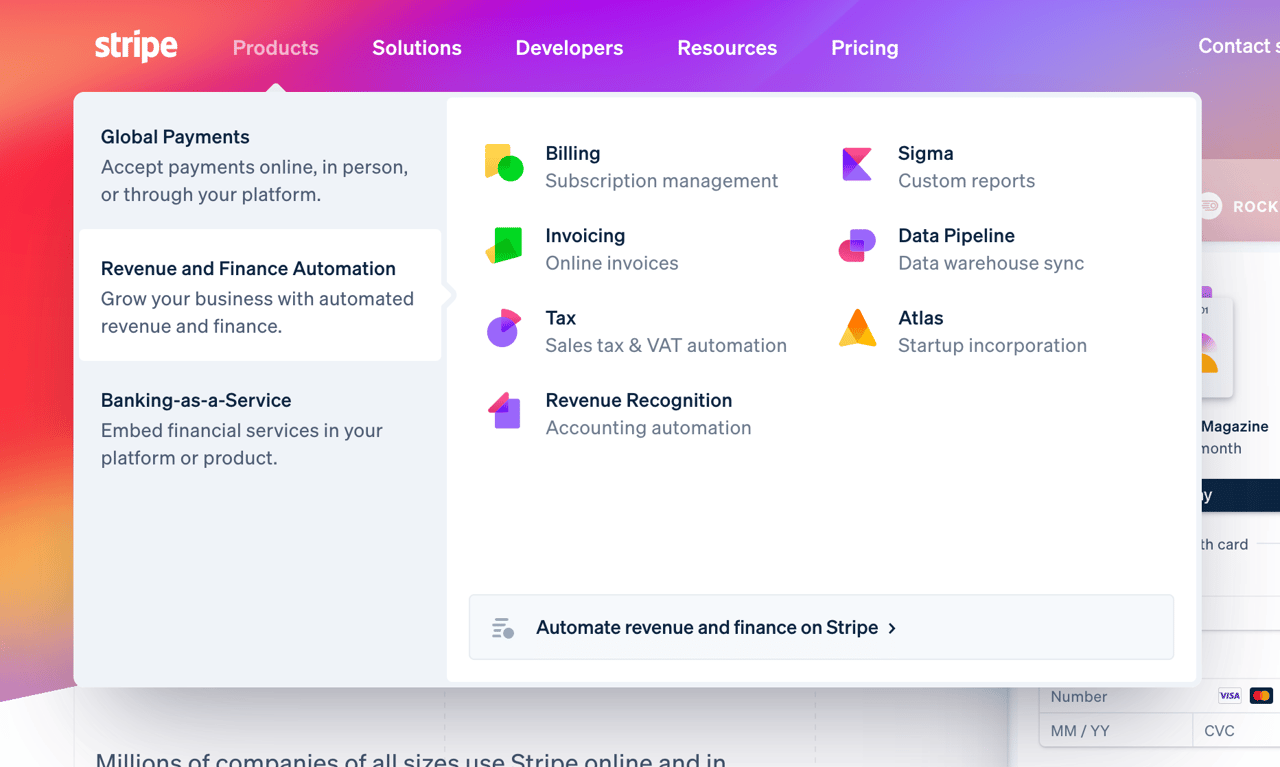
A large dropdown menu displaying product categories on the left and specific products with icons and descriptions on the right.
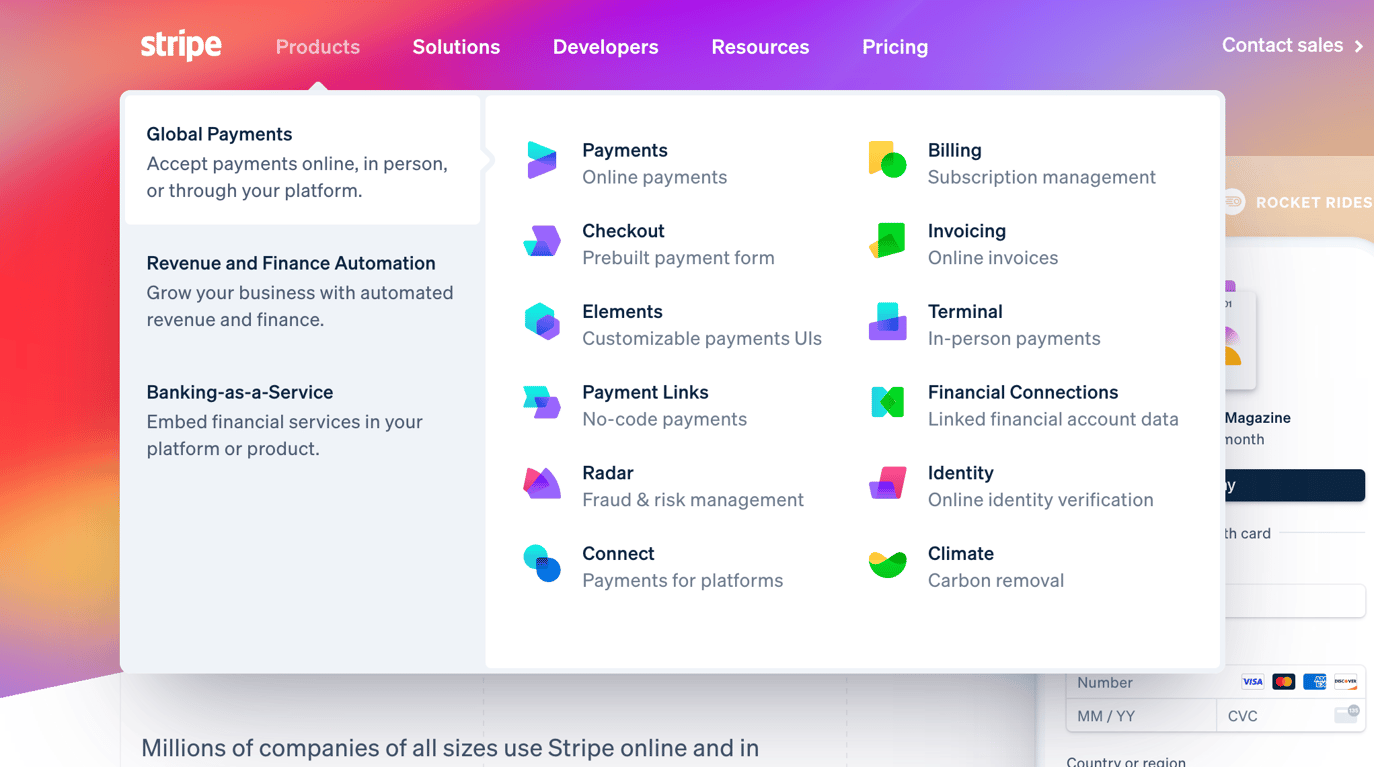
A large, multi-column dropdown menu displaying product categories and individual products with icons and descriptions.
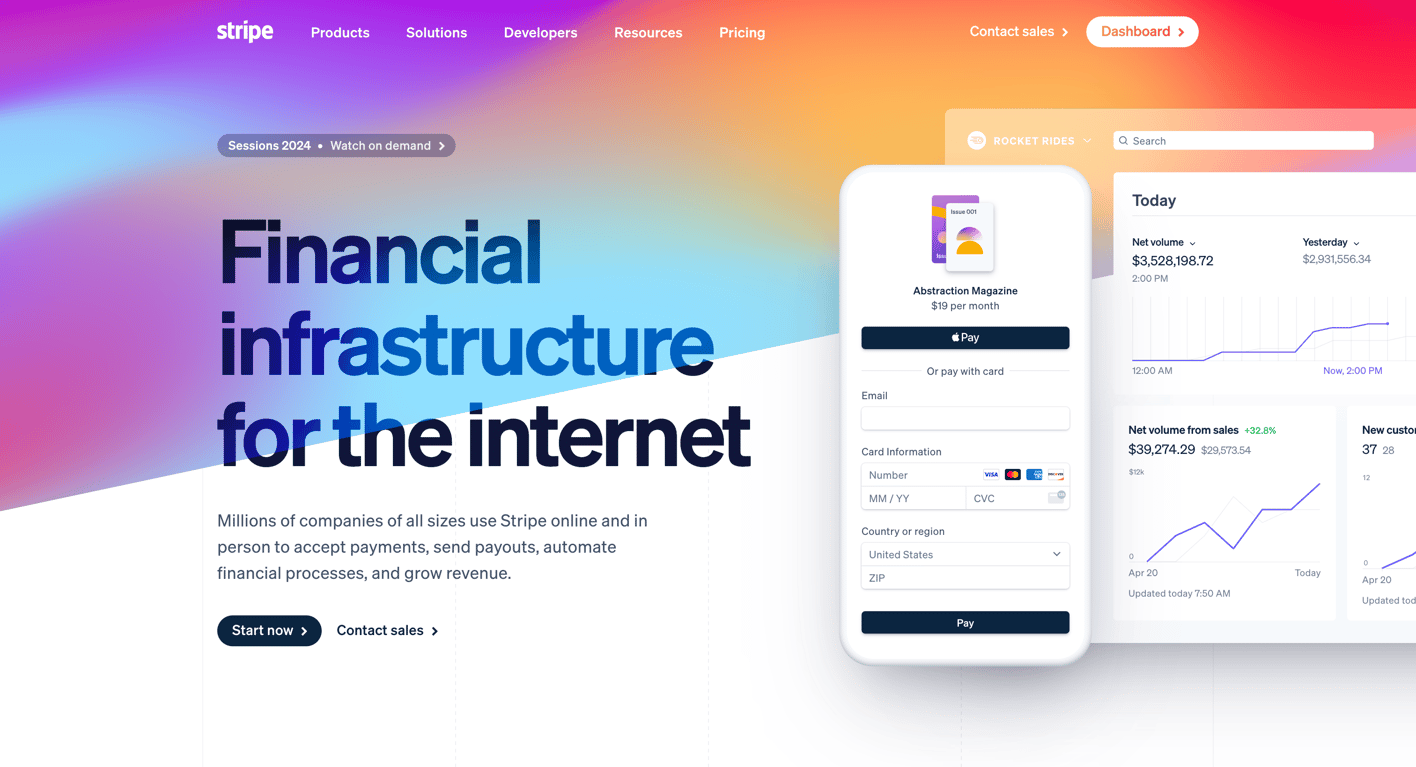
The hero section of the Stripe homepage featuring a large headline, a descriptive subheadline, primary and secondary call-to-action buttons, and a dynamic, colorful background. It also includes a mock UI of a payment form and a dashboard to illustrate the product's capabilities.
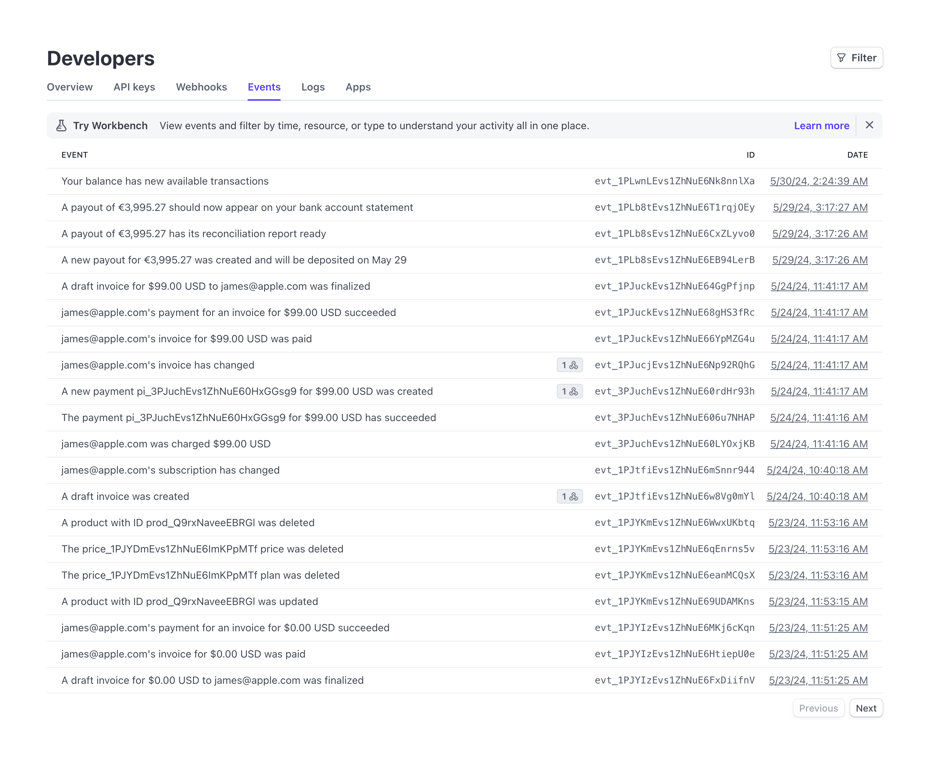
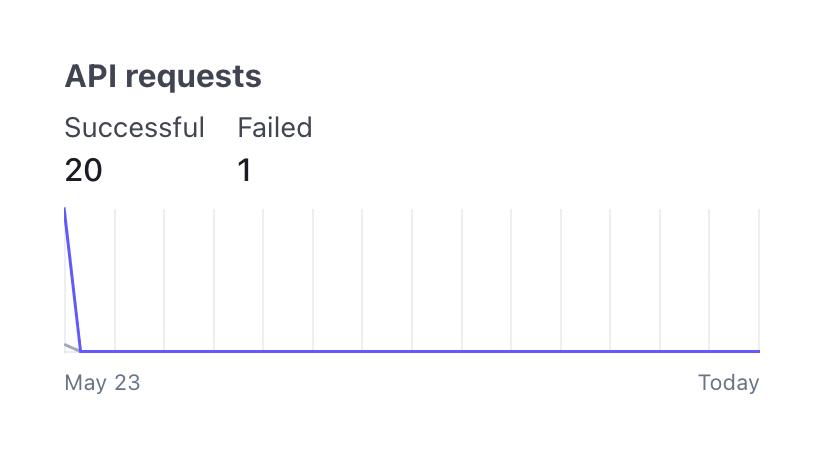
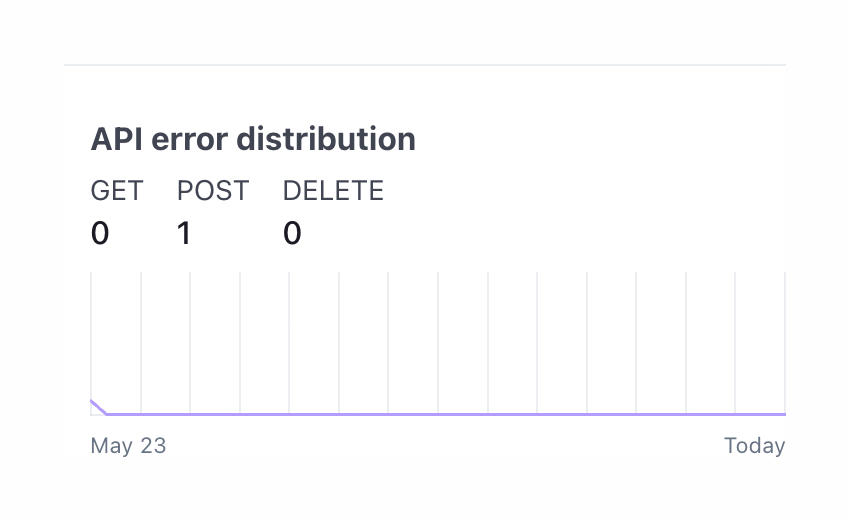
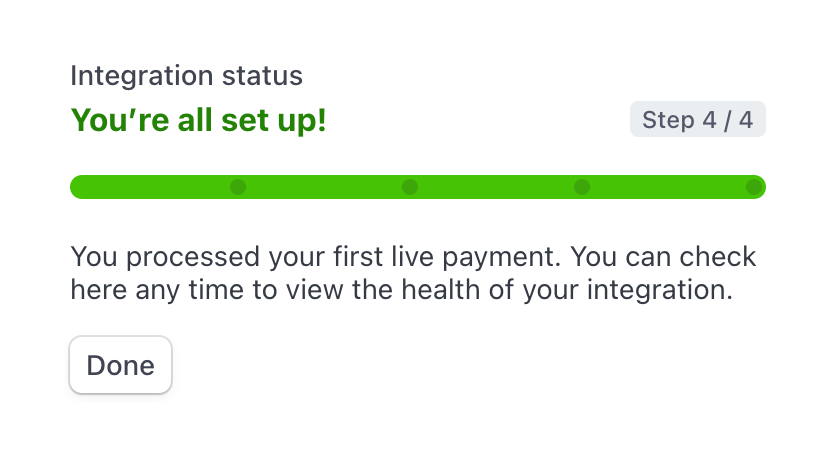
A progress indicator showing a completed integration status. It includes a title, a success message, a step counter badge, a fully green progress bar with four segments, a descriptive text block, and a 'Done' button.
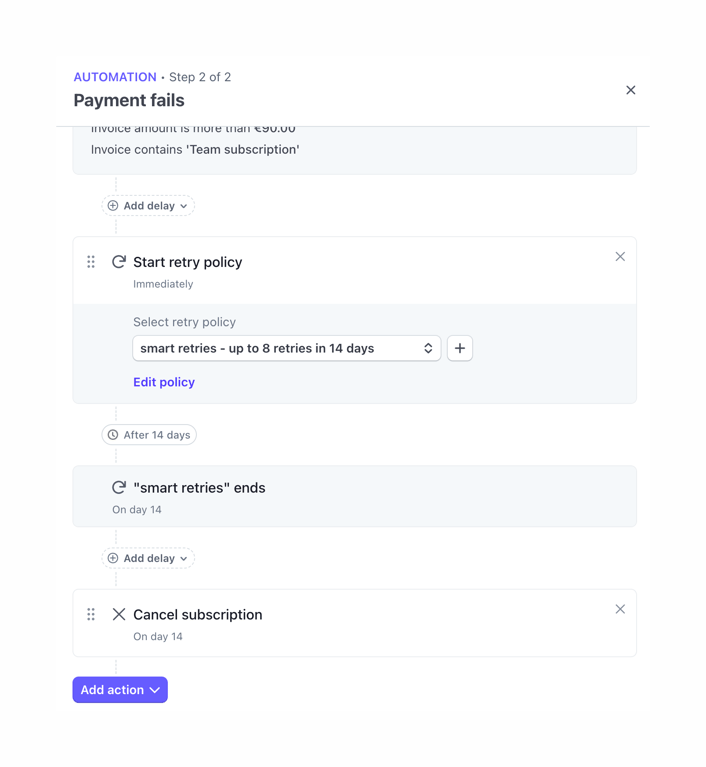
A visual workflow builder showing a sequence of automated actions for when a payment fails. It includes steps for retry policies, delays, and canceling subscriptions, connected by a vertical timeline.
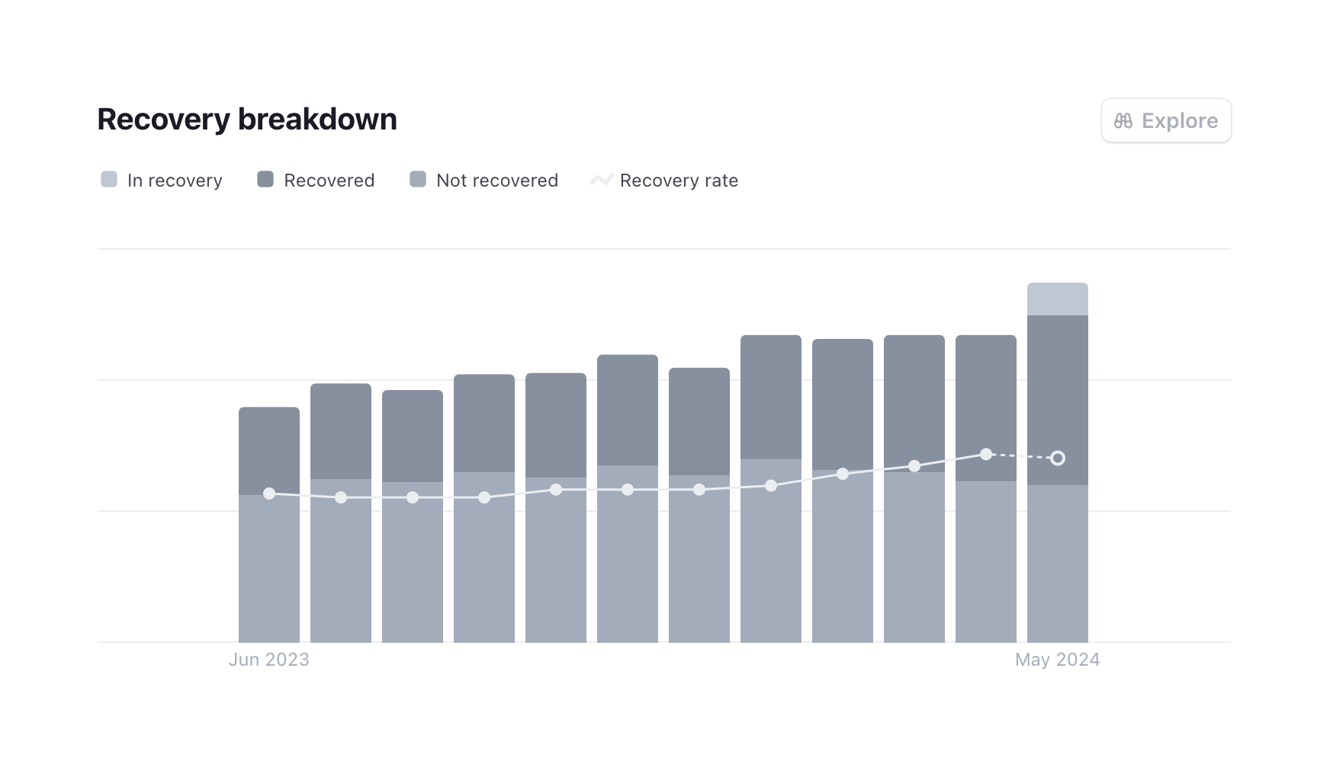
Browse the full component library
Browse the full UI component library.
Trusted by the best teams







