Reorder UI examples
Reorder UI design examples from SaaS apps. Explore how interfaces let people rearrange a sequence. Look at handles, movement controls, and position cues within lists of items that can change order.
Explore the examples
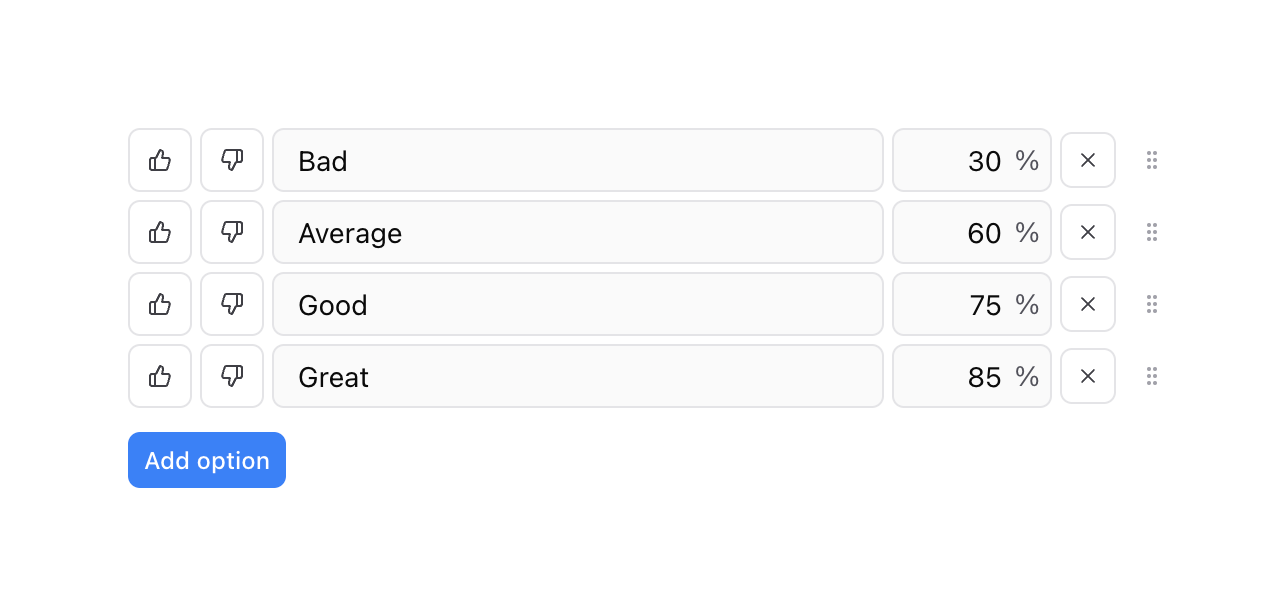

A list of configurable score options, each with thumbs up/down toggles, a text label, a percentage value, a delete button, and a drag handle. A button below allows adding new options.
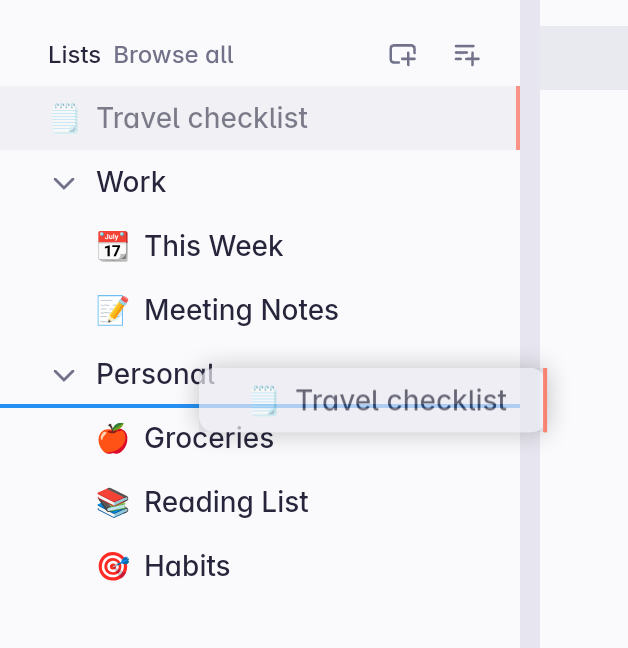

A sidebar navigation list showing an item being dragged and dropped to a new position. A blue line indicates the drop target location.
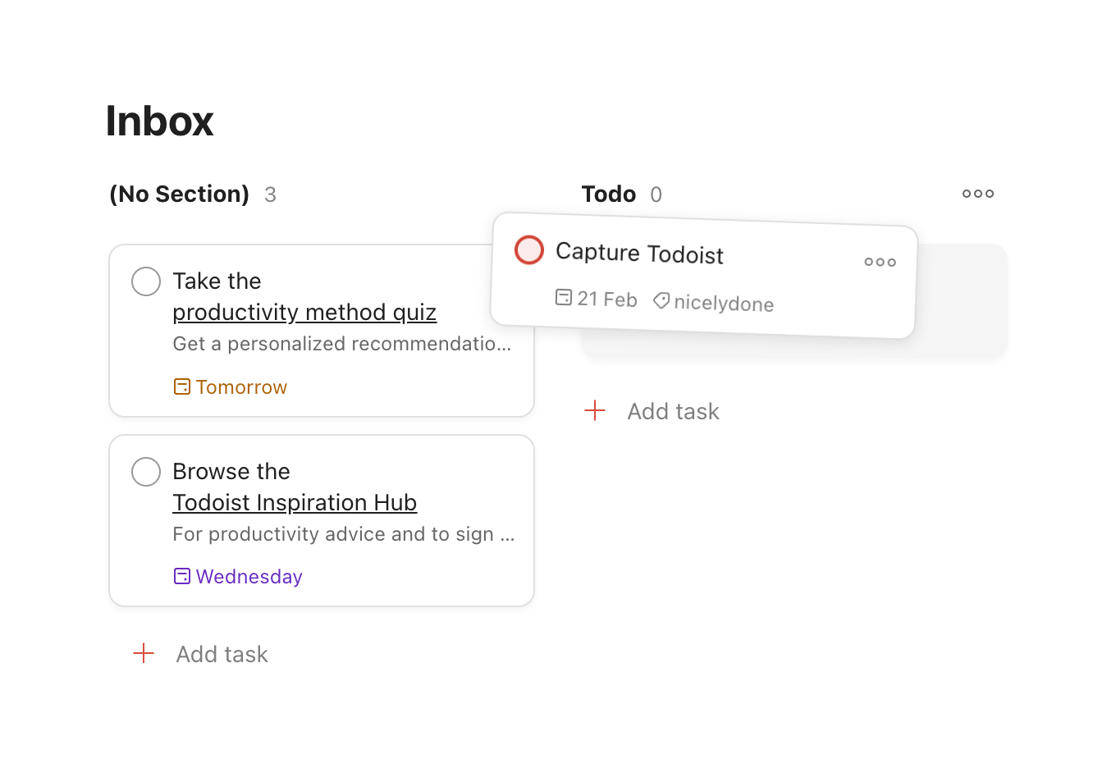

A kanban-style task board showing a task card being dragged from one column to another.




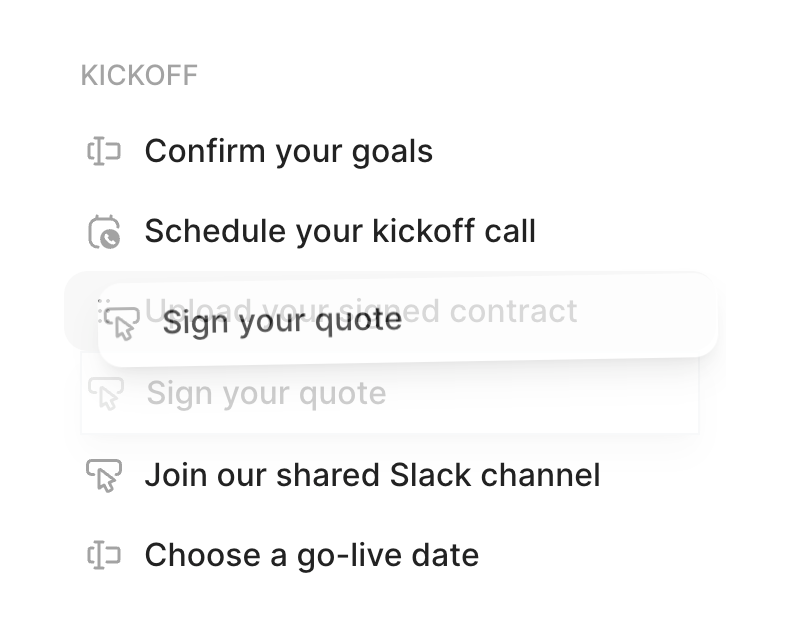

A vertical list of tasks under a 'KICKOFF' heading. One of the items, 'Sign your quote', is currently being dragged, showing a floating state with a drop shadow, while its original position is faded out.
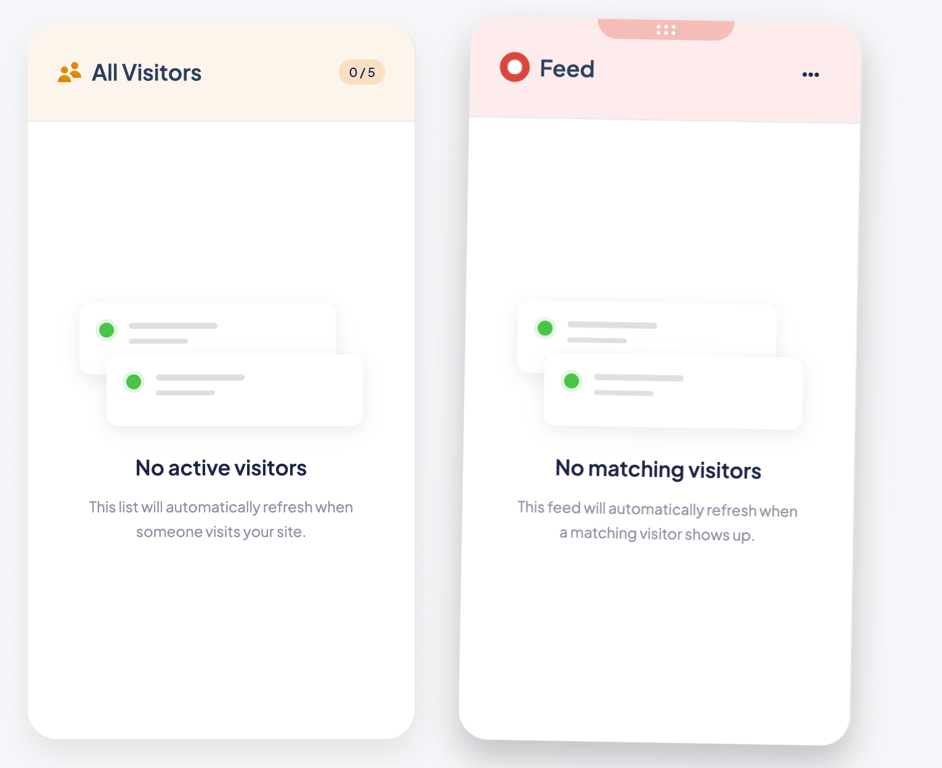

Two side-by-side cards displaying empty states for visitor feeds. Each card features a header, a stylized illustration of empty list items, a title, and a descriptive message explaining the empty state.
Browse the full component library
See 2 more Components.
Trusted by the best teams








About Reorder
Explore how interfaces let people rearrange a sequence. Look at handles, movement controls, and position cues within lists of items that can change order.