Arrows design examples
Explore Arrows UI design examples. The collaborative customer onboarding platform built for HubSpot
Product screens
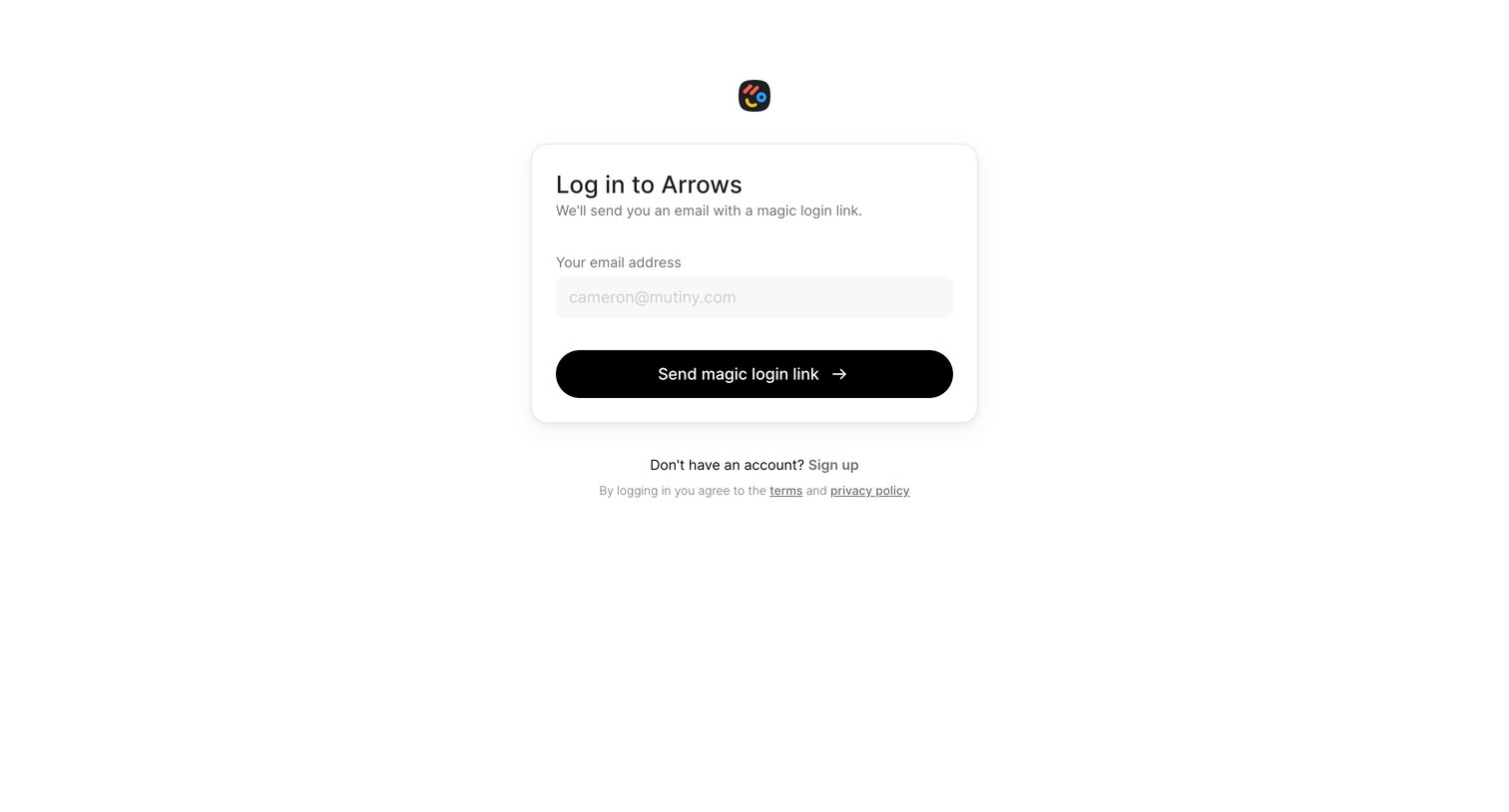
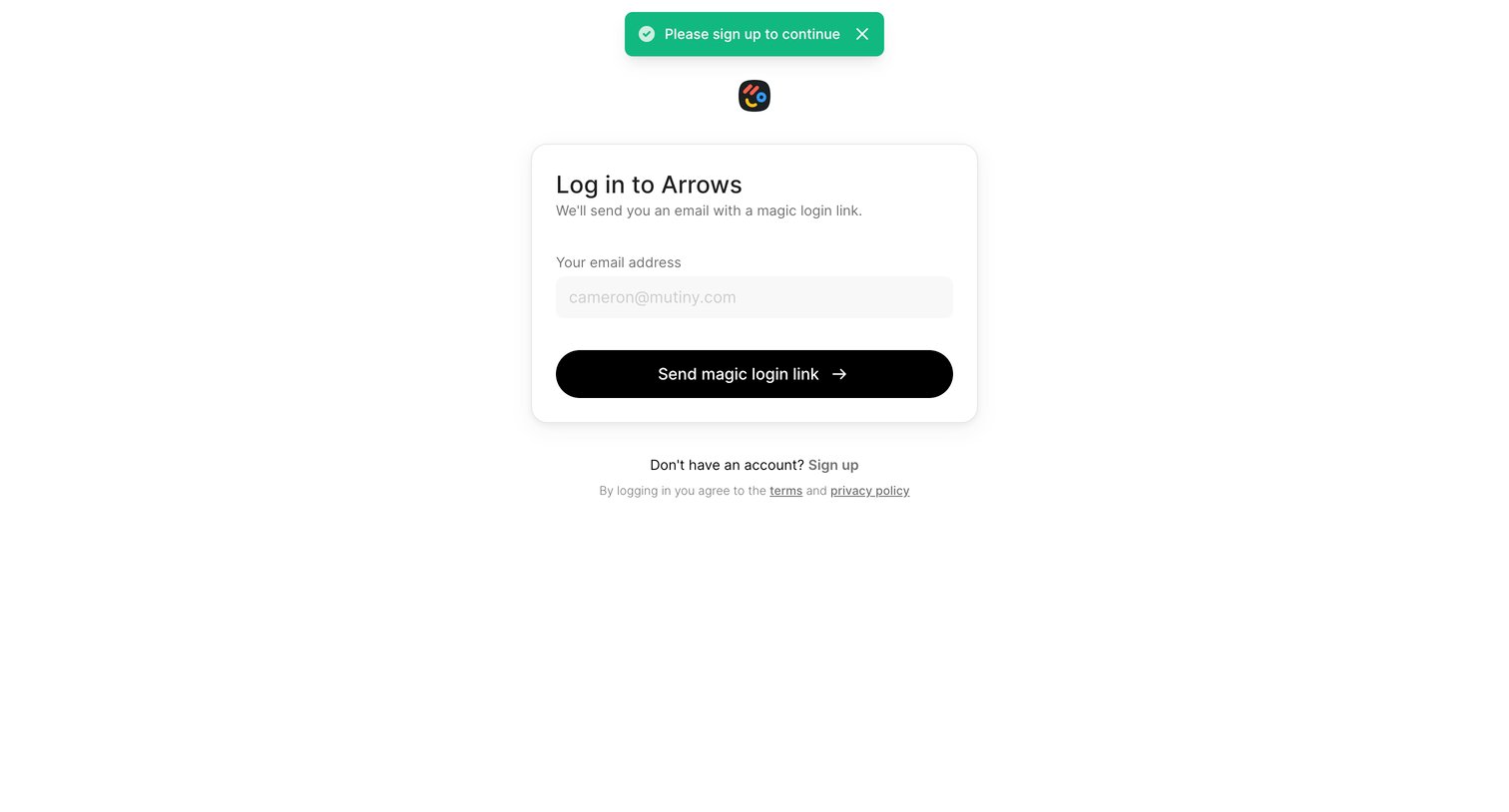
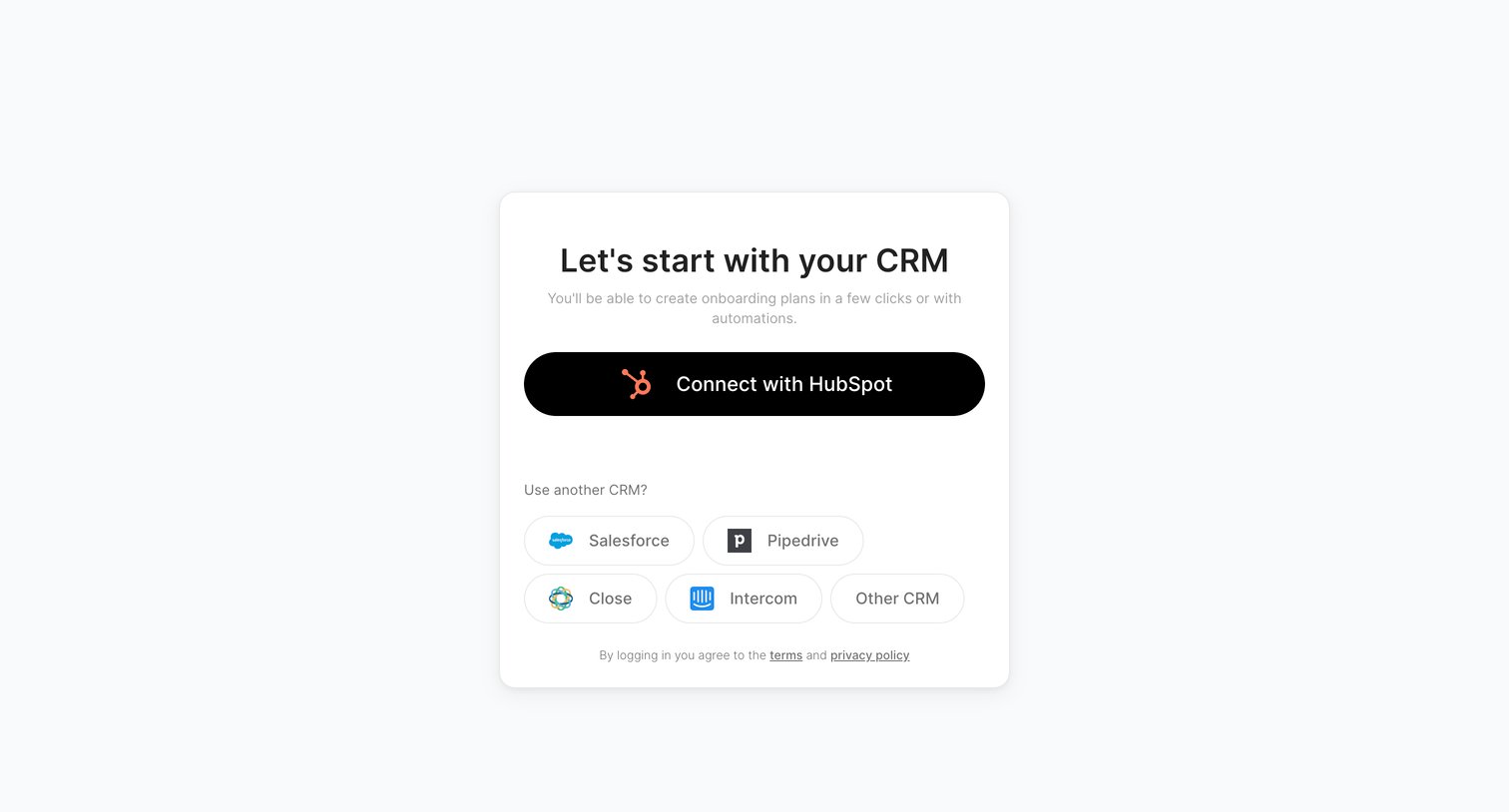

Signup screen where the user chooses to connect their HubSpot account or another CRM like Salesforce or Pipedrive to create their workspace.
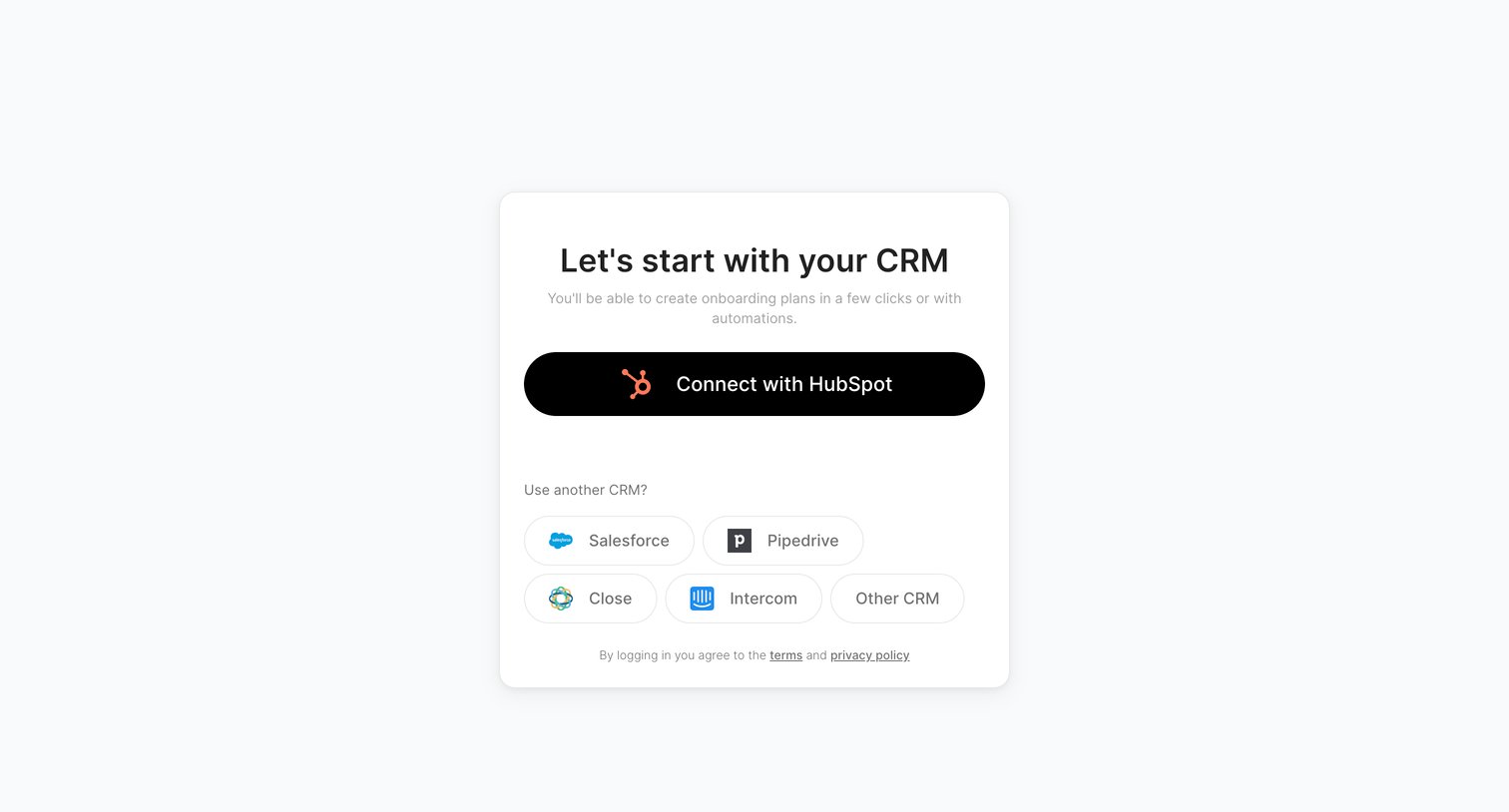
Signup screen where the user connects their HubSpot, Salesforce, or other CRM account to get started.
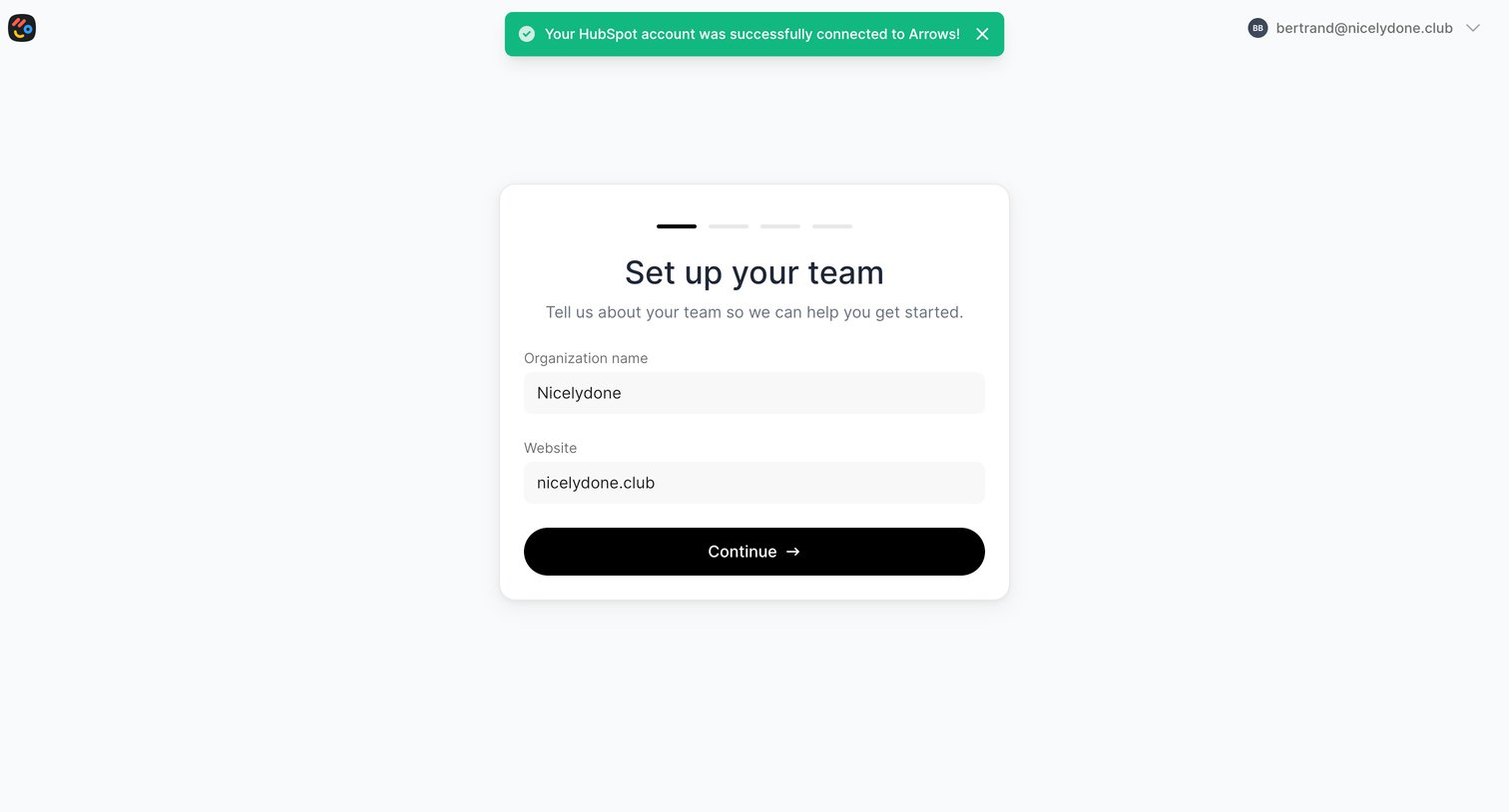
Onboarding step where the user confirms their organization name and website after successfully connecting a HubSpot account.
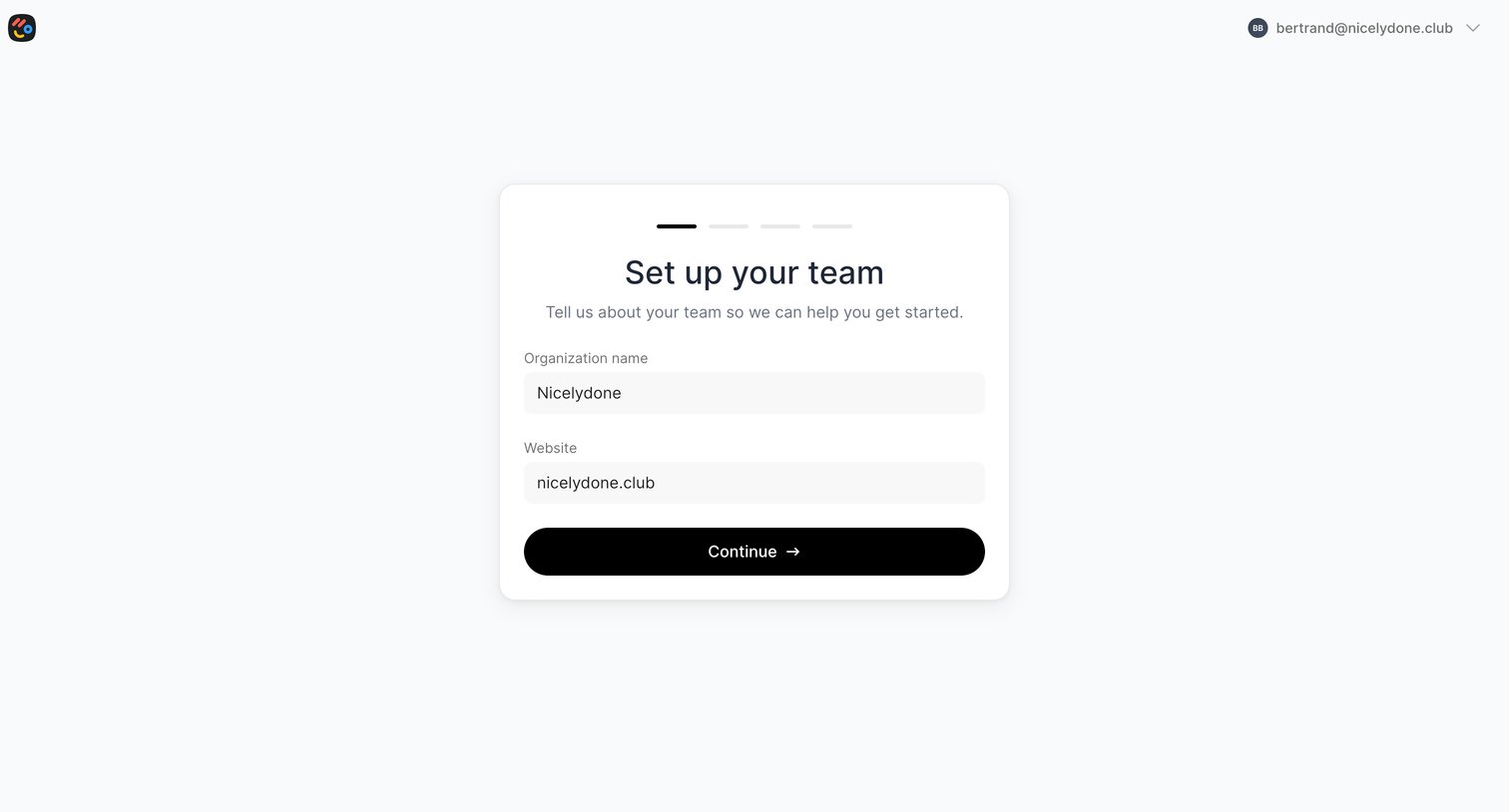
Onboarding step where the user provides their organization name and website to set up their team workspace.
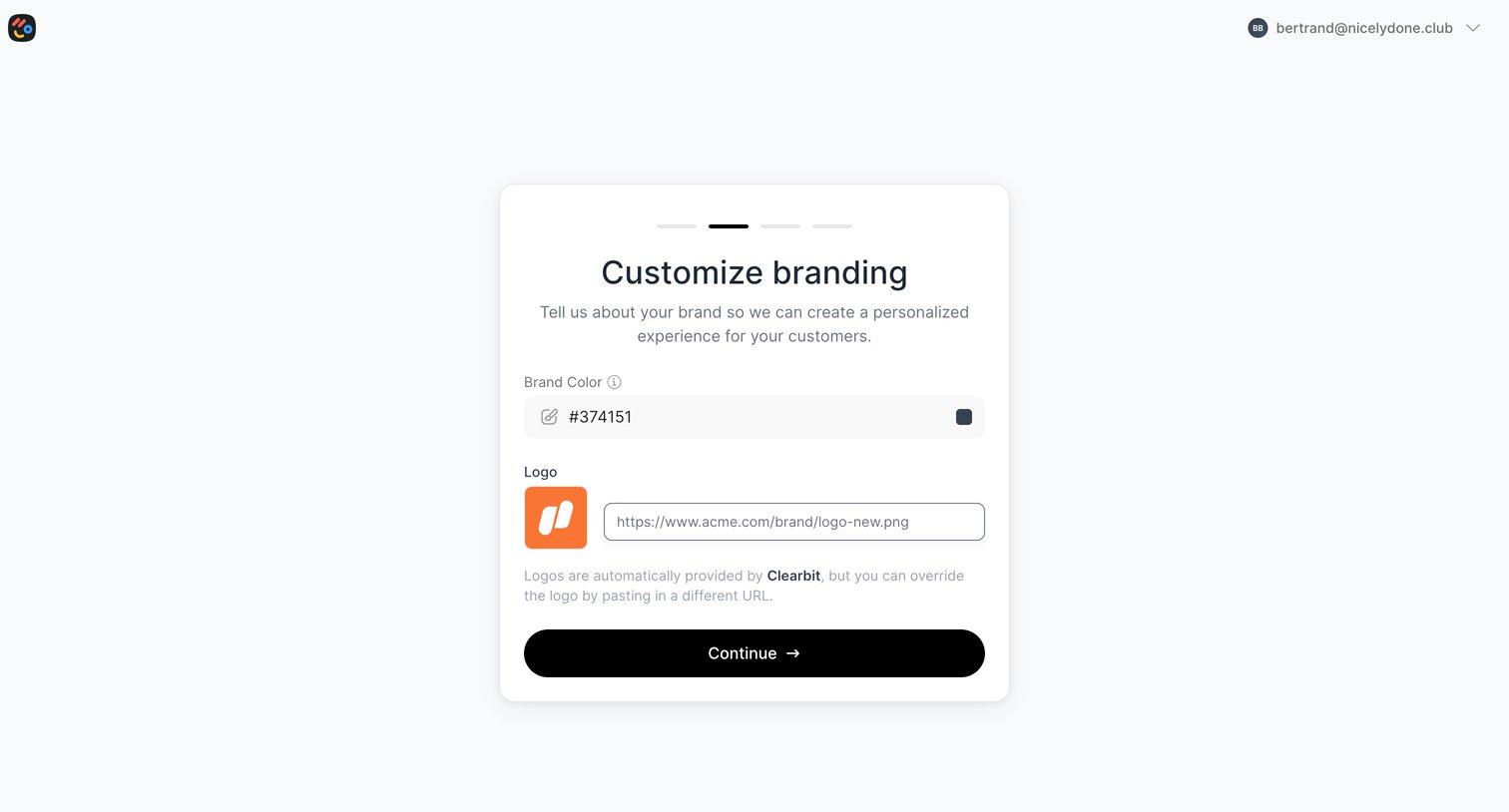
Onboarding step where the user customizes their workspace branding by setting a brand color and providing a logo URL.
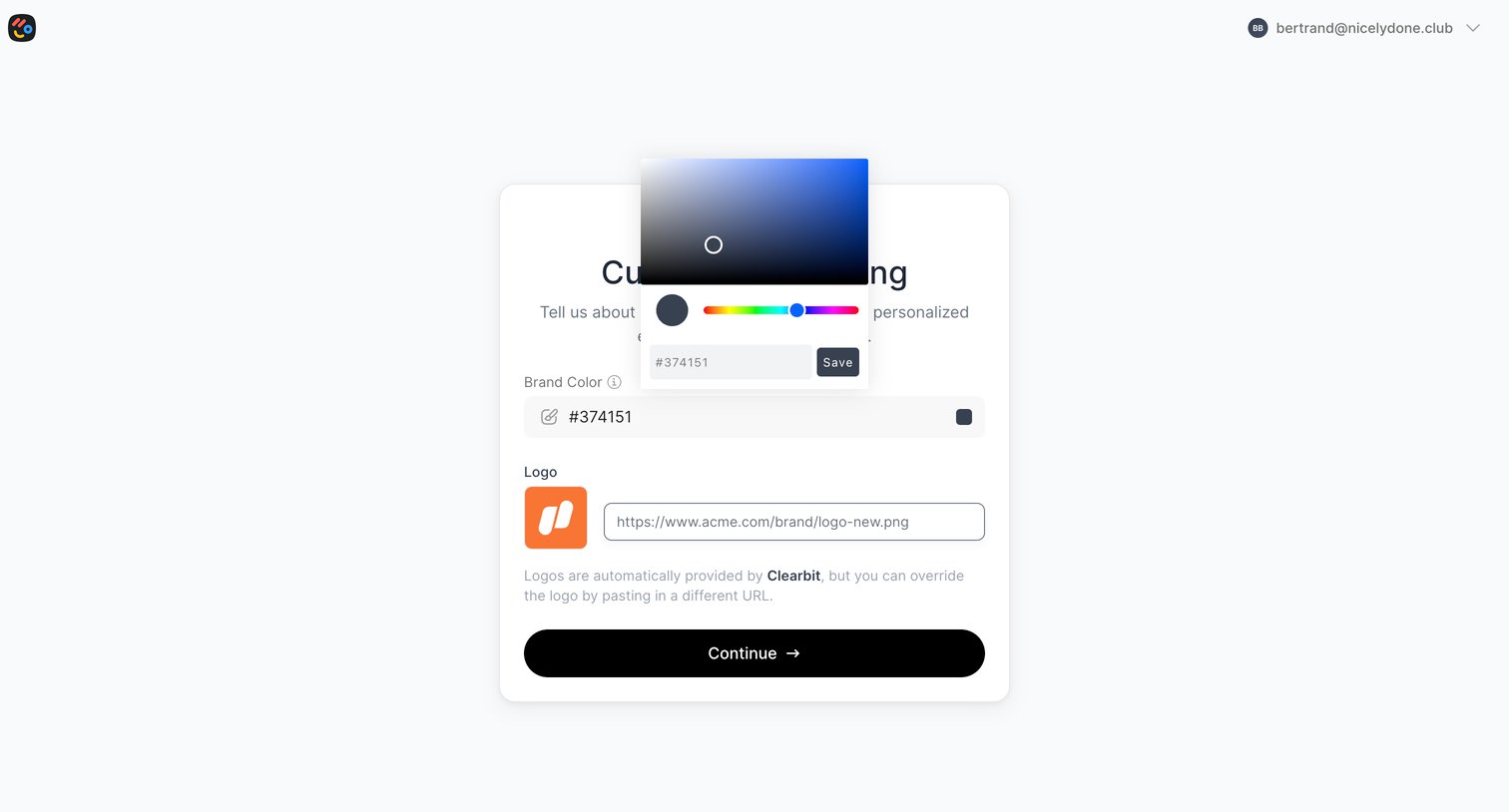
Onboarding step where the user configures their workspace branding by picking a brand color via a popover and providing a logo URL.
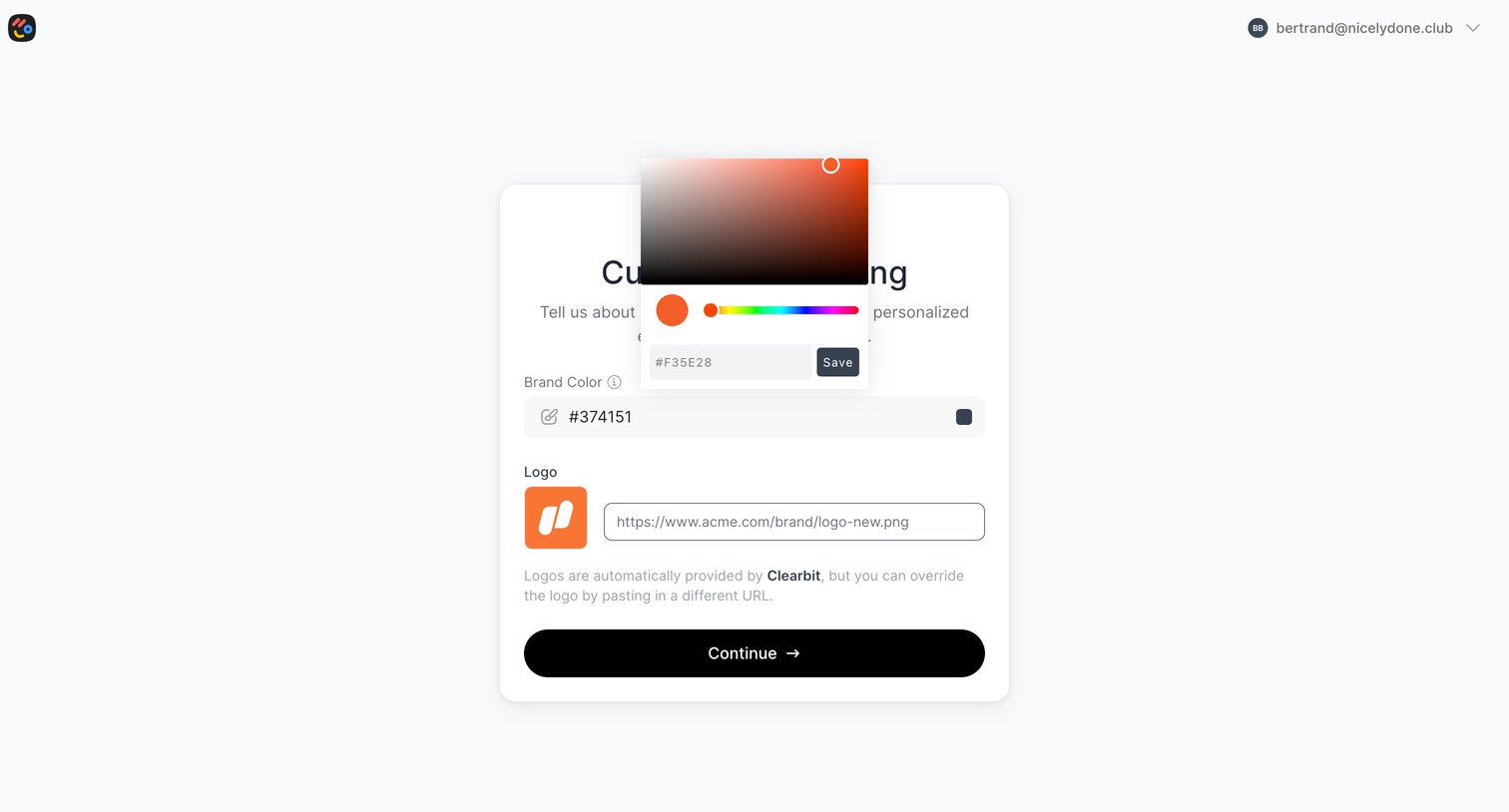
Onboarding step where the user customizes their workspace by picking a brand color via an open color picker and providing a logo URL.
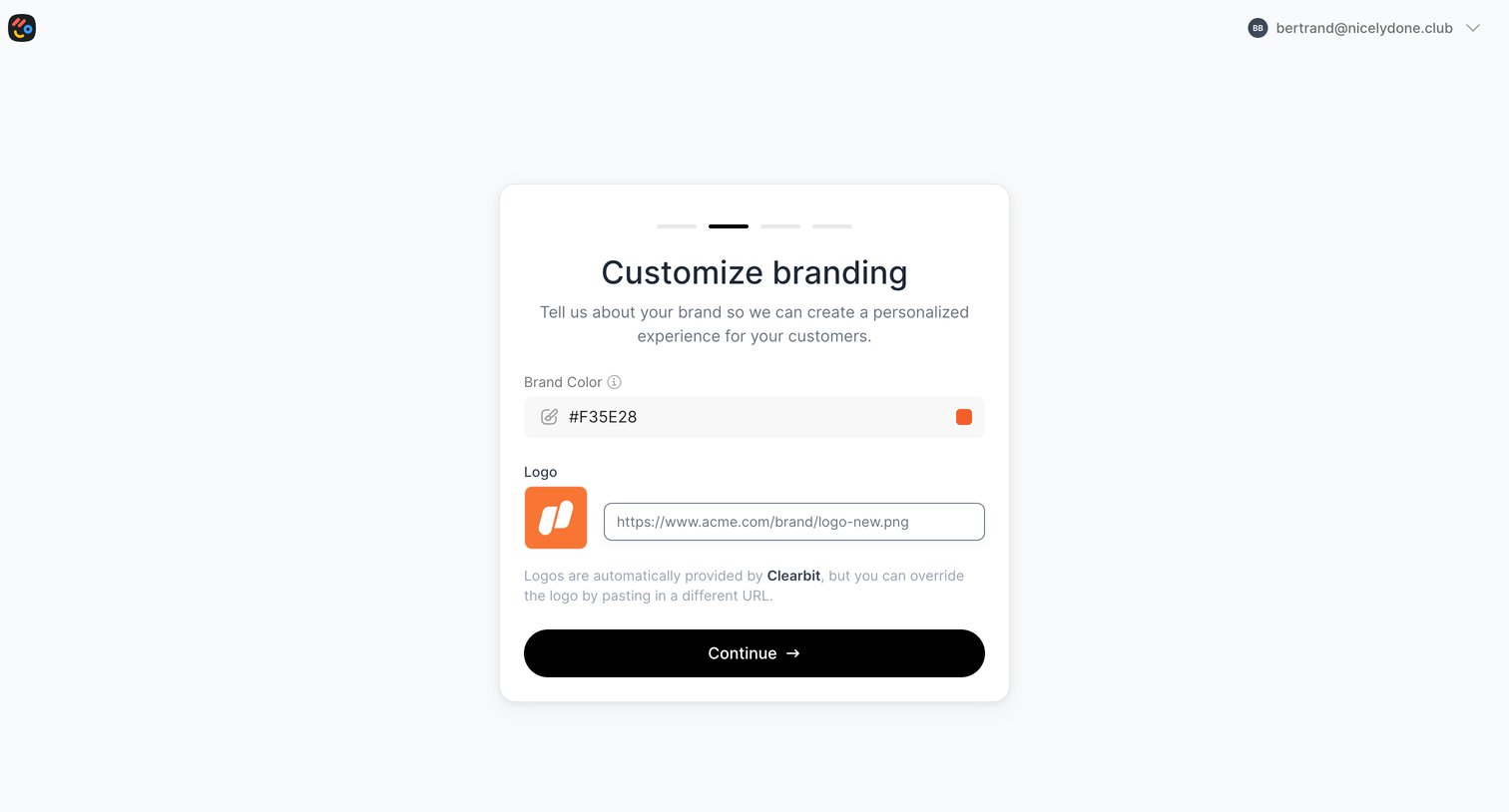
Onboarding step where the user customizes their workspace branding by providing a hex color code and a logo URL.
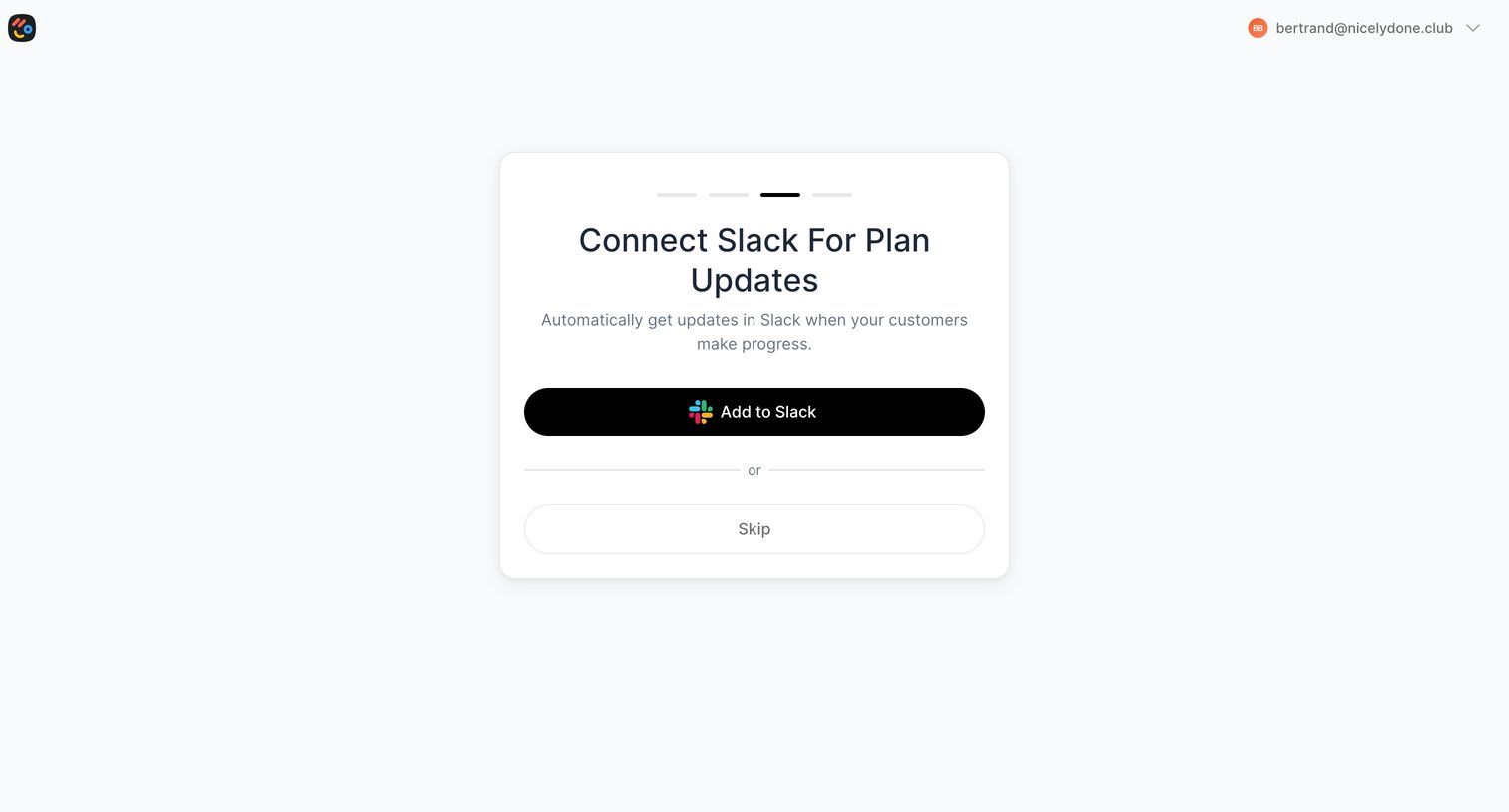
Onboarding step where the user is prompted to connect Slack for plan updates or skip to the next step.
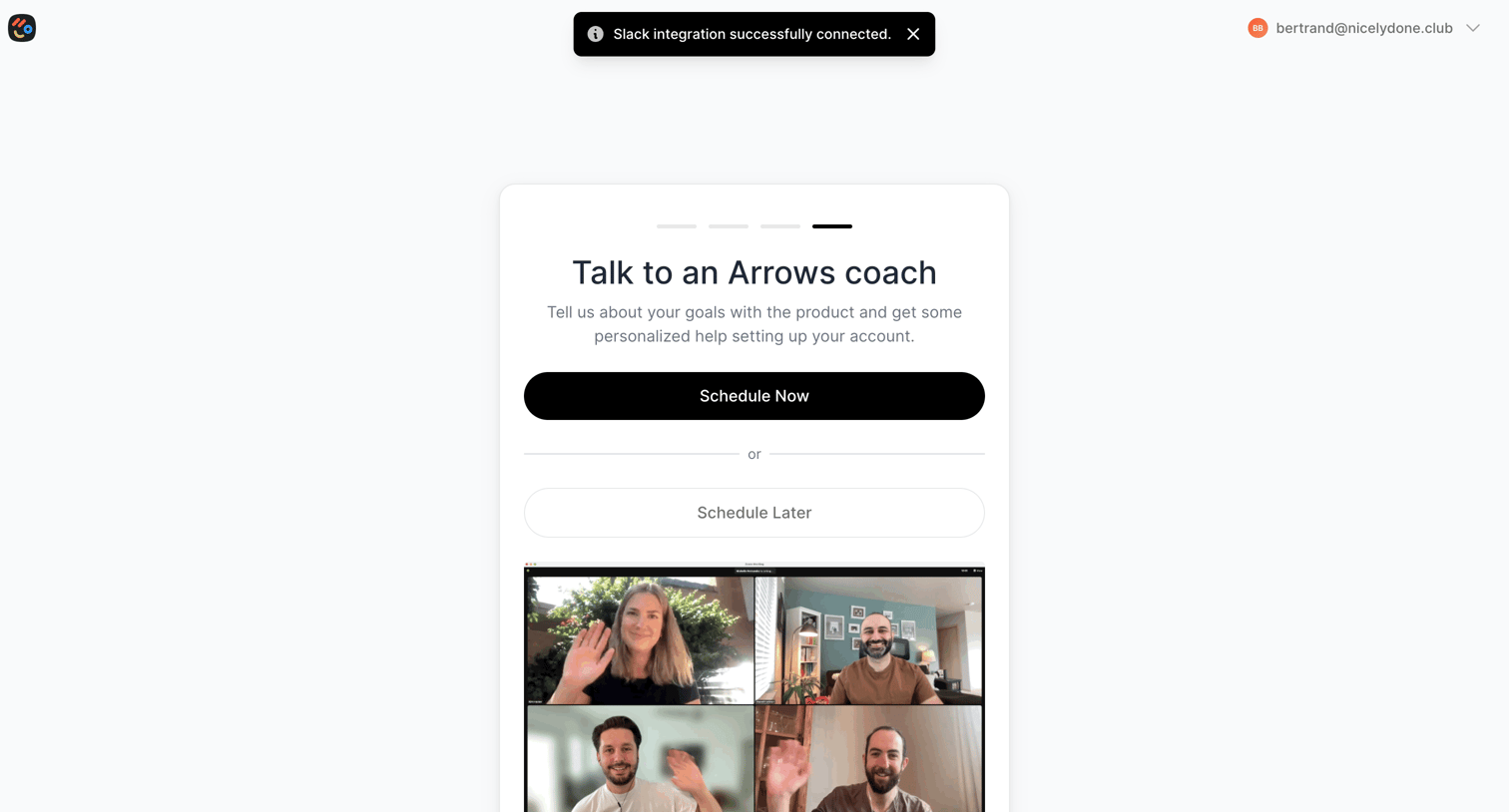
Onboarding step where the user is prompted to schedule a kickoff call with an Arrows coach or defer it until later.
Browse the full SaaS app library
Explore real SaaS apps with their product screens, marketing screens, flows, and components.
Trusted by the best teams







