Arrows user flows examples
Explore Arrows user flow examples. Preview the opening screens and steps for each task. The collaborative customer onboarding platform built for HubSpot
Preview these flows

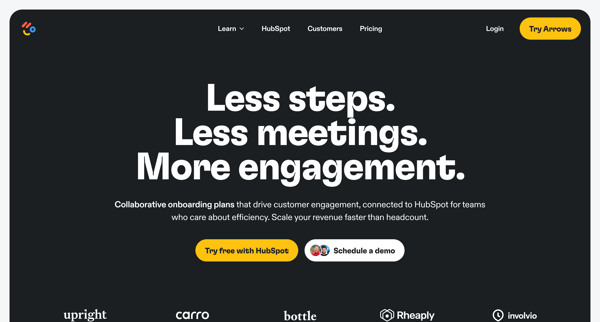
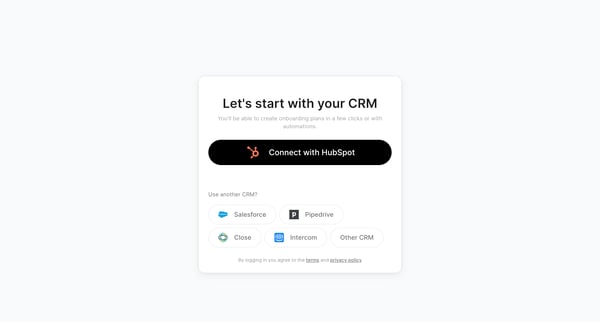
This flow guides a user from selecting their CRM through to the customization of their team's branding and ultimately to integrating updates via Slack, finishing with setting up and managing
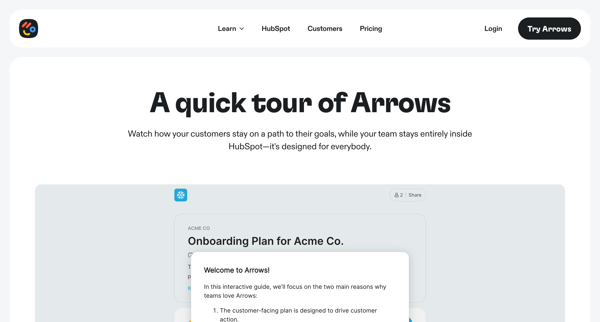
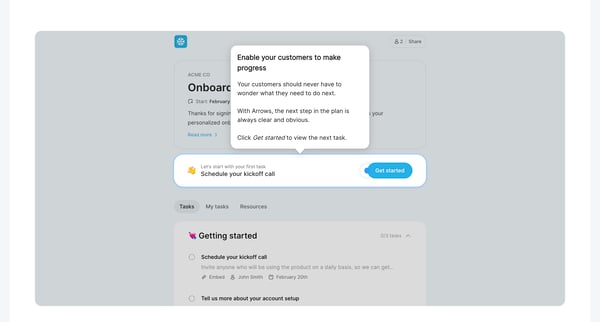
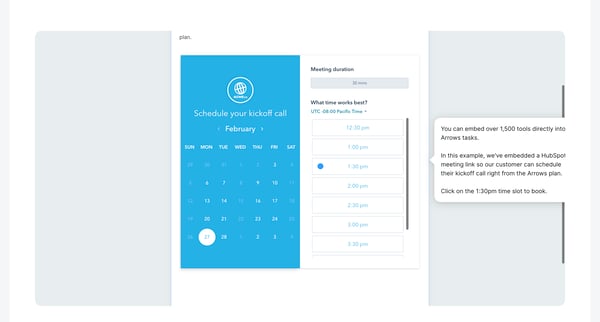
This user flow guides users through a product tour of Arrows, showcasing its integration with HubSpot to streamline customer onboarding, task tracking, and CRM management.
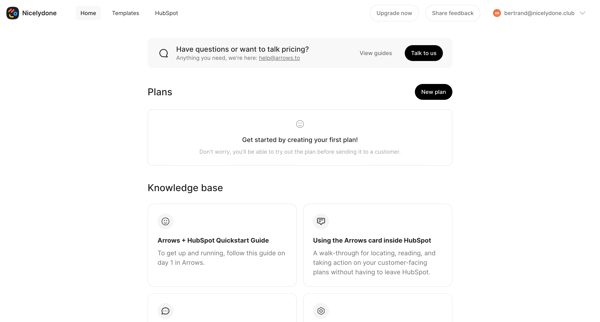
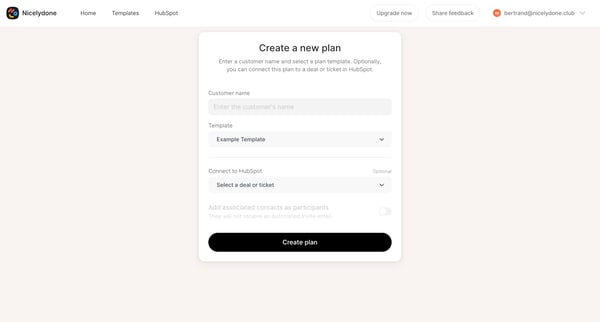
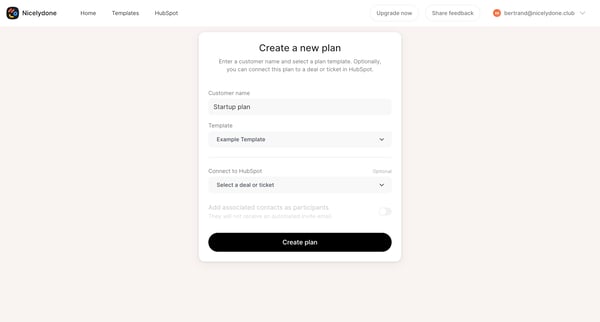
This flow guides users through the process of setting up and customizing an onboarding plan, tailoring it to meet specific goals and preferences, and finalizing it for implementation.
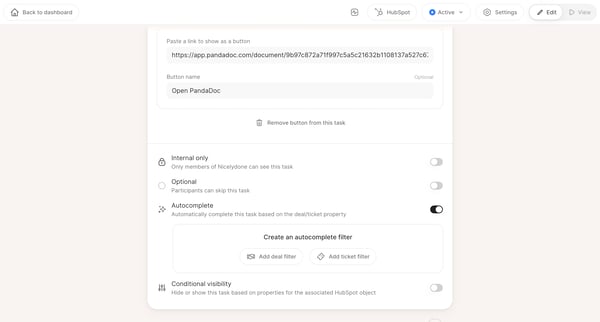
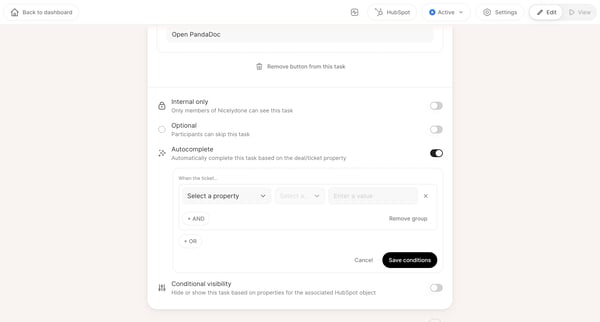
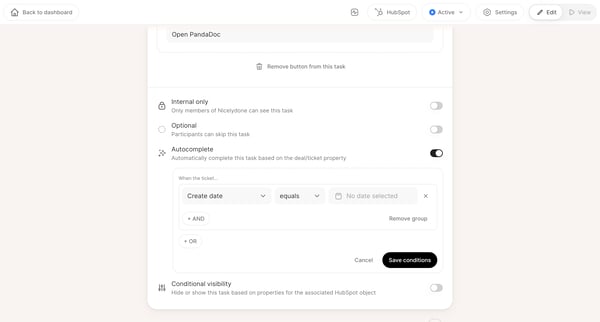
This flow guides a user through customizing task settings within a dashboard, focusing on conditional automation based on specific criteria like date and category.
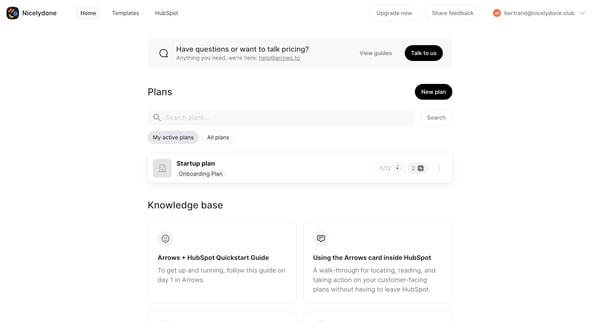
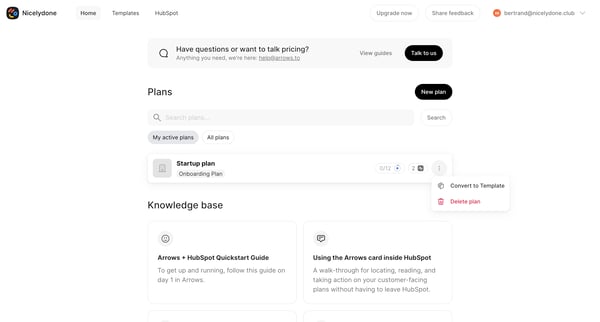
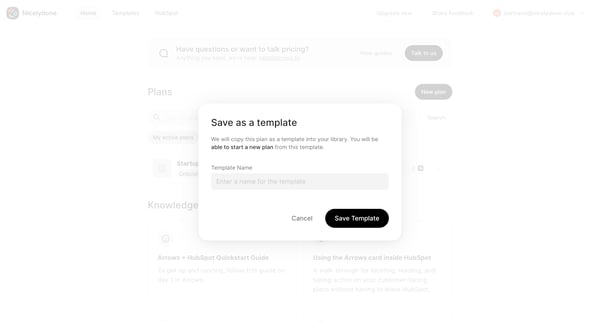
This flow guides the user through the process of converting an existing plan into a reusable template, naming the template, and then viewing the newly created template within a library of tem
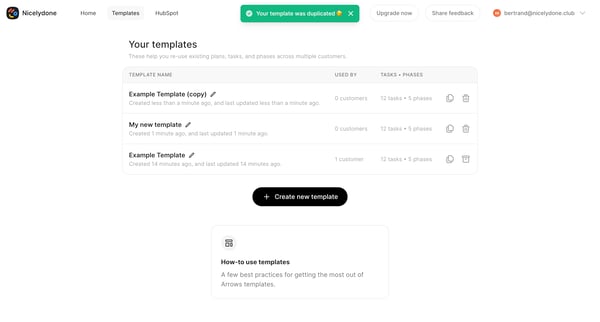
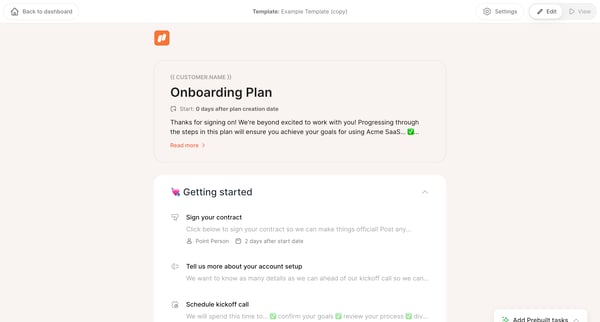
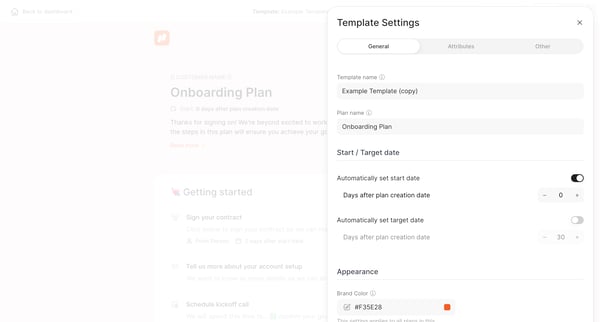
This user flow guides through the process of customizing and utilizing a duplicated template for onboarding plans, including setting up the plan's schedule, editing template settings, and con
Explore the full SaaS flow library
Browse the full SaaS flow library.
Trusted by the best teams







