Superlist design examples
Explore Superlist UI design examples. Supercharged productivity
Product screens

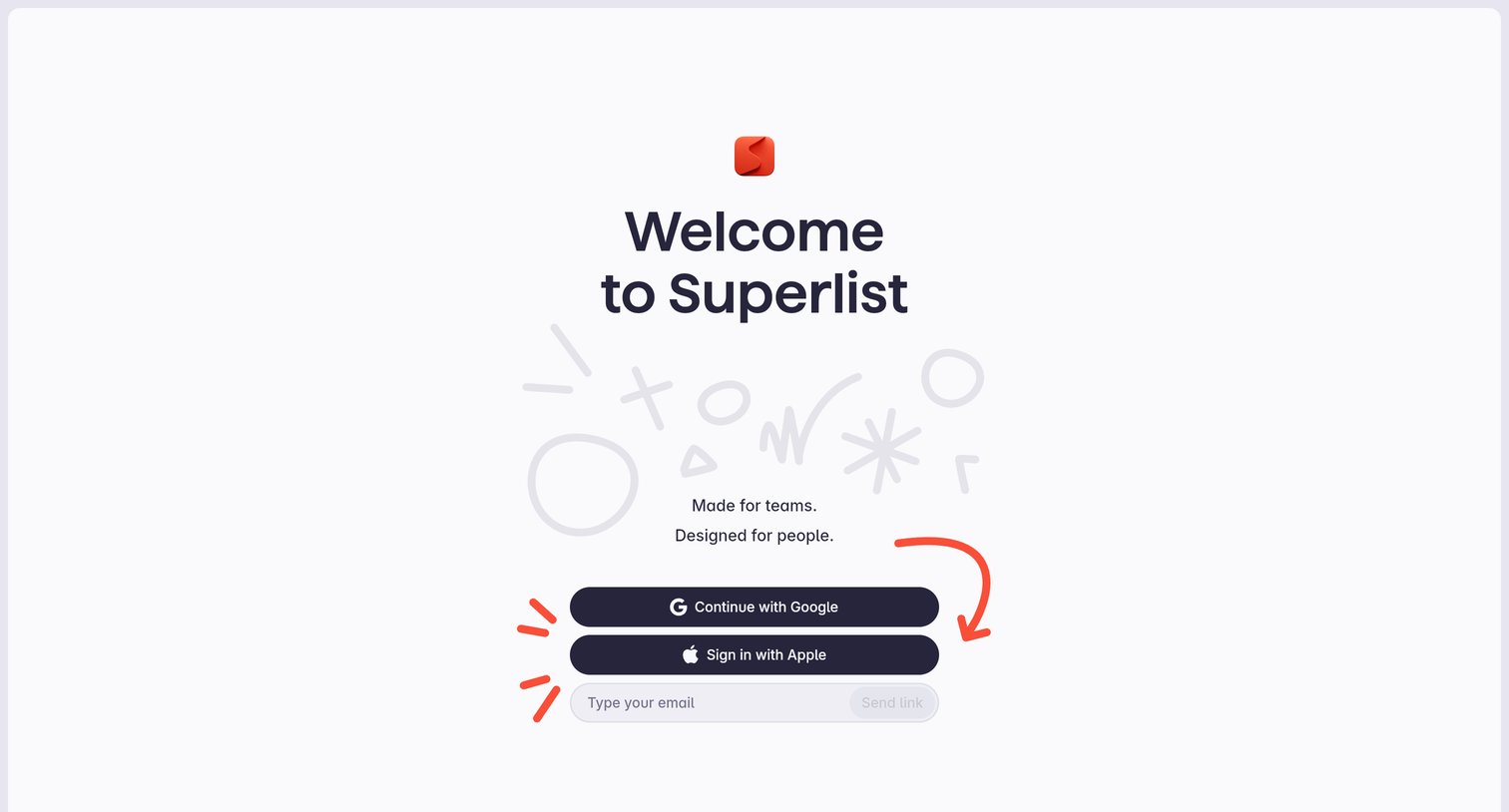
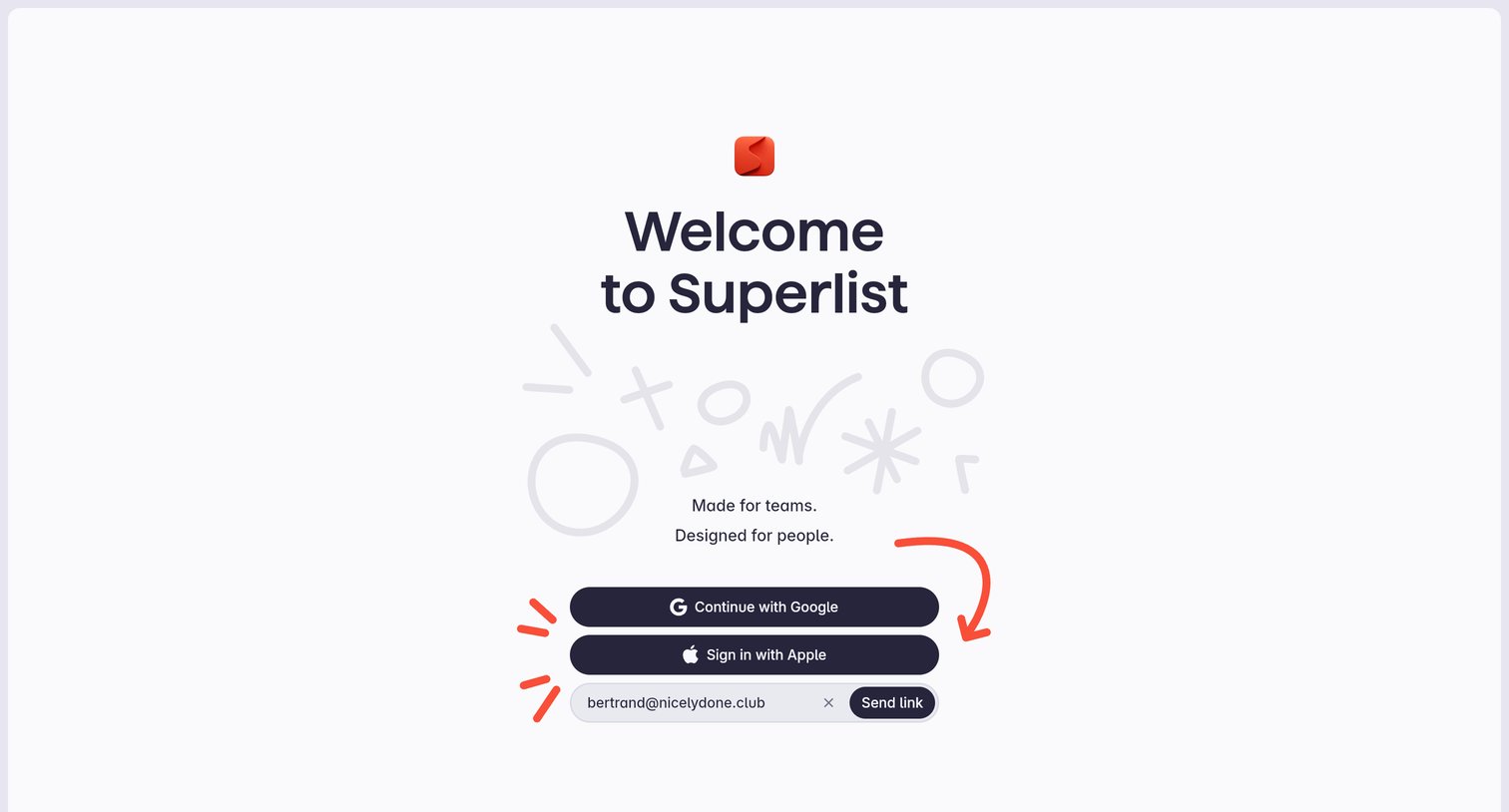
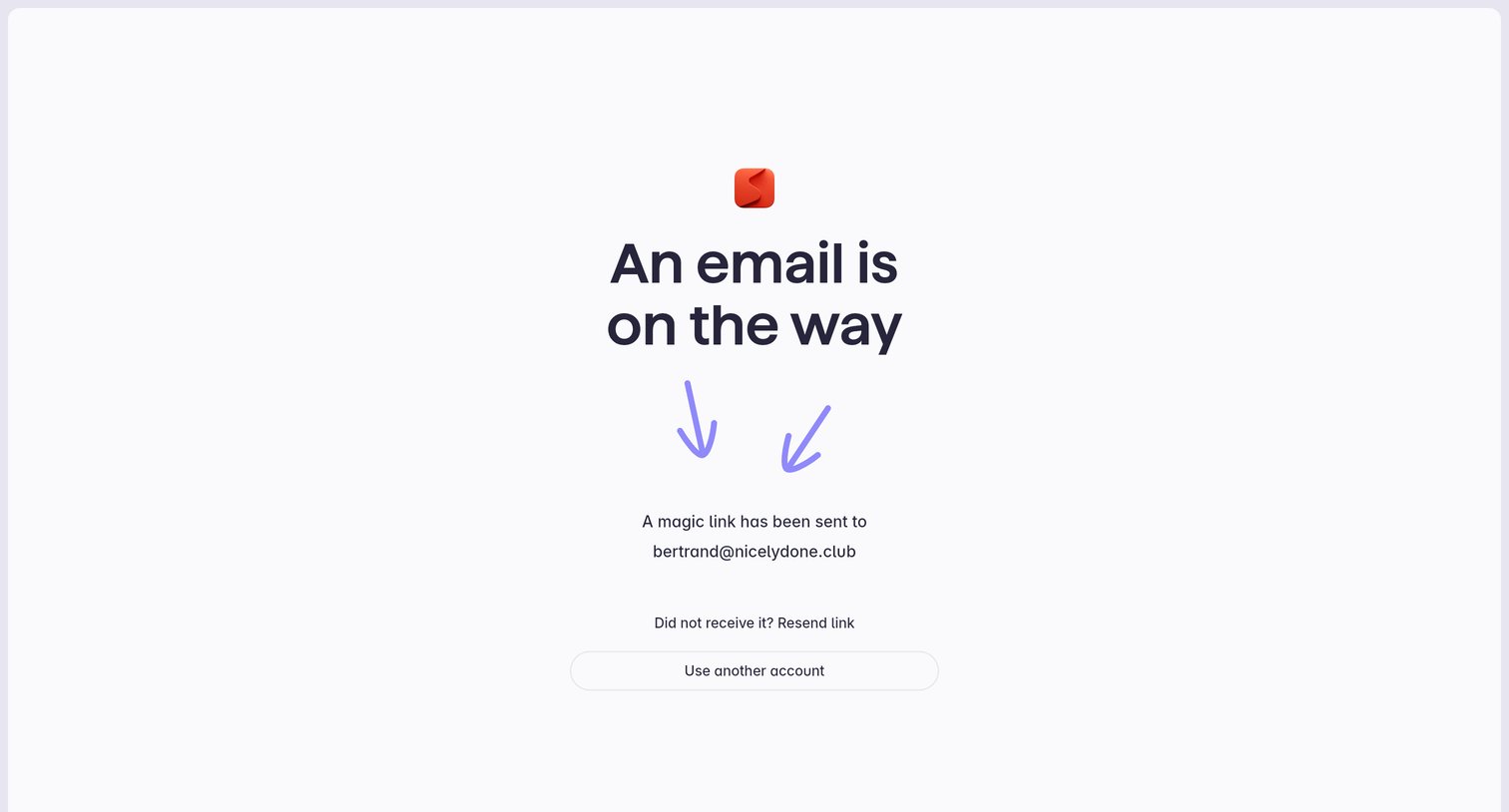

Verification screen where the user is instructed to check their email for a magic link to sign in, with options to resend the link or use another account.
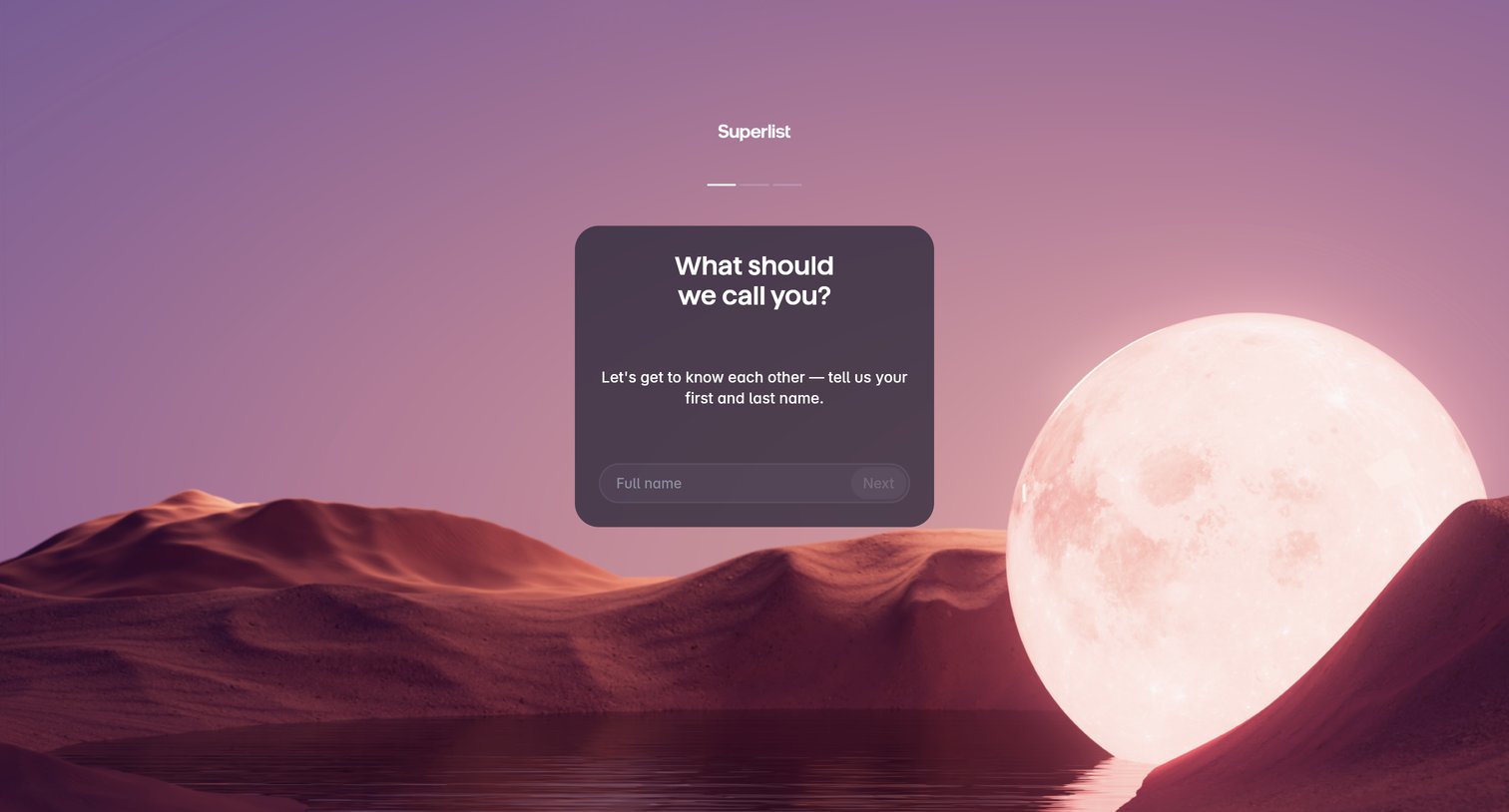
Onboarding step where the user provides their first and last name to set up their profile.
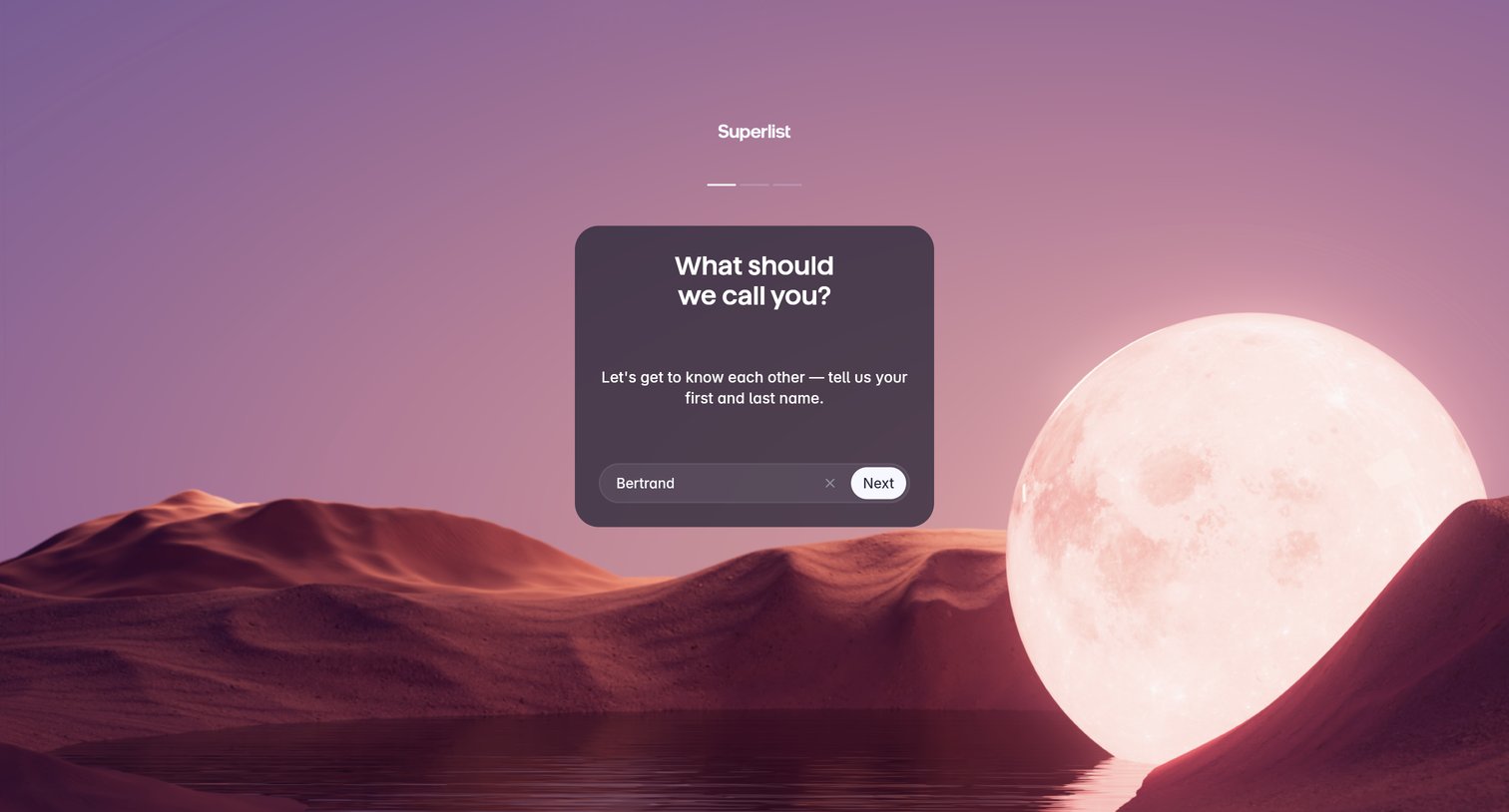
Onboarding step where the user enters their first and last name into a centered card over a full-bleed landscape background.
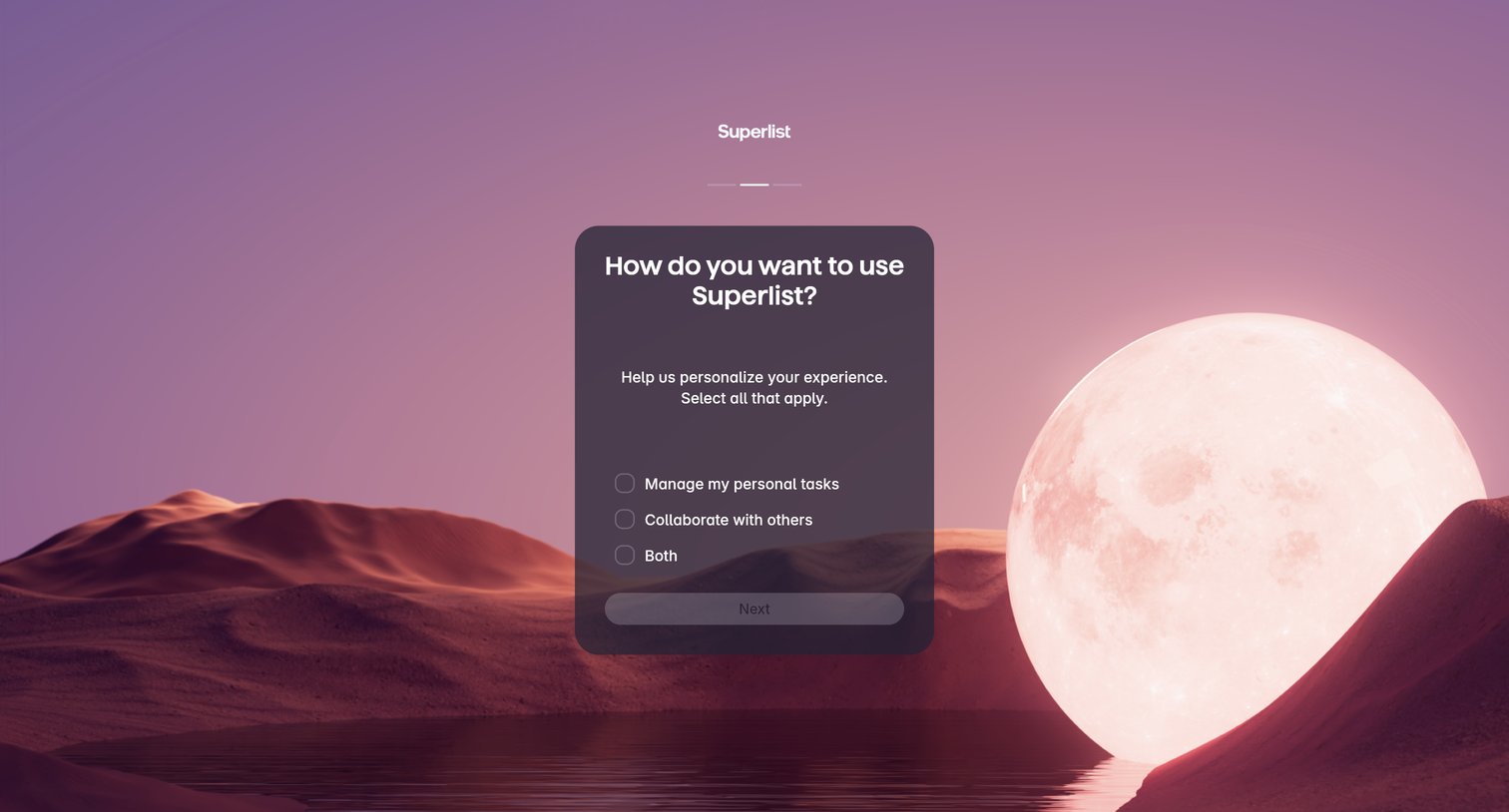
Onboarding step where the user selects whether they want to manage personal tasks, collaborate with others, or both to personalize their experience.
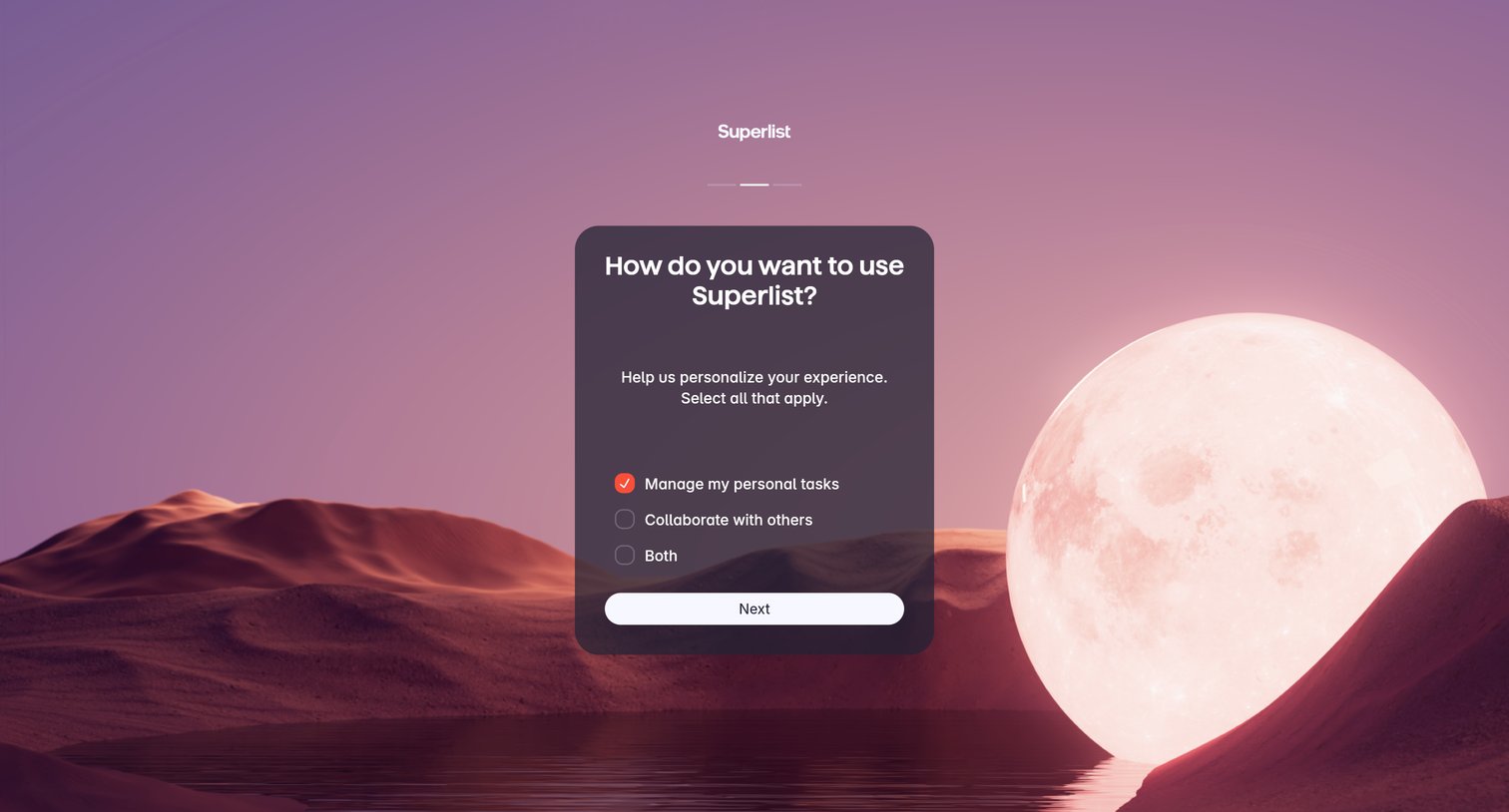
Onboarding step where the user selects whether they will use the app for personal tasks, collaboration, or both to personalize their experience.
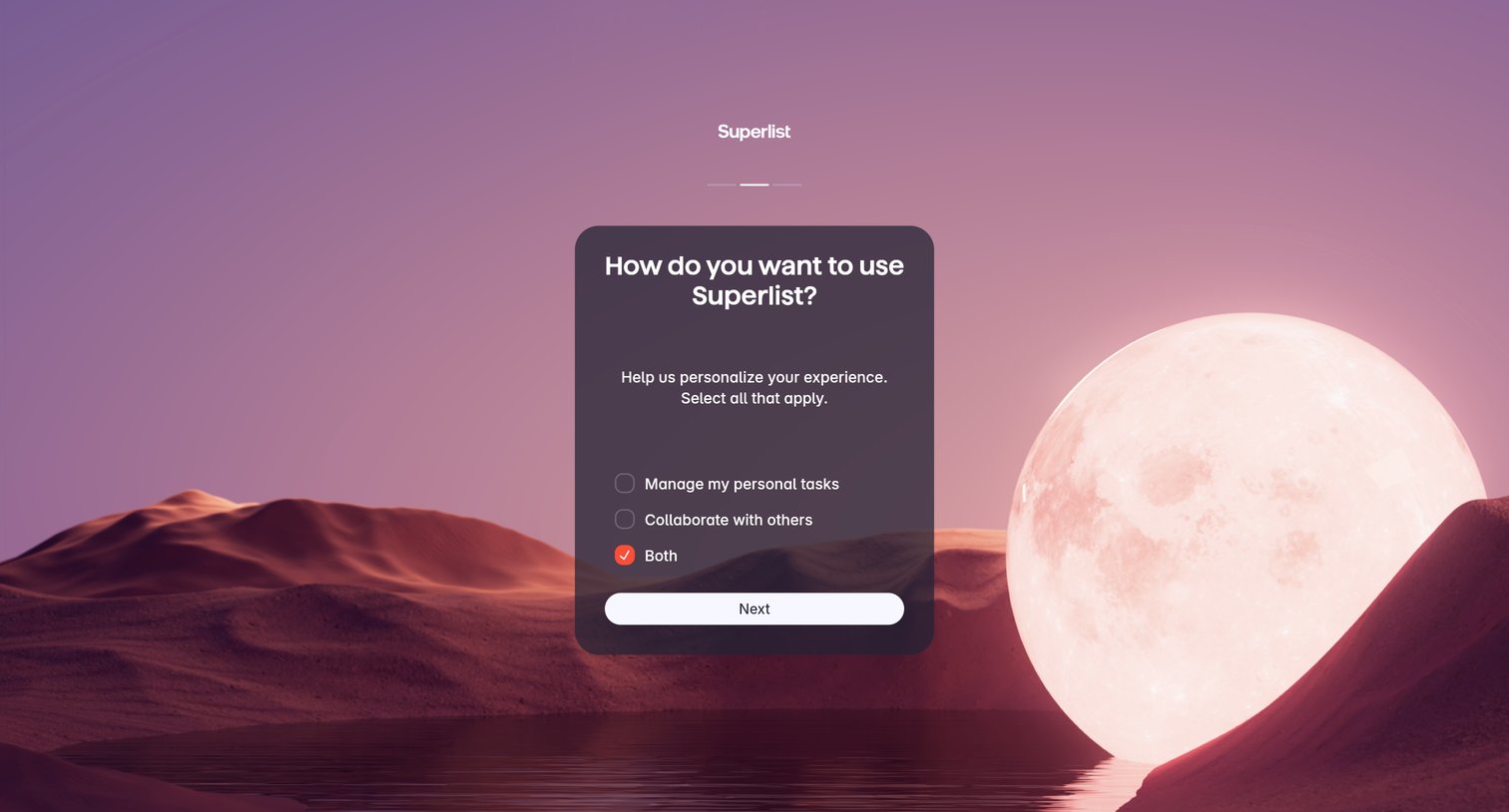
Onboarding step where the user selects whether they want to manage personal tasks, collaborate with others, or both to personalize their experience.
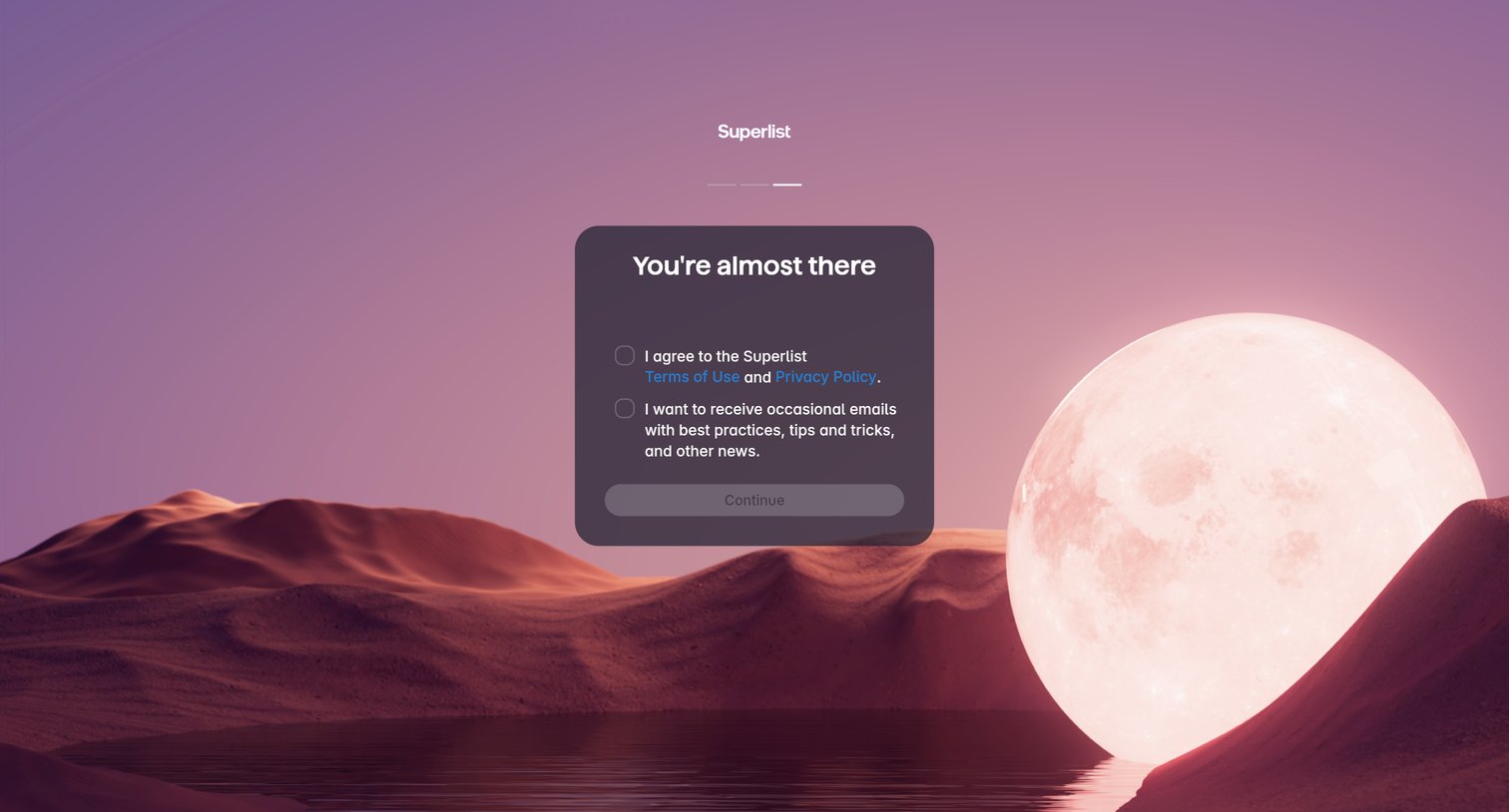
Onboarding step where the user agrees to the terms of use and optionally subscribes to the newsletter before entering the app.
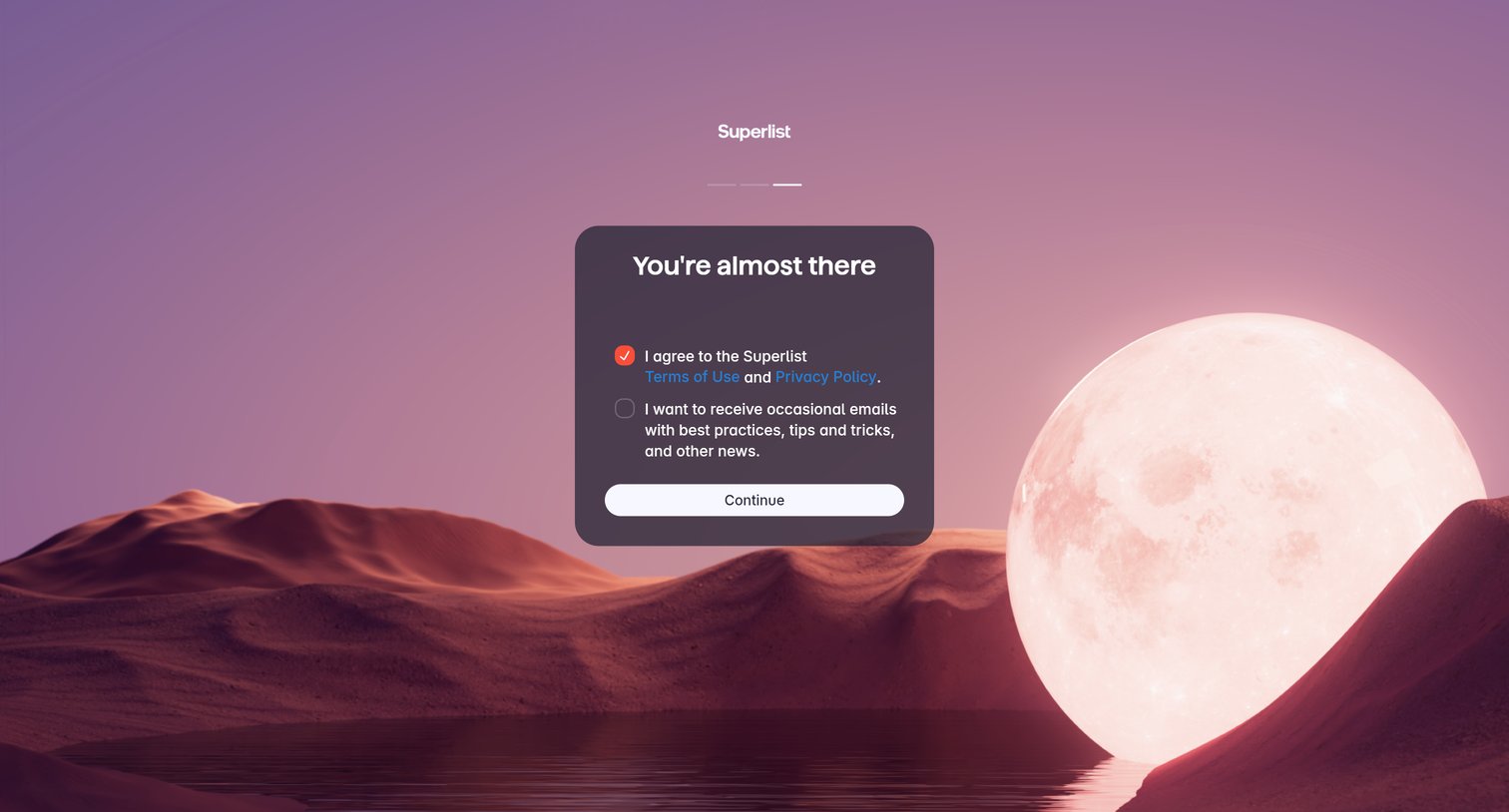
Onboarding step where the user agrees to terms of use and opts into marketing emails before continuing.
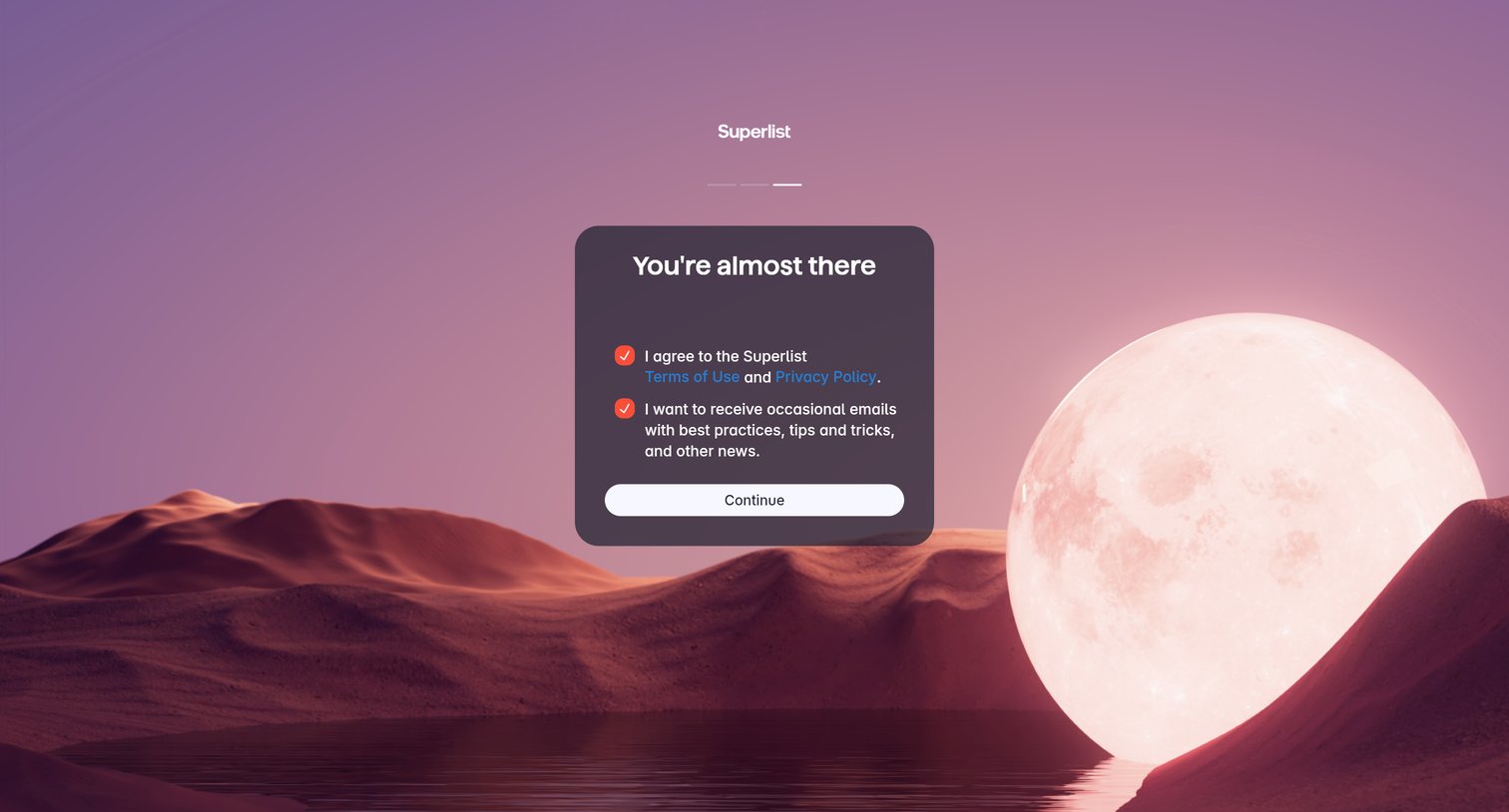
Onboarding step where the user agrees to the terms of use and privacy policy, and opts into marketing emails before continuing.
Browse the full SaaS app library
Explore real SaaS apps with their product screens, marketing screens, flows, and components.
Trusted by the best teams







