Superlist user flows examples
Explore Superlist user flow examples. Preview the opening screens and steps for each task. Supercharged productivity
Preview these flows

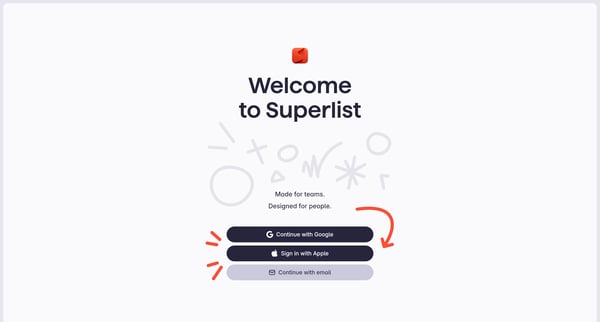
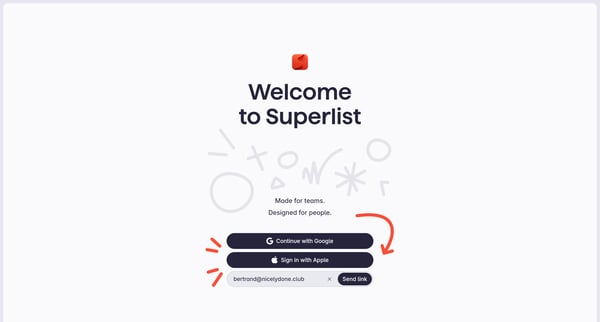
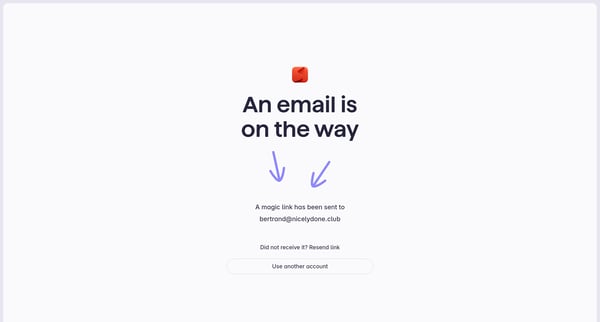
This flow guides a user through the process of signing up for Superlist, personalizing their experience based on usage intention, and acquainting them with essential features.
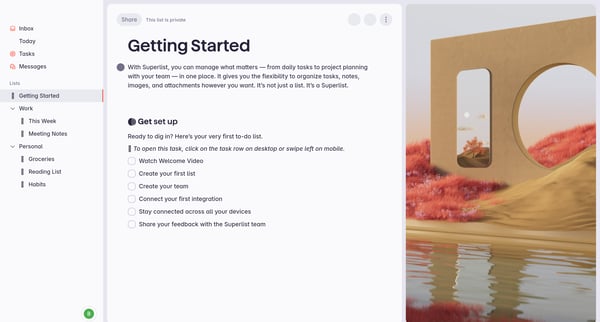
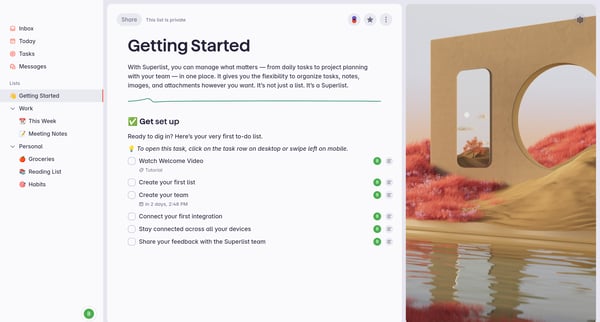
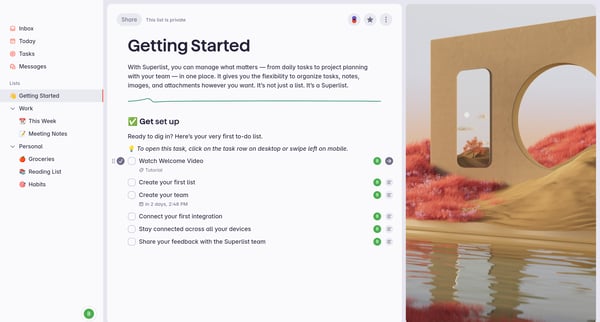
This flow seamlessly introduces new users to the Superlist app, guiding them through creating a list, watching tutorials, setting up a team, integrating tools, sharing feedback, and finally u
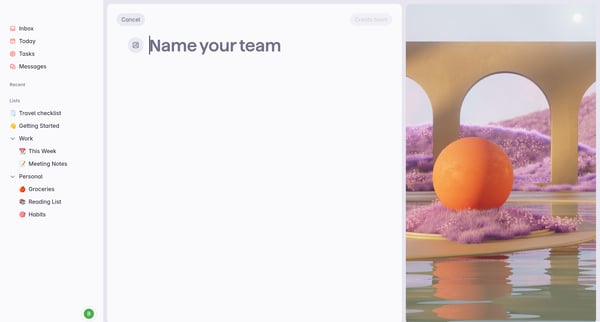
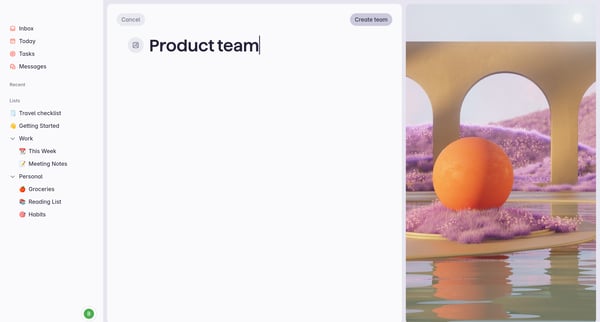
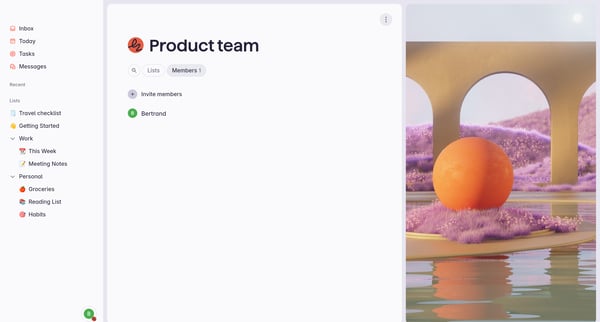
This flow guides a user through the process of creating a team within an application, adding team members, and managing invitations.
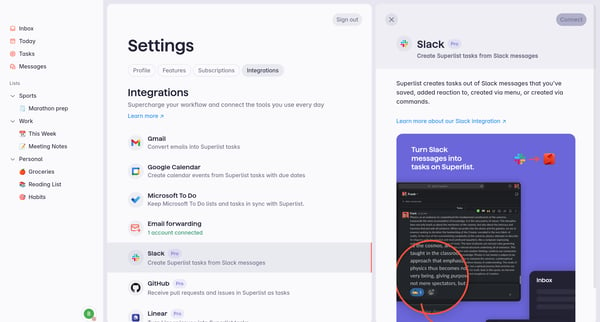
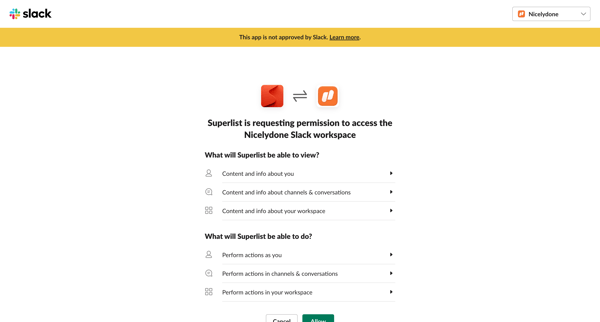
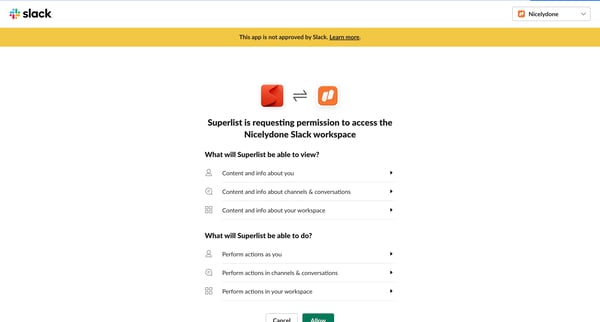
This flow guides the user through the process of integrating their Superlist account with Slack, including permissions and confirmation of successful connection.
Explore the full SaaS flow library
Browse the full SaaS flow library.
Trusted by the best teams







