Superlist marketing pages examples
Explore Superlist website design examples. Preview marketing pages and browse related SaaS page designs. Supercharged productivity
Explore the examples
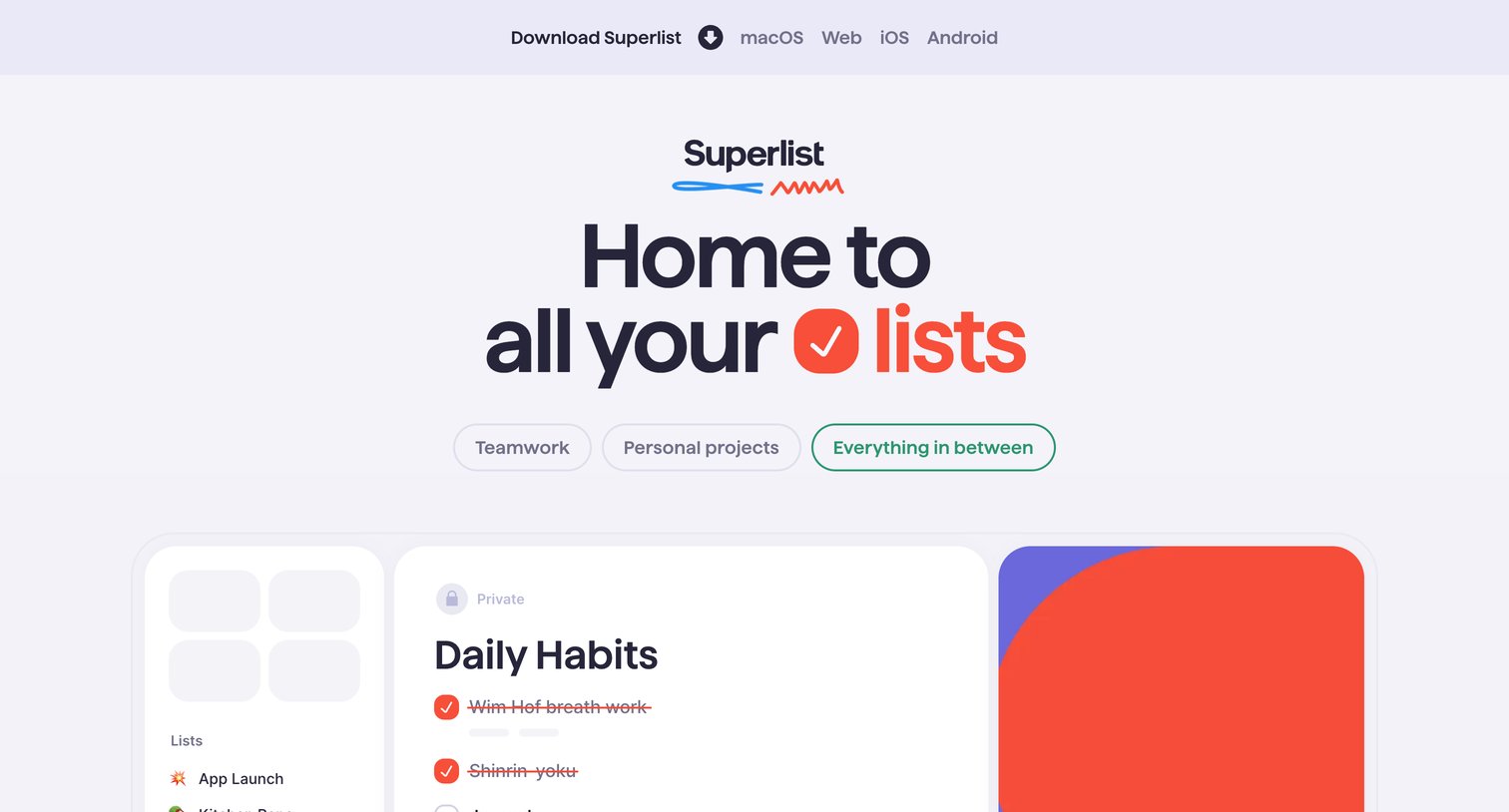

Landing page for a task management app highlighting features like personal and work lists, app integrations, and team collaboration.
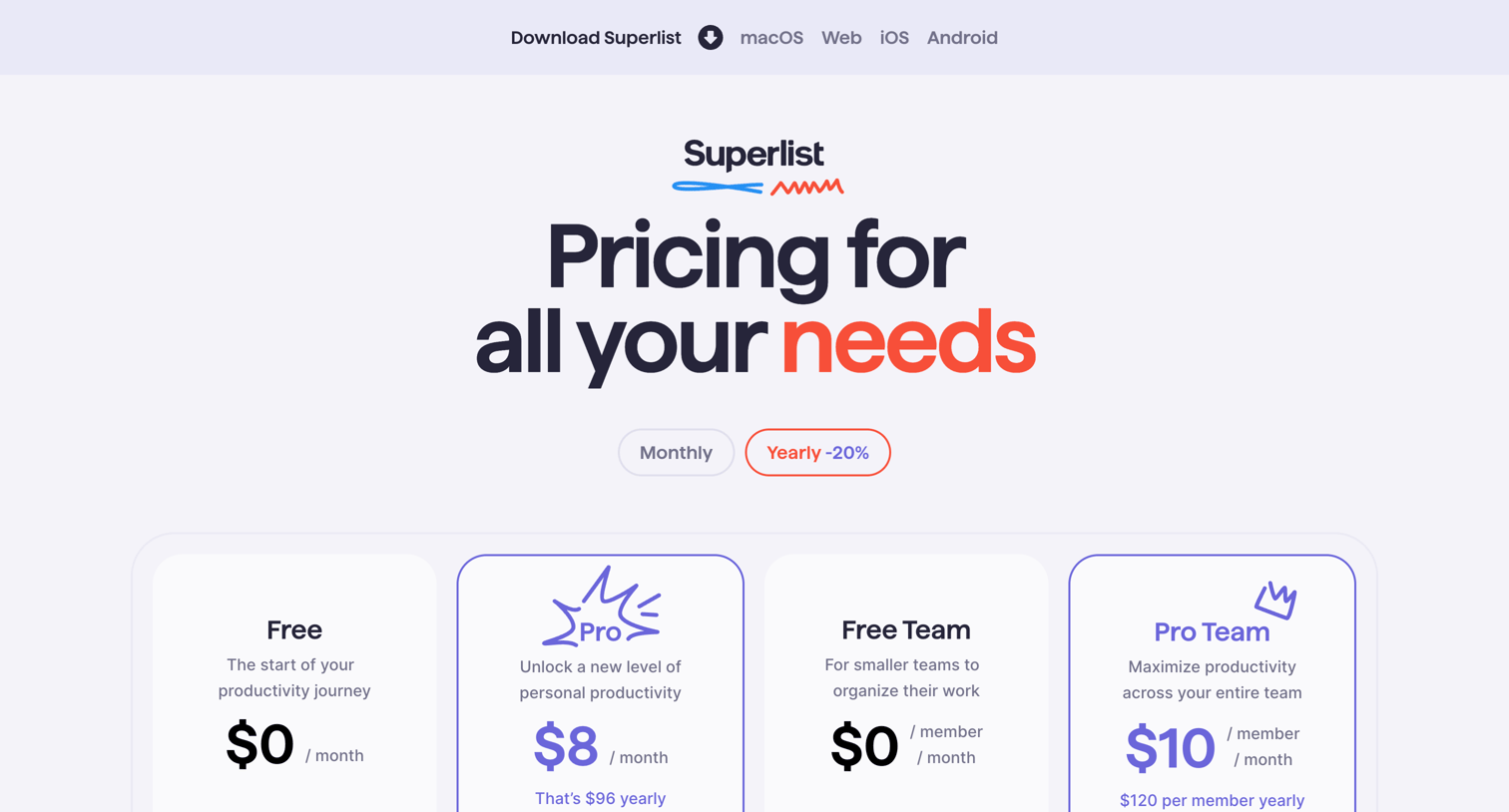
Pricing page where the user selects between Monthly and Yearly billing to view four subscription tiers ranging from Free to Pro Team.
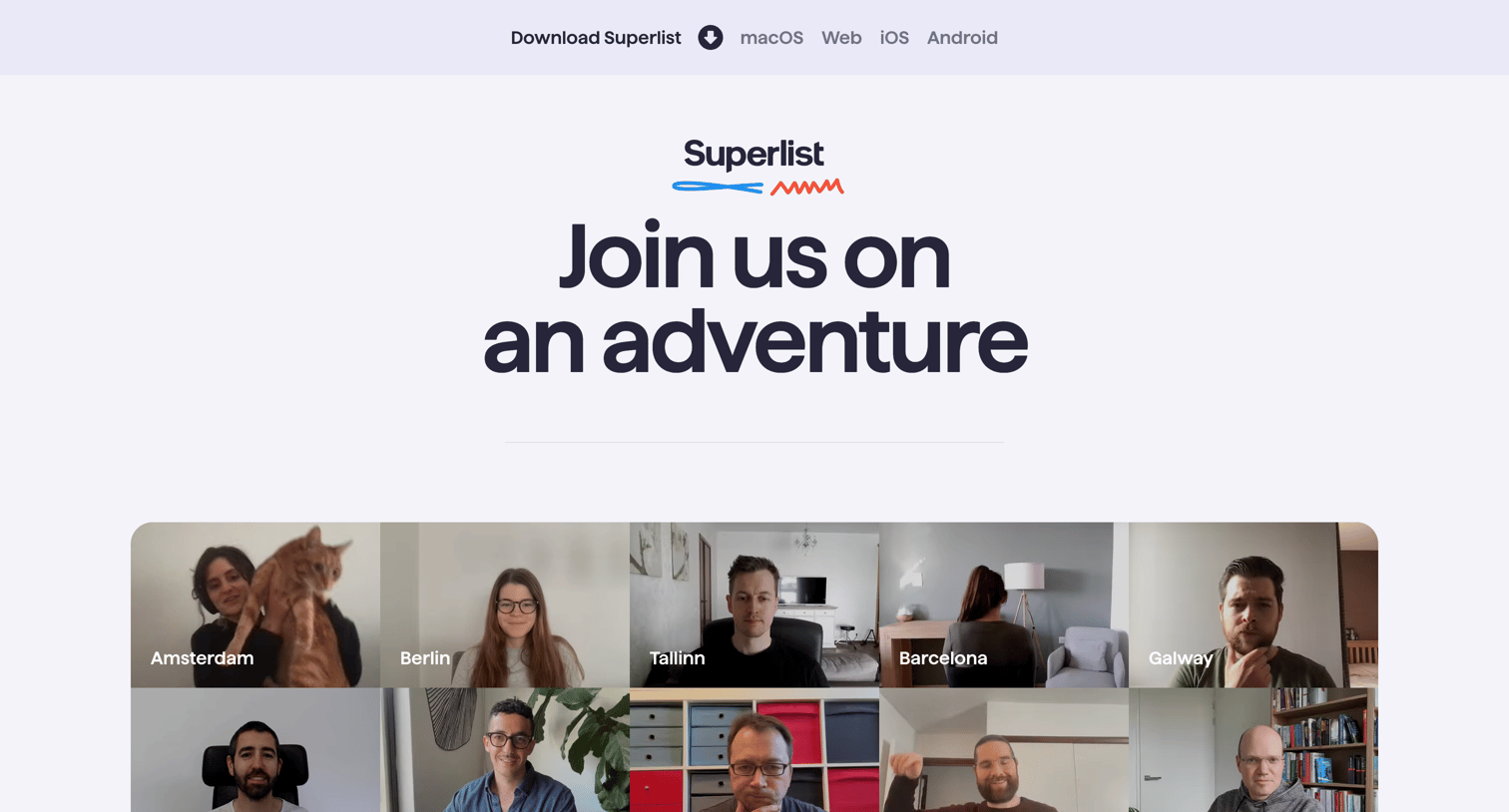
Careers page highlighting remote work culture with a team photo grid, a list of benefits, and an open position for a Flutter Developer.
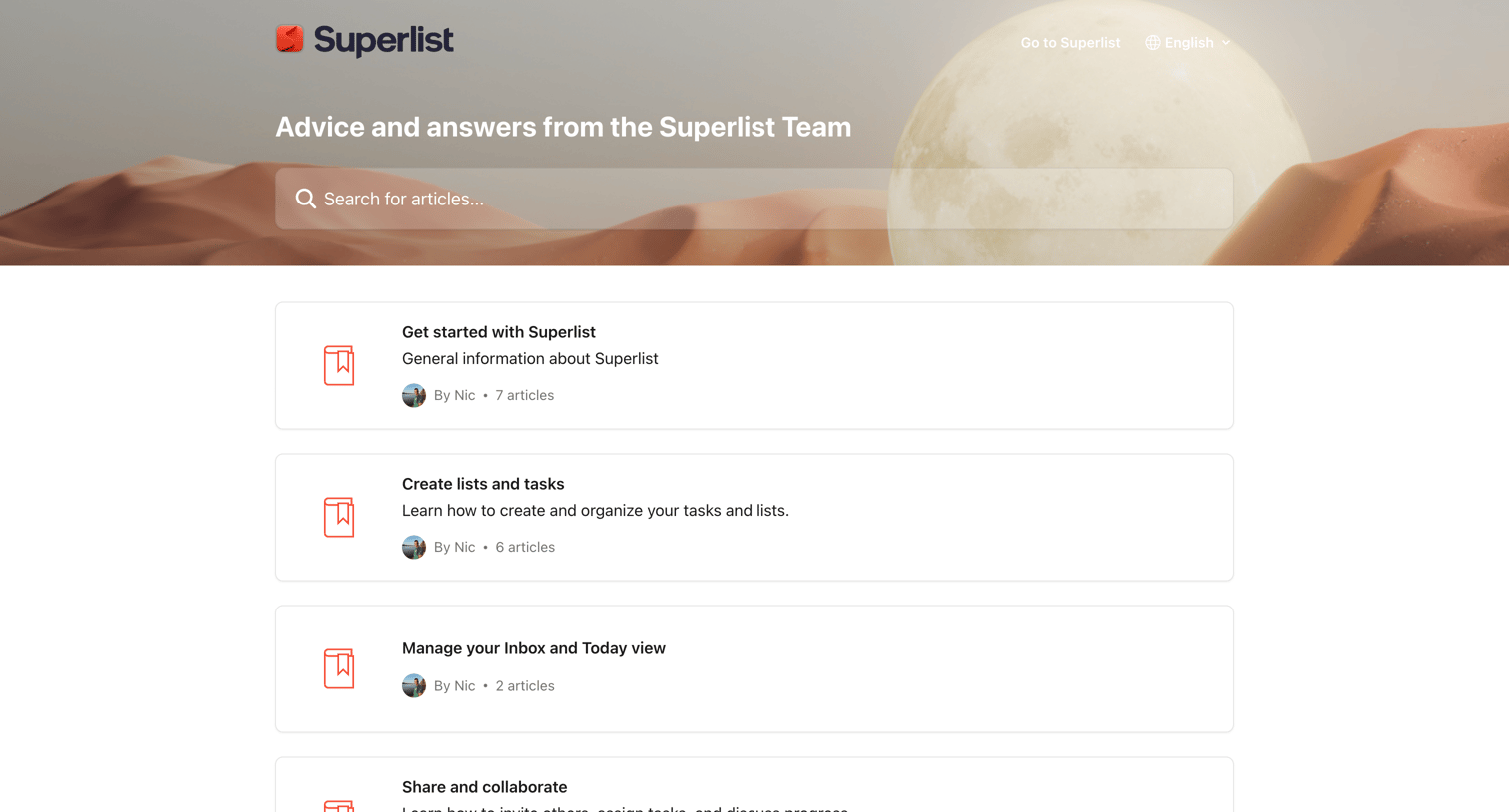
Help center homepage where the user can search for articles or browse support categories like getting started, managing the inbox, and configuring integrations.
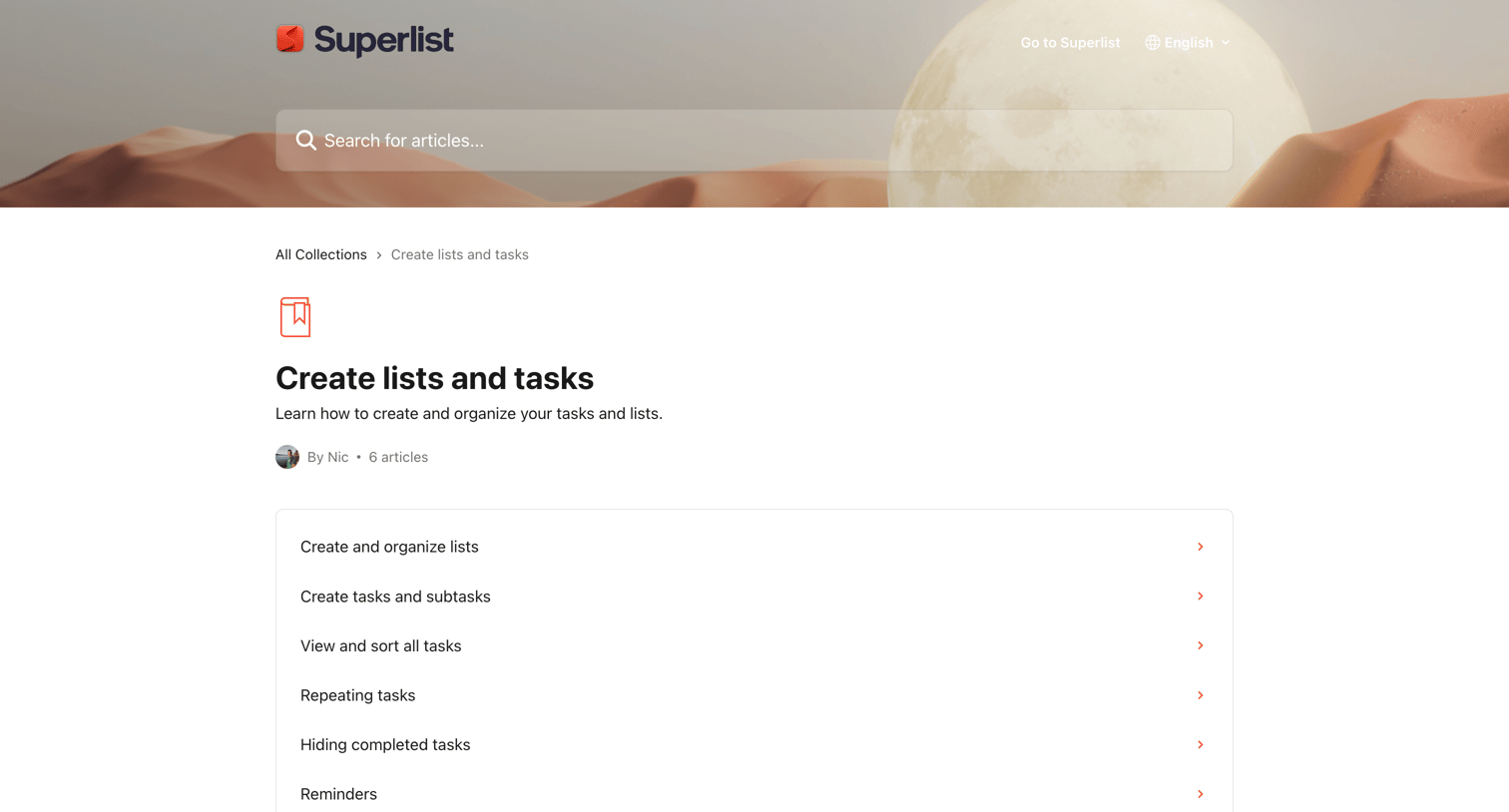
Help center category page where the user can browse a list of articles about creating and organizing tasks and lists.
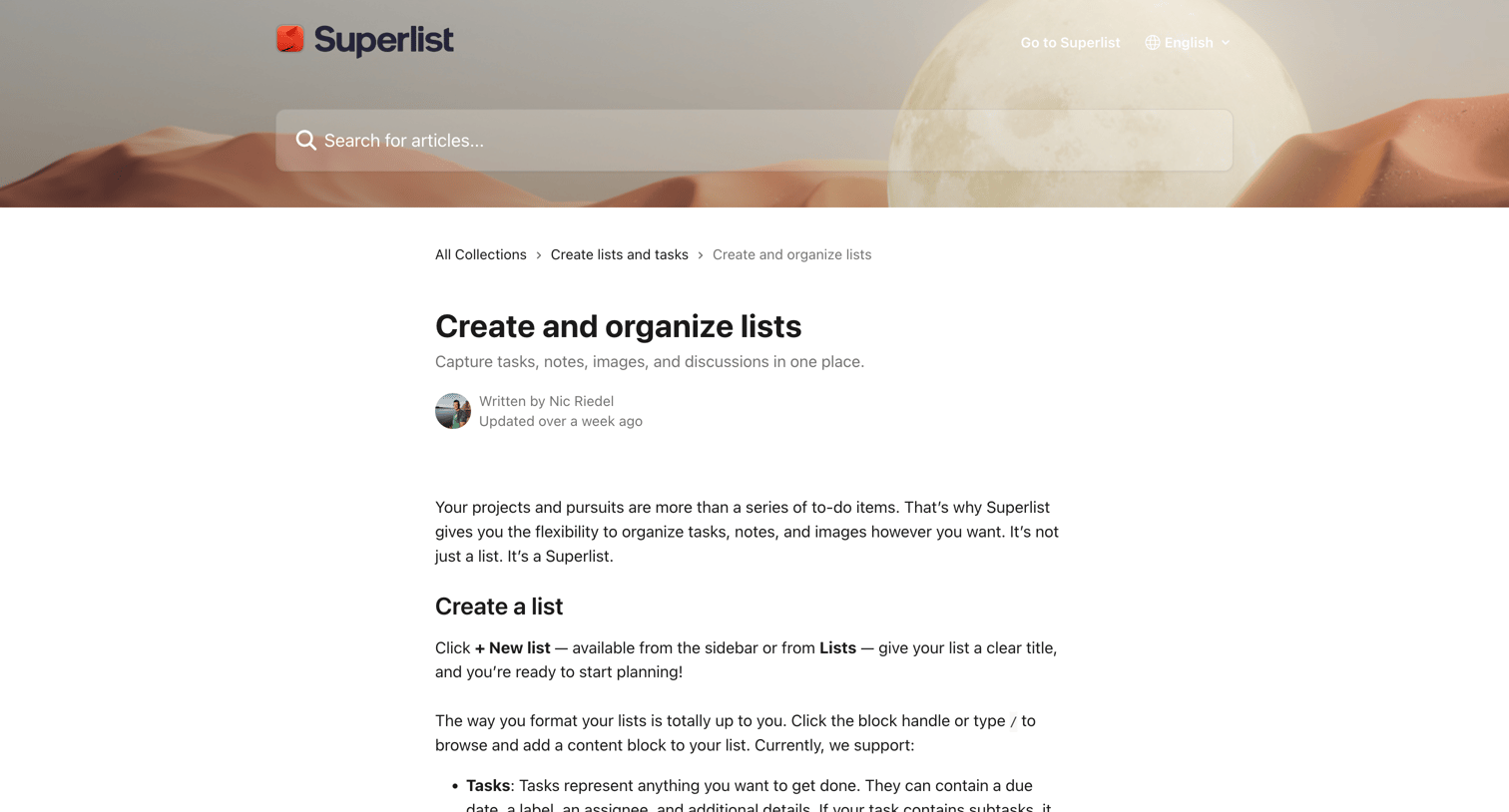
Help center article explaining how to create, customize, and organize lists with text instructions and annotated product screenshots.
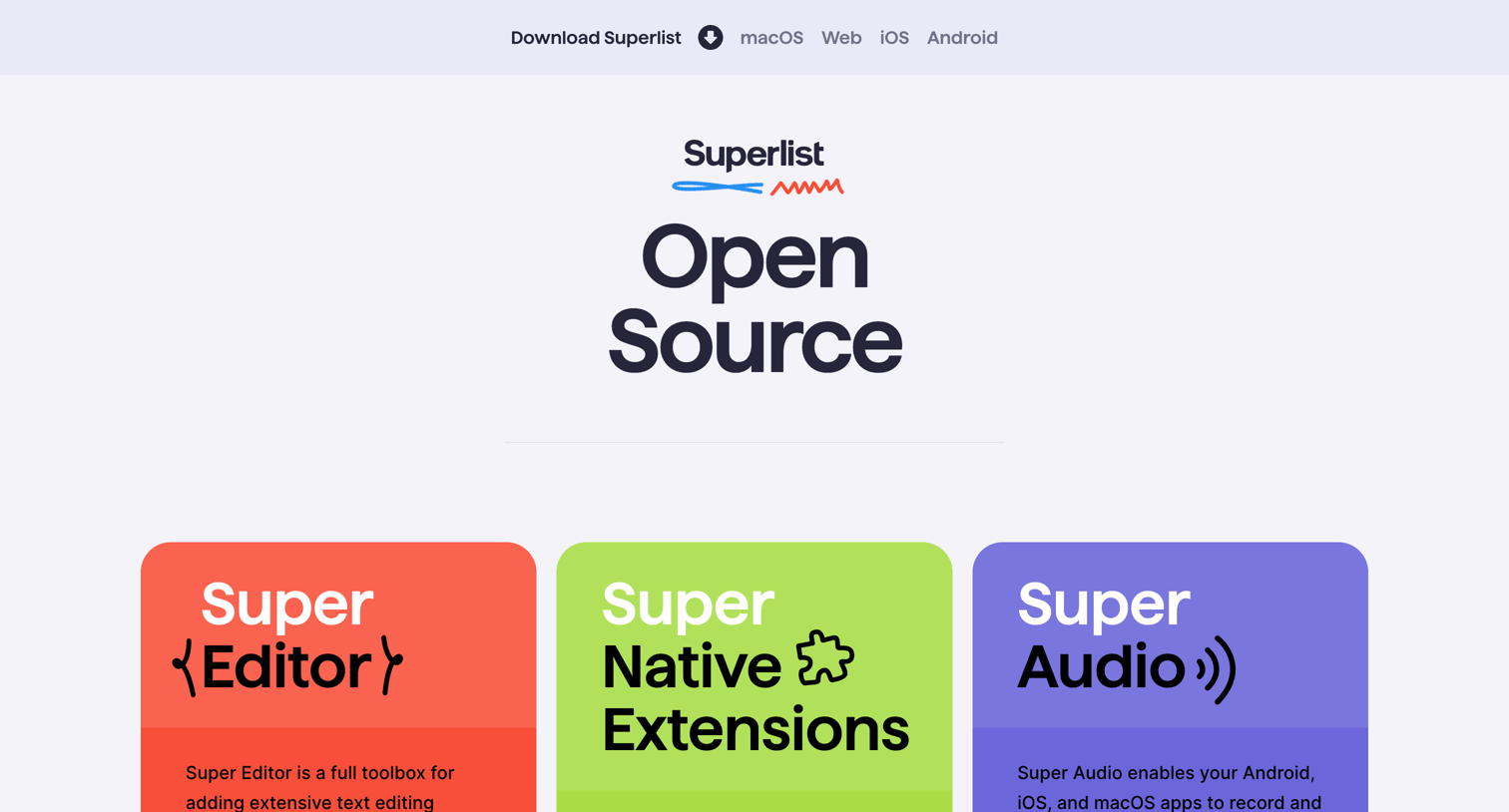
Marketing page showcasing the company's open-source Flutter tools like Super Editor and Super Audio, with links to their GitHub repositories.

Privacy policy page detailing Superlist's data processing practices, featuring a comprehensive table of contents and sections covering data categories, legal bases, and third-party services.
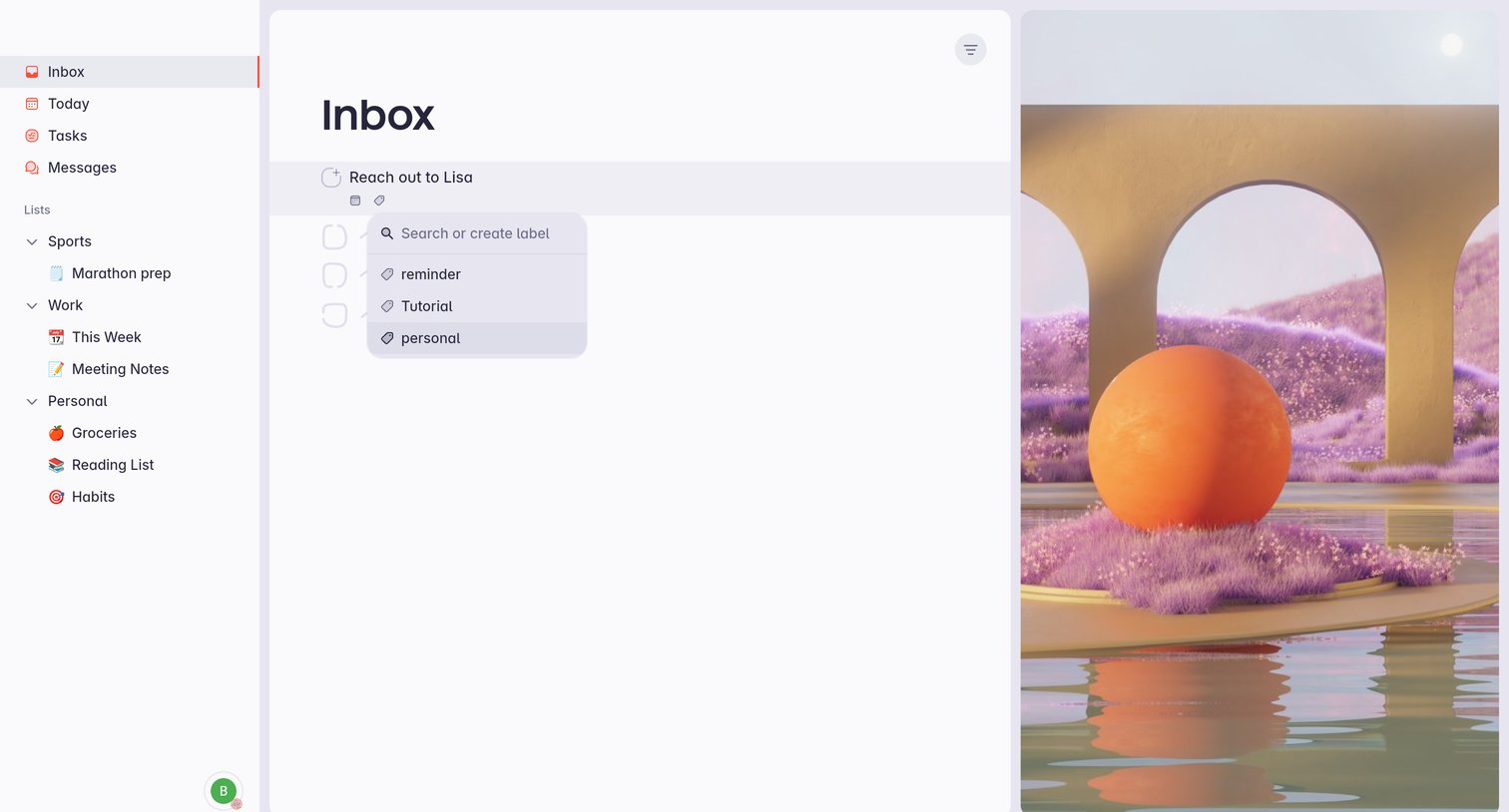
Task inbox where the user is assigning a label to a specific task via an inline combobox.
Explore the full SaaS screen library
Upgrade to unlock the full library.
Trusted by the best teams







