Skip to content

Superlist UI components examples

Browse Superlist UI component design examples. Preview individual interface elements and explore related component categories. Supercharged productivity

Explore the examples
Superlist — Hero section component
Superlist logo
Superlist

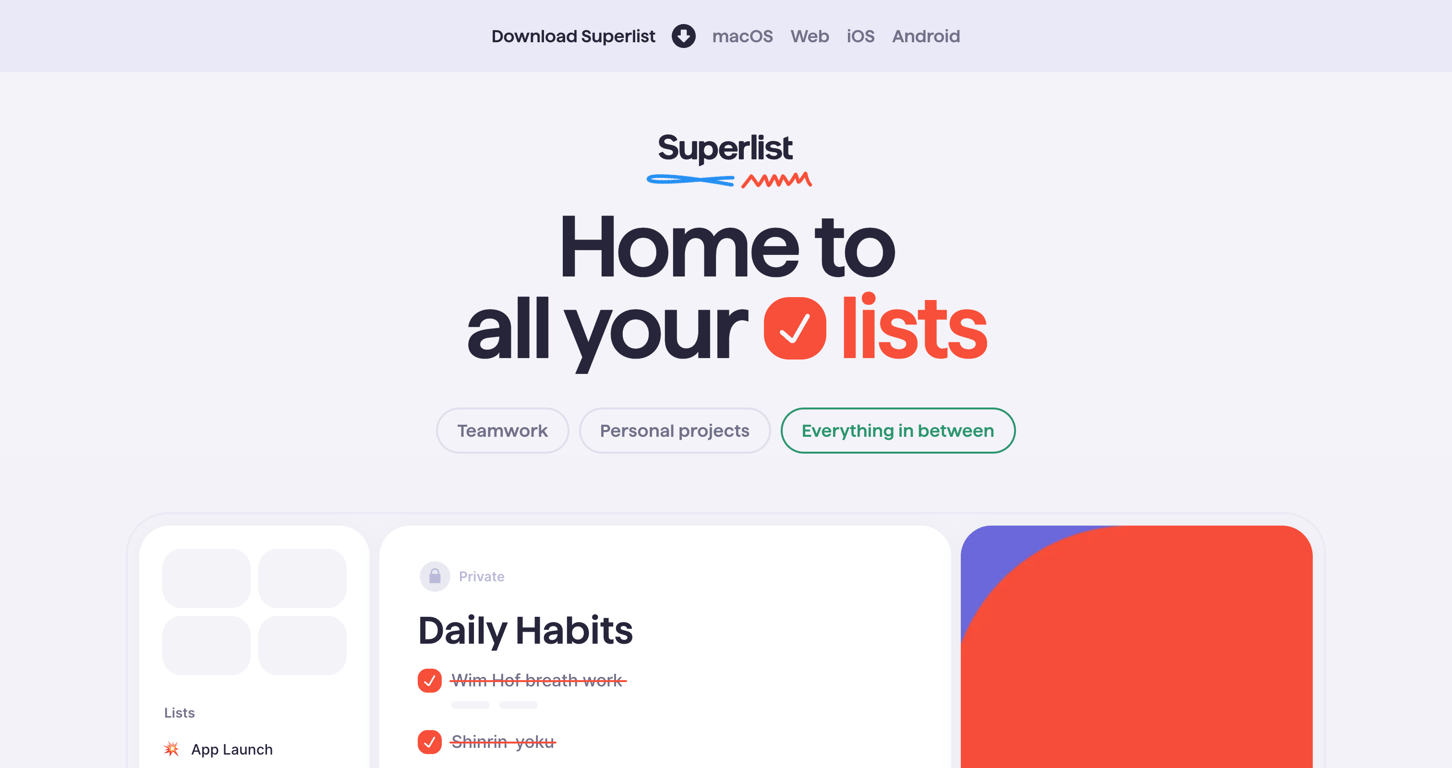
A hero section featuring a prominent headline, logo, and a row of pill-shaped buttons for different use cases. Below, a preview of the app interface is partially visible.

Superlist — Alert component
Superlist logo
Superlist

A pill-shaped toast notification informing the user that the app is up to date. It includes a primary action to view release notes and a secondary action to dismiss the toast.

Superlist — Toggle/Switch component
Superlist logo
Superlist

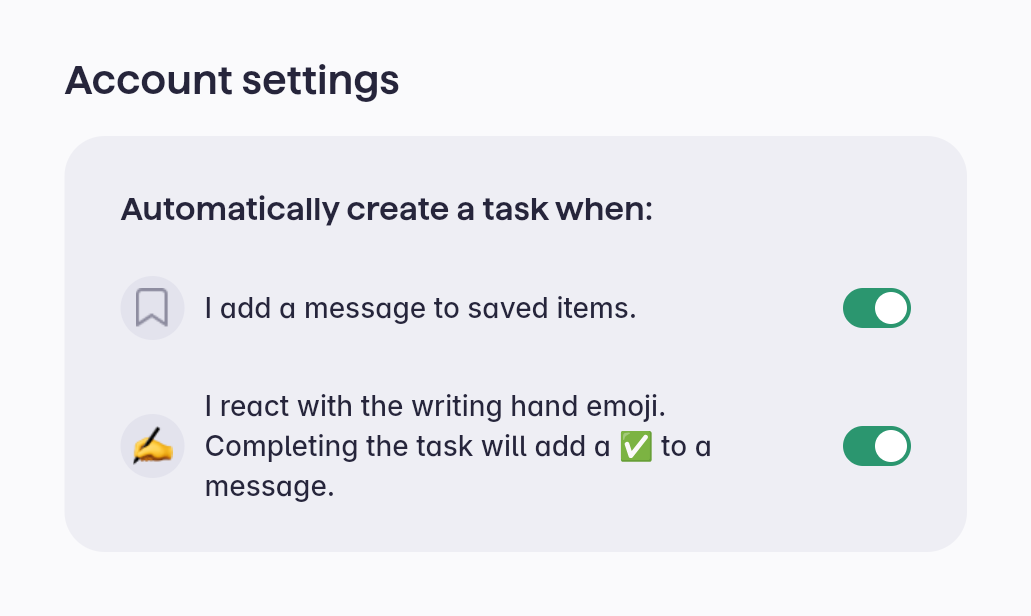
Account settings modal with task automation options.

Superlist — Rich text editor component
Superlist logo
Superlist

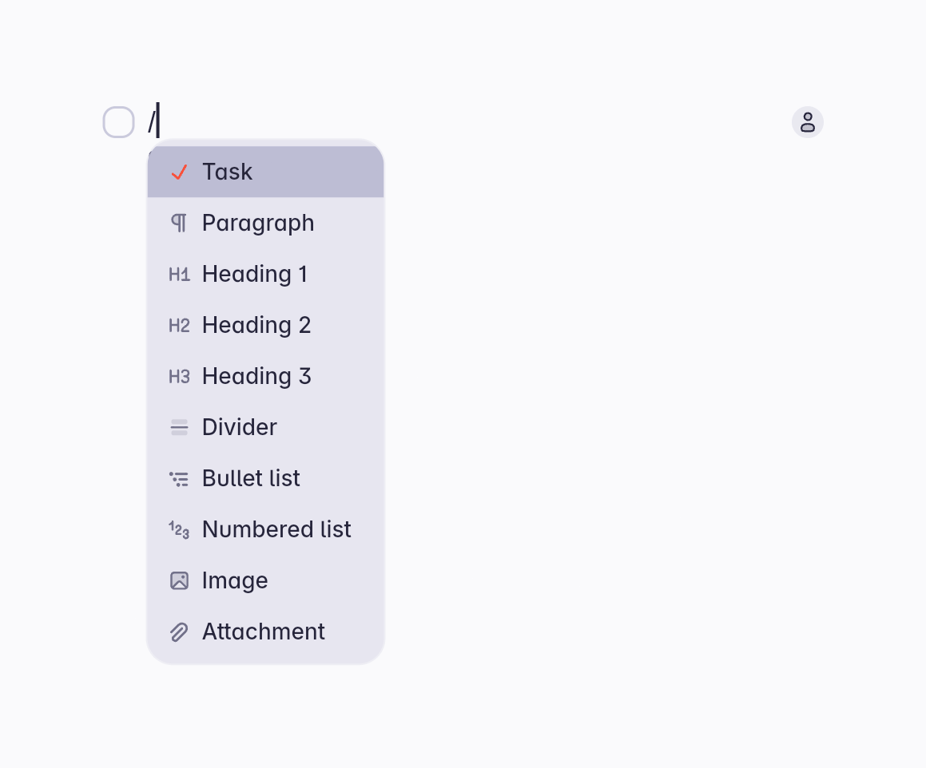
A slash command menu triggered within a text editor, displaying a list of block types like Task, Paragraph, Headings, and lists. The 'Task' option is currently highlighted.
Superlist — Toggle/Switch component
Superlist logo
Superlist

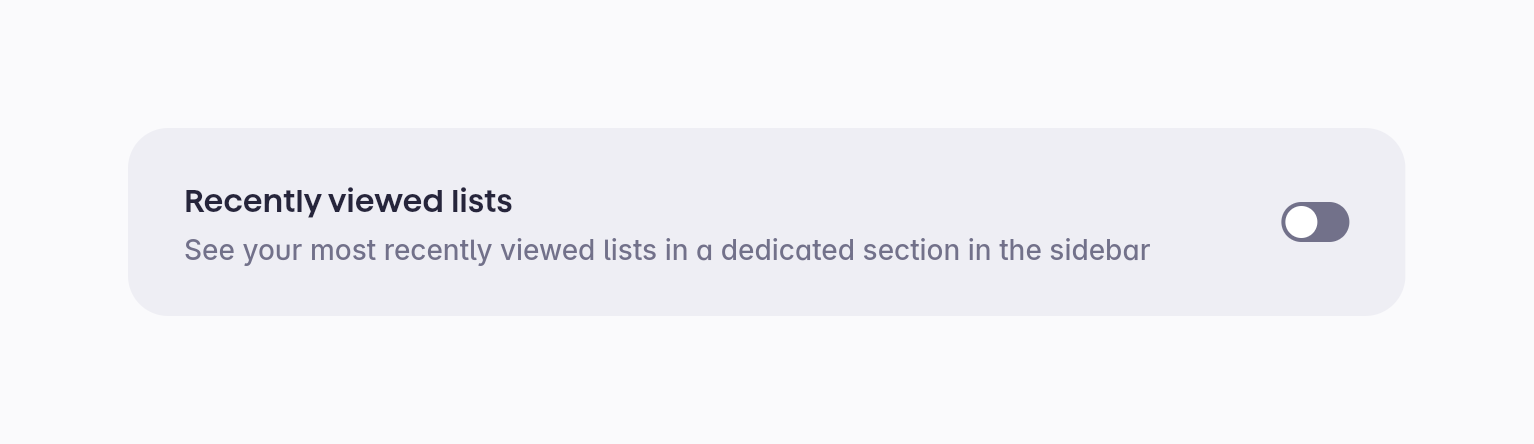
A toggle switch to enable or disable recently viewed lists.

Superlist — Alert component
Superlist logo
Superlist

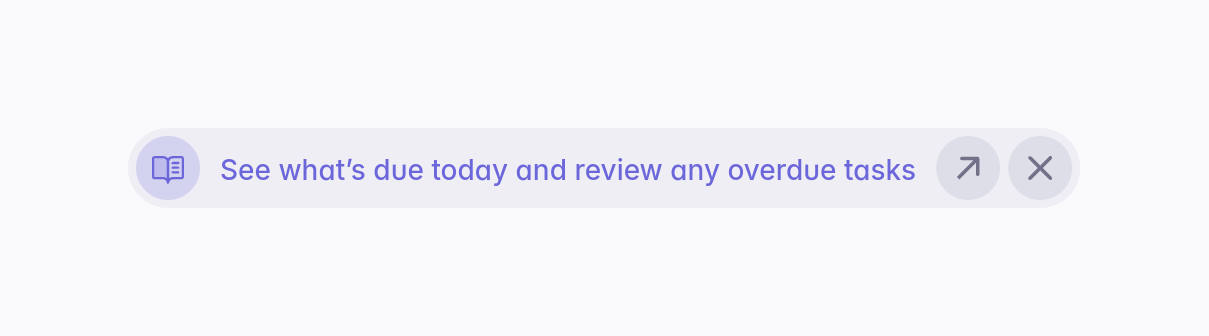
A pill-shaped banner providing a helpful tip or suggestion, featuring an icon, text, an action button, and a close button.

Superlist — Toggle/Switch component
Superlist logo
Superlist

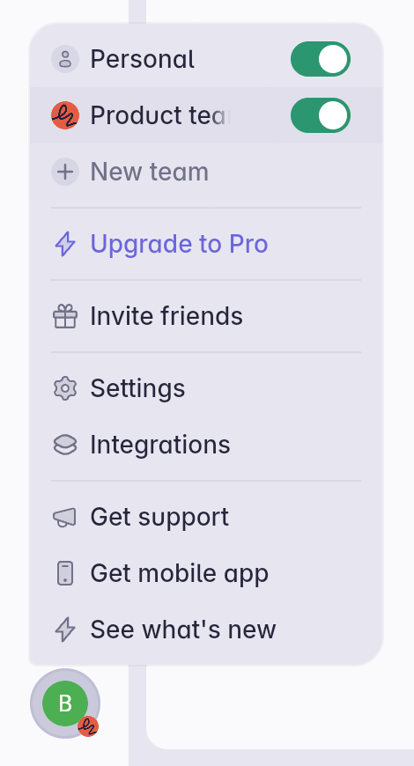
A popover menu triggered by an avatar, containing account settings, team management, upgrade options, and support links.
Superlist — Reorder component
Superlist logo
Superlist

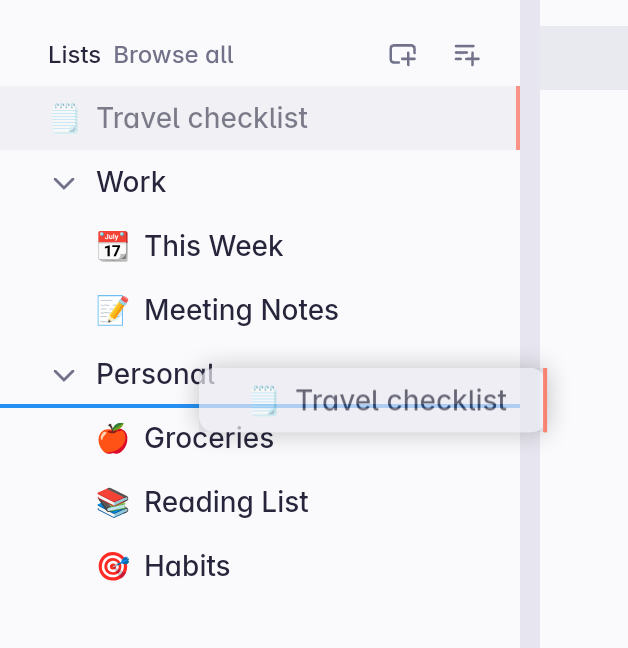
A sidebar navigation list showing an item being dragged and dropped to a new position. A blue line indicates the drop target location.

Superlist — Dropdown menu component
Superlist logo
Superlist

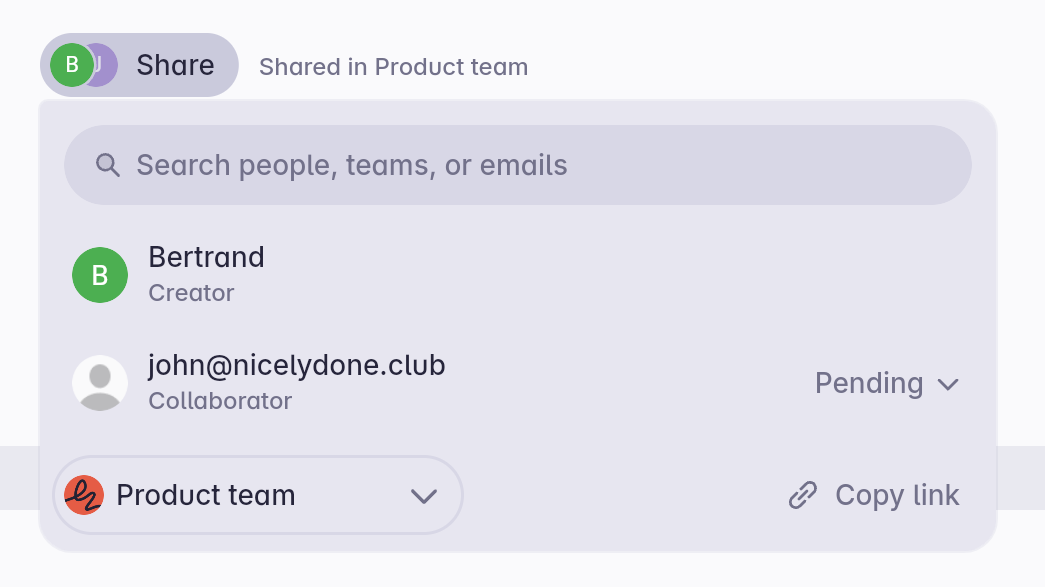
A share popover allowing users to search for people, teams, or emails to invite as collaborators. It displays current collaborators and their roles, along with options to copy a link or change team access.
Superlist — Badge component
Superlist logo
Superlist

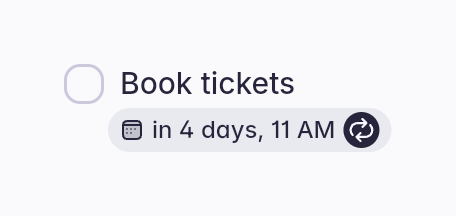
A booking card with a checkbox and a date and time indicator.

Superlist — Datepicker component
Superlist logo
Superlist

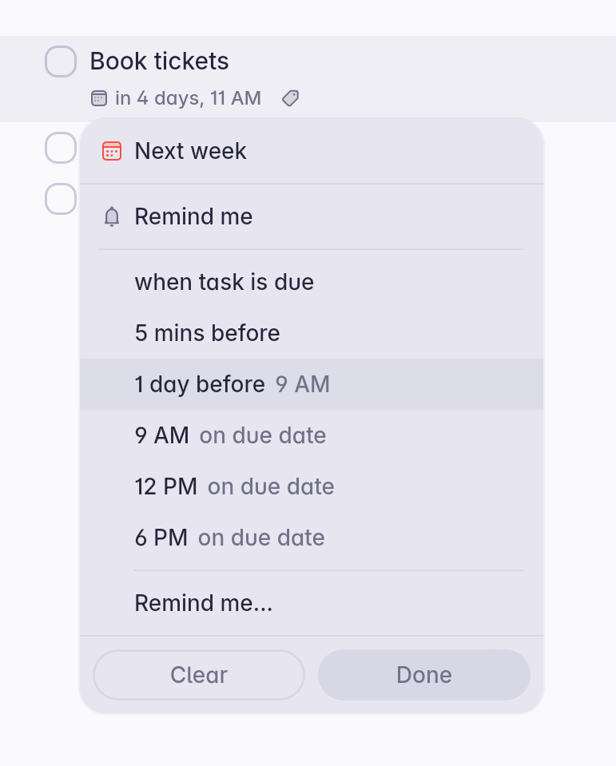
A popover menu for setting a reminder on a task, featuring predefined time options and a custom reminder option.
Superlist — Datepicker component
Superlist logo
Superlist

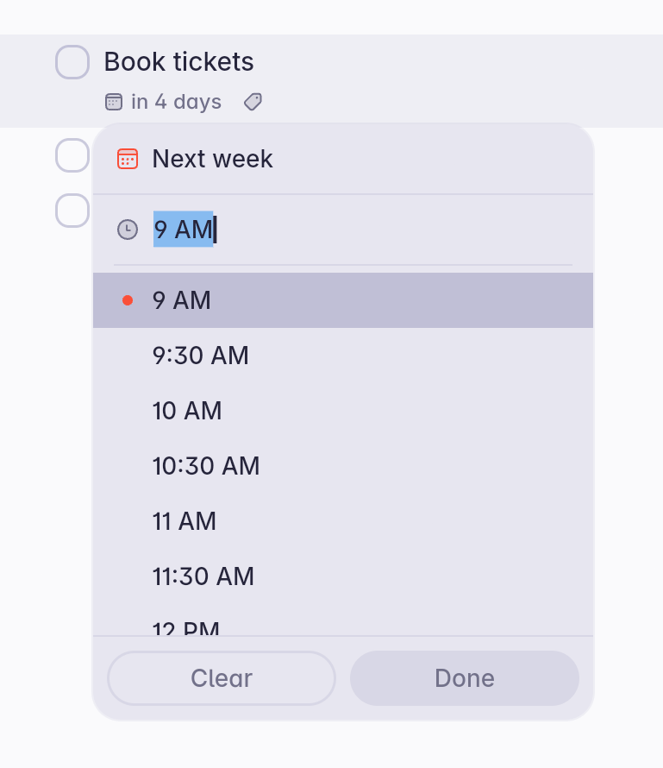
A popover menu for selecting a specific time, featuring a text input field with autocomplete and a scrollable list of time options in 30-minute increments.

Browse the full component library

Browse the full UI component library.

Trusted by the best teams