Drag & Drop screen examples
Drag & Drop screen design examples from SaaS apps. See how apps present tasks that involve dragging files or objects. Explore how drop areas, movable items, and placement cues fit into the surrounding workspace.
Explore the examples

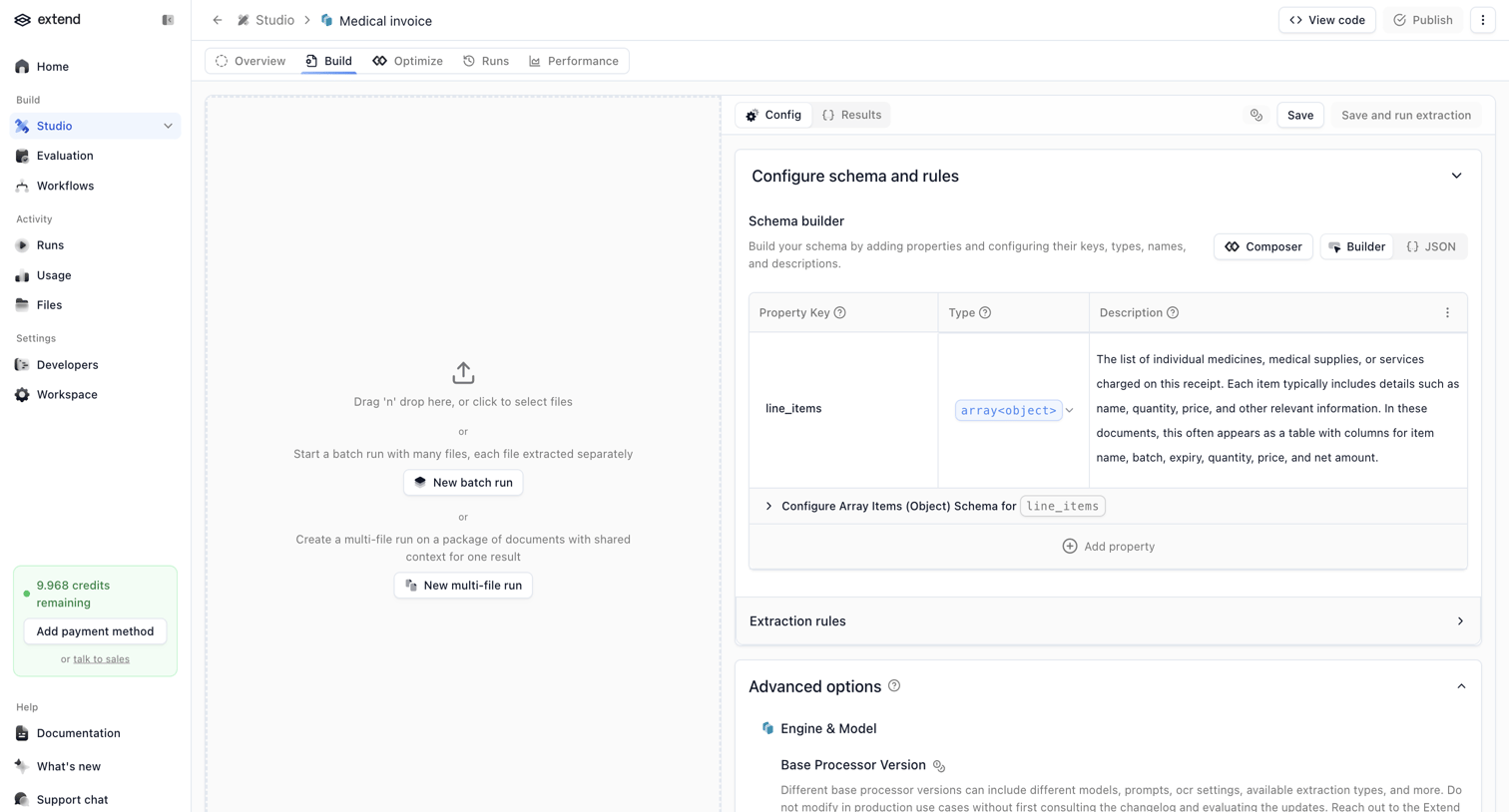

Detail page where the user configures the schema and rules for a specific document processor, featuring a drag-and-drop testing area alongside the configuration panel.
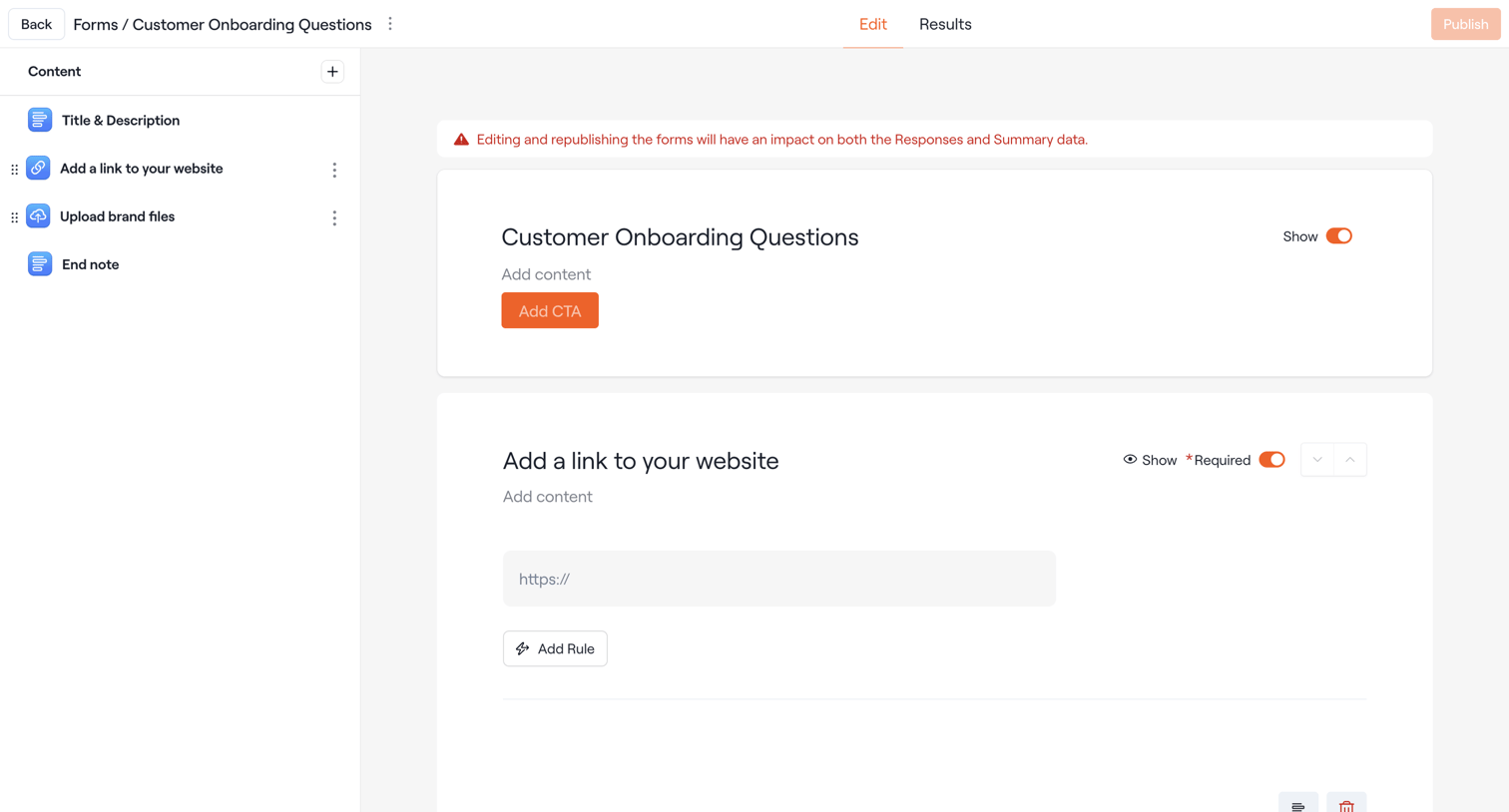

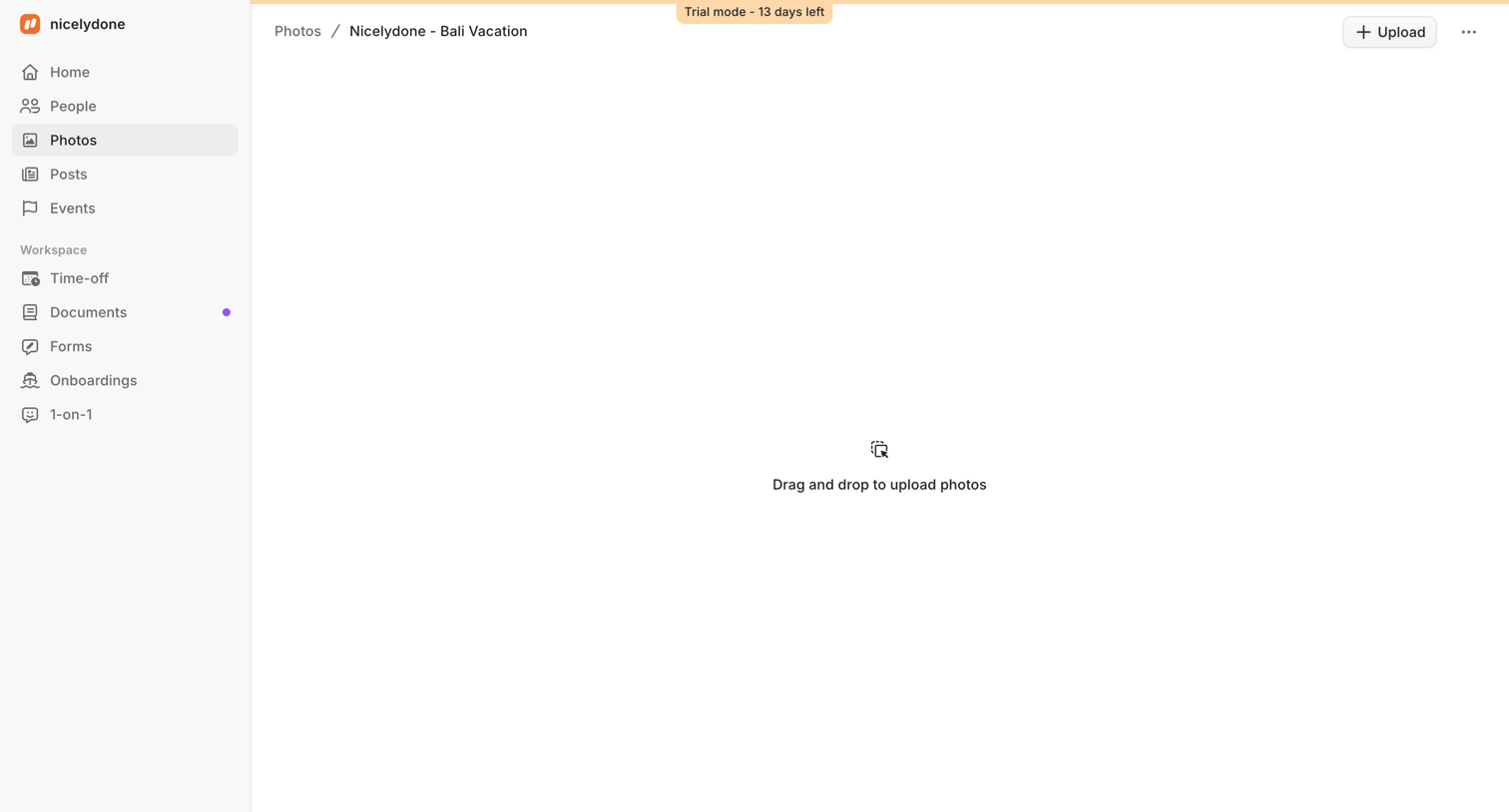

Detail page for a specific photo album where the user is prompted to drag and drop files to upload.
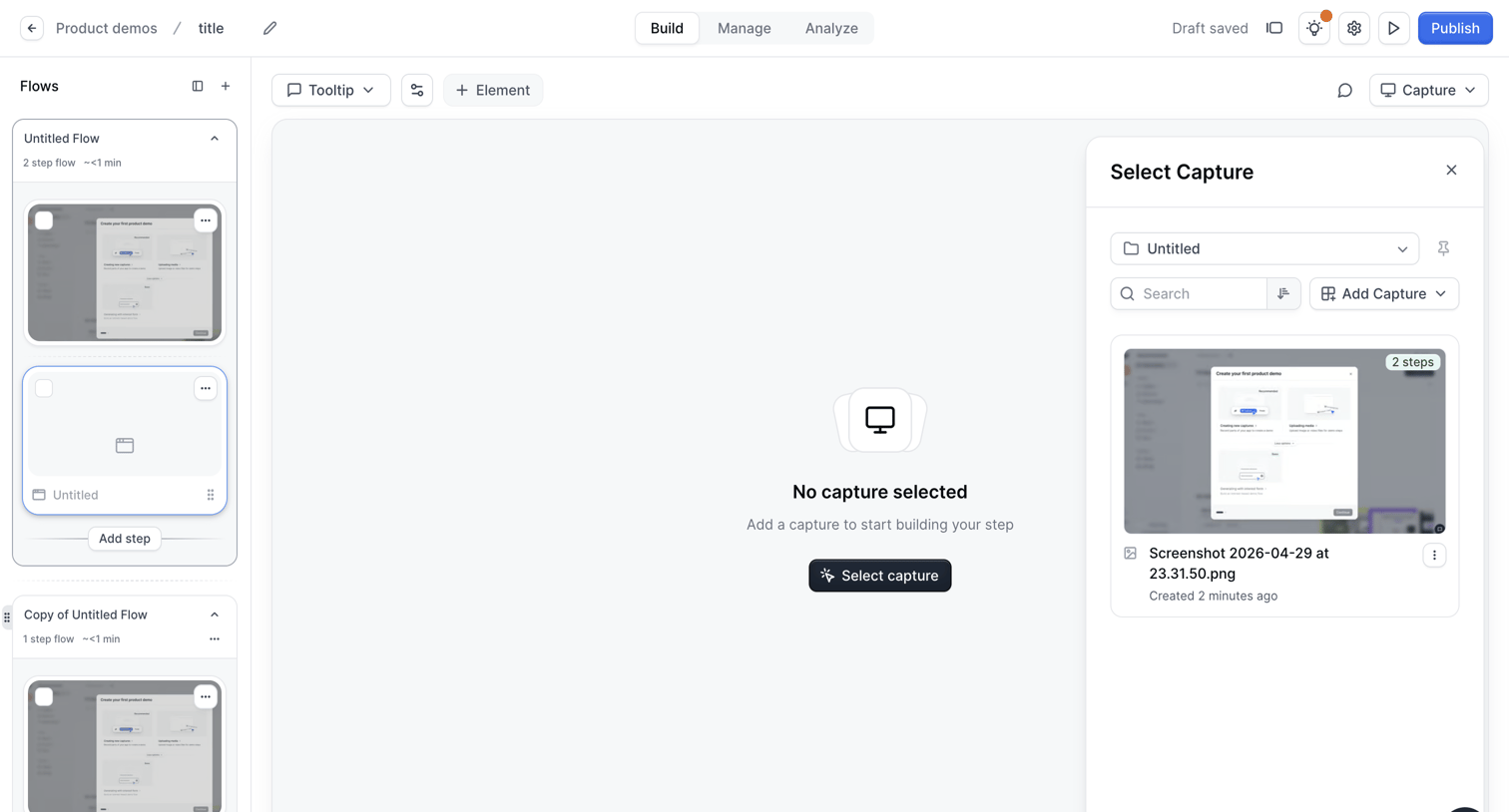

Workflow editor where the user builds an interactive product demo by adding steps and selecting screen captures.


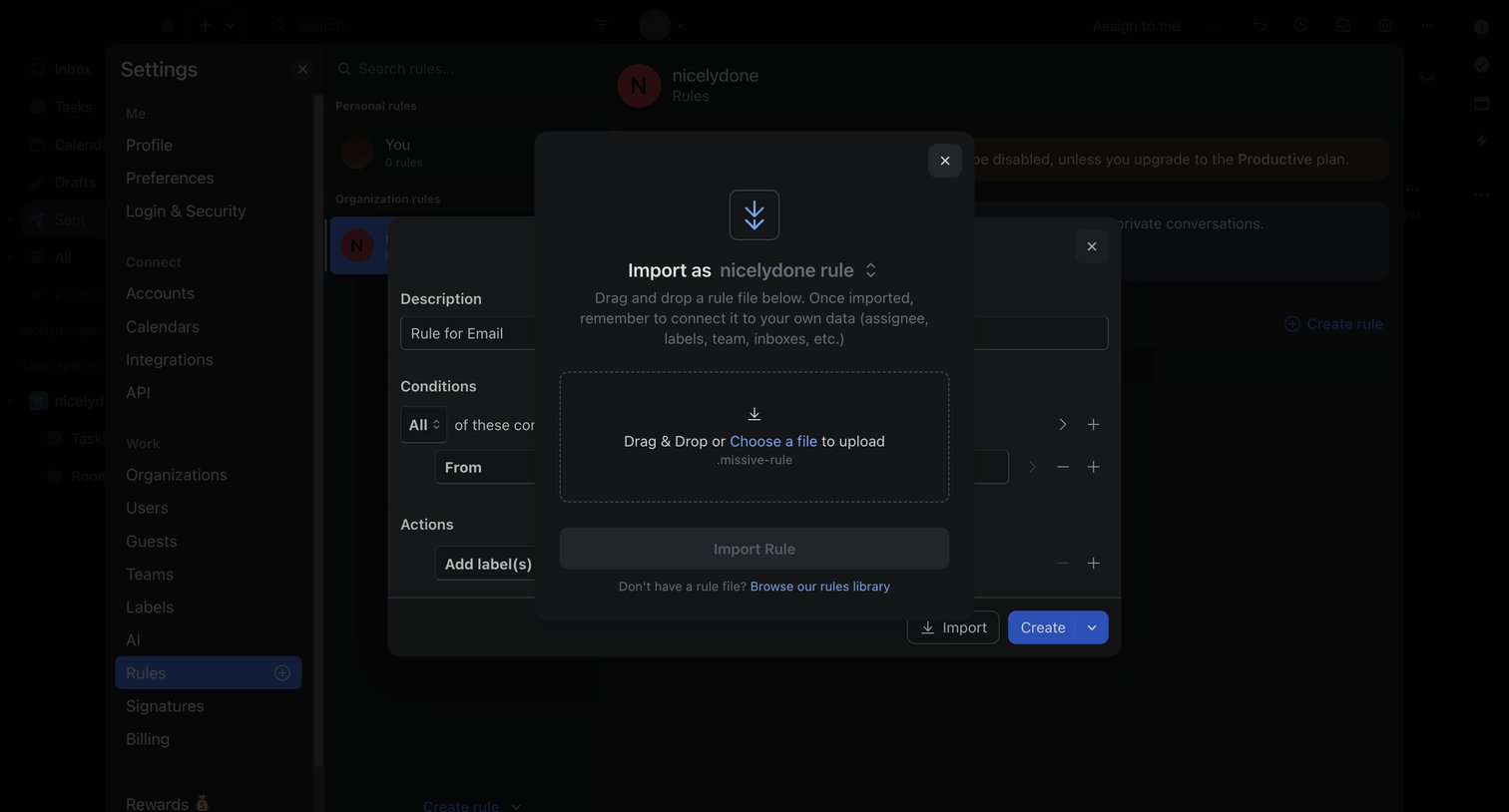

Settings overlay where the user is importing a new automation rule via a drag-and-drop file upload modal.
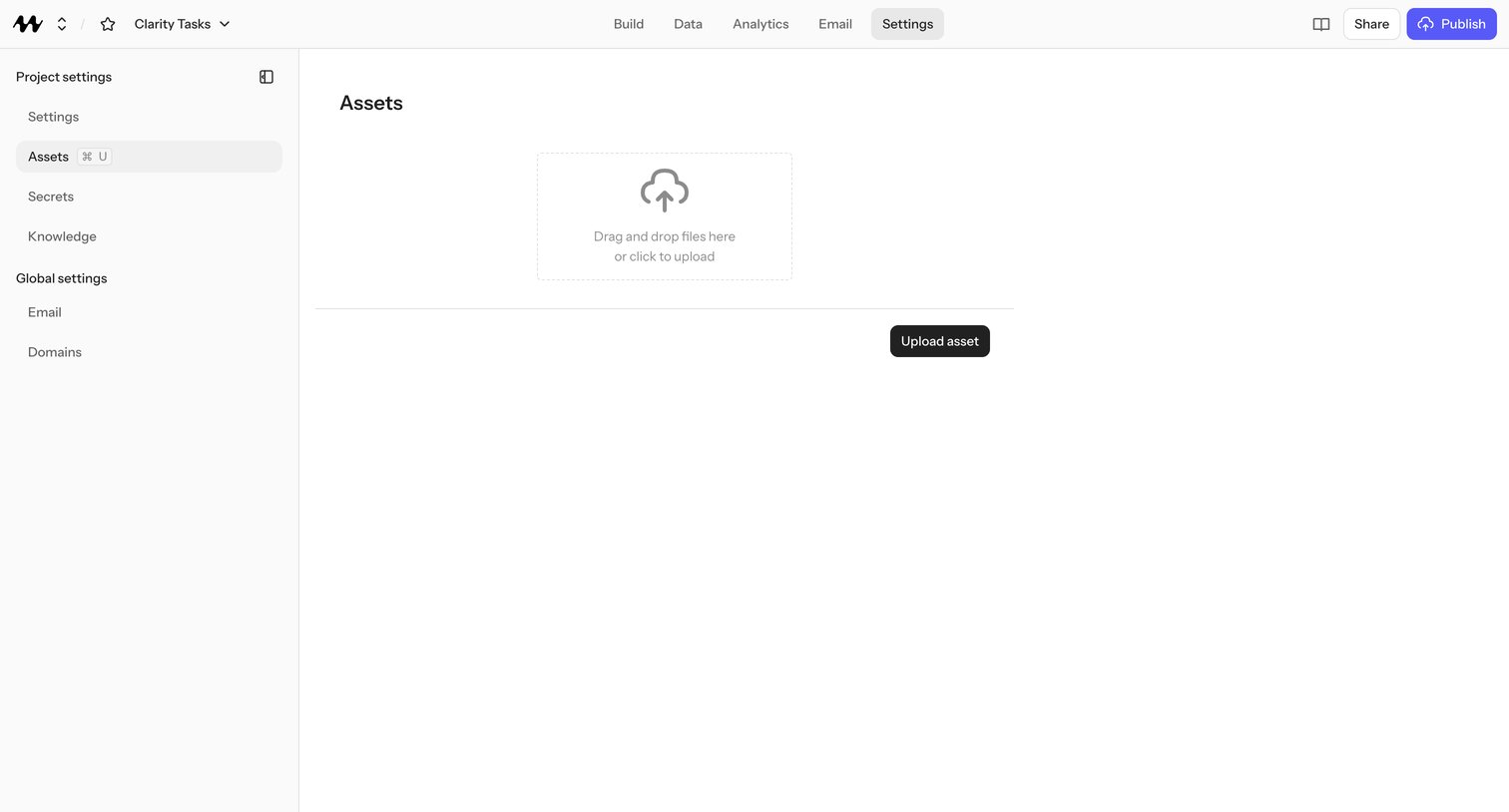

Project settings page where the user uploads and manages static assets for their Clarity Tasks project via a drag-and-drop zone.
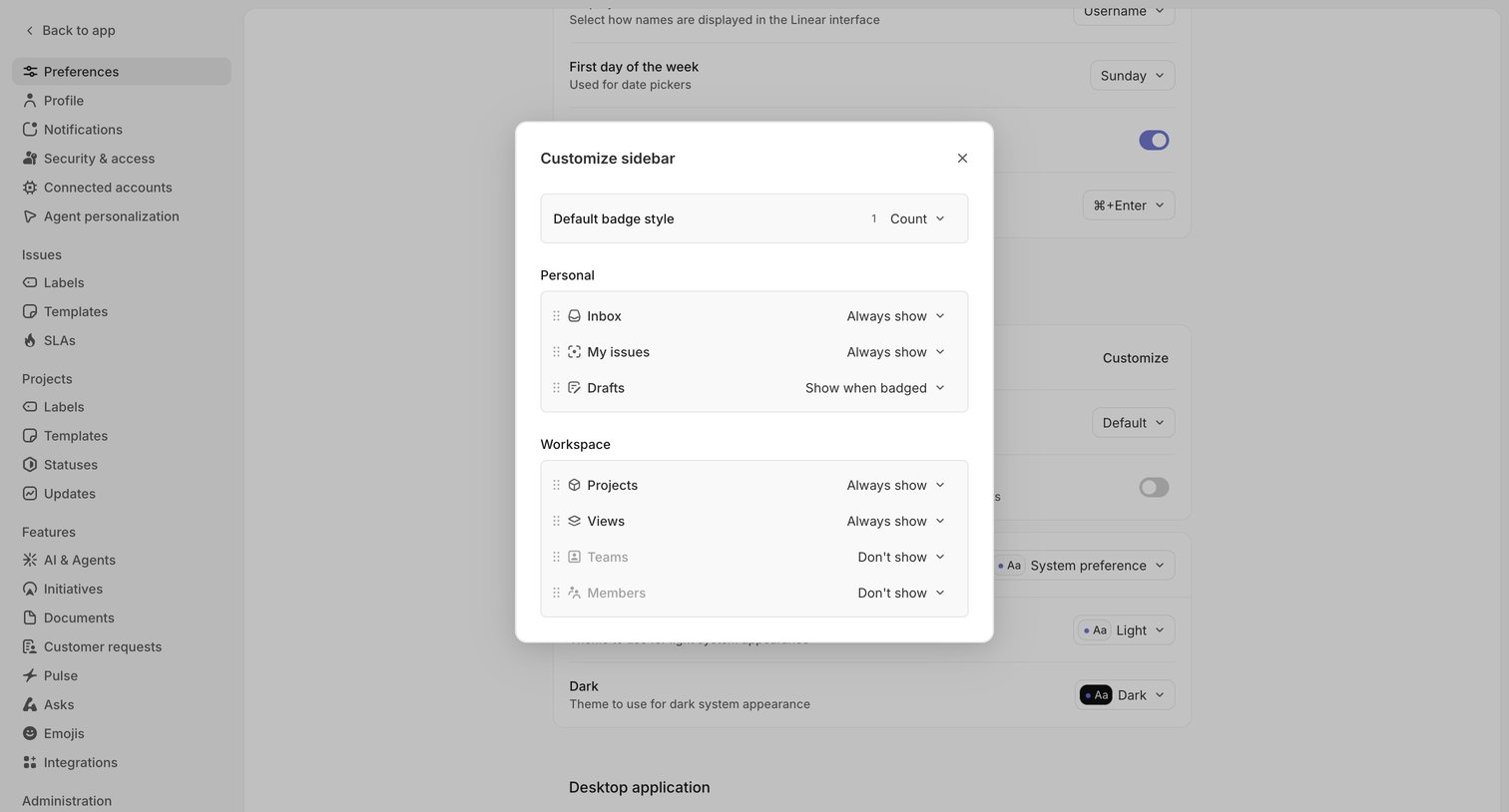

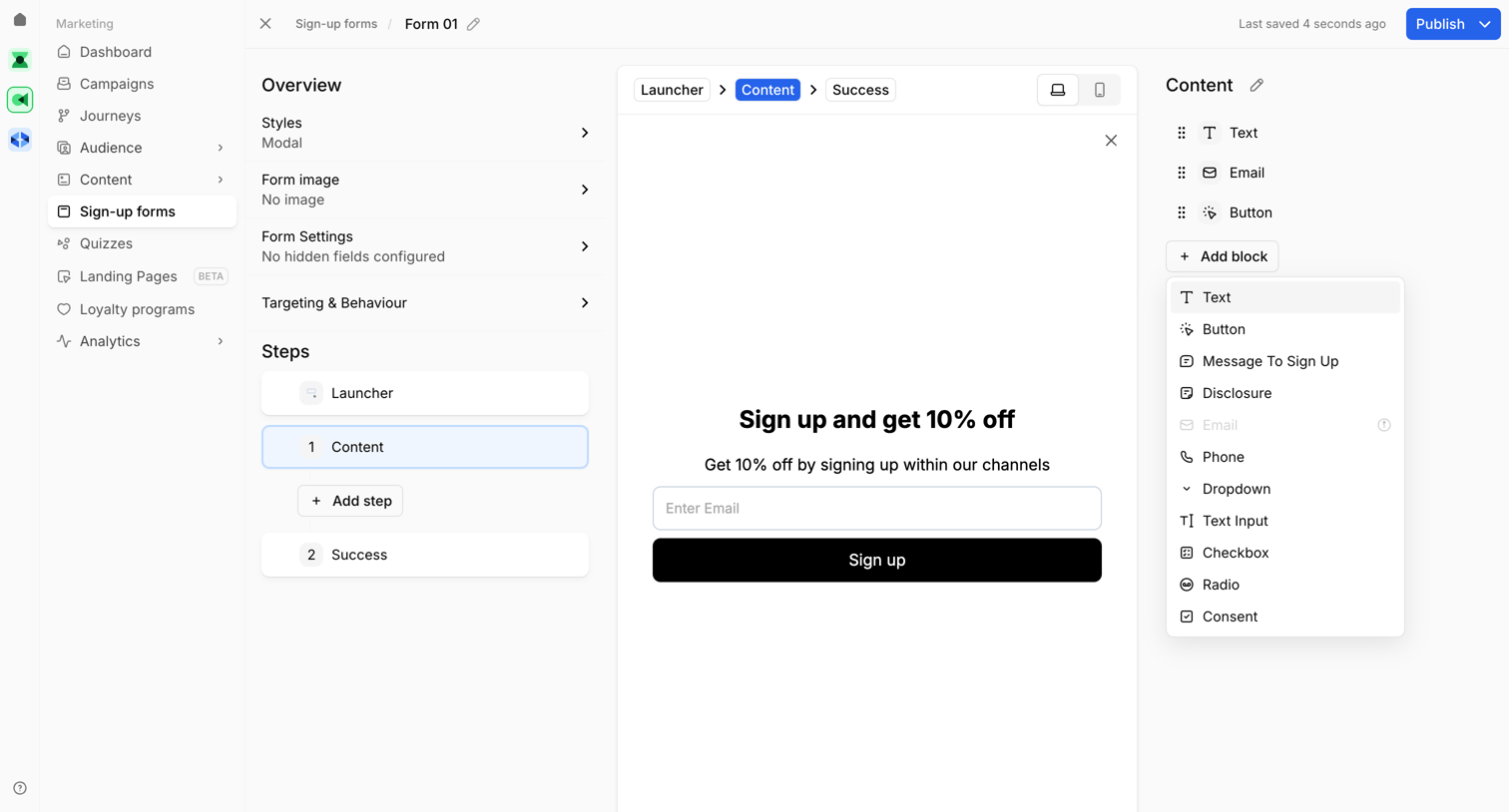

Design editor where the user configures a sign-up popup, currently viewing the content step and opening the menu to add a new block like text, phone, or a checkbox.
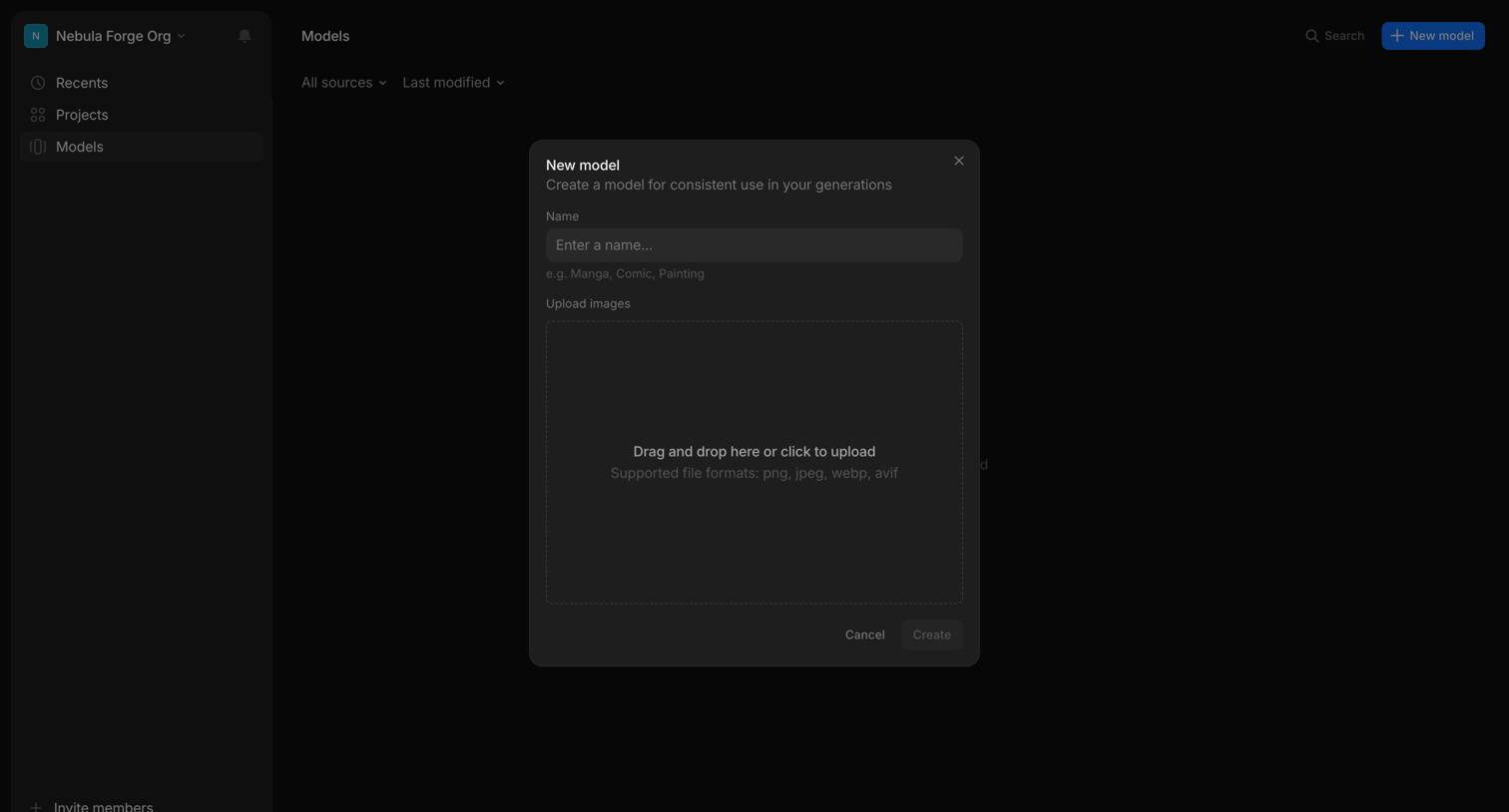

App interface where the user creates a new custom AI model by providing a name and uploading training images via a drag-and-drop modal.
Explore the full SaaS screen library
Upgrade to unlock the full library.
Trusted by the best teams








About Drag & Drop
See how apps present tasks that involve dragging files or objects. Explore how drop areas, movable items, and placement cues fit into the surrounding workspace.