Prompt Library screen examples
Prompt Library screen design examples from SaaS apps. See how apps organize reusable AI prompts. Explore how categories, prompt descriptions, and selection controls help people find a starting point for a new…
Explore the examples
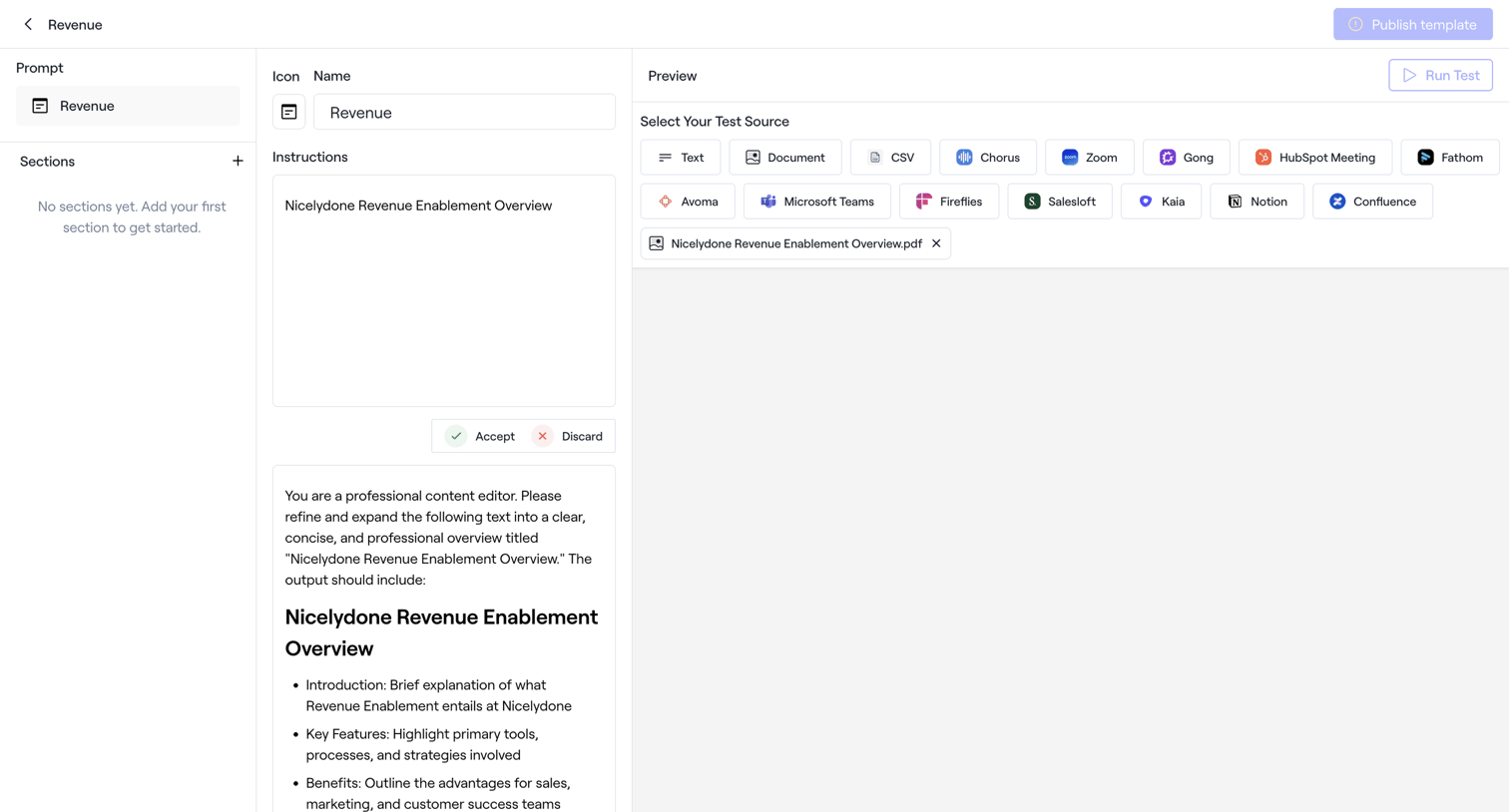

Content editor where the user configures a revenue prompt template by setting instructions and selecting test sources like CSV, Zoom, or Gong.


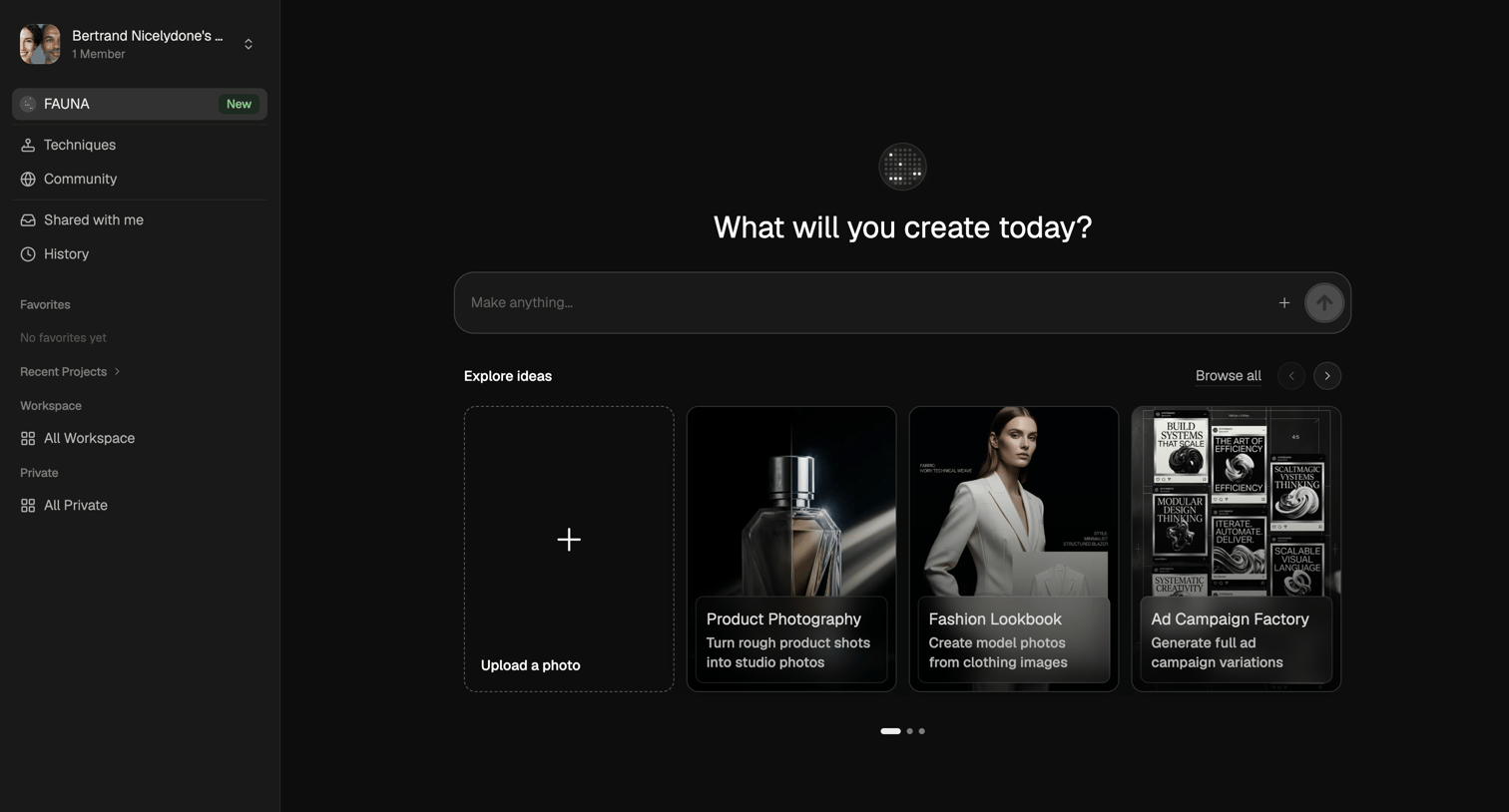

AI generation start screen where the user can enter a prompt to make anything or explore template ideas like product photography and fashion lookbooks.
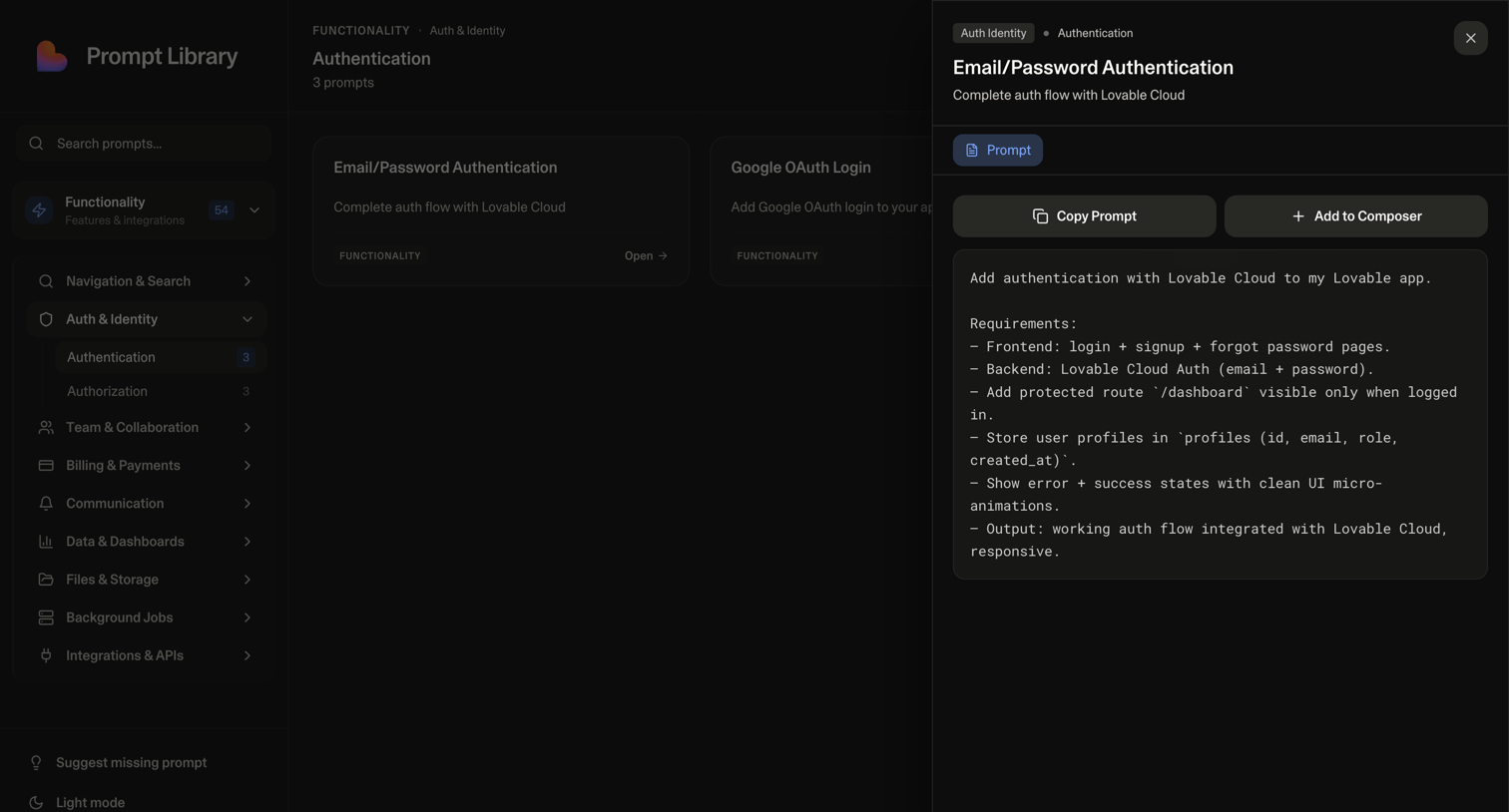

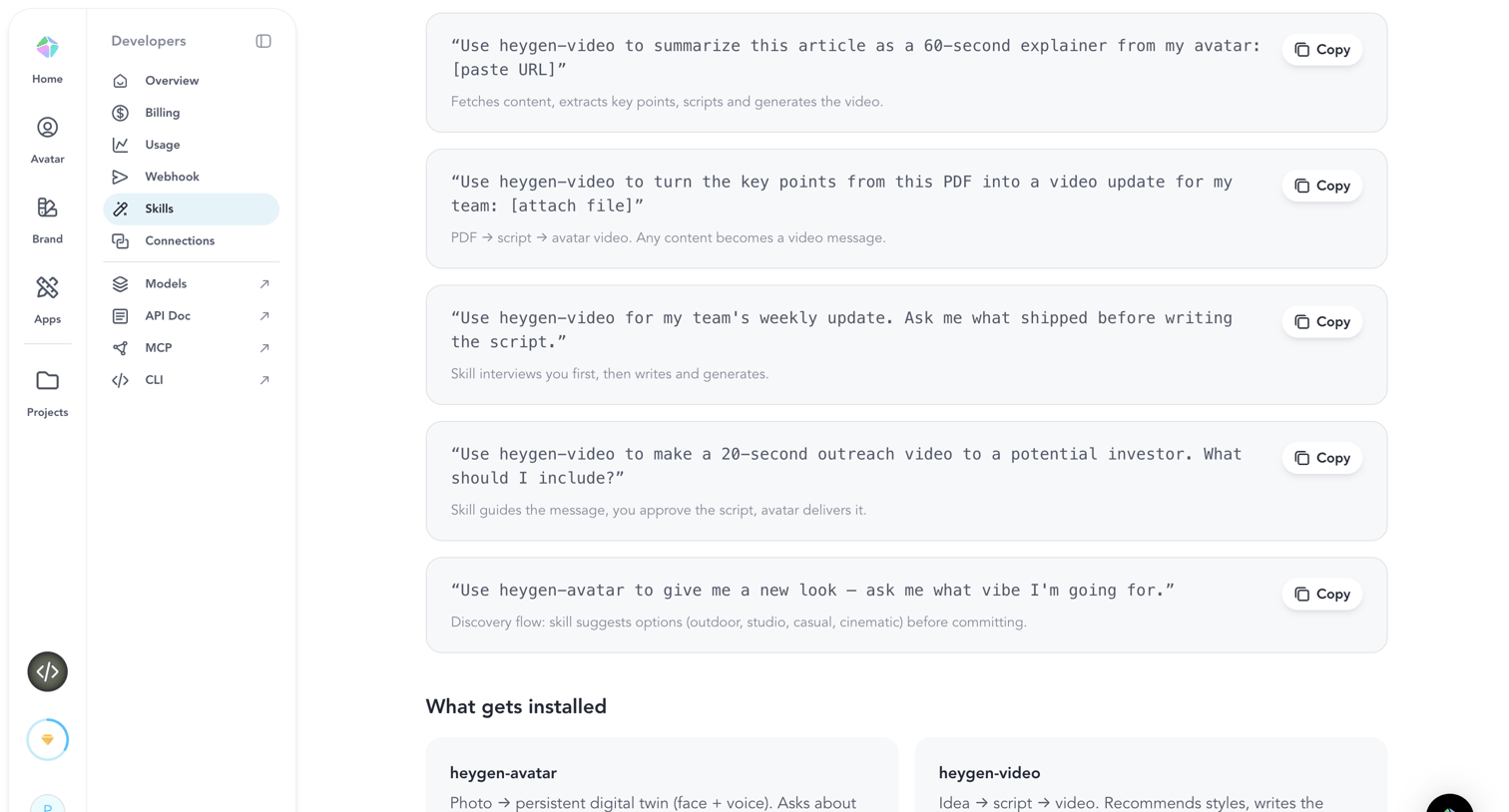
List view where the user browses a prompt library for functionality like authentication and can copy or add a specific prompt to their composer.
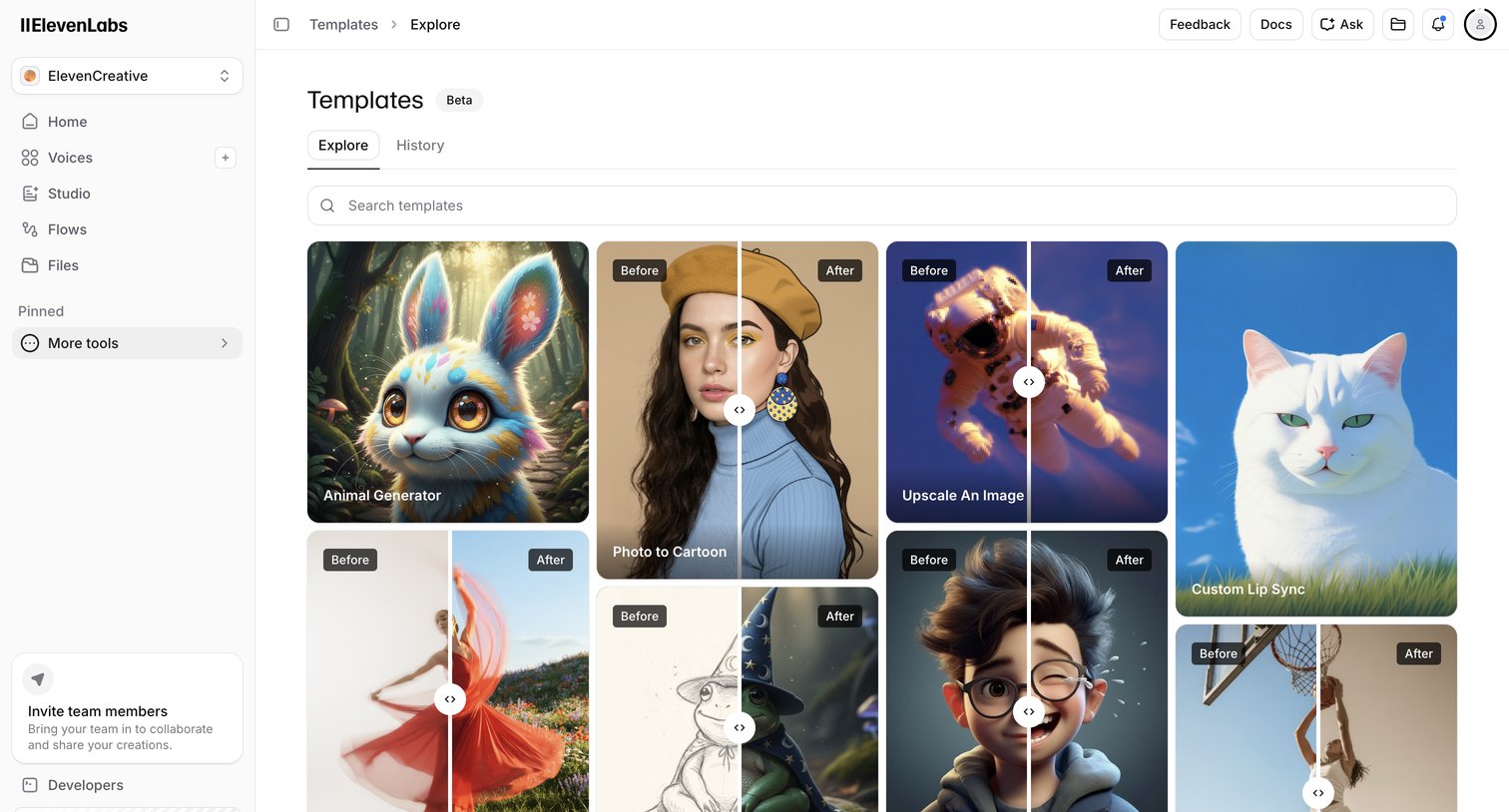

Template gallery where the user browses and searches for AI generation templates like image upscaling and custom lip sync.
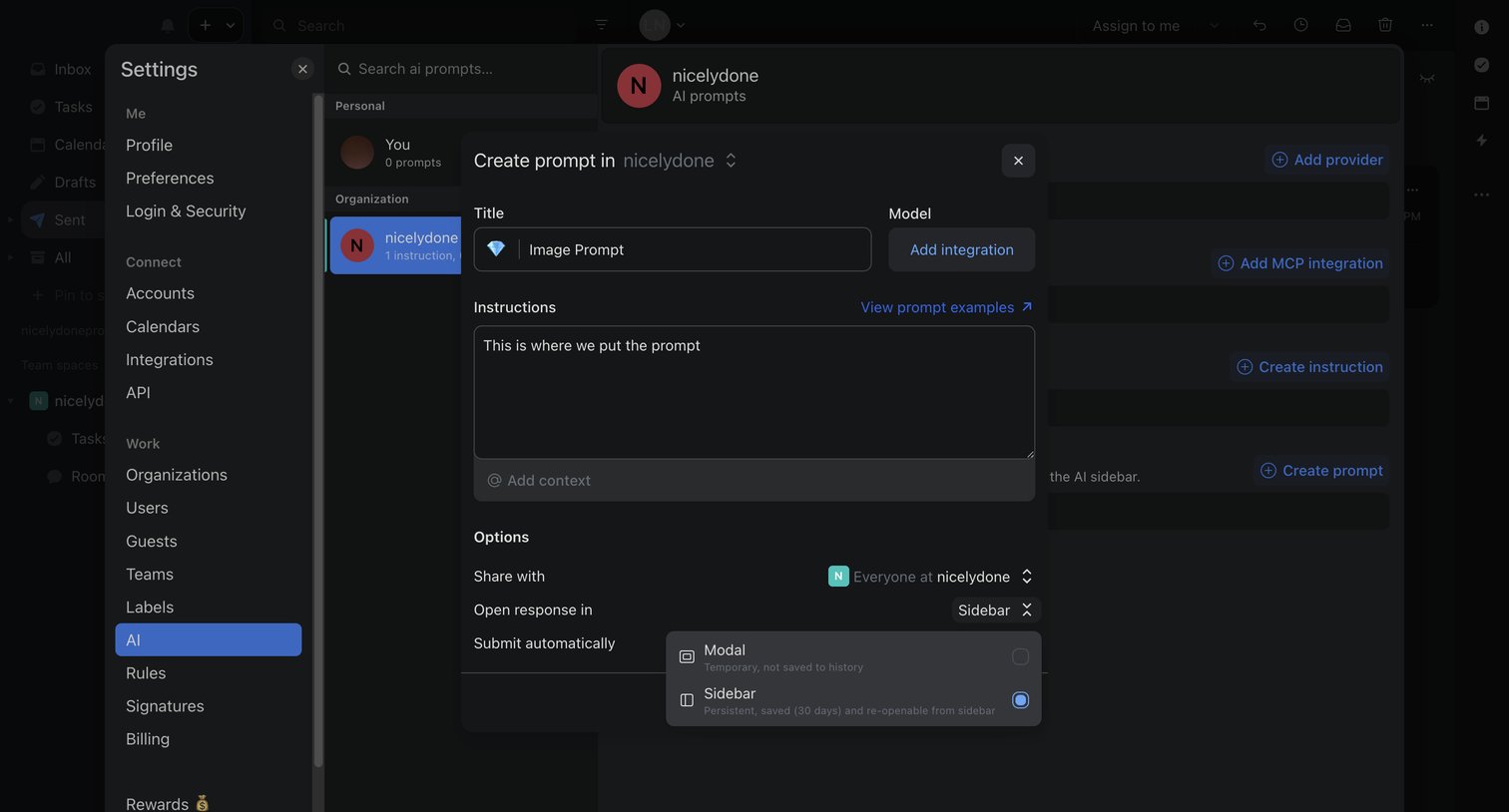

Settings page where the user configures a new AI prompt, specifying its title, instructions, and display options within a modal.
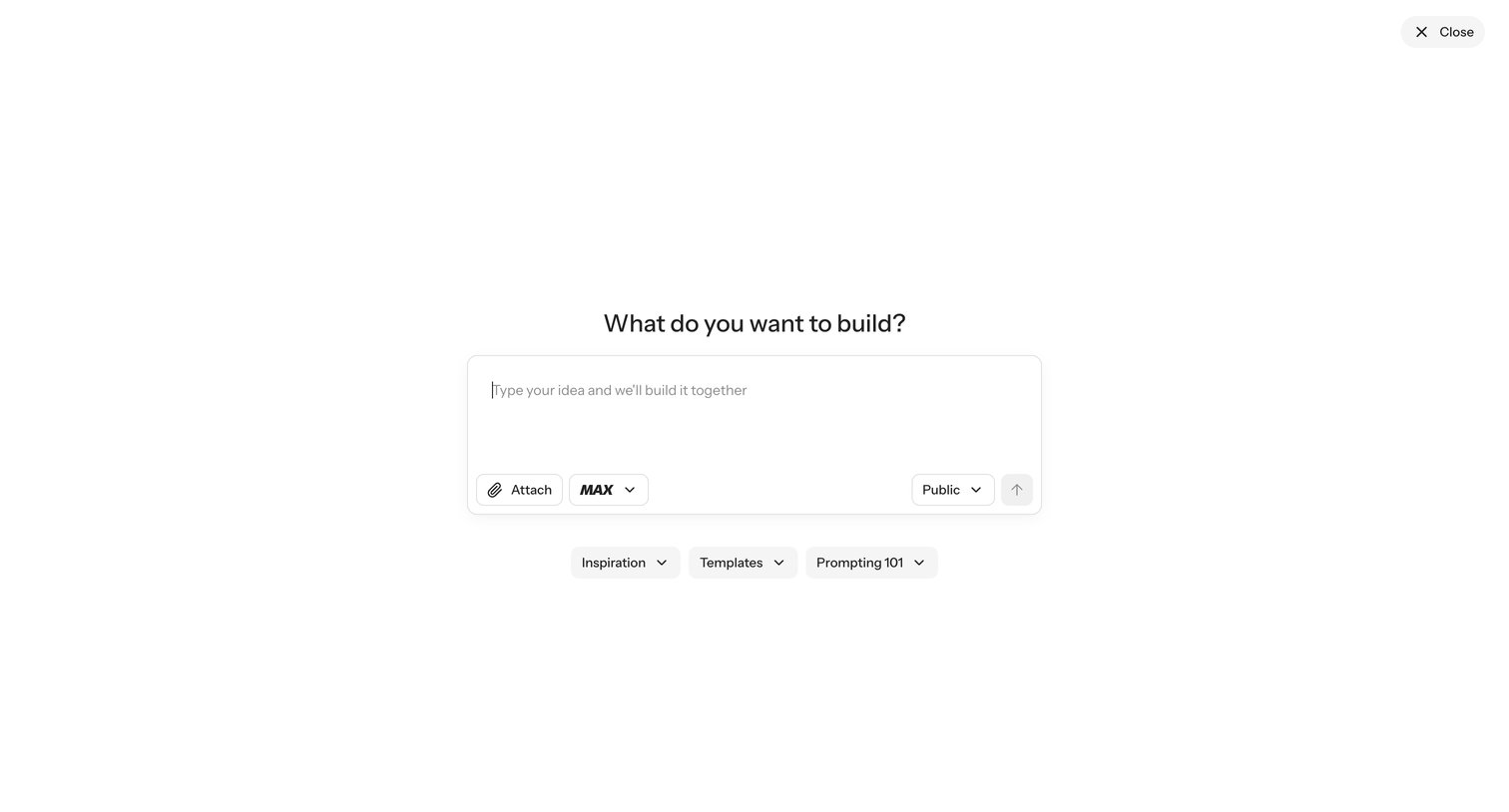

Full-screen prompt overlay where the user describes an app idea in natural language for an AI builder to generate, with shortcuts to inspiration, templates, and prompting guidance.
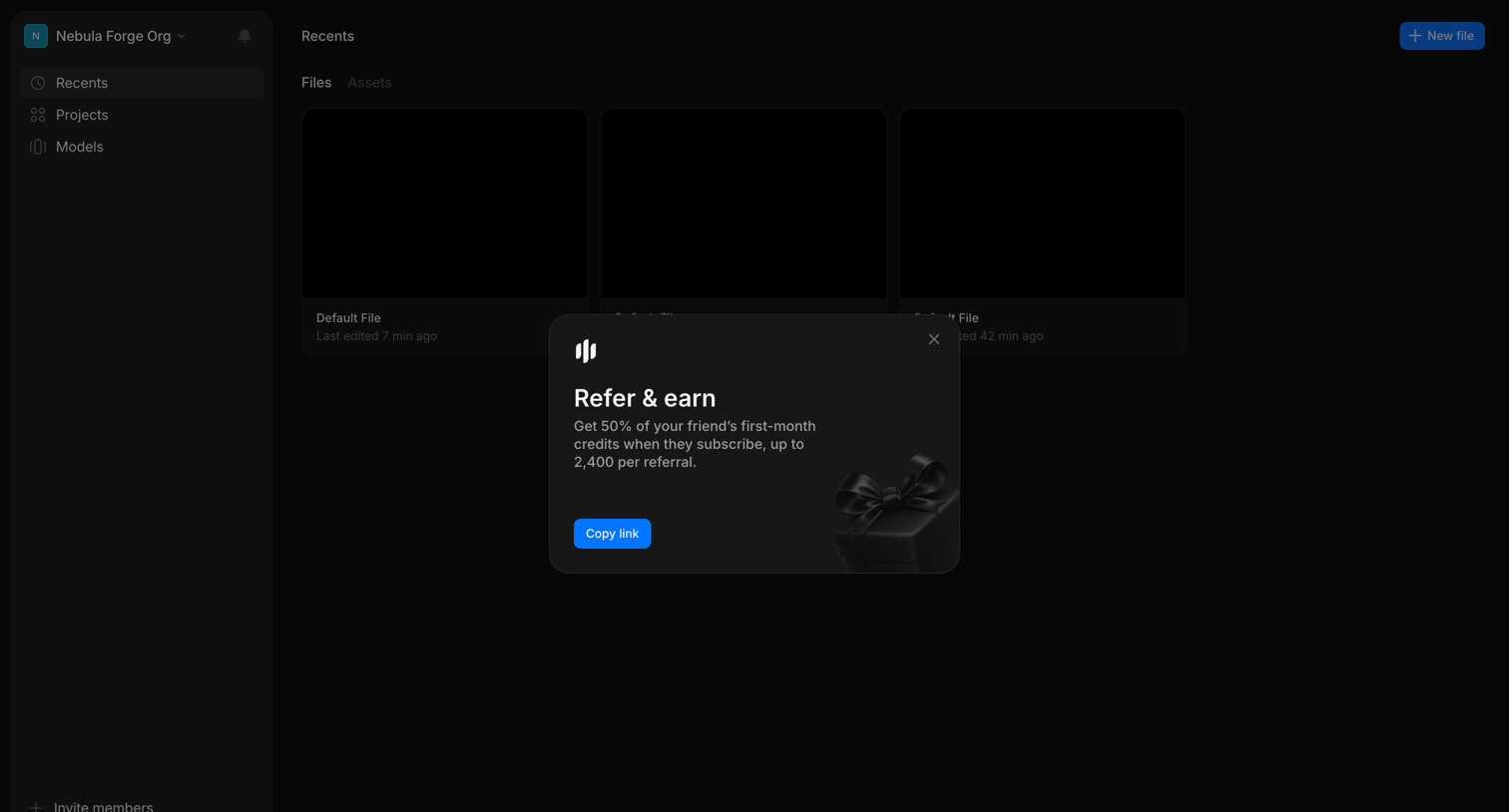

Home screen showing recent files with a promotional modal prompting the user to refer friends for credits.
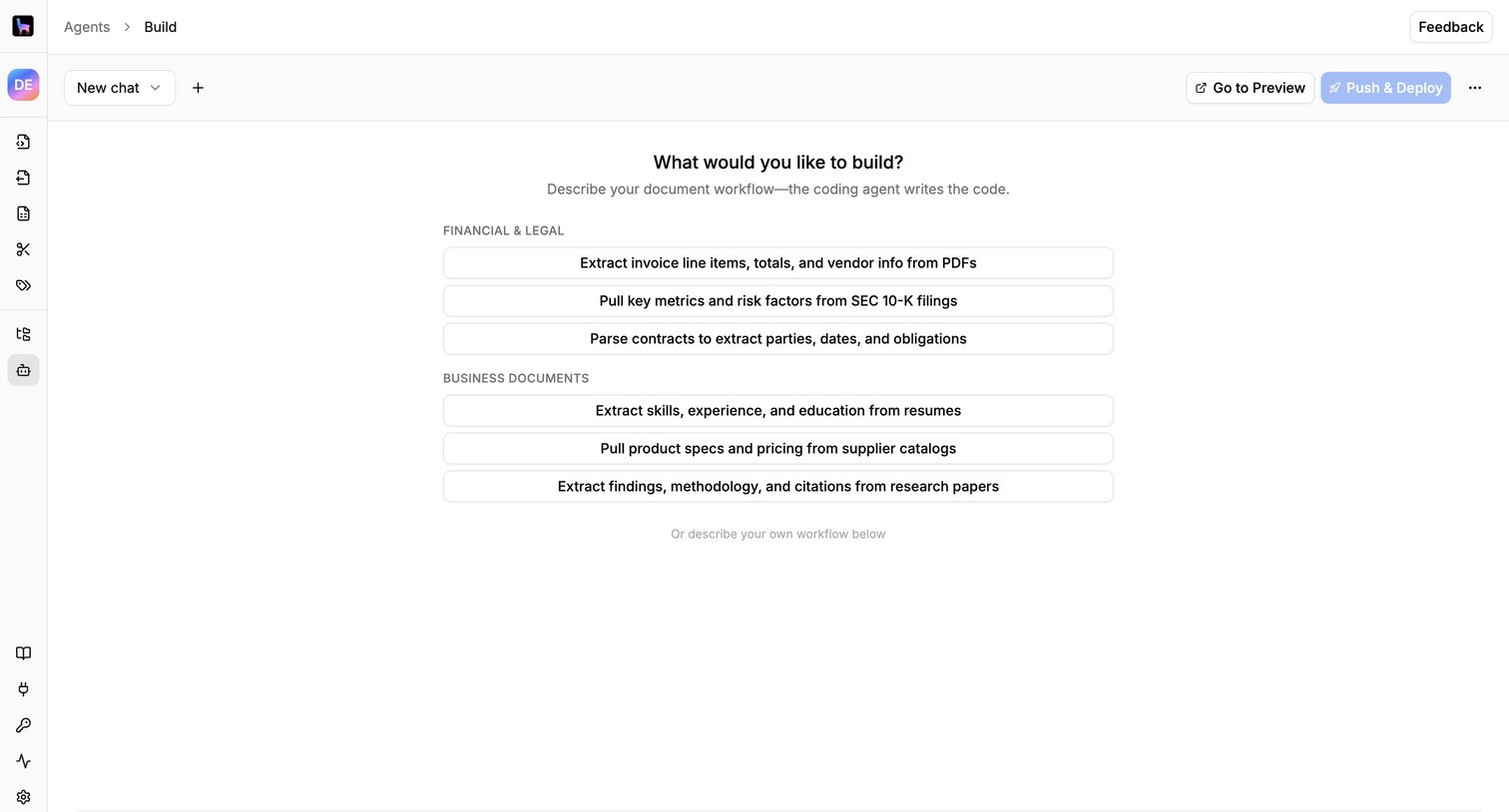

AI chat interface where the user can start building a document workflow agent by selecting a template like invoice extraction or describing a custom workflow.
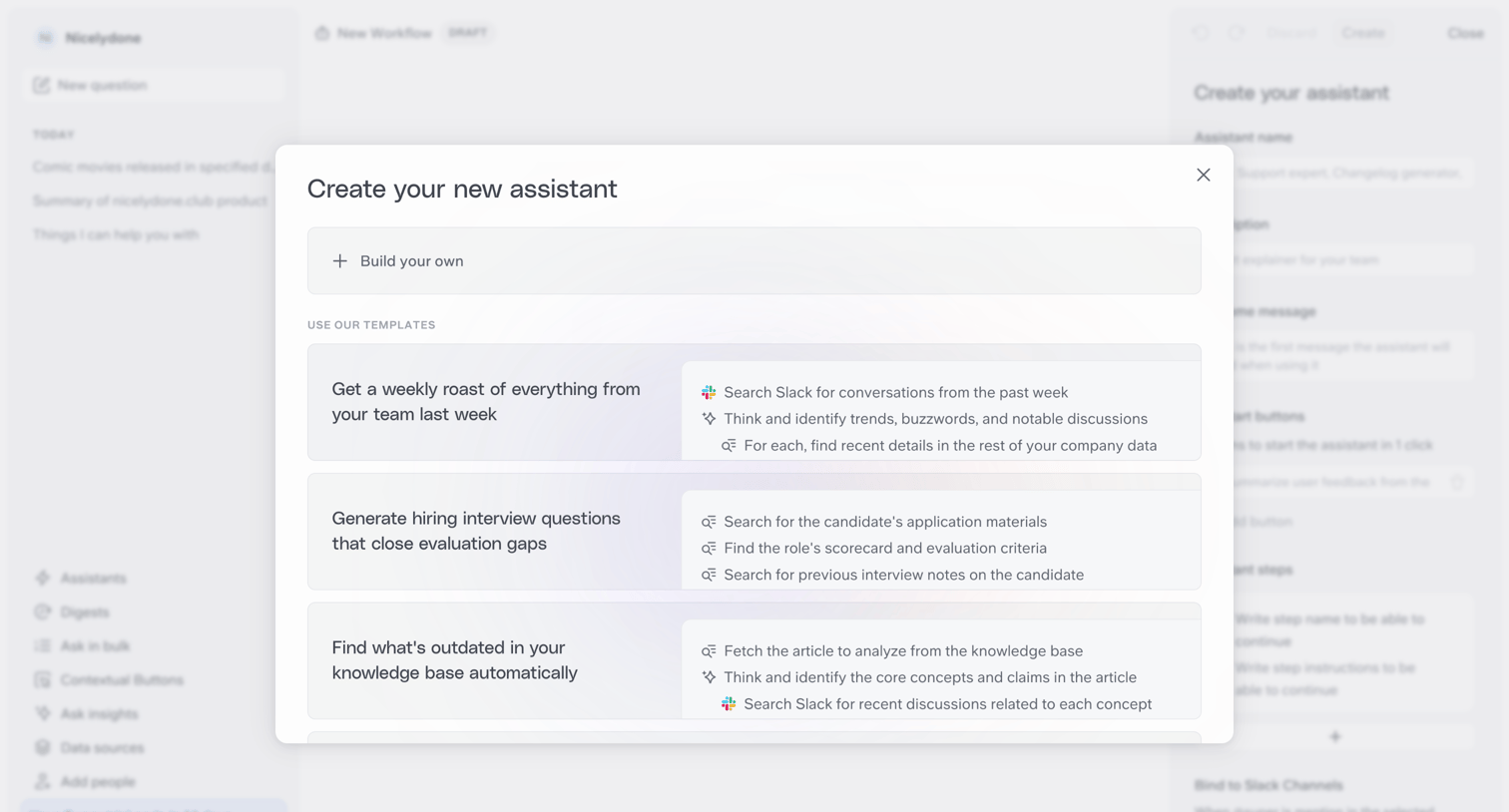

Modal where the user chooses to build a new AI assistant from scratch or select a pre-built template with predefined steps like a weekly roast or interview questions.
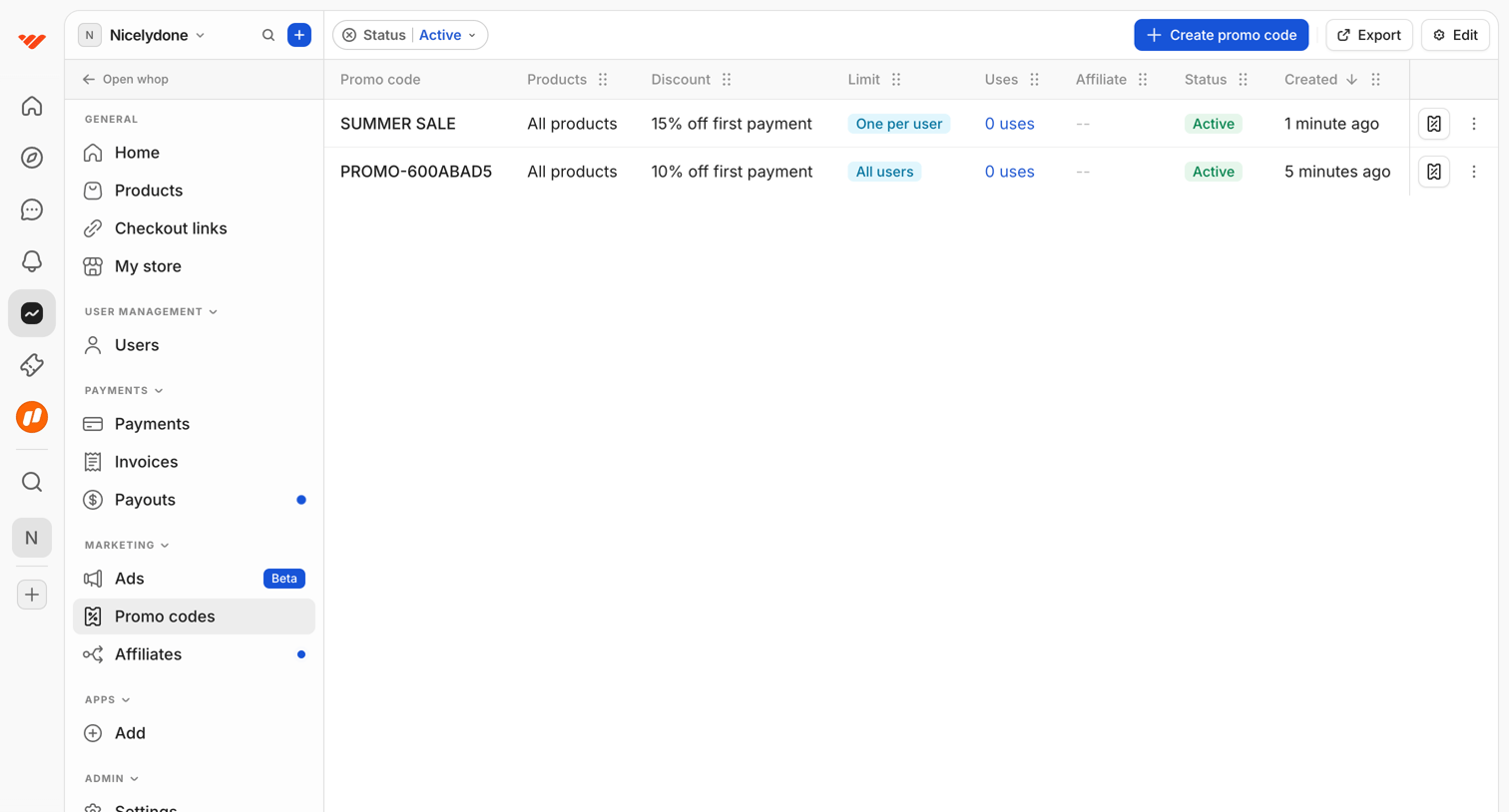

Explore the full SaaS screen library
Upgrade to unlock the full library.
Trusted by the best teams








About Prompt Library
See how apps organize reusable AI prompts. Explore how categories, prompt descriptions, and selection controls help people find a starting point for a new request.