Map screen examples
Map screen design examples from SaaS apps. Explore how apps combine geographic information with interface controls. Look at how locations, map markers, and related details connect the map to a list…
Explore the examples
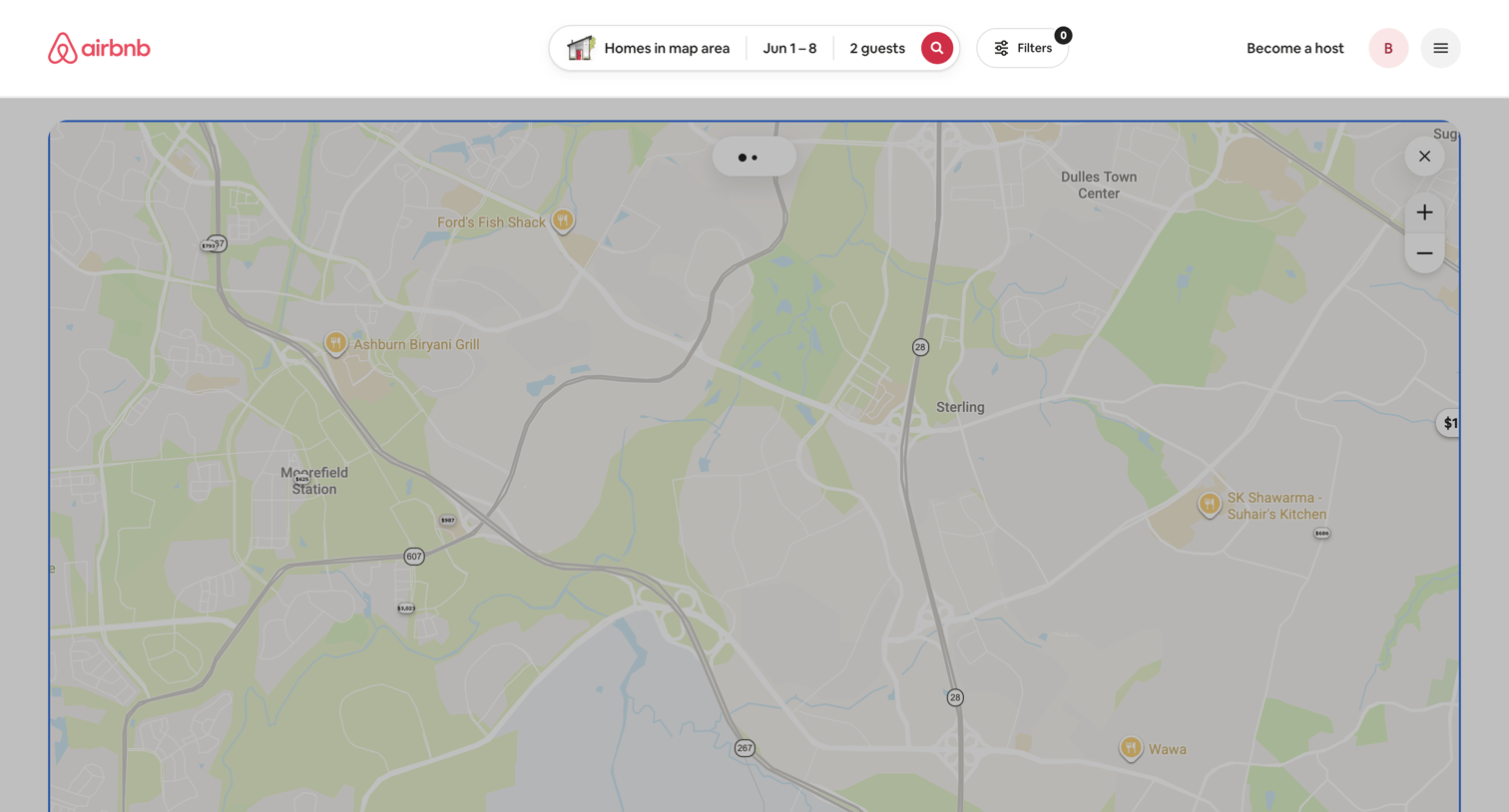

Search results page where the user explores homes on an interactive map with price markers for a specific date range and guest count.
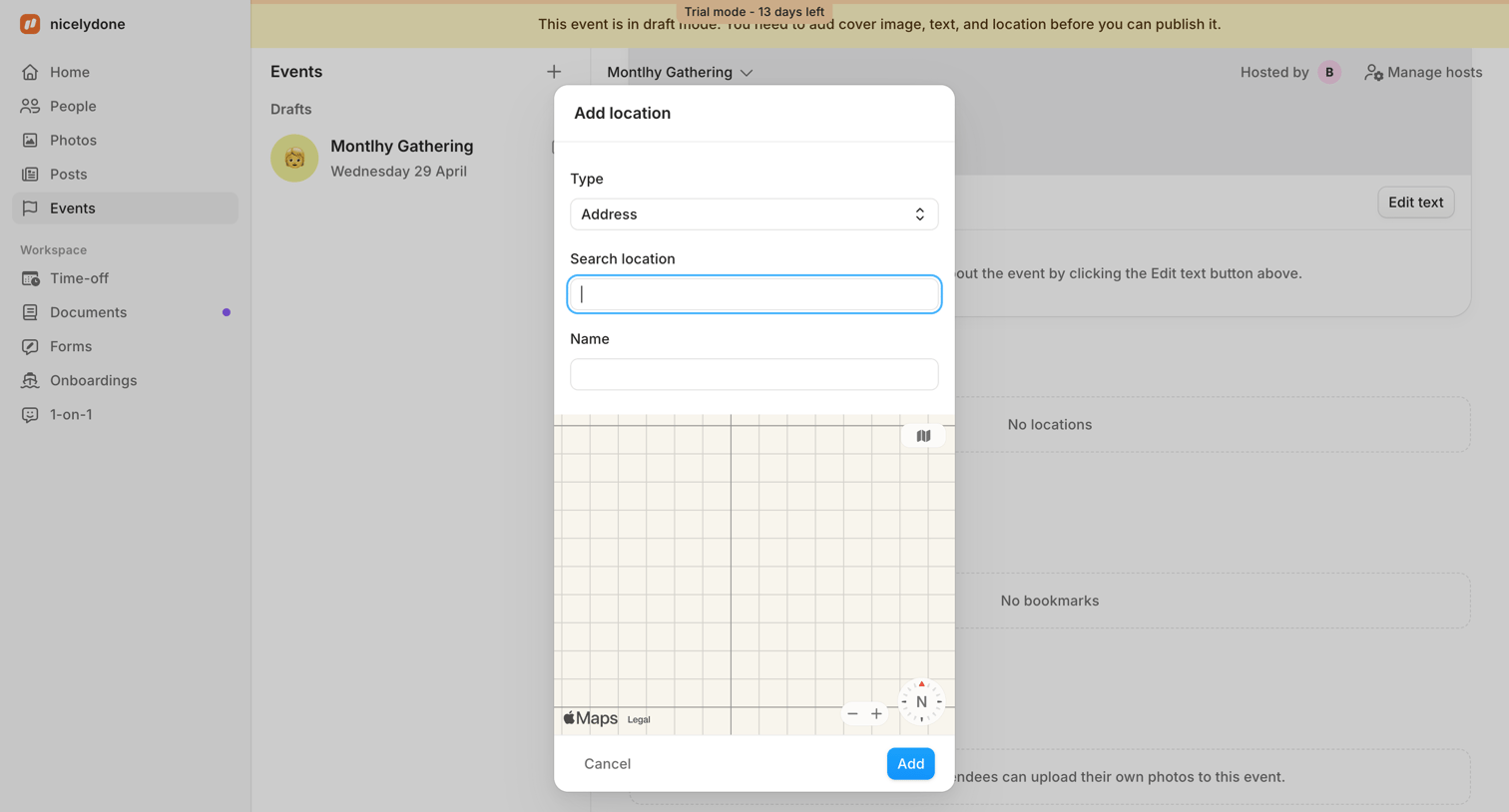

Event detail page where the user adds a physical address to a draft event via a map-based modal.
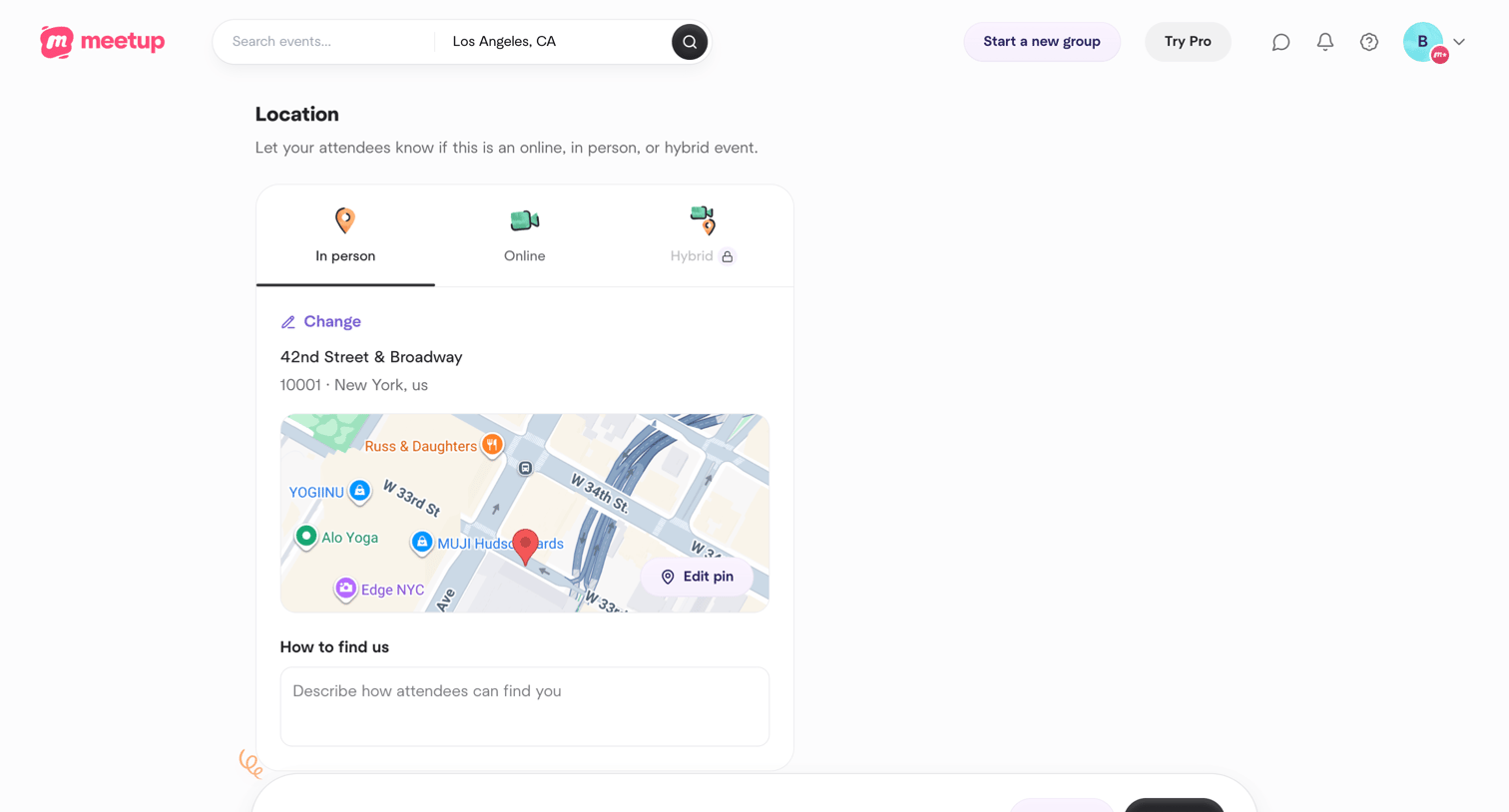

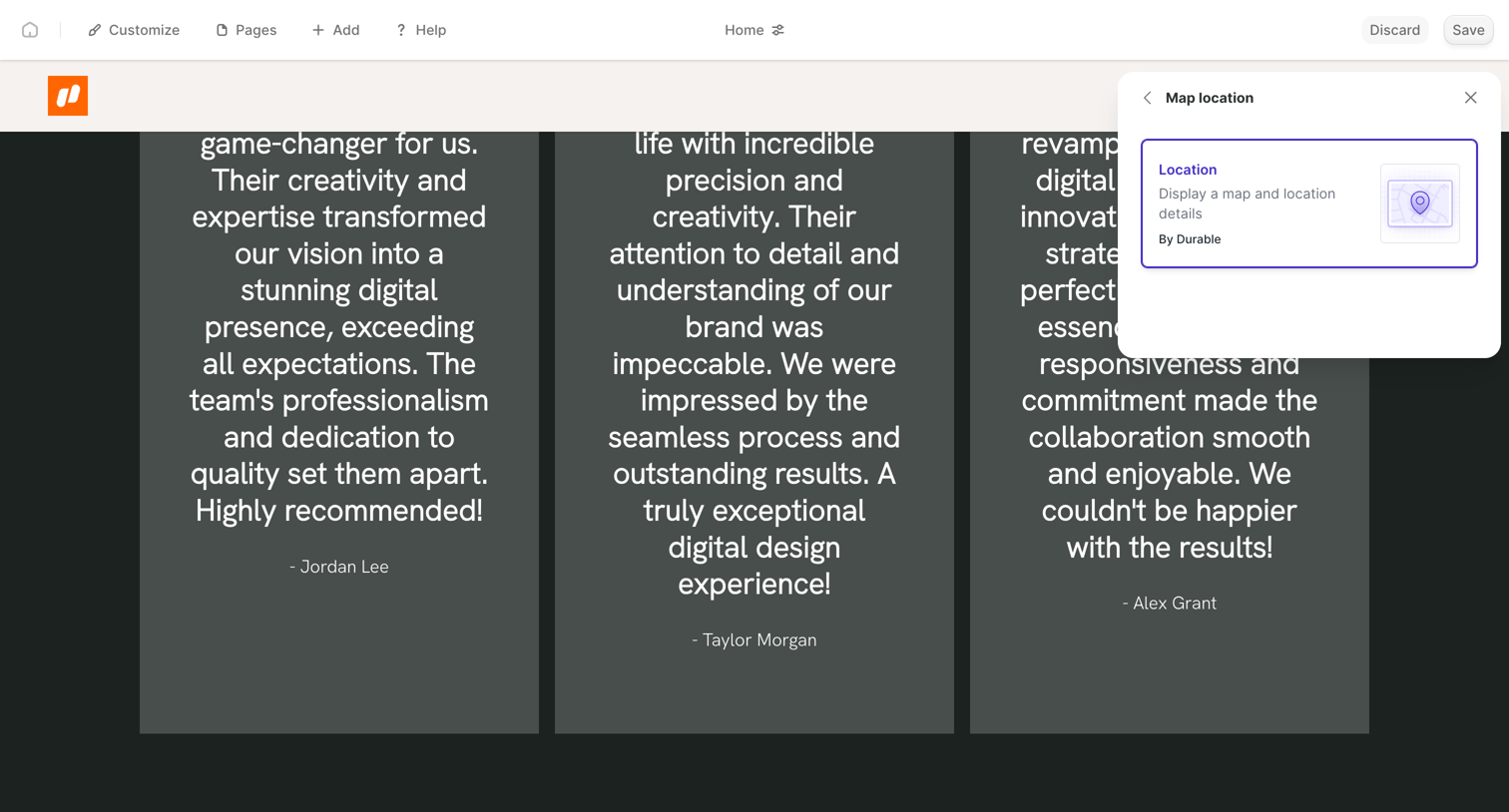

Design editor where the user is previewing a dark-themed testimonial section and adding a map location block via a floating panel.
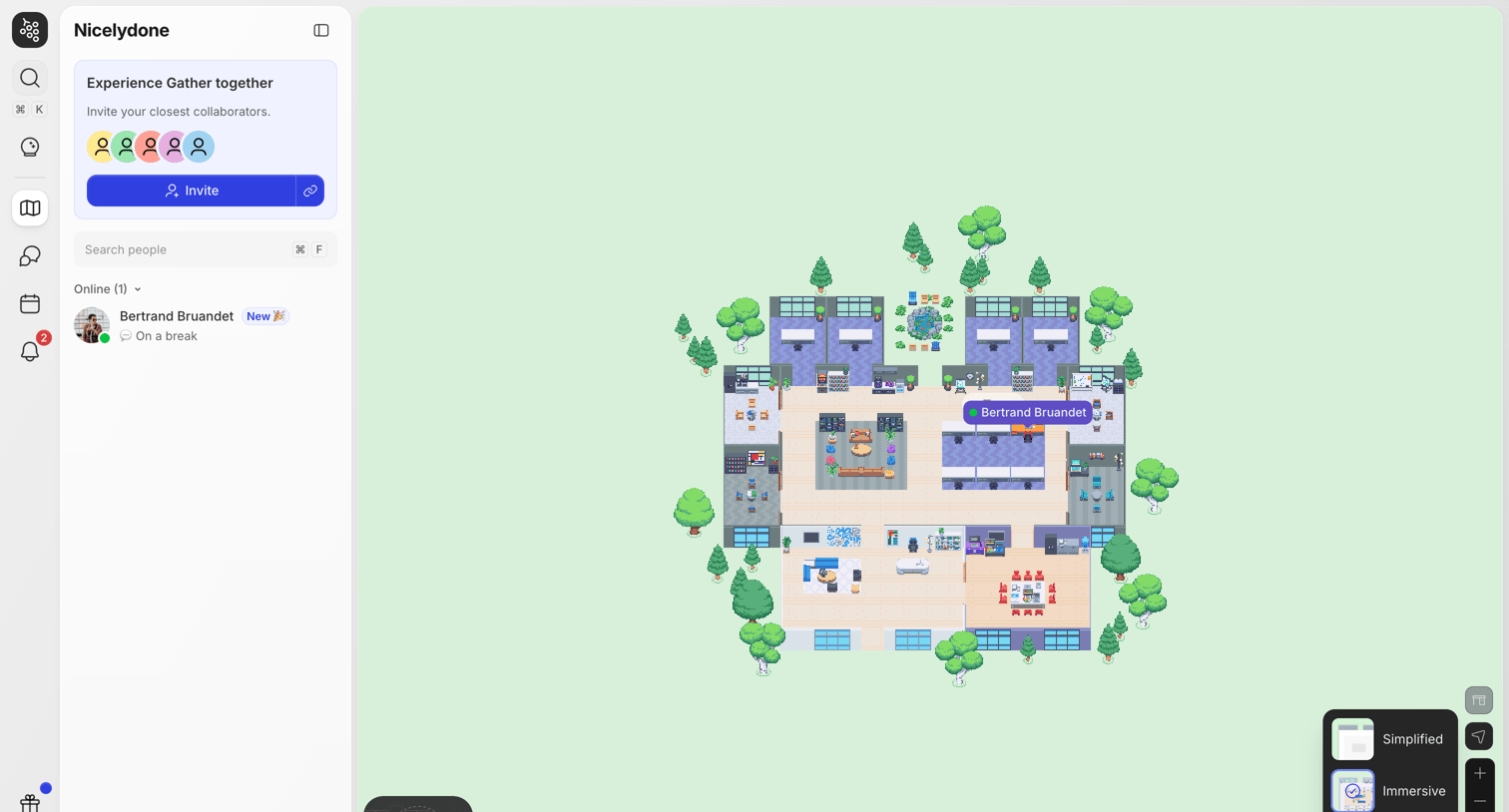

Virtual office space where the user navigates a 2D map, invites collaborators, and manages audio and video settings.
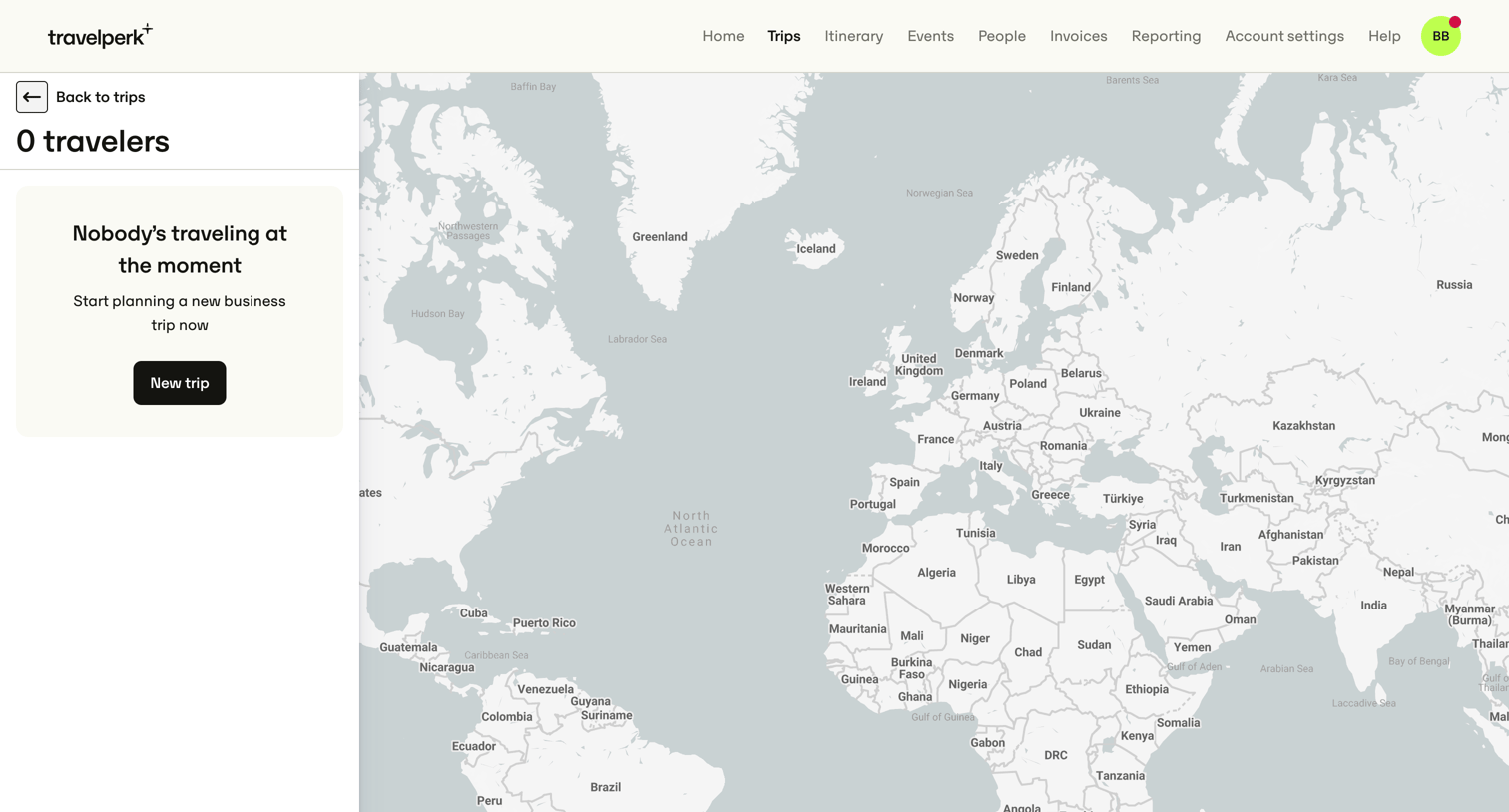

Map view showing the current locations of traveling employees, currently in an empty state prompting the user to plan a new trip.
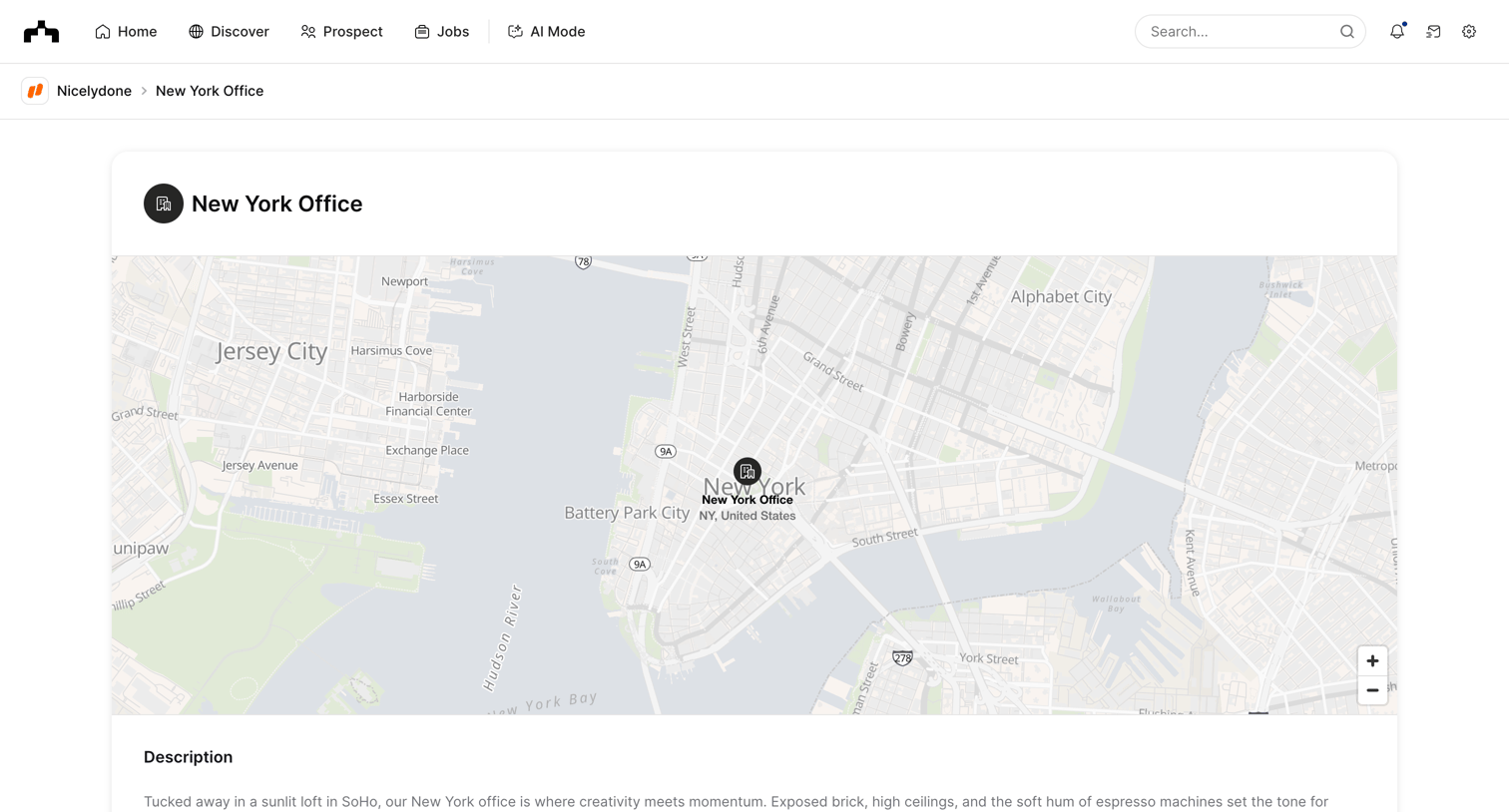

Detail page for a company's specific office location, showing an interactive map, a text description, associated people, and open jobs.
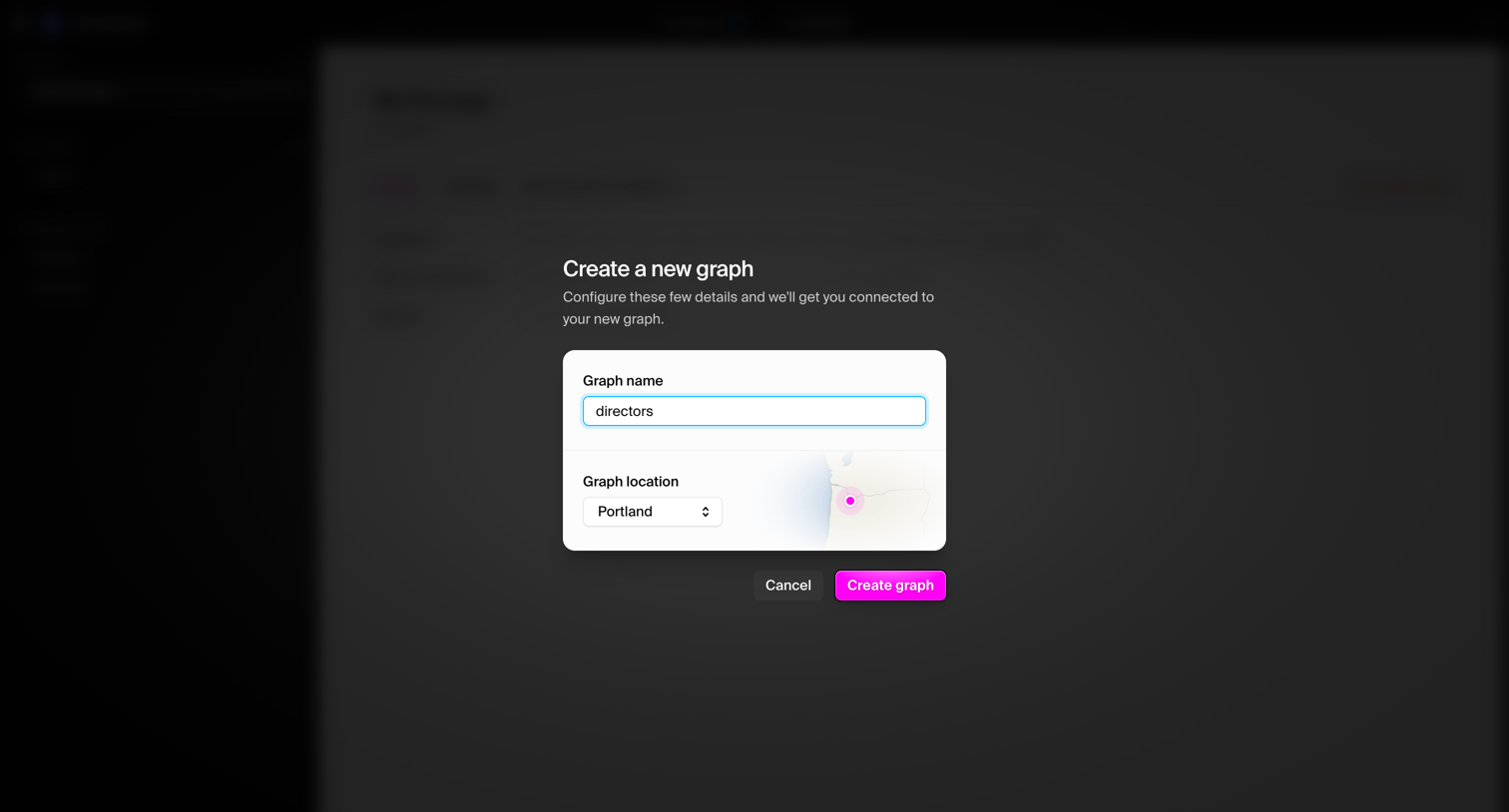

Modal where the user creates a new graph by entering a name and selecting a geographic location.
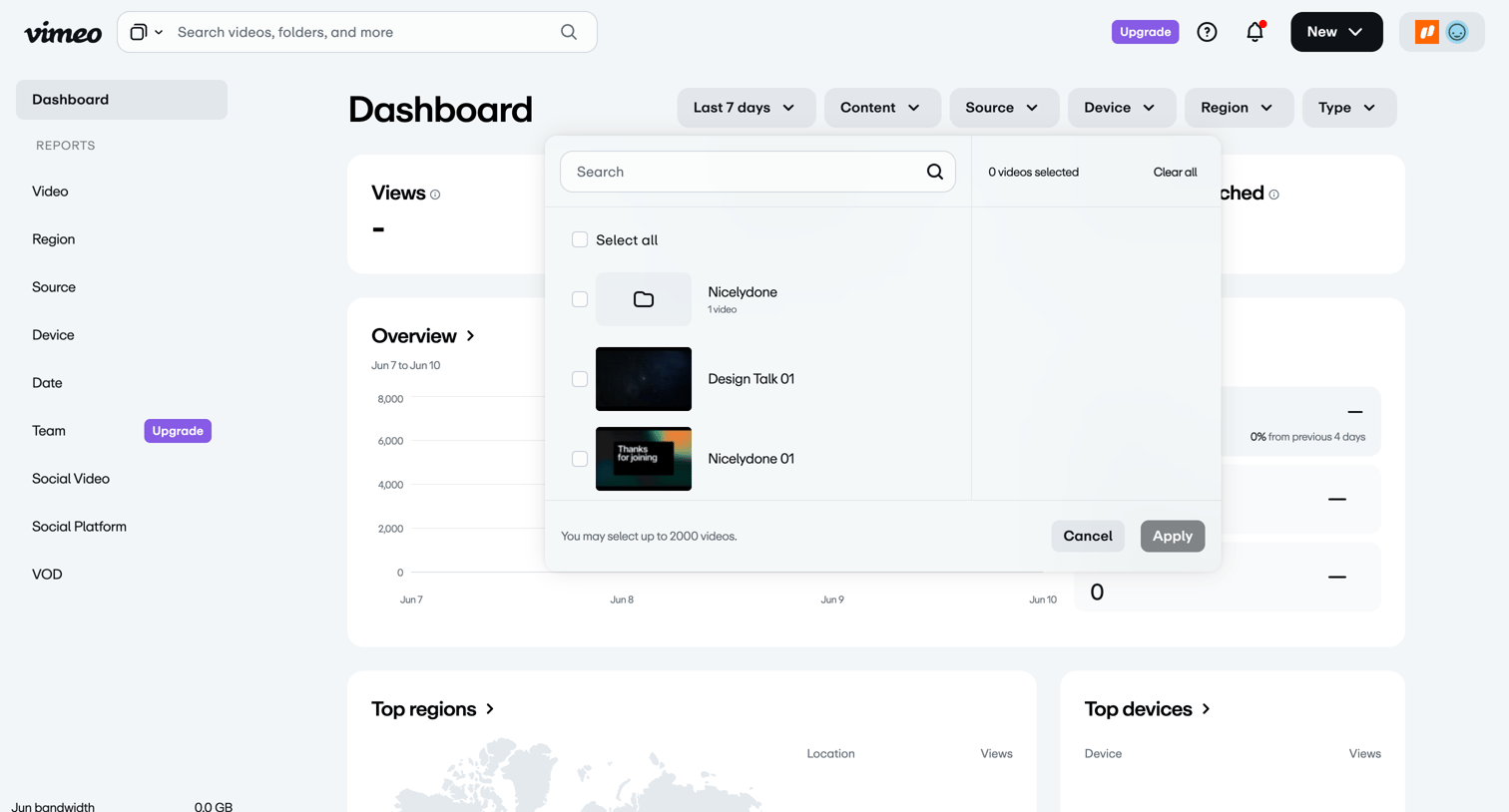

Analytics dashboard where the user views video performance metrics and uses a modal to filter the data by specific videos or folders.
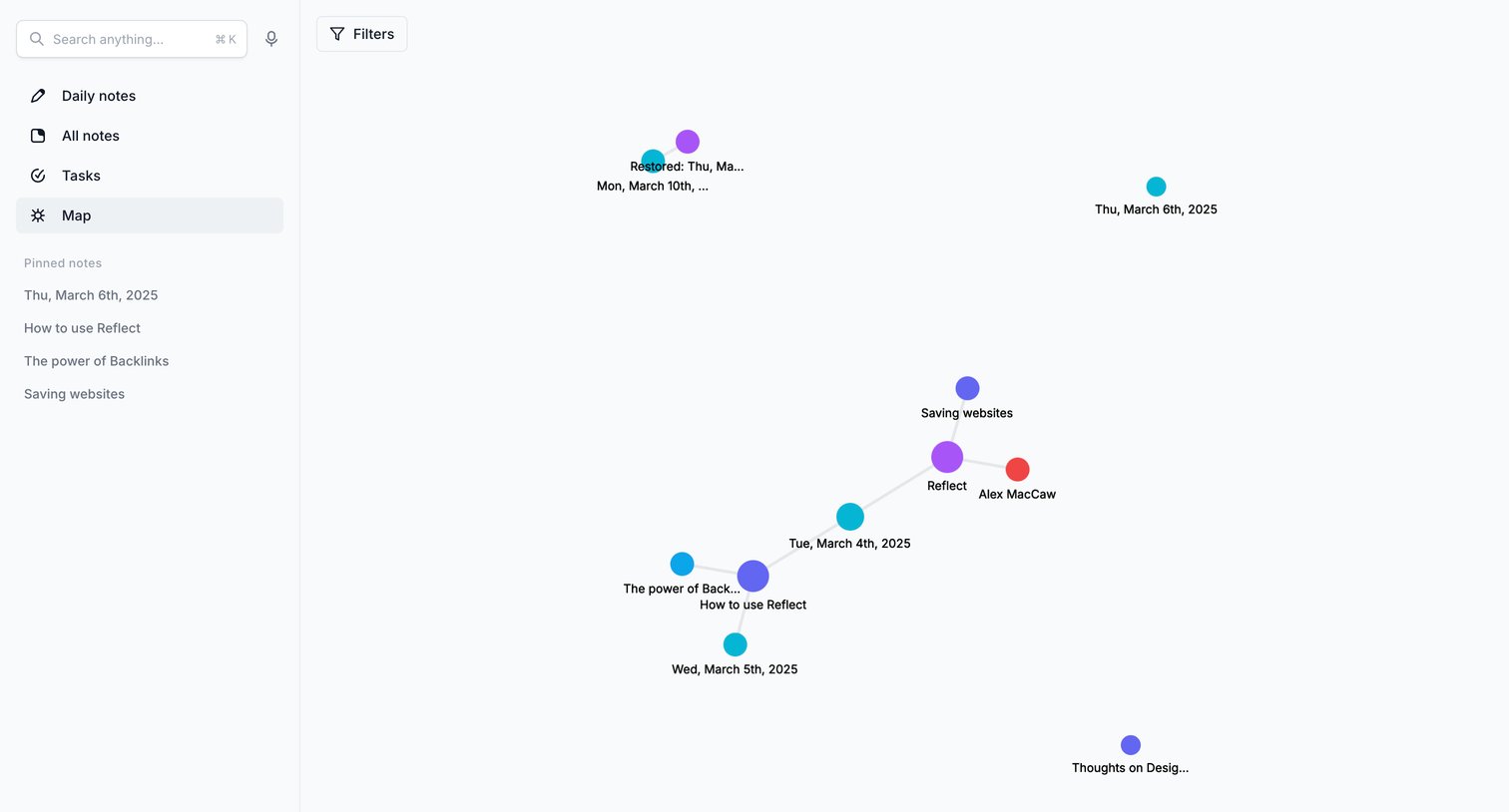

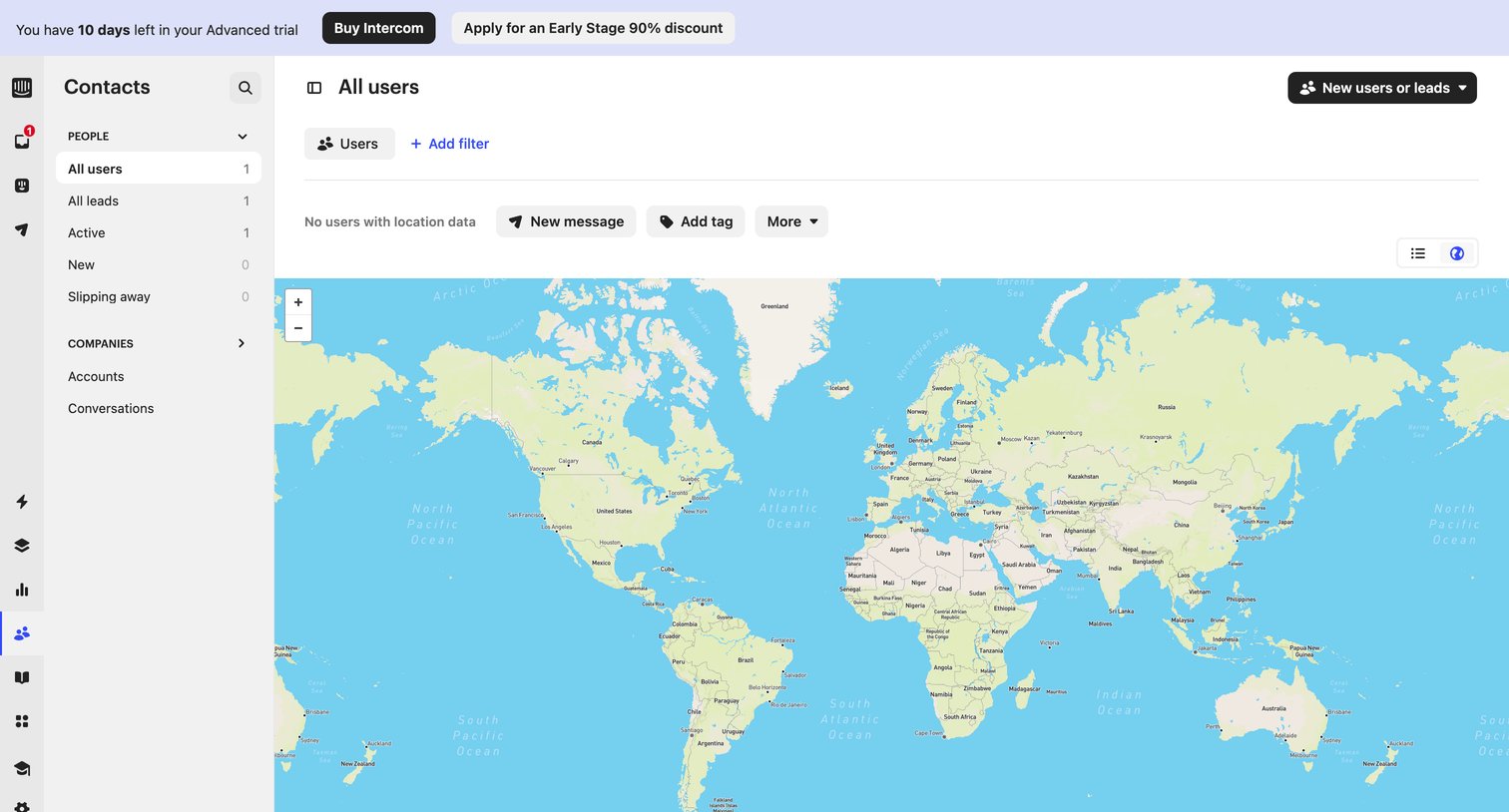

List view where the user views their contacts plotted on a world map, currently showing an empty state for location data beneath a trial expiration banner.
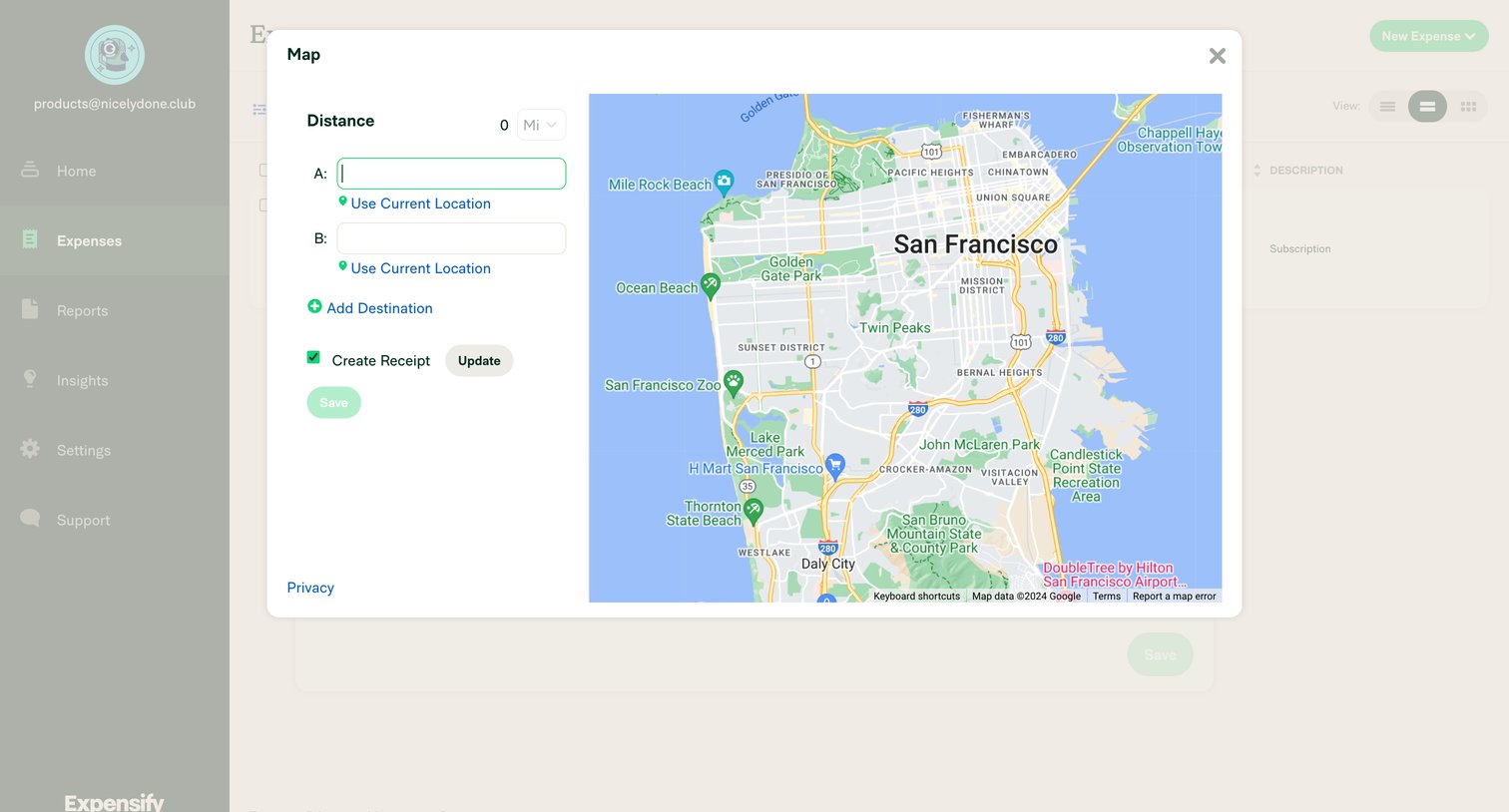

Create screen where the user calculates a distance-based expense by entering start and end locations on an interactive map.
Explore the full SaaS screen library
Upgrade to unlock the full library.
Trusted by the best teams








About Map
Explore how apps combine geographic information with interface controls. Look at how locations, map markers, and related details connect the map to a list or selected place.