Hypermode design examples
Explore Hypermode UI design examples. The platform for agentic flows
Product screens


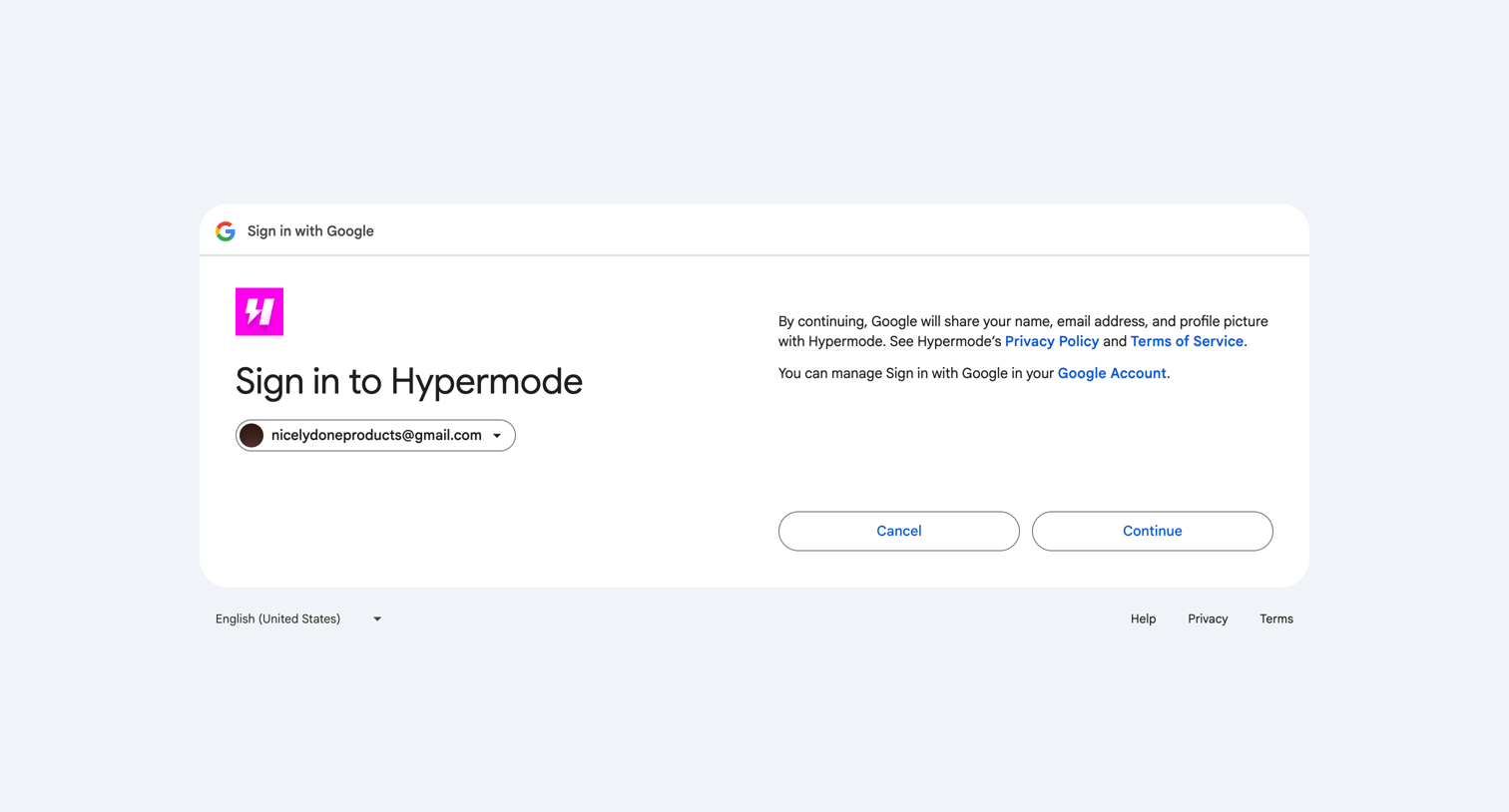
Sign-in screen where the user authenticates with GitHub or Google to access or create their account.
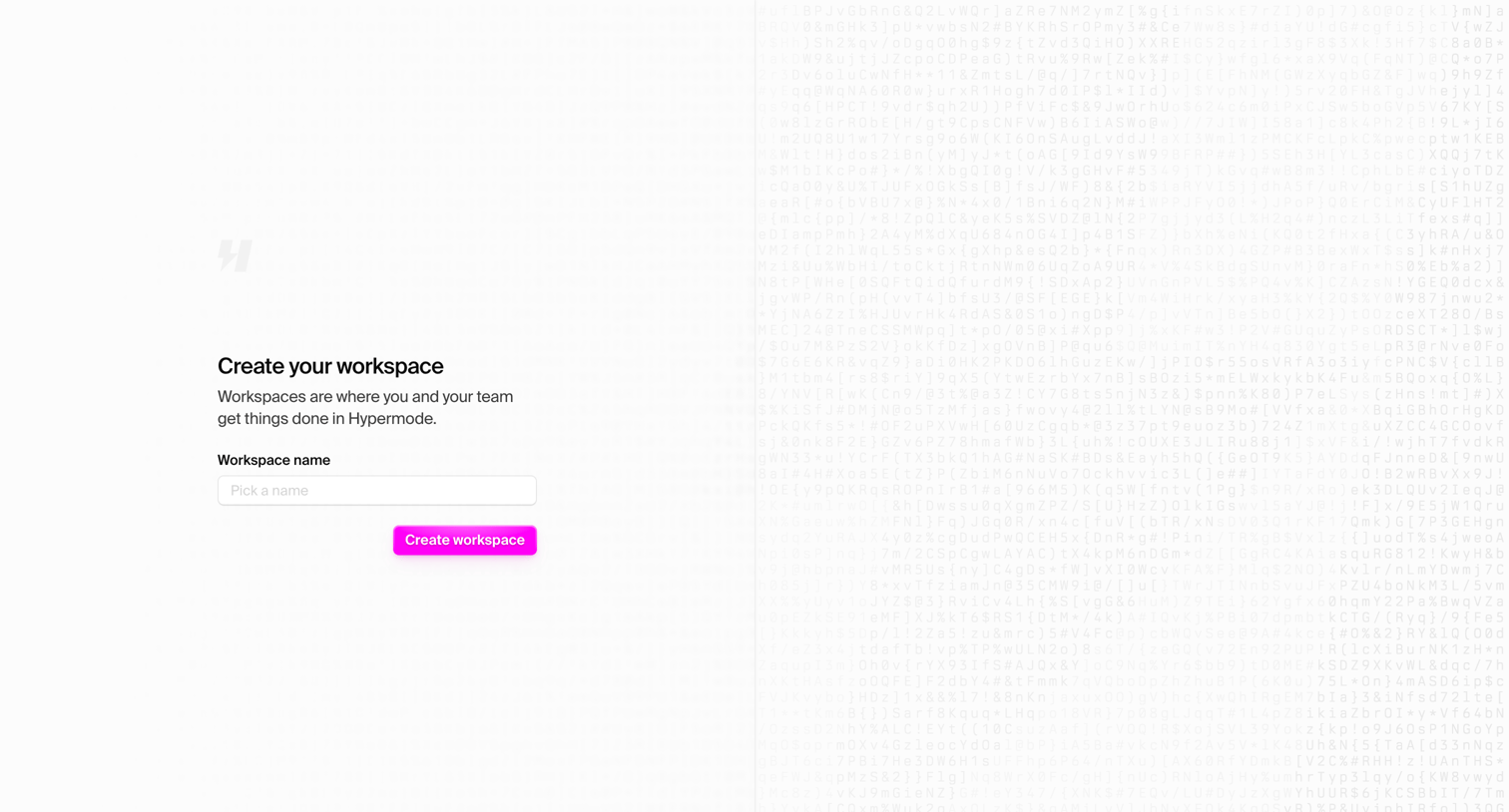
Onboarding step where the user names their first workspace to get started in Hypermode.
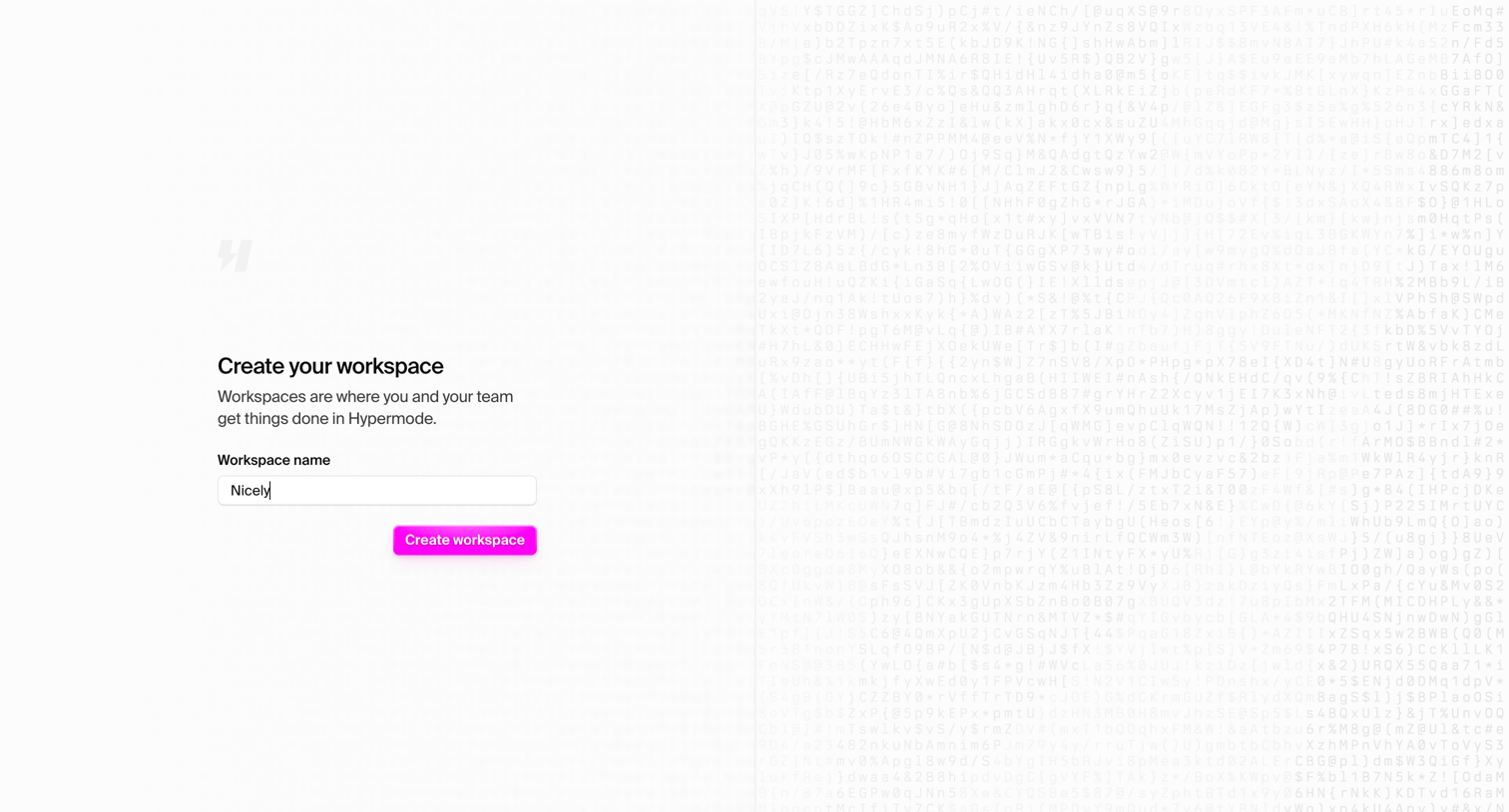
Onboarding step where the user names their new workspace to get started in Hypermode.
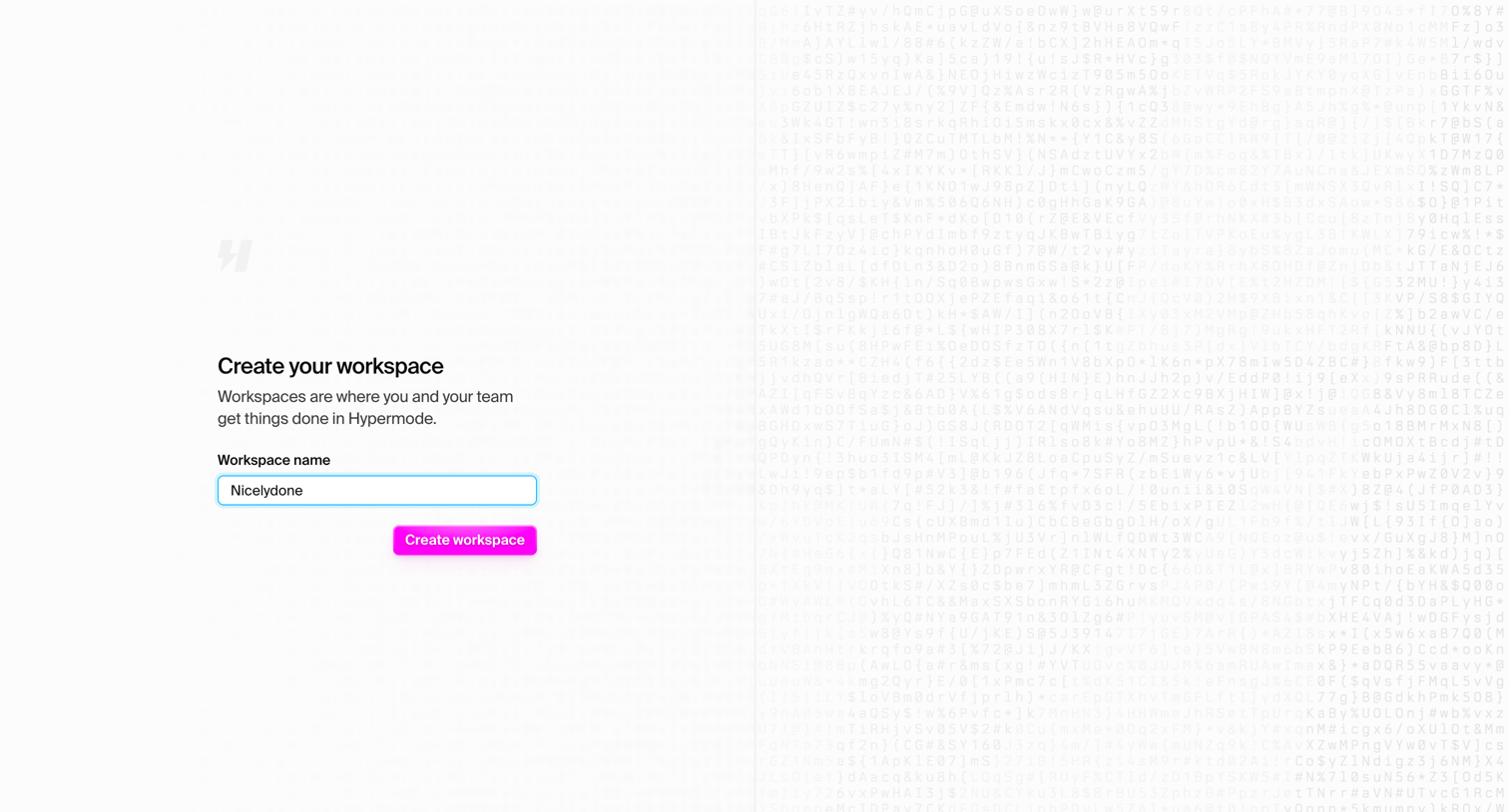
Onboarding step where the user names their new workspace to get started in Hypermode.
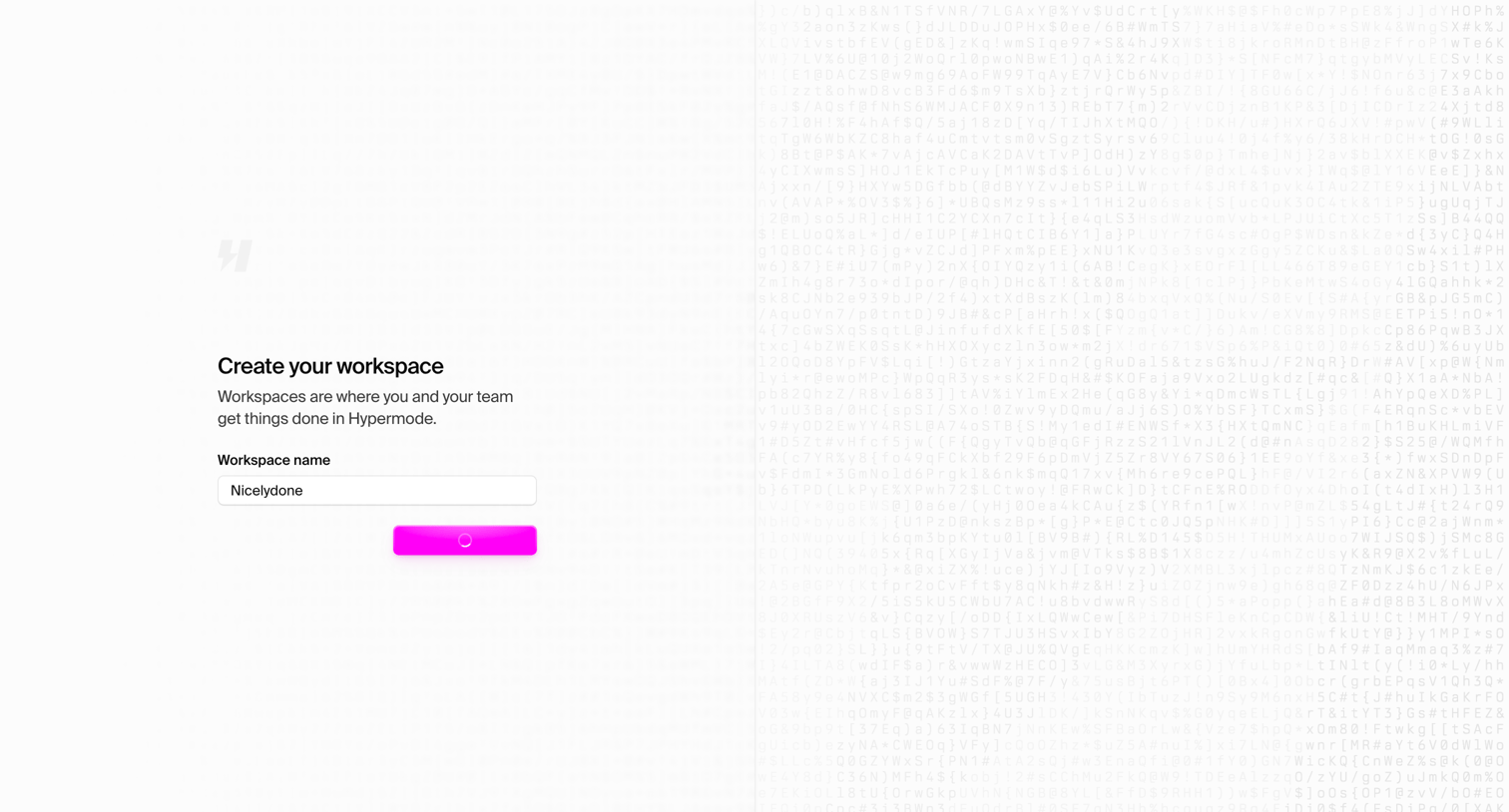
Onboarding step where the user names their new workspace while the form submits.
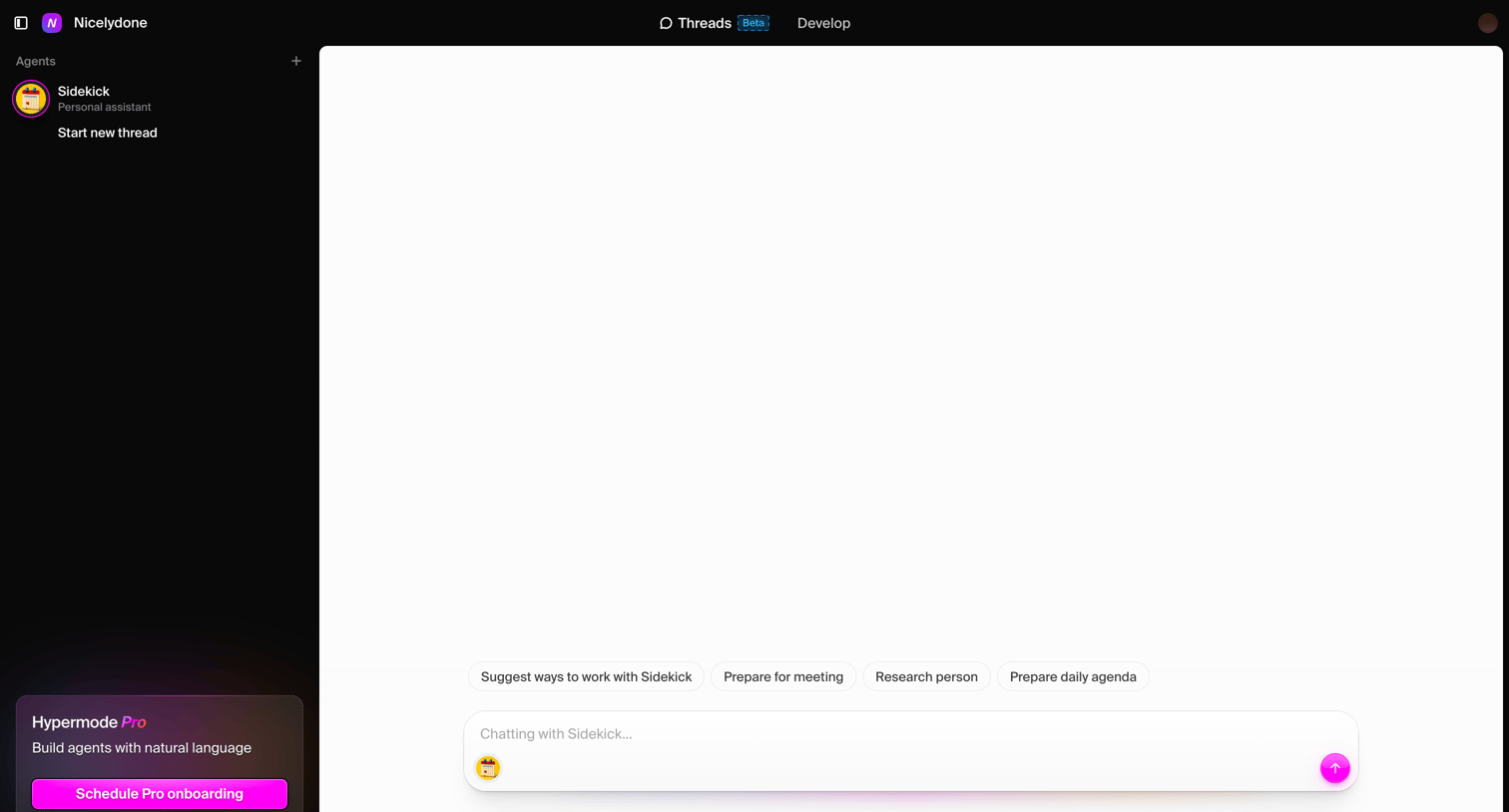
AI chat interface where the user starts a new thread with a personal assistant agent, featuring prompt suggestions and an upgrade prompt in the sidebar.
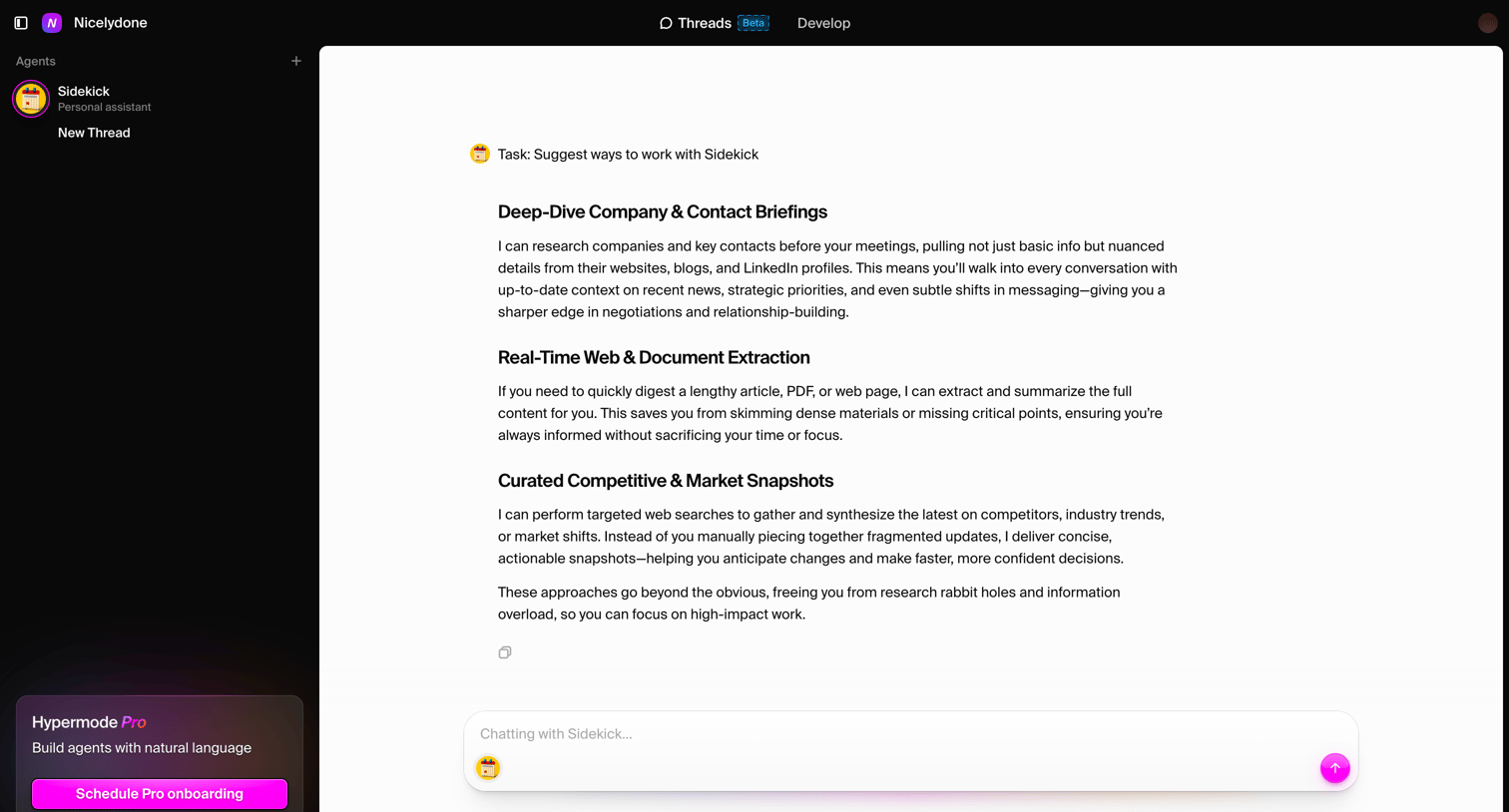
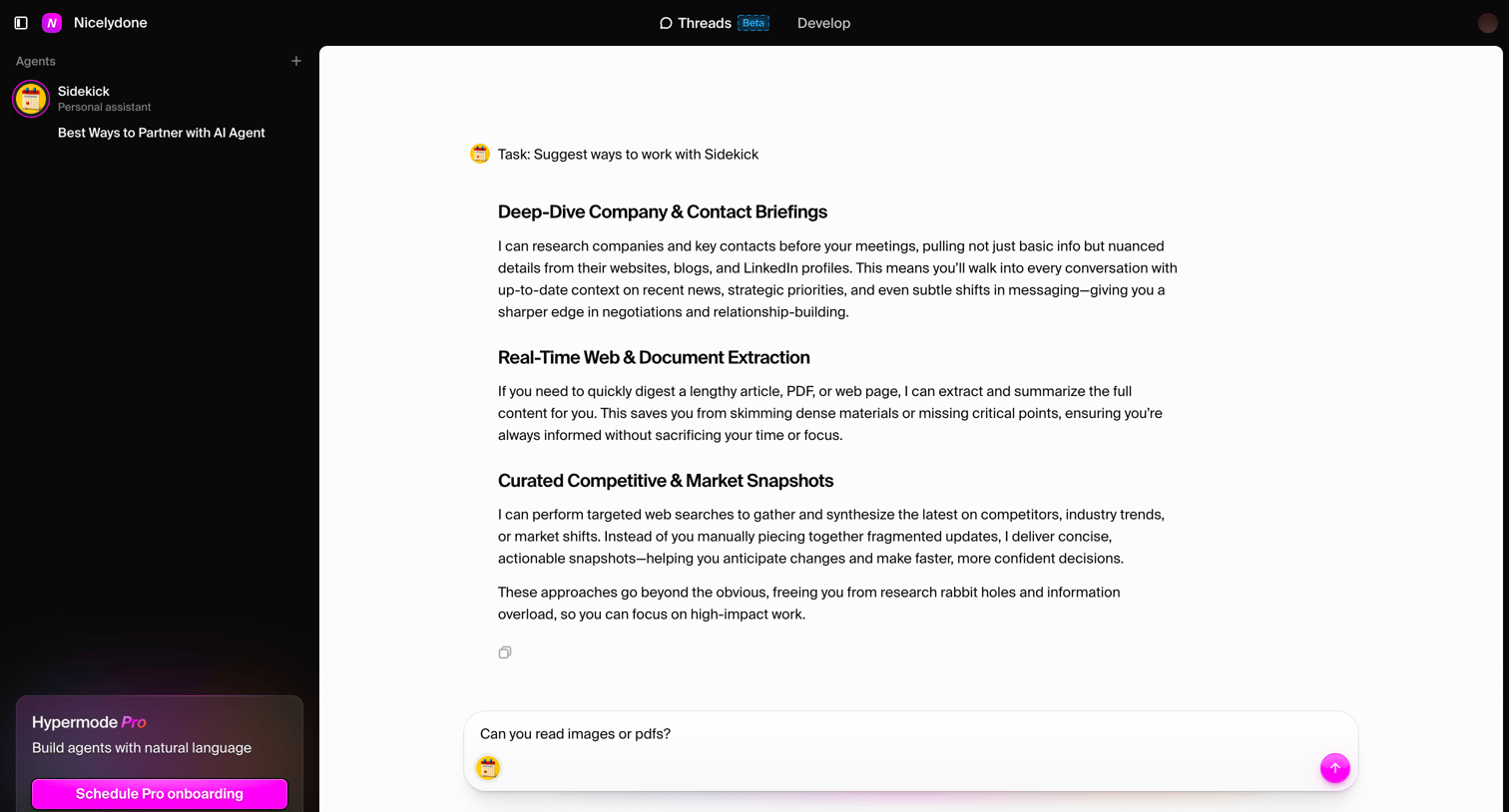
AI chat interface where the user views a detailed response from the Sidekick agent about ways to partner with it and can ask follow-up questions.
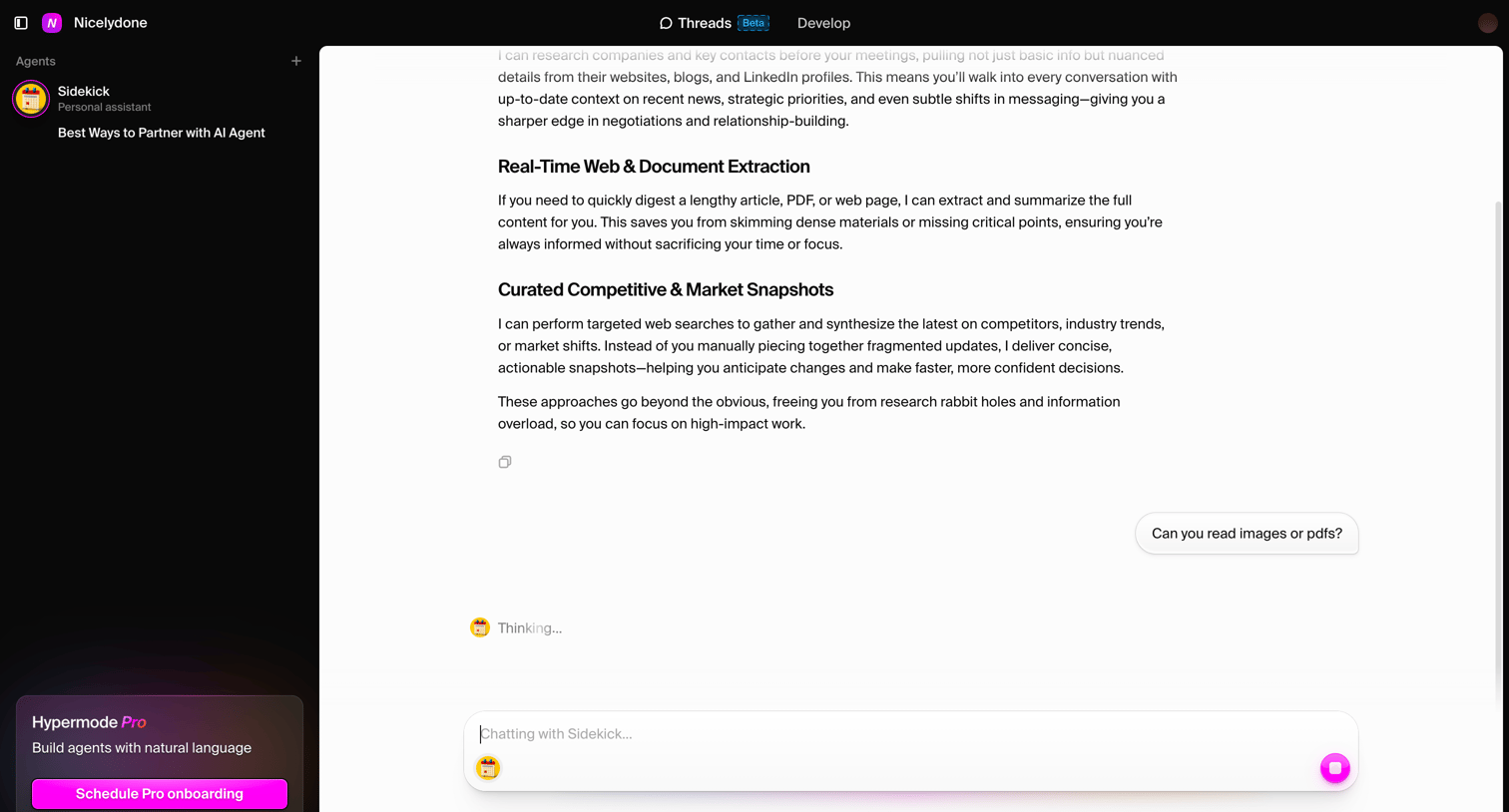
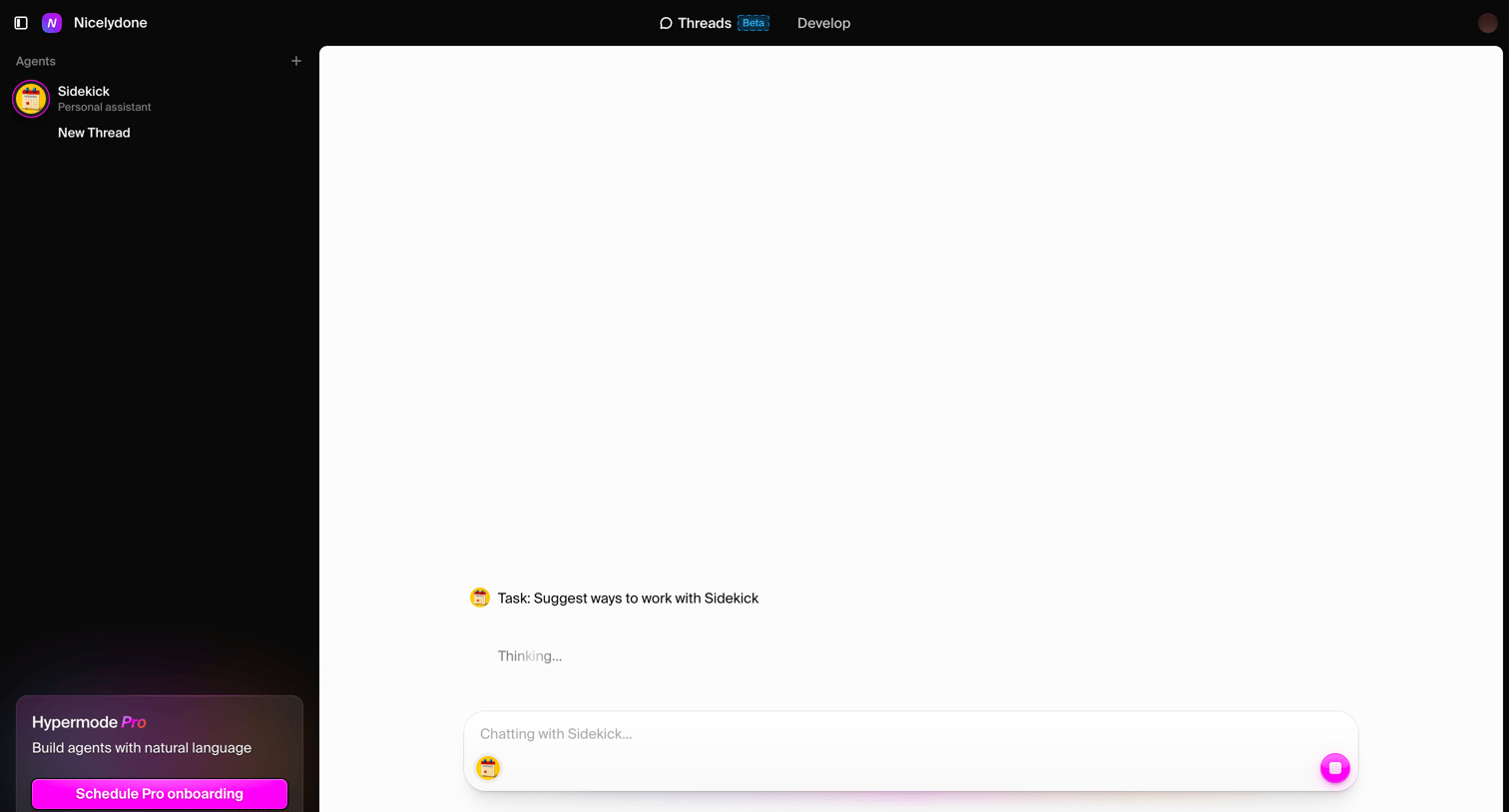
AI chat interface where the user interacts with a personal assistant agent named Sidekick, featuring a dark sidebar with a Pro upgrade prompt and a main conversation area showing a 'Thinking...' generation state.
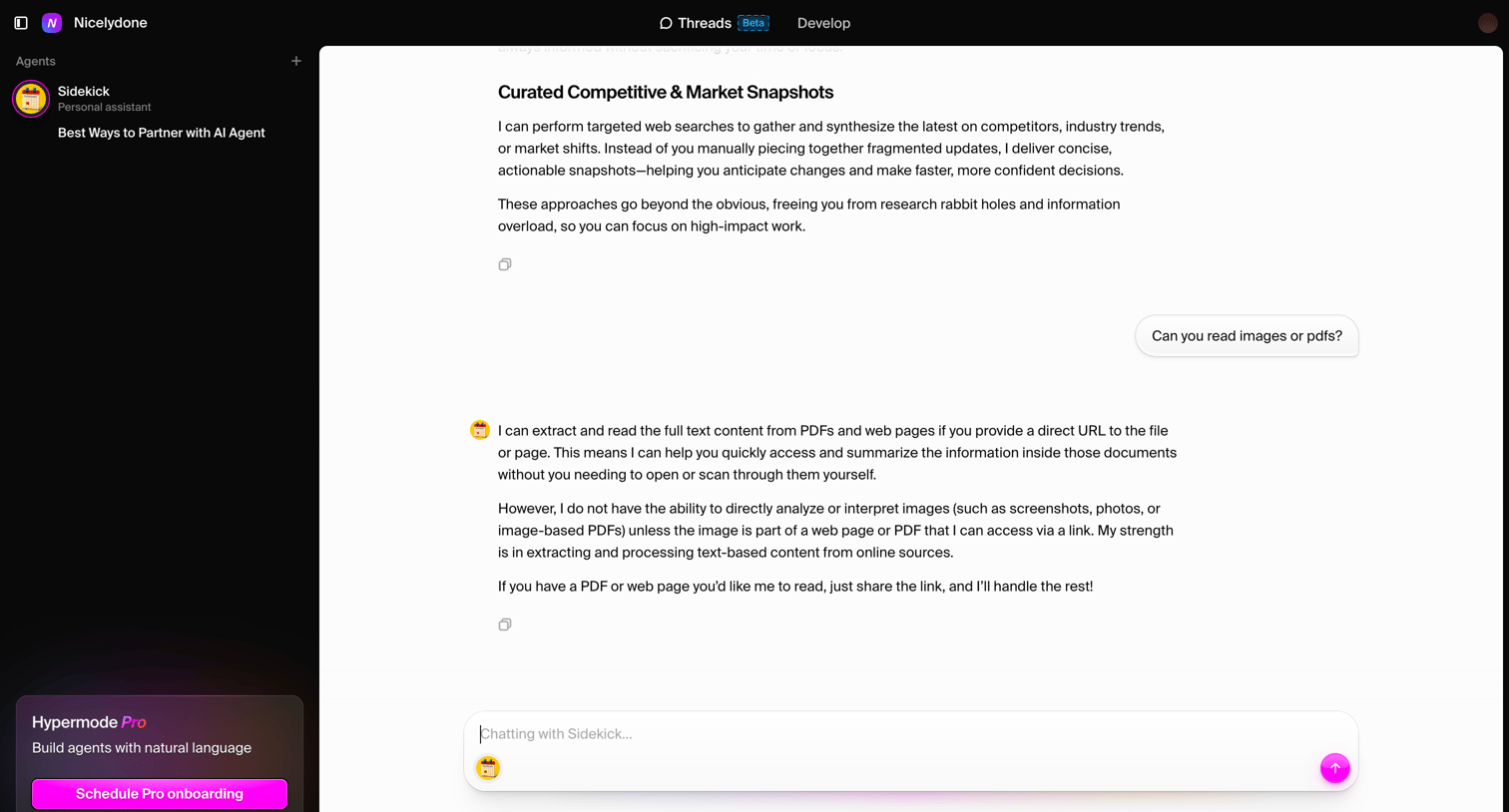
AI chat interface where the user converses with a personal assistant agent named Sidekick about its capabilities.
Browse the full SaaS app library
Explore real SaaS apps with their product screens, marketing screens, flows, and components.
Trusted by the best teams







