Insights screen examples
Insights screen design examples from SaaS apps. Explore how SaaS apps present findings drawn from data. Look at how a highlighted observation connects with supporting figures and the information needed to…
Explore the examples
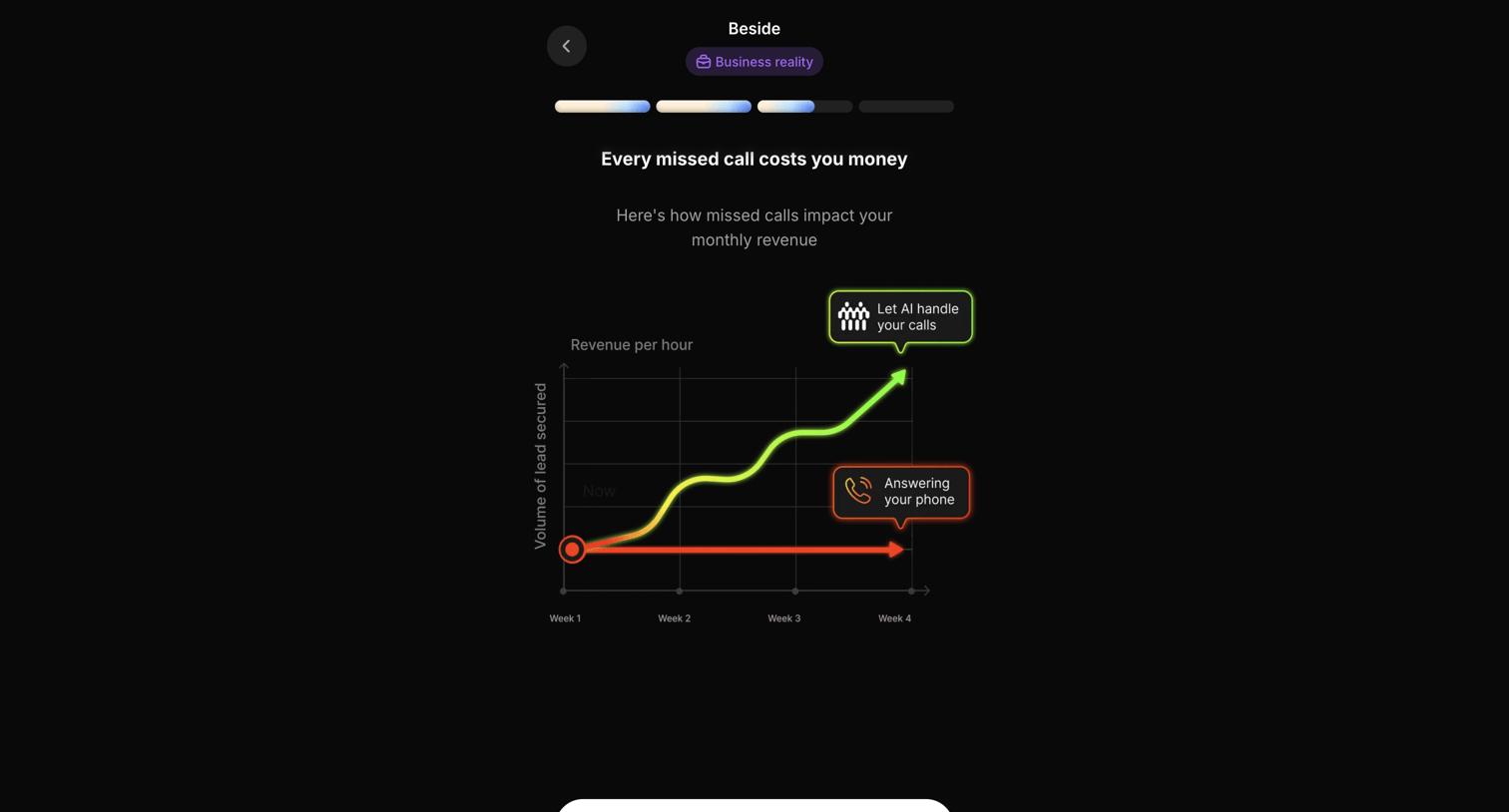

Onboarding step featuring a line chart that visualizes the revenue impact of using AI versus answering calls manually.
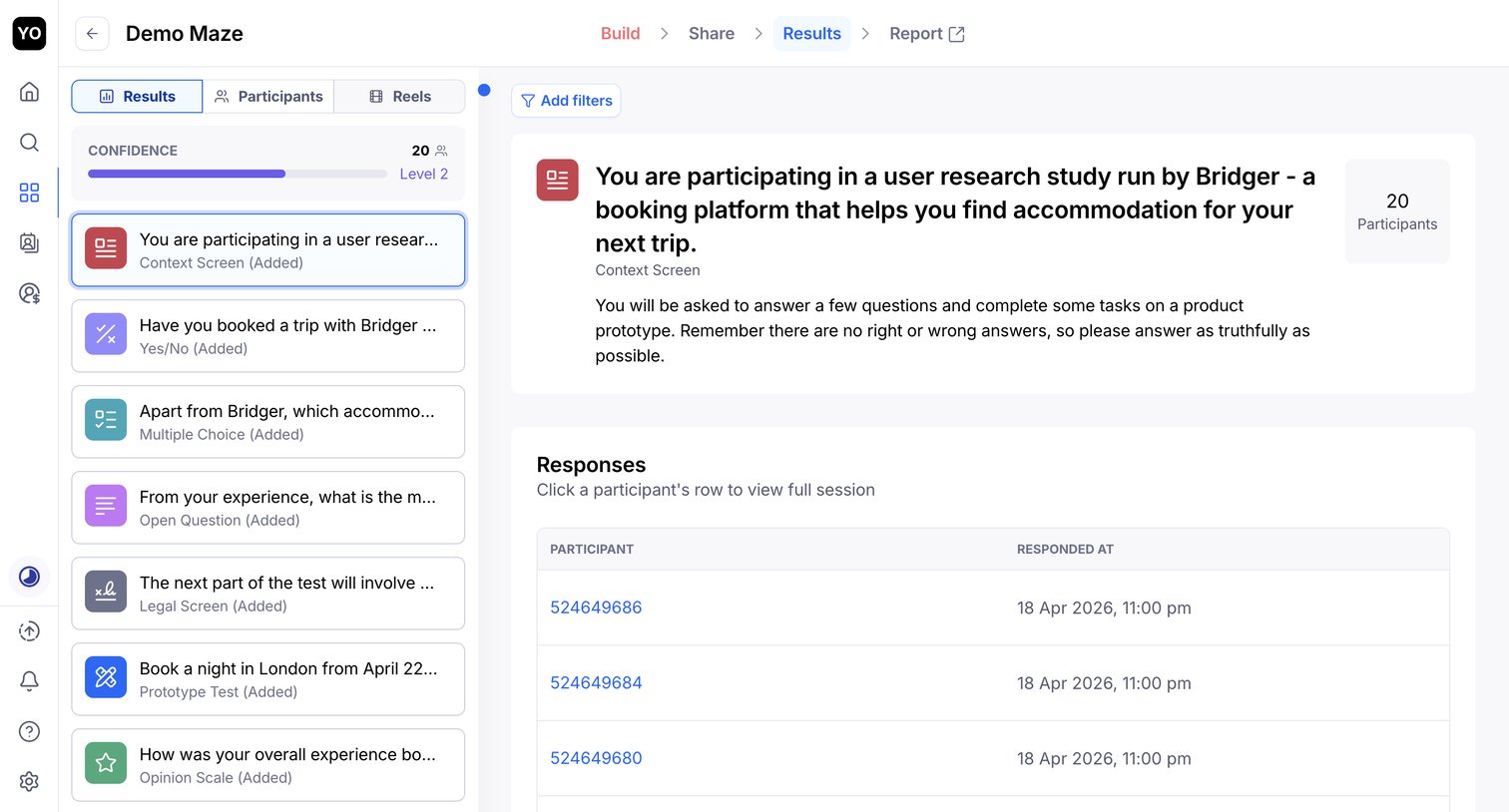

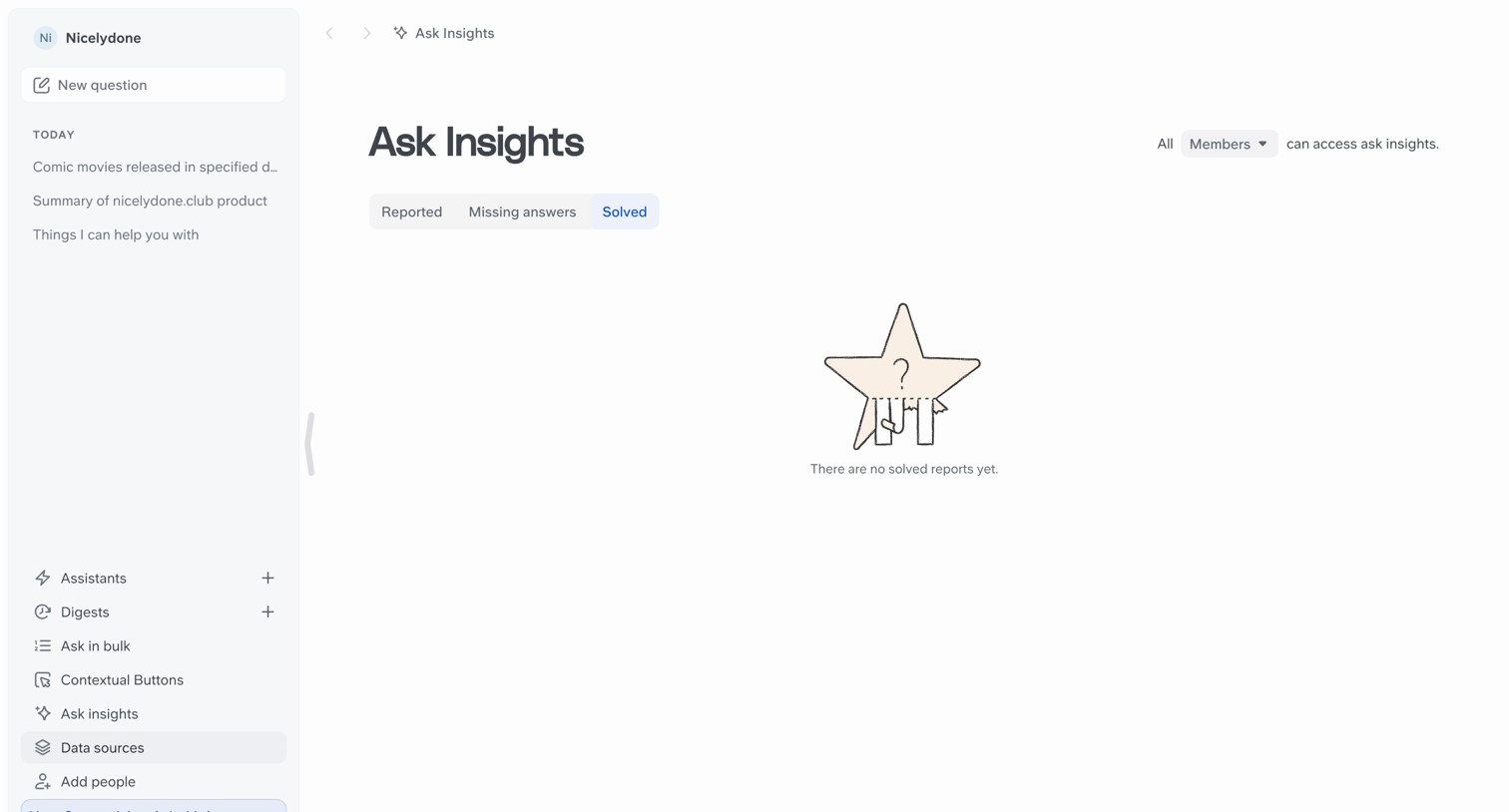

Insights view currently showing an empty state for solved reports, featuring a sidebar with recent items and a trial countdown banner.
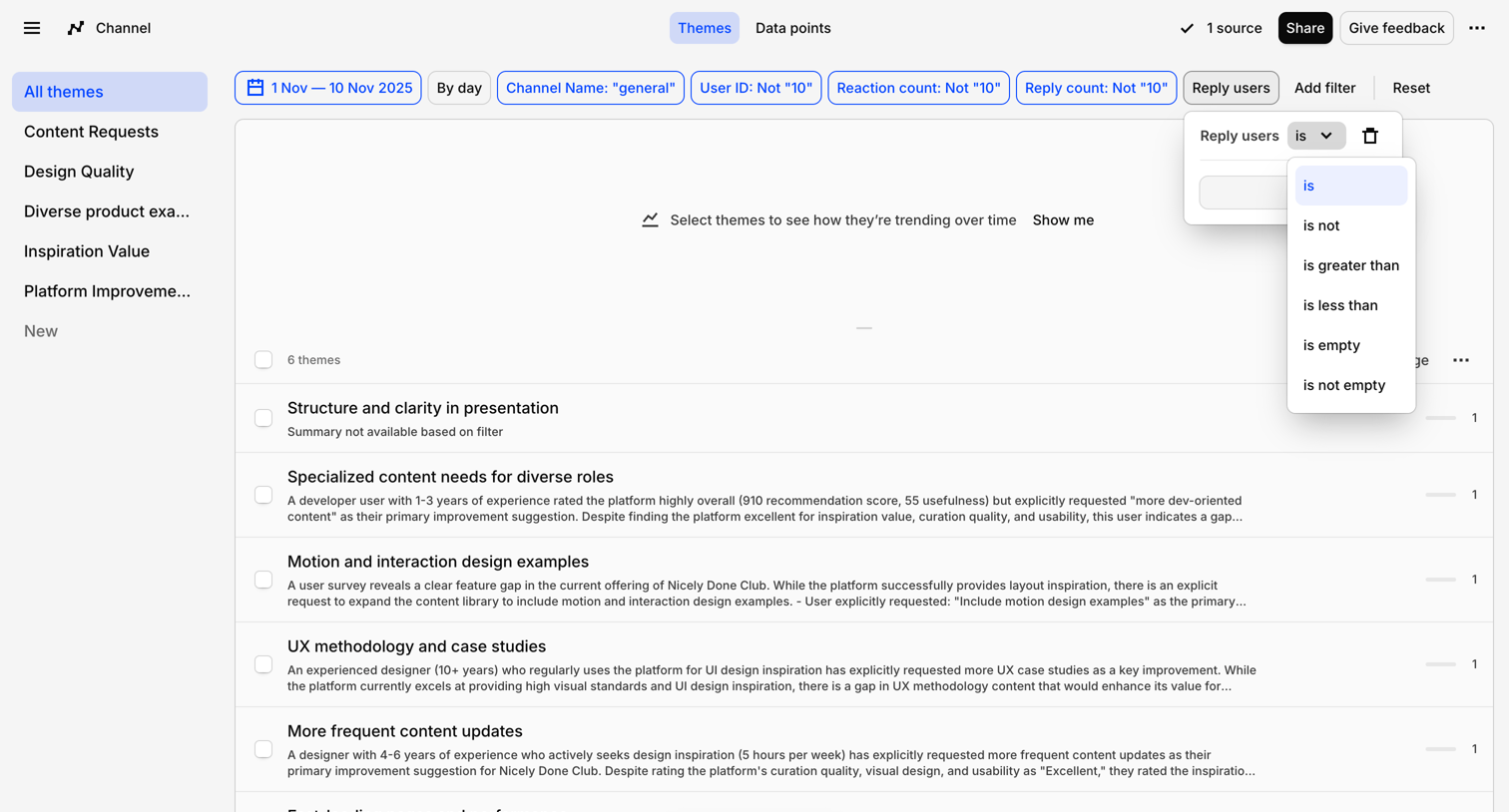

List view where the user analyzes qualitative feedback themes and constructs a query using a popover filter builder.
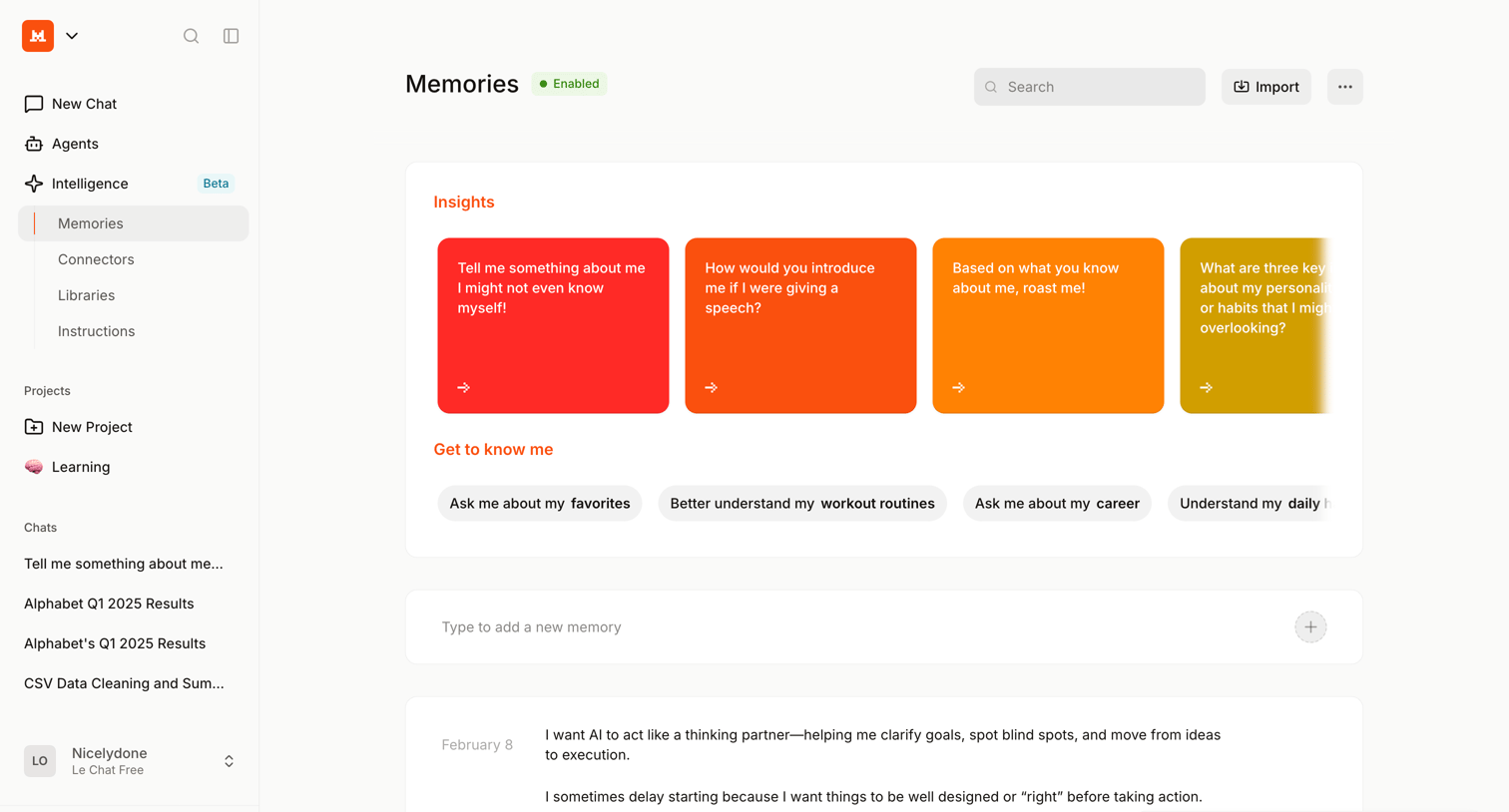

Settings page where the user manages their AI's memory by adding new facts, importing existing data, and reviewing suggested insights to personalize the assistant.
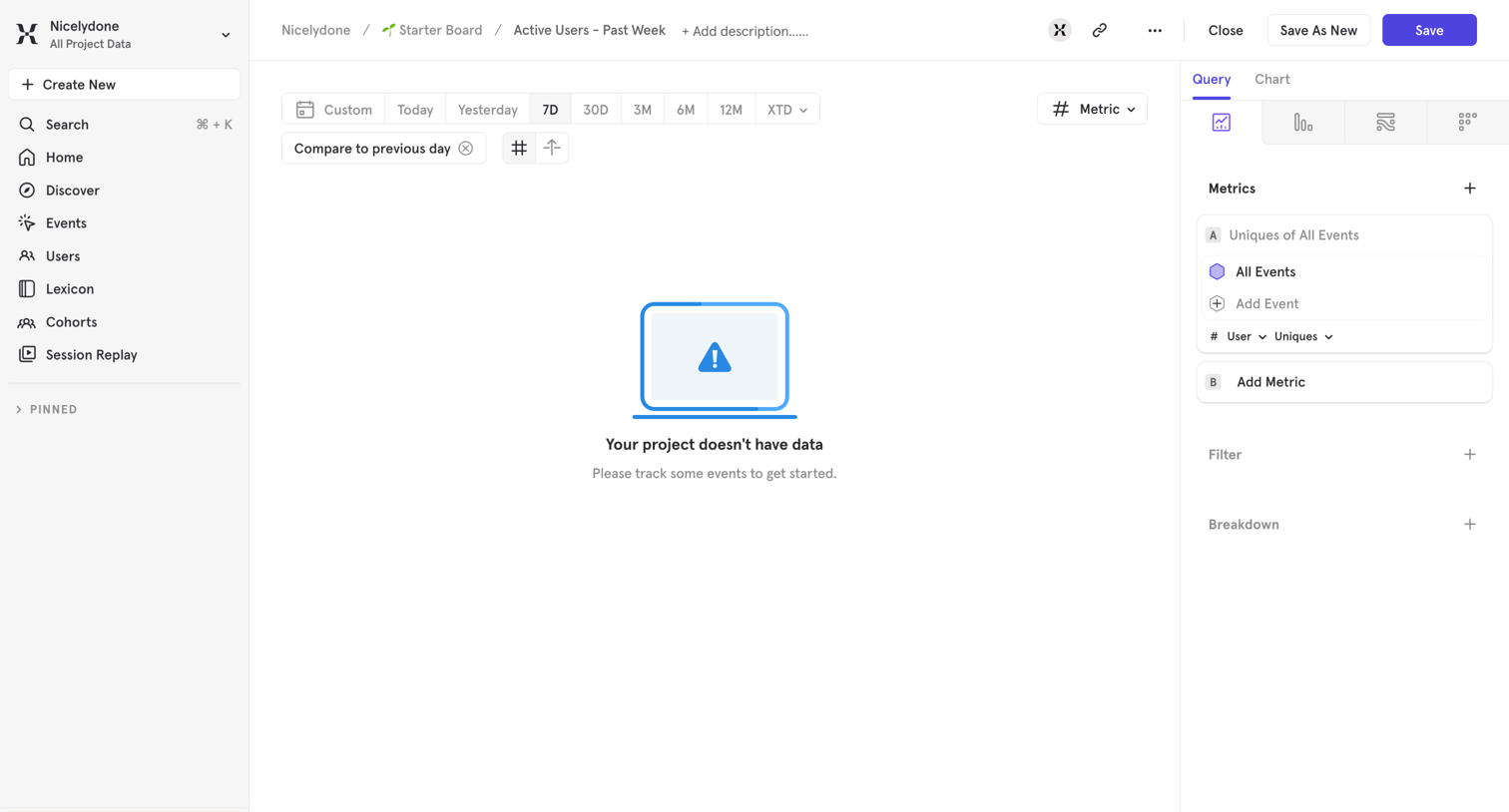

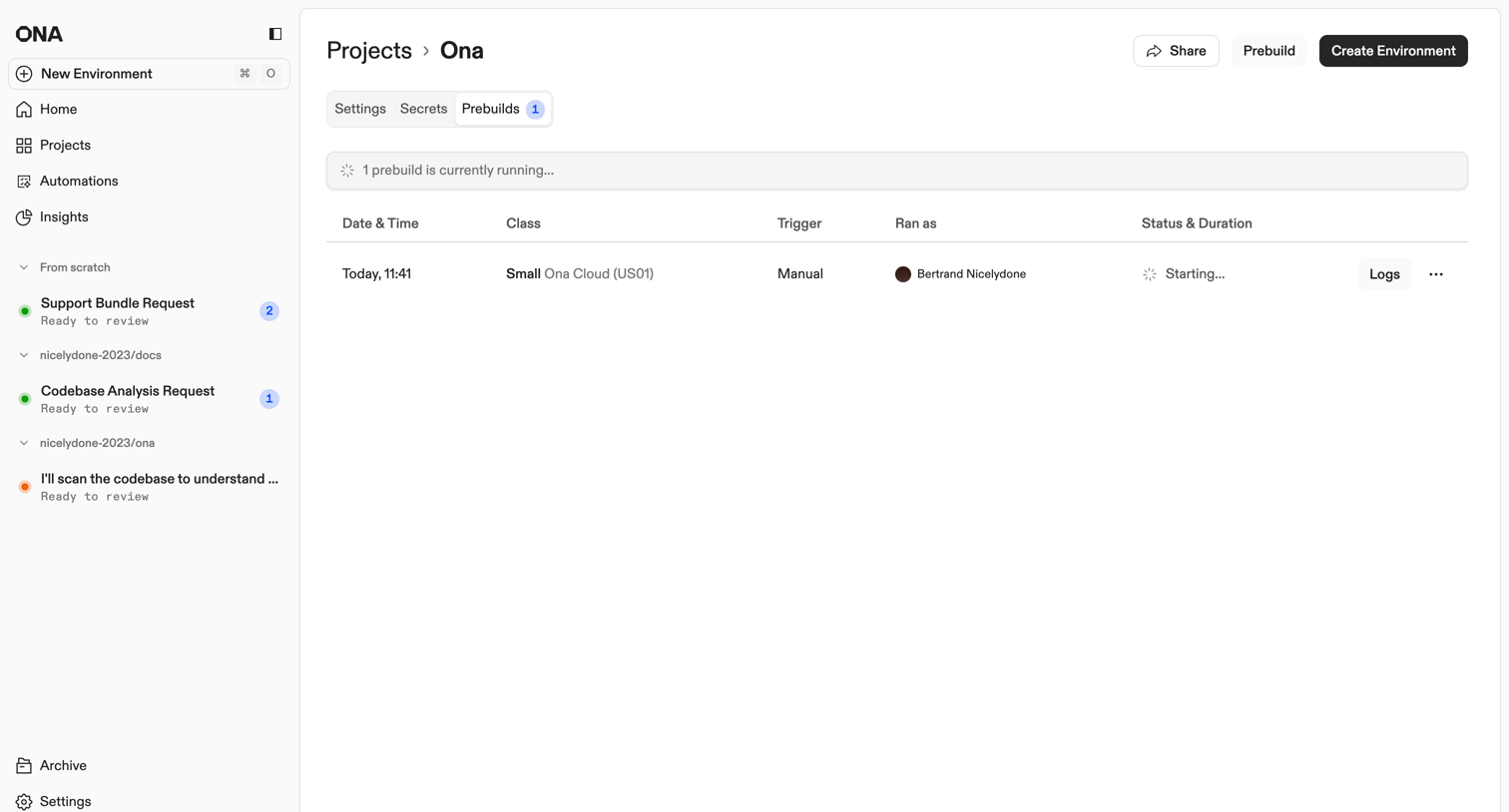

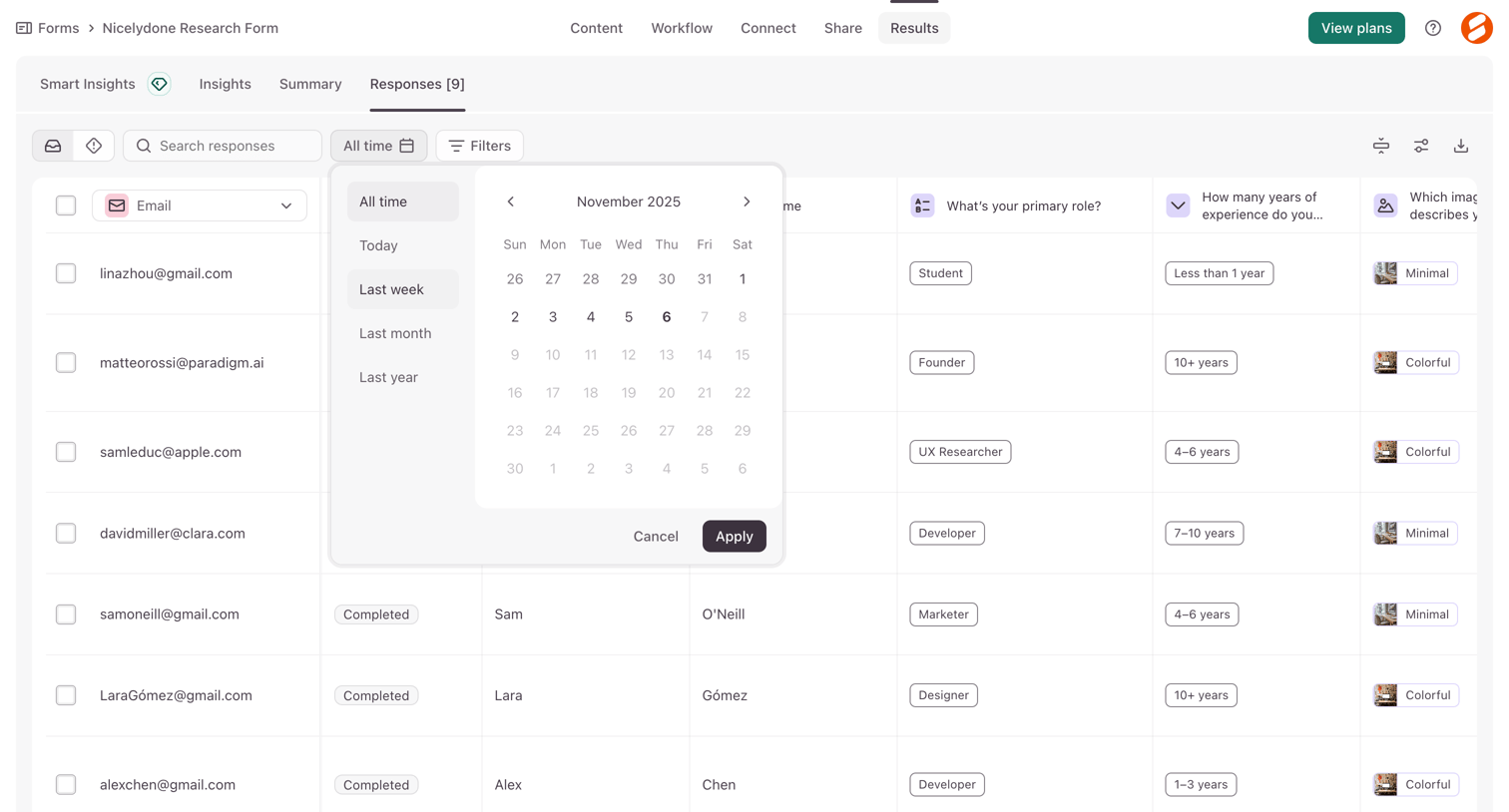

List view displaying submitted form responses in a data table with a date range picker open to filter by time period.
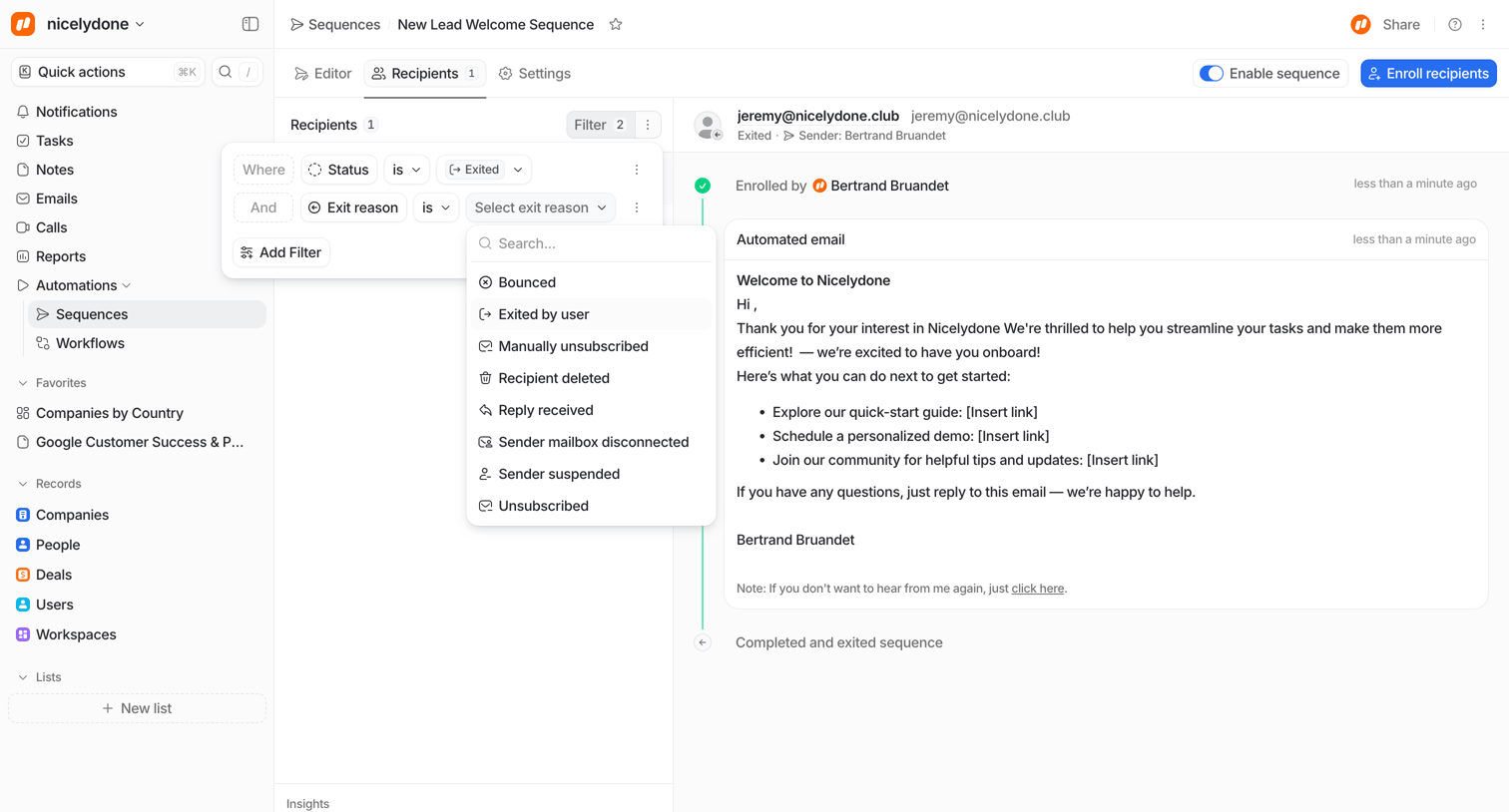

Detail page where a user views the timeline of a specific recipient in an email sequence while actively building a filter for exit reasons.

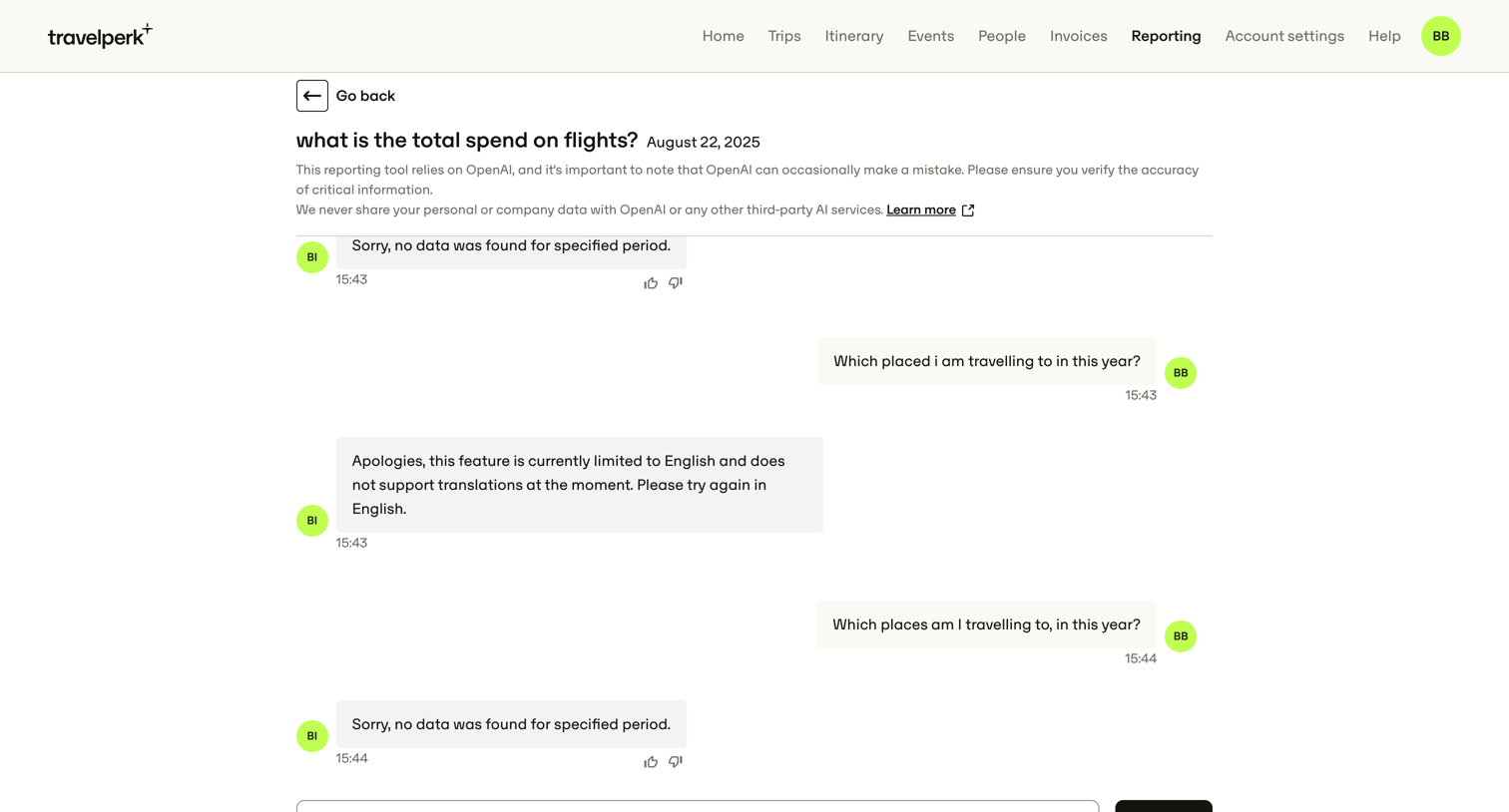

AI chat interface where the user queries travel spend data and receives automated responses with feedback options.
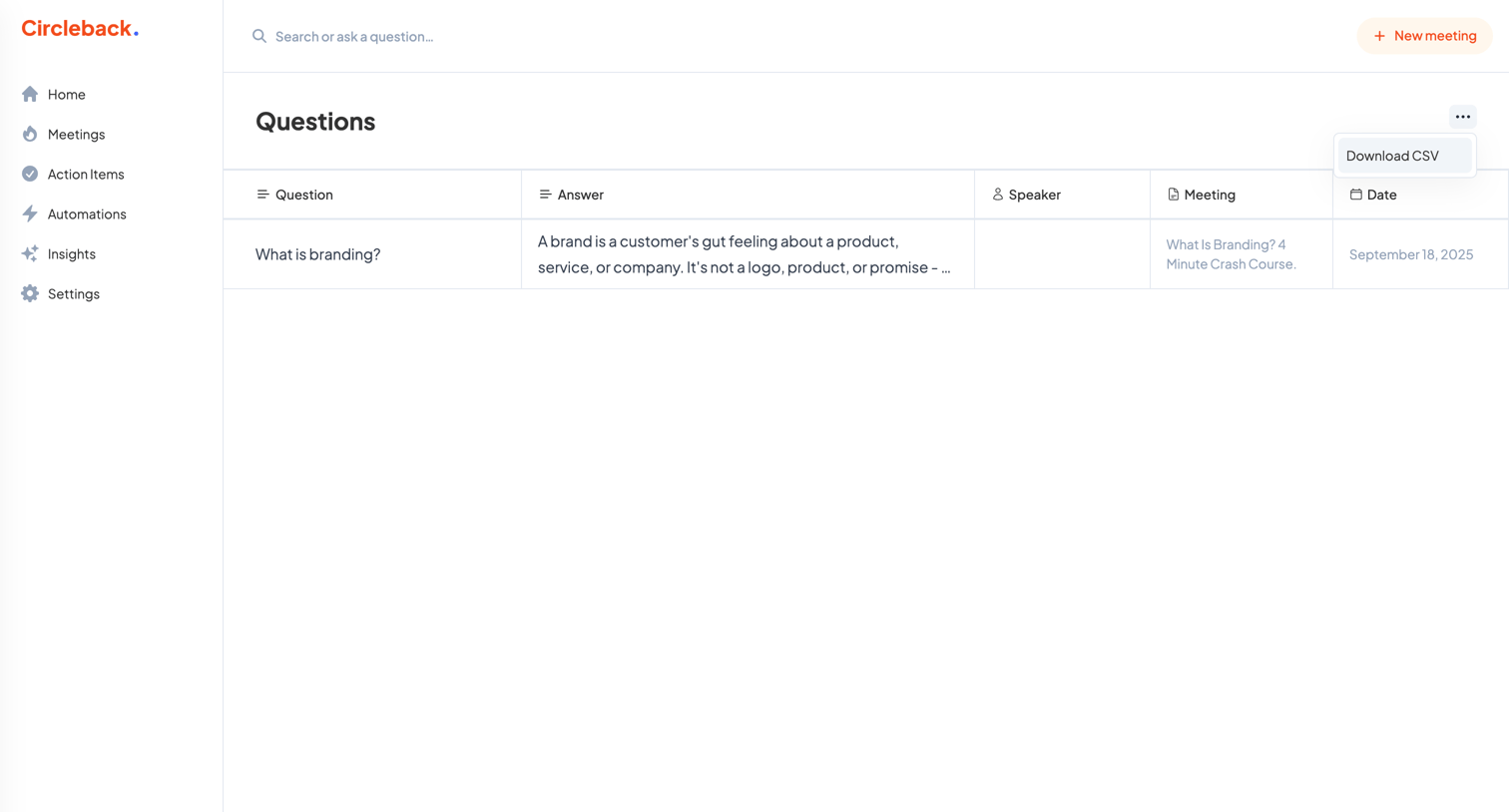

List view where the user can browse, search, and export a table of questions and answers extracted from their recorded meetings.
Explore the full SaaS screen library
Upgrade to unlock the full library.
Trusted by the best teams








About Insights
Explore how SaaS apps present findings drawn from data. Look at how a highlighted observation connects with supporting figures and the information needed to investigate it further.