Move screen examples
Move screen design examples from SaaS apps. See how SaaS apps ask people to choose a new location for an item. Explore how destination lists and confirmation controls keep the selected content in view.
Explore the examples
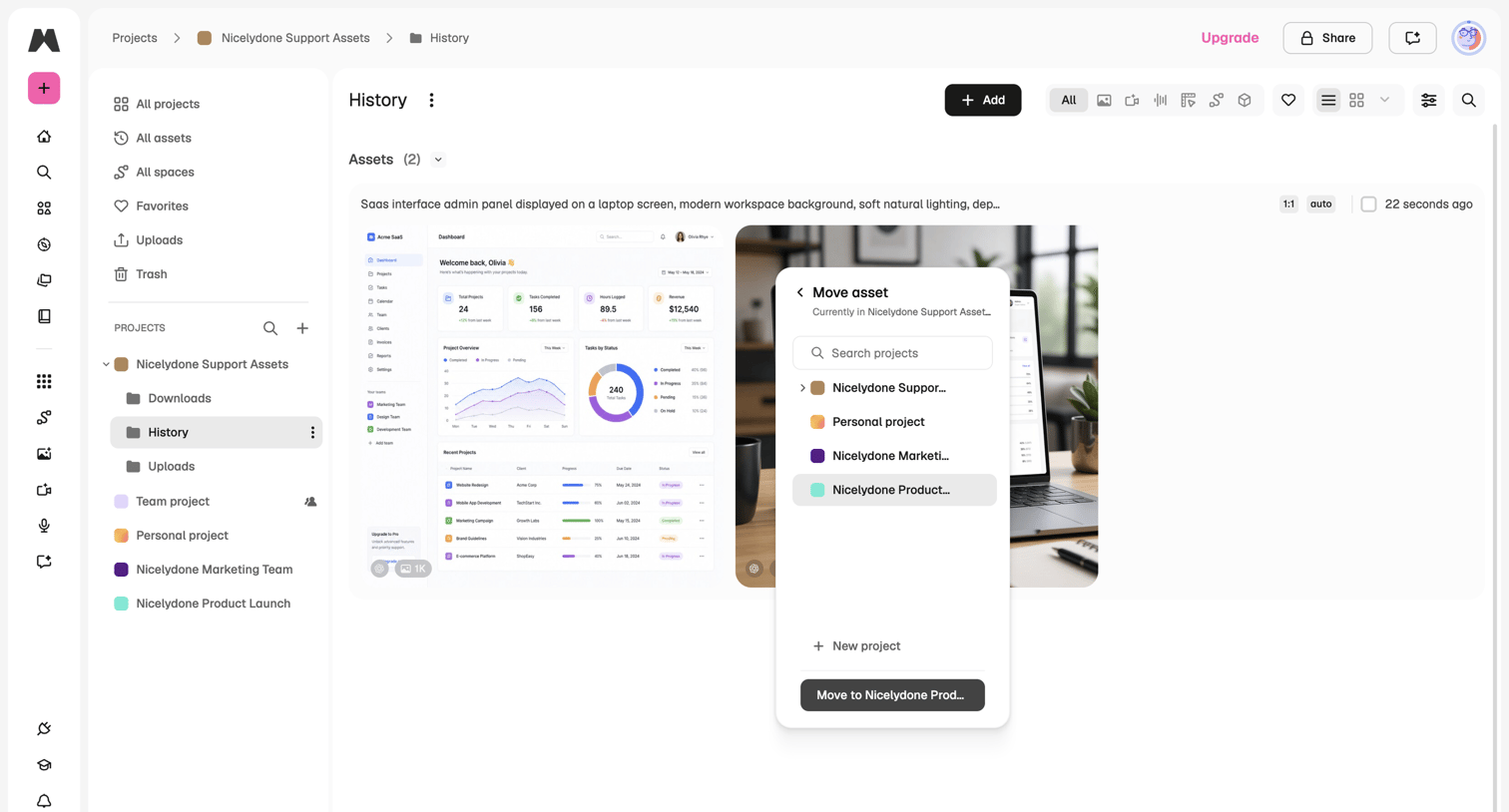

List view of generated assets where the user is moving an image to a different project folder via a modal.
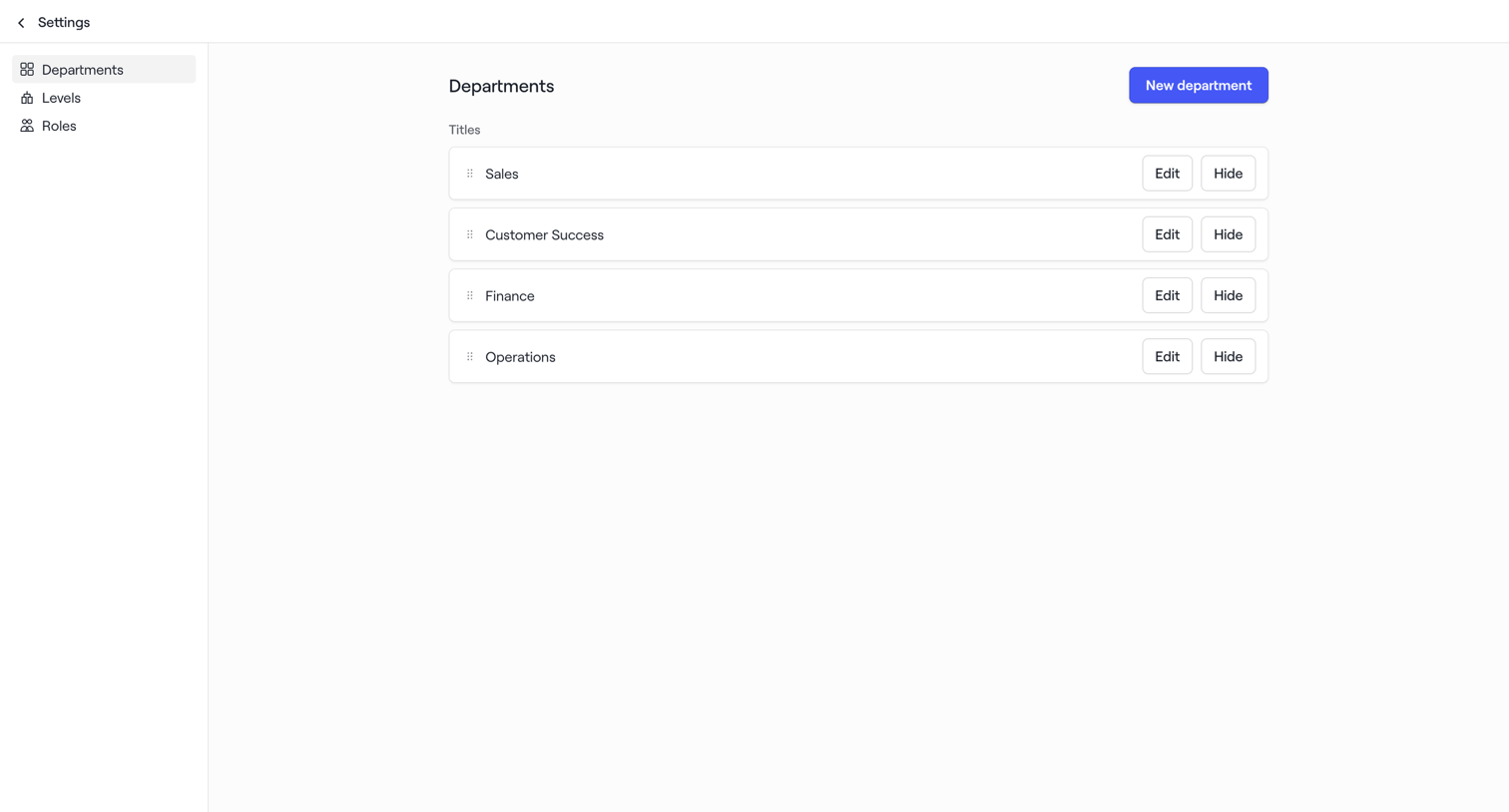

Settings page where the user manages workspace departments, featuring a reorderable list of department titles and an option to create new ones.
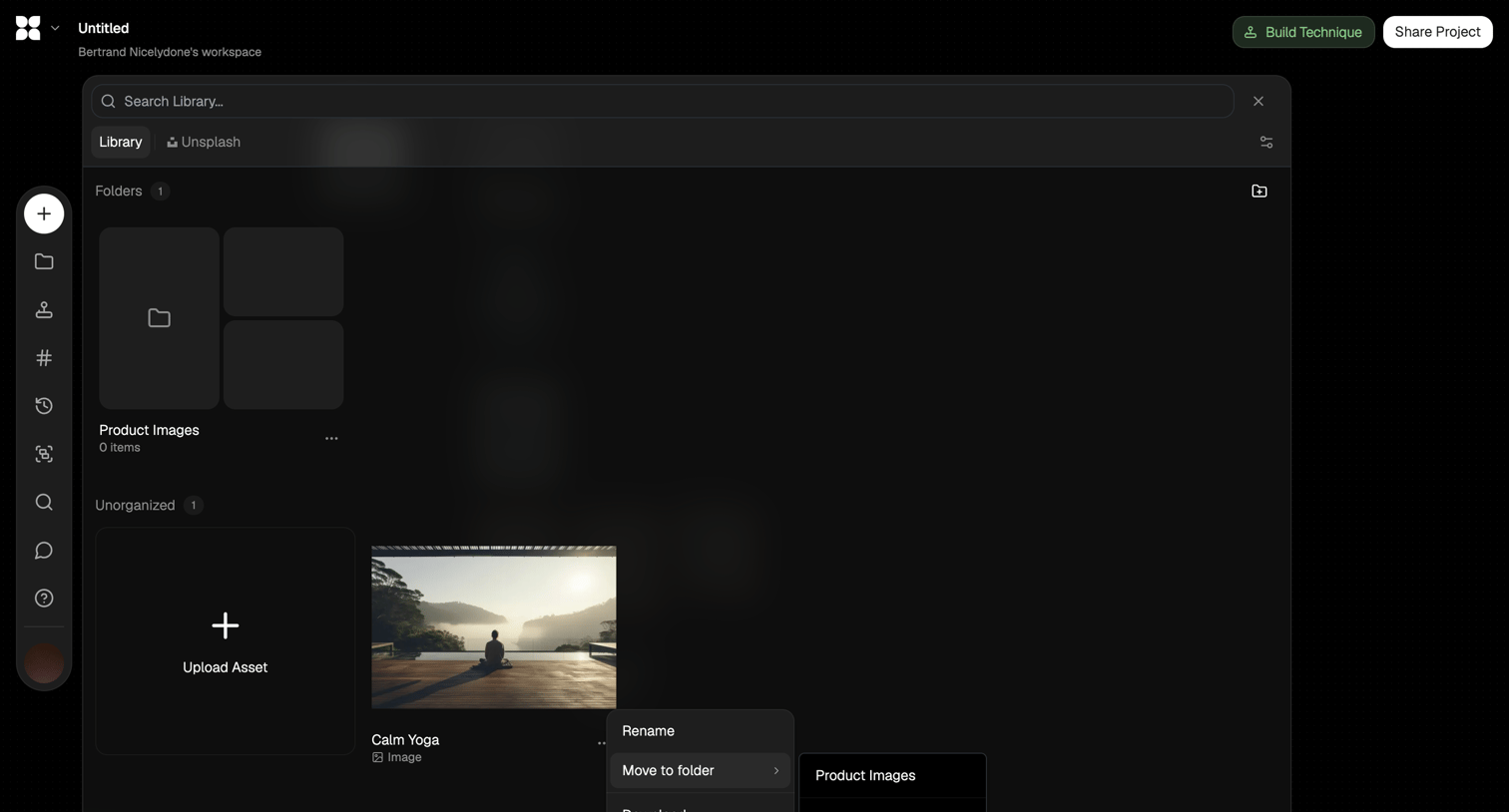

Asset library modal where the user manages folders and images, currently moving an uploaded image to a specific folder via a context menu.
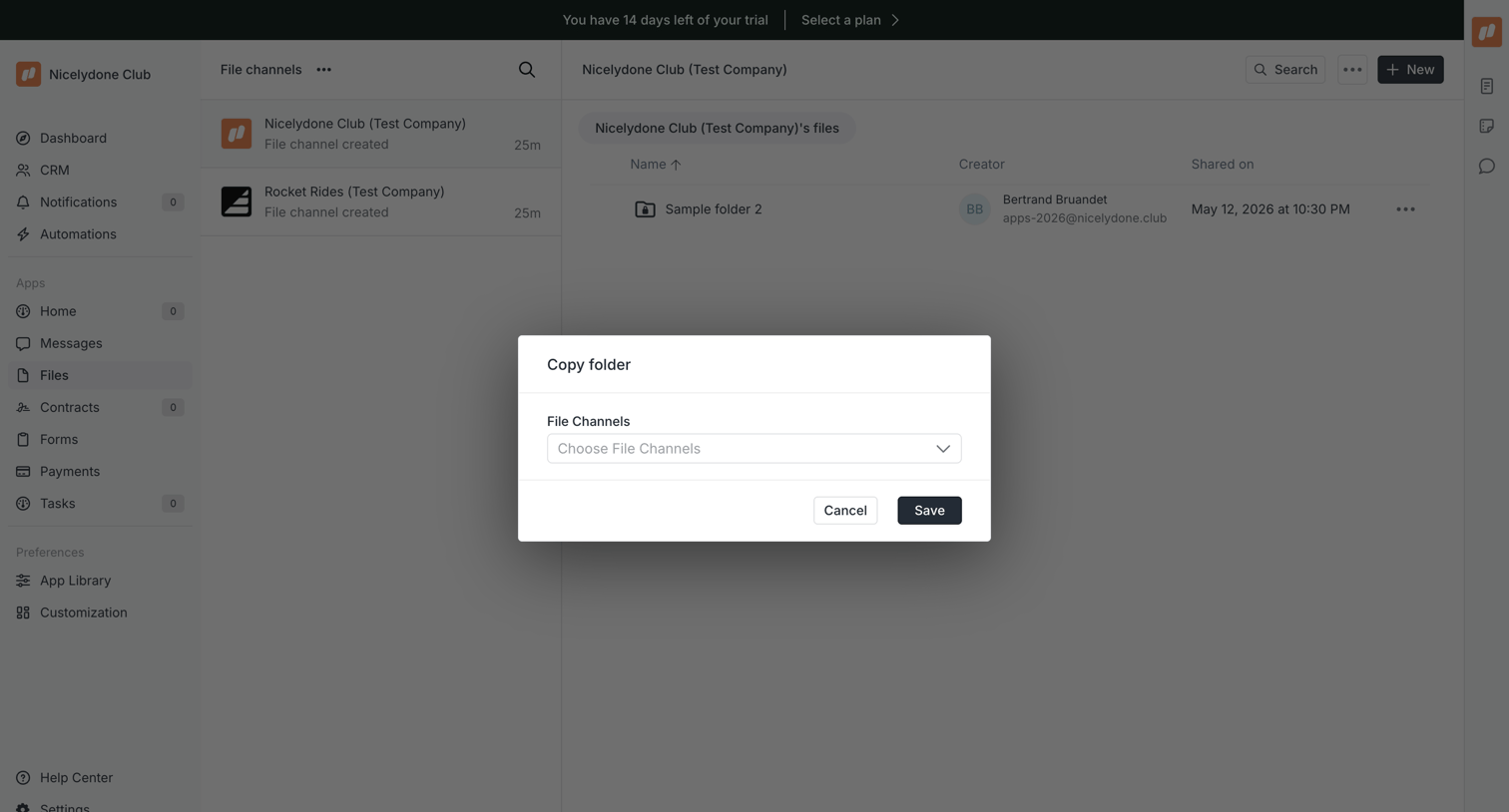

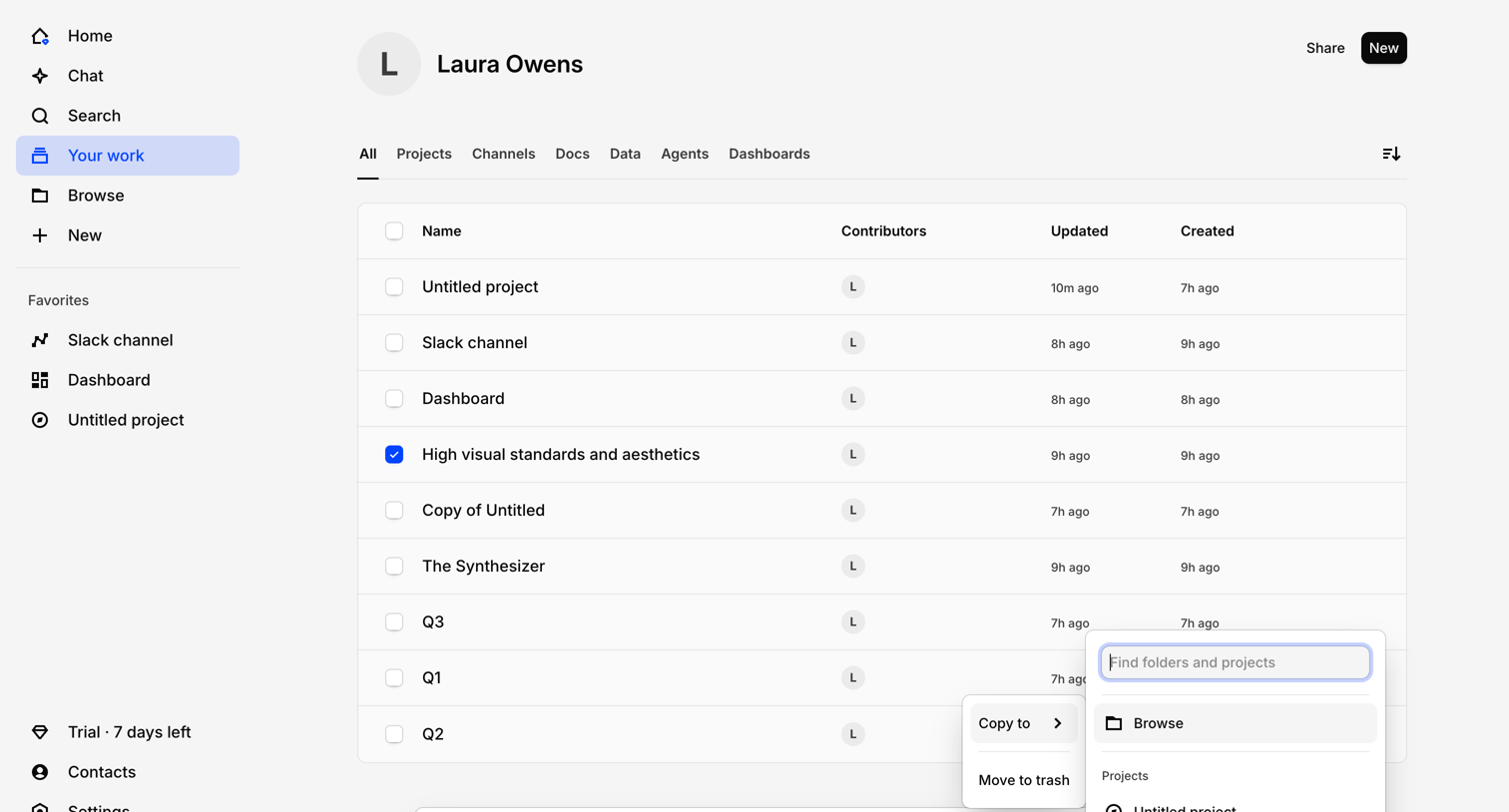
List view where the user is copying a selected folder to another file channel via a modal dialog.
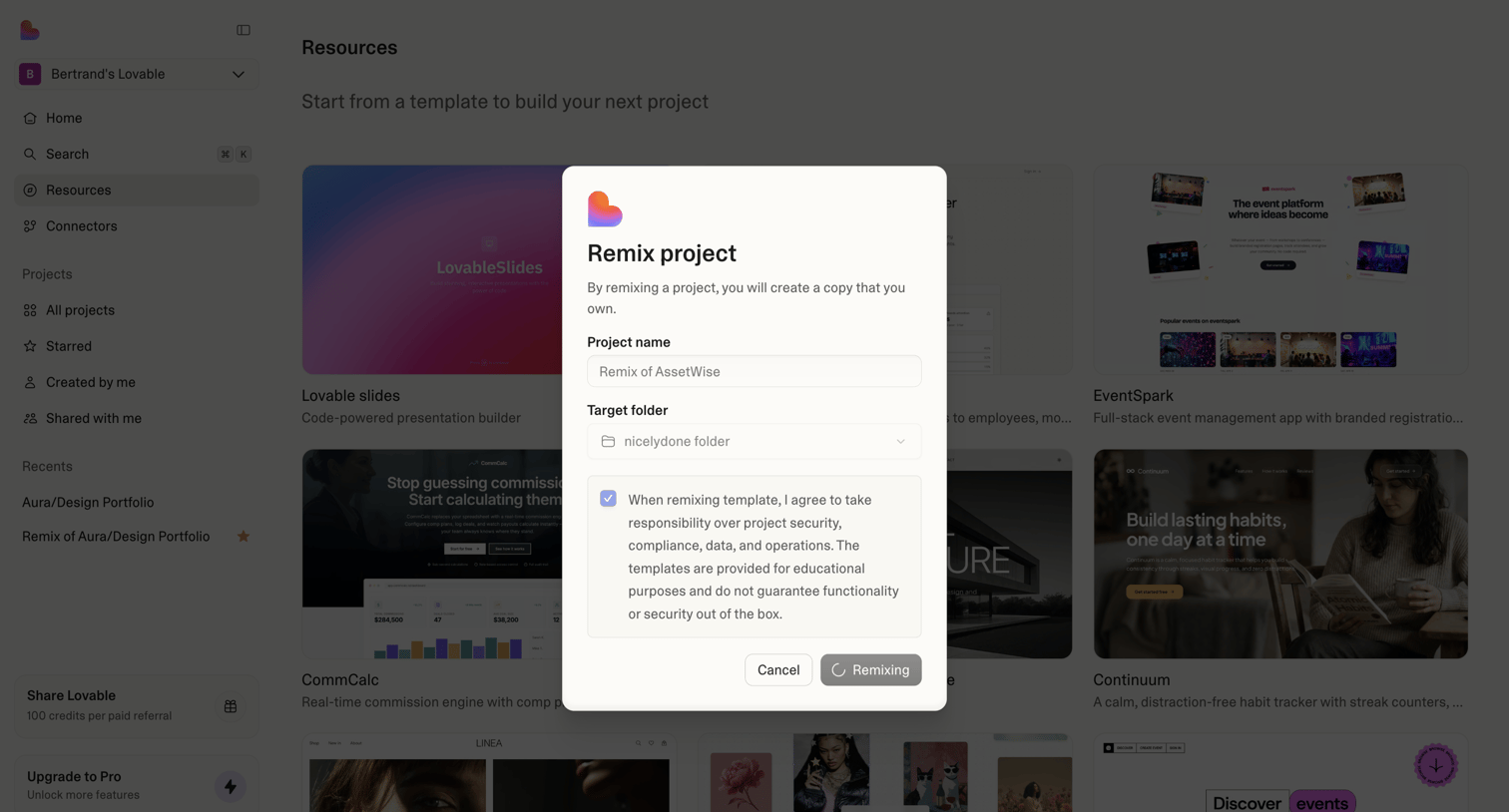

Modal where the user names a new project and selects a destination folder to remix a template.
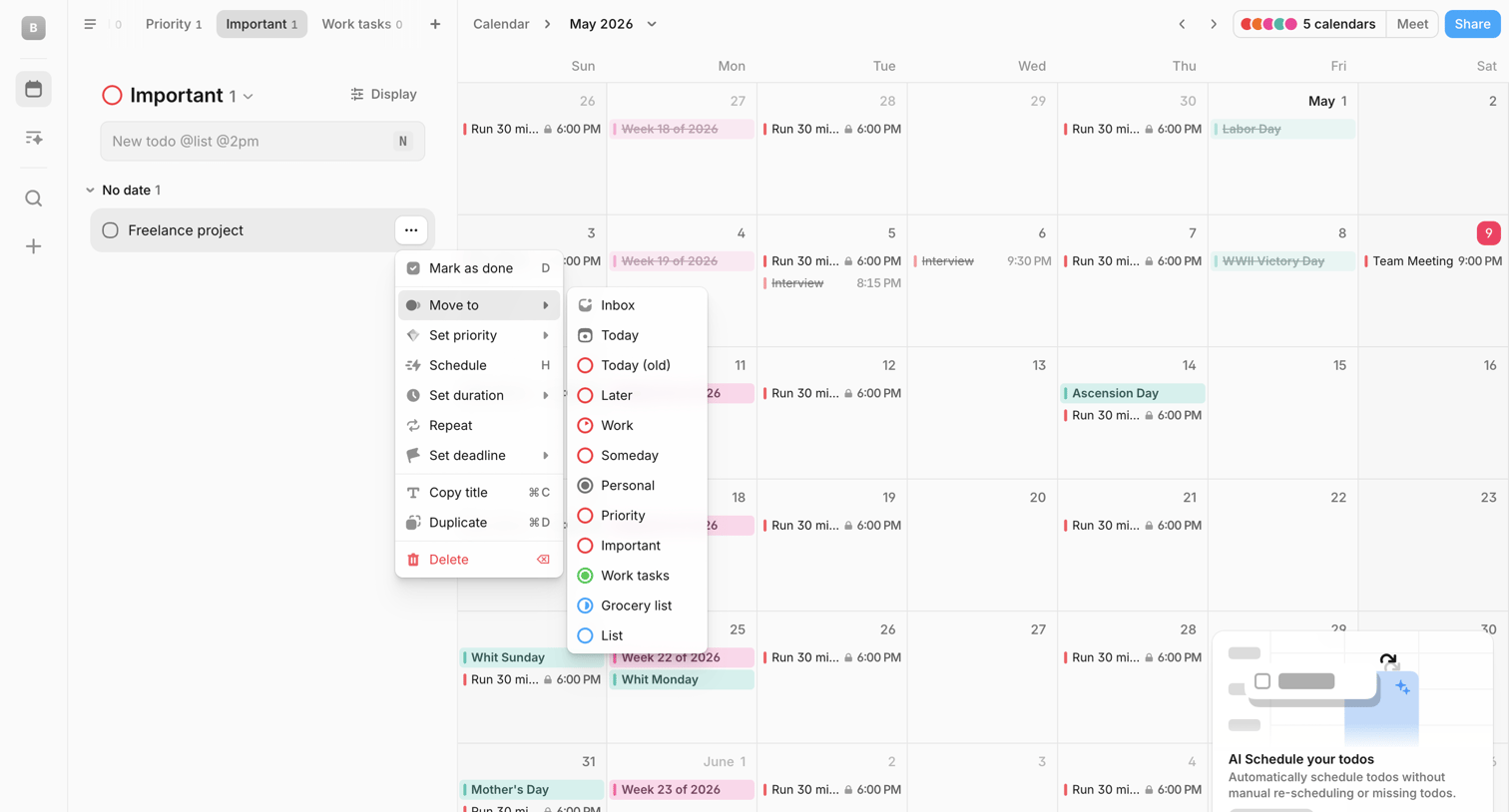

Calendar and task management interface where the user is moving a freelance project task to a different list via a nested context menu, alongside a month view for May 2026.
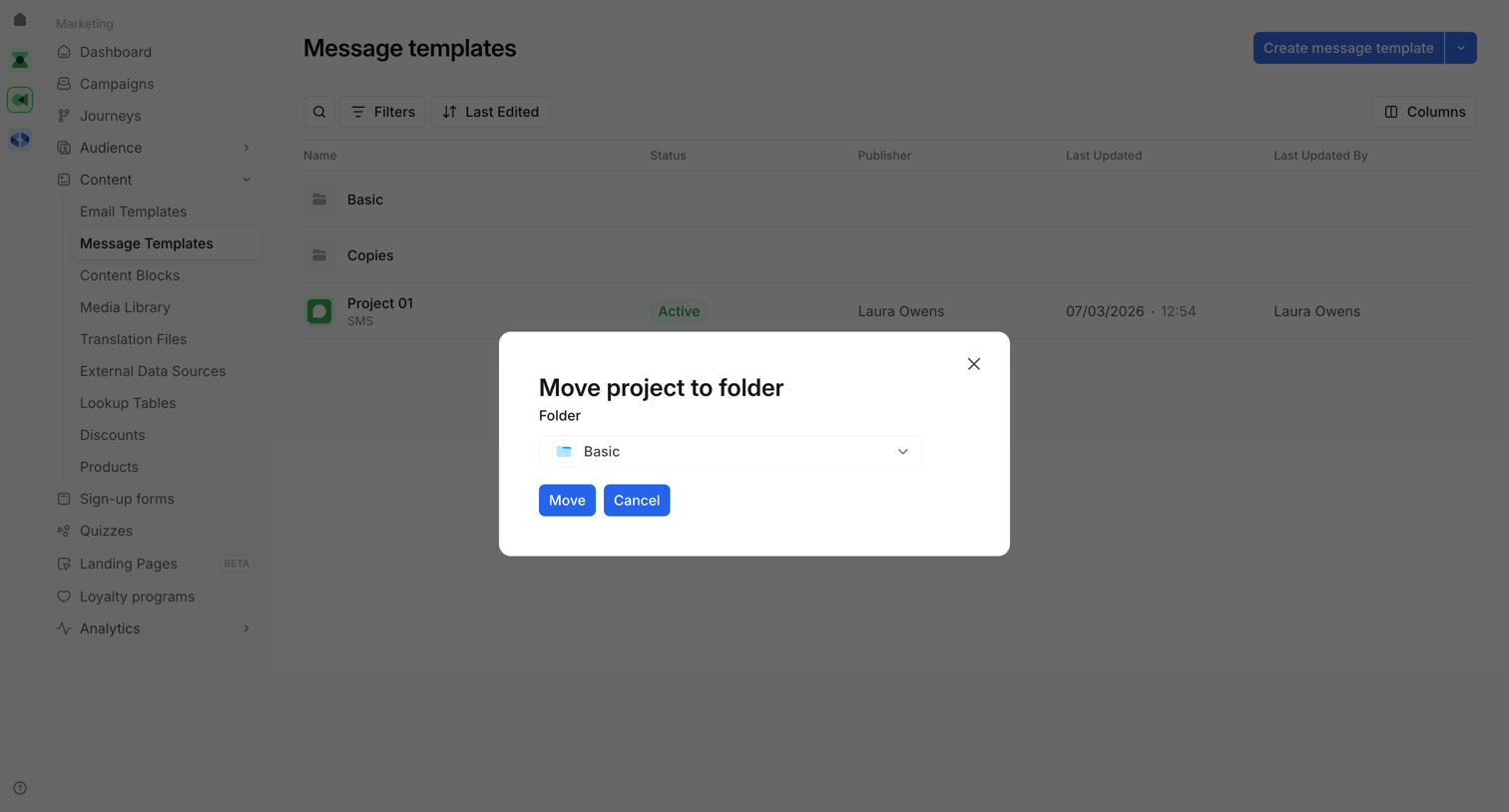

List view of message templates where the user is moving a specific project into a folder via a modal dialog.

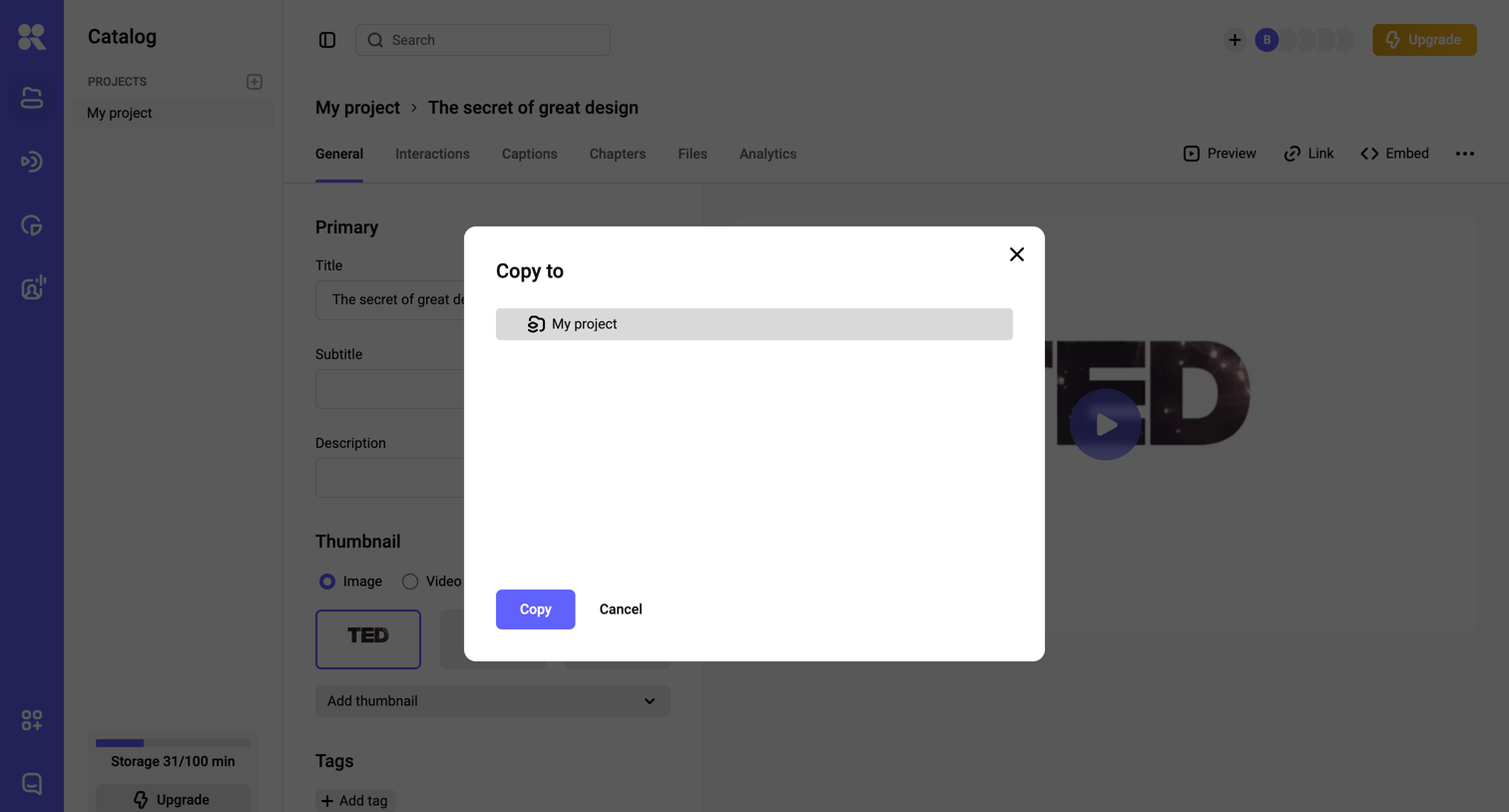

Detail page for a video asset where the user is copying the video to another project via a modal overlay.
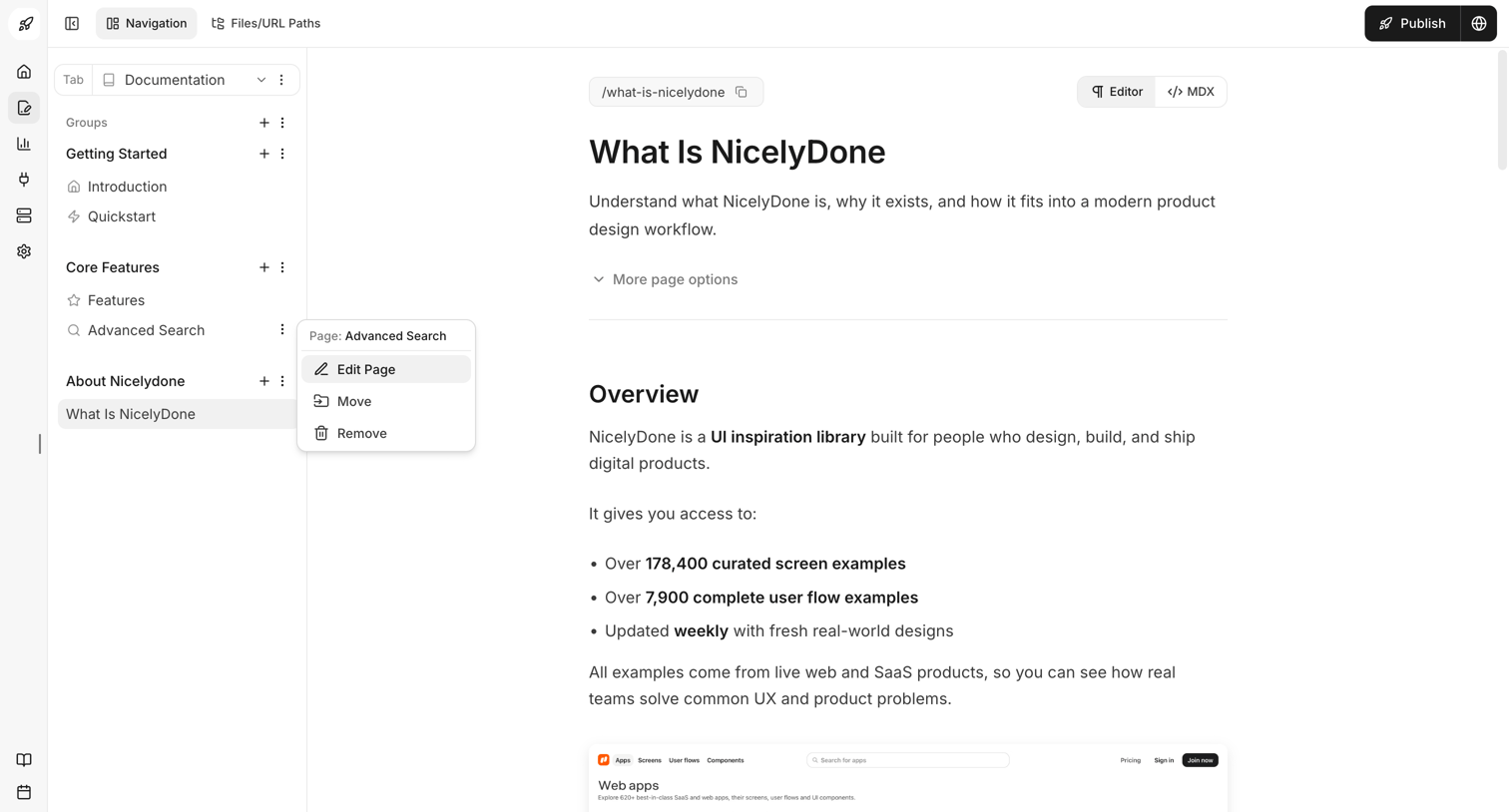

Content editor where the user writes documentation for 'What Is NicelyDone', manages page hierarchy in the sidebar, and can access an AI agent.
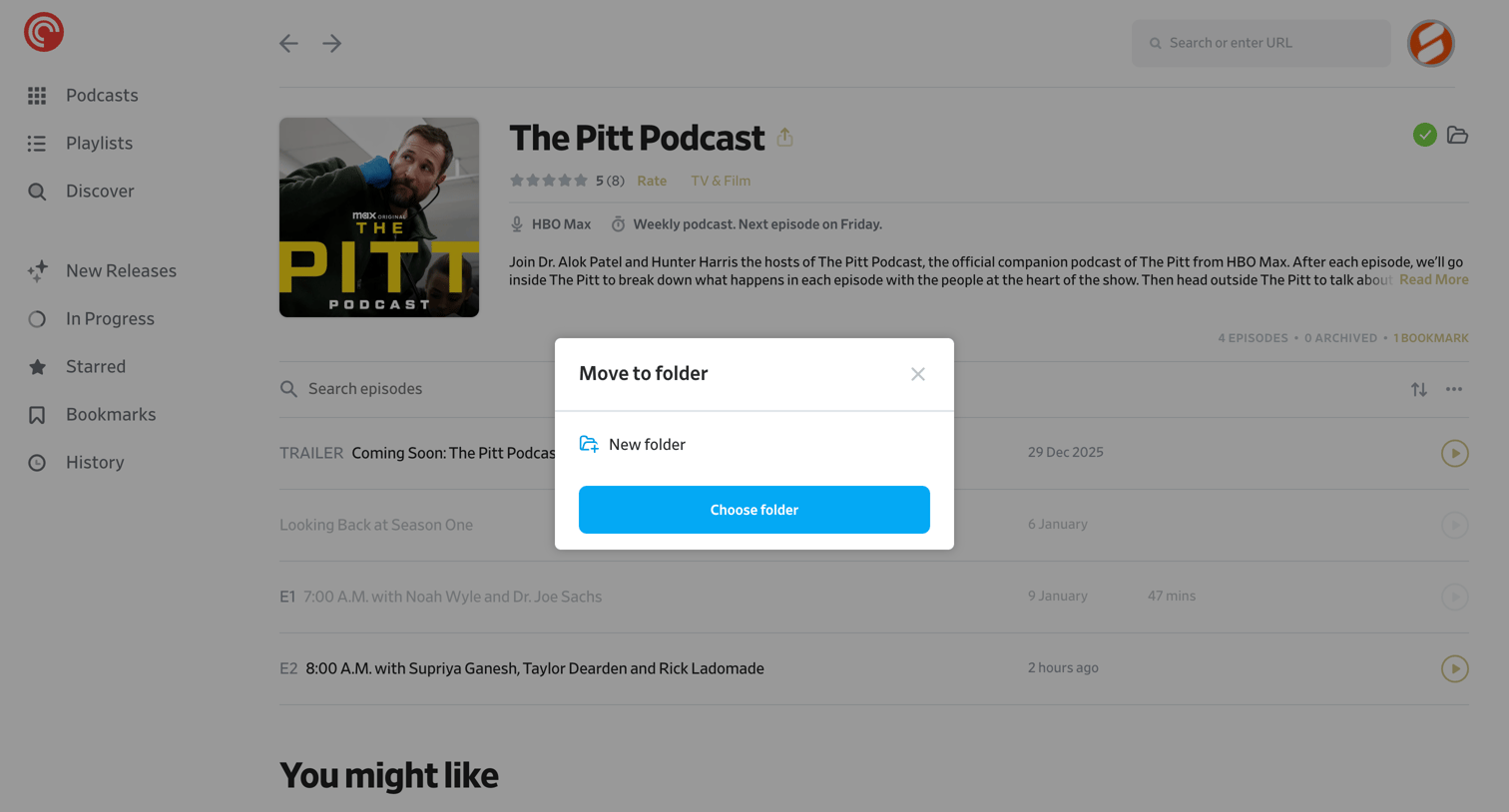

Podcast detail page where the user is organizing a subscribed show into a specific folder via a modal overlay.
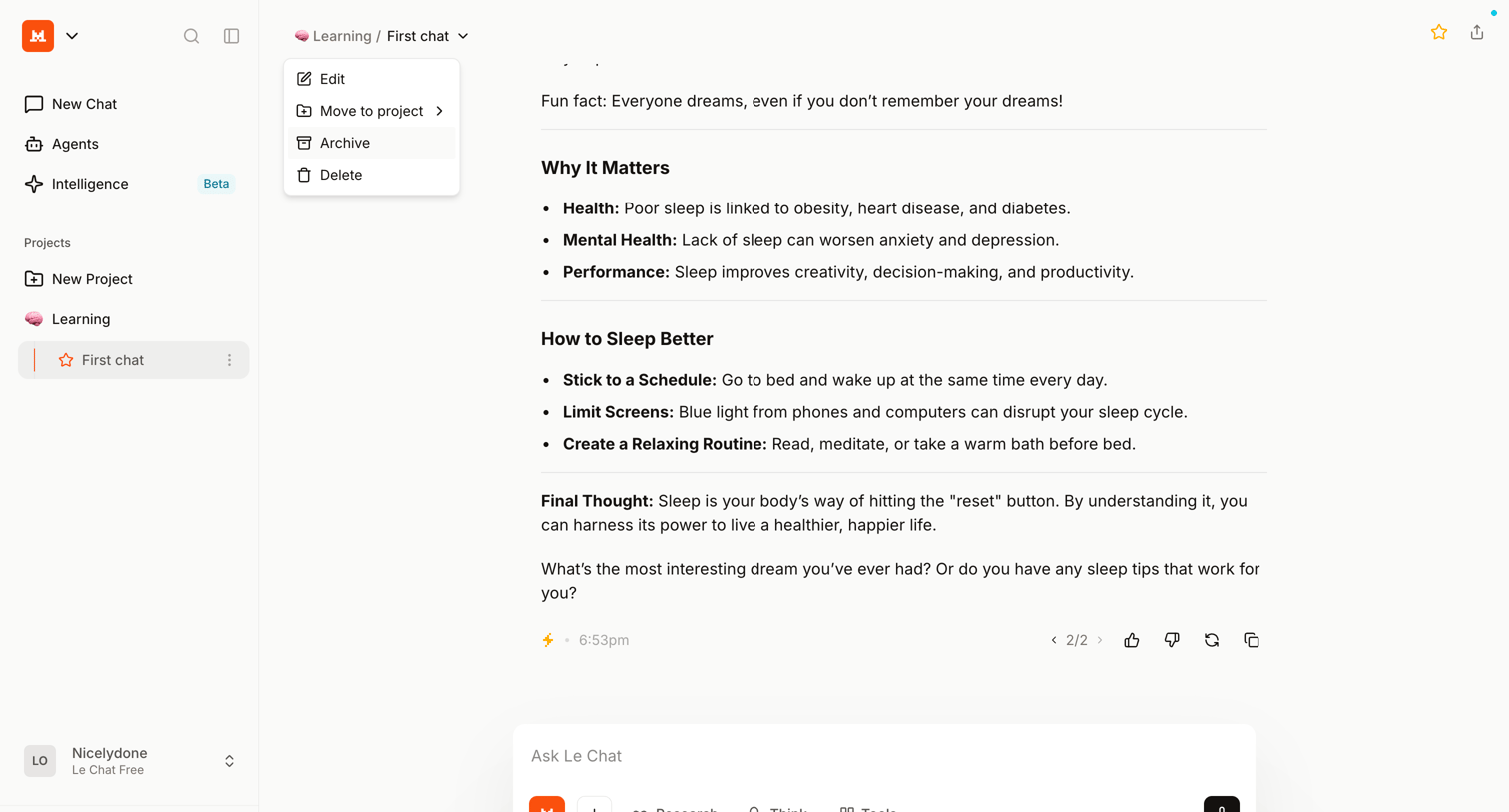

AI chat interface where the user is reading a generated response about sleep habits and has opened a dropdown menu to manage the current chat.
Explore the full SaaS screen library
Upgrade to unlock the full library.
Trusted by the best teams








About Move
See how SaaS apps ask people to choose a new location for an item. Explore how destination lists and confirmation controls keep the selected content in view.