Review Queue screen examples
Review Queue screen design examples from SaaS apps. See how SaaS apps collect items that need attention or a decision. Explore how queue layouts expose status and context before someone opens an item for review.
Explore the examples
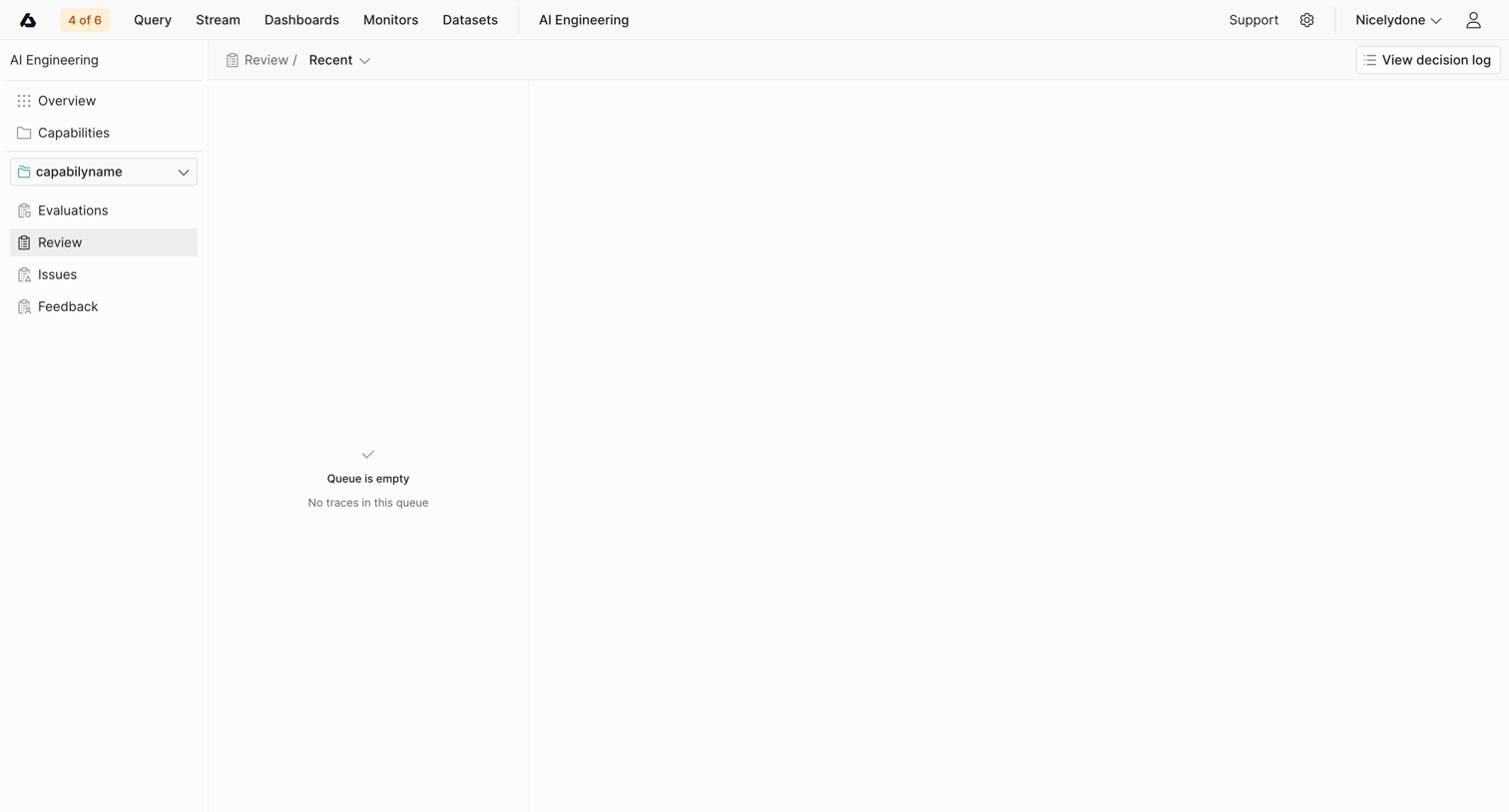

Inbox view where the user reviews recent AI traces, currently showing an empty queue.
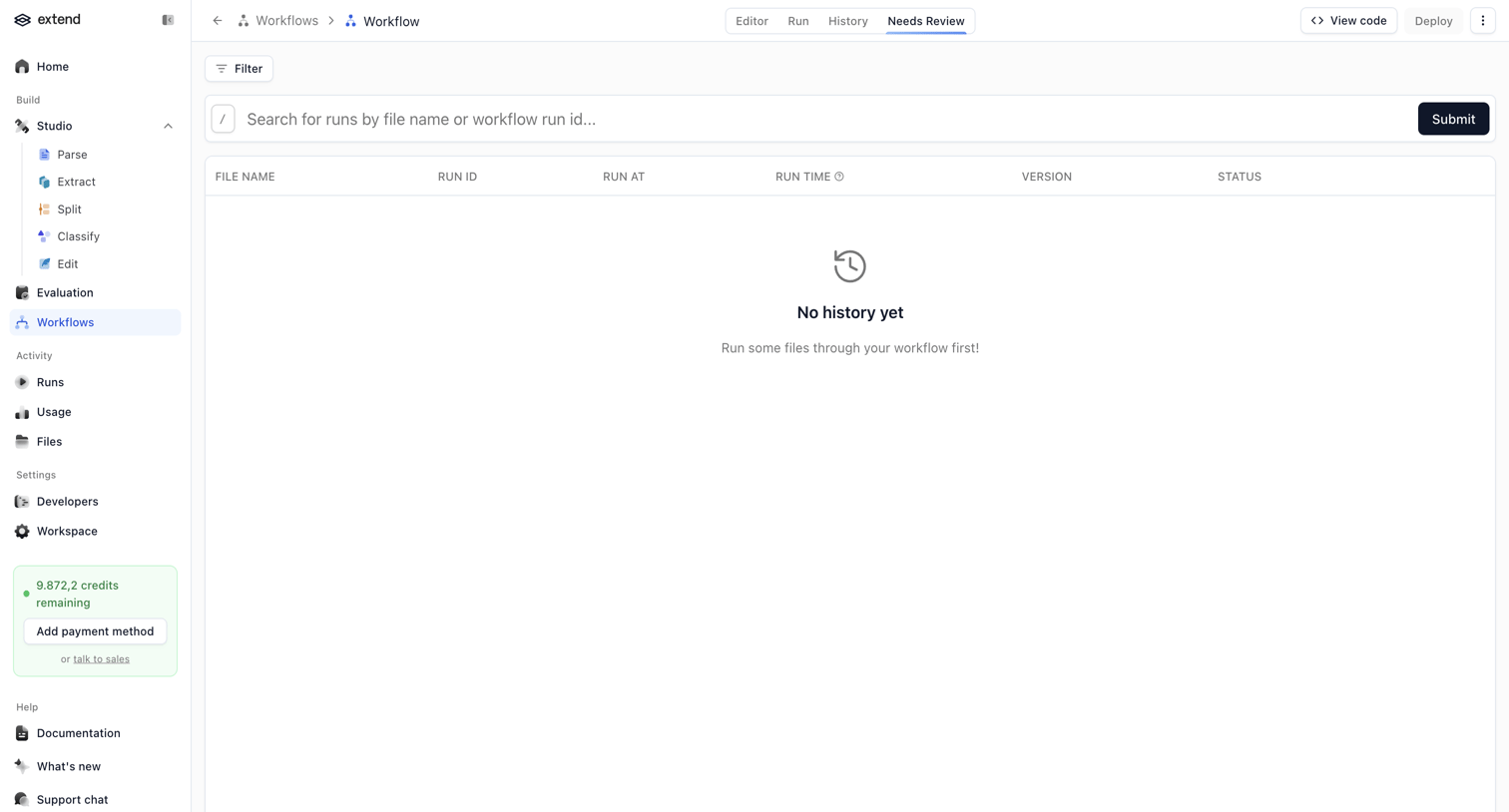

List view where the user reviews workflow runs, currently showing an empty state with a prompt to run files.
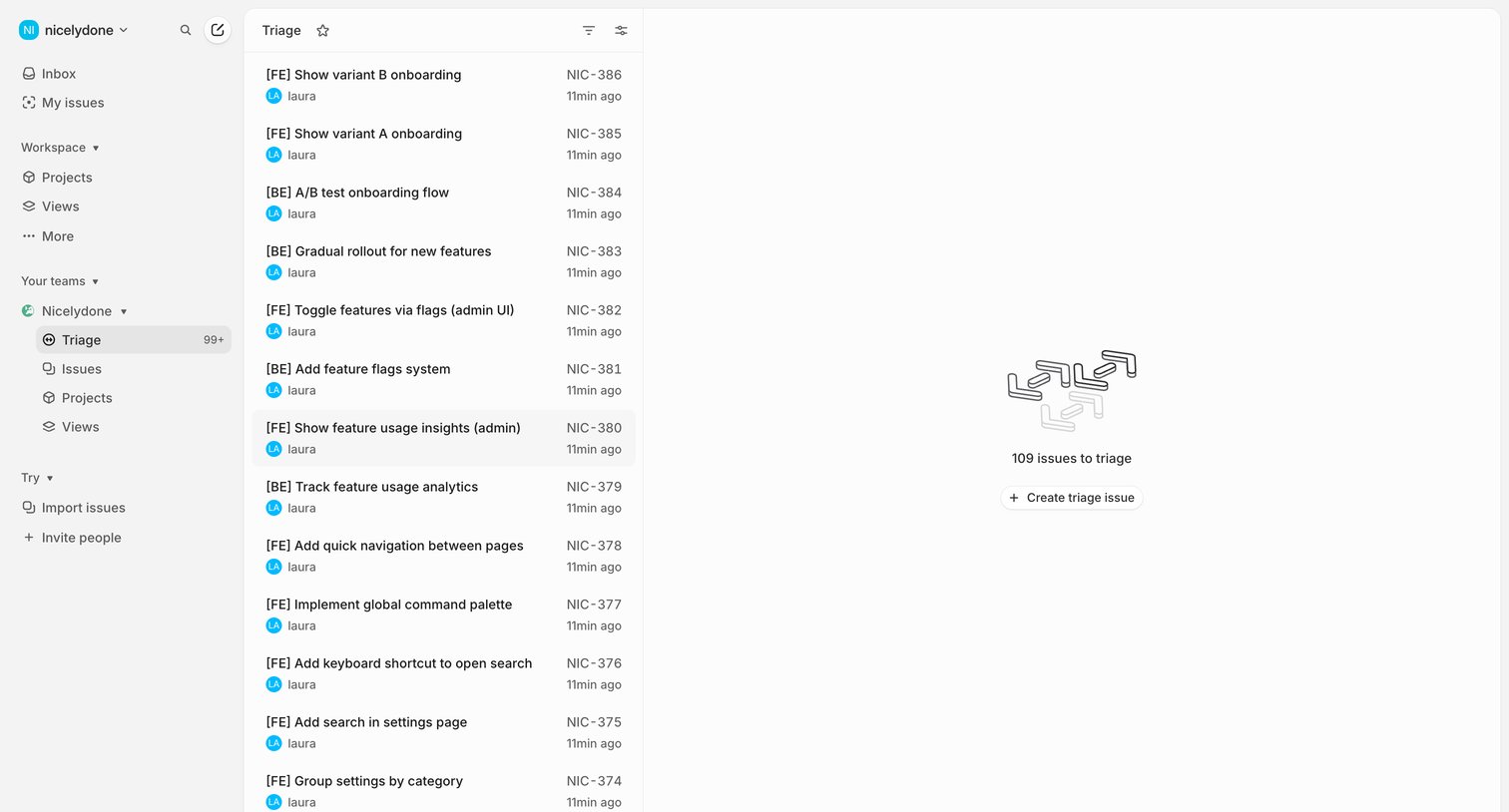

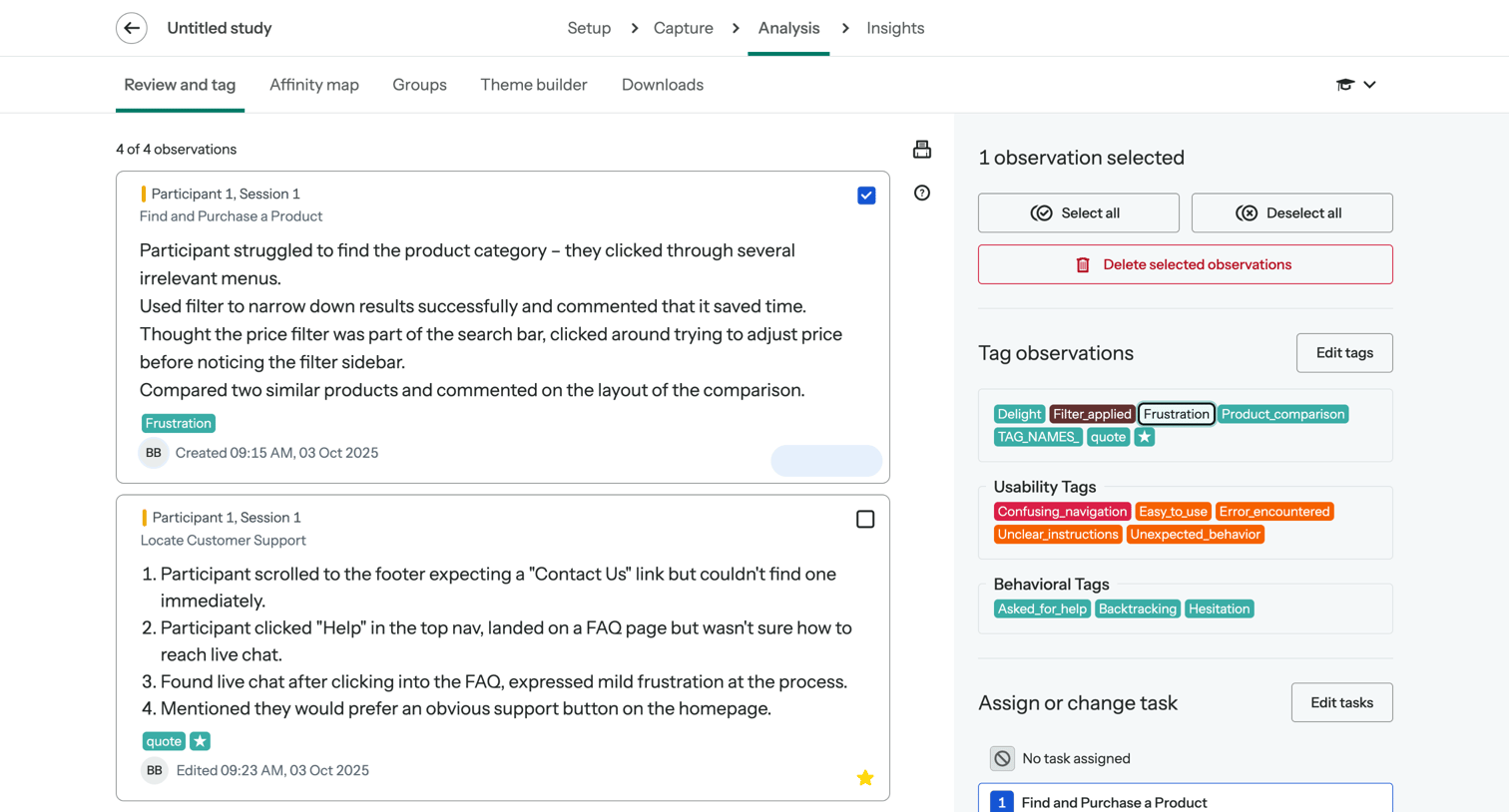

List view where the user reviews research observations, applies tags like Frustration or Delight, and assigns them to specific tasks.
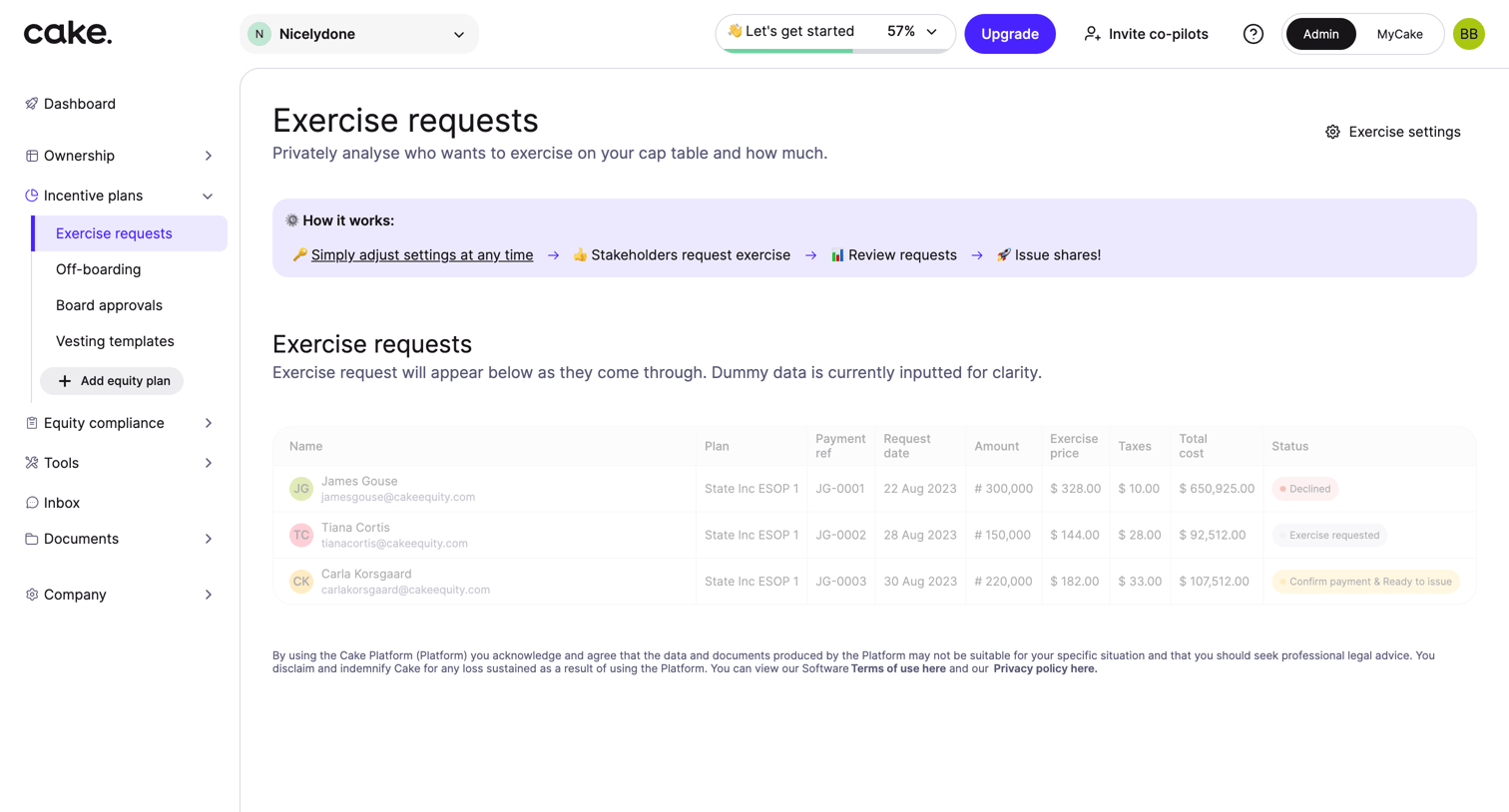

List view where admins review and manage exercise requests from stakeholders, featuring dummy data for clarity and a how-it-works explainer banner.
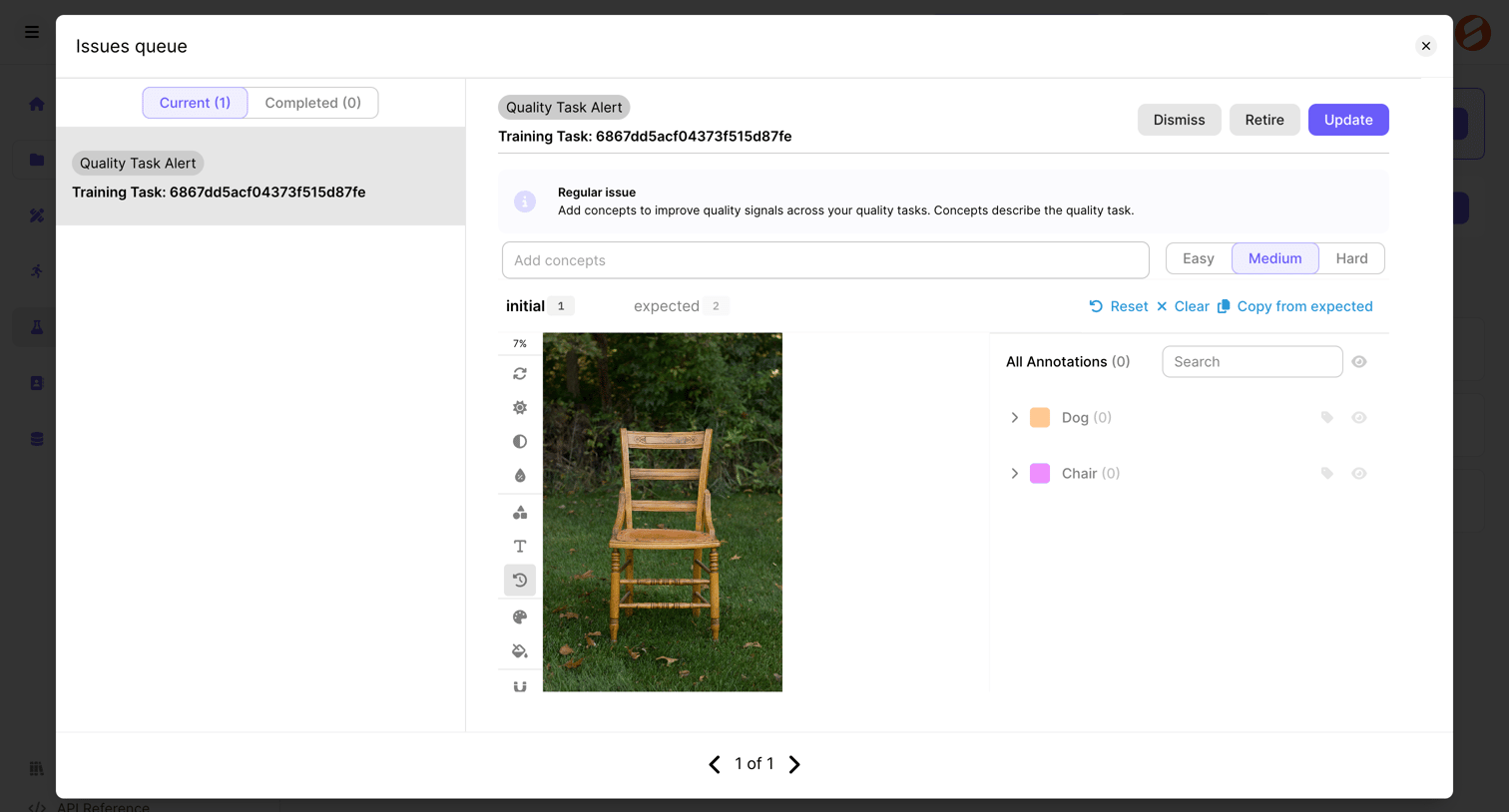

Inbox queue modal where the user reviews a quality task alert, adds concepts, sets difficulty, and inspects image annotations.
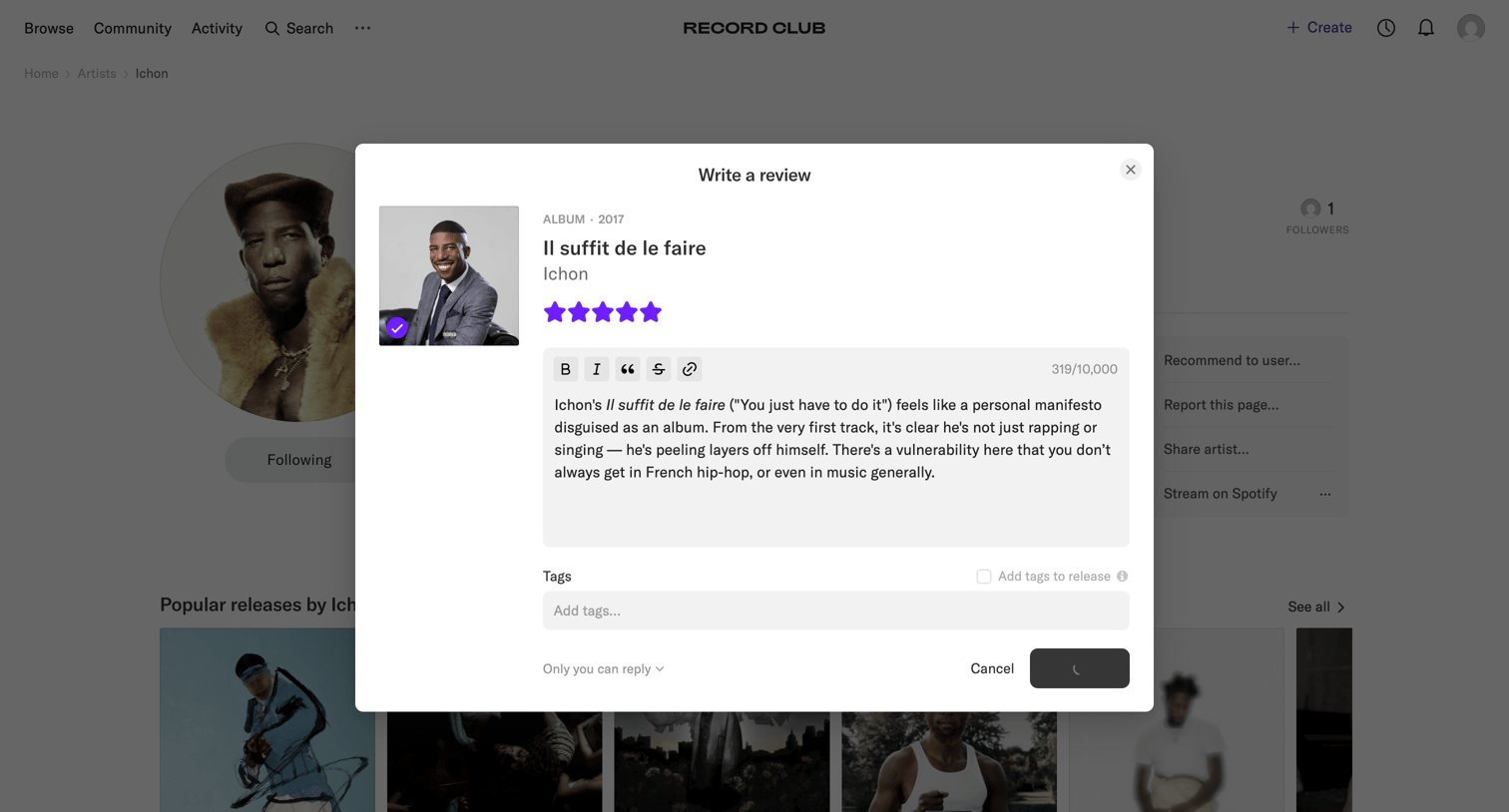

Artist profile page where the user is writing a review for the album 'Il suffit de le faire', currently submitting the form.
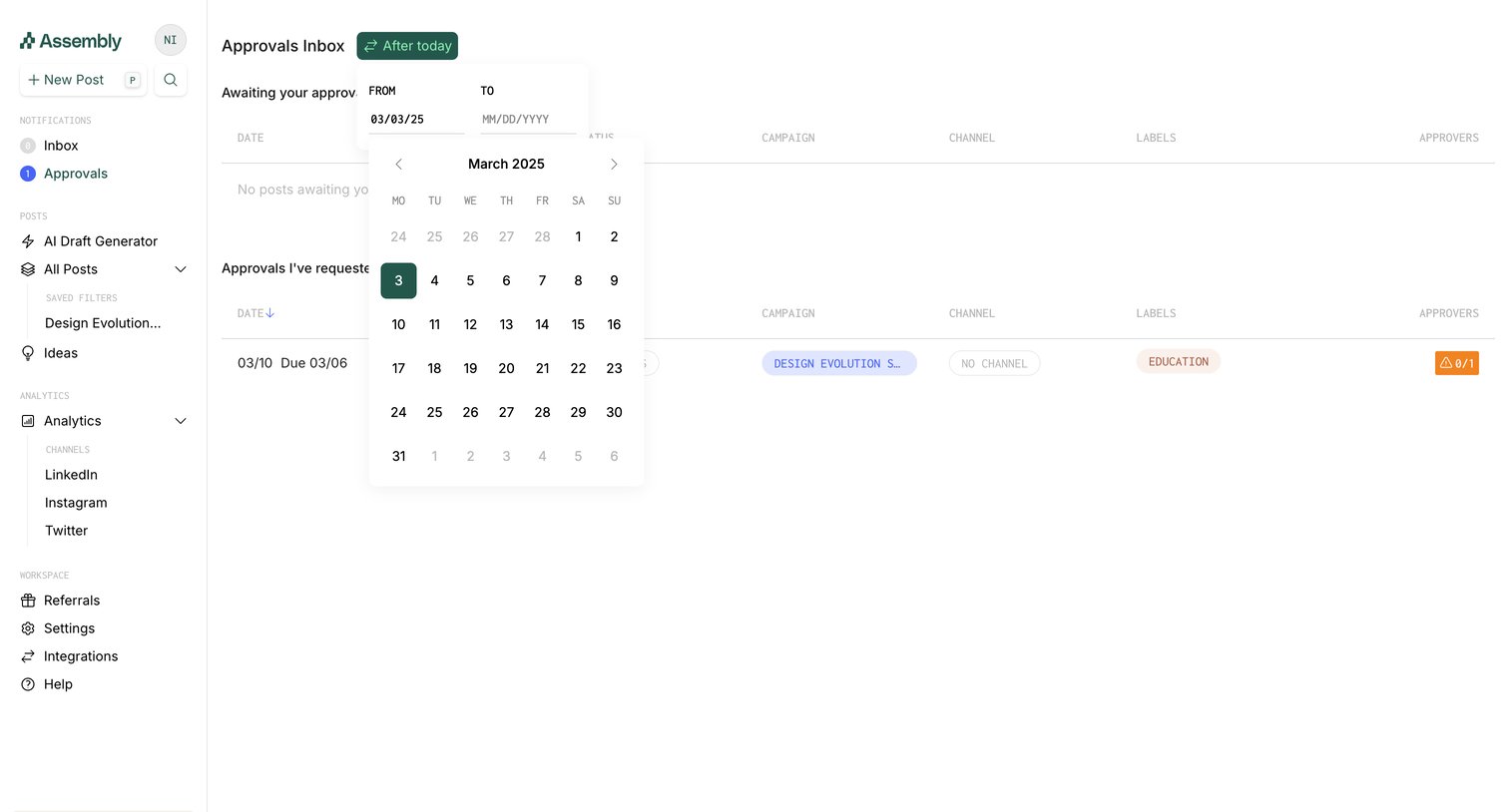

Inbox showing lists of approvals awaiting the user's action and approvals requested by the user, with a date range picker open.
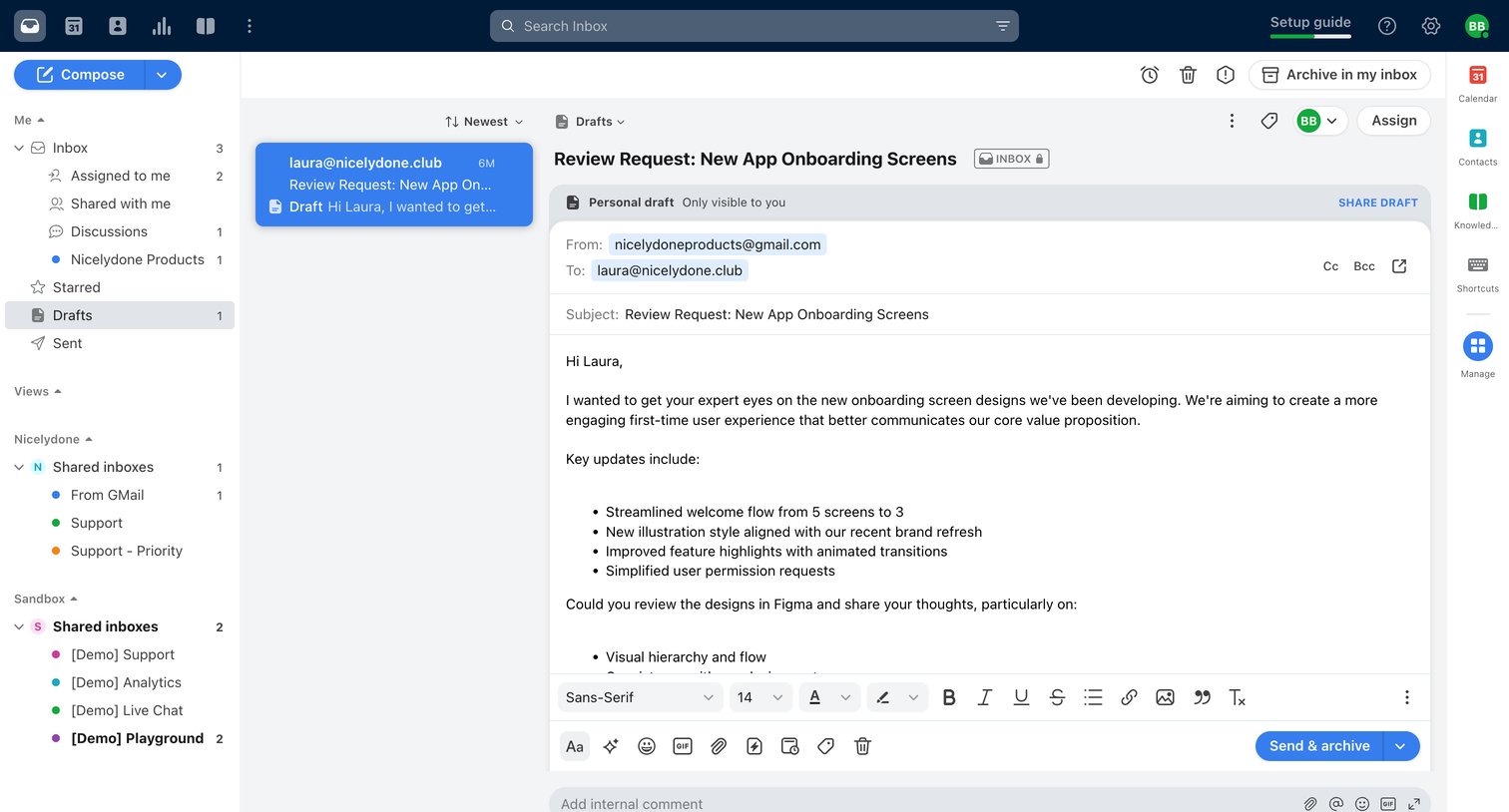

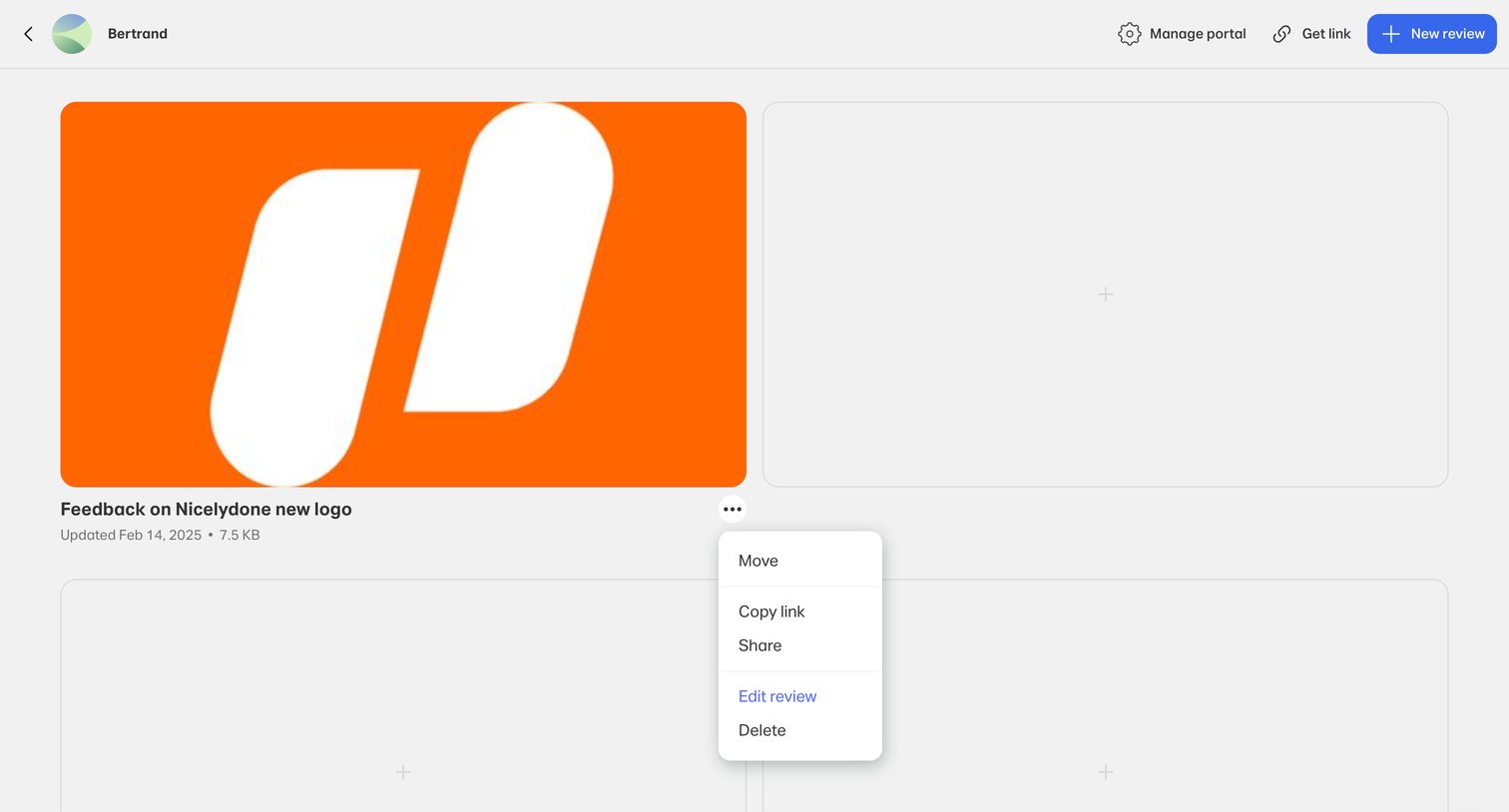

List view of a review portal where the user can manage design assets, showing a context menu open on a specific review card to move, share, edit, or delete it.
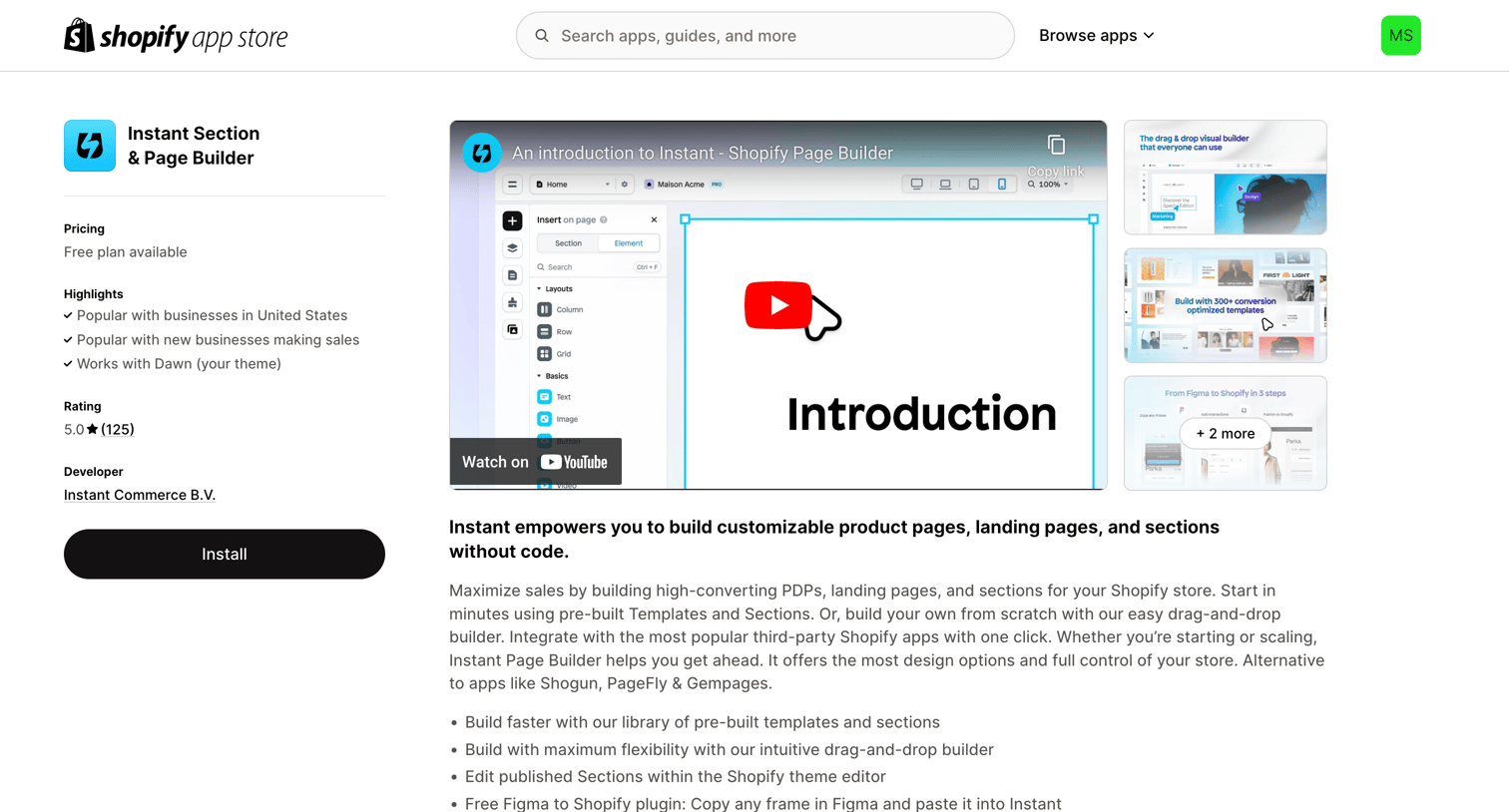

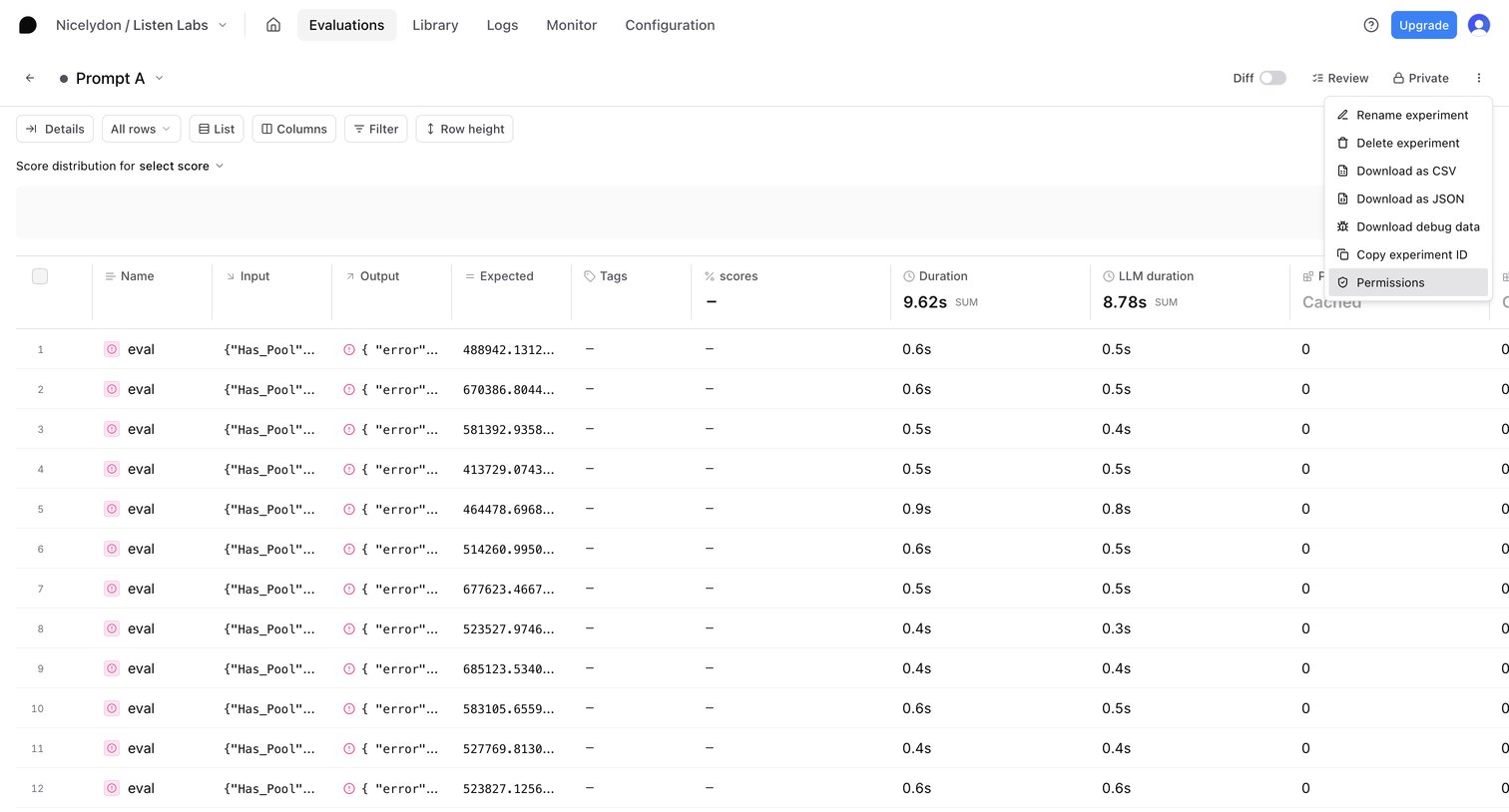

List view displaying the results of an AI prompt experiment, featuring a data table that compares inputs, generated outputs, and expected values alongside execution metrics.
Explore the full SaaS screen library
Upgrade to unlock the full library.
Trusted by the best teams








About Review Queue
See how SaaS apps collect items that need attention or a decision. Explore how queue layouts expose status and context before someone opens an item for review.