Assembly design examples
Explore Assembly UI design examples. Manage your social content like magic
Product screens
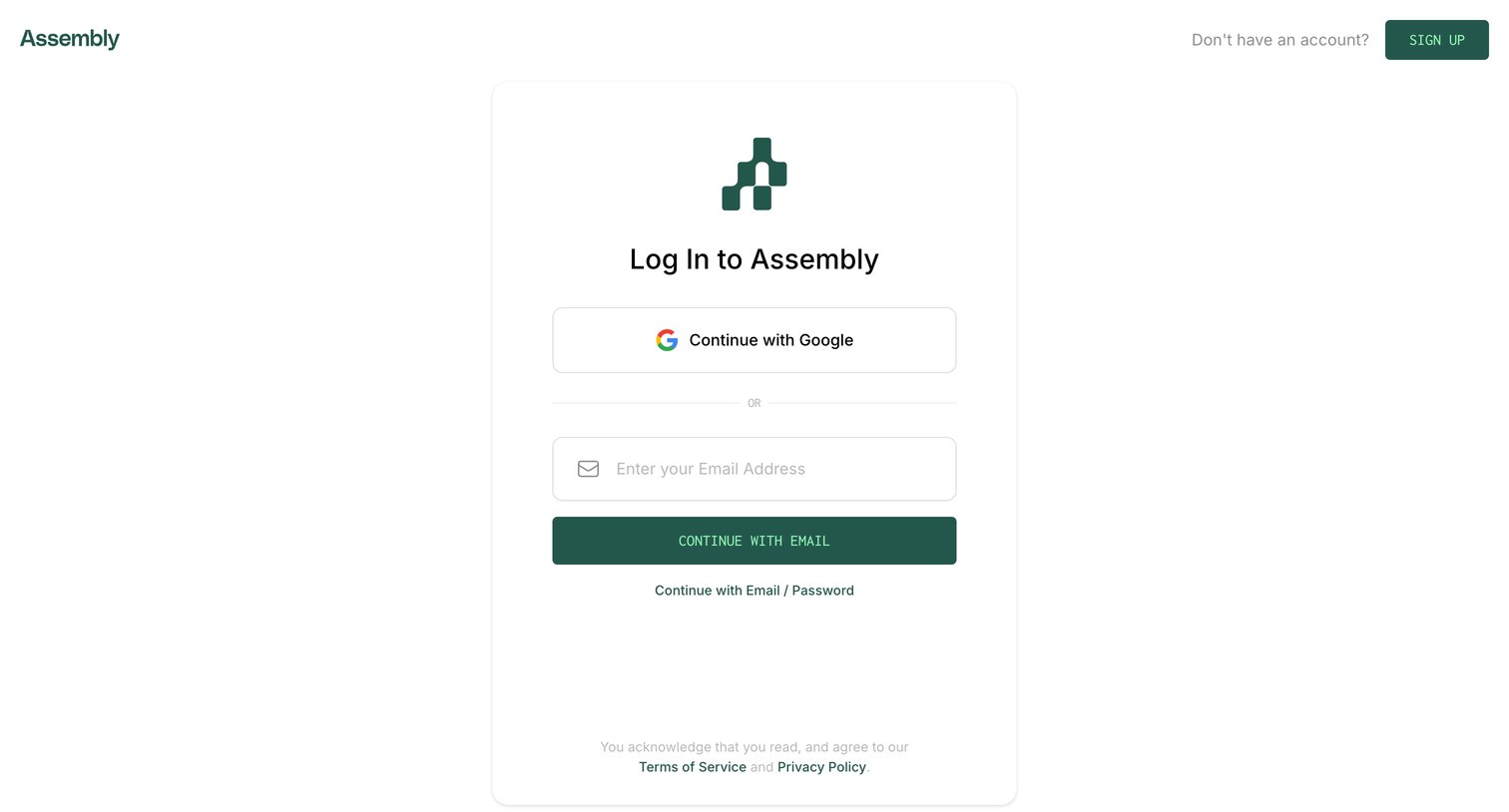
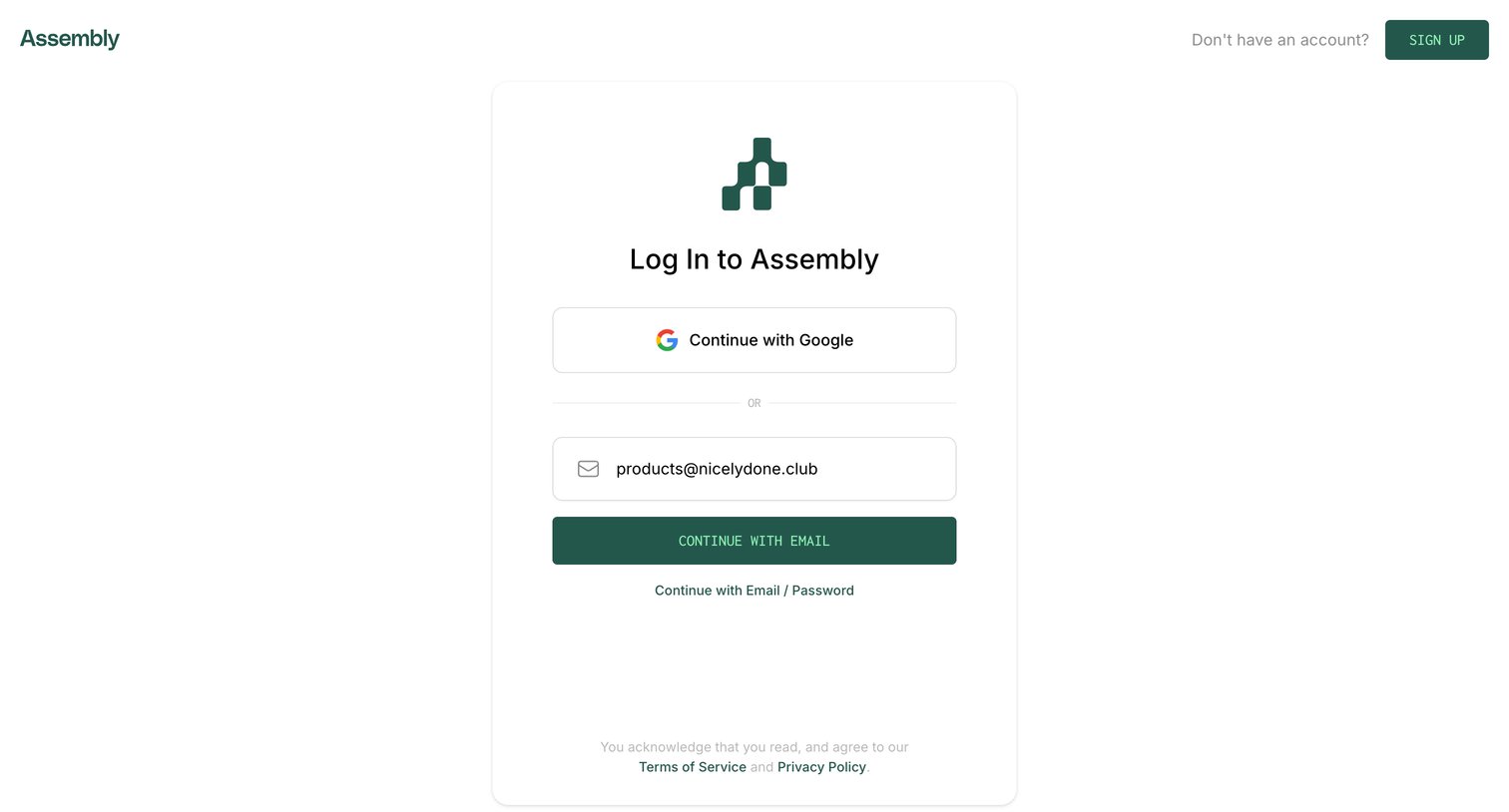
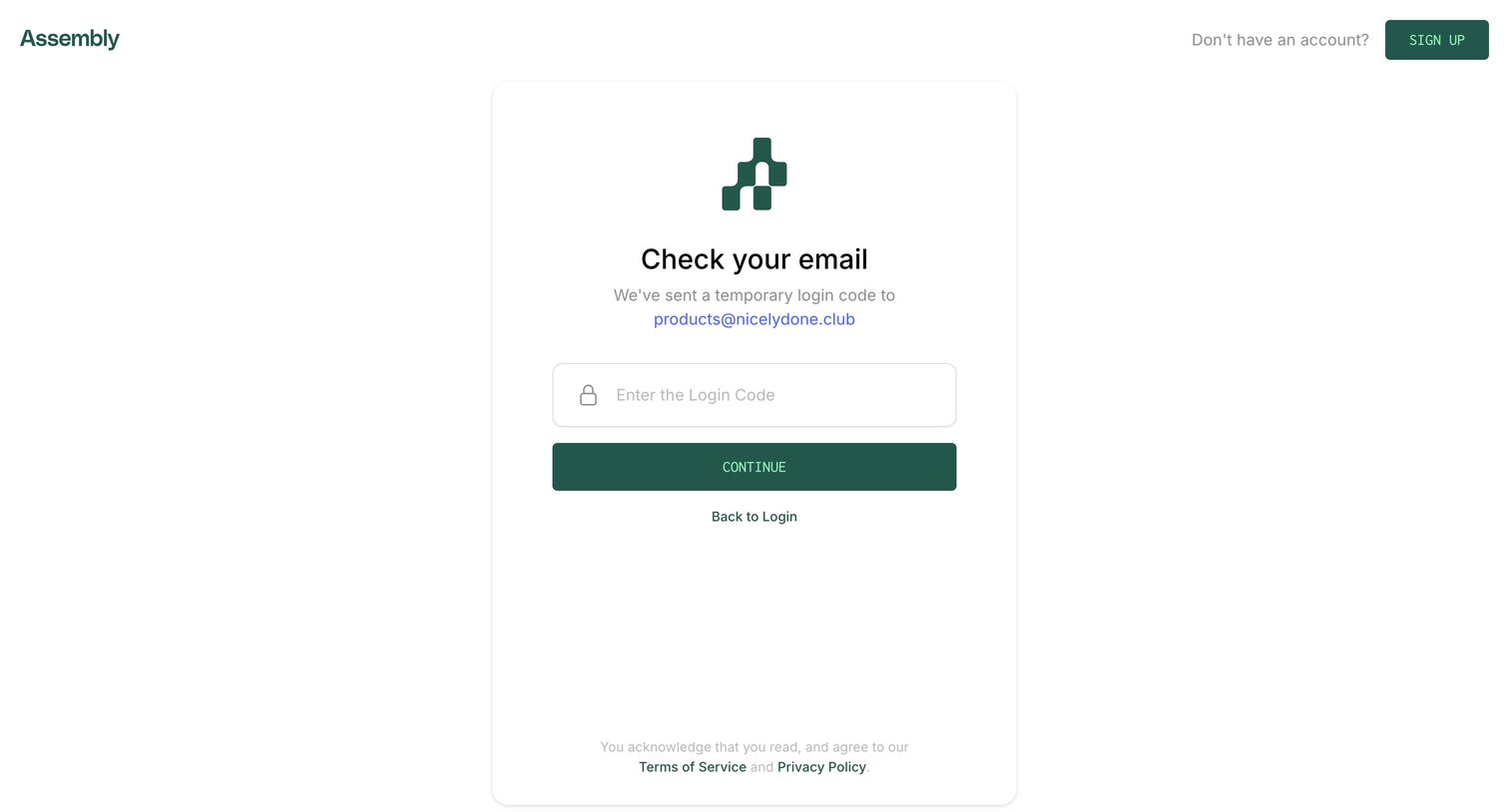

Verification screen where the user enters a temporary login code sent to their email to authenticate.
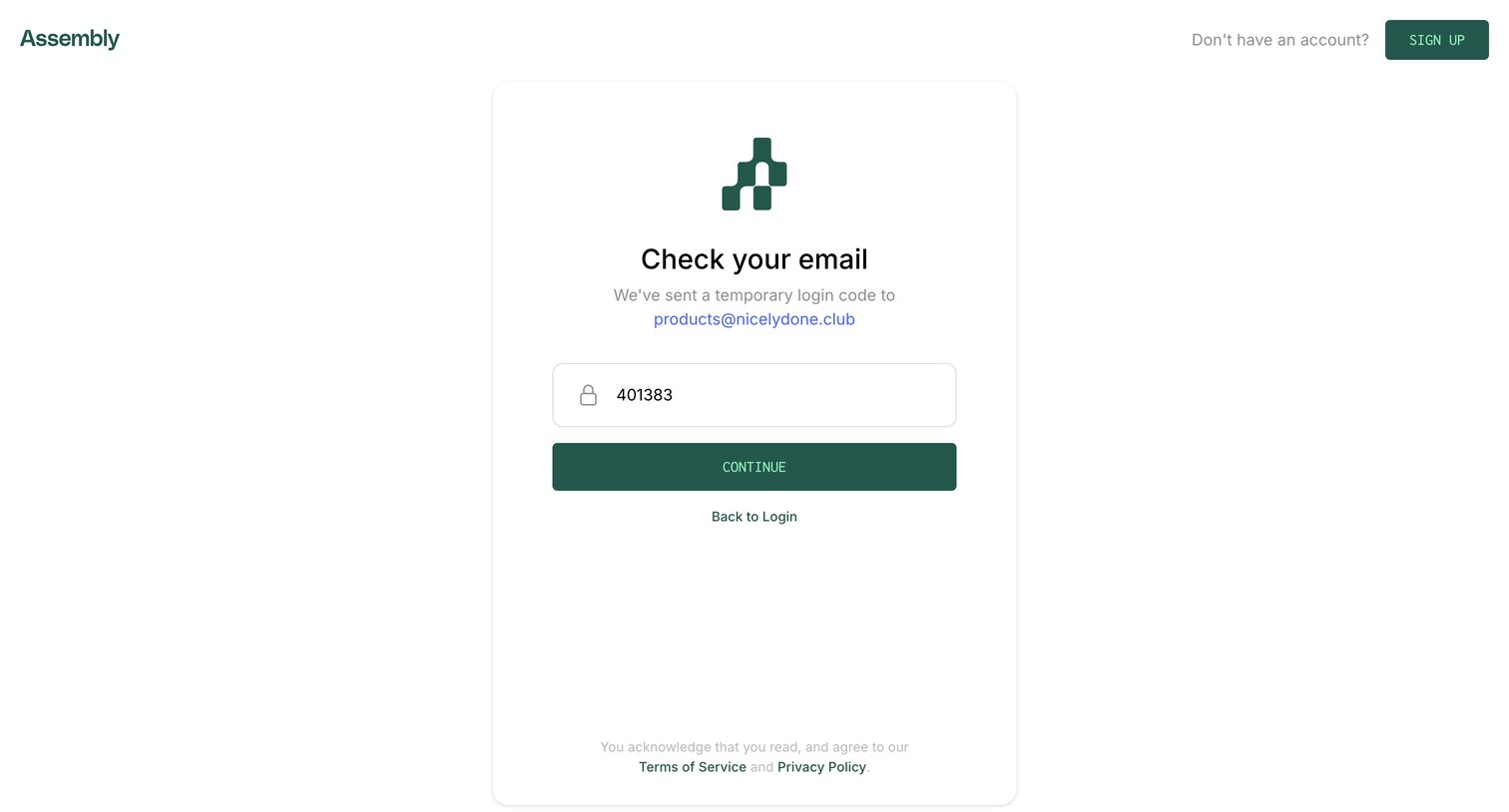
Verification screen where the user enters a temporary login code sent to their email to authenticate.
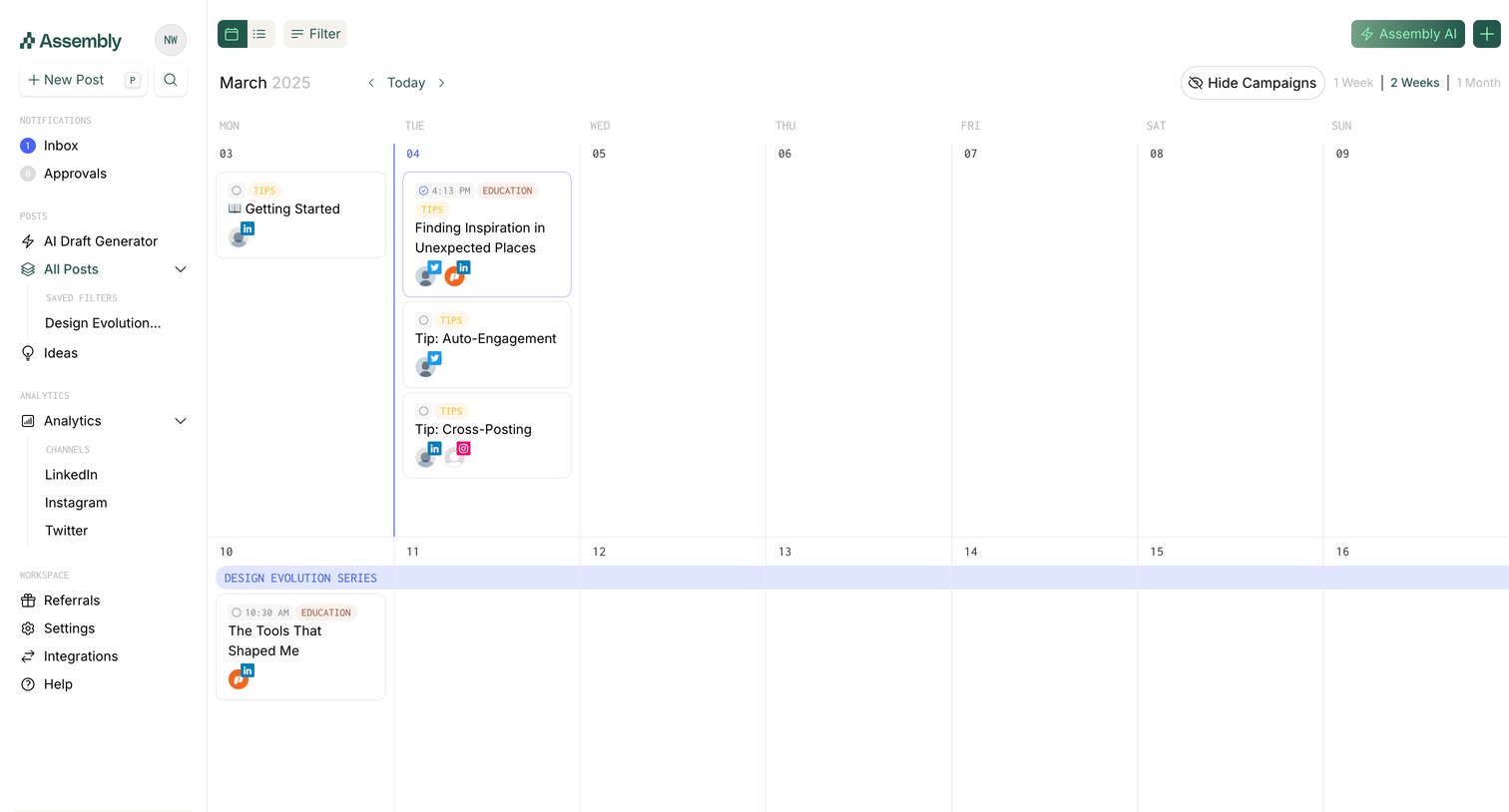
Content calendar where the user schedules and manages social media posts across different platforms.
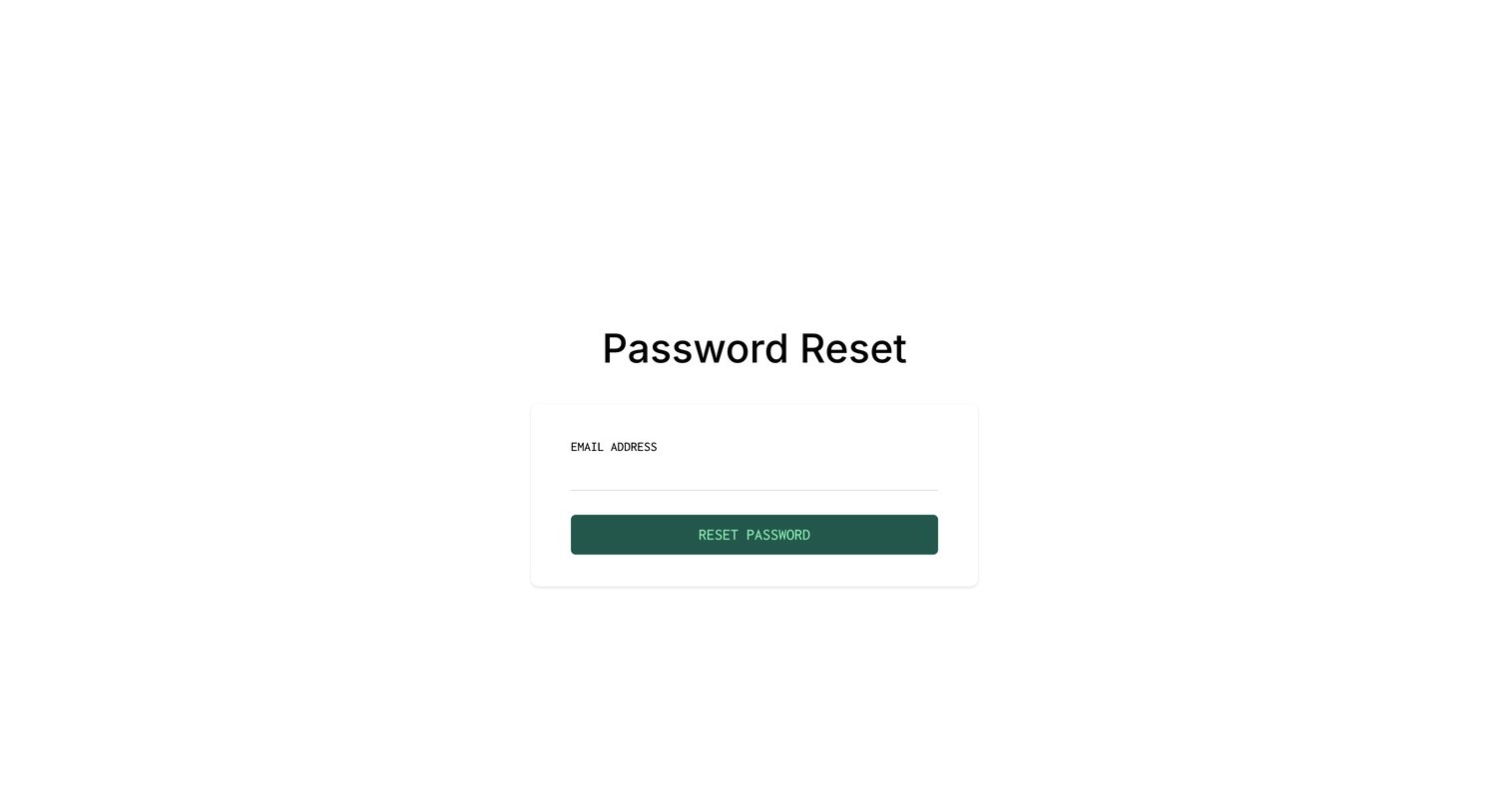
Password recovery screen where the user enters their email address to request a reset link.
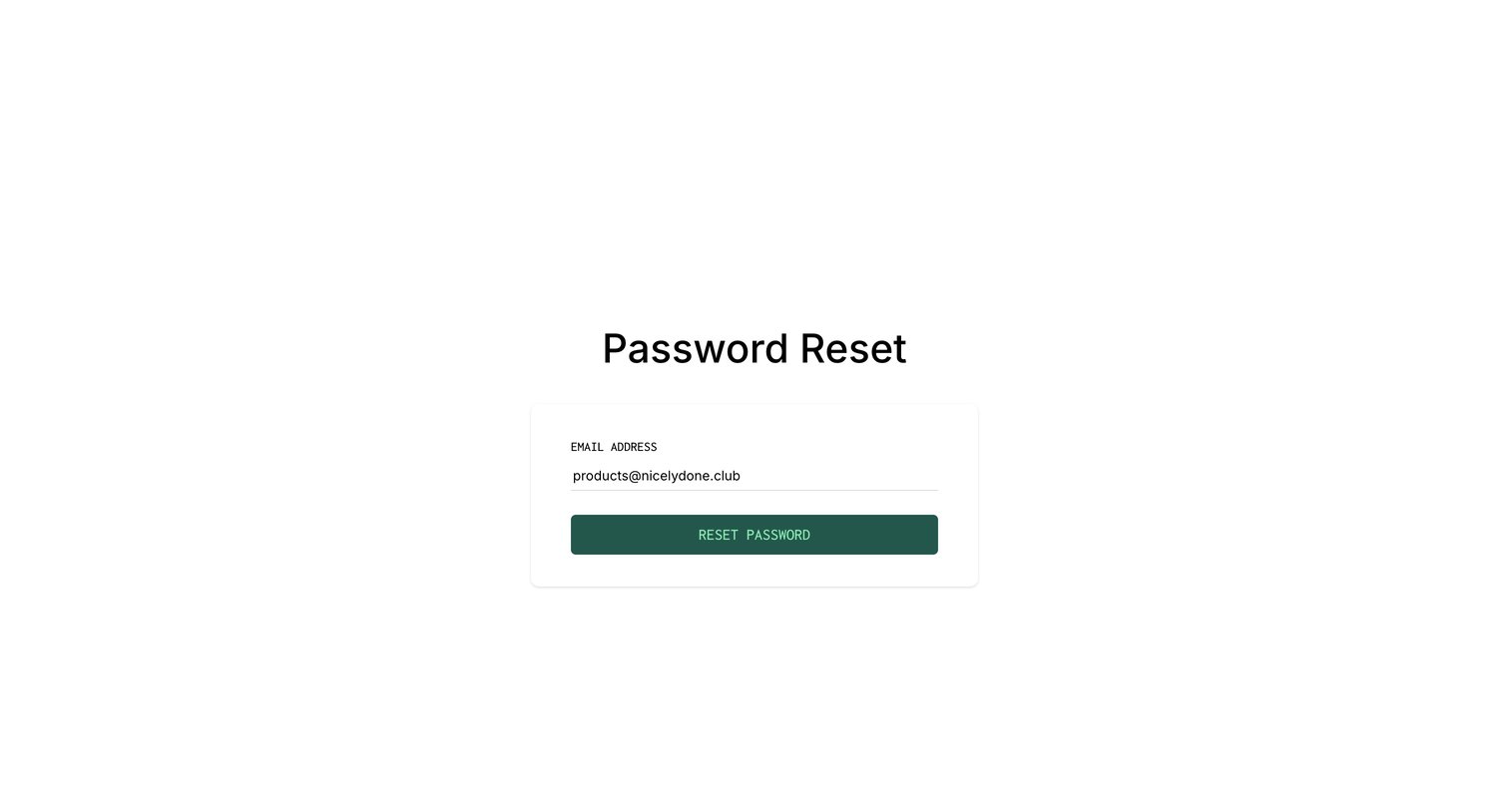
Password recovery screen where the user submits their email address to receive a reset link.
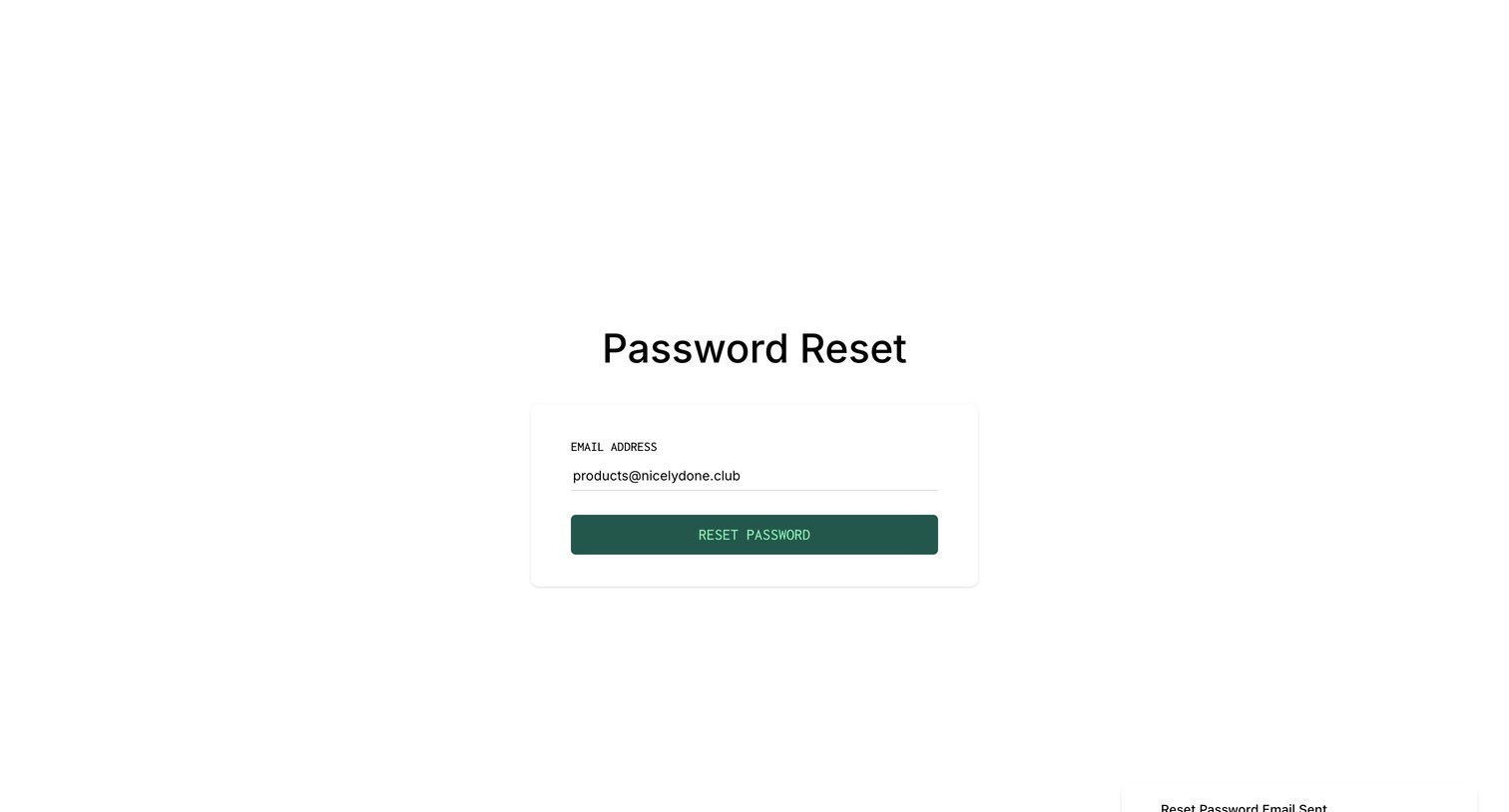
Password recovery screen where the user has requested a reset link for their email address, showing a success toast notification.
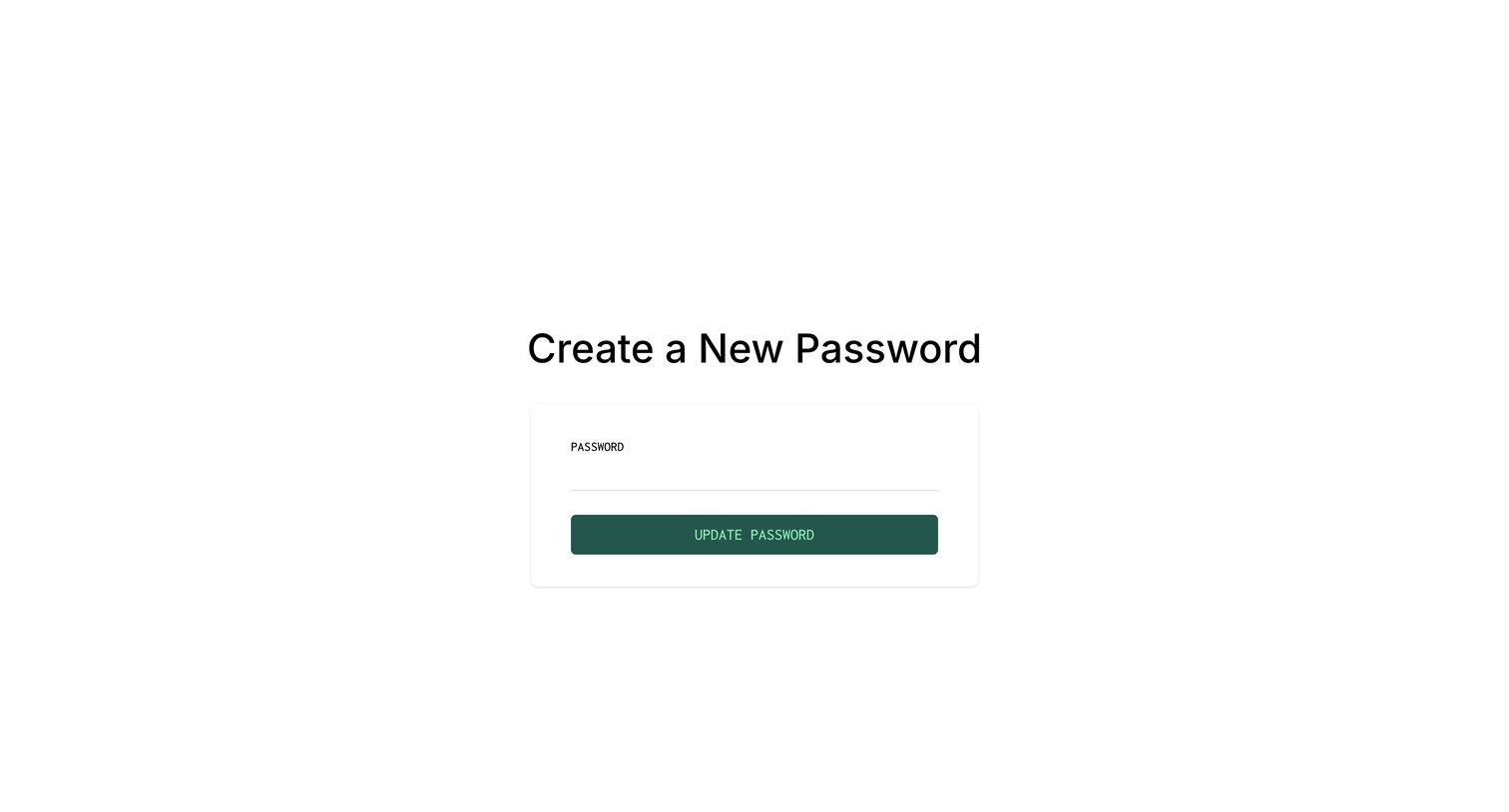
Password recovery screen where the user enters a new password to update their account credentials.
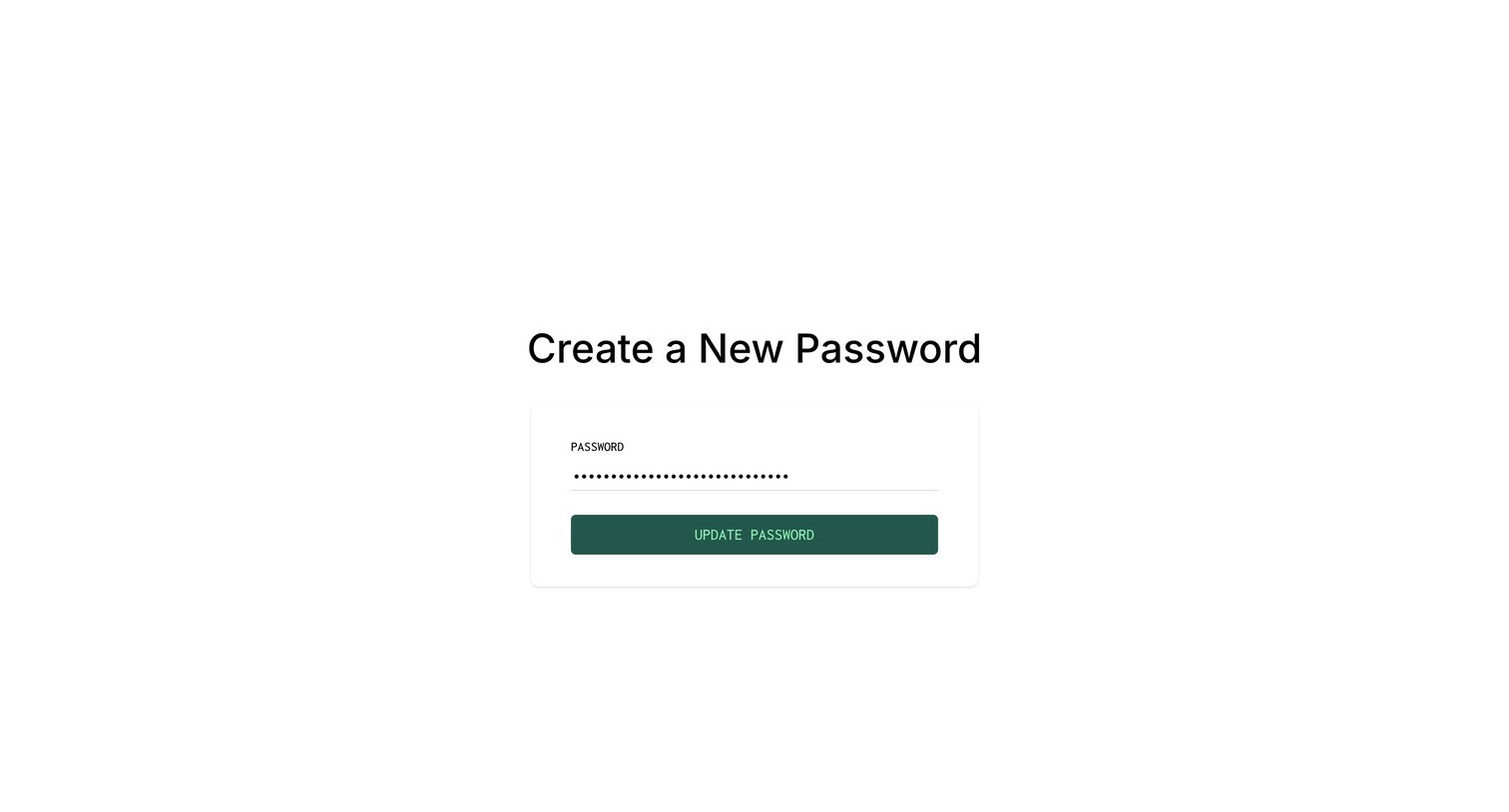
Password recovery screen where the user enters and submits a new password to regain access to their account.
Browse the full SaaS app library
Explore real SaaS apps with their product screens, marketing screens, flows, and components.
Trusted by the best teams







