WeTransfer design examples
Explore WeTransfer UI design examples. The simplest way to send your files around the world.
Product screens


Verification step where the user enters a code sent to their email to create a verified account.
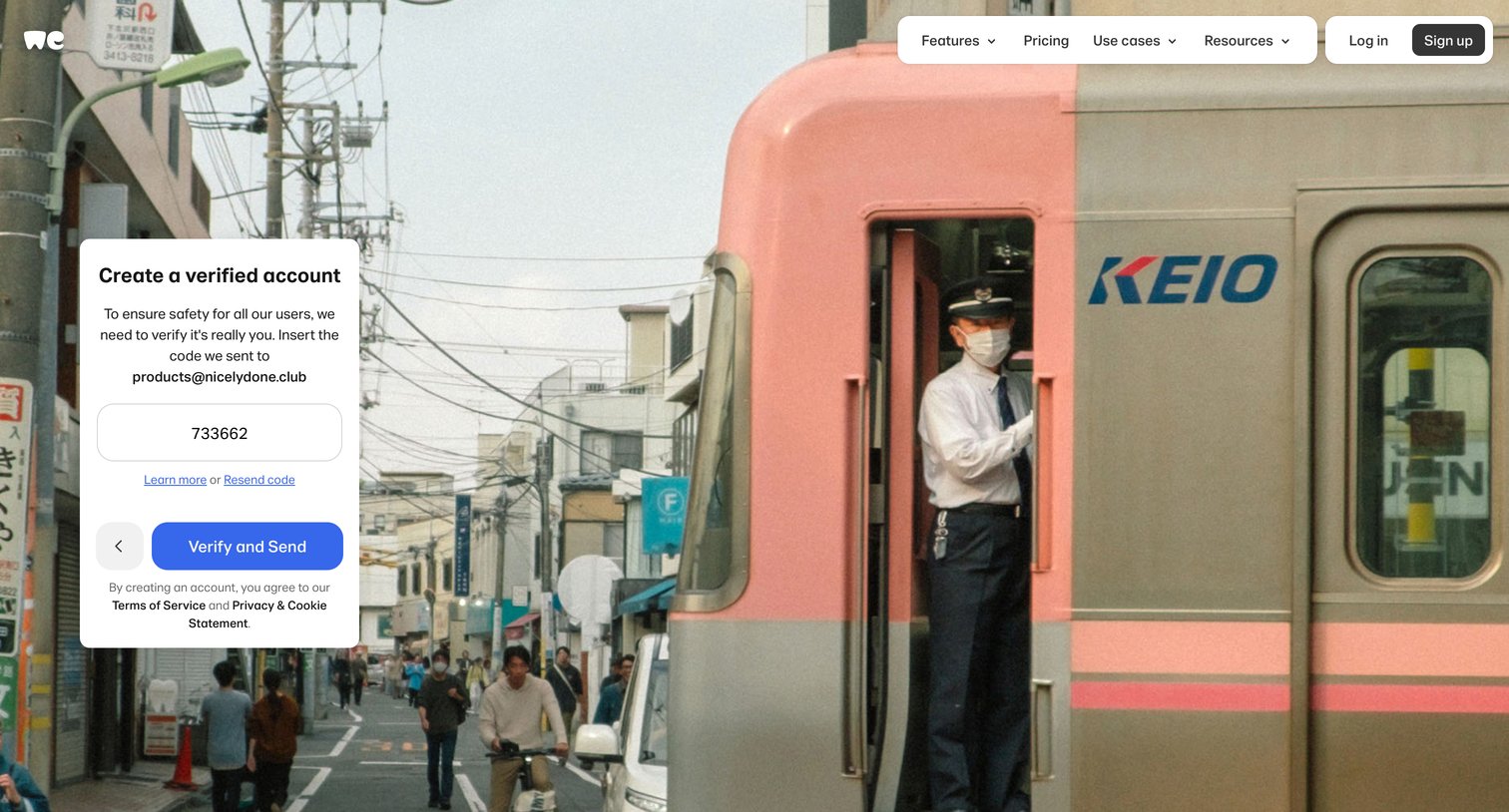
Verification screen where the user enters a 6-digit code sent to their email to complete account creation.
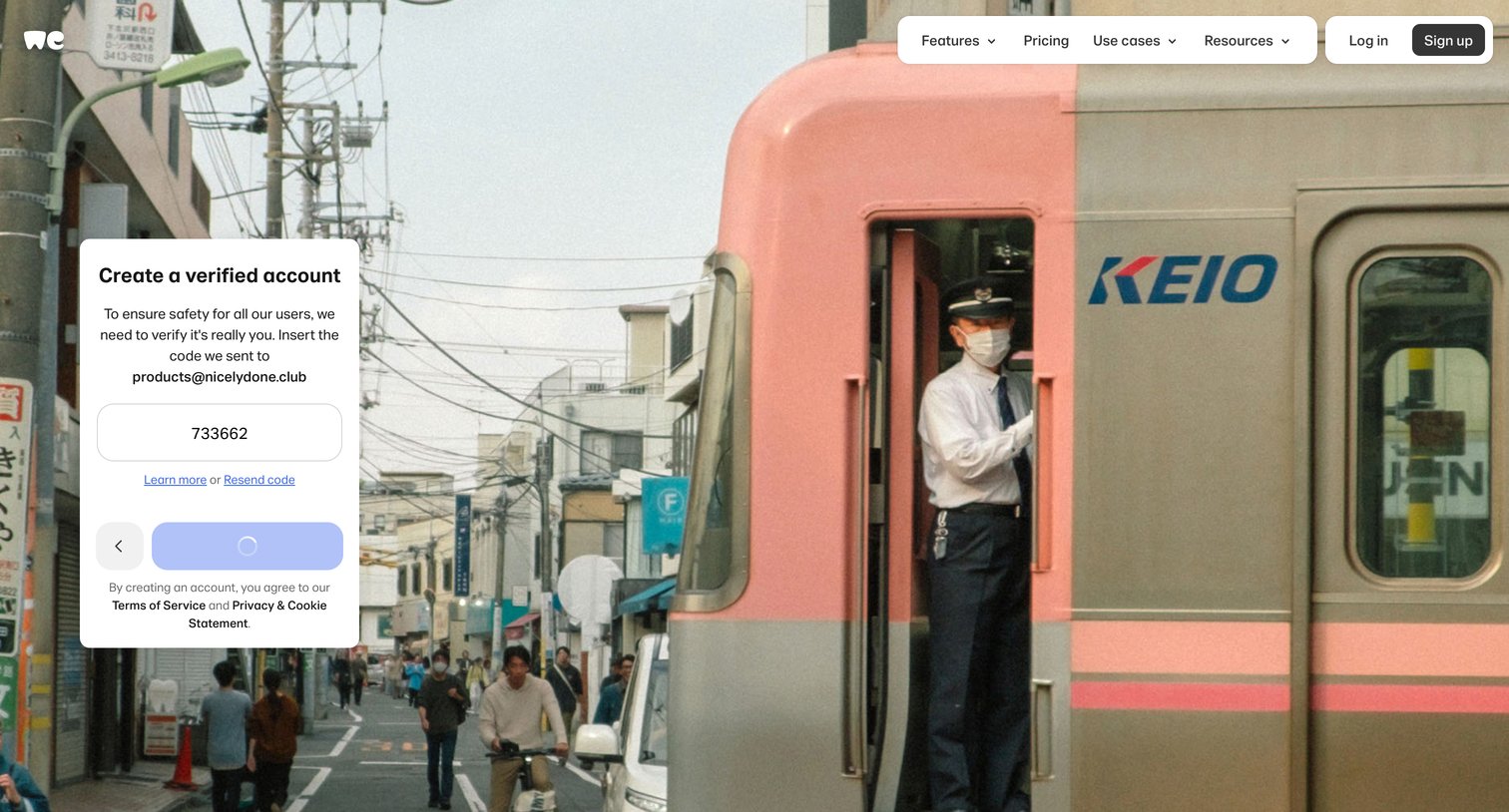
Verification screen where the user enters a 6-digit code sent to their email to finalize account creation.
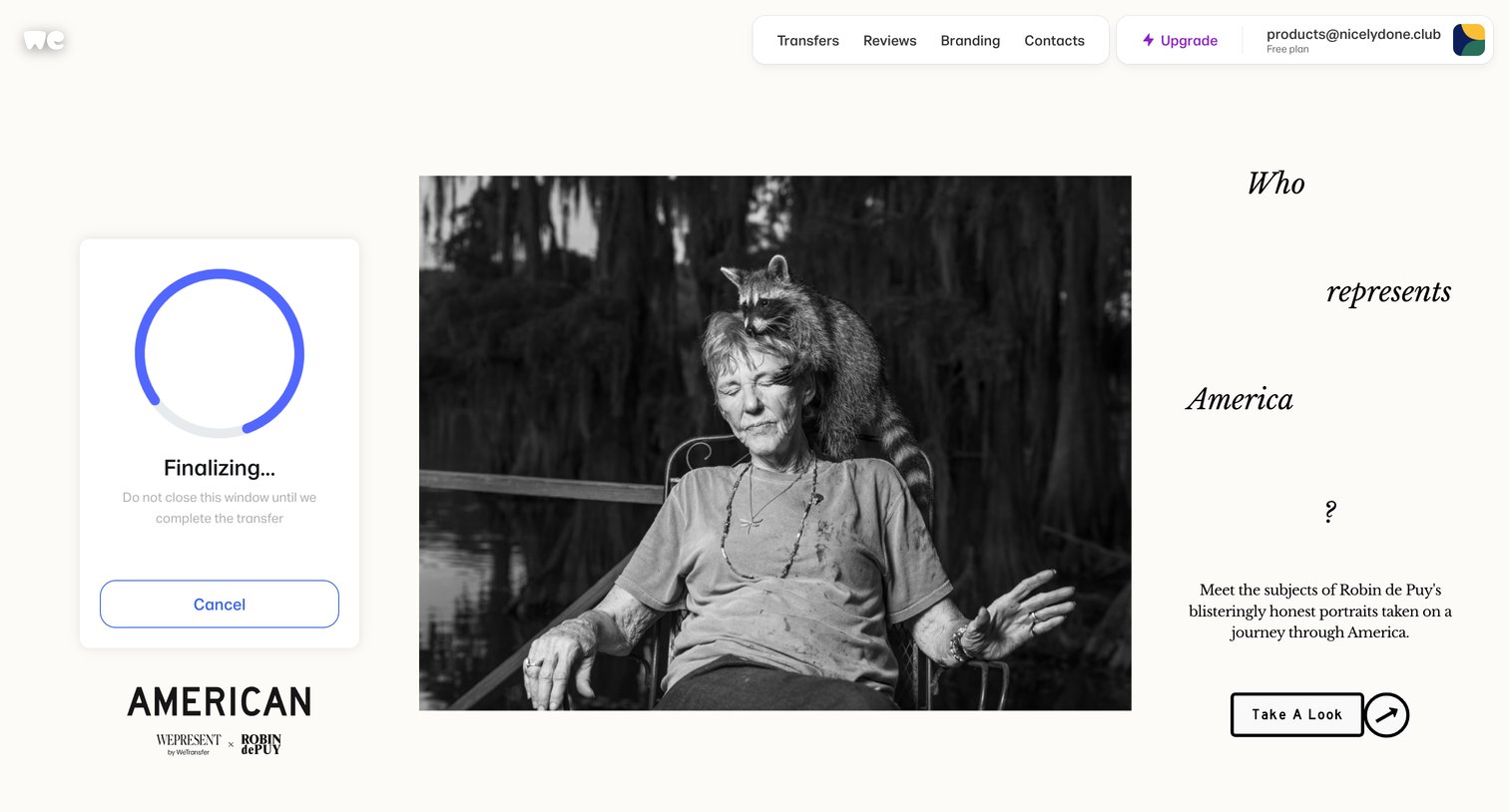
Home screen where a file transfer is actively finalizing in a floating card, displayed alongside a featured editorial campaign.
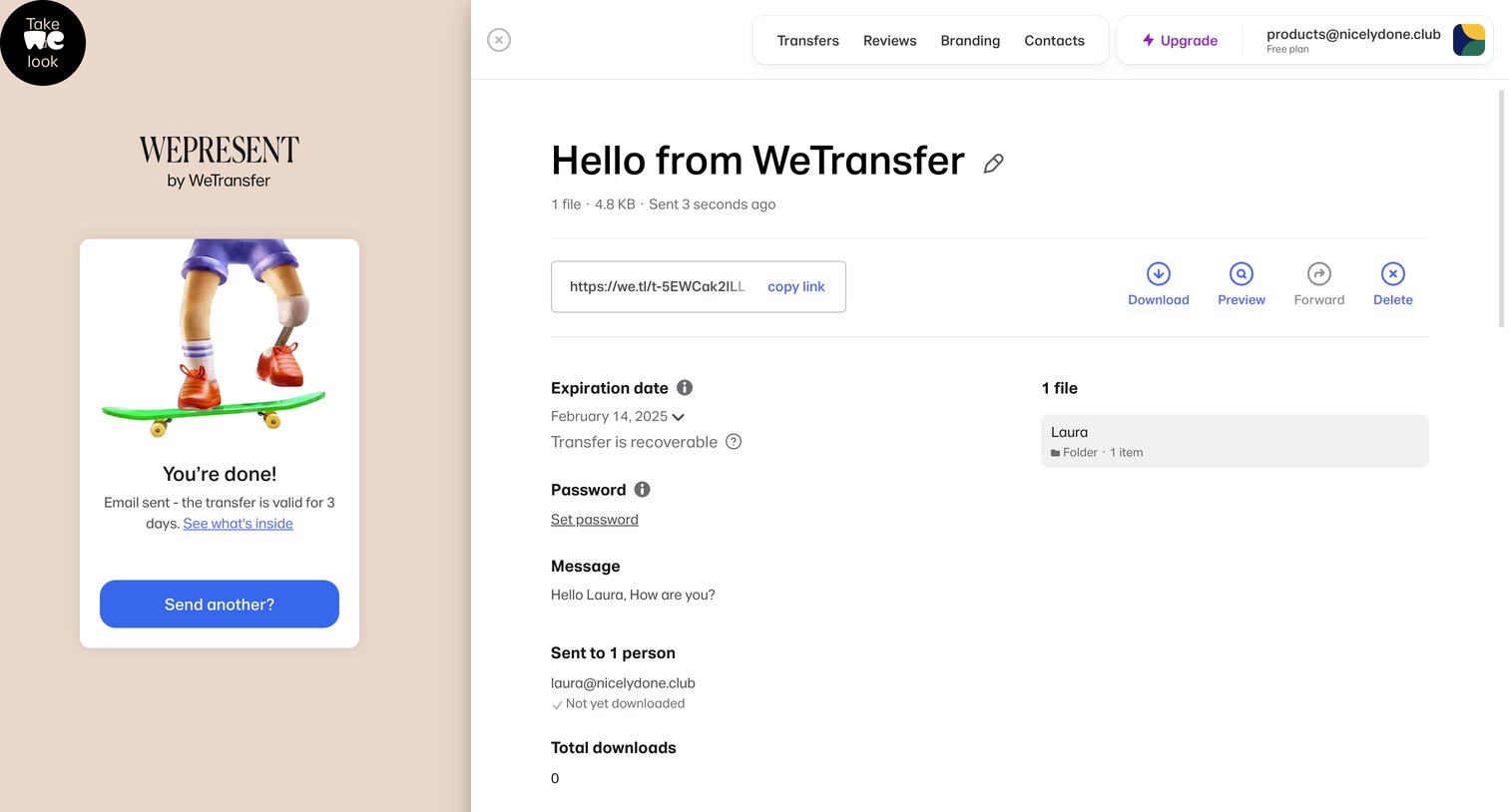
Detail page where the user views a recently sent transfer's status, copies the share link, and manages settings like expiration date and password.
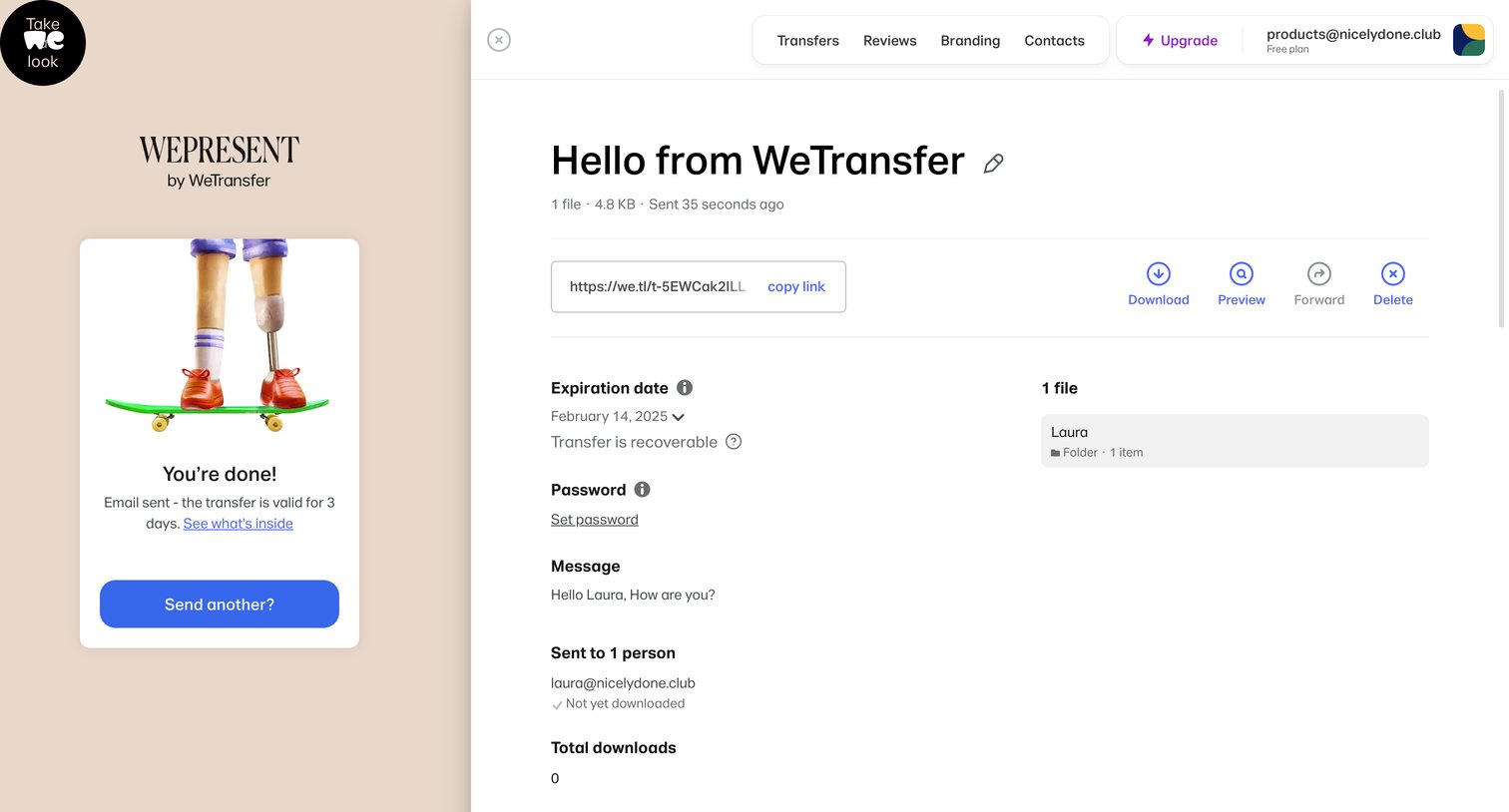
Detail page for a specific file transfer showing expiration, recipients, and download status, alongside a confirmation panel that the transfer was successfully sent.
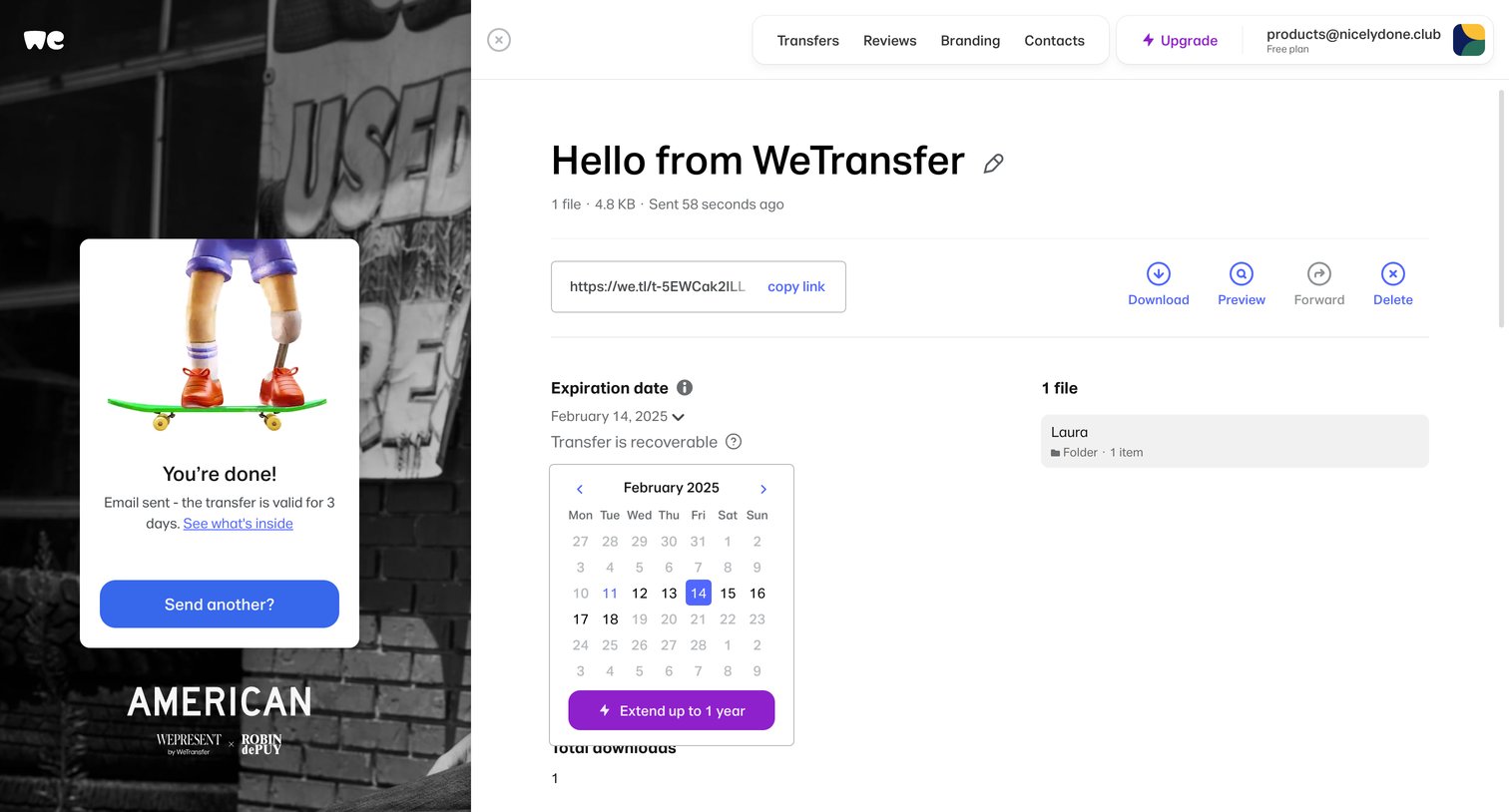
Detail drawer where the user views a completed file transfer, copies the share link, and adjusts the expiration date via an open calendar picker.
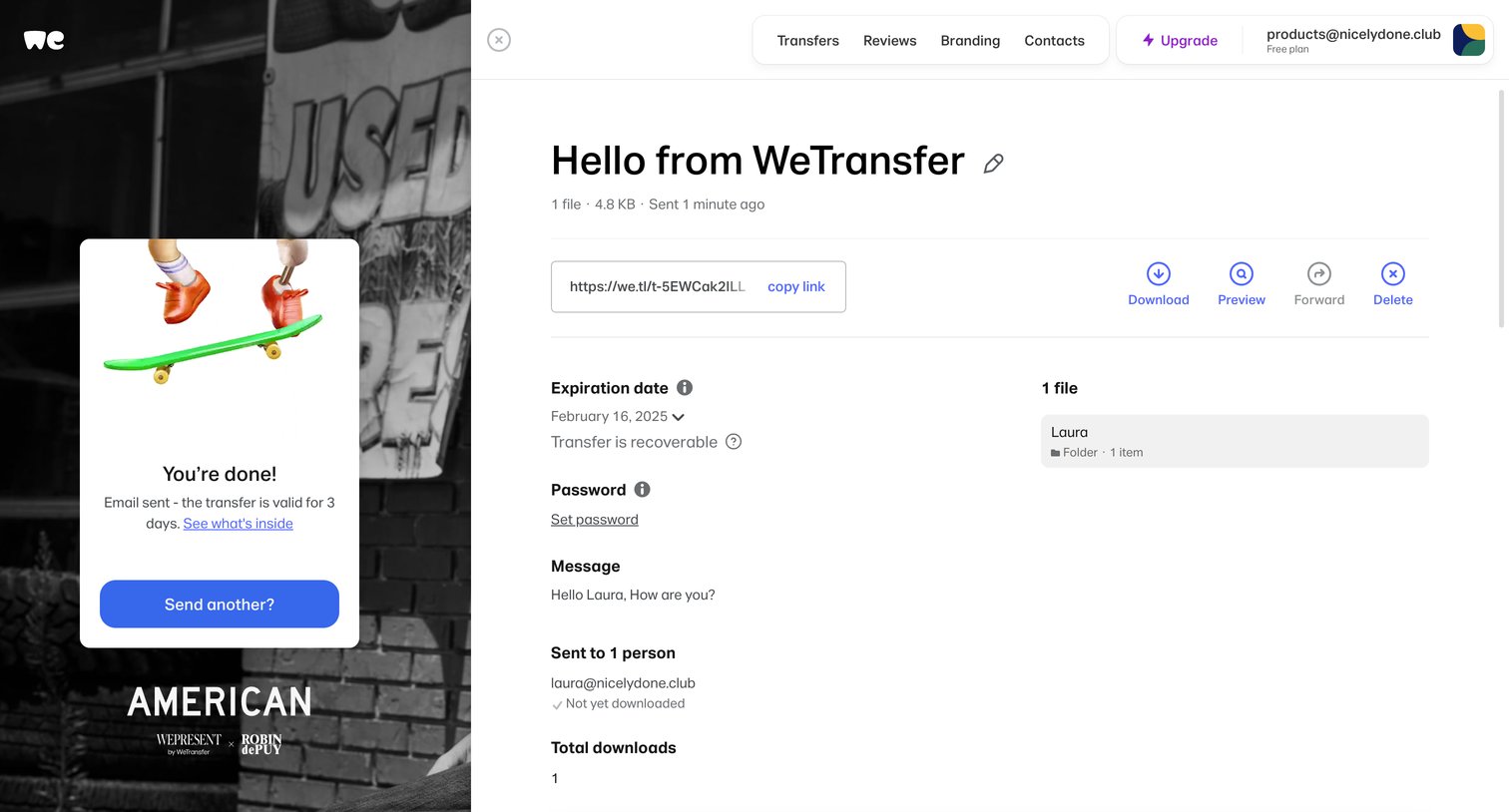
Detail page where the user reviews a sent transfer, including its share link, expiration date, password settings, message, and recipient download status.
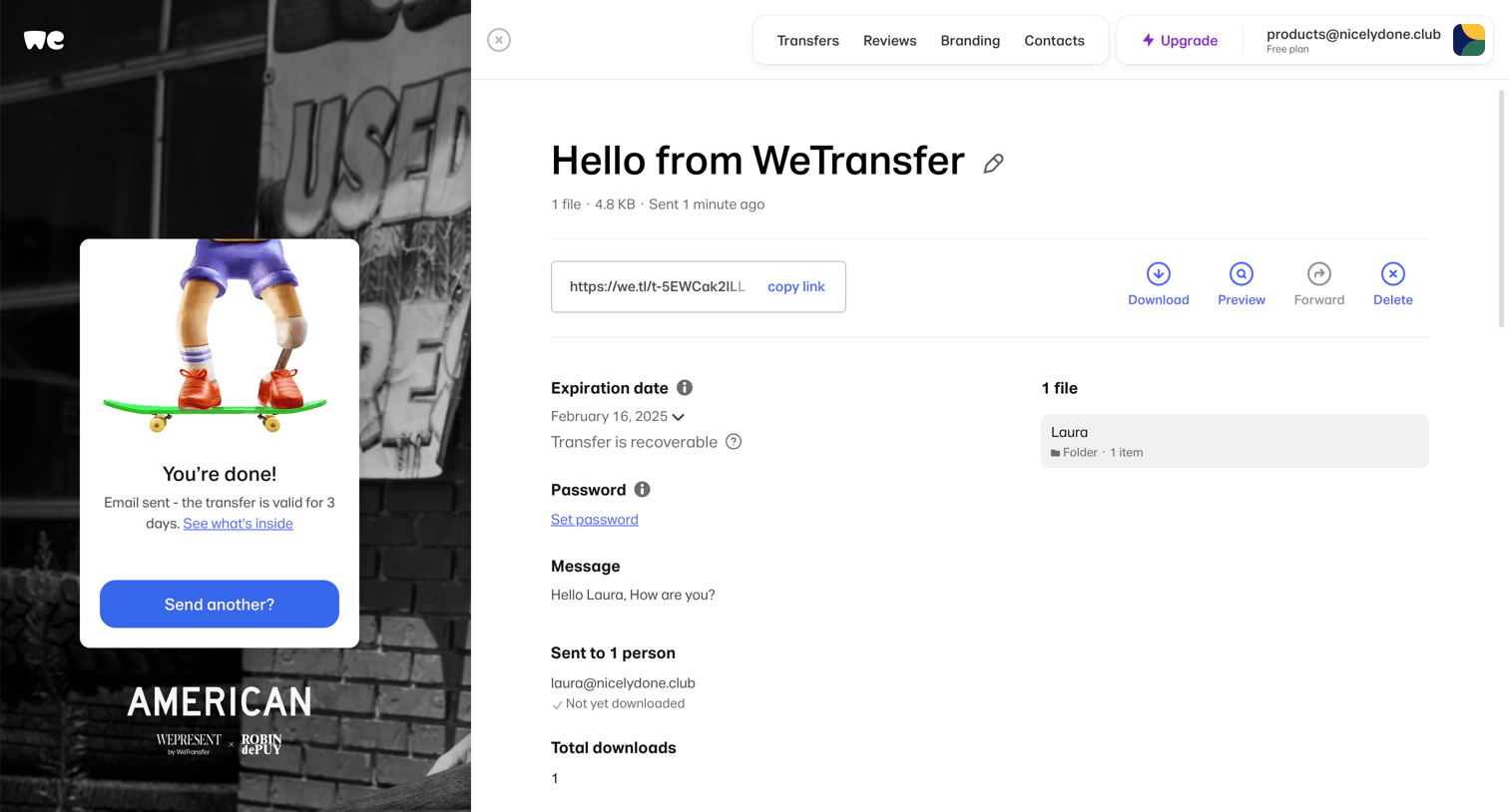
Detail page where the user views a successfully sent transfer, copies the share link, and manages settings like expiration date and password.
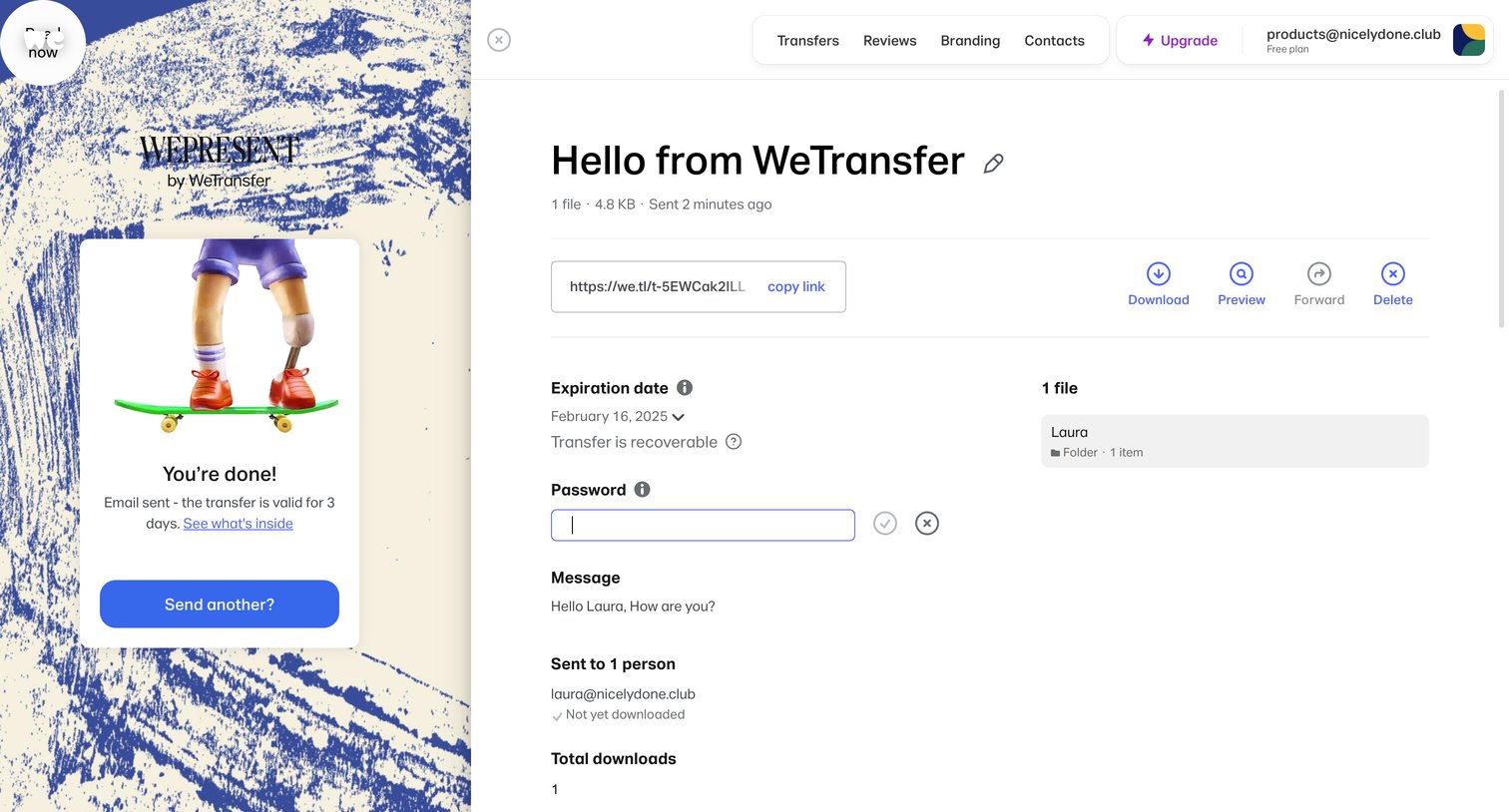
Detail page where the user views a sent transfer, including its shareable link, expiration date, password settings, and recipient status.
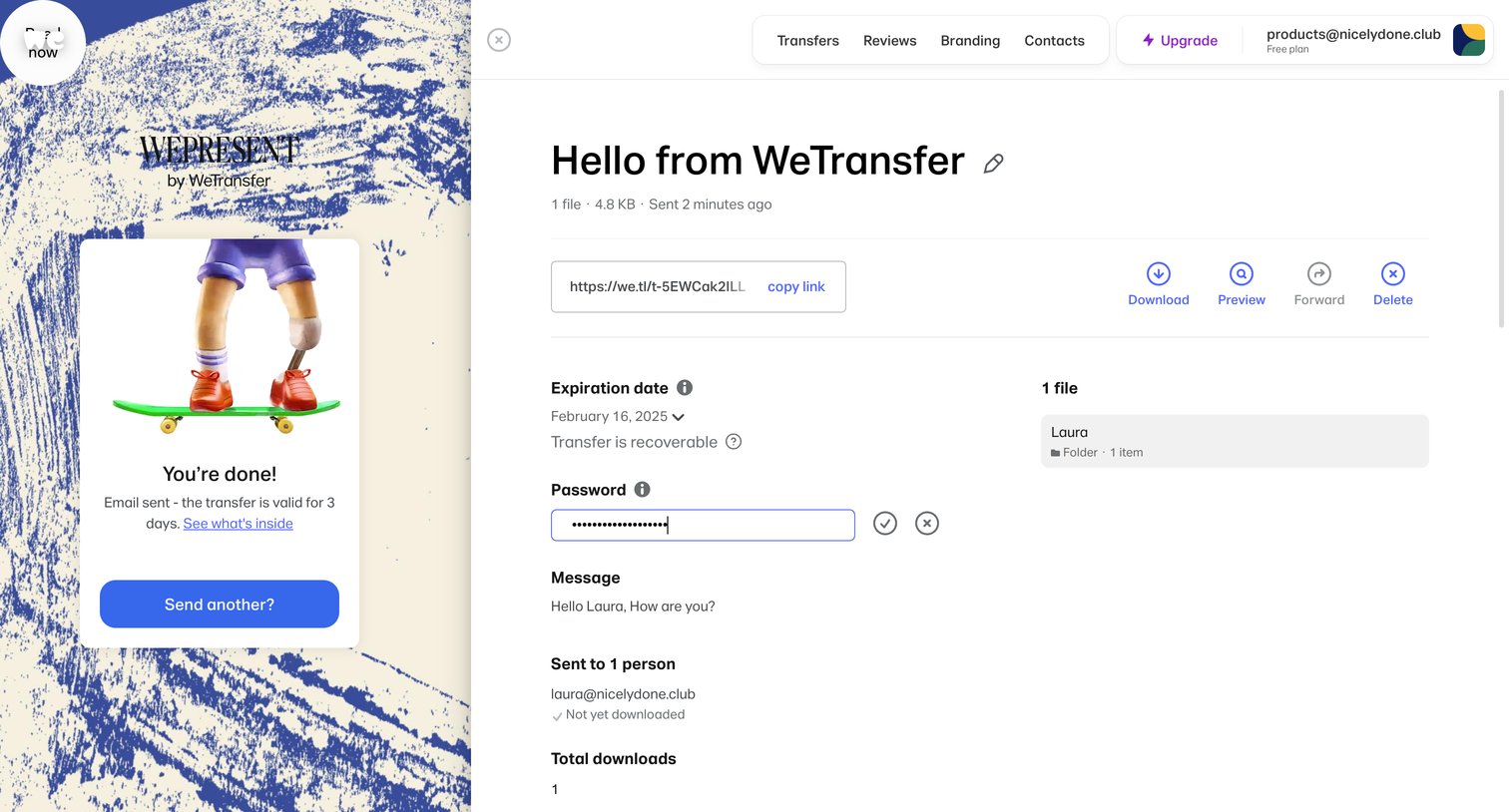
Detail page where the user reviews a recently sent transfer, manages its password and expiration, and can copy the share link or download the files.
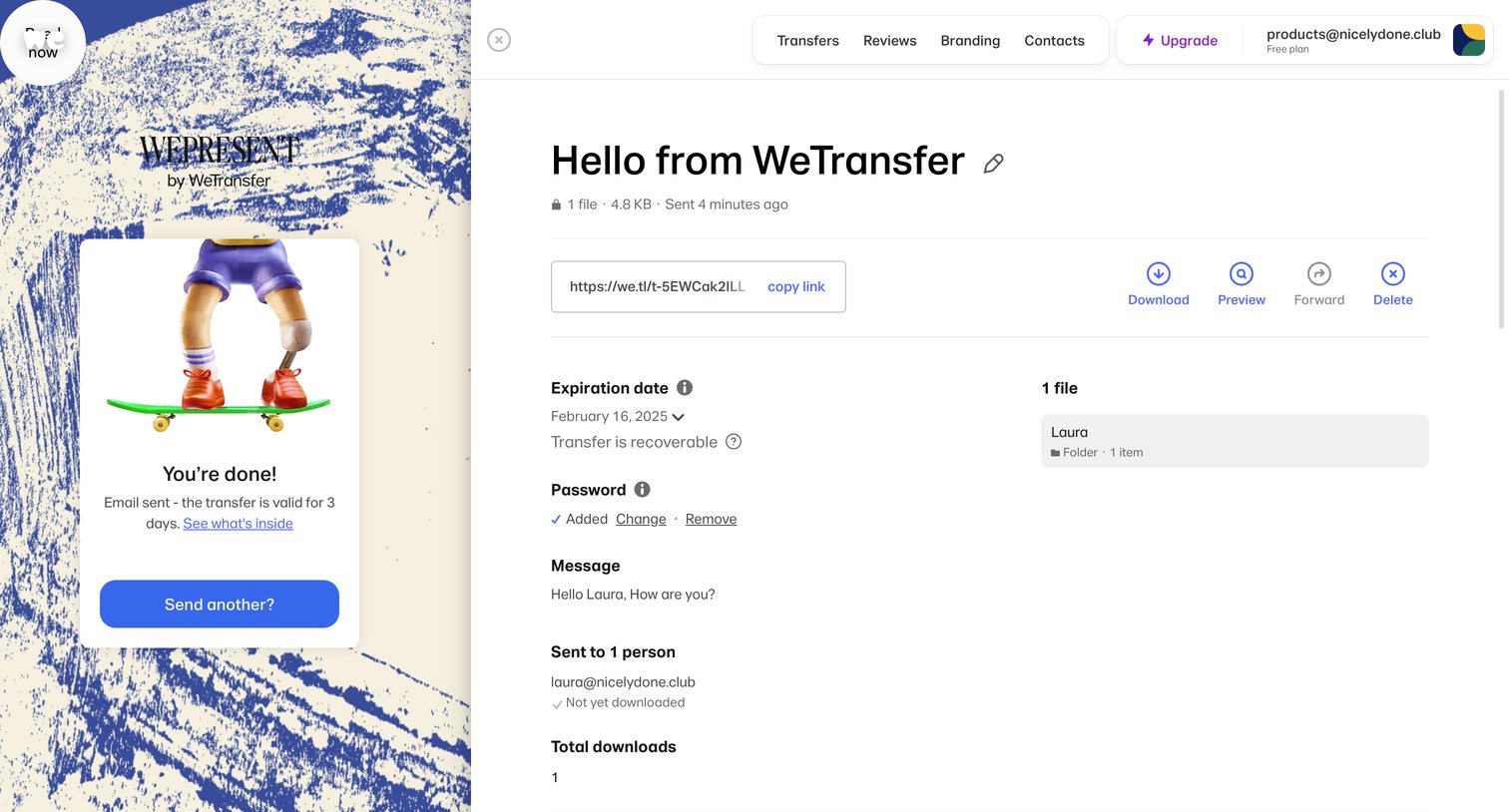
Detail page where the user views a sent transfer, copies its link, and manages settings like expiration date and password.
Browse the full SaaS app library
Explore real SaaS apps with their product screens, marketing screens, flows, and components.
Trusted by the best teams







