Drawing screen examples
Drawing screen design examples from SaaS apps. Explore how apps organize a canvas for sketching, annotation, or whiteboarding. Look at the placement of drawing tools and how the interface makes room for…
Explore the examples
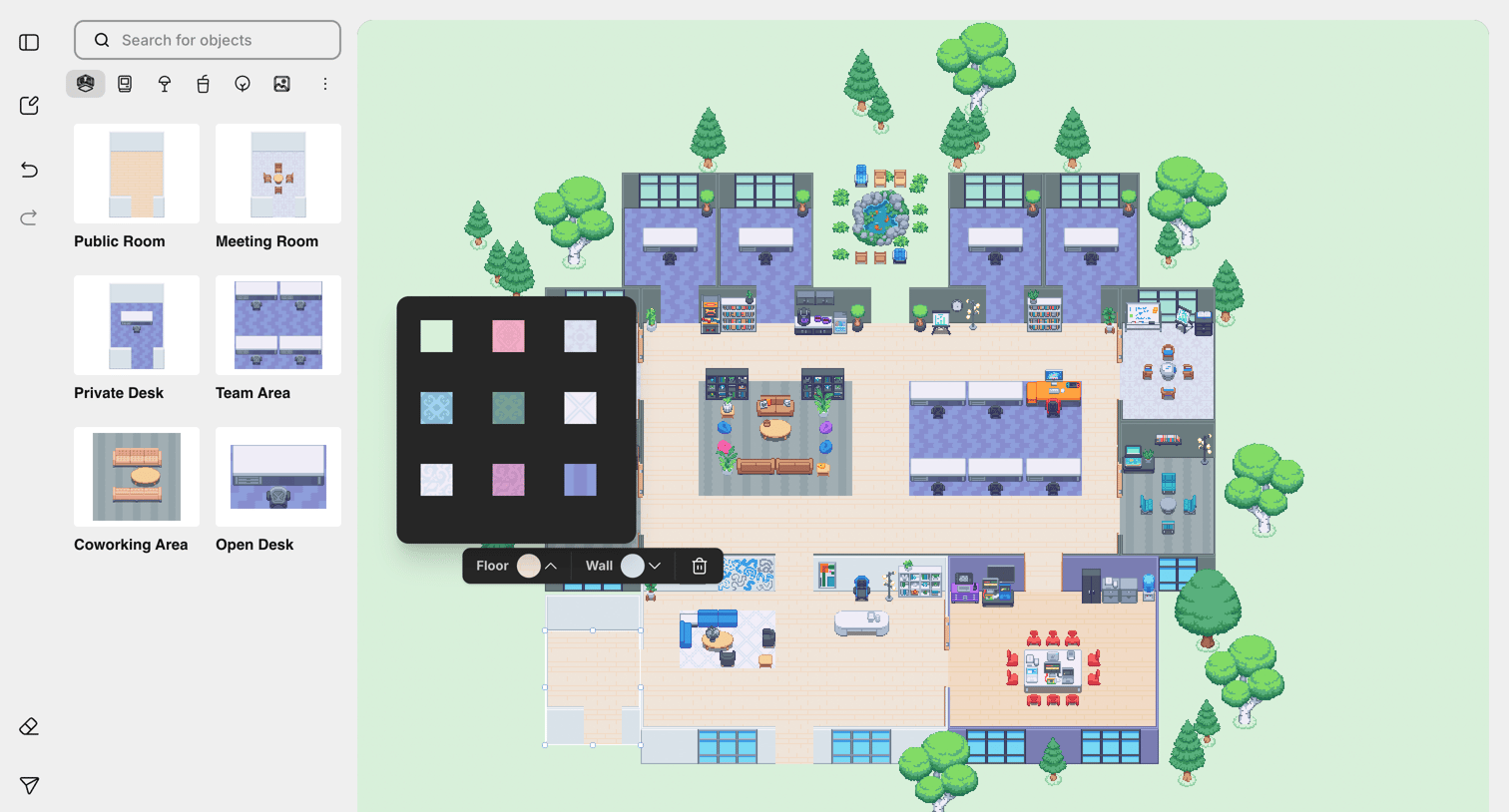

Design editor where the user builds a 2D virtual office layout by placing rooms and furniture from a sidebar library and selecting floor textures via a floating toolbar.
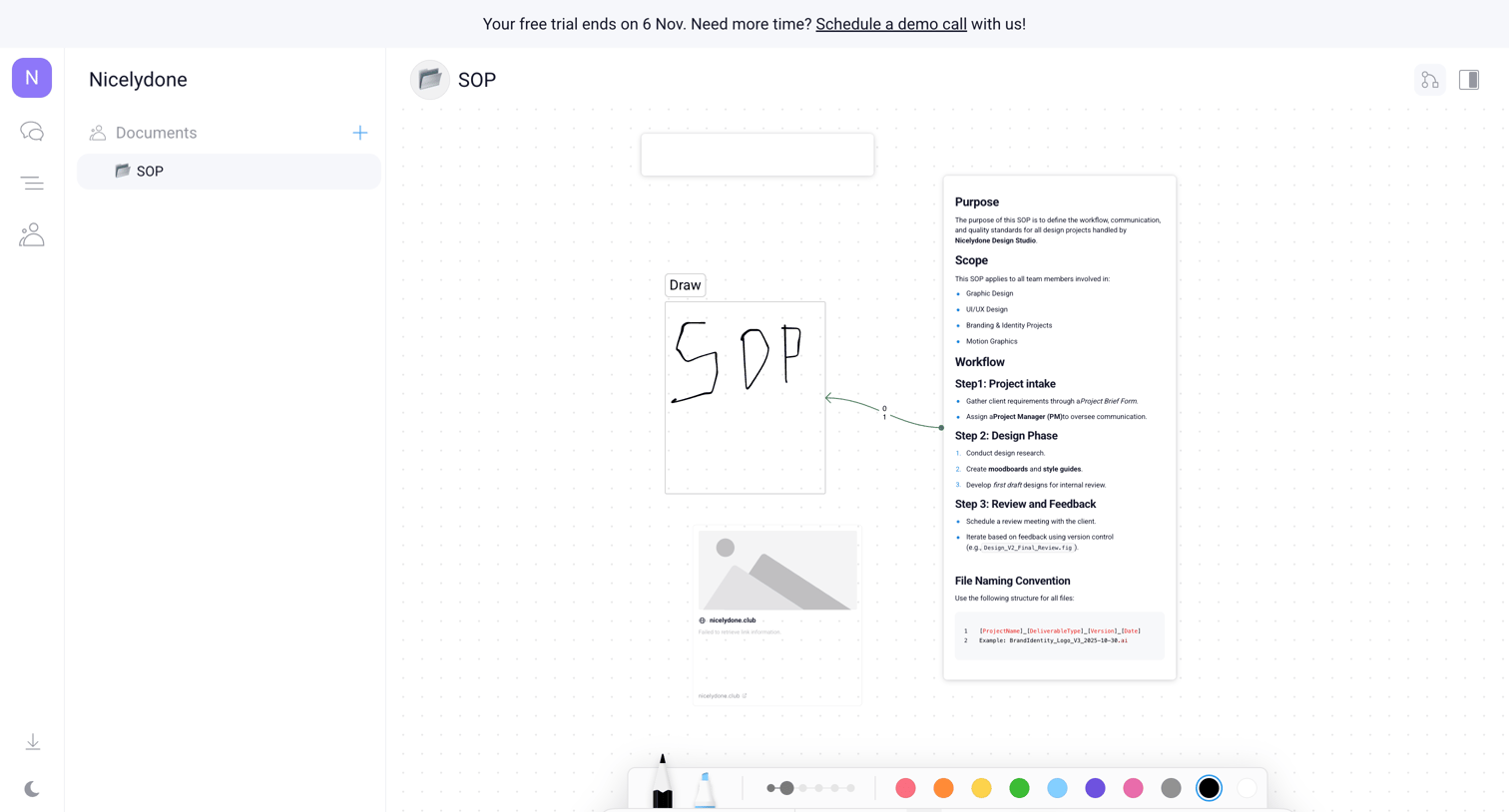

Whiteboard editor where the user creates an SOP using text blocks, drawing tools, and image placeholders on an infinite canvas.
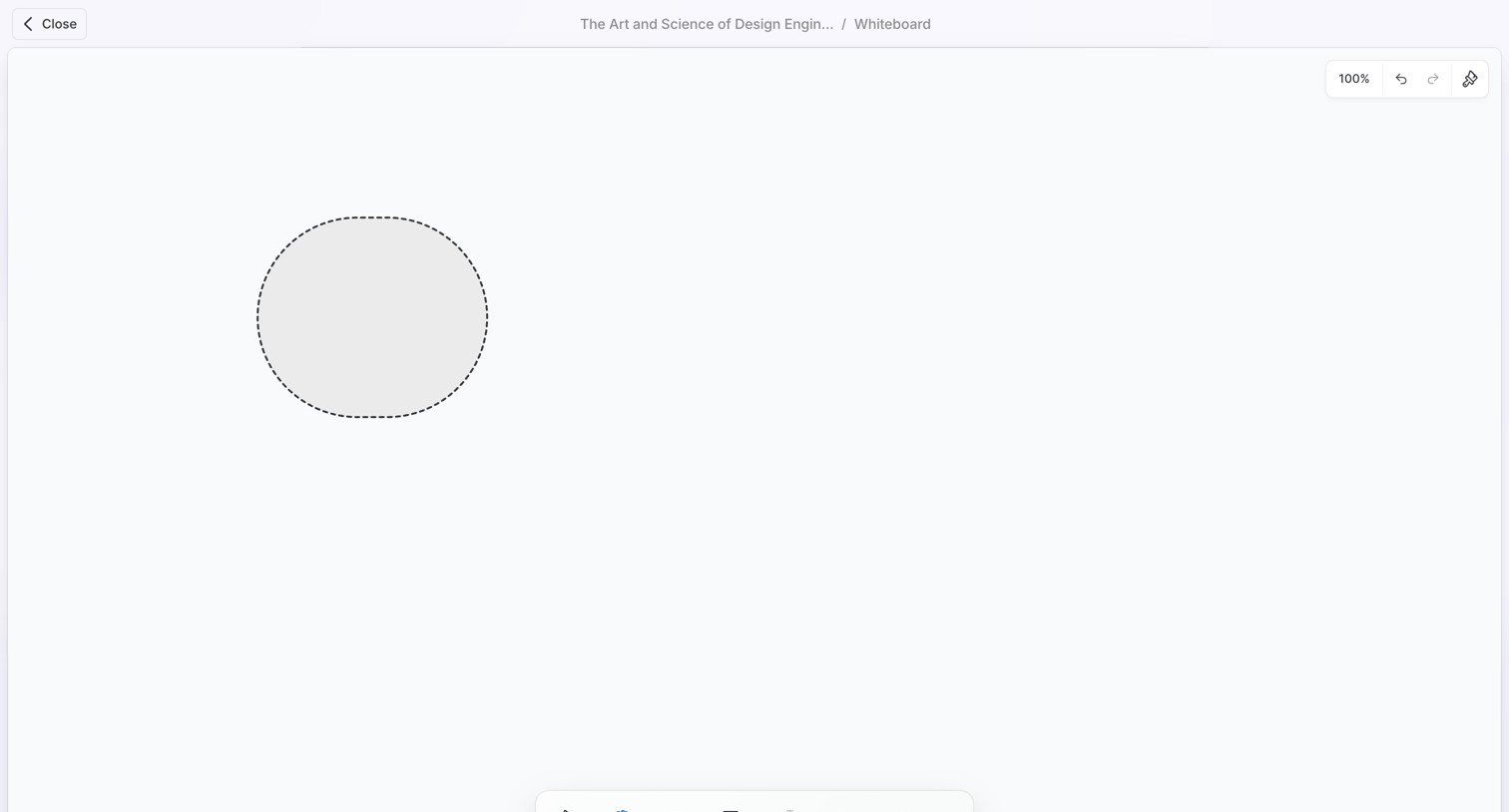

Whiteboard canvas where the user is drawing a shape, featuring a floating tool palette at the bottom and document navigation at the top.
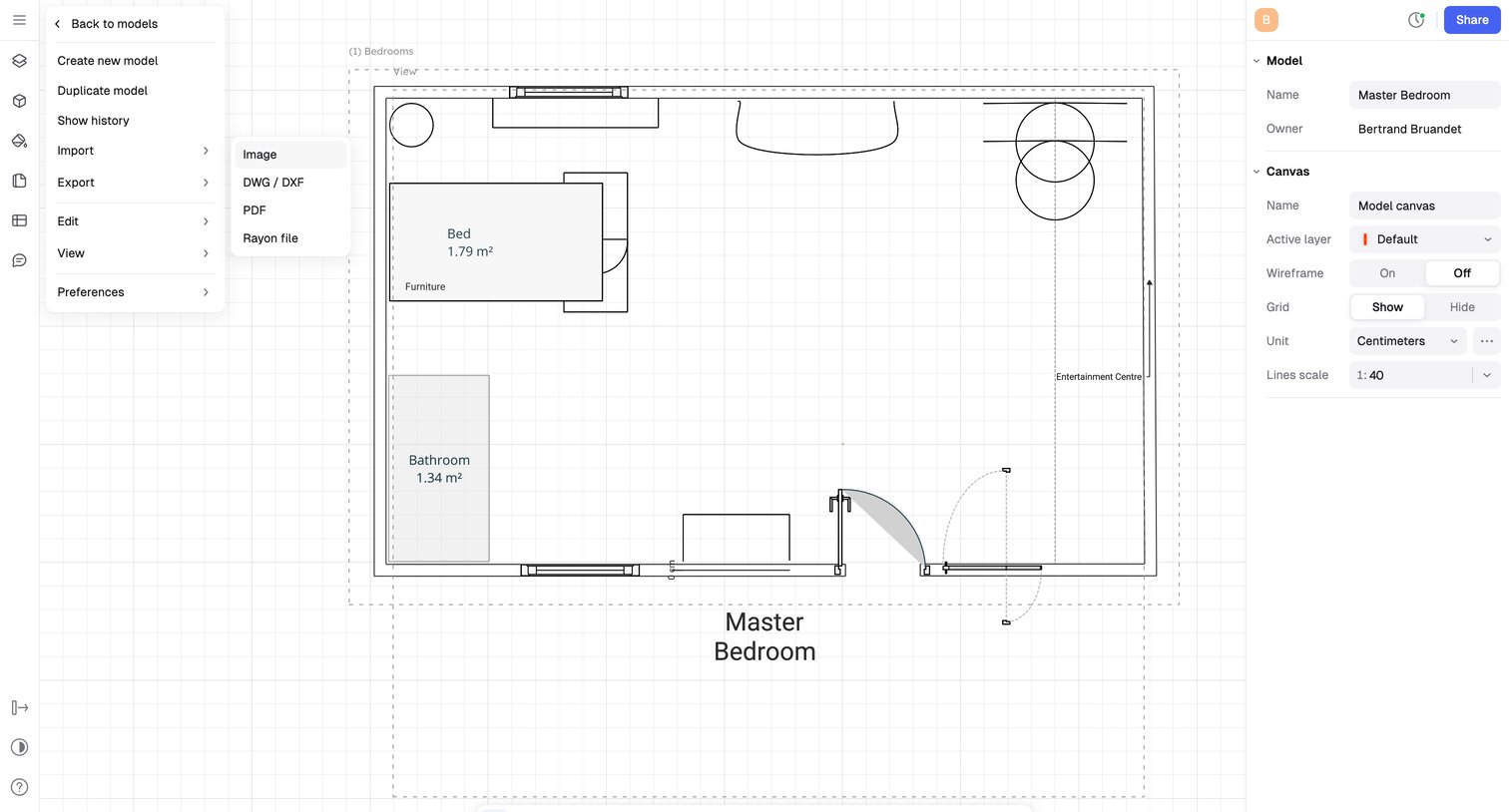

Design editor where the user drafts a 2D floor plan for a master bedroom, manages canvas settings like wireframe and scale in the right inspector, and accesses file operations via an open top-left menu.
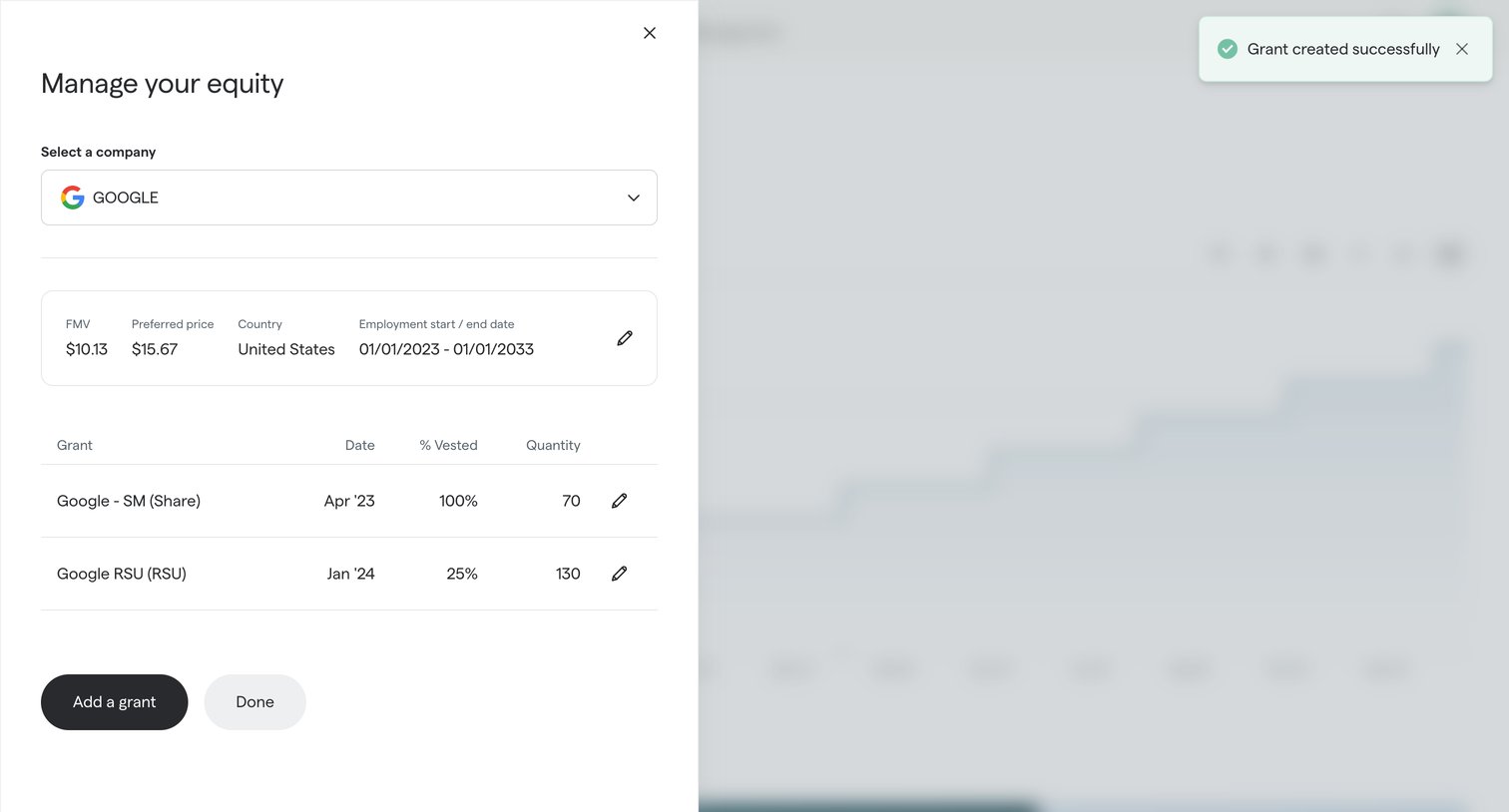

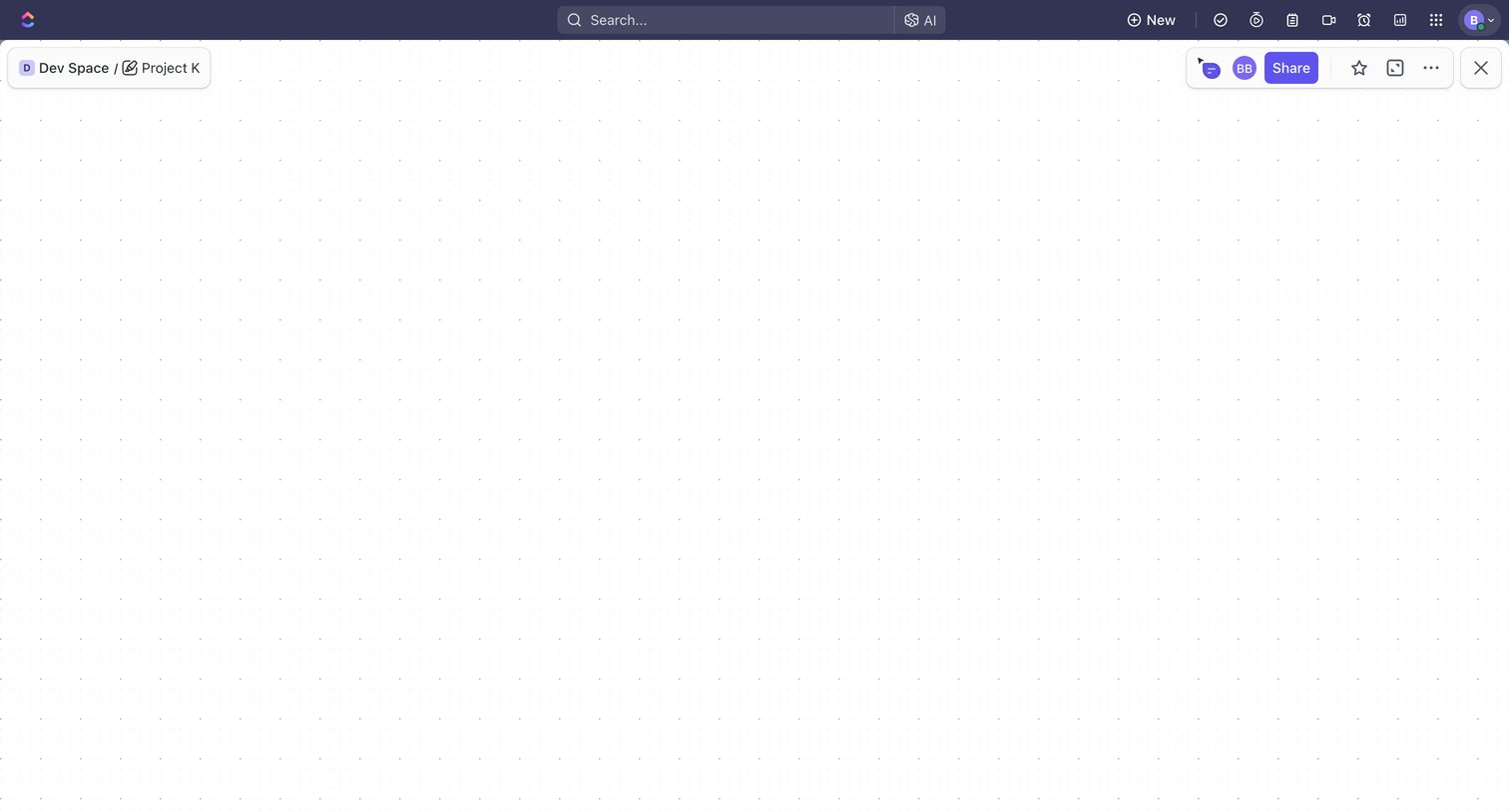

Blank whiteboard canvas where the user can draw, add shapes, and place tasks using a floating bottom toolbar.
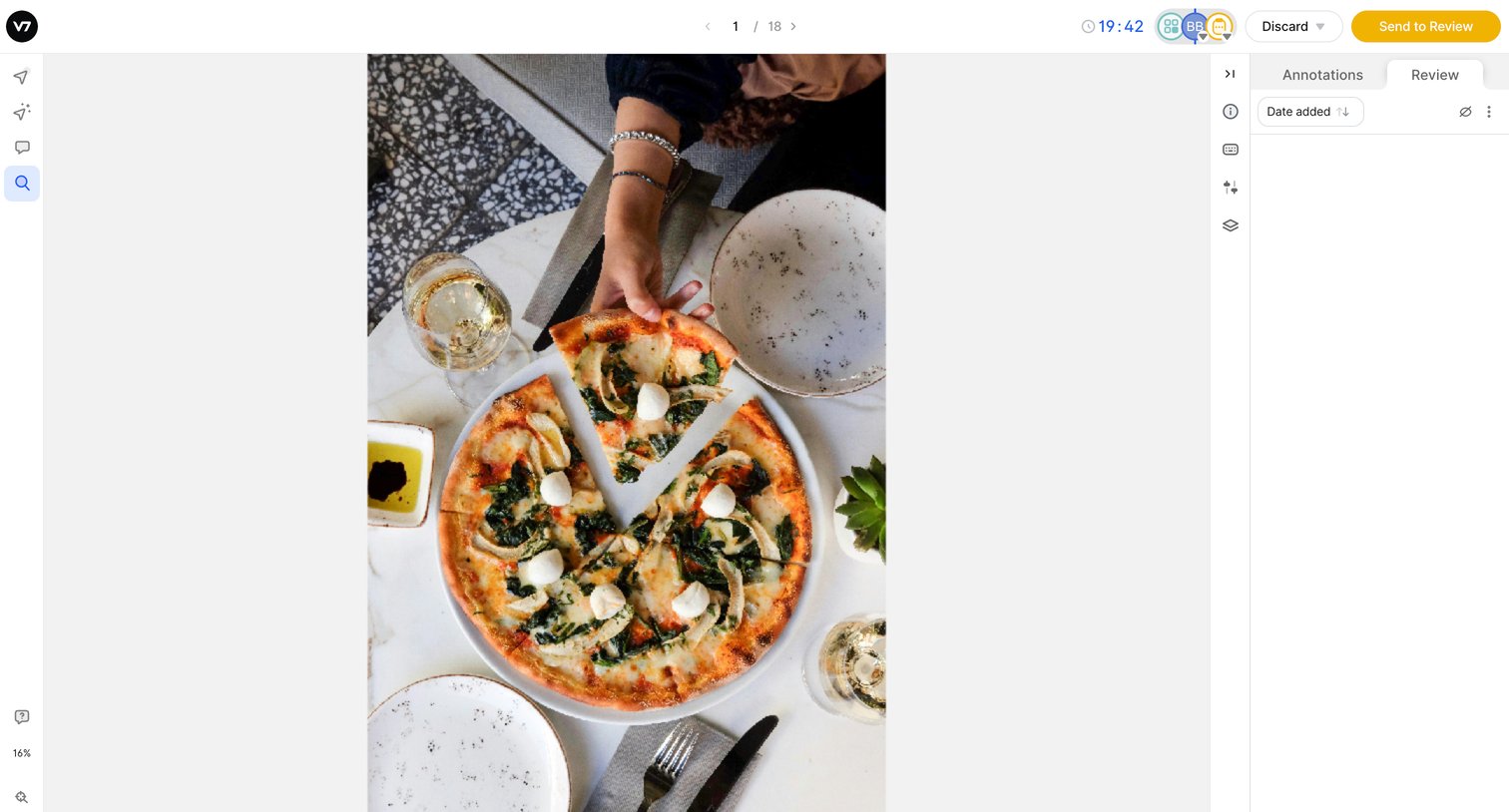

Image annotation workspace where the user reviews and labels frames of a pizza using various drawing tools.


Design editor canvas with floating bottom toolbars for adding elements, managing layers, and previewing the page.
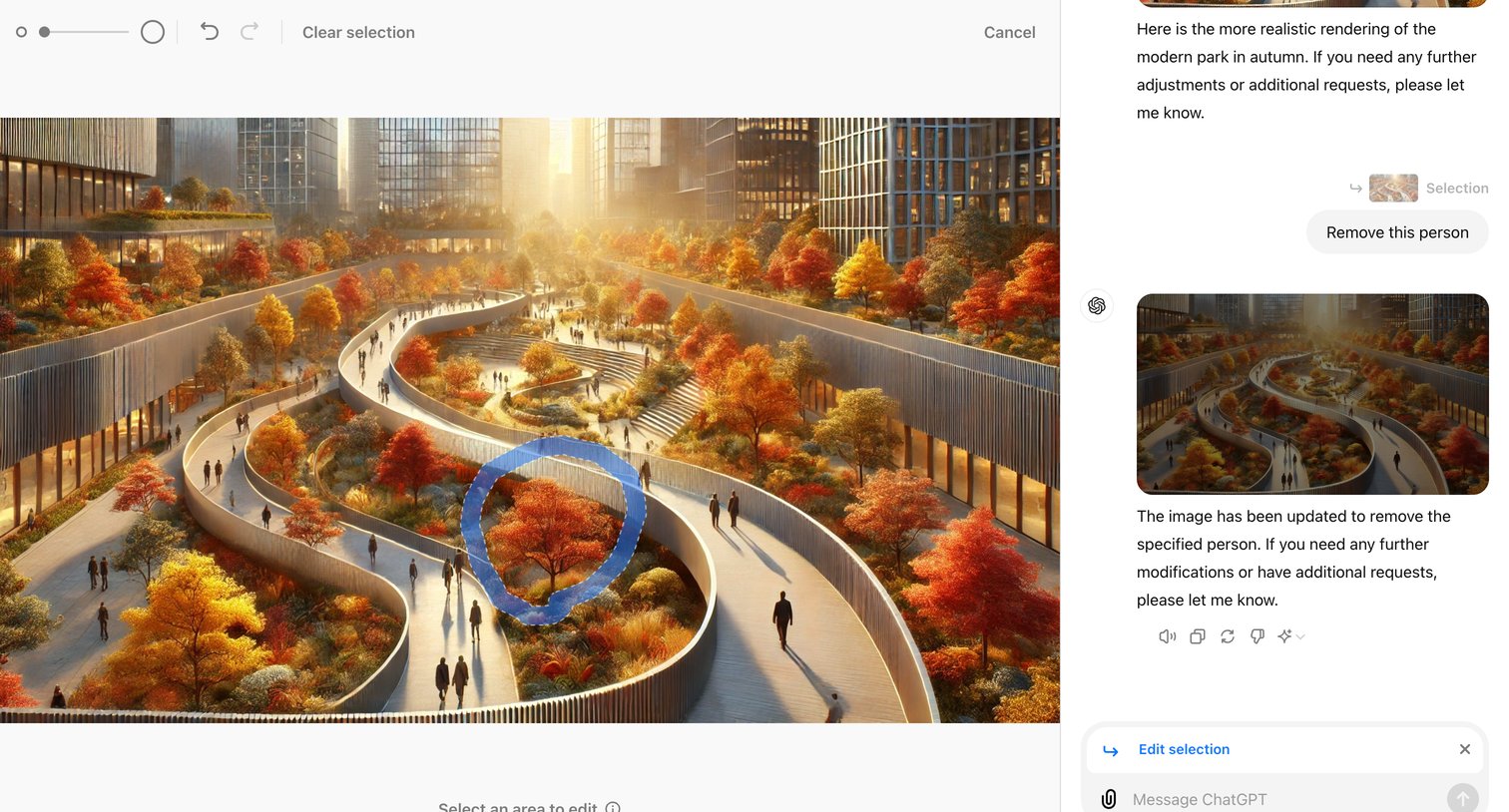

AI image generation interface where the user selects an area of a generated park image with a brush tool and prompts the assistant to remove a specific person.
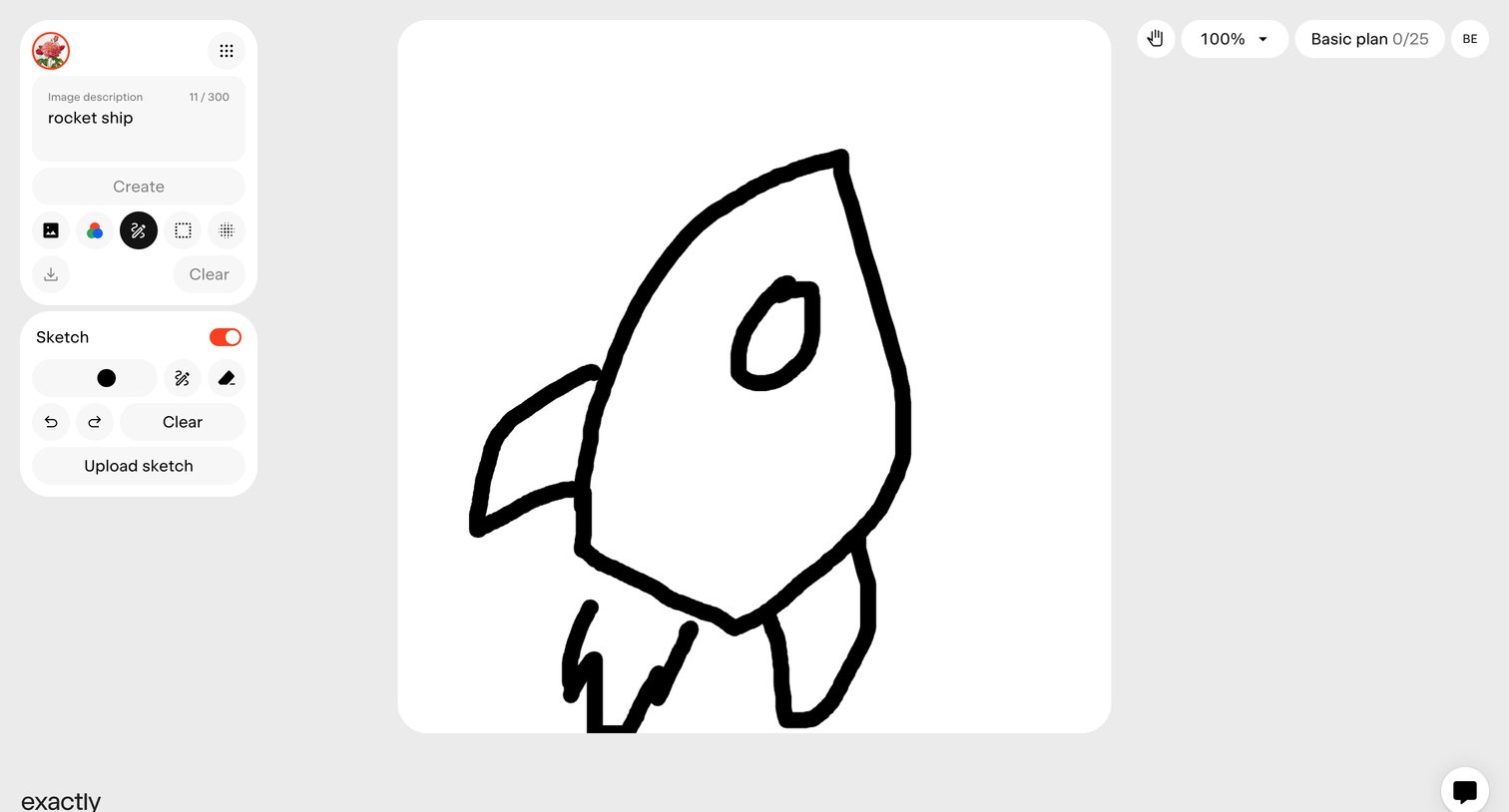

AI image generation canvas where the user sketches a rocket ship and provides a text prompt to create an image.
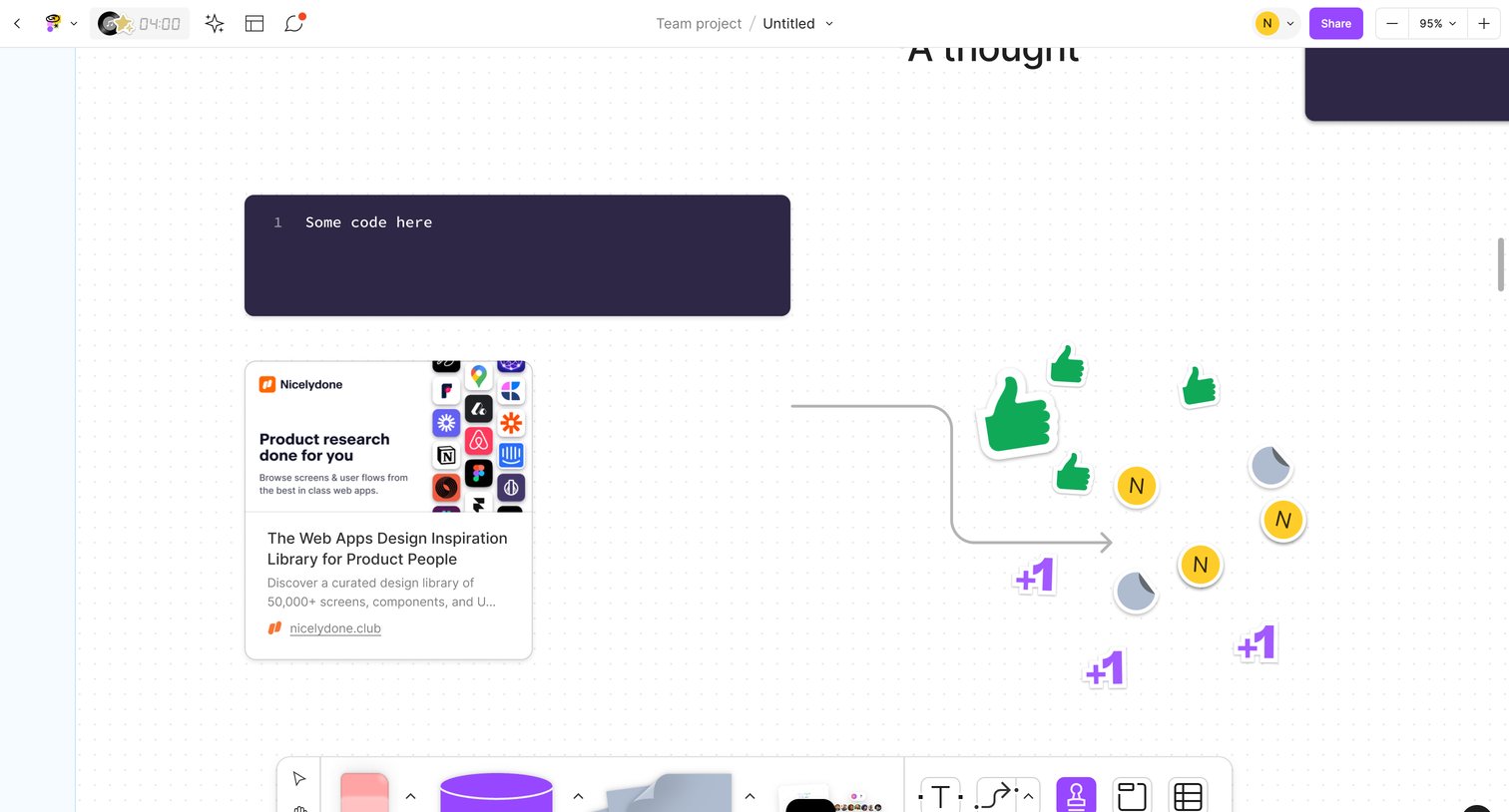

Whiteboard canvas where the user is arranging a code snippet, a link preview card, and adding reaction stickers.
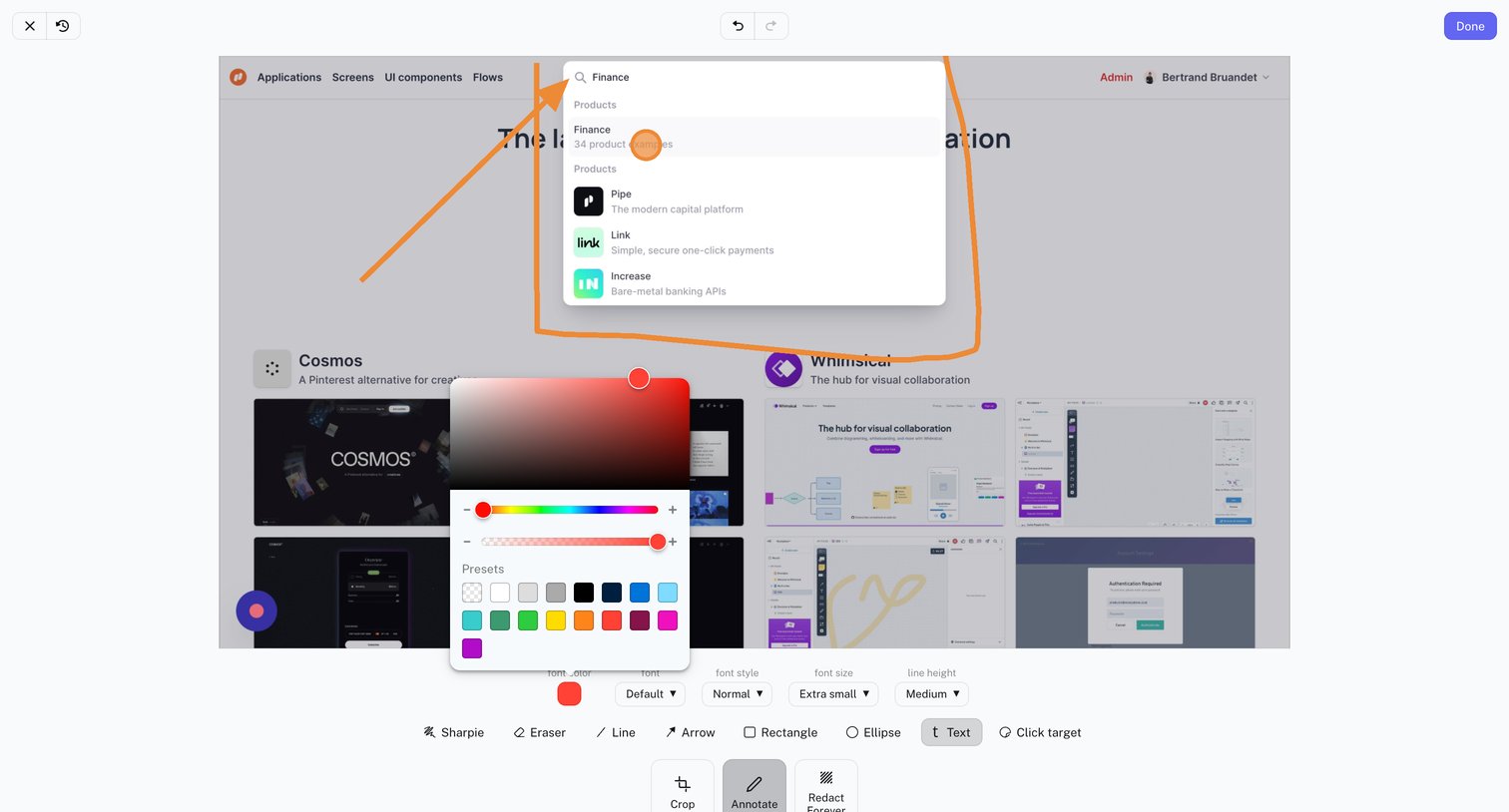

Design editor where the user annotates a screenshot using a selected drawing tool and configures text properties via a floating color picker and dropdowns.
Explore the full SaaS screen library
Upgrade to unlock the full library.
Trusted by the best teams








About Drawing
Explore how apps organize a canvas for sketching, annotation, or whiteboarding. Look at the placement of drawing tools and how the interface makes room for the work itself.