Secfi design examples
Explore Secfi UI design examples. The leading financial advisor for tech people
Product screens
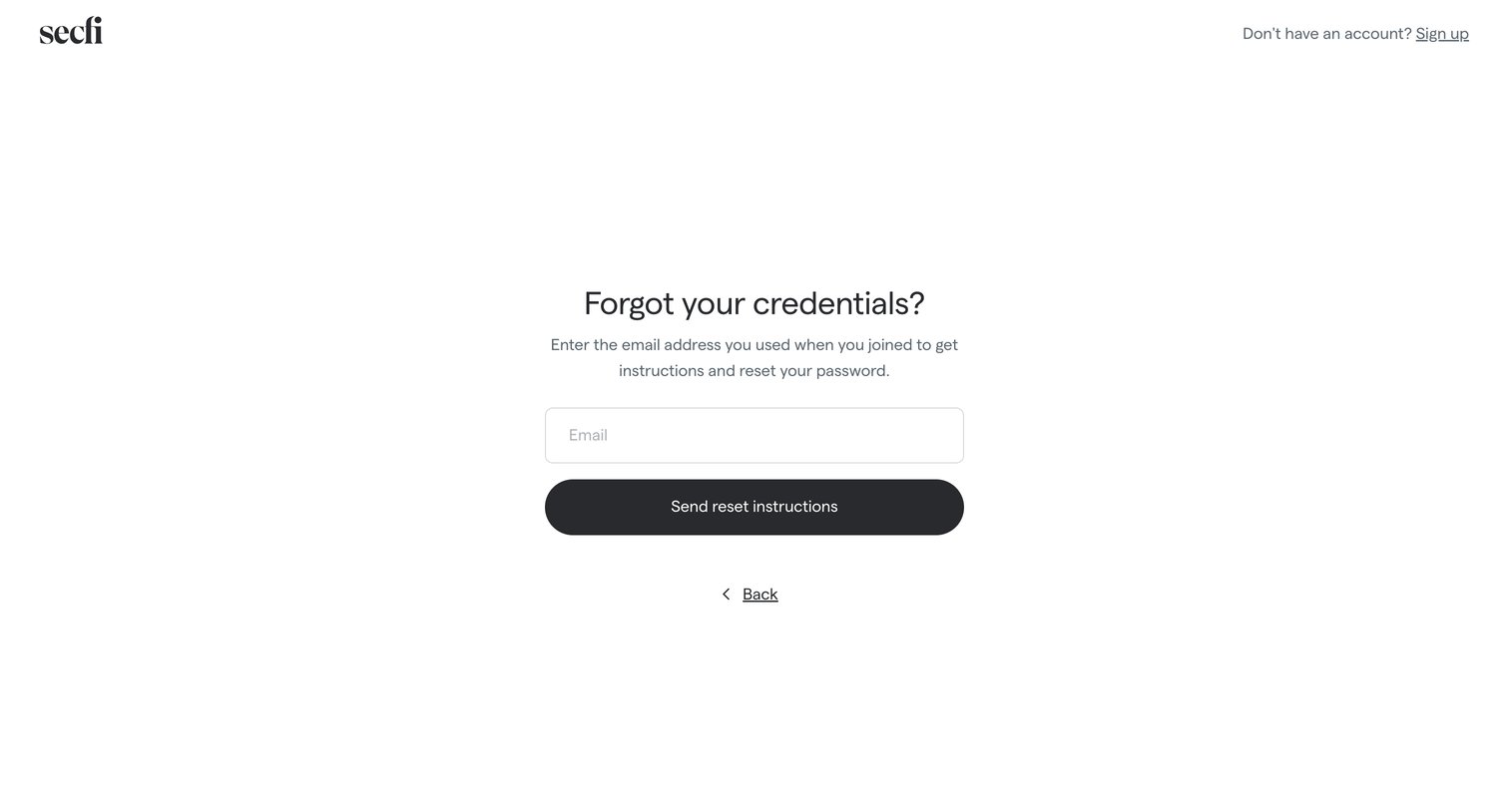

Password recovery screen where the user enters their email address to receive reset instructions.
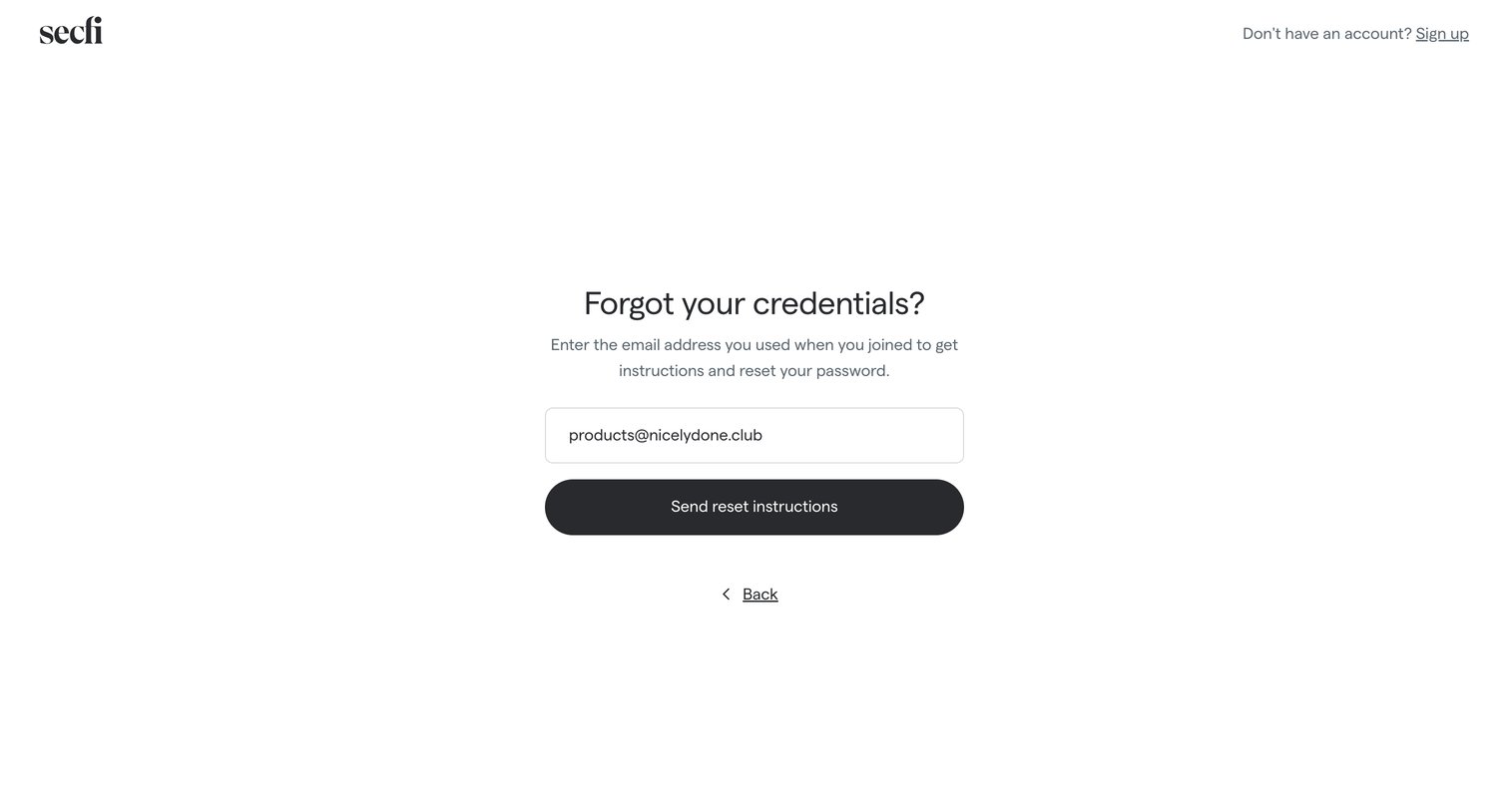
Password recovery screen where the user enters their email address to receive reset instructions.
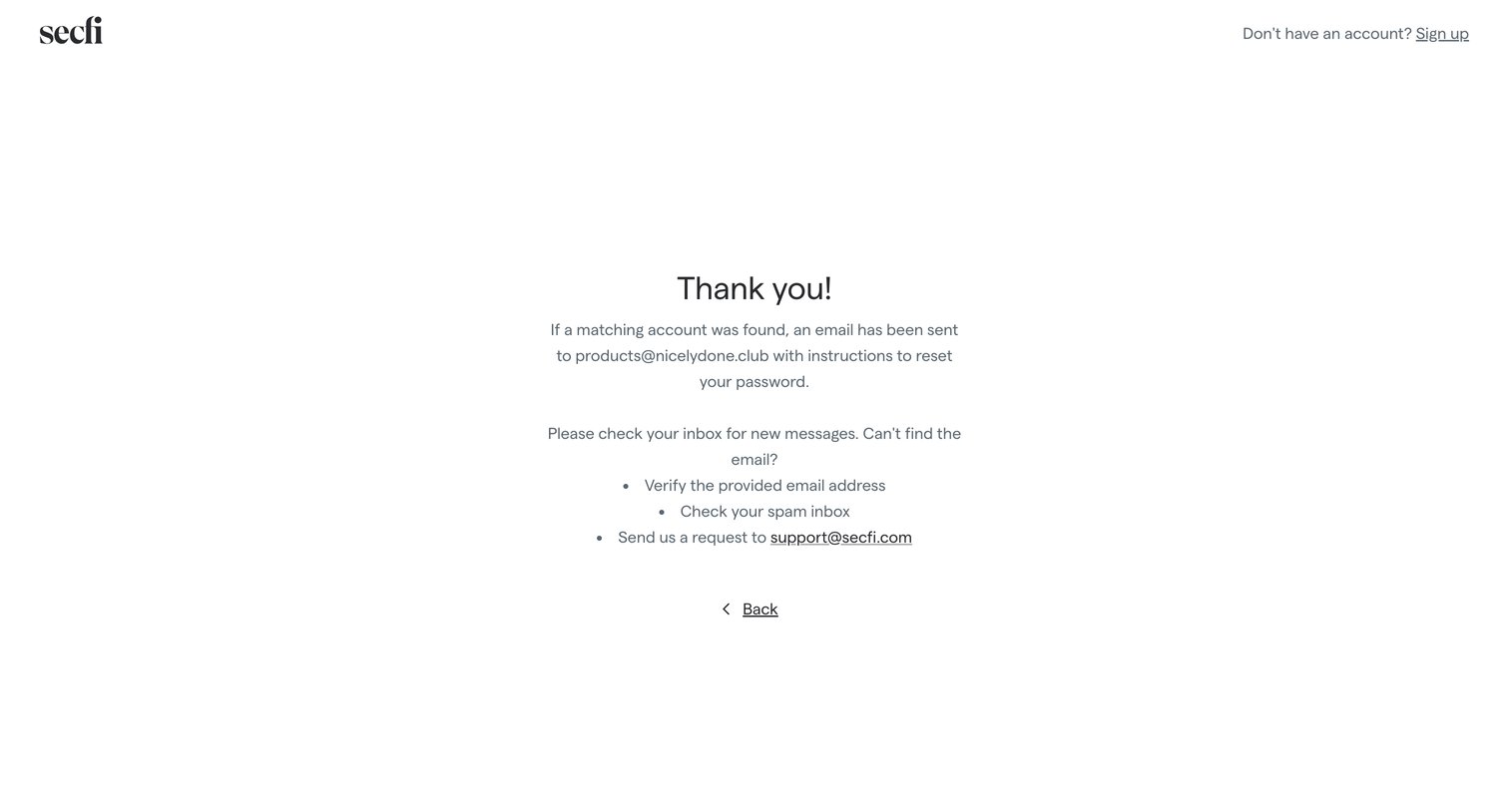
Password recovery screen confirming that a reset link has been sent to the user's email address, along with troubleshooting steps if the email is not received.
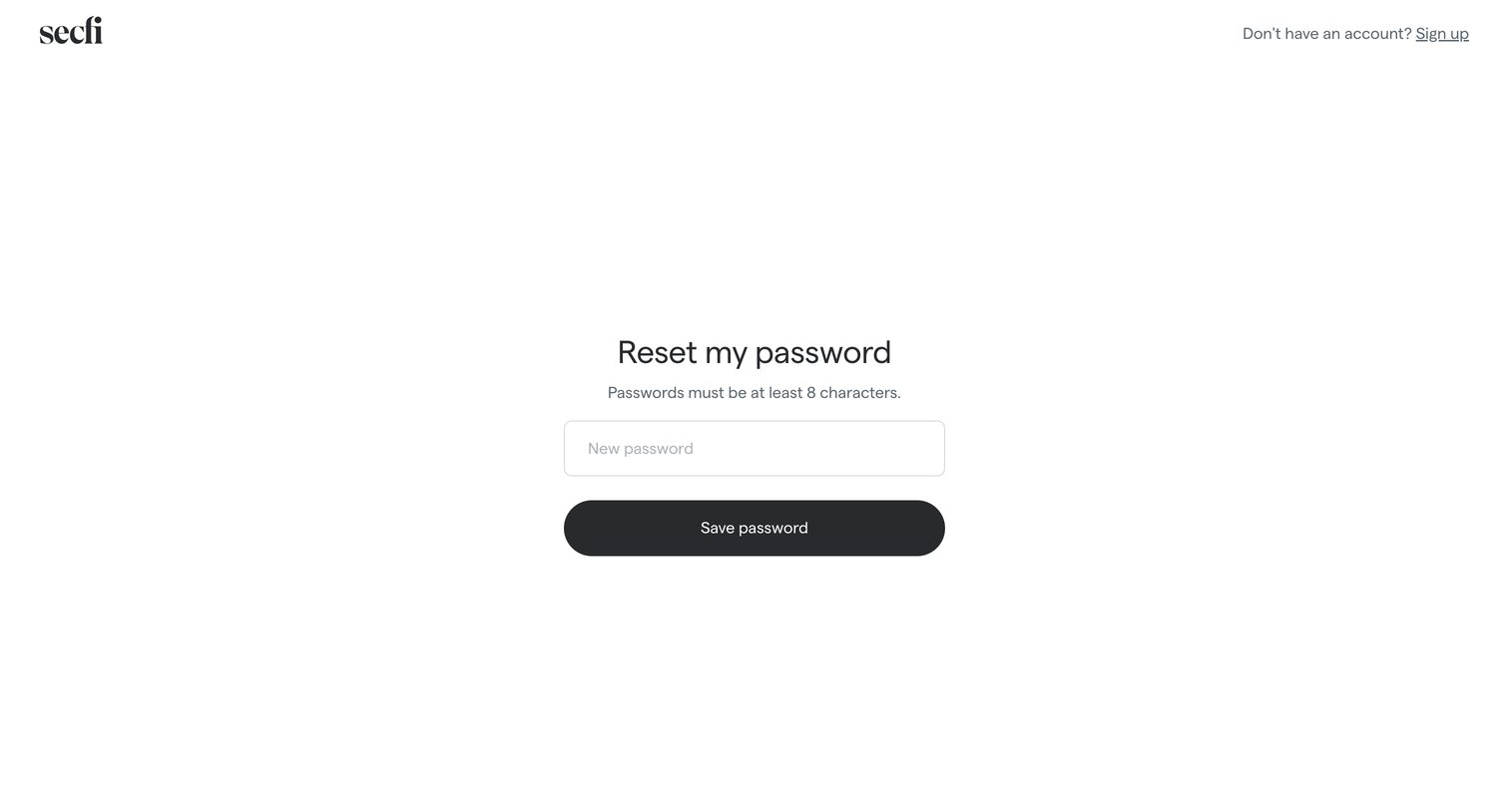
Password recovery screen where the user enters a new password of at least 8 characters and saves it to regain account access.
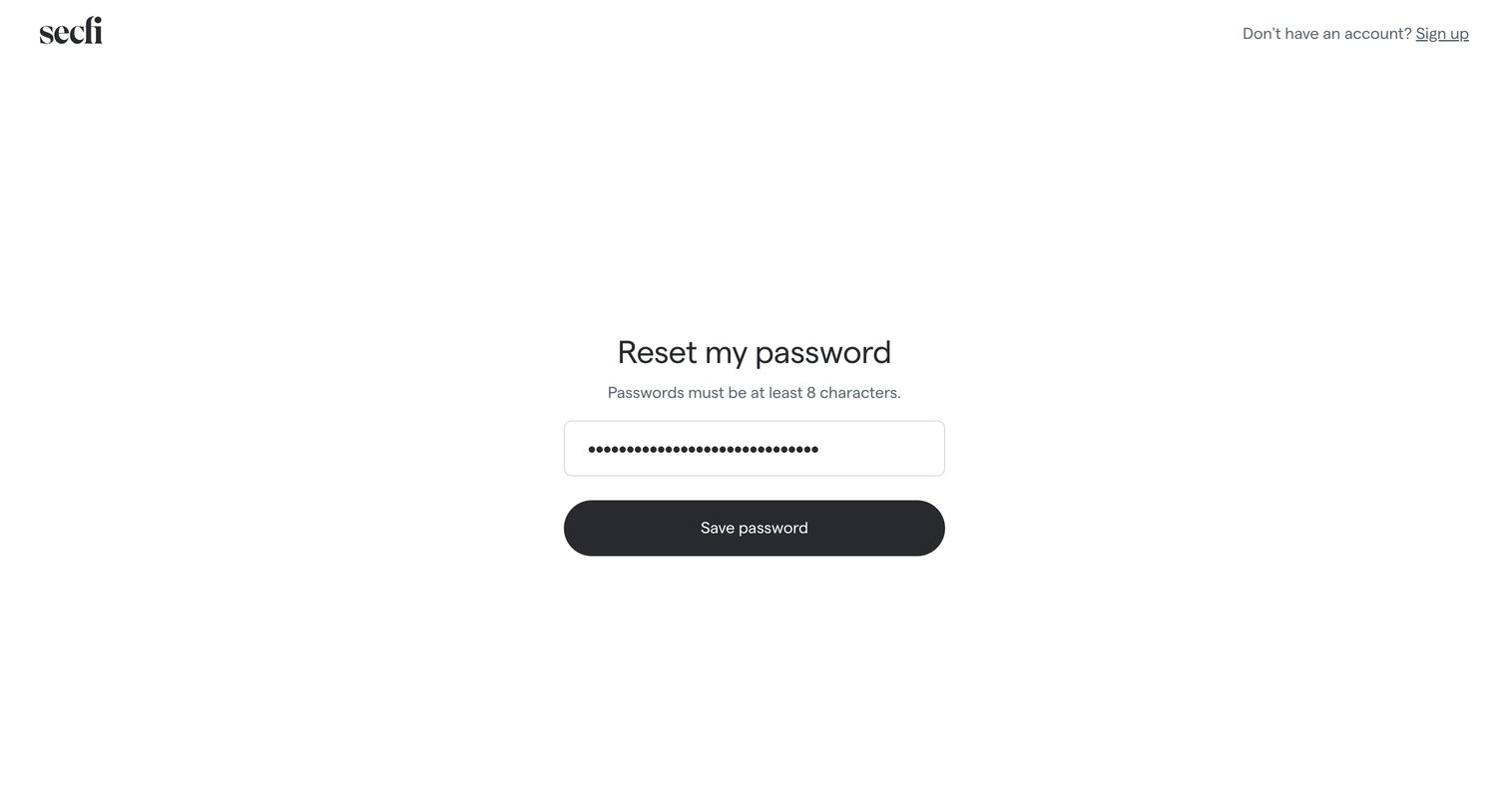
Password recovery screen where the user enters a new password meeting the minimum length requirement to regain account access.
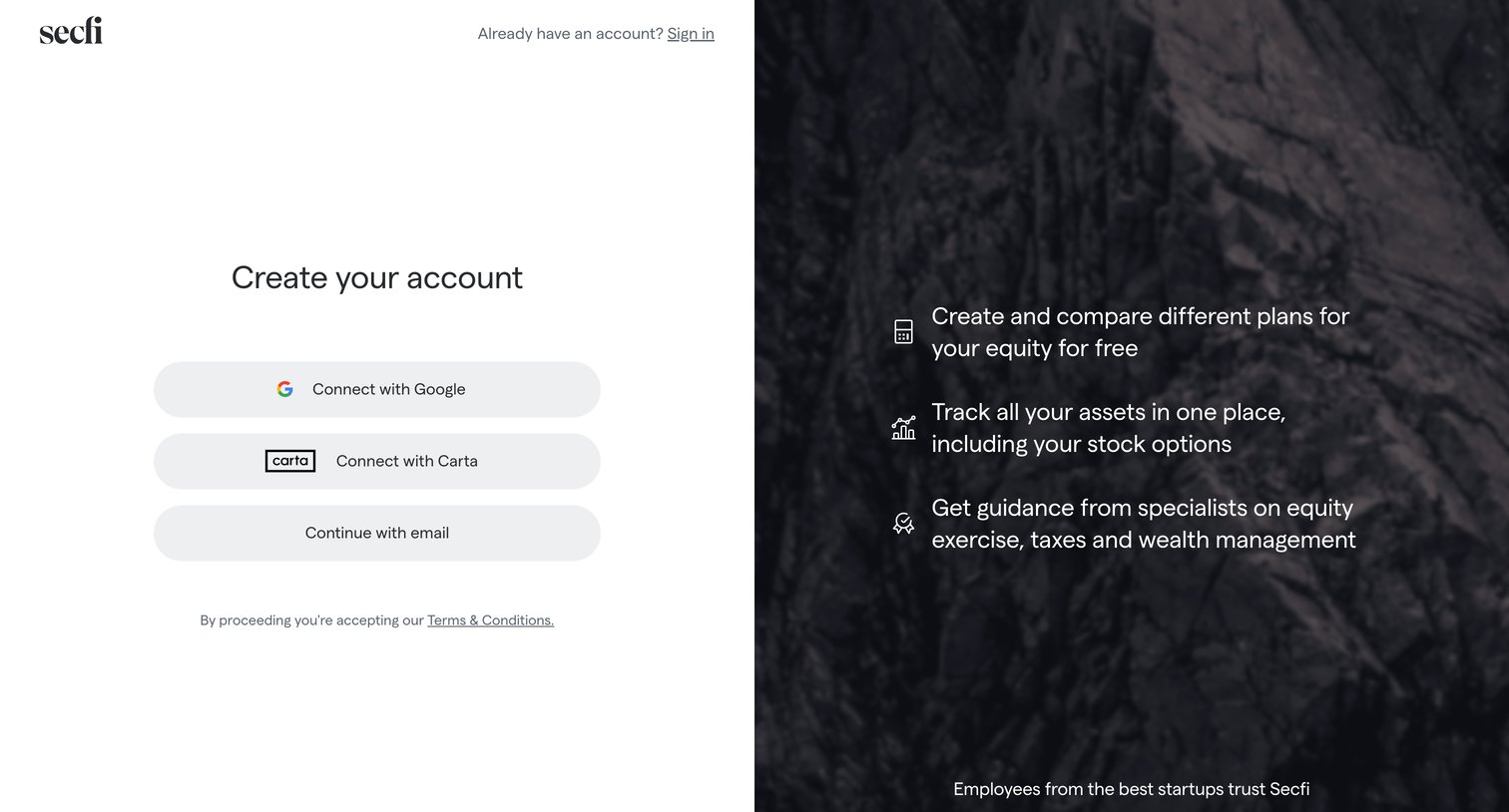
Signup page where the user can create an account using Google, Carta, or email, alongside a list of platform benefits and customer logos.
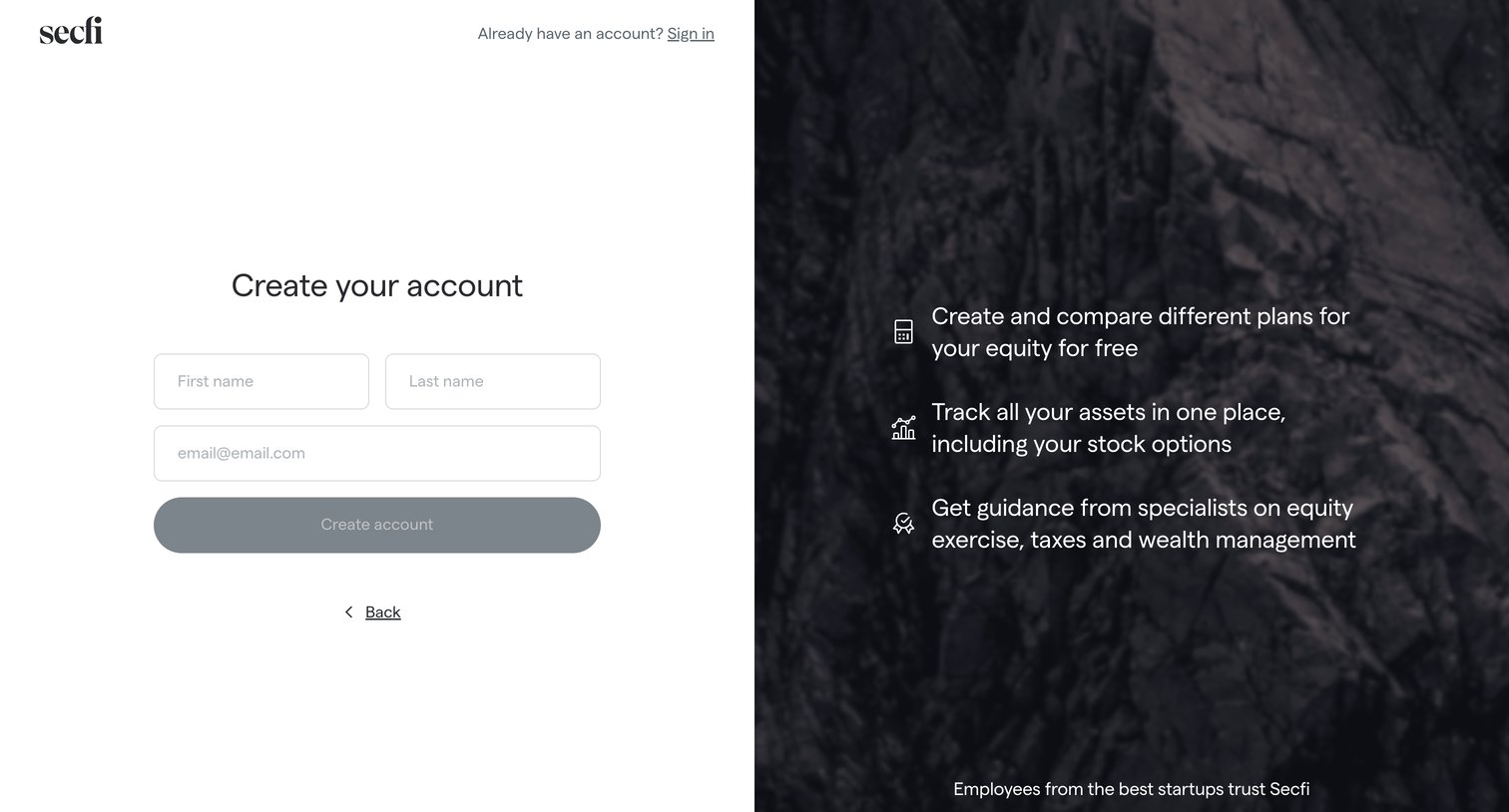
Signup screen where the user enters their name and email to create an account, alongside value propositions and a customer logo wall.
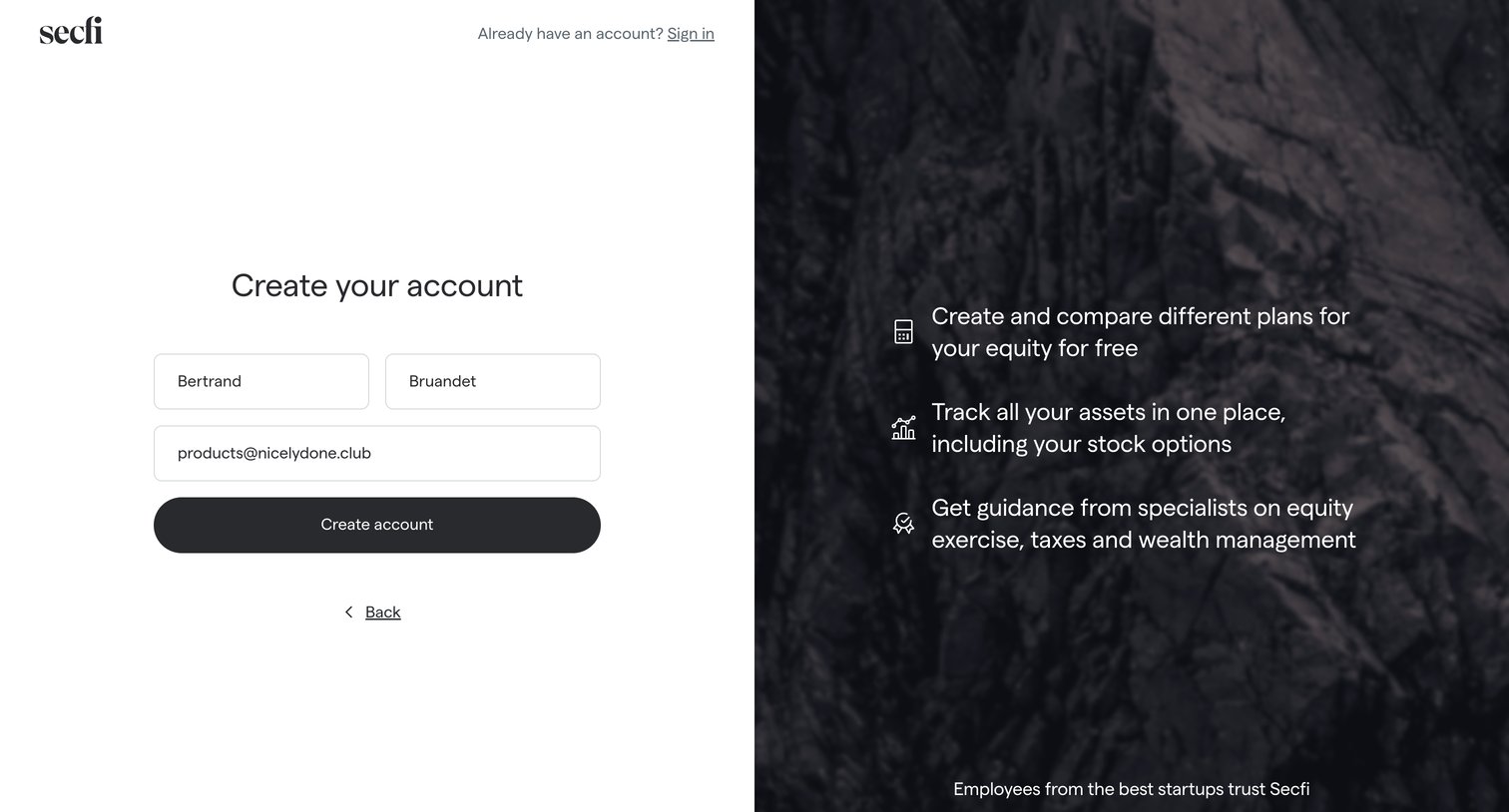
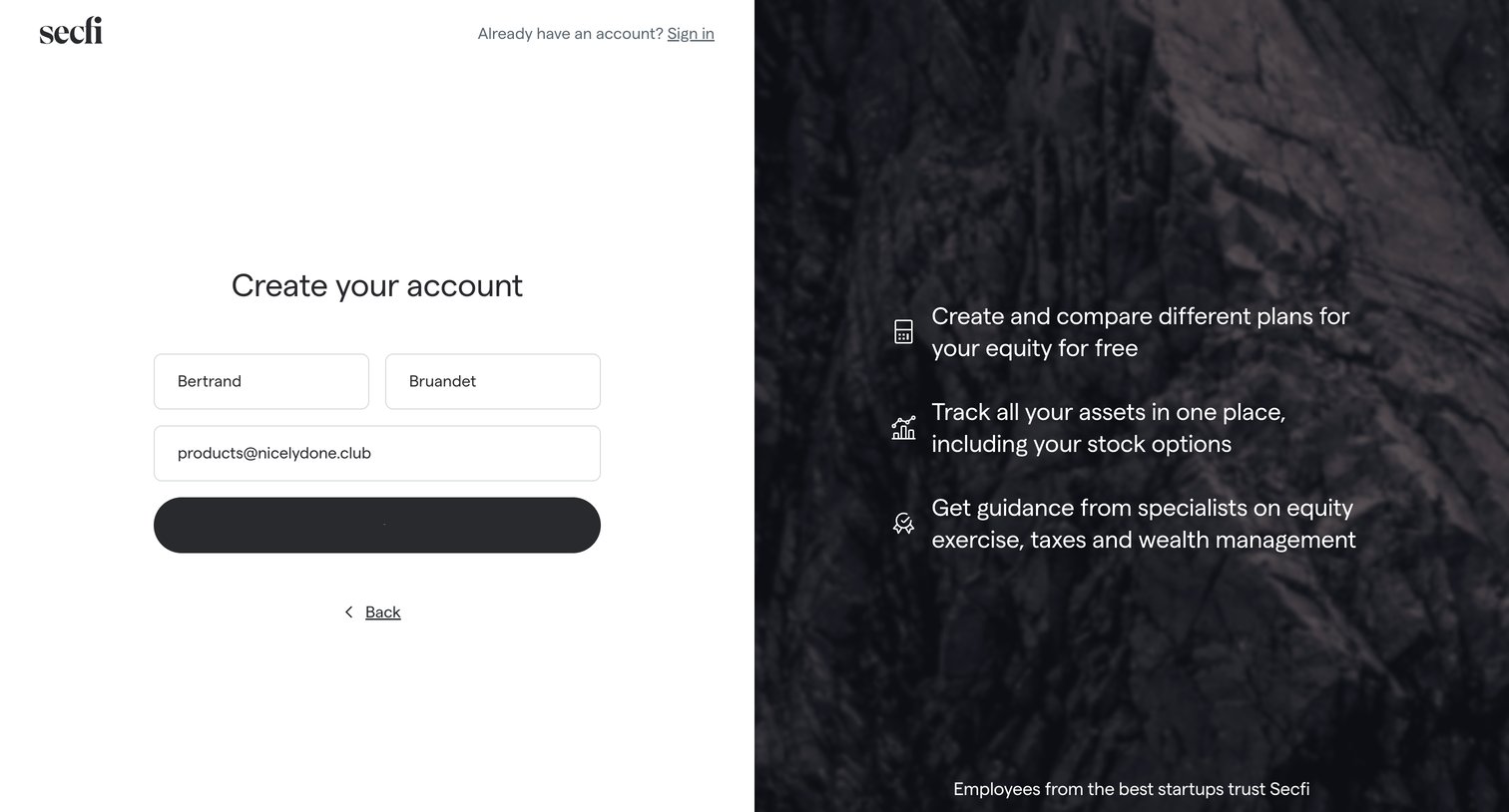
Signup screen where the user enters their name and email to create an account, alongside equity management value propositions and customer logos.
Browse the full SaaS app library
Explore real SaaS apps with their product screens, marketing screens, flows, and components.
Trusted by the best teams







