Orchestra design examples
Explore Orchestra UI design examples. A chat-centric workspace for modern teams
Product screens

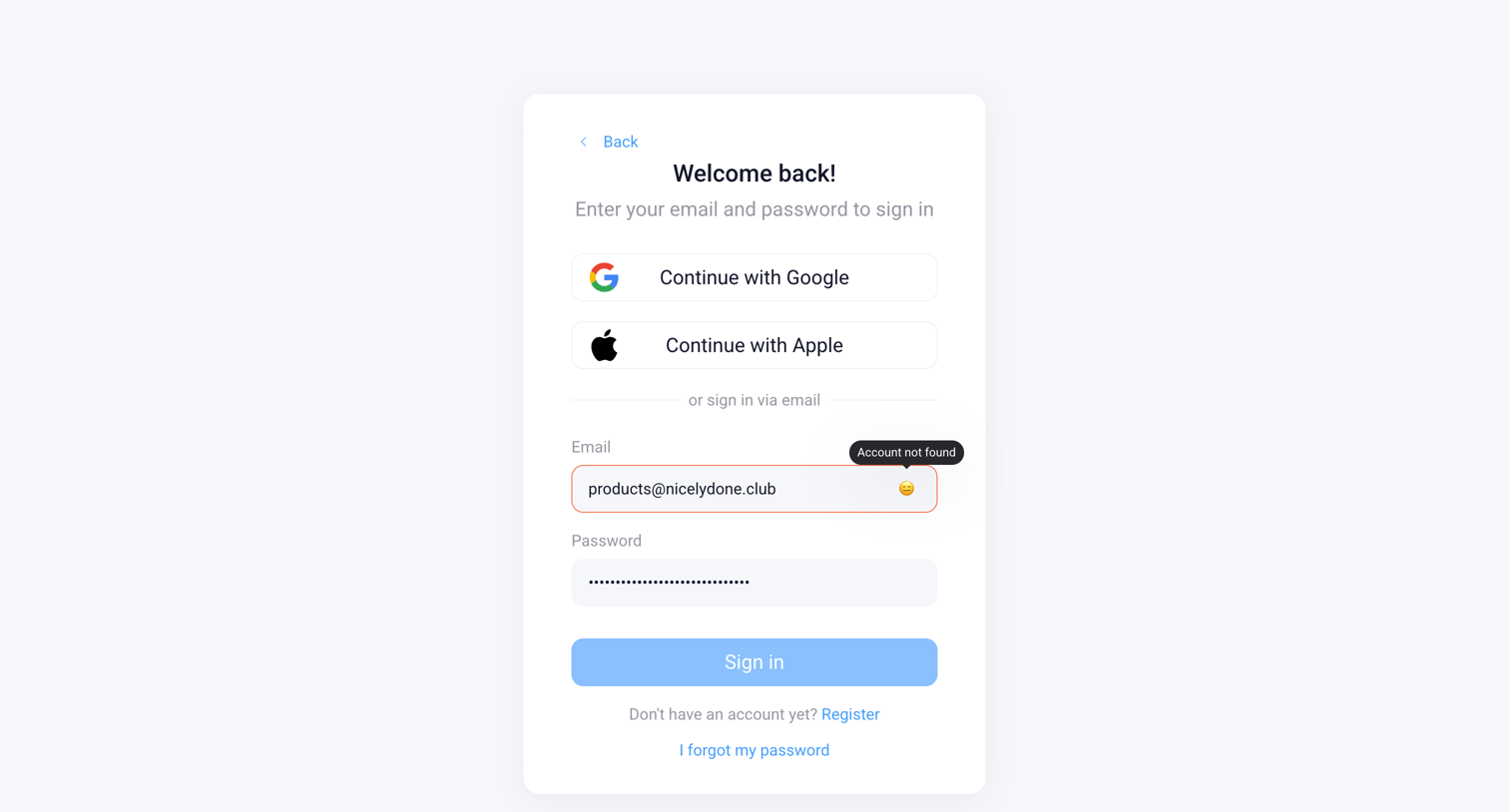
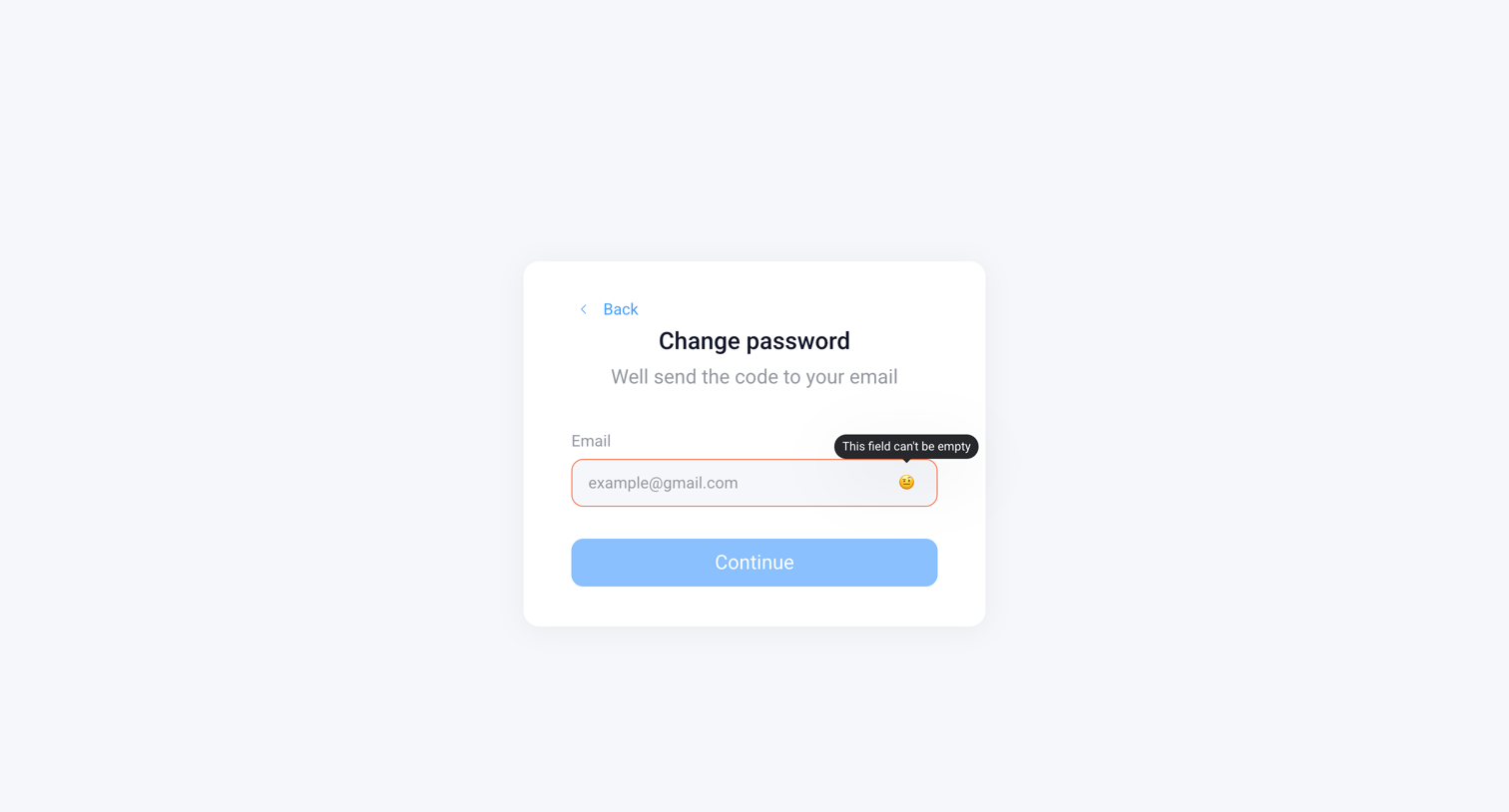

Password recovery screen where the user enters their email to receive a reset code, currently showing an empty field validation error.
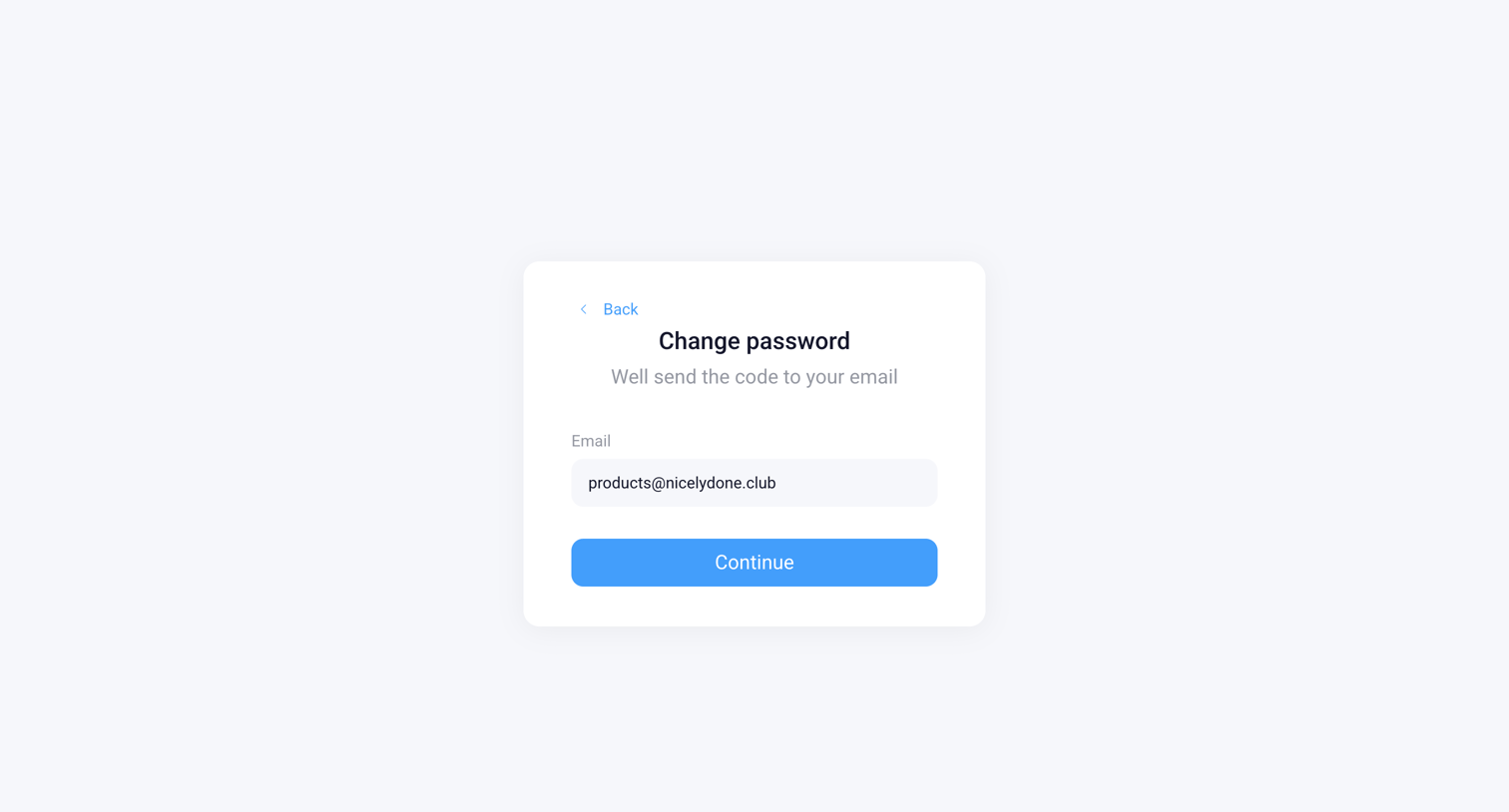
Password recovery screen where the user confirms their email address to receive a reset code.
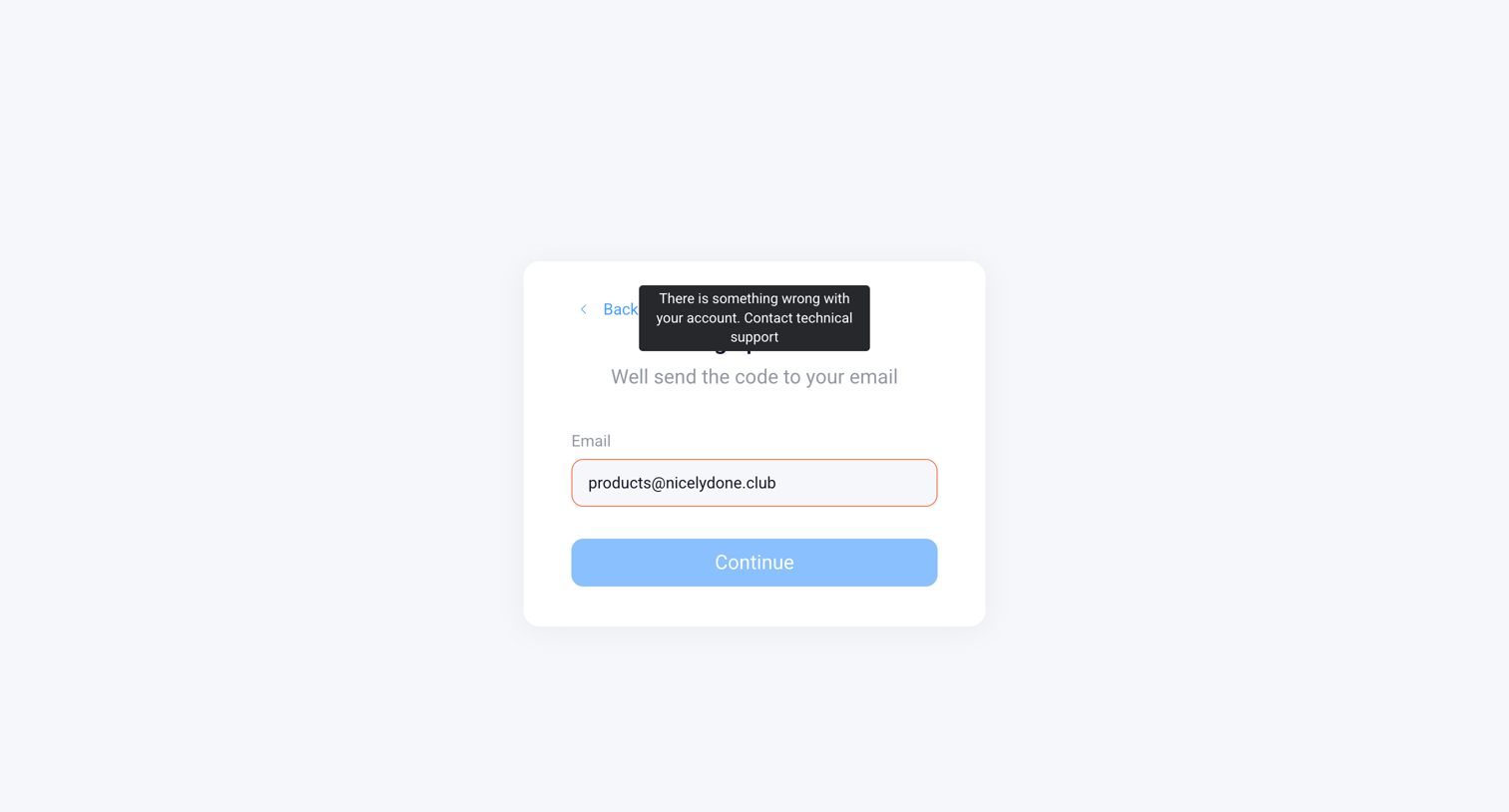
Signup screen displaying a tooltip error message indicating an account issue after the user entered their email address.
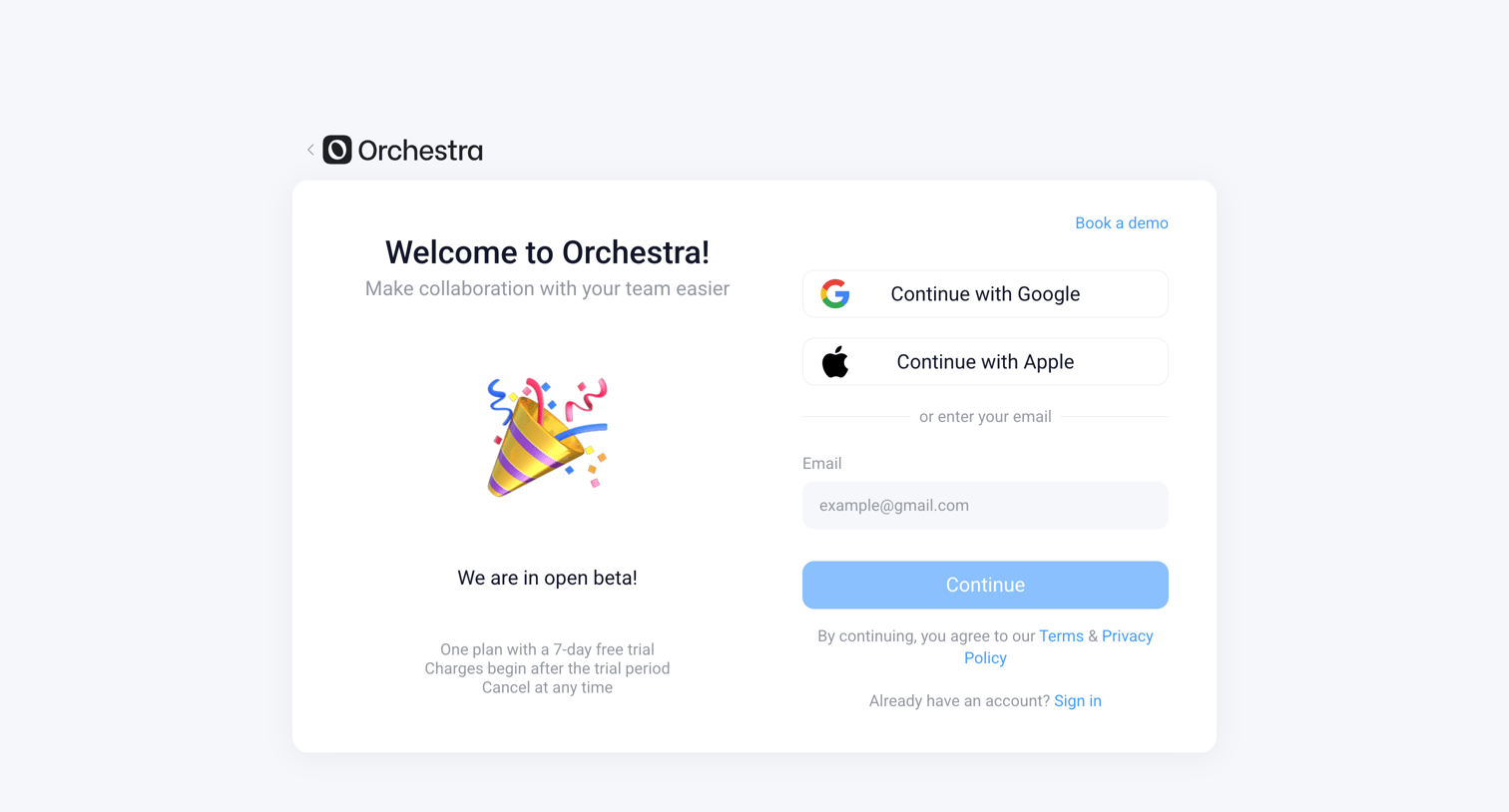
Signup screen where the user creates an account using Google, Apple, or email, featuring a welcome message and an open beta announcement.
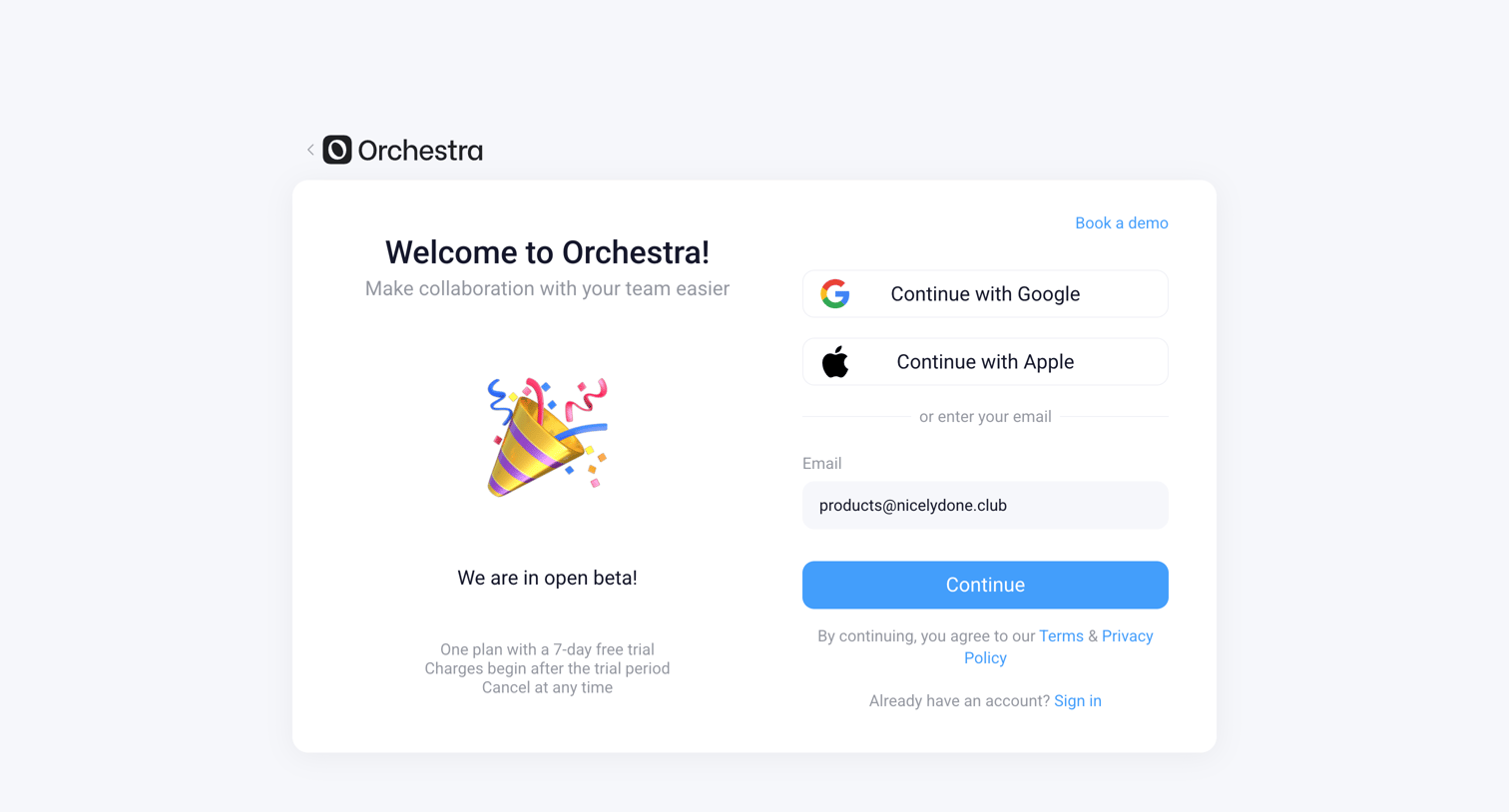
Signup screen where the user can authenticate with Google, Apple, or enter an email address to continue.
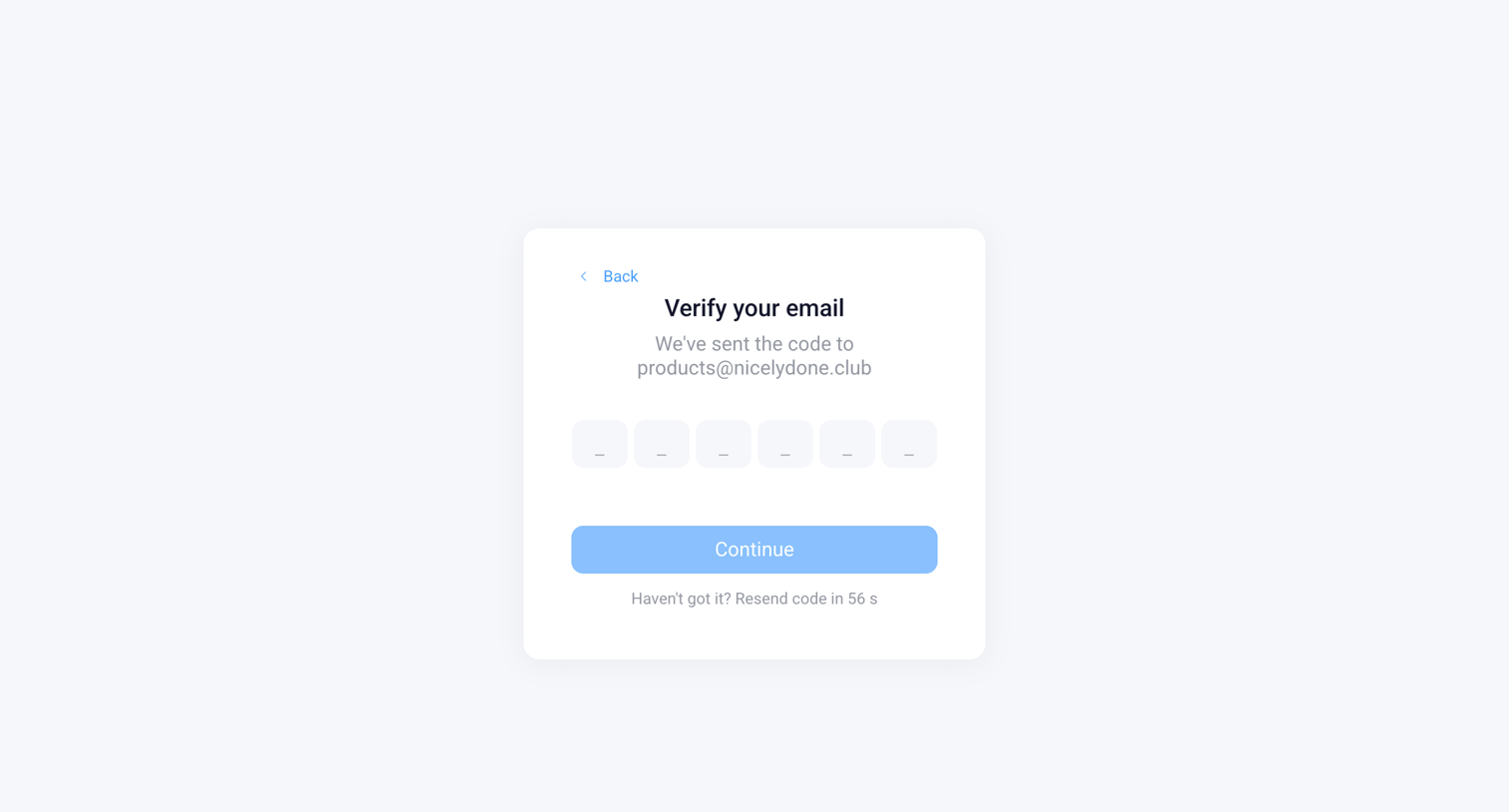
Verification screen where the user enters a 6-digit code sent to their email to proceed.
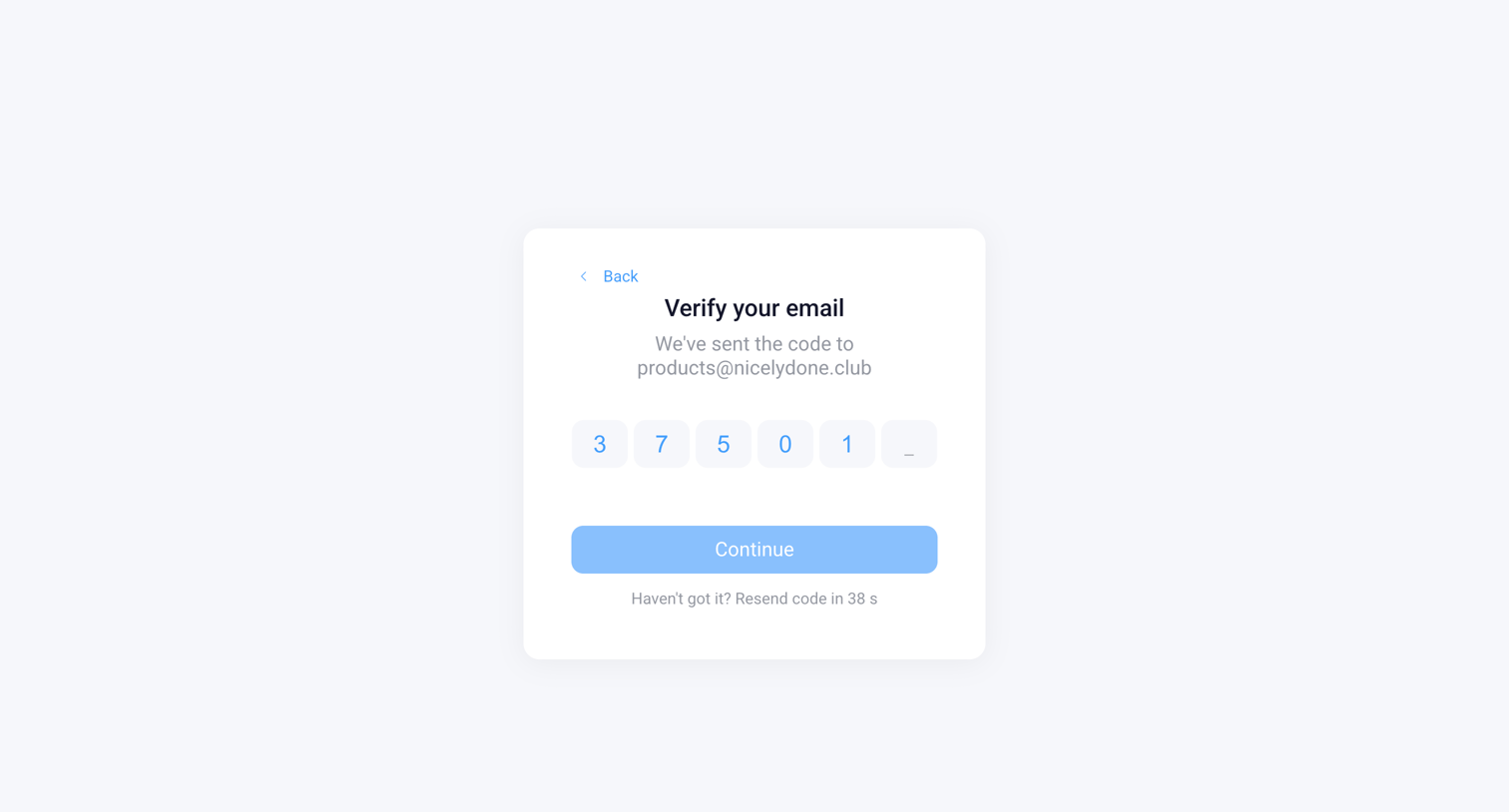
Verification screen where the user enters a 6-digit code sent to their email to proceed.
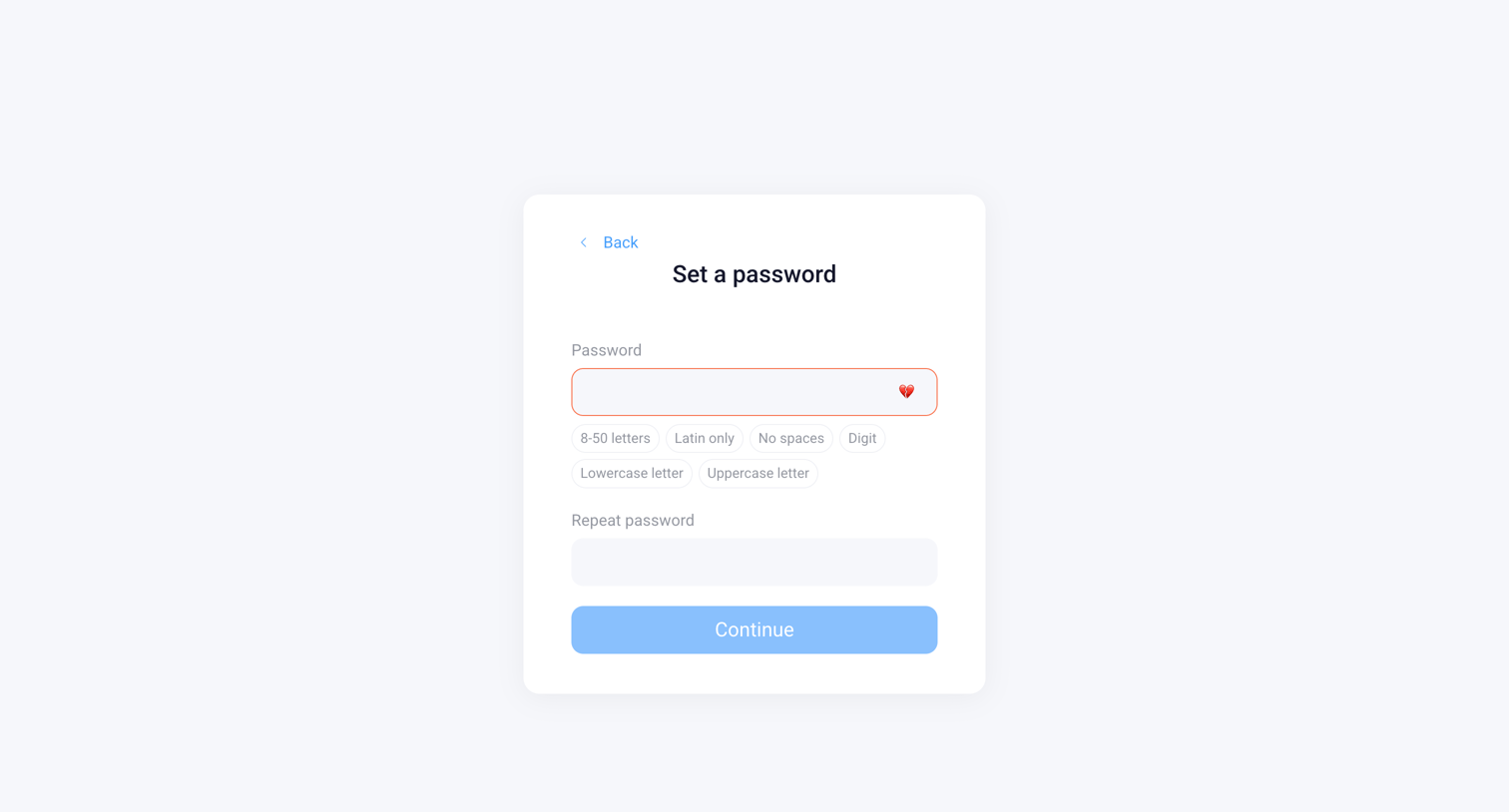
Authentication screen where the user sets a new password with specific character requirements, currently showing a validation error on the first input.
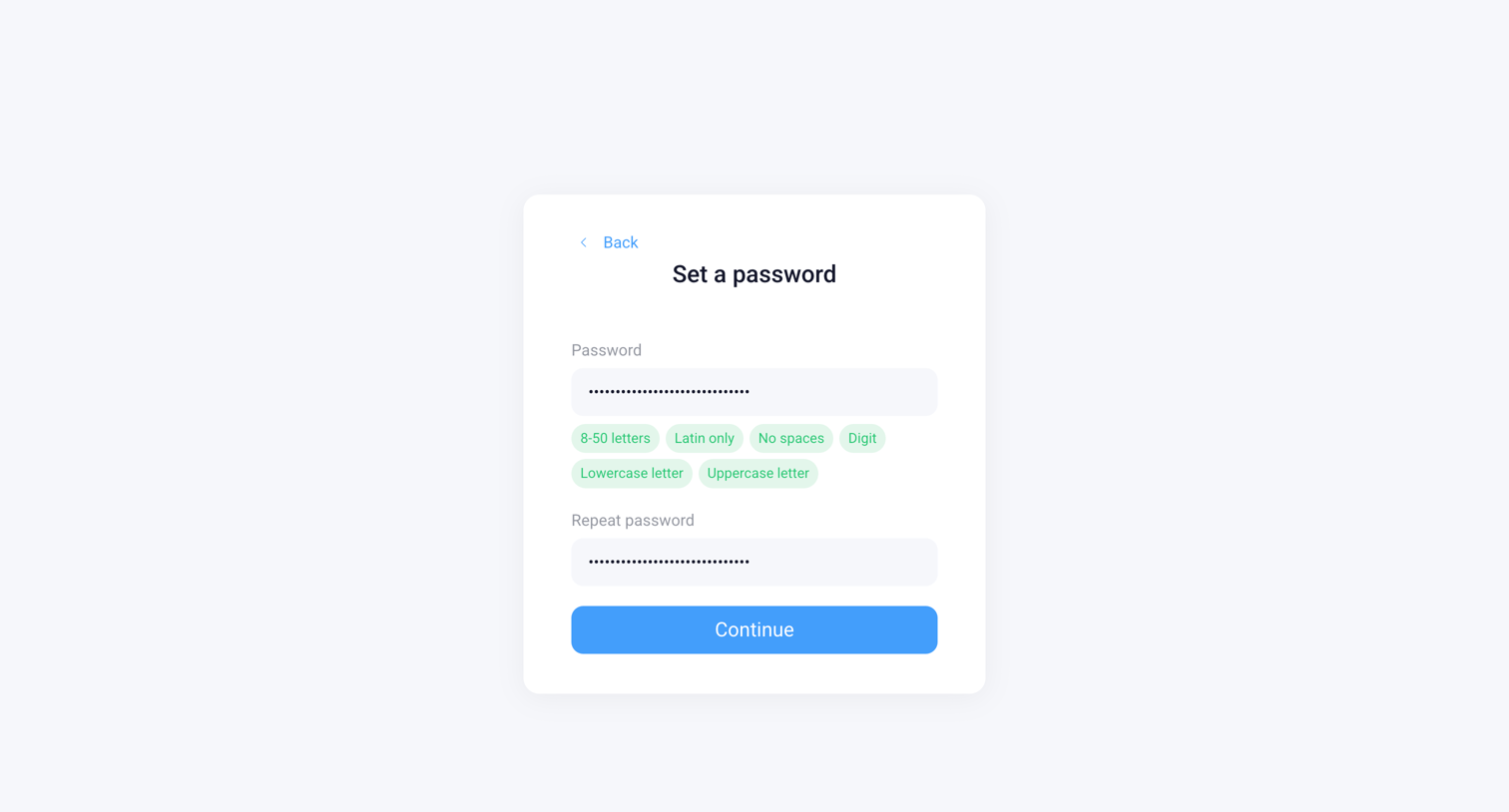
Authentication screen where the user sets a new password, featuring real-time validation chips that turn green as complexity rules are met.
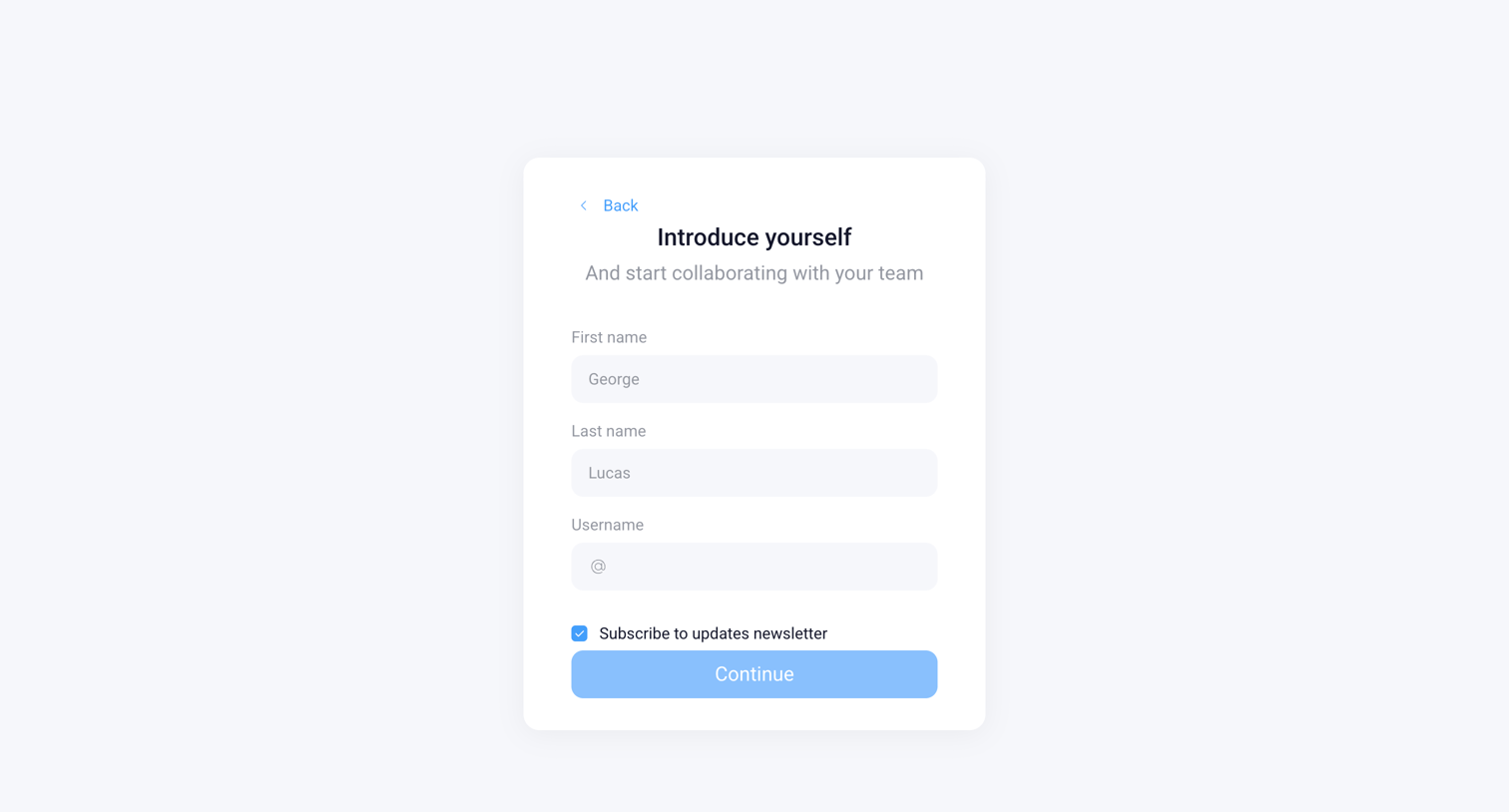
Onboarding step where the user introduces themselves by entering their first name, last name, and username, with an option to subscribe to the newsletter.
Browse the full SaaS app library
Explore real SaaS apps with their product screens, marketing screens, flows, and components.
Trusted by the best teams







