Skip to content

Orchestra UI components examples

Browse Orchestra UI component design examples. Preview individual interface elements and explore related component categories. A chat-centric workspace for modern teams

Explore the examples
Orchestra — Dropdown menu component
Orchestra logo
Orchestra

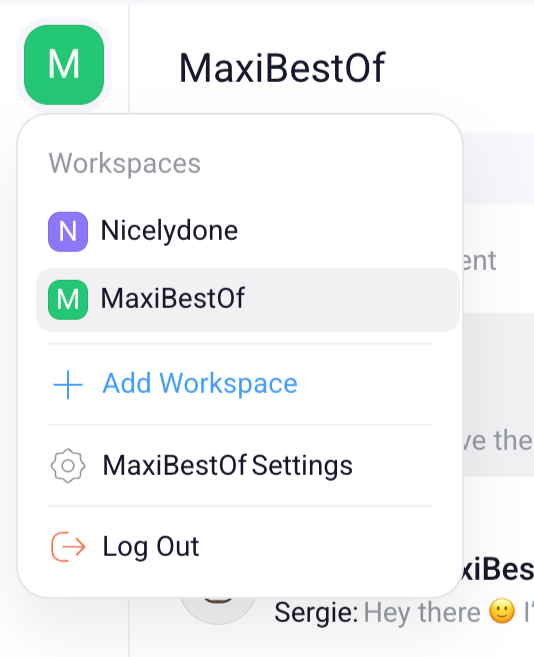
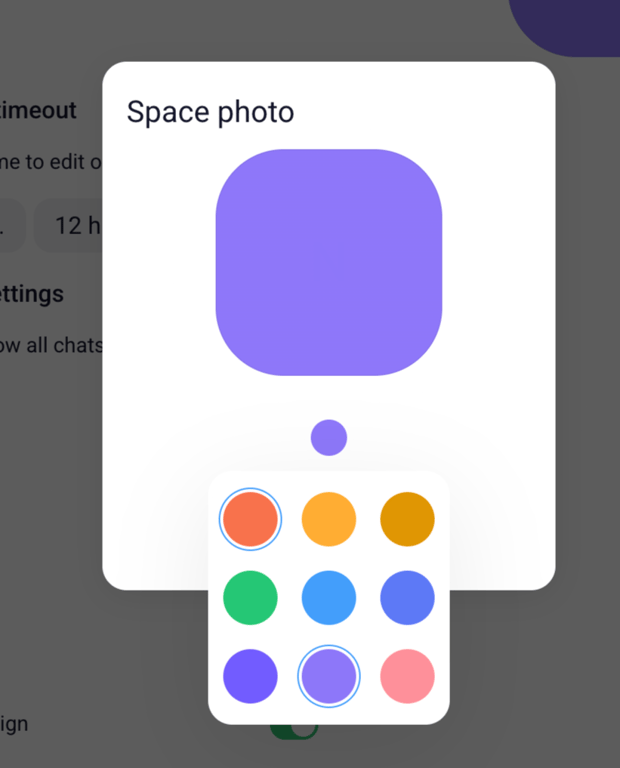
A popover menu displaying workspace options and user account actions.

Orchestra — Dropdown menu component
Orchestra logo
Orchestra

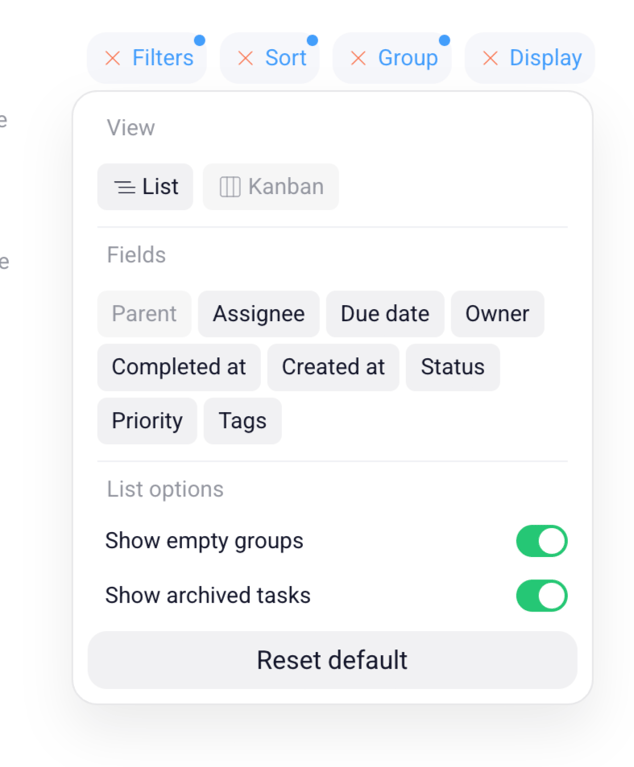
A popover menu displaying view, field, and list options for a task management interface.
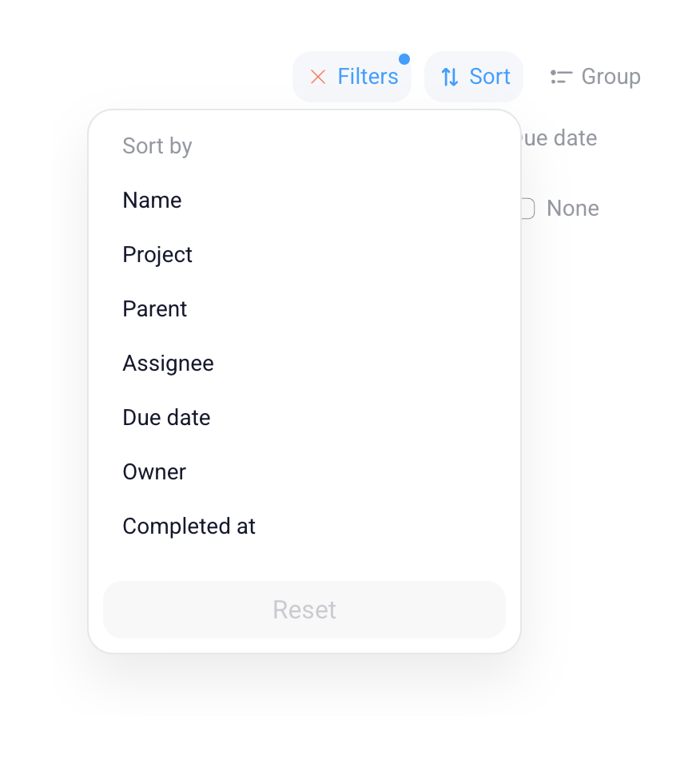
Orchestra — Sorting & filtering component
Orchestra logo
Orchestra

A dropdown menu for sorting options, displayed over a partial view of filter and group buttons.
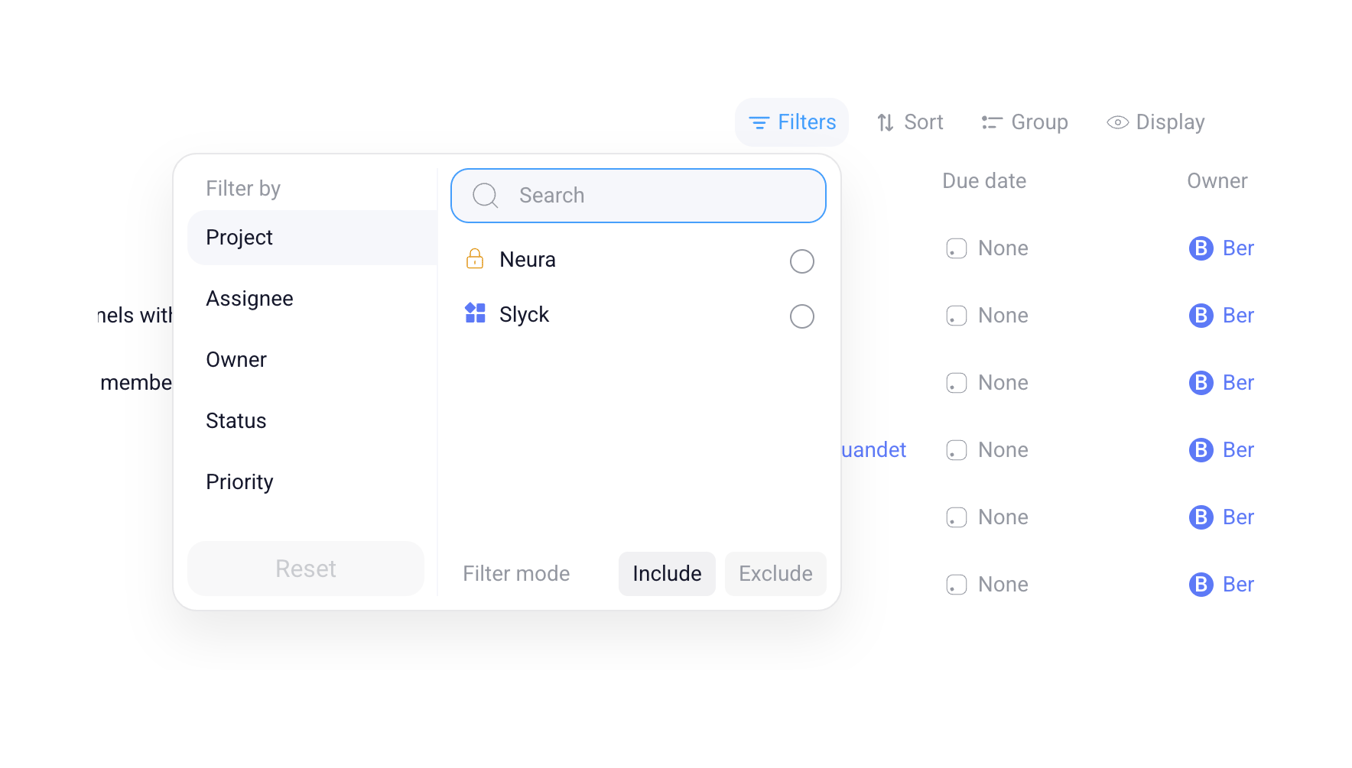
Orchestra — Input multi-select component
Orchestra logo
Orchestra

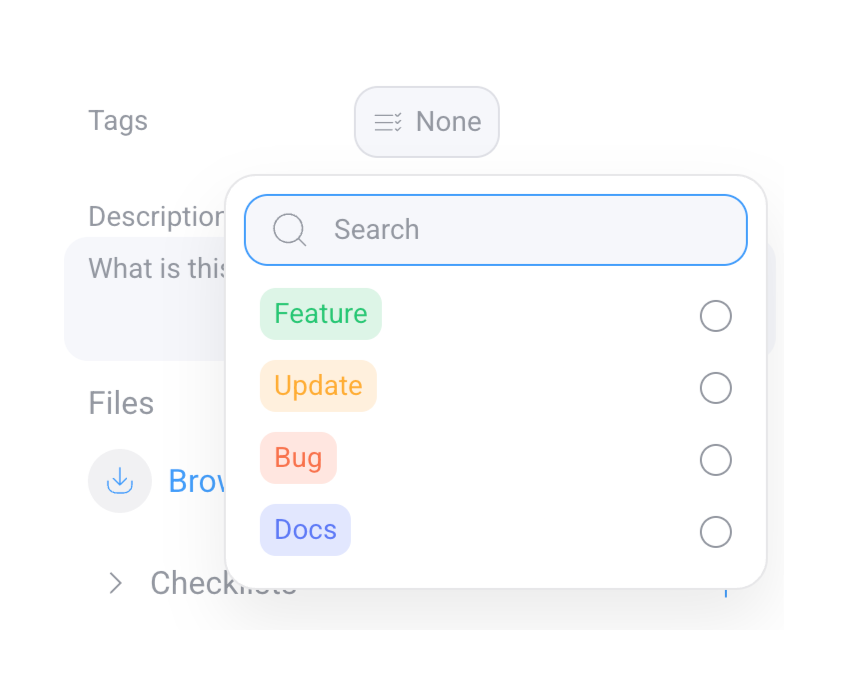
A popover menu for tag selection with a search bar and colored tag options.
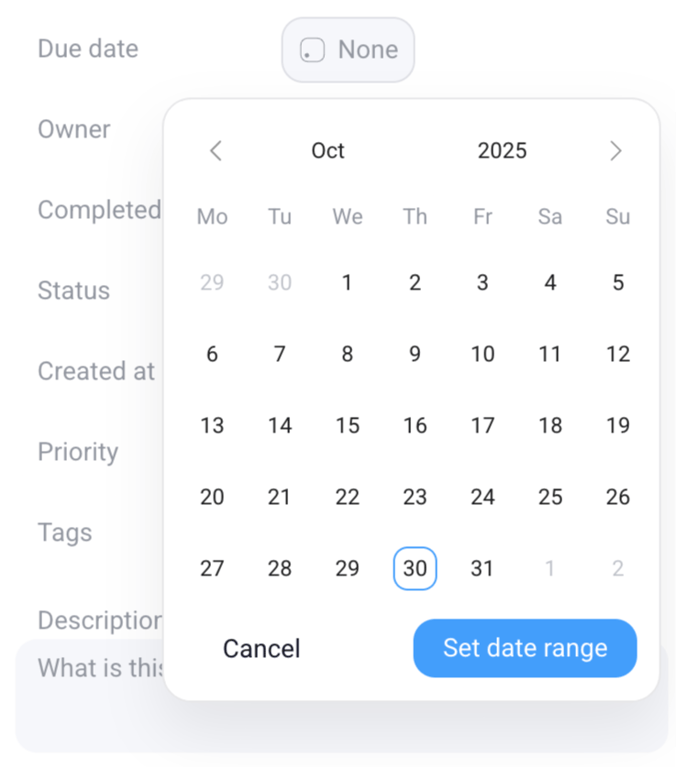
Orchestra — Datepicker component
Orchestra logo
Orchestra

A date picker modal overlaying a form field for due date selection.

Orchestra — Dropdown menu component
Orchestra logo
Orchestra

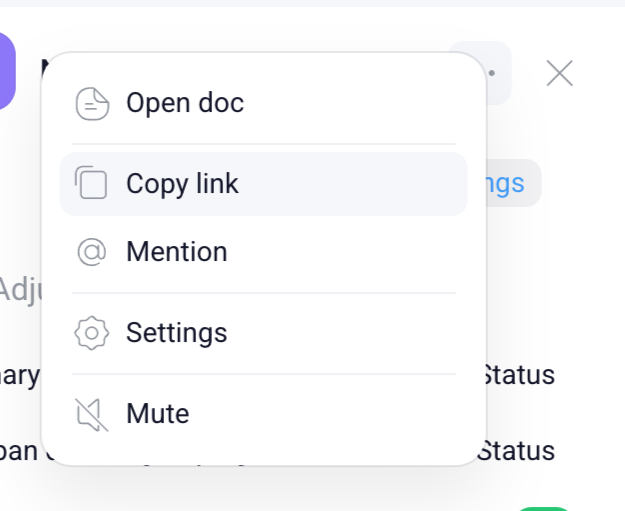
A context menu displaying various actions with icons and text labels.

Orchestra — Toolbox component
Orchestra logo
Orchestra

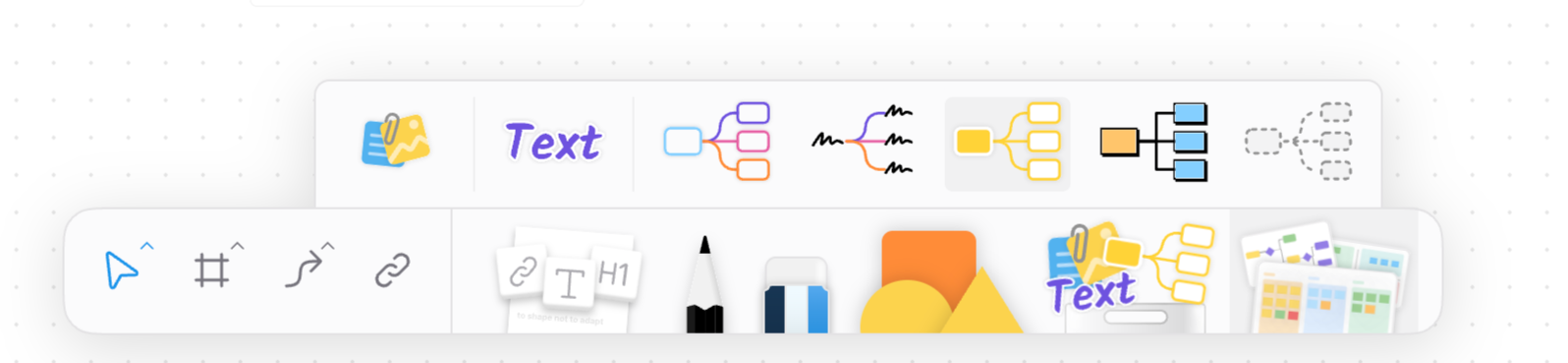
A user interface displaying a toolbar with various tools for diagramming, text editing, and shape manipulation, featuring a popover menu for different mind map and diagram templates.

Orchestra — Toolbox component
Orchestra logo
Orchestra

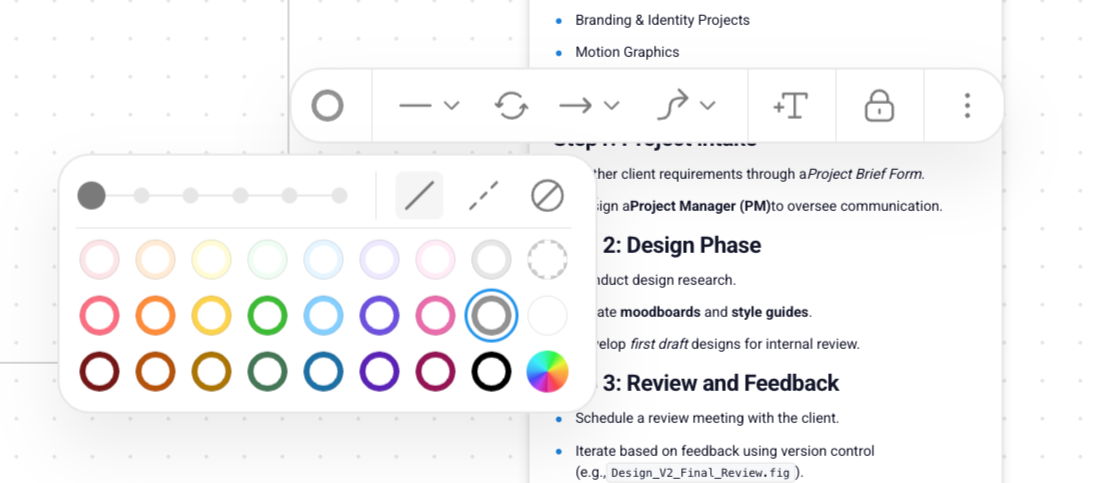
Toolbar with design and productivity tools

Orchestra — Rich text editor component
Orchestra logo
Orchestra

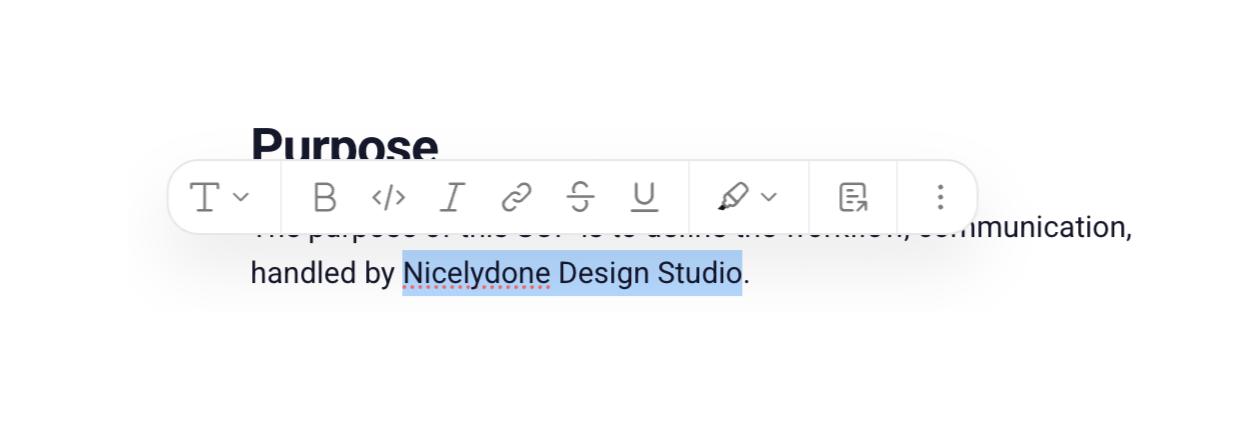
A rich text editor toolbar is displayed above text content, with a portion of the text selected and a spelling error indicated.

Browse the full component library

Browse the full UI component library.

Trusted by the best teams