Social Feed screen examples
Social Feed screen design examples from SaaS apps. Explore how apps organize a stream of posts and updates. Look at how author details, content, and response controls repeat across the feed while keeping…
Explore the examples


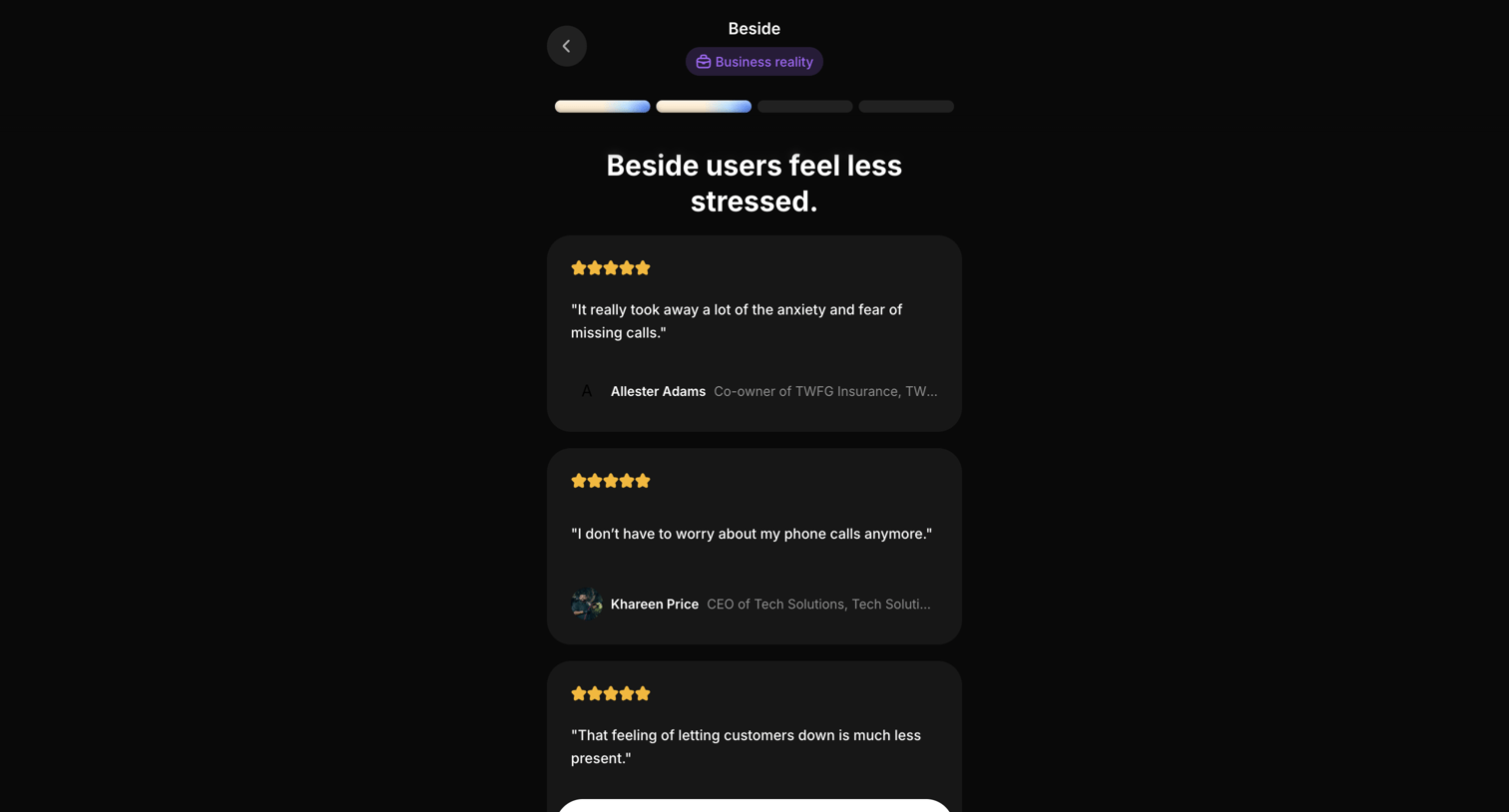

Onboarding step where the user reads customer testimonials about feeling less stressed before continuing the setup flow.
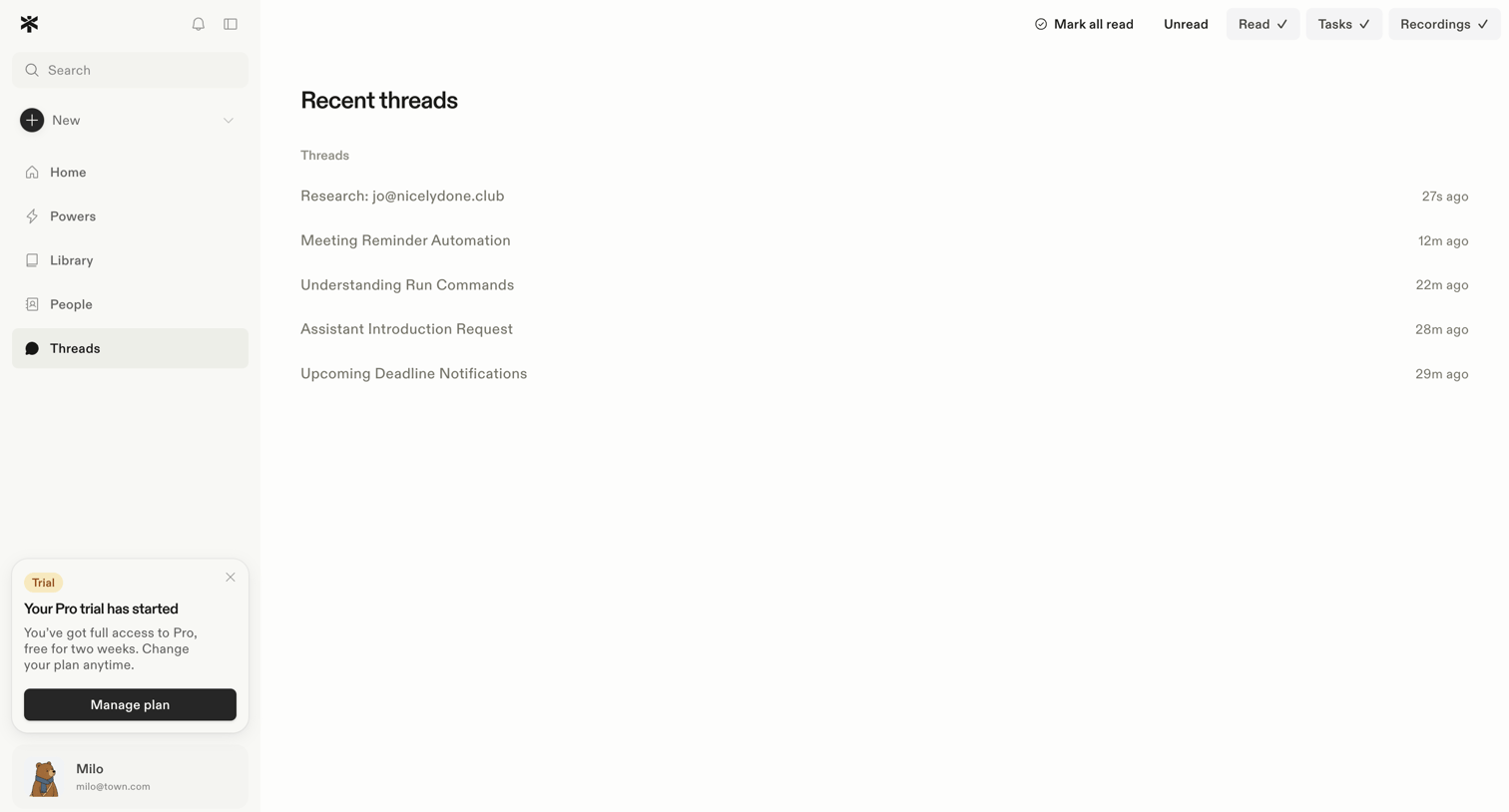

Inbox view displaying a list of recent threads with top filters for read status, tasks, and recordings, alongside a left sidebar featuring navigation and a trial status banner.
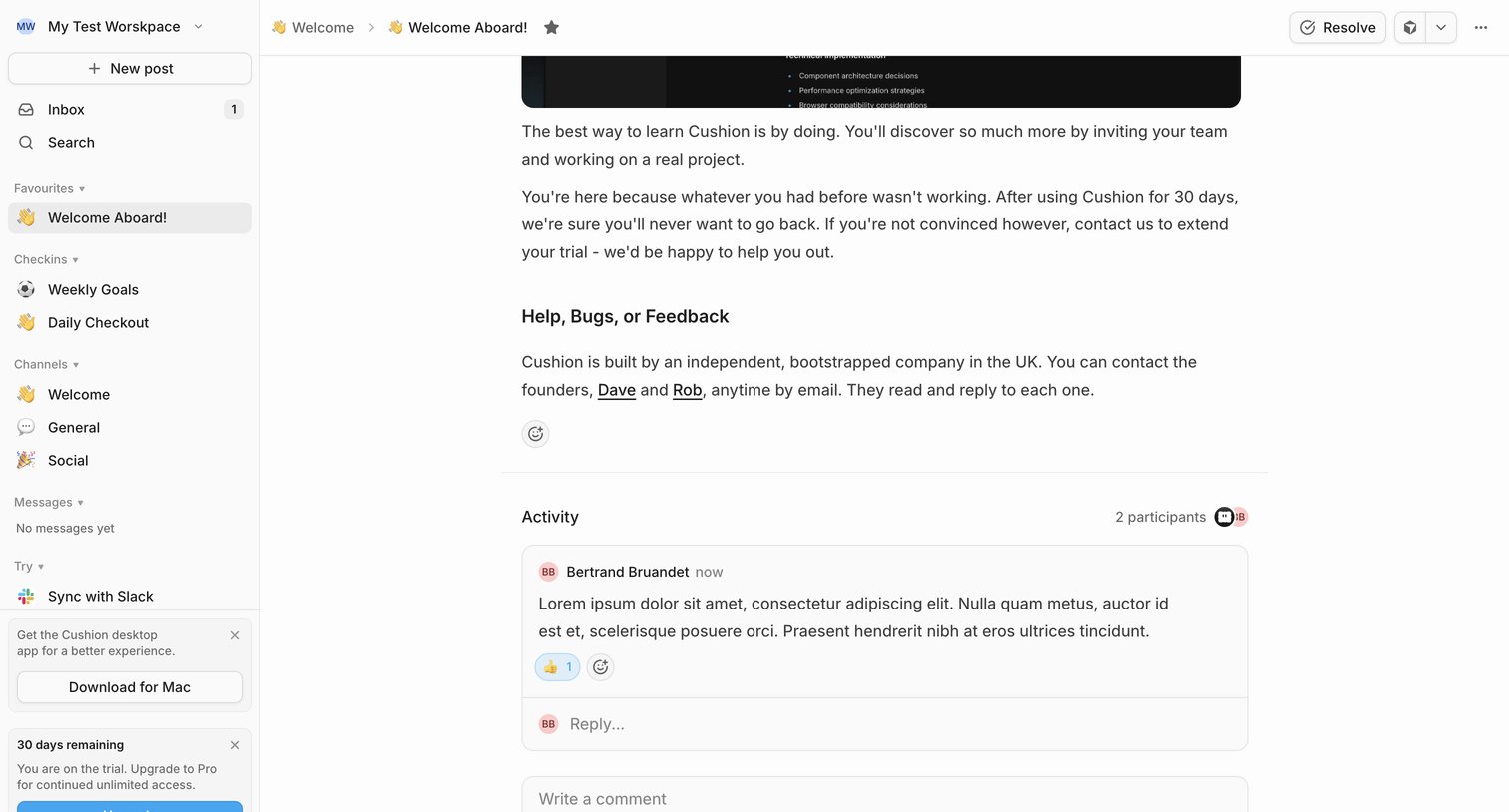

Detail page where the user reads a welcome post, views recent activity, and can leave a comment or resolve the thread.
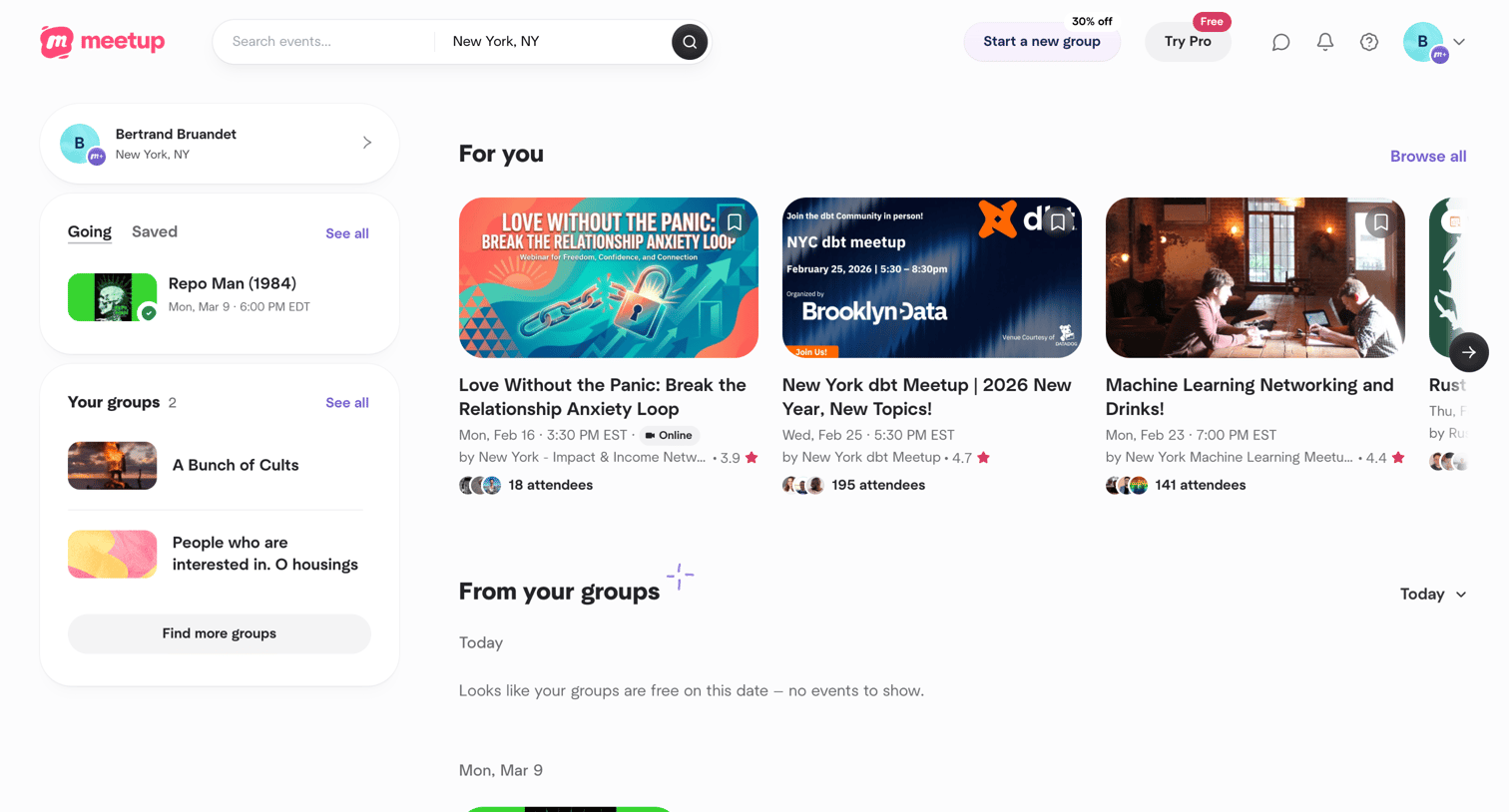

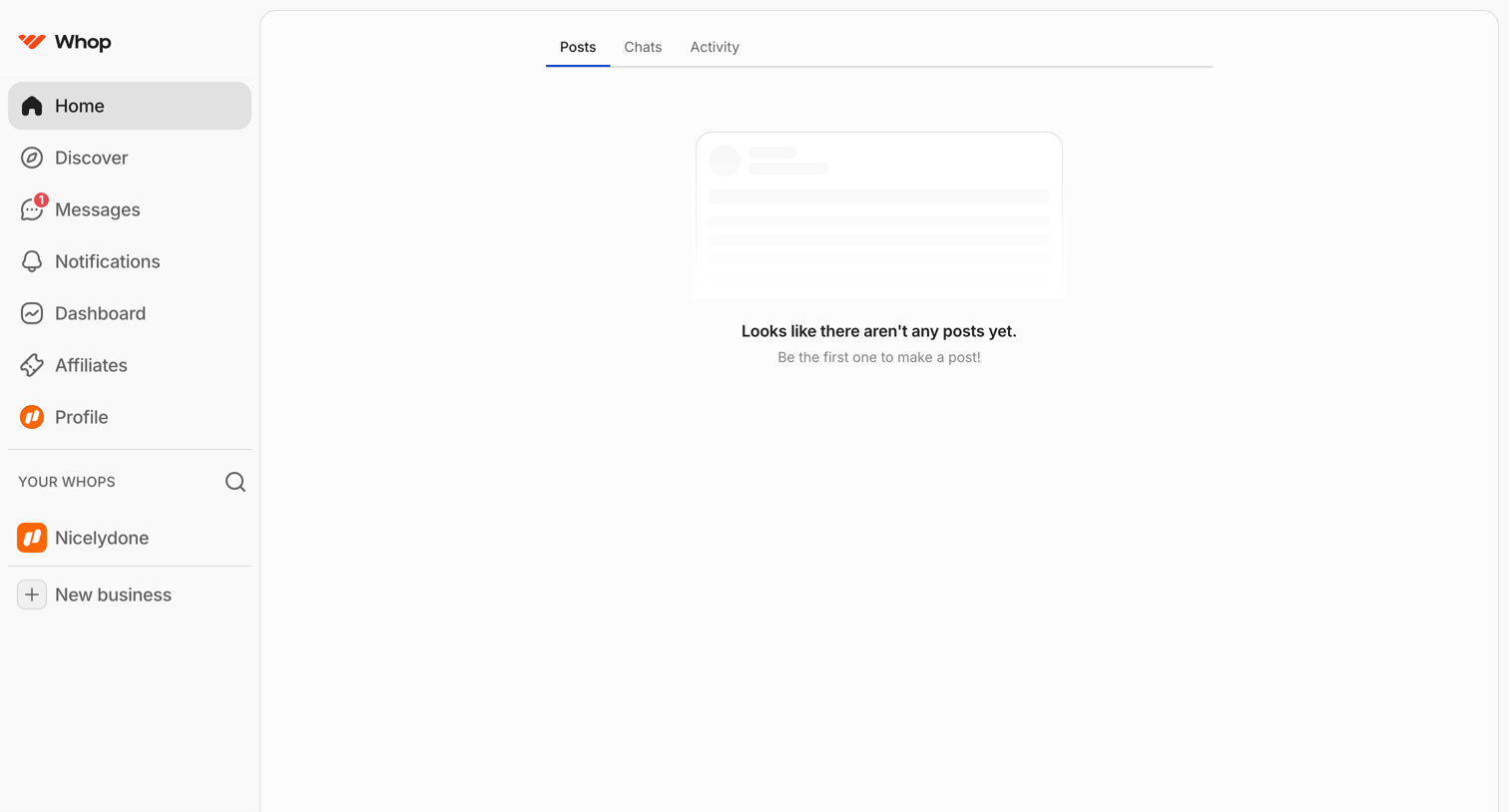

Home screen where the user views their posts, chats, and activity, currently showing an empty state for posts.
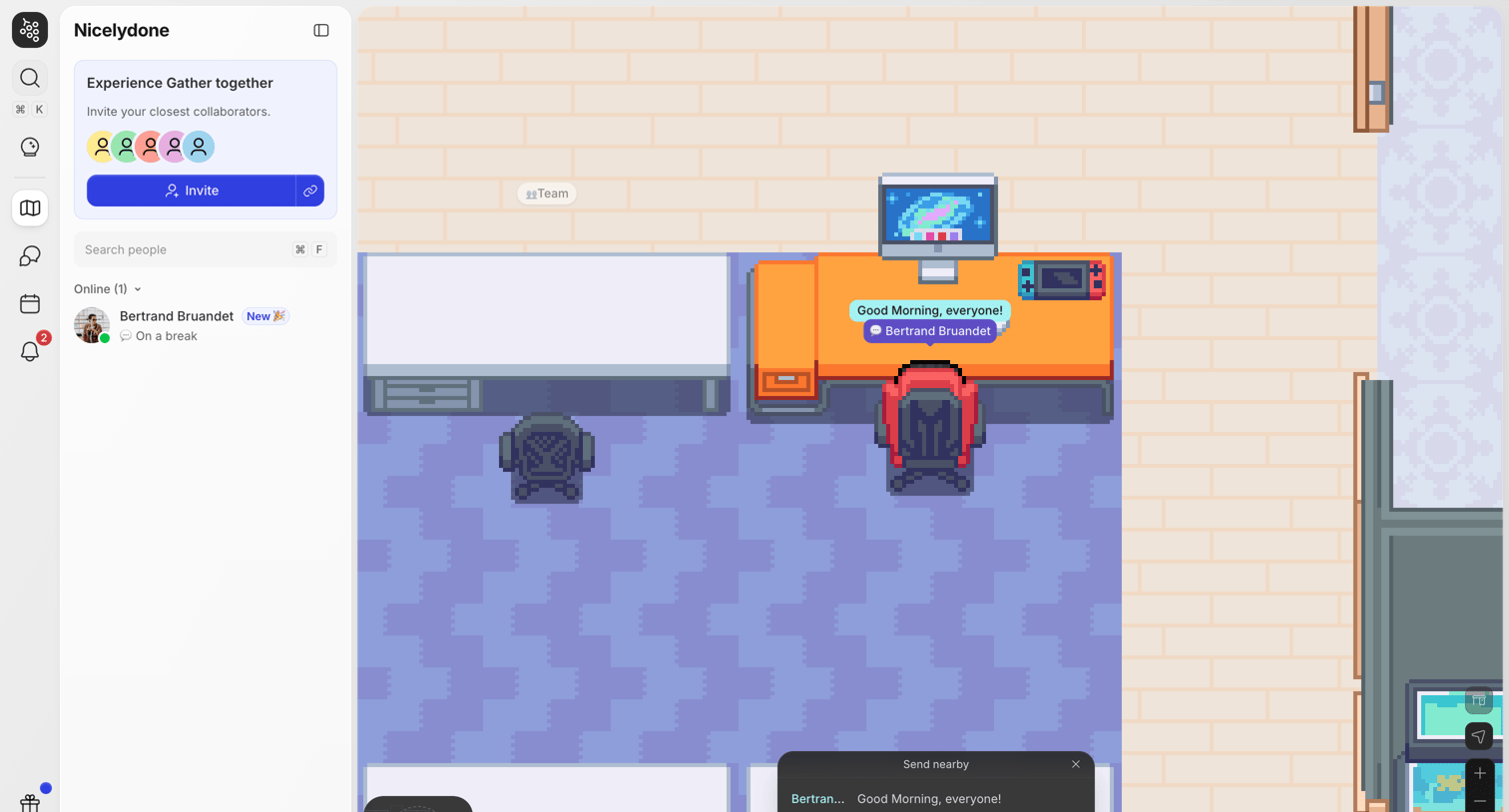

Home view of a virtual office space where the user navigates a 2D map, views online colleagues in the sidebar, and sends nearby chat messages.
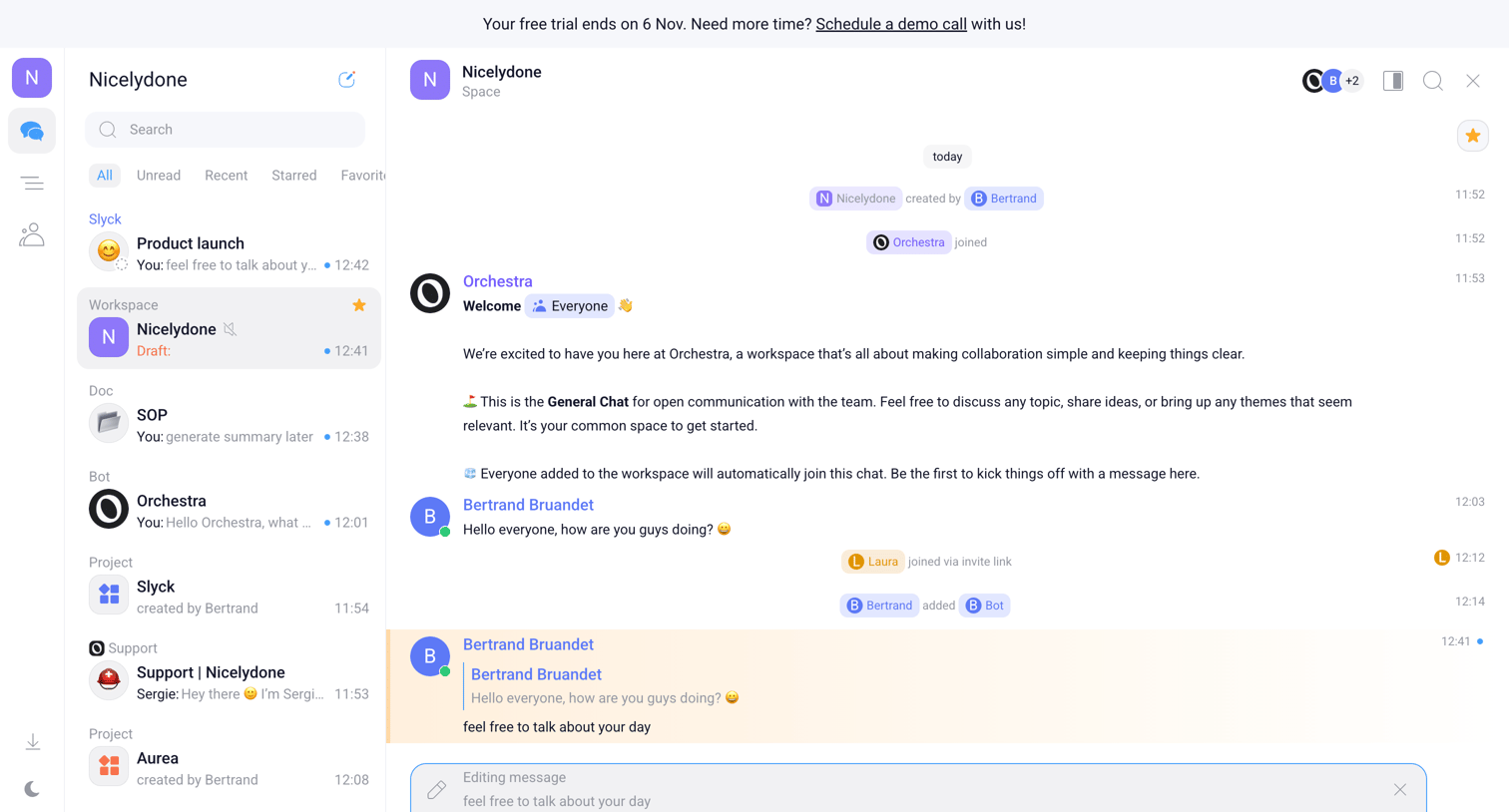

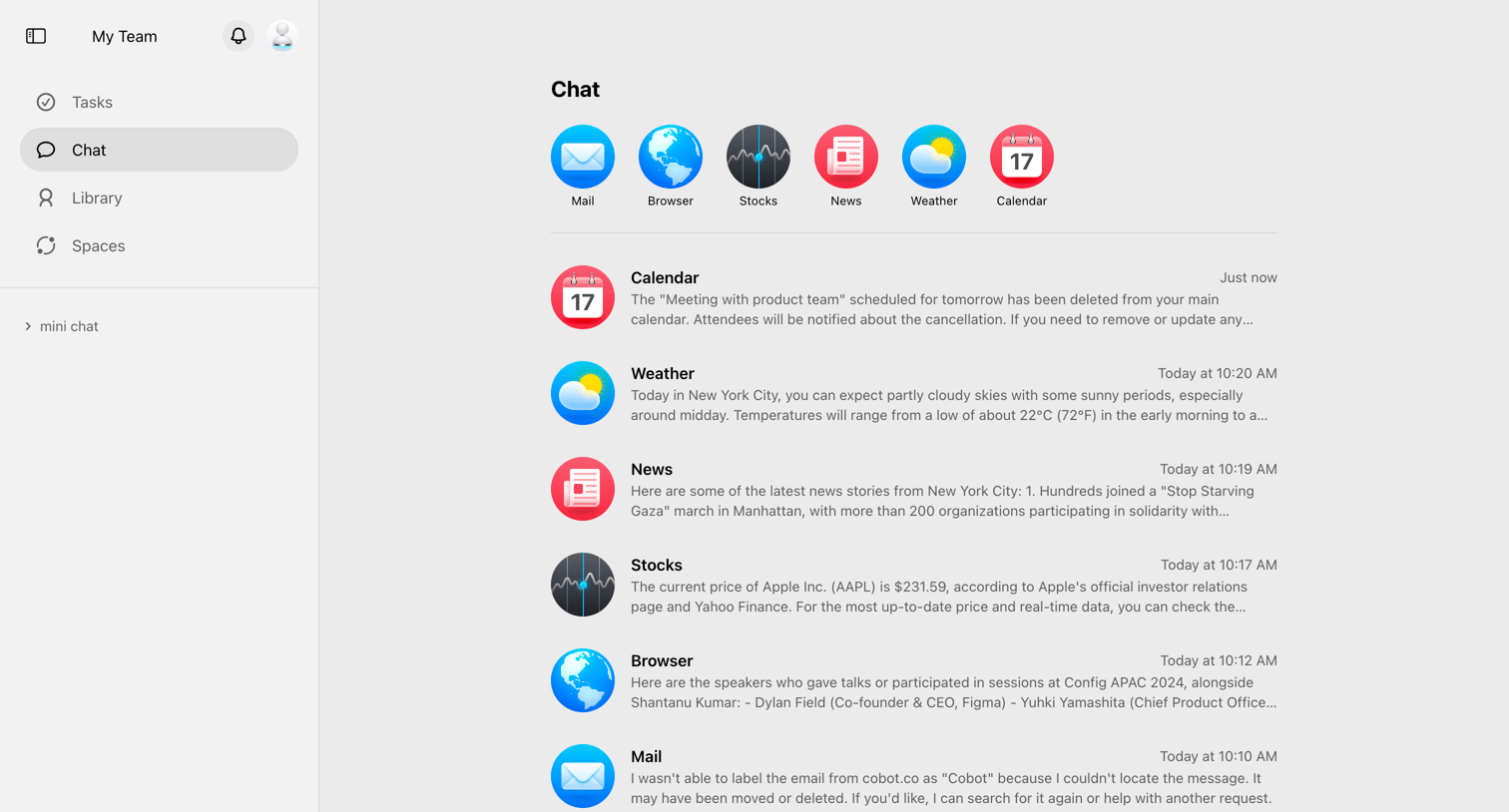

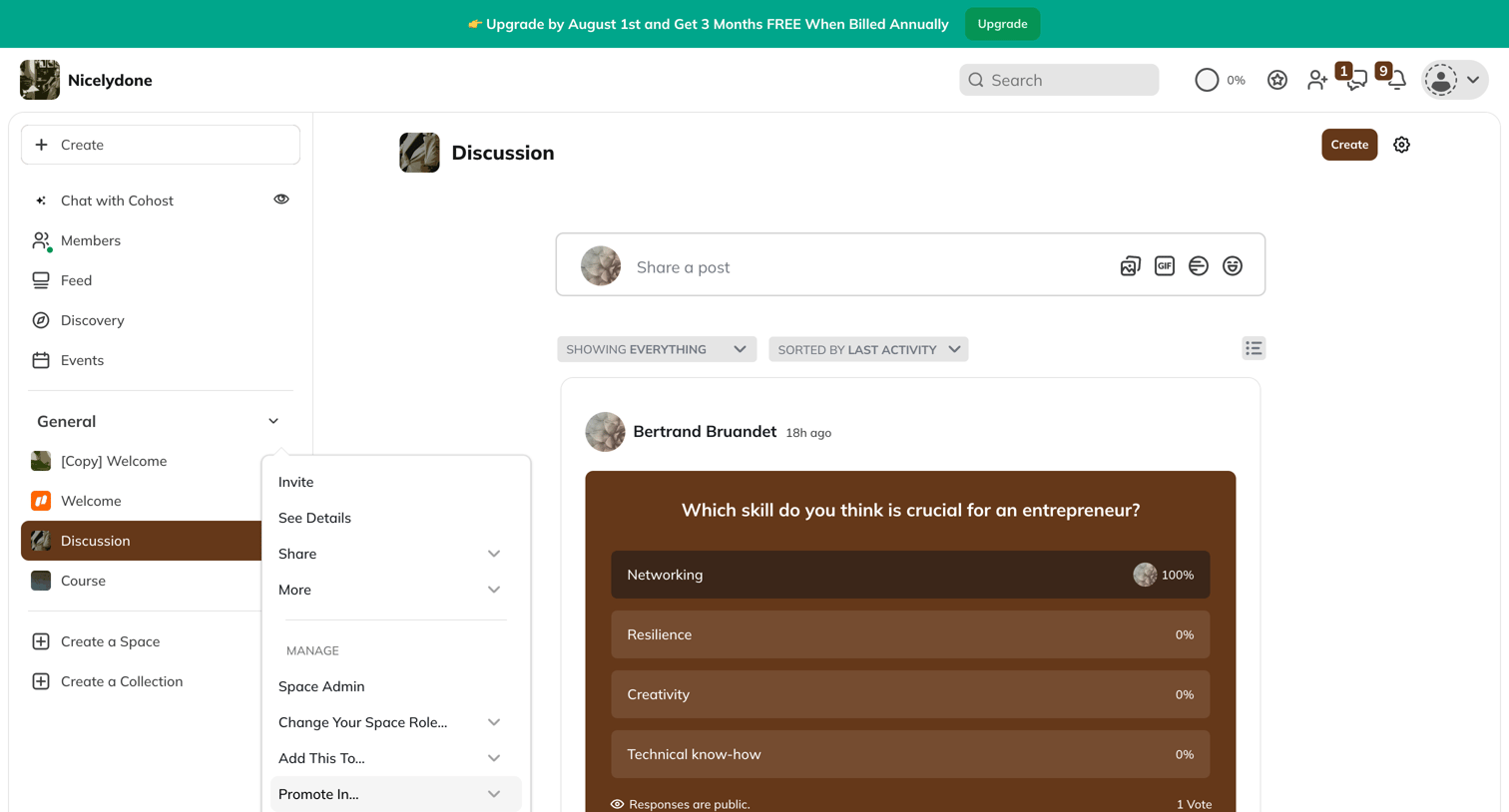

Community feed where the user views recent discussions, votes on a poll, and can share a new post.
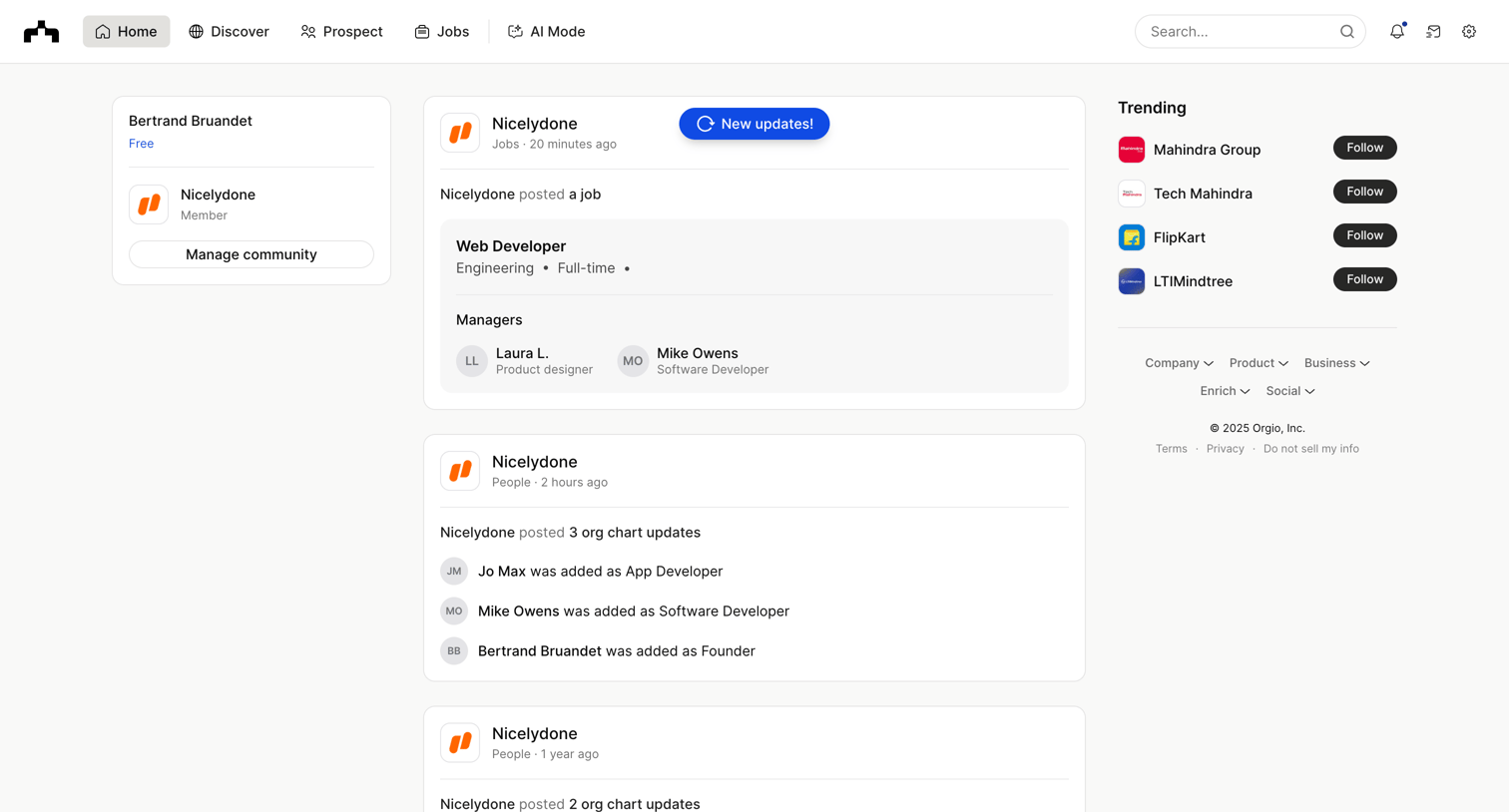

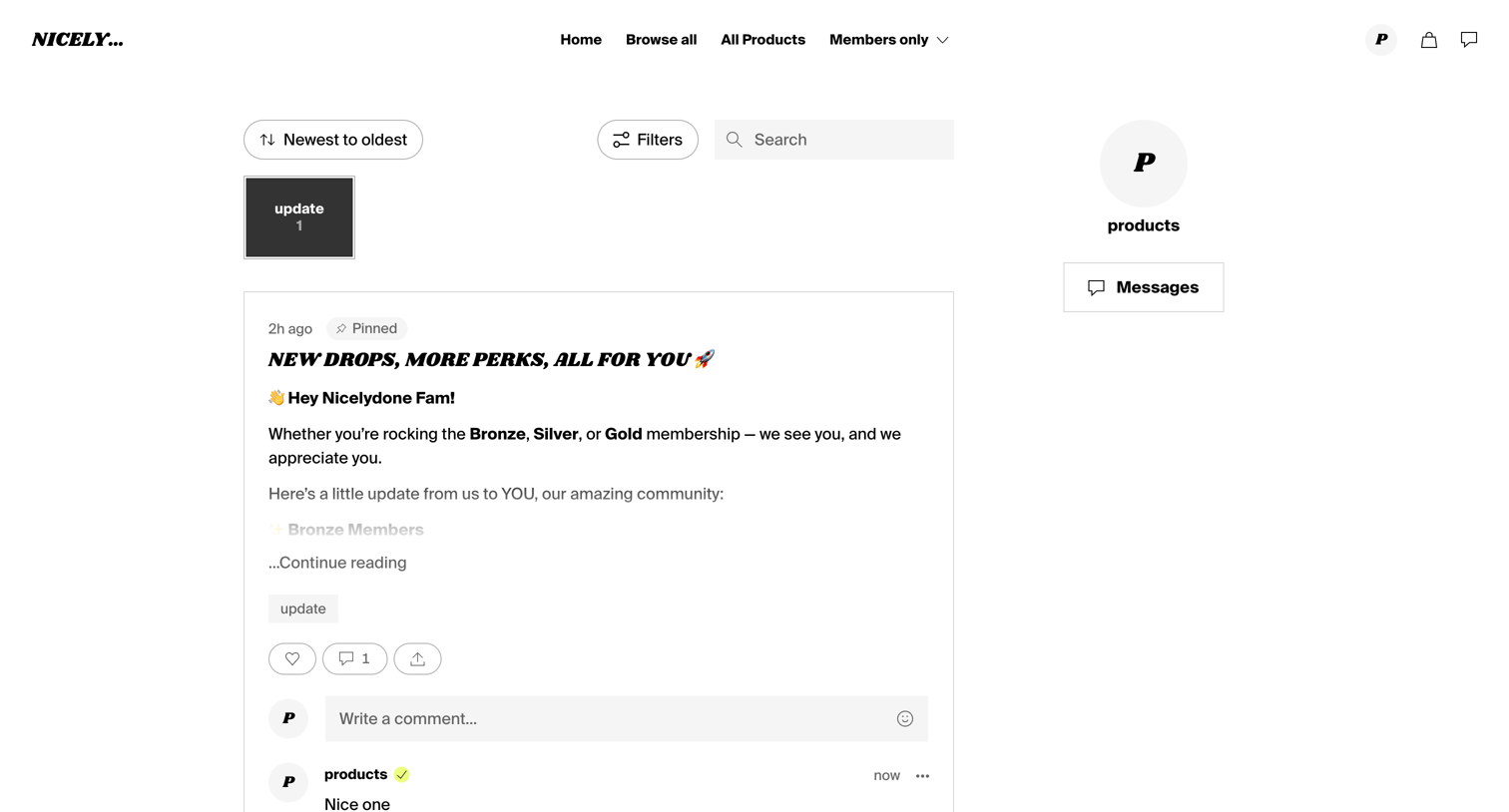

Feed where supporters can read pinned updates, filter by category, and interact via comments and likes.
Explore the full SaaS screen library
Upgrade to unlock the full library.
Trusted by the best teams








About Social Feed
Explore how apps organize a stream of posts and updates. Look at how author details, content, and response controls repeat across the feed while keeping individual posts distinct.