Reactions screen examples
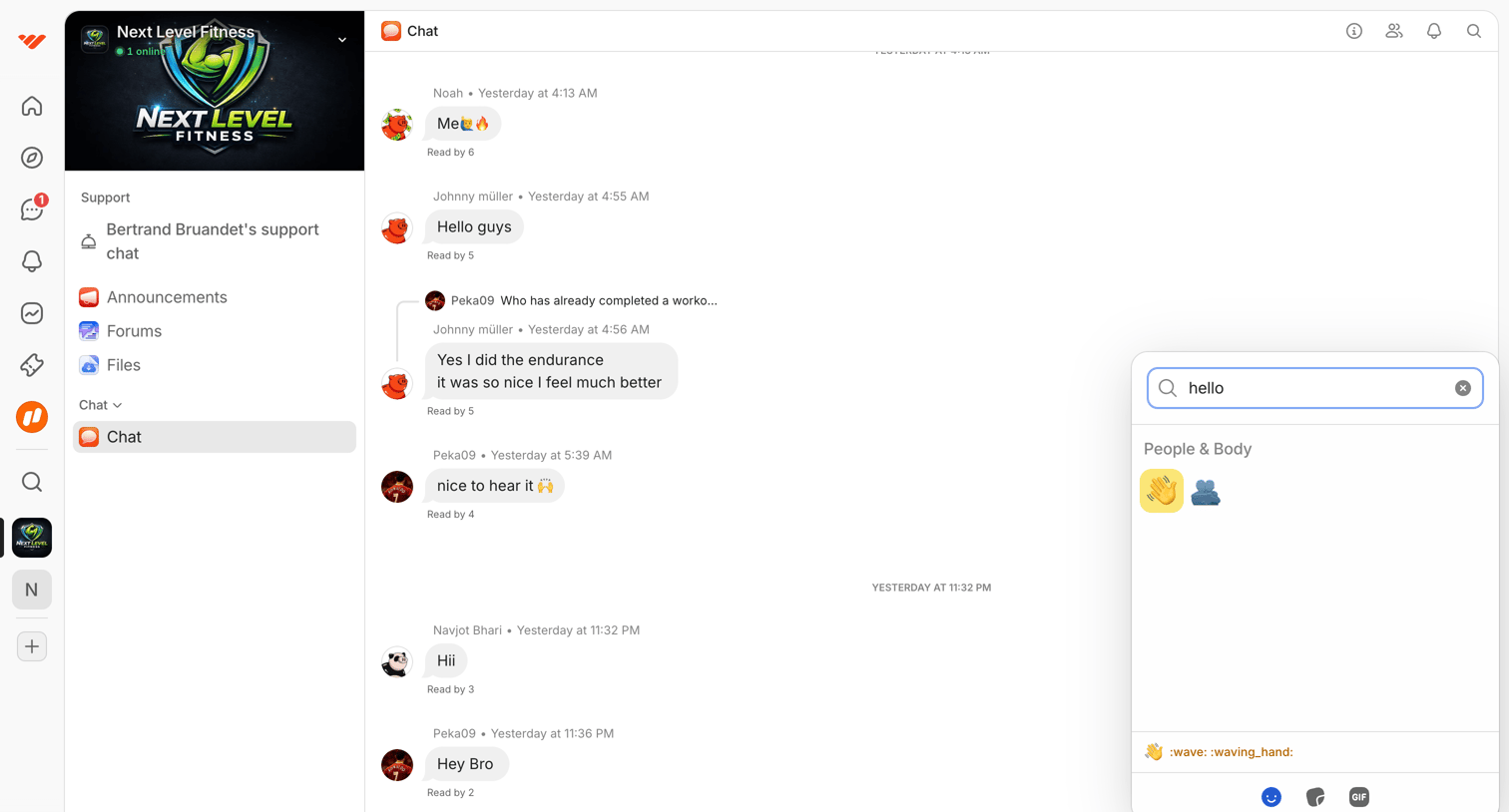
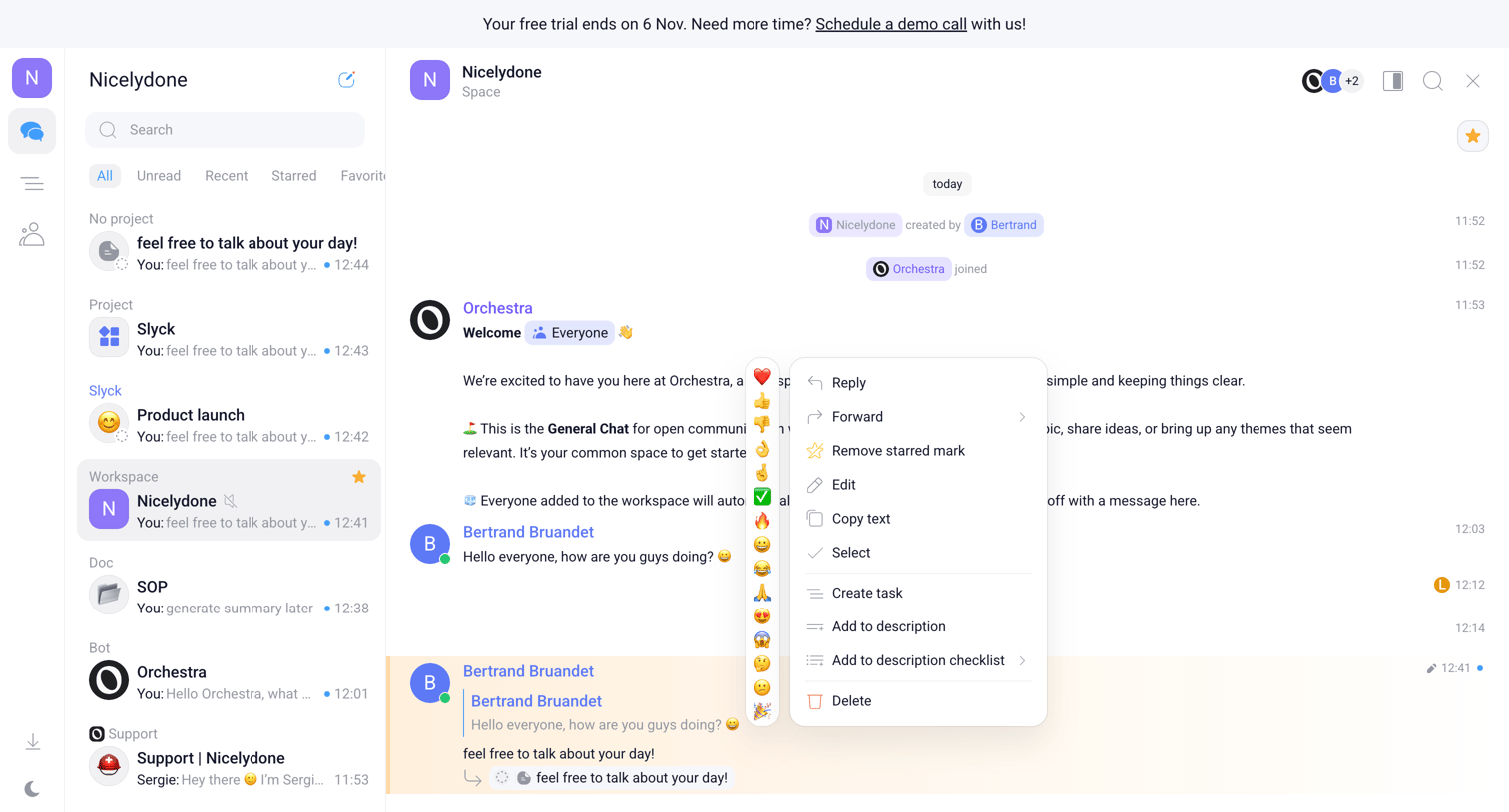
Reactions screen design examples from SaaS apps. See how apps make lightweight responses available beside content. Explore how reaction choices, counts, and selected states fit around a message, post, or…
Explore the examples
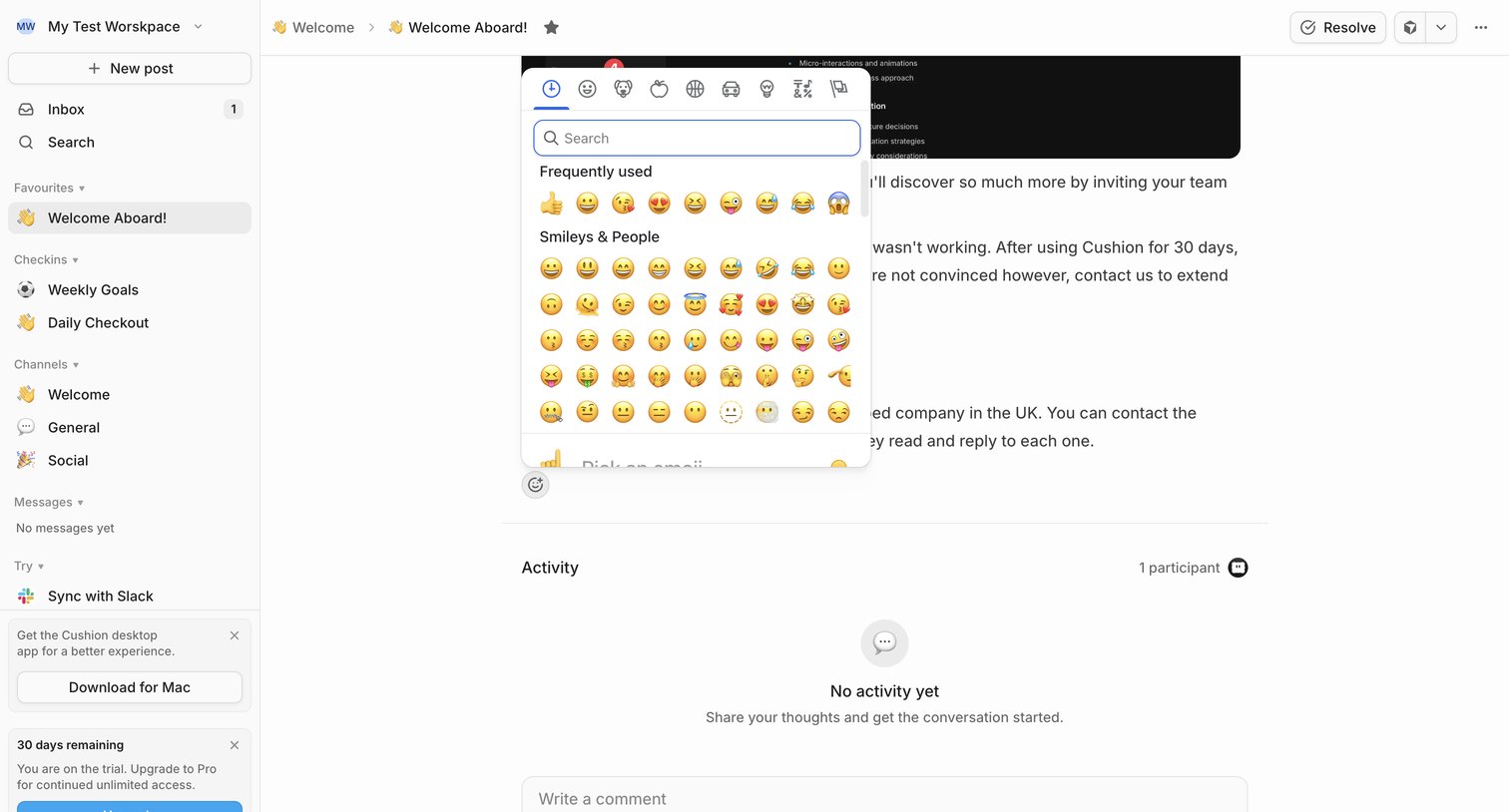

Detail page where a user reads a welcome post, views its activity thread, and can add an emoji reaction or comment.


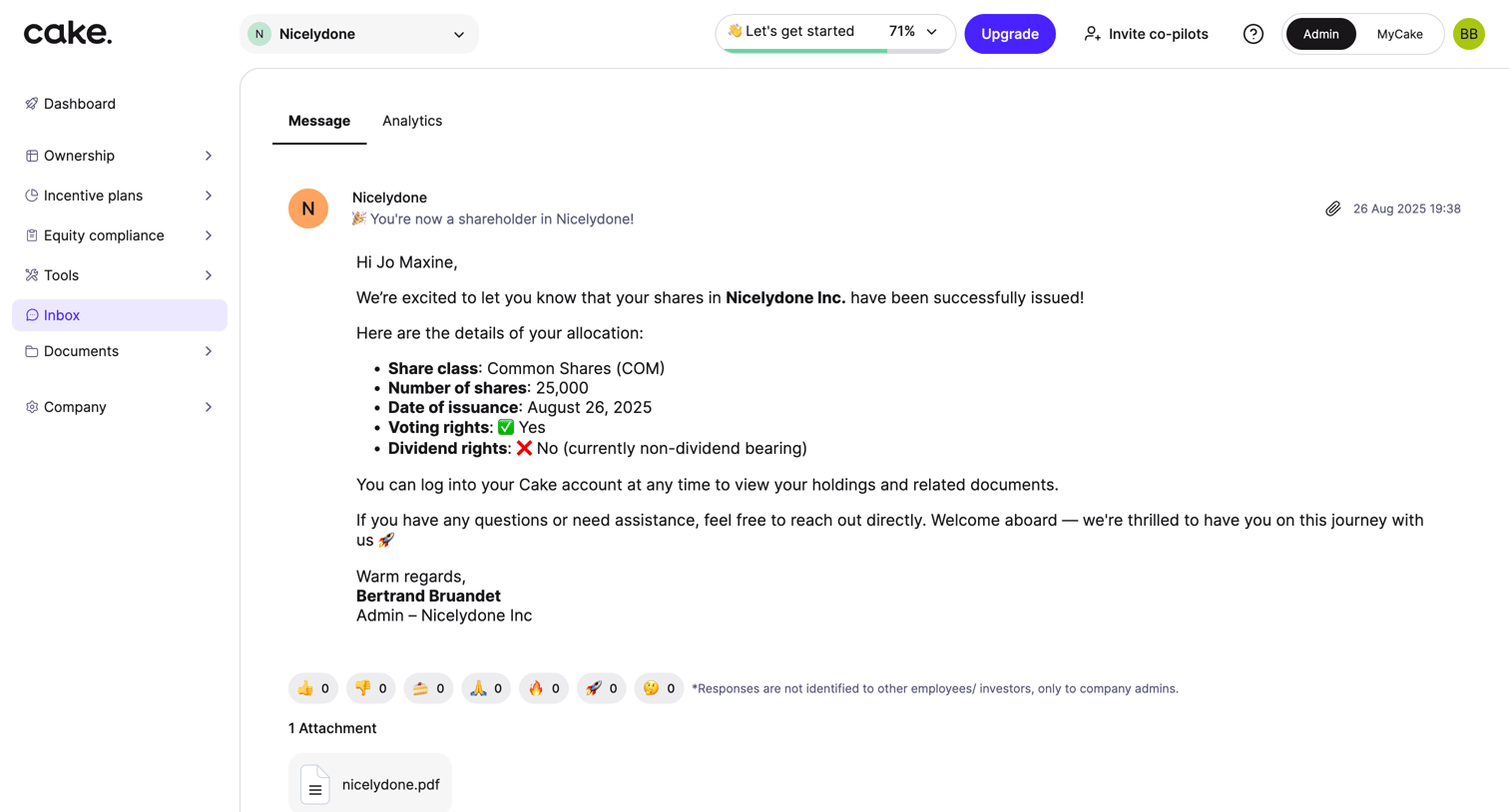

Detail page where the user reads a message about newly issued shares and can add reactions or toggle responses.
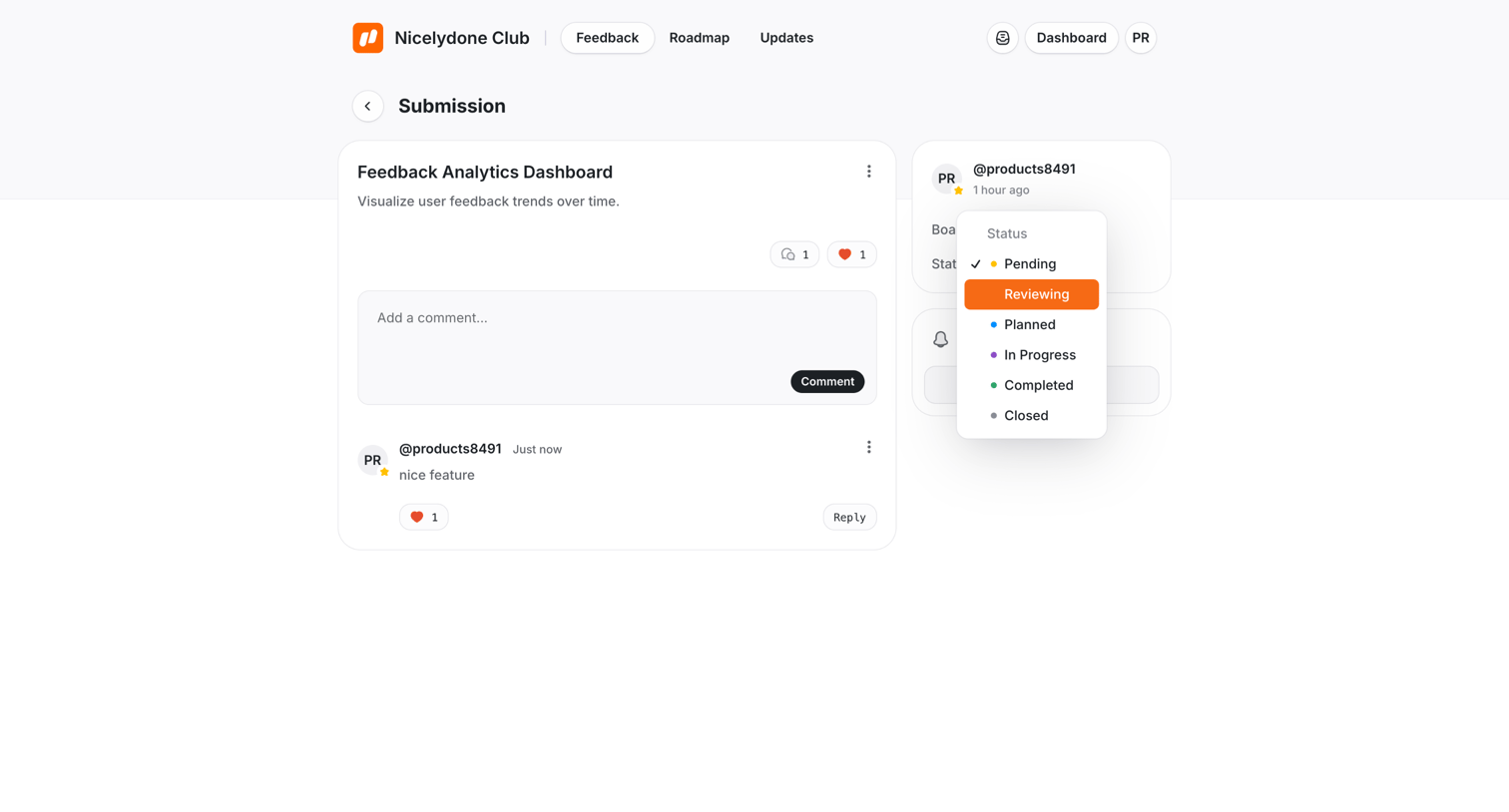

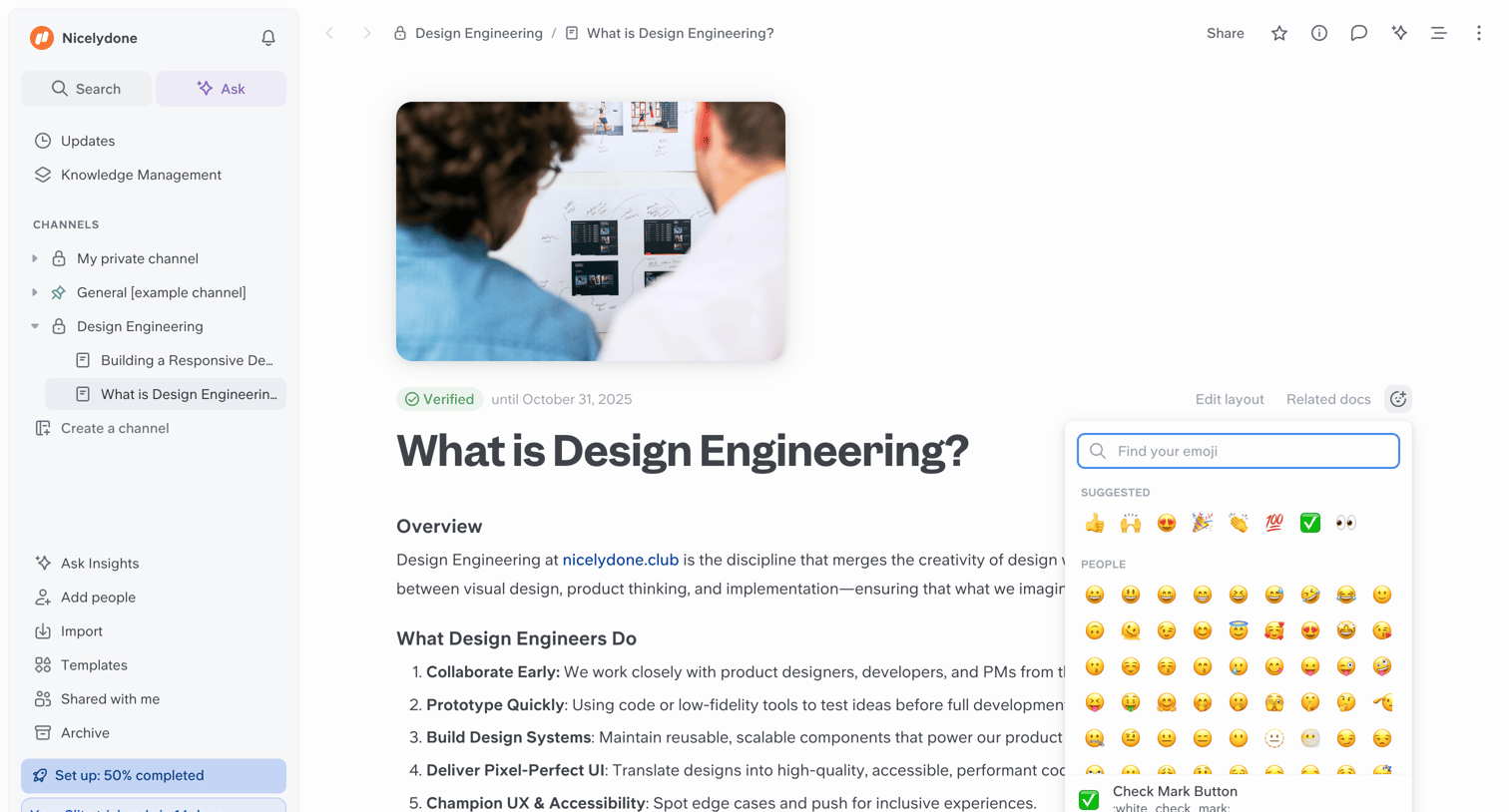

Document editor where the user is reading a verified document about design engineering and has opened the emoji picker to add a reaction.
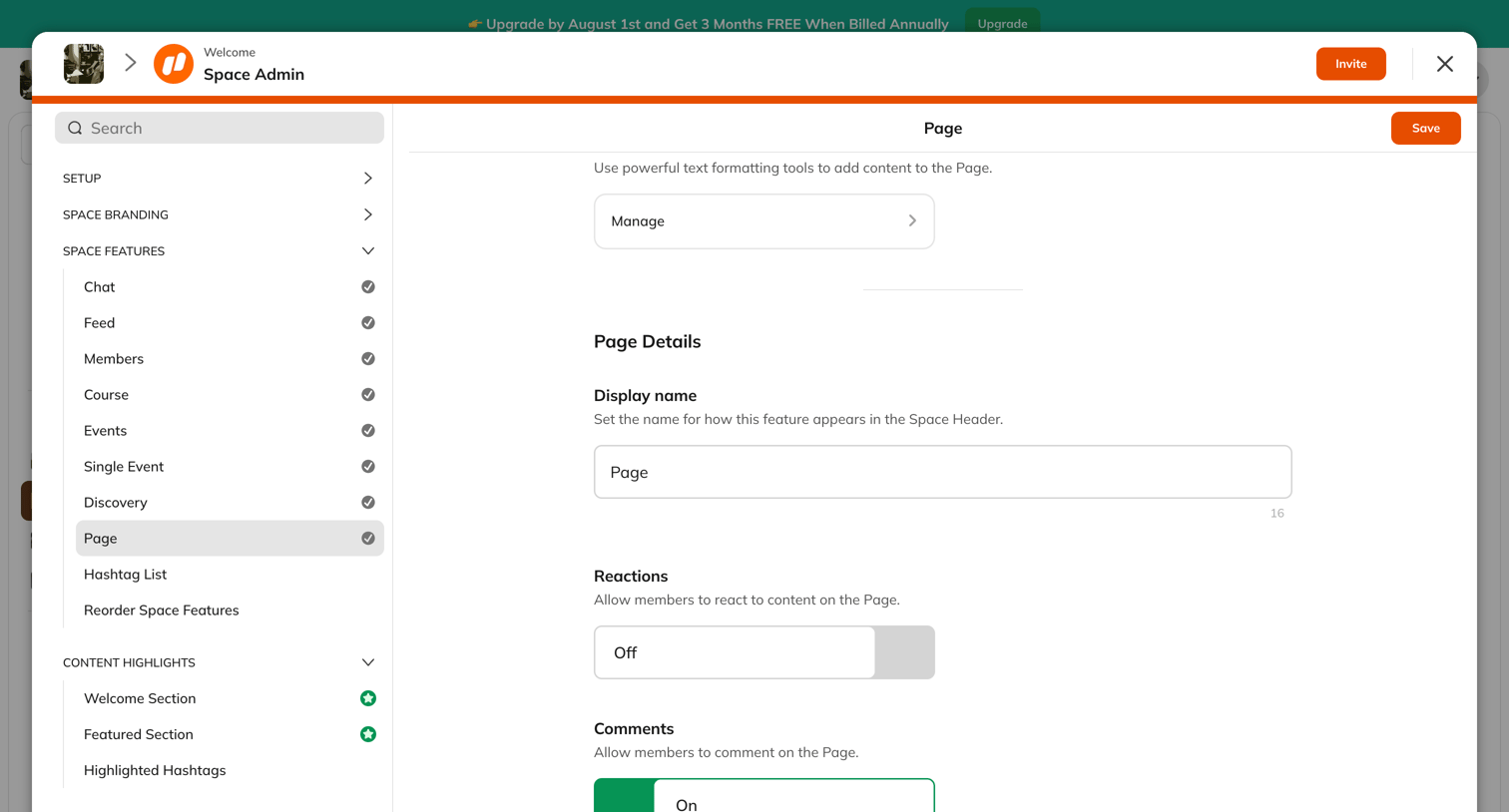

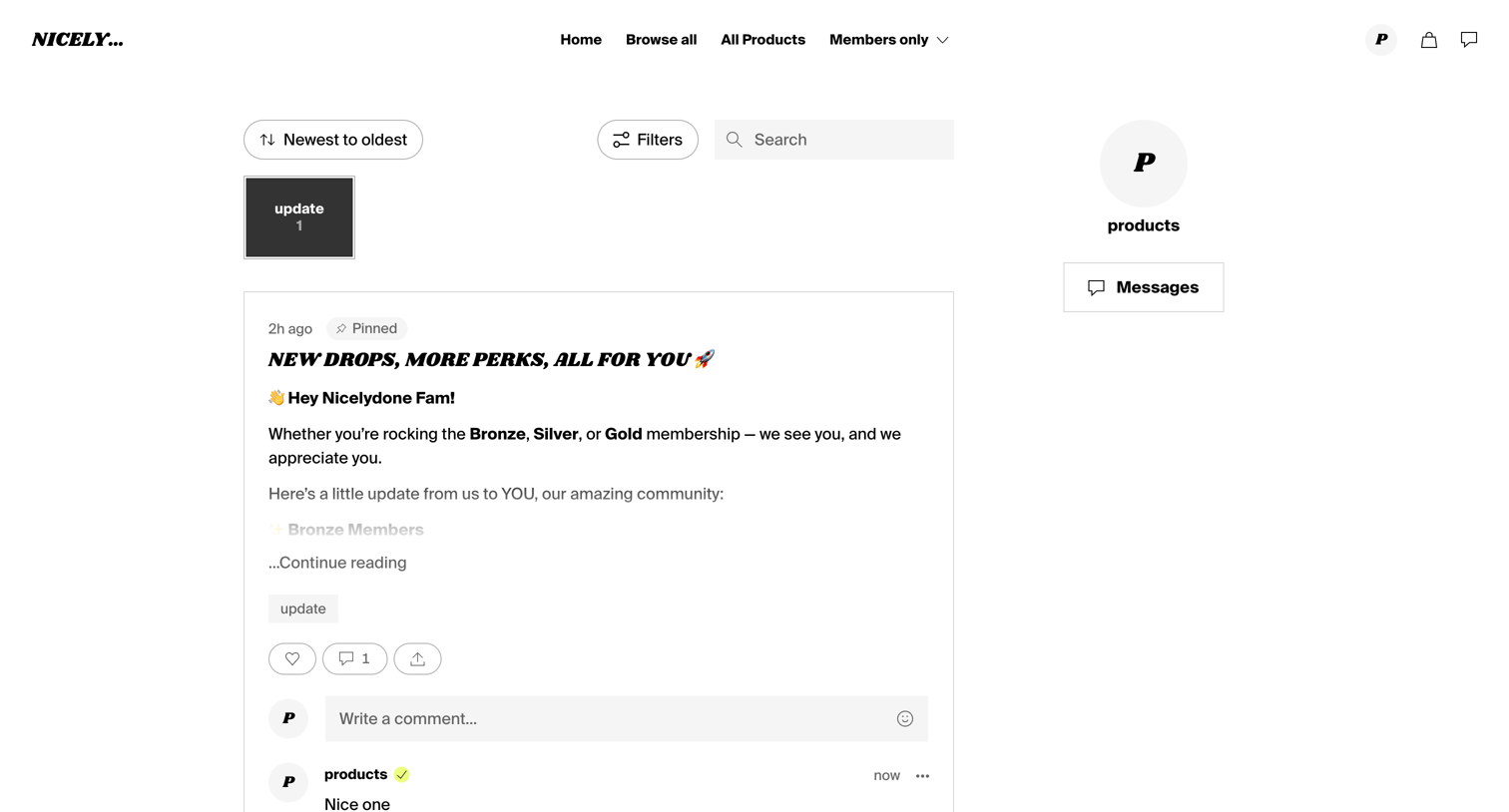

Feed where supporters can read pinned updates, filter by category, and interact via comments and likes.
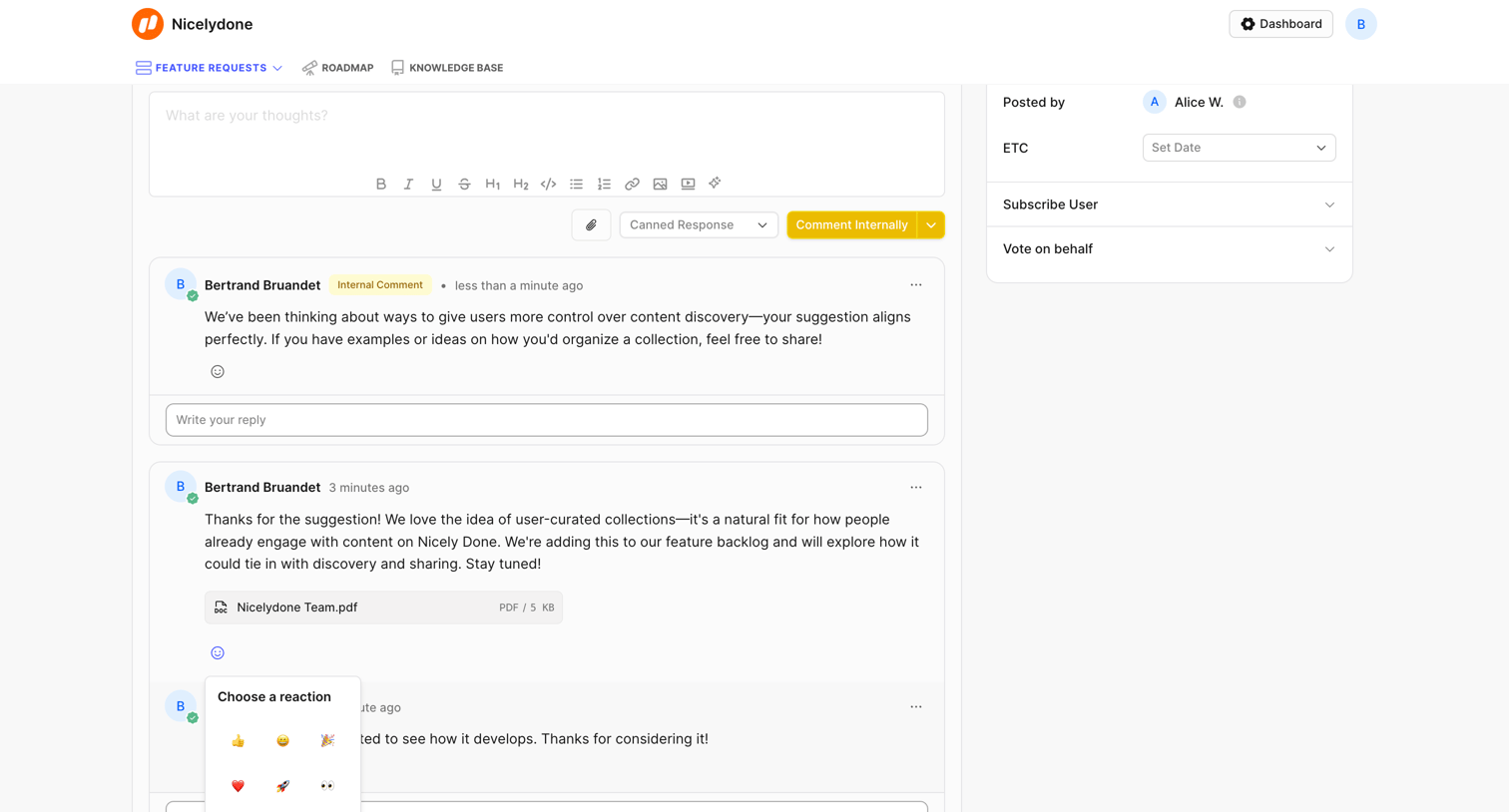

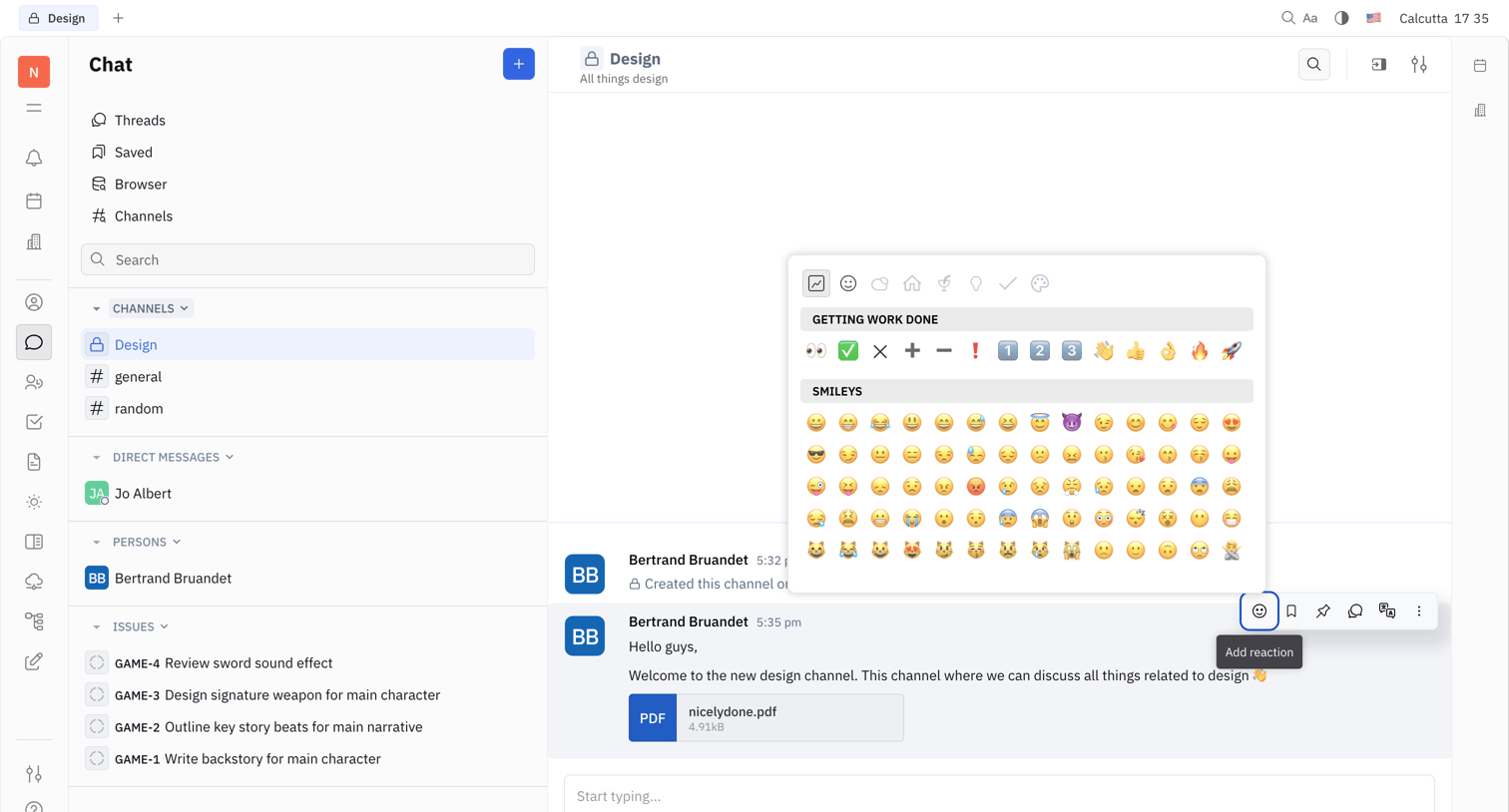

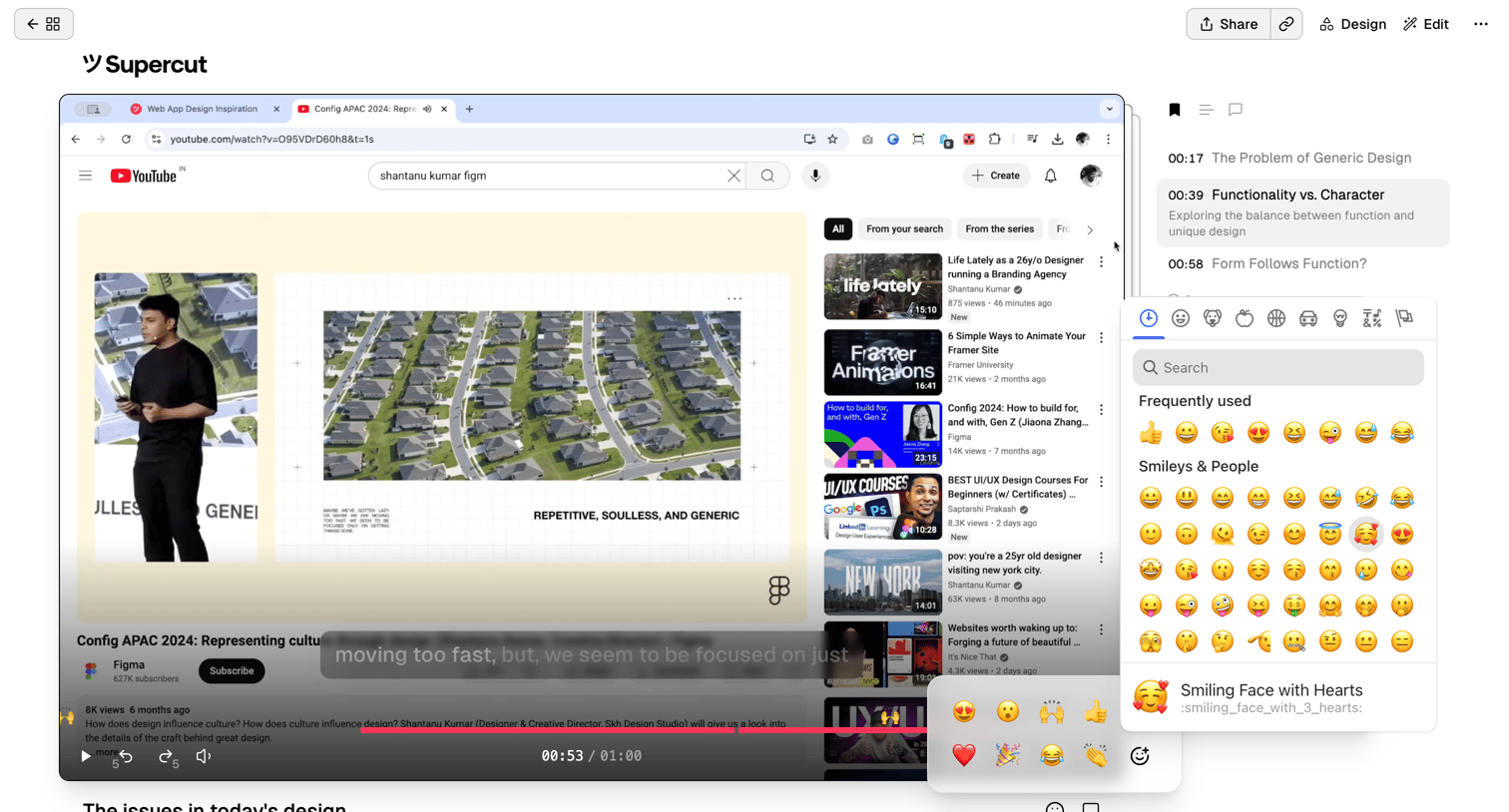

Detail page where the user watches a video, views its transcript, and reacts to specific timestamps using an emoji picker.
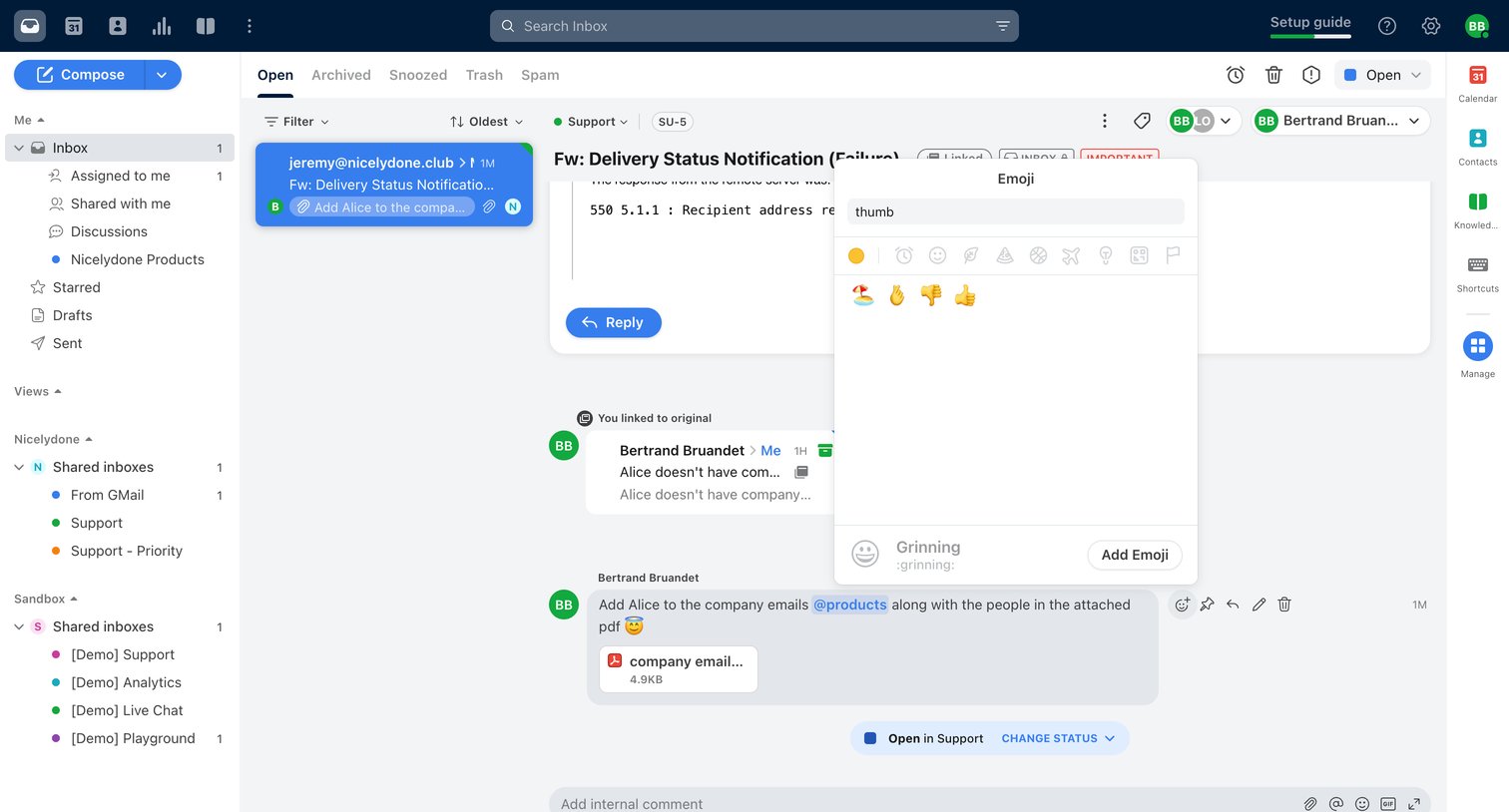

Inbox detail view where a user is selecting a thumbs-up emoji reaction to an internal comment on a delivery failure email.
Explore the full SaaS screen library
Upgrade to unlock the full library.
Trusted by the best teams








About Reactions
See how apps make lightweight responses available beside content. Explore how reaction choices, counts, and selected states fit around a message, post, or shared item.