Skip to content

Timer screen examples

Timer screen design examples from SaaS apps. See how apps present elapsed or remaining time during an activity. Explore how timer displays and session controls fit alongside the task people are working on.

Explore the examples
Vimeo - Vimeo | Recording... screen
Vimeo logo
Vimeo

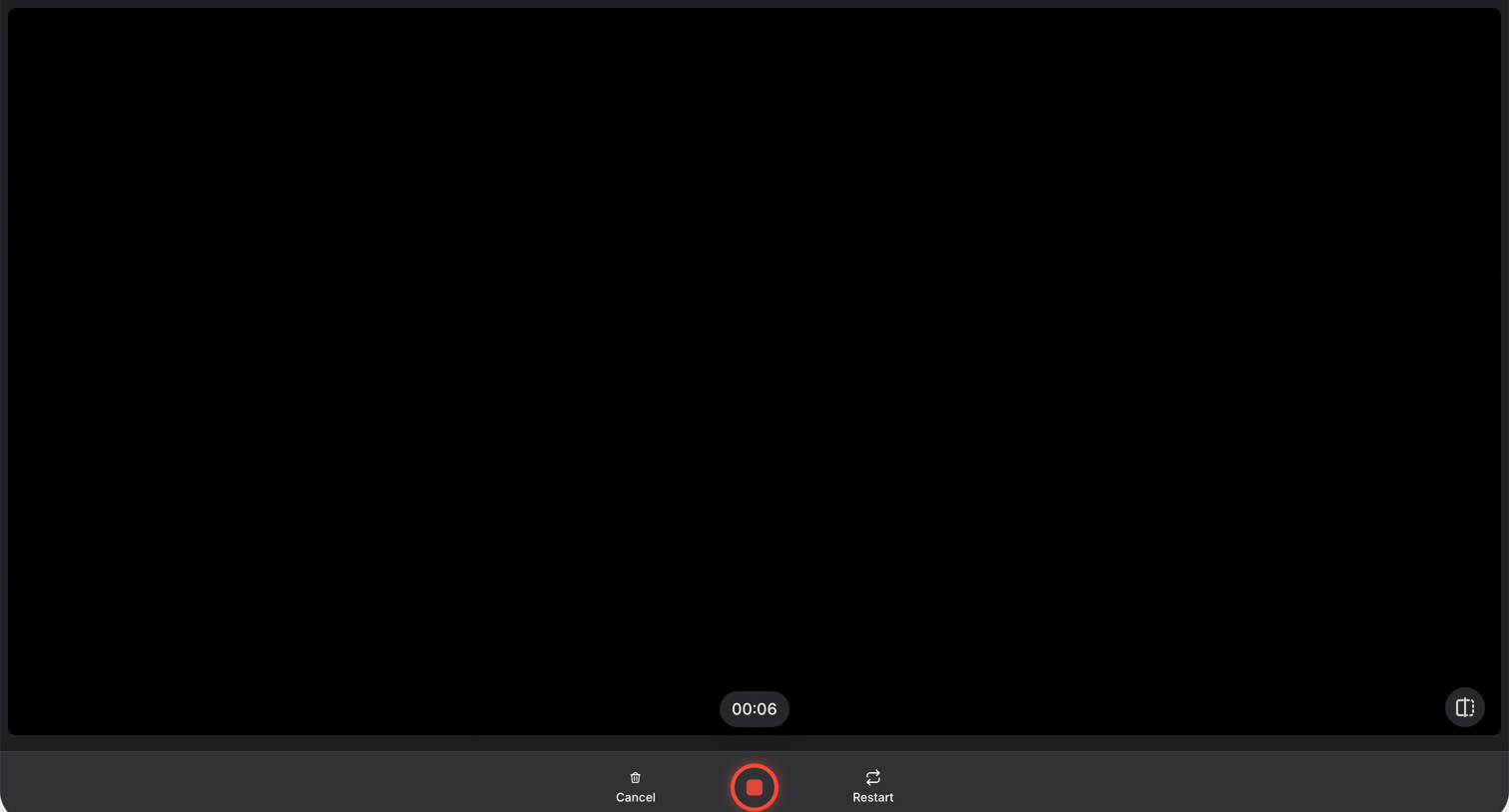
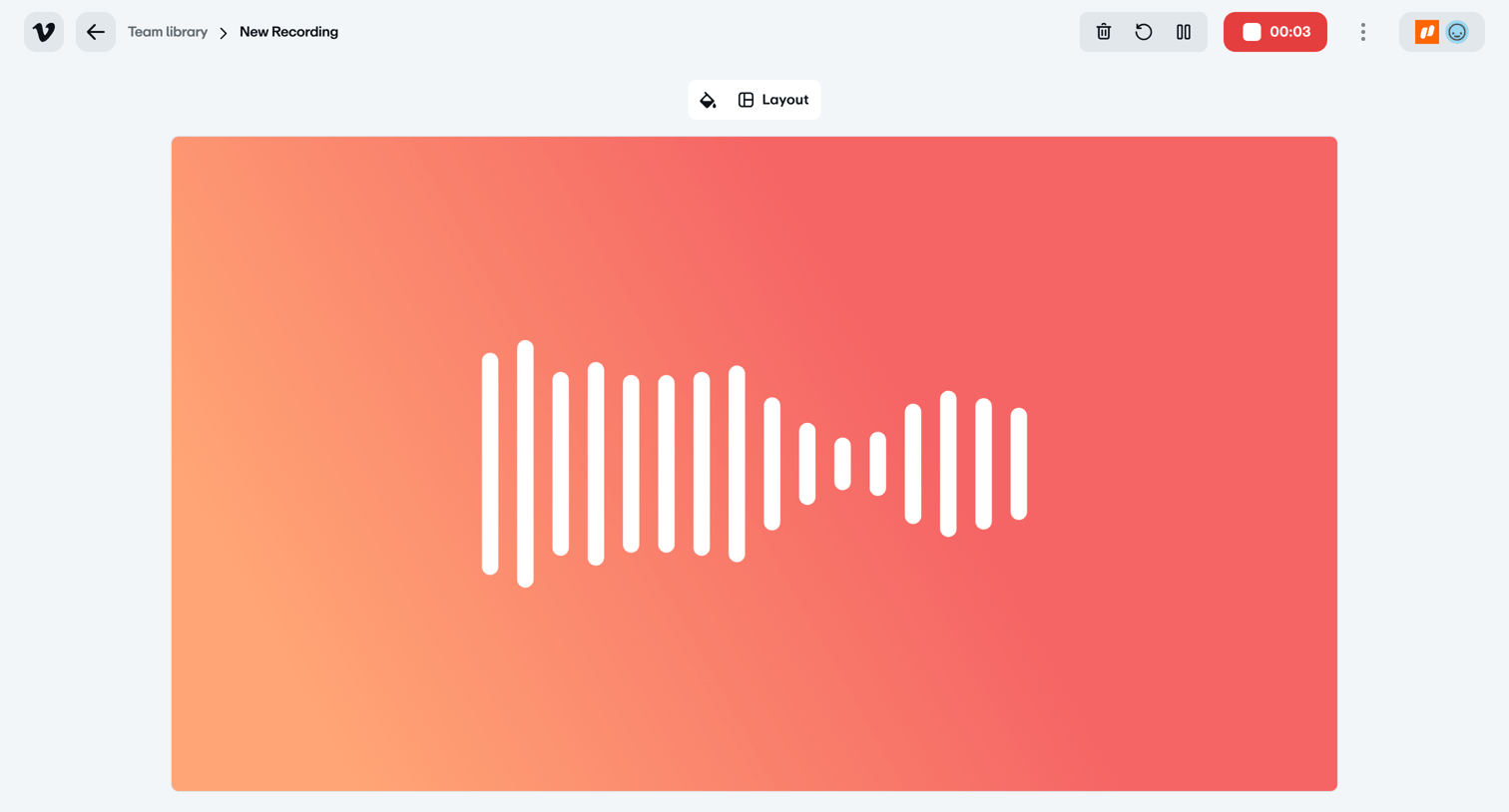
Recording interface where the user captures audio or video, featuring a live waveform, a duration timer, and floating controls for microphone and camera.
Kajabi - Laura Owenss First Site screen
Kajabi logo
Kajabi

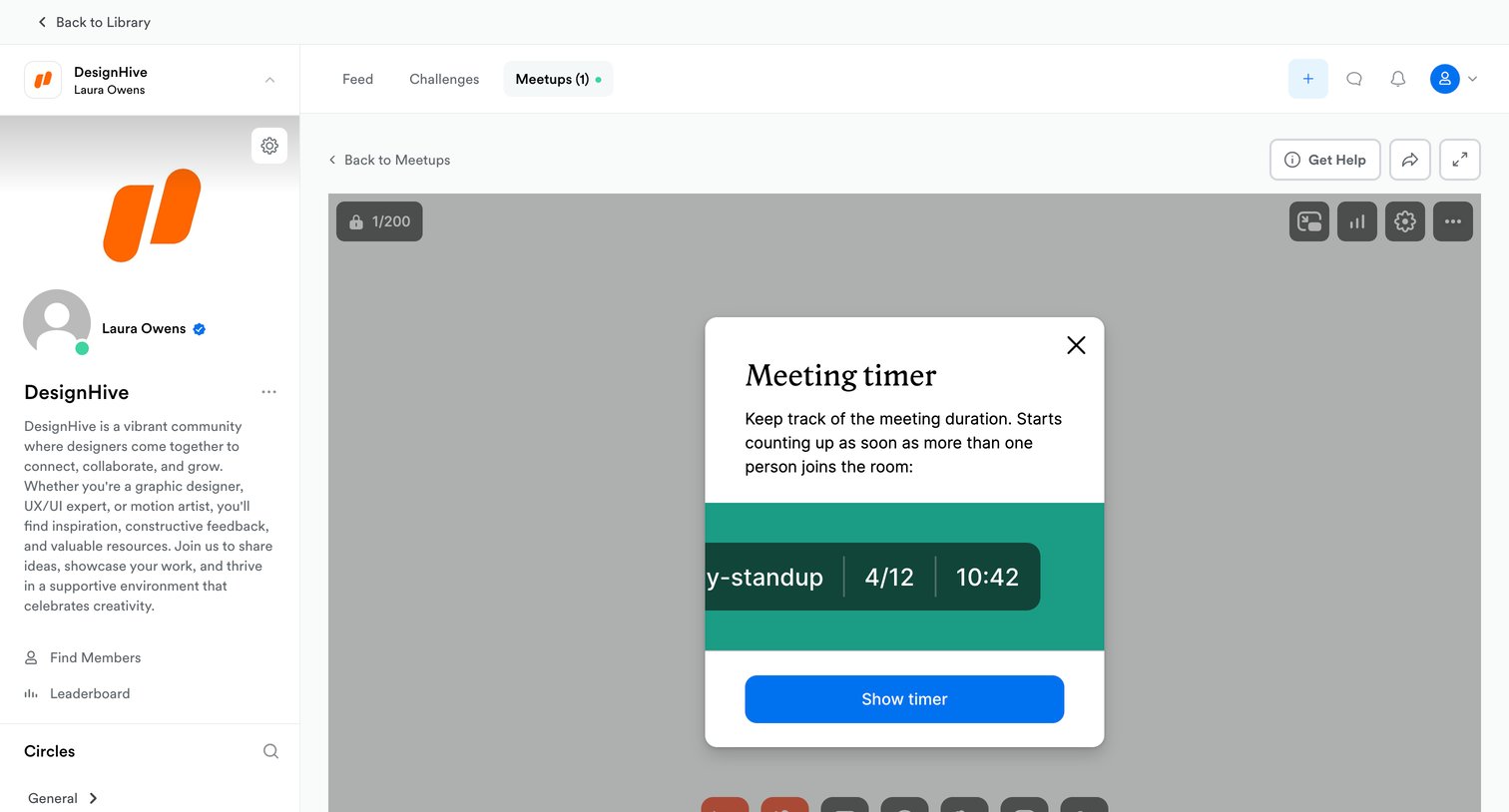
Detail page for a live community meetup where a centered modal prompts the user to enable a meeting timer over the video stage.
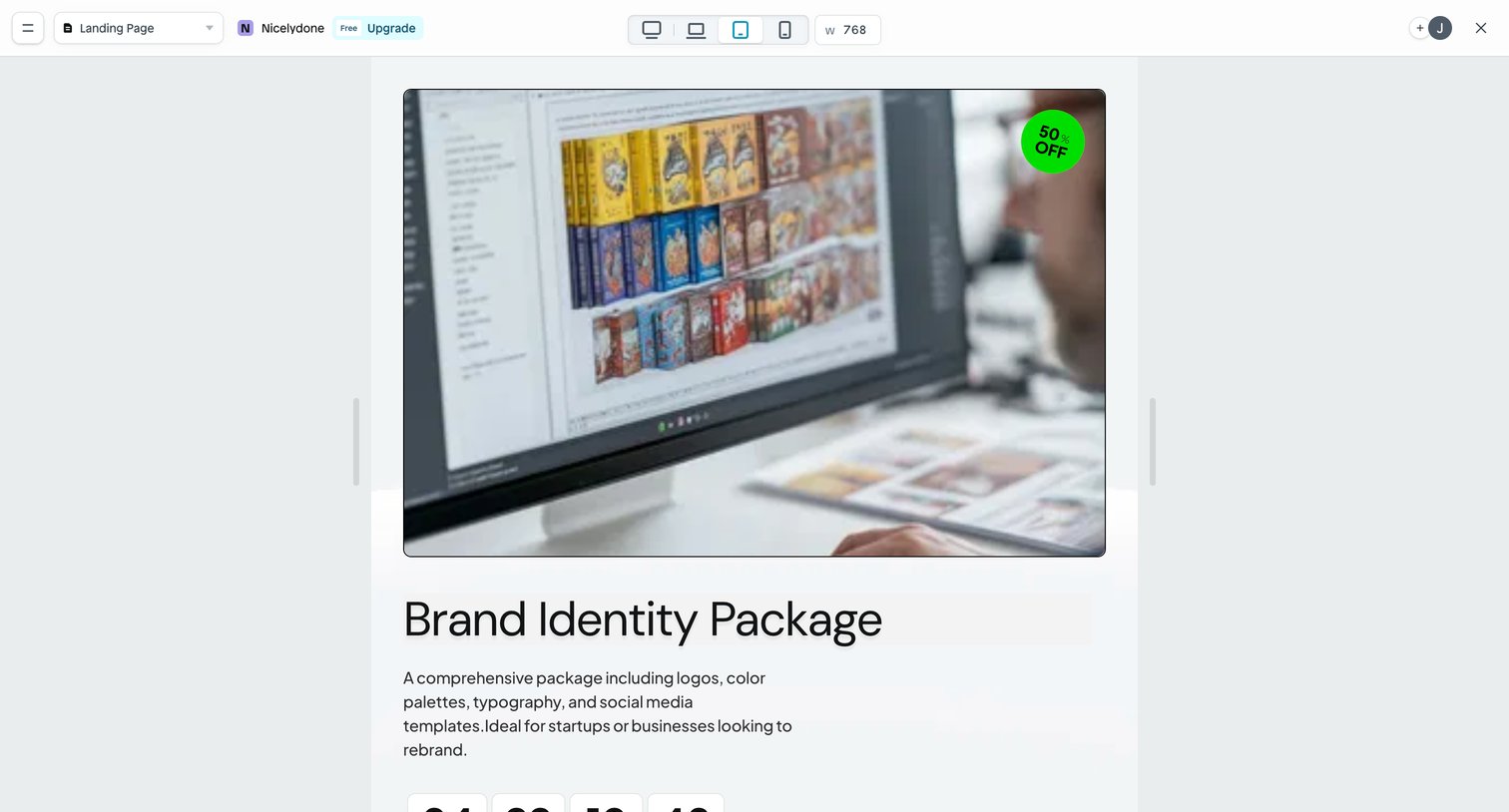

Instant - Page | Nicelydone screen
Instant logo
Instant

Design editor where the user is previewing a landing page at a tablet breakpoint, with controls to switch viewports and upgrade their plan.
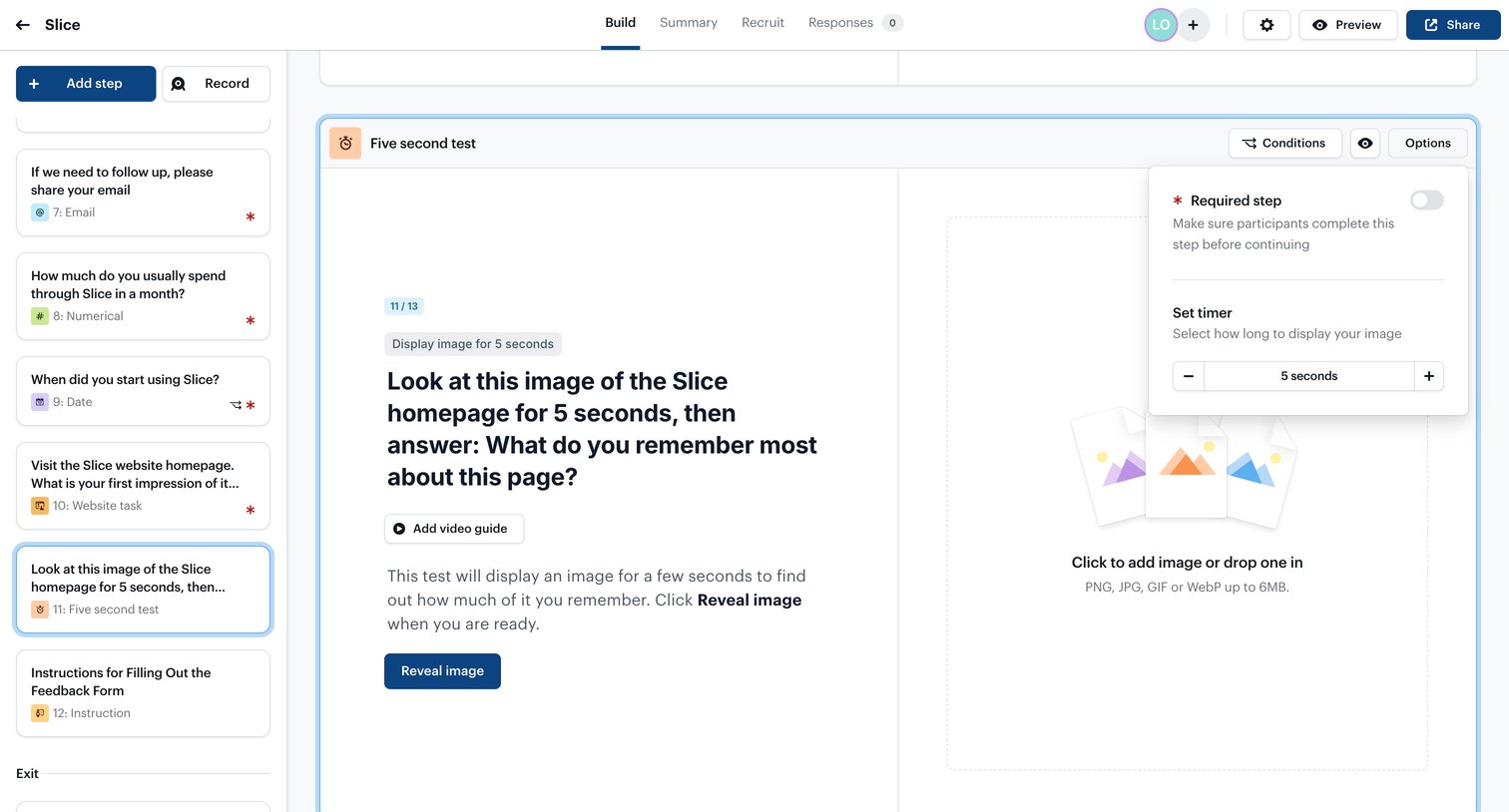

Ballpark - Loading | Ballpark screen
Ballpark logo
Ballpark

Form builder where the user configures a five-second test step by setting a timer and uploading an image.

ClickUp - Time | Nicelydone Workspace 01 screen
ClickUp logo
ClickUp

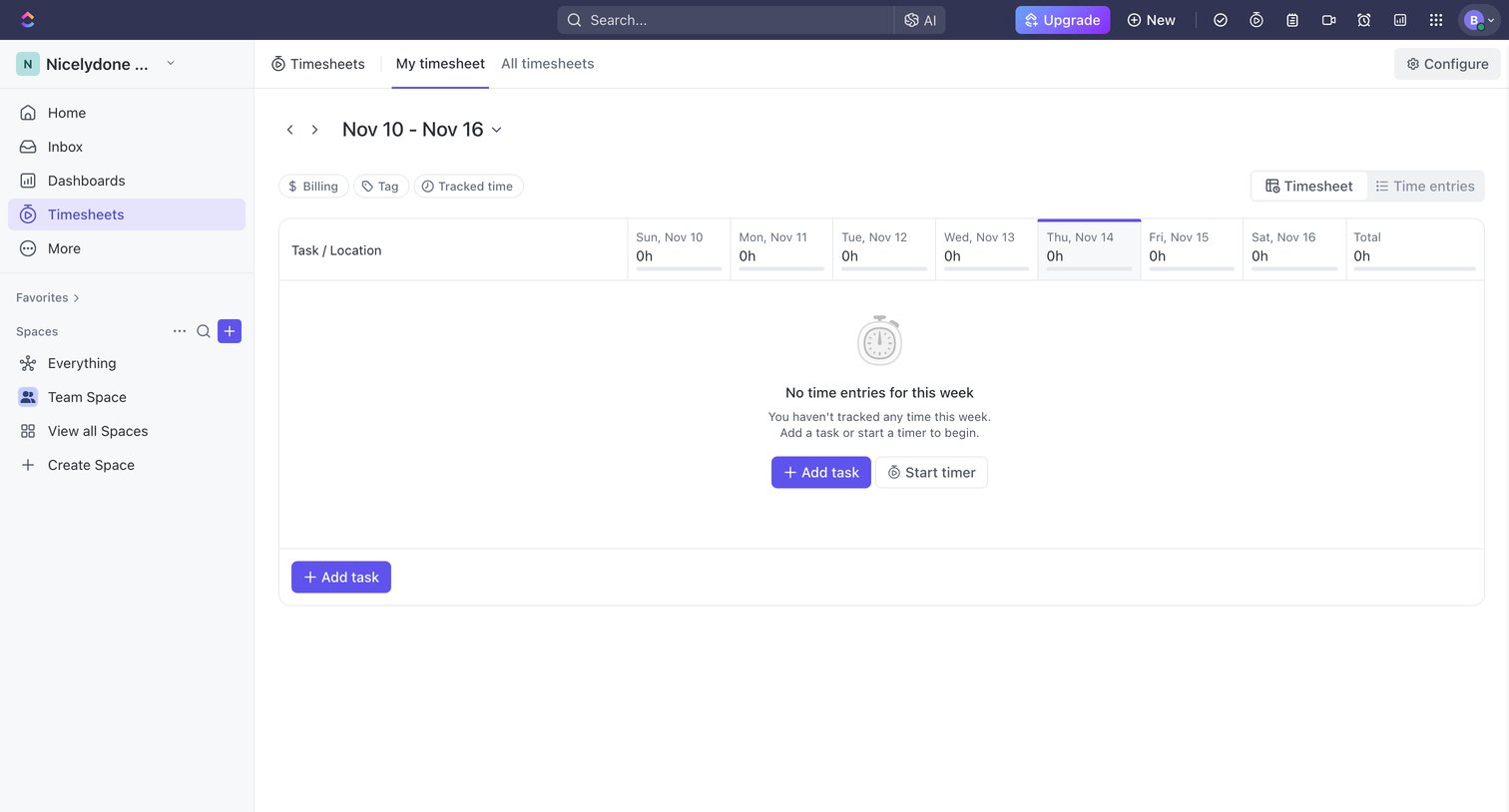
Timesheet page where the user views their weekly tracked time, currently showing an empty state with prompts to add a task or start a timer.

Height - T-11 - Mobile App UIUX Design for a Fitness Tracking App - Height screen
Height logo
Height

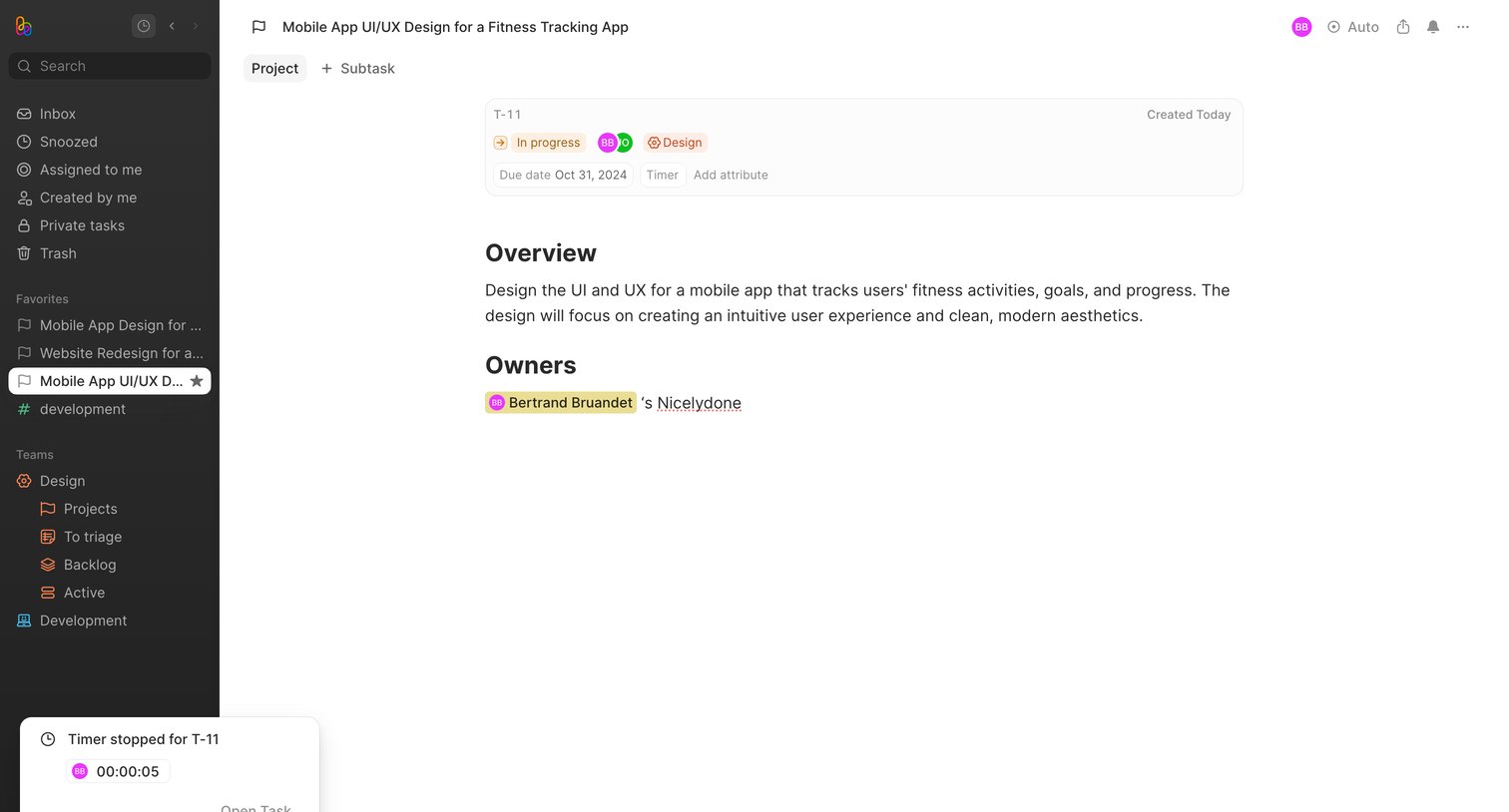
Detail page where the user views a specific task's overview, owners, and attributes like status, due date, and tracked time.

Asana - Home - If not already scheduled, set up a recurring 11 meeting in screen
Asana logo
Asana

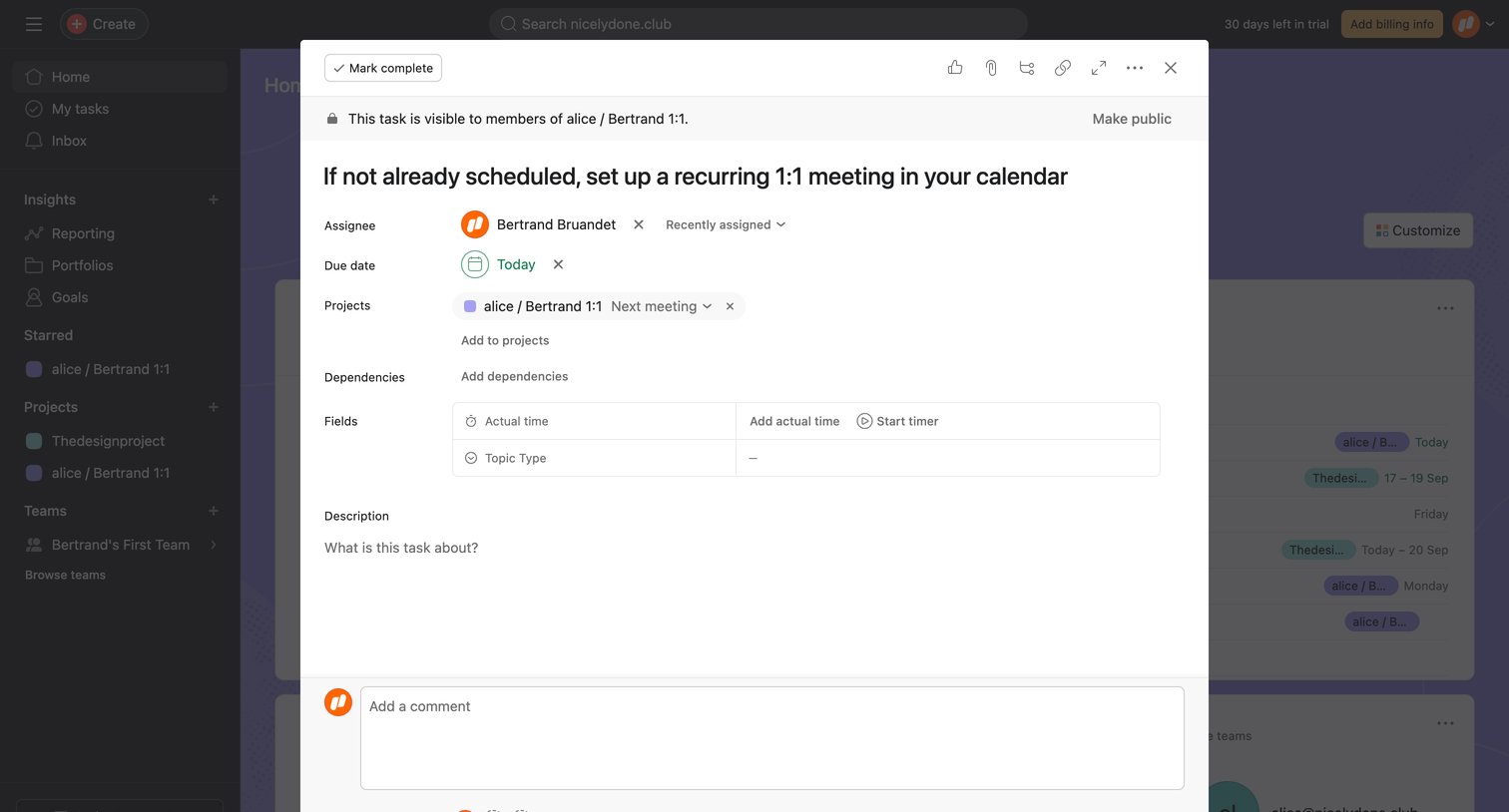
Task detail modal where the user views and edits properties like assignee, due date, and custom fields, and can add comments.

Tella - 0006 screen
Tella logo
Tella

Video recording screen where the user is actively capturing a clip, featuring a live timer, central recording controls, and a horizontal timeline for managing multiple clips.
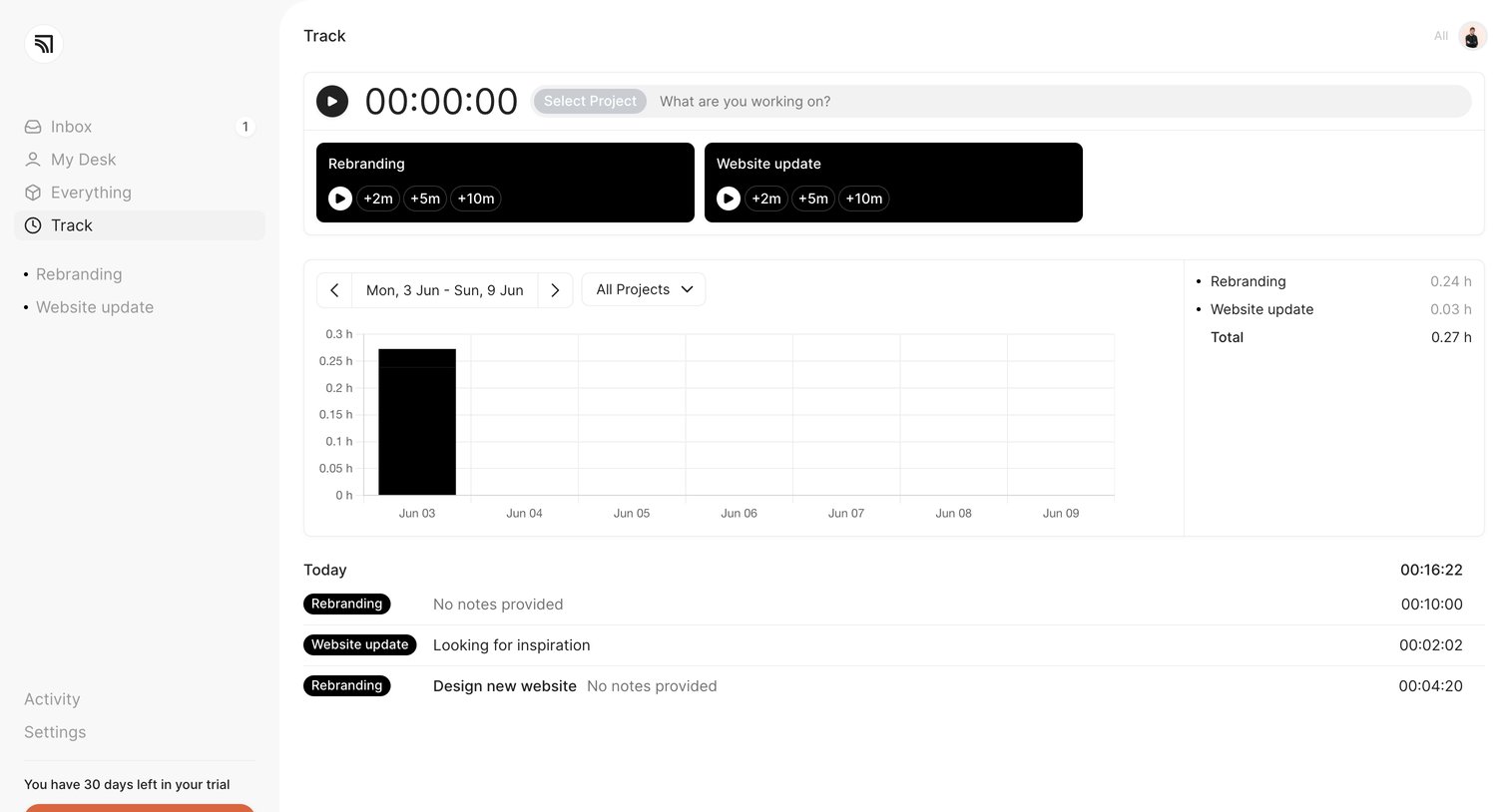

Marathon - Track ‐ Marathon screen
Marathon logo
Marathon

Dashboard for tracking time, featuring an active timer input, quick-add project cards, a weekly activity bar chart, and a list of today's logged entries.

Whimsical - Nicelydone screen
Whimsical logo
Whimsical

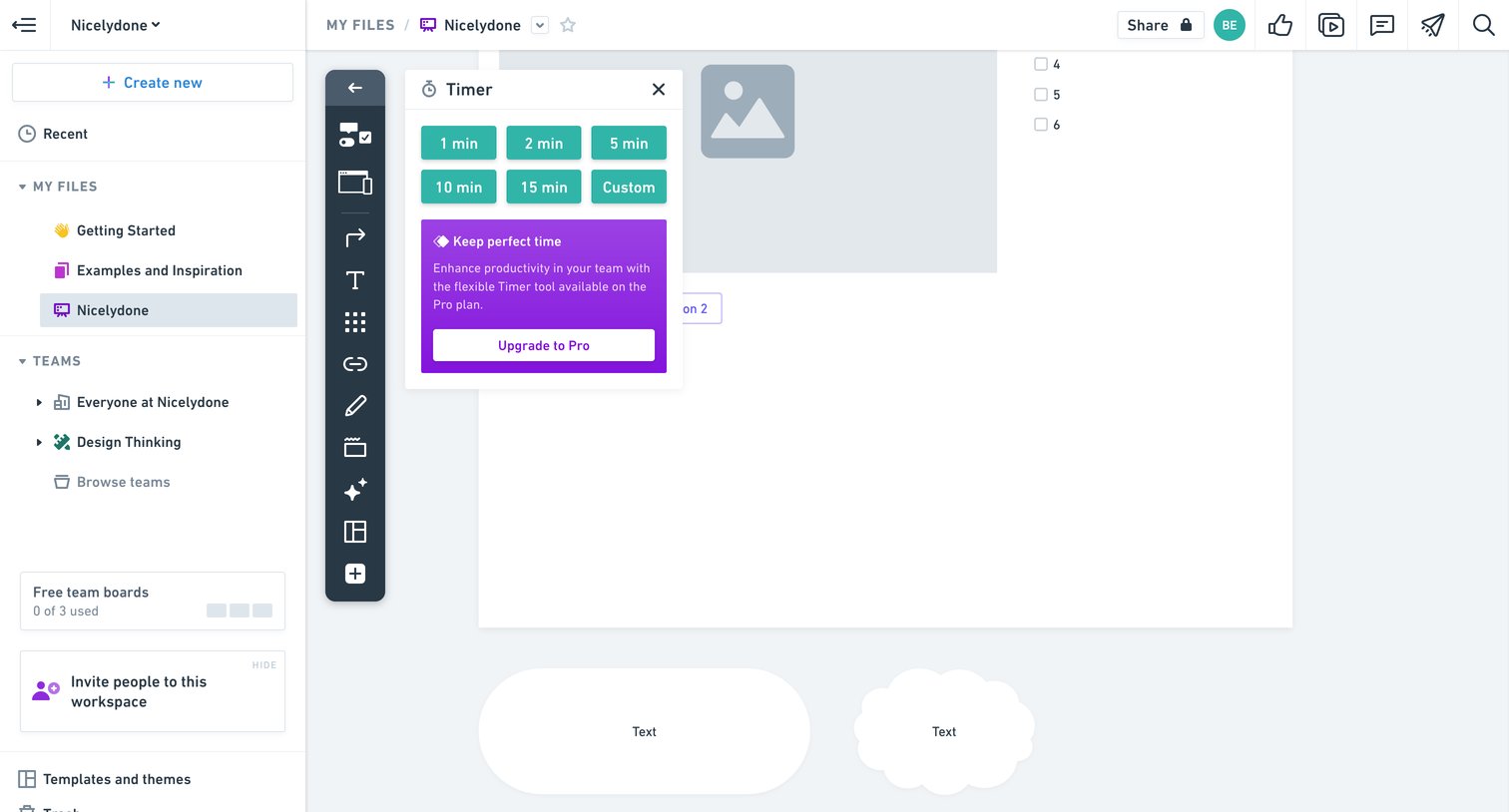
Whiteboard design editor where the user is blocked from using the timer tool by a pro plan upgrade prompt.
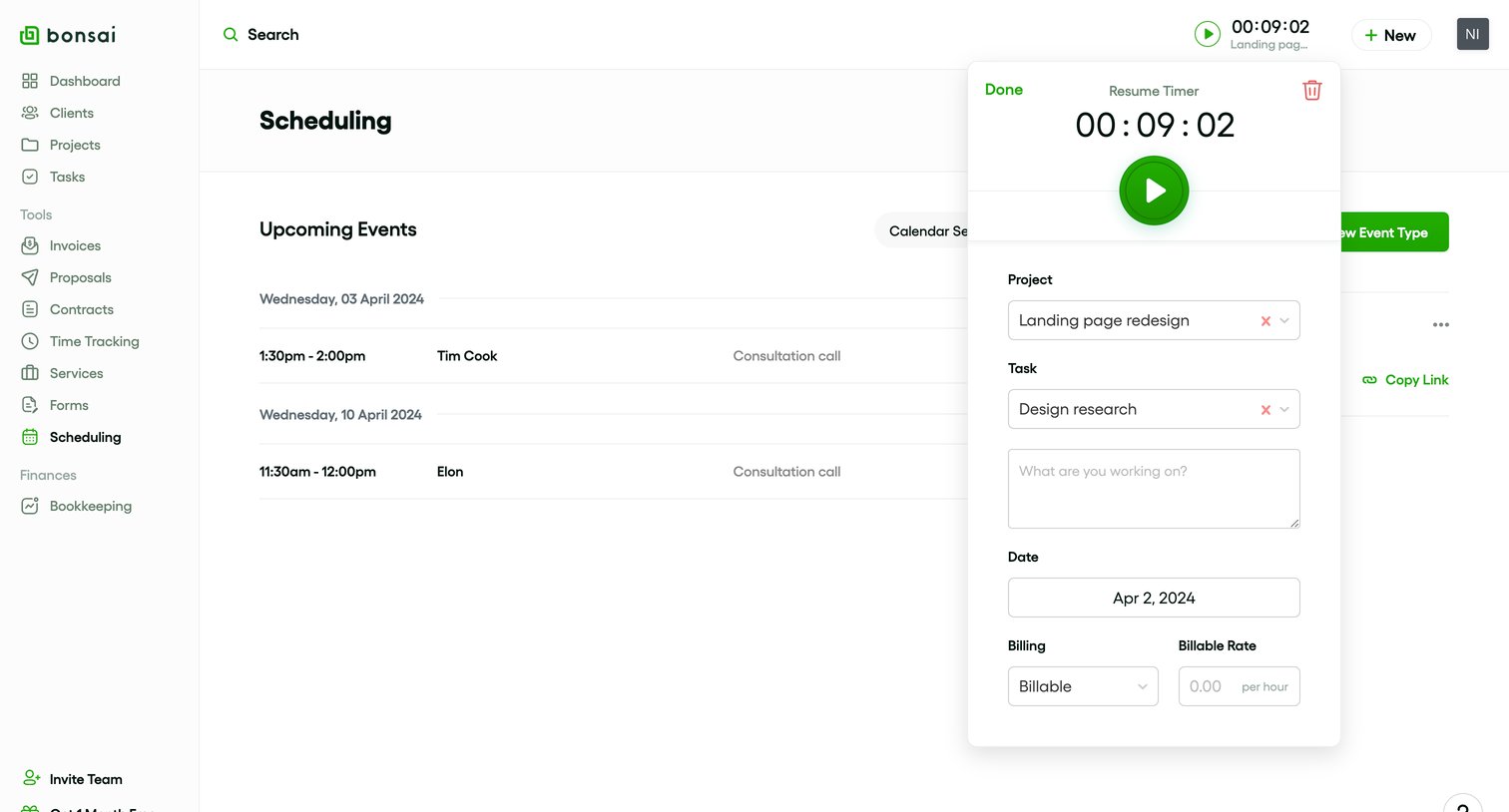
Bonsai - Scheduling - Bonsai screen
Bonsai logo
Bonsai

List view showing upcoming scheduled events with a time tracking popover open to log billable hours against a specific project and task.

Amie screen
Amie logo
Amie

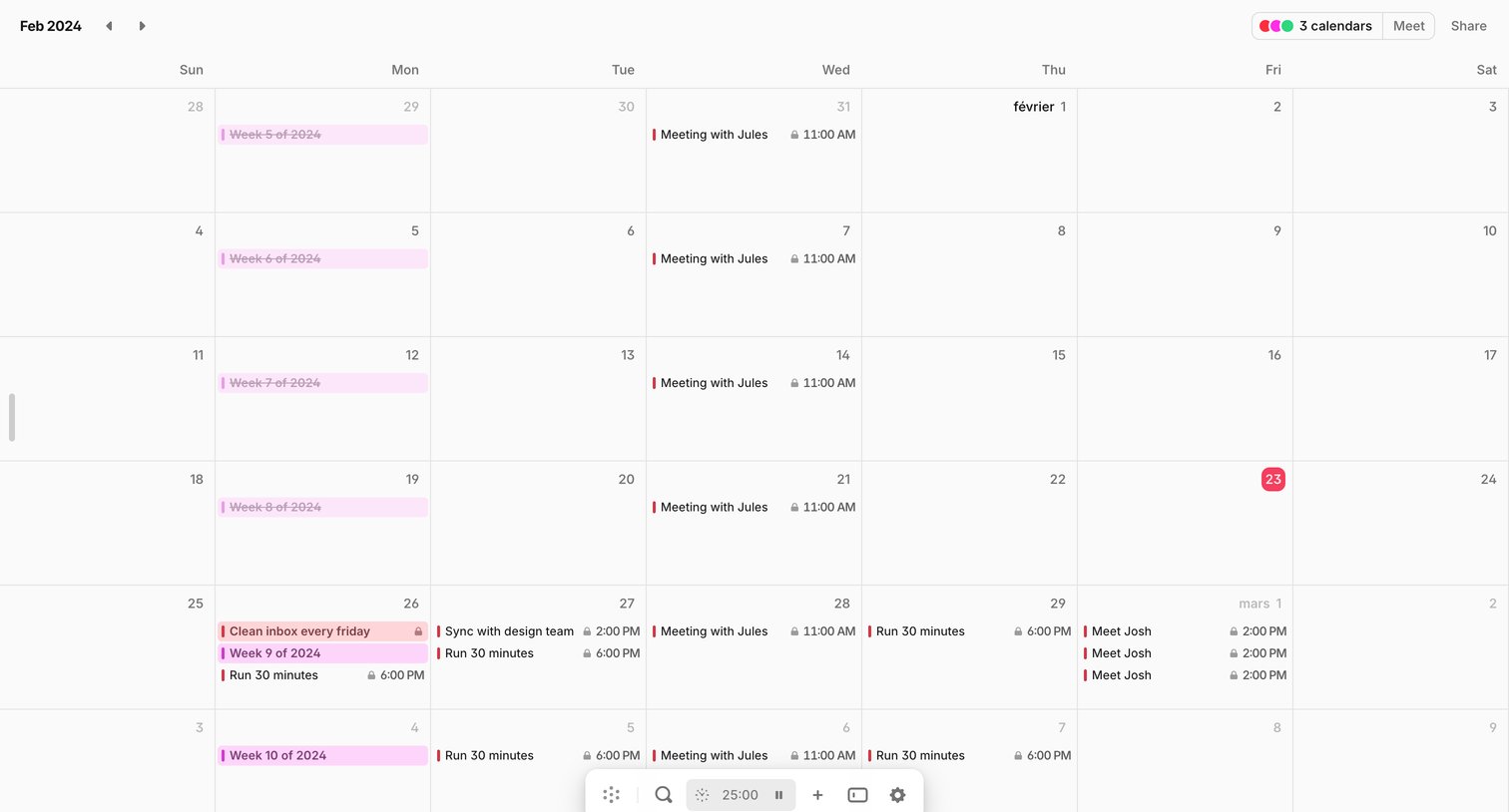
Calendar view where the user manages their monthly schedule, tracks time with an inline pomodoro timer, and shares their availability.

Explore the full SaaS screen library

Upgrade to unlock the full library.

Trusted by the best teams