Whimsical design examples
Explore Whimsical UI design examples. The hub for visual collaboration
Product screens
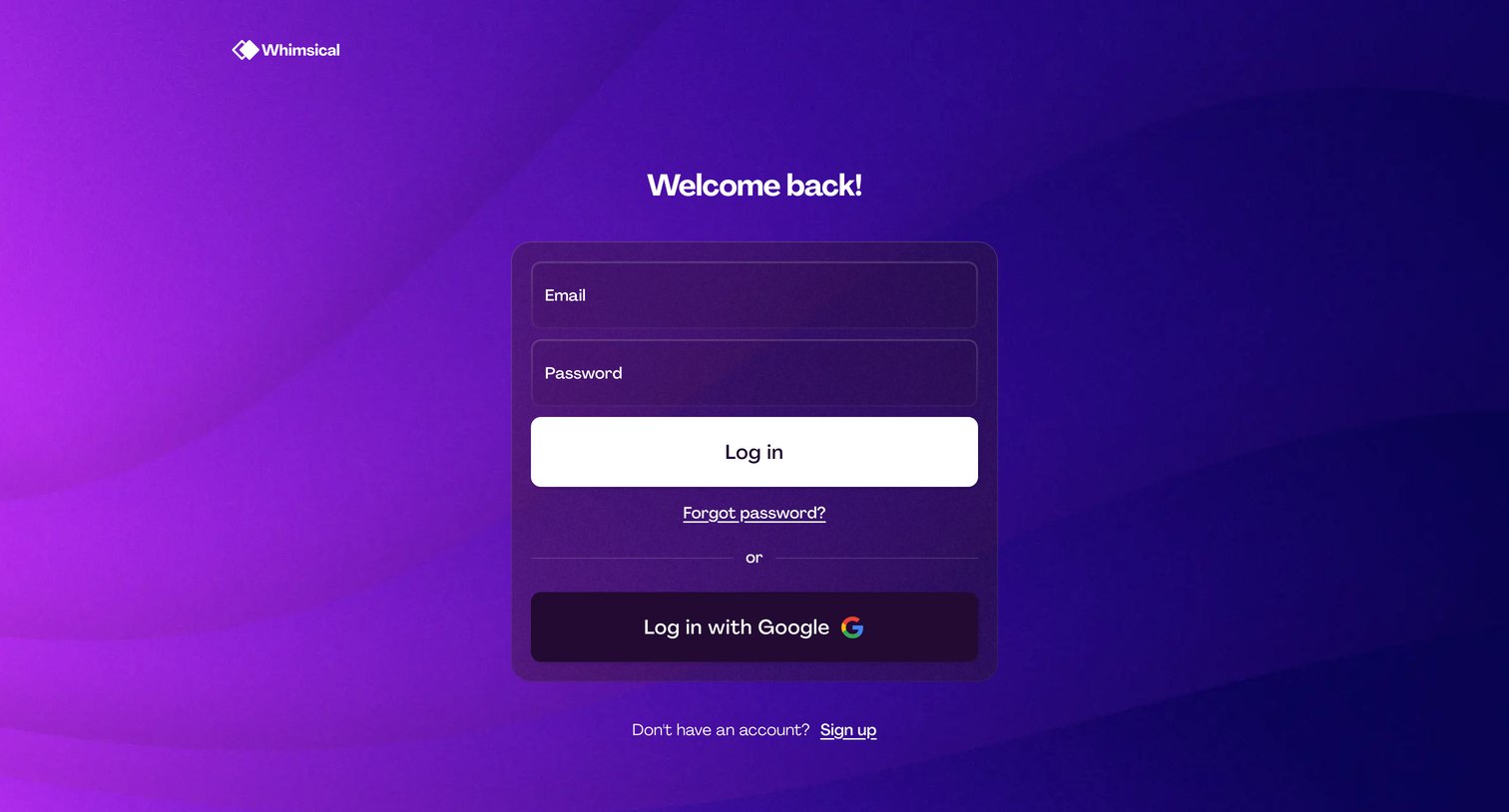
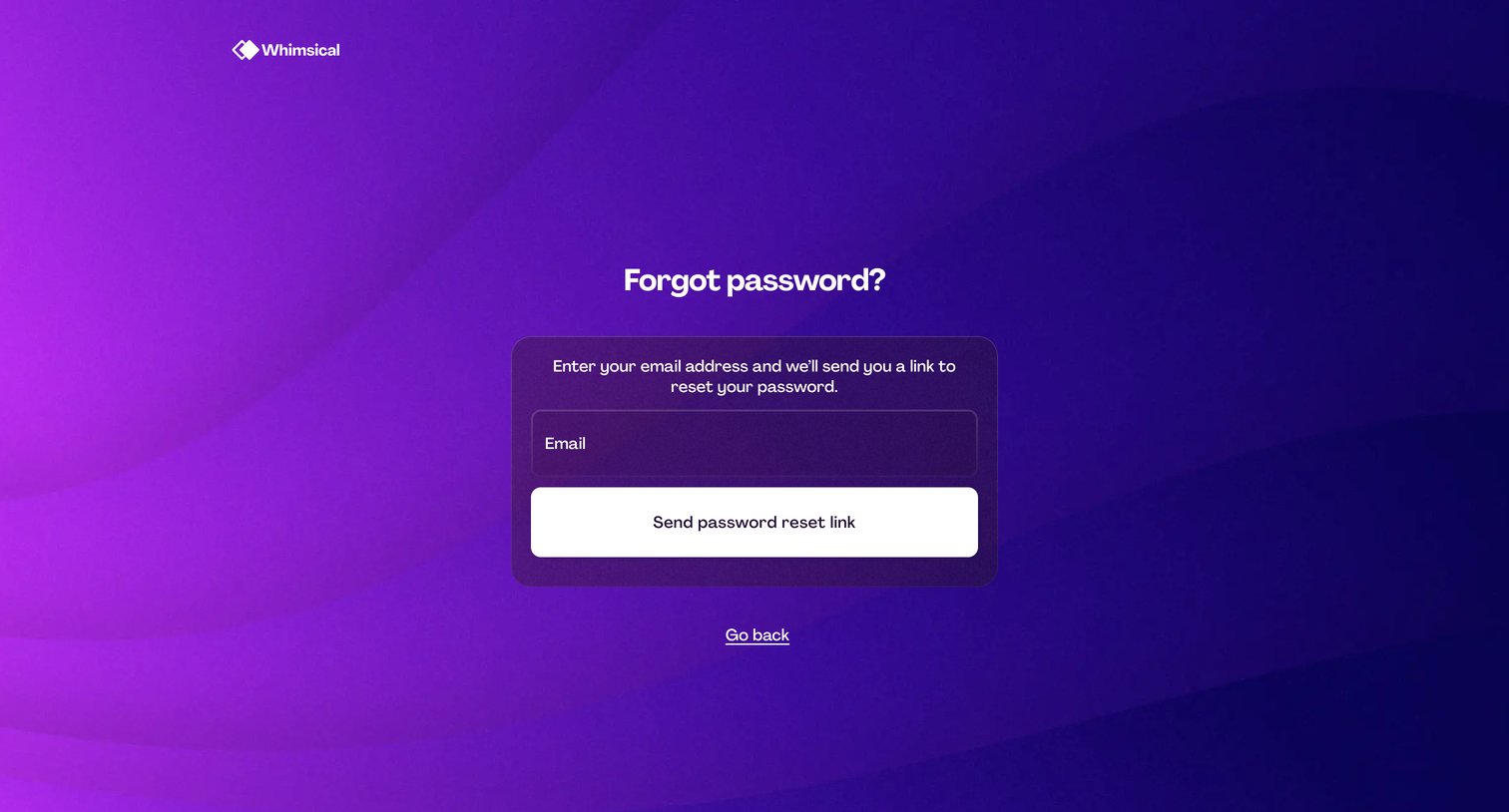

Password recovery screen where the user enters their email address to request a reset link.
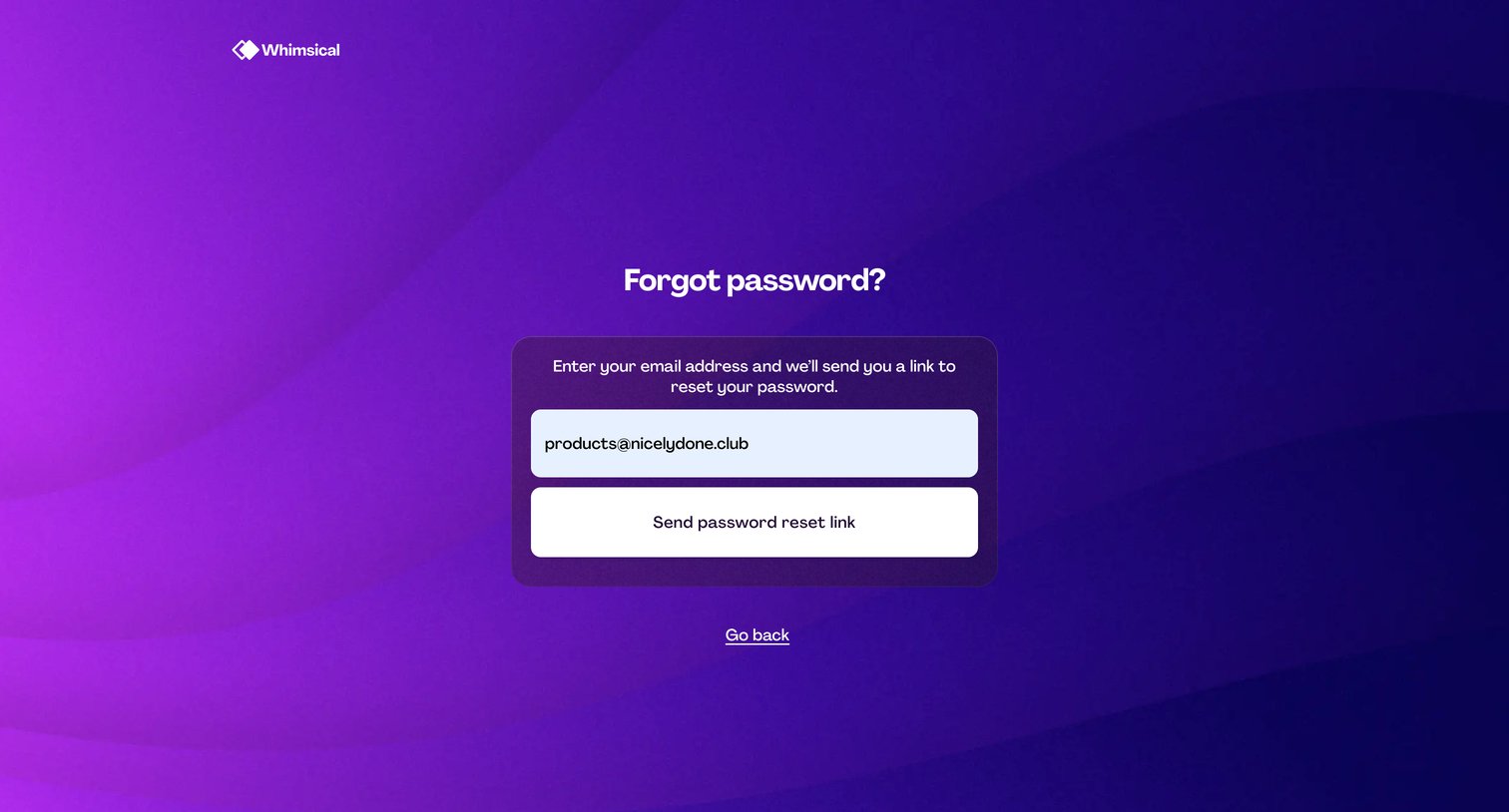
Password recovery screen where the user enters their email address to receive a reset link.
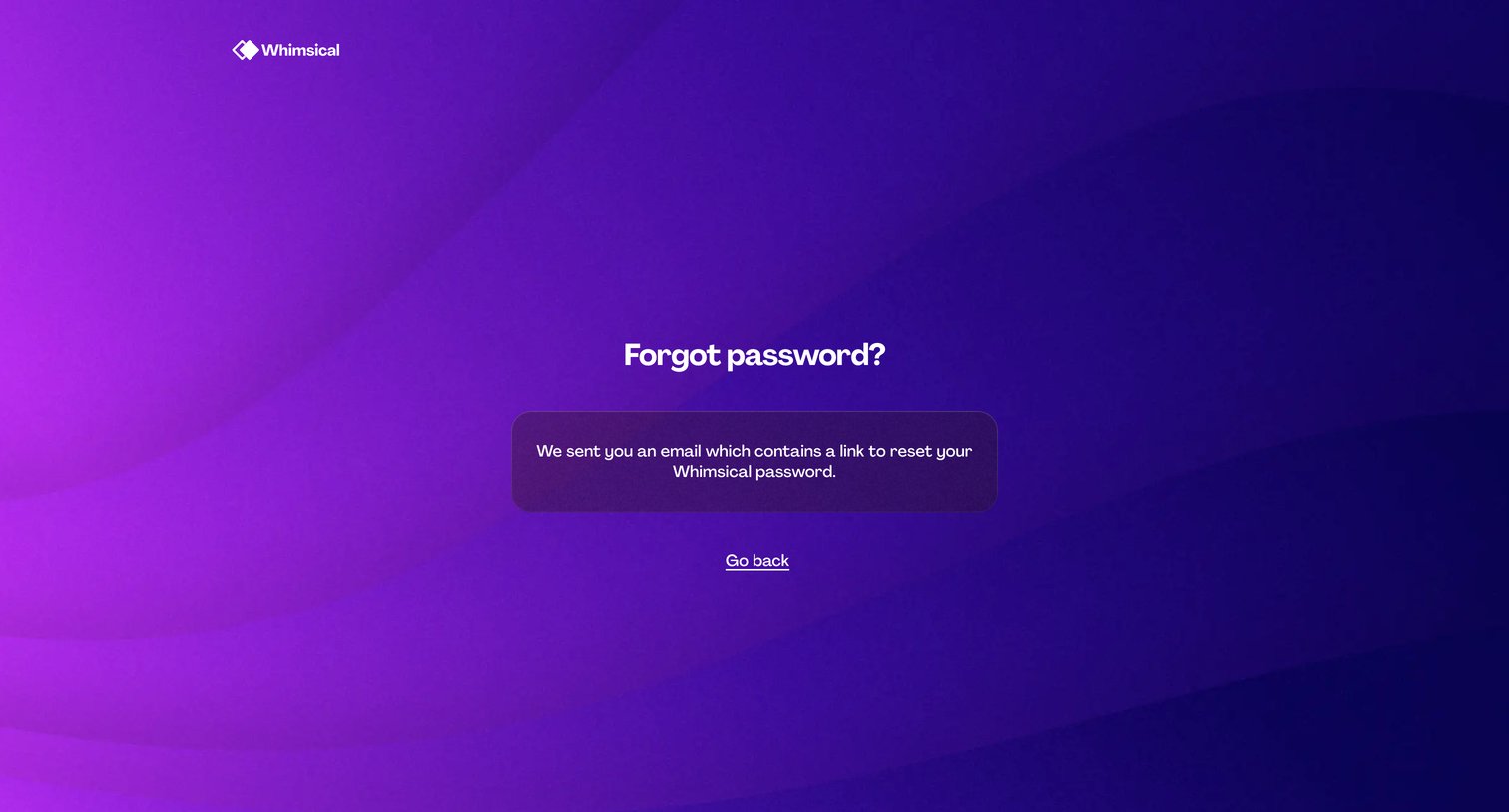
Password recovery screen confirming that a reset link has been sent to the user's email, featuring a simple return link.
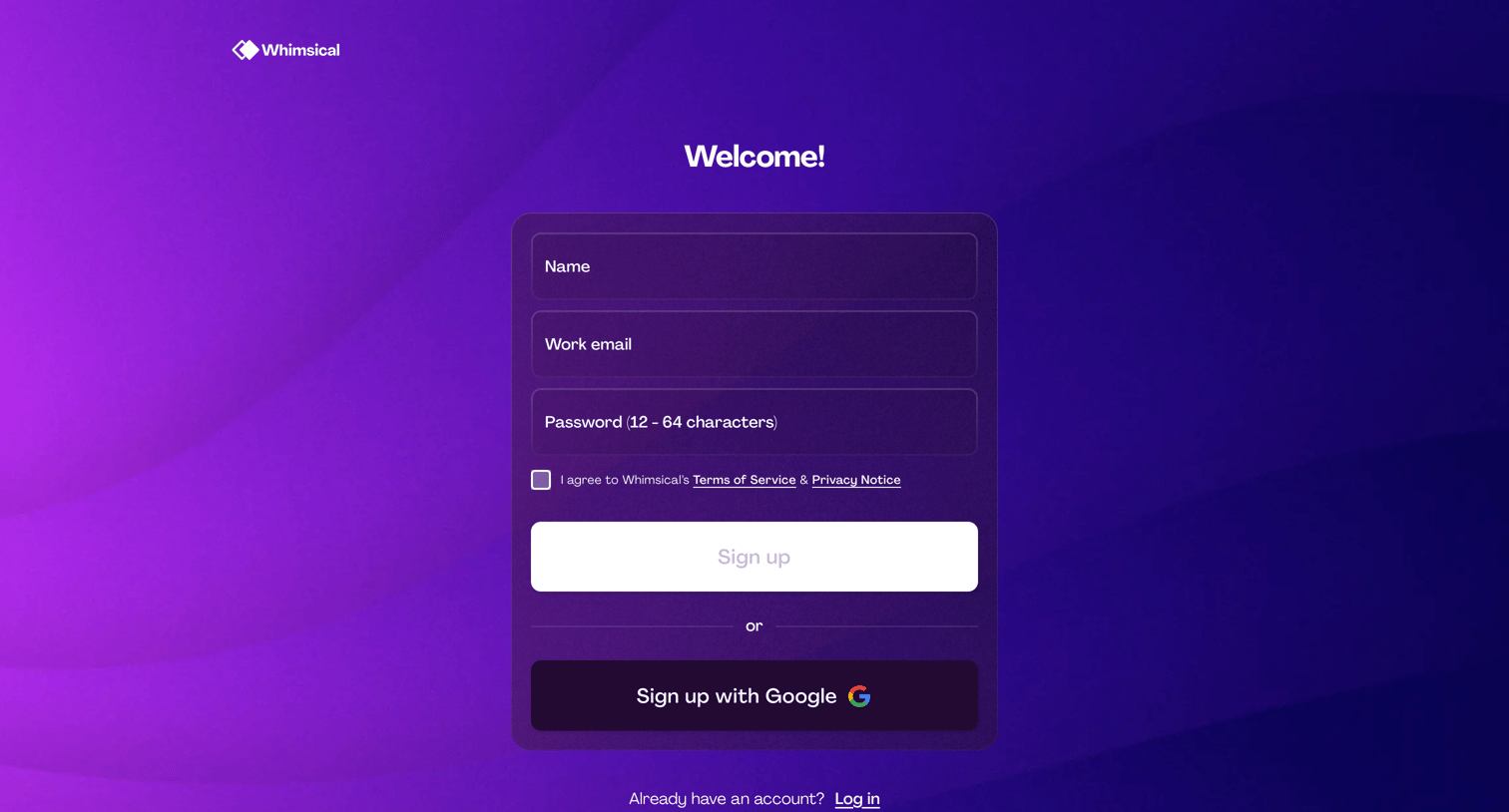
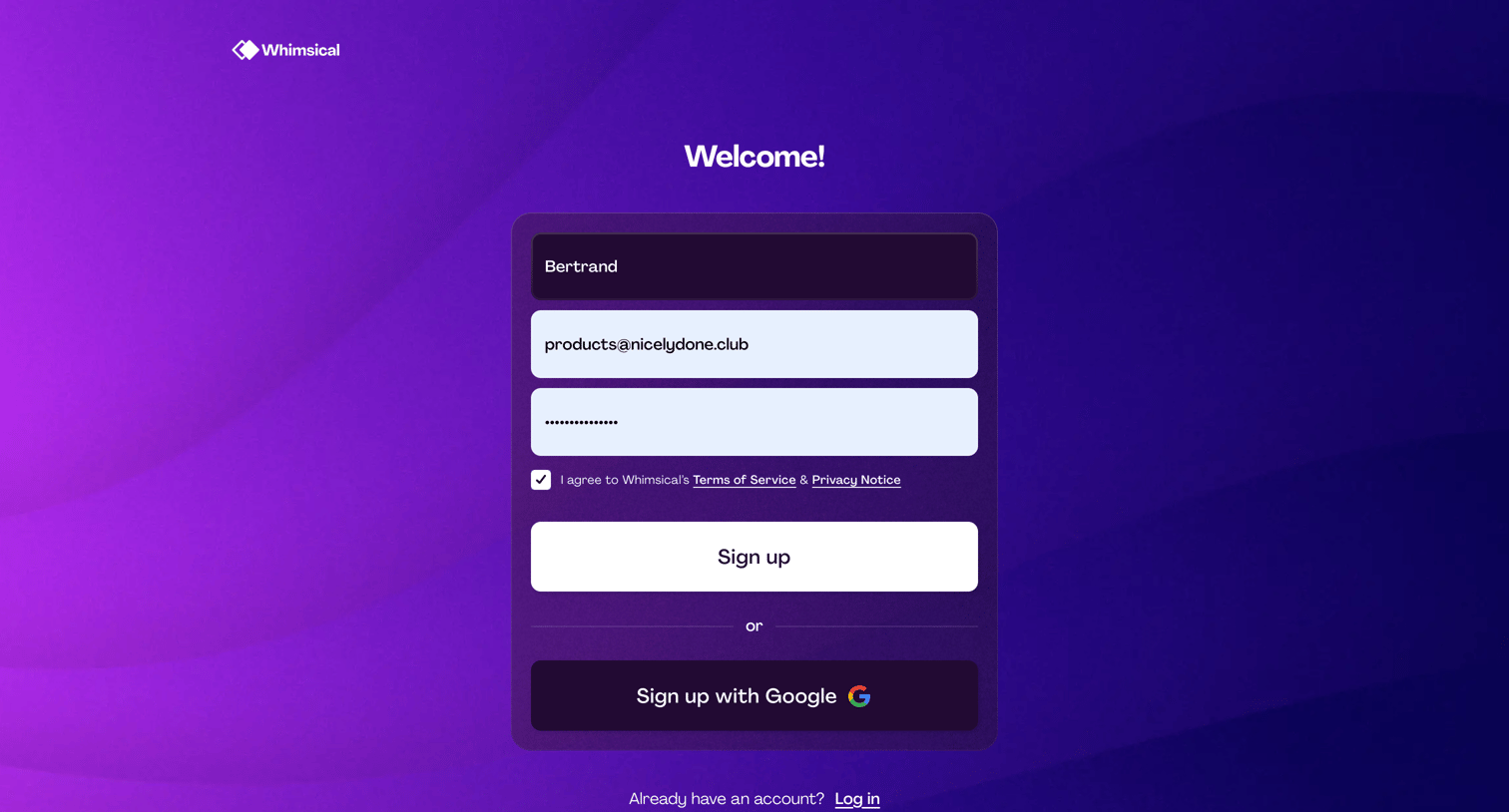
Signup screen where the user creates an account by entering their name, work email, and password, or by authenticating via Google.
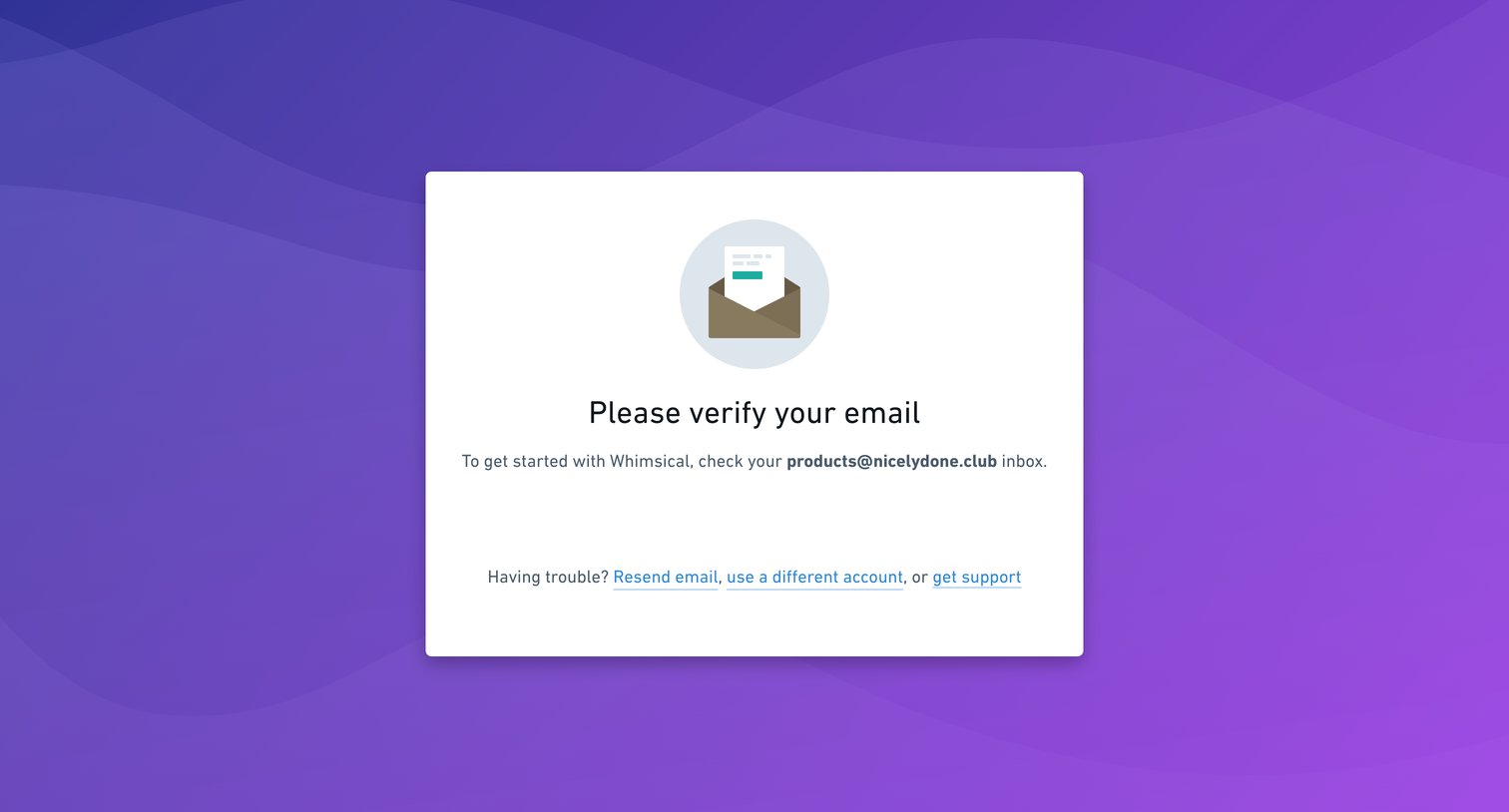
Verification screen where the user is prompted to check their inbox to confirm their email address, with options to resend the email or use a different account if they are having trouble.
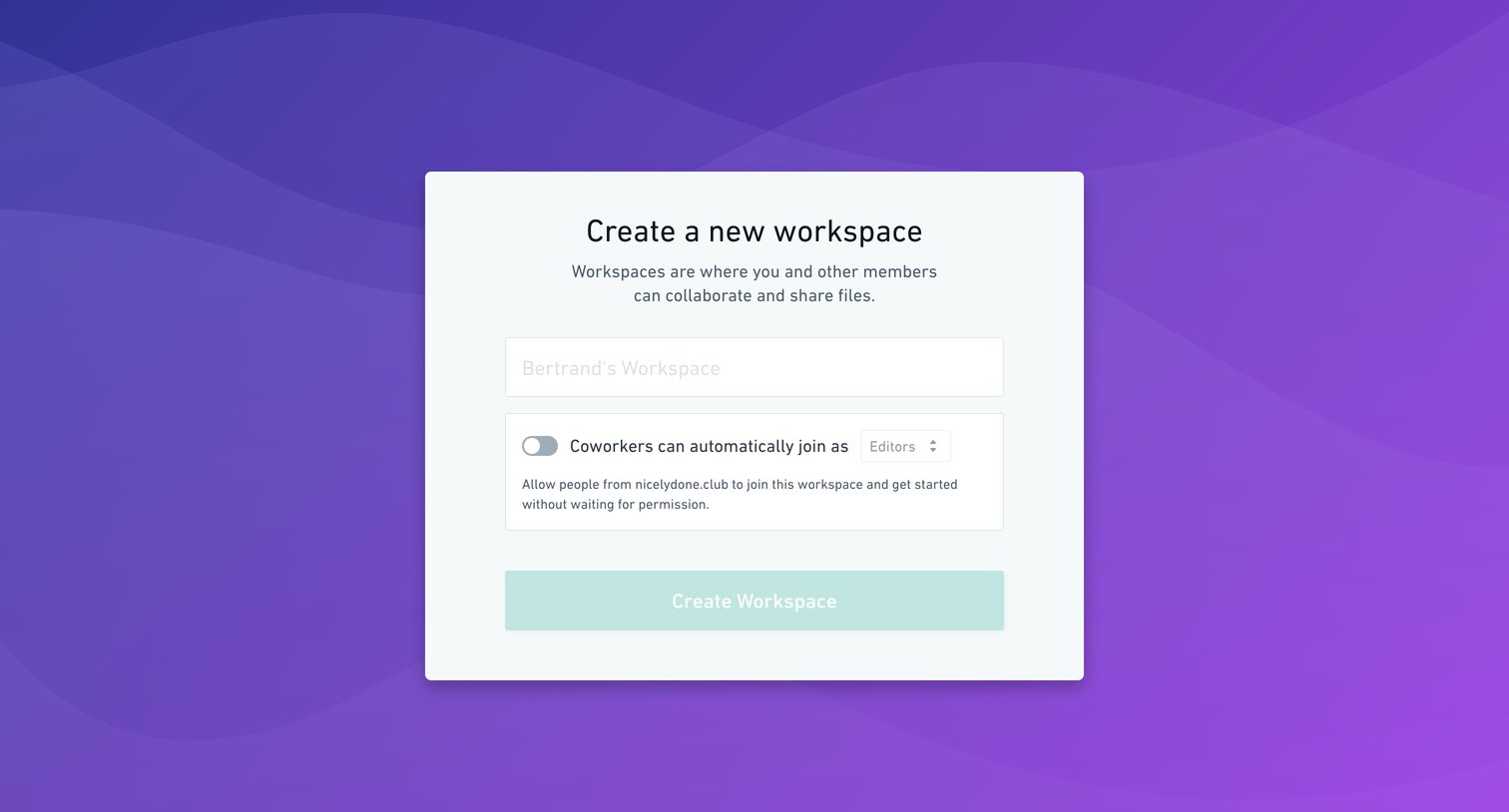
Onboarding step where the user names their new workspace and configures auto-join permissions for coworkers from a specific domain.
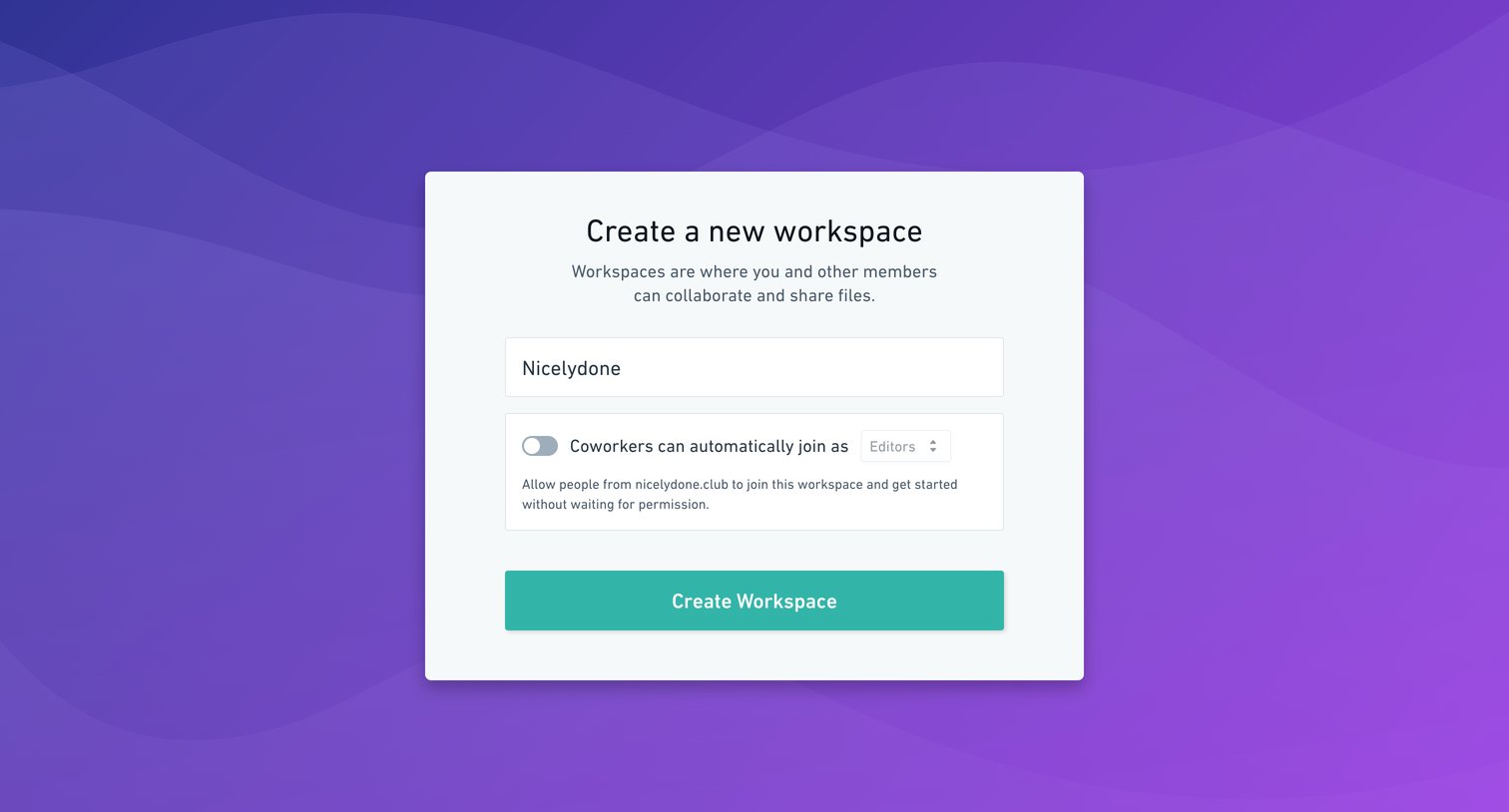
Onboarding step where the user names their new workspace and configures auto-join permissions for coworkers on their domain.
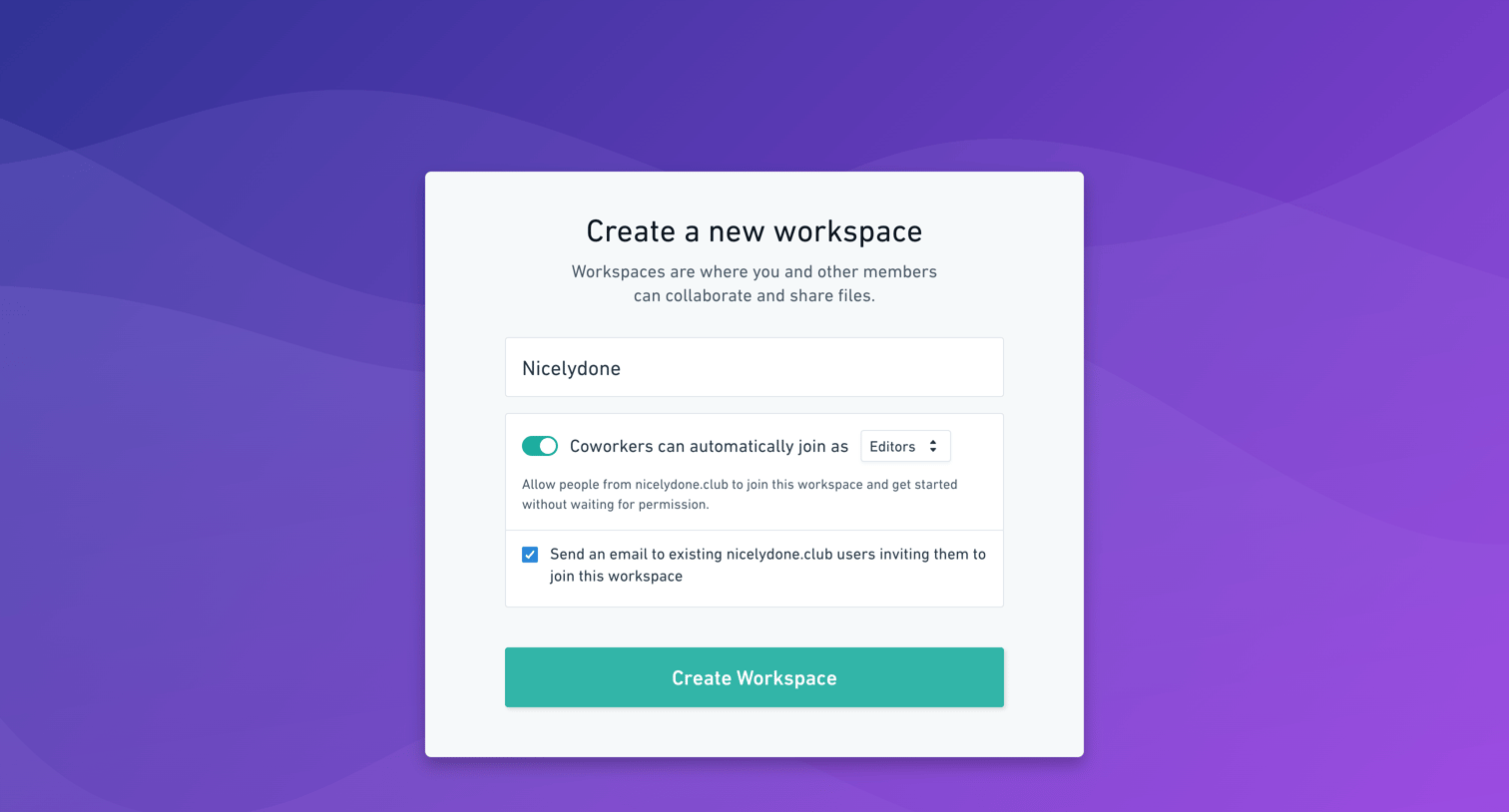
Onboarding step where the user names their new workspace, configures auto-join permissions for coworkers, and opts to send email invitations.
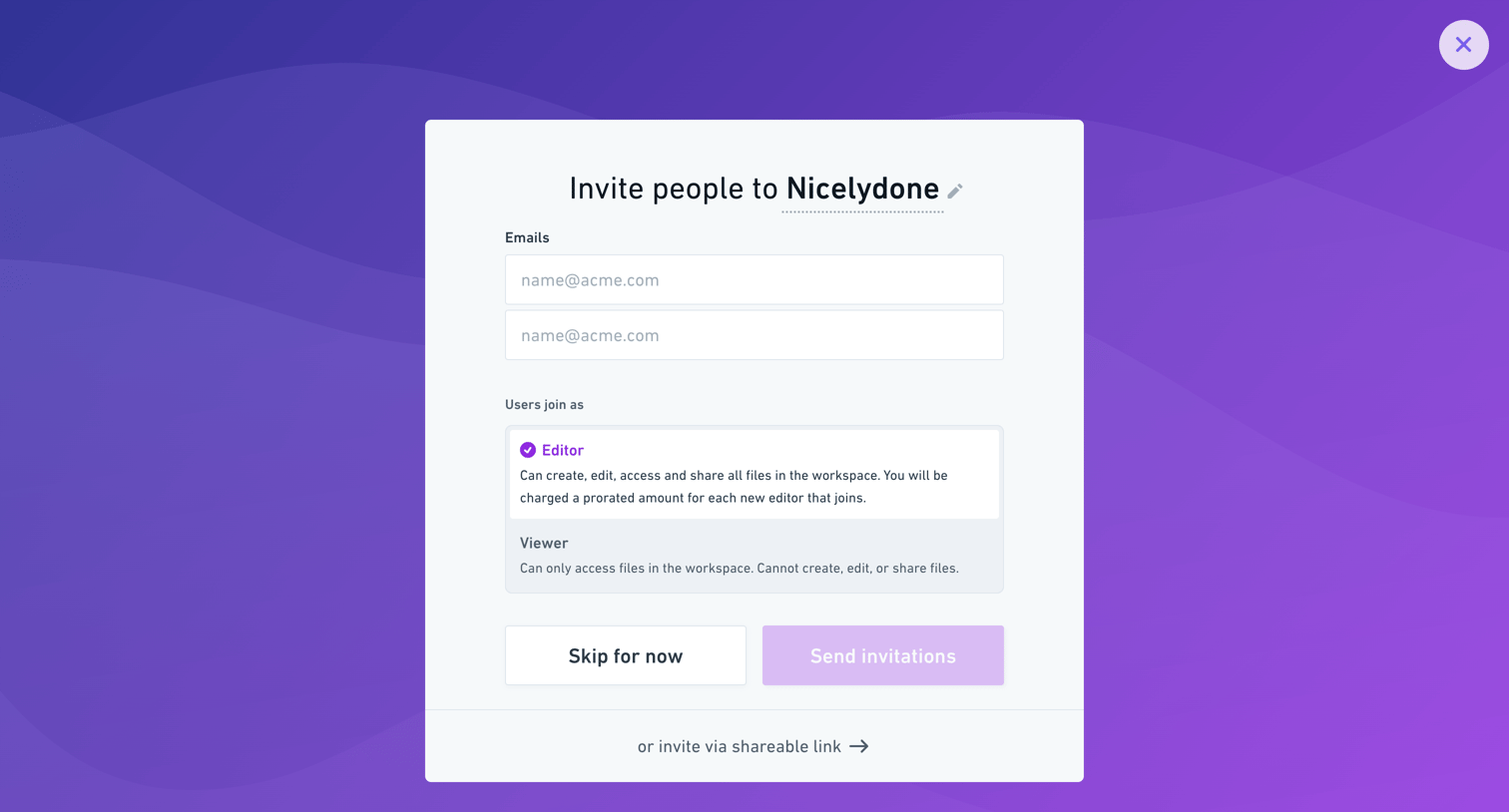
Onboarding step where the user invites teammates by entering email addresses and assigning them an Editor or Viewer role.
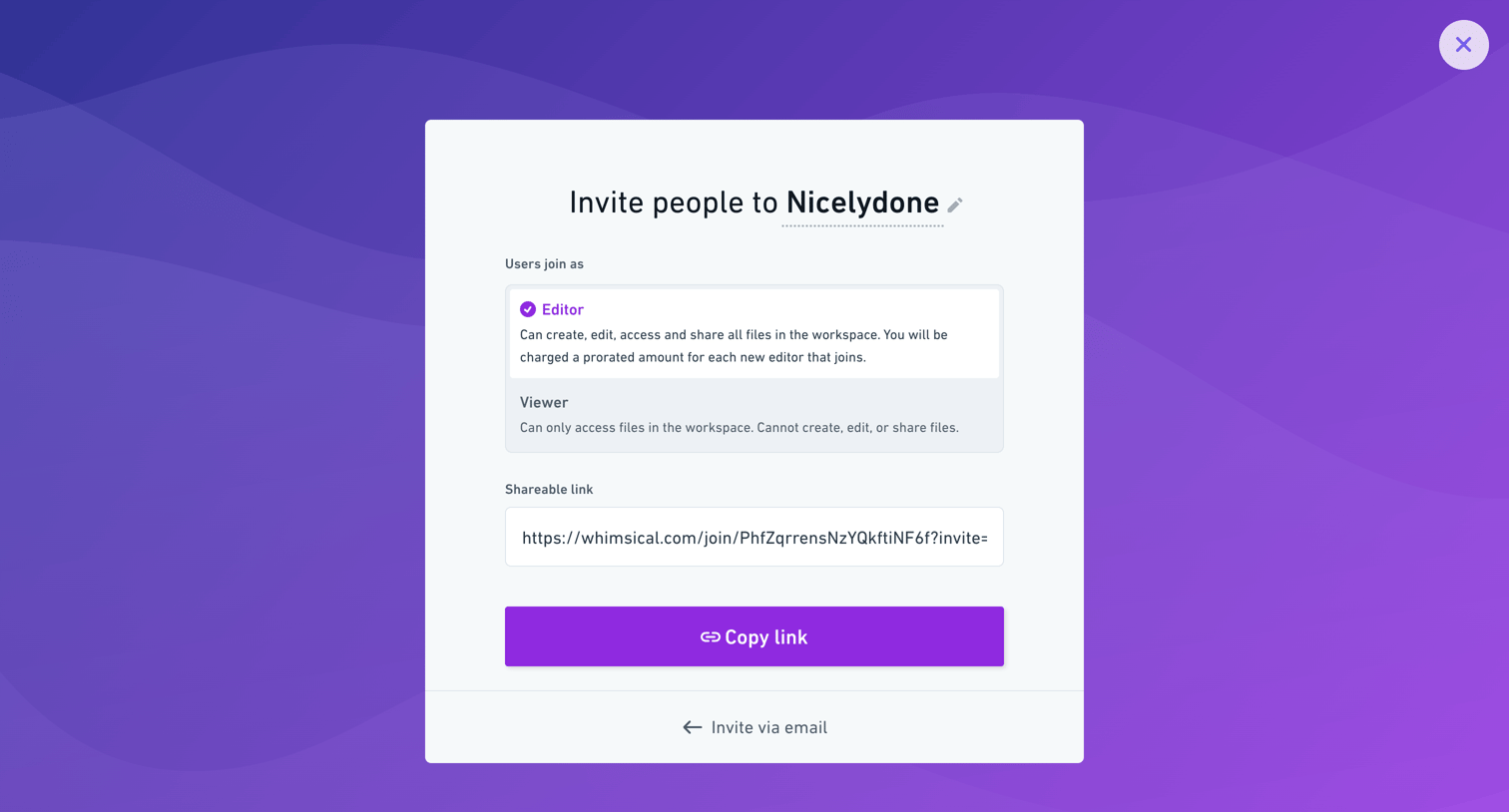
Modal where the user invites people to the Nicelydone workspace by selecting an Editor or Viewer role and copying a shareable link.
Browse the full SaaS app library
Explore real SaaS apps with their product screens, marketing screens, flows, and components.
Trusted by the best teams







