Whimsical marketing pages examples
Explore Whimsical website design examples. Preview marketing pages and browse related SaaS page designs. The hub for visual collaboration
Explore the examples


Landing page for a visual workspace showcasing features like docs, mind maps, flowcharts, and wireframes, followed by a template library carousel, a bento grid of capabilities, and a masonry grid of customer testimonials.
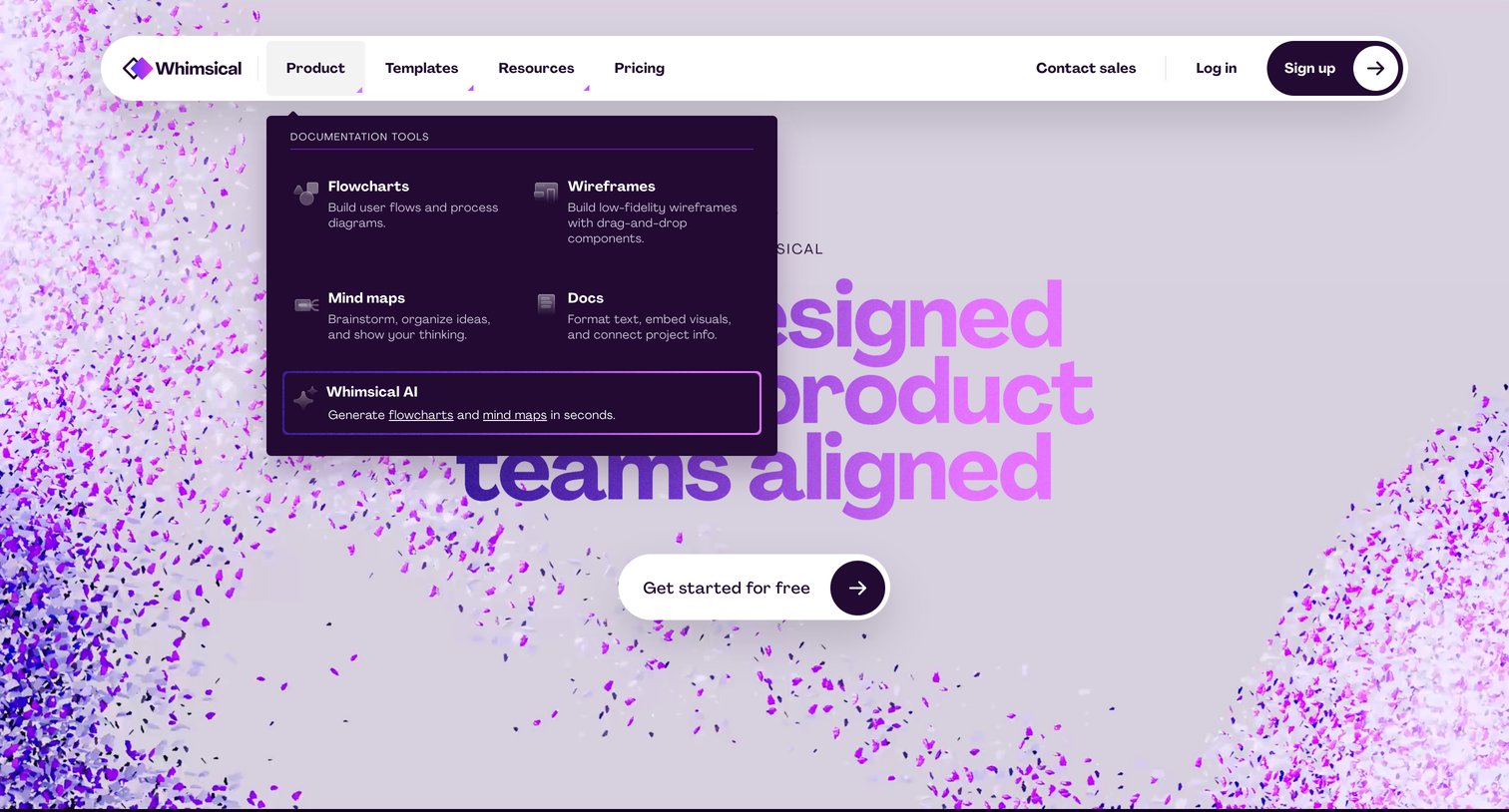
Landing page hero section featuring a 3D particle background and an open mega-menu displaying documentation tools like flowcharts, wireframes, and mind maps.
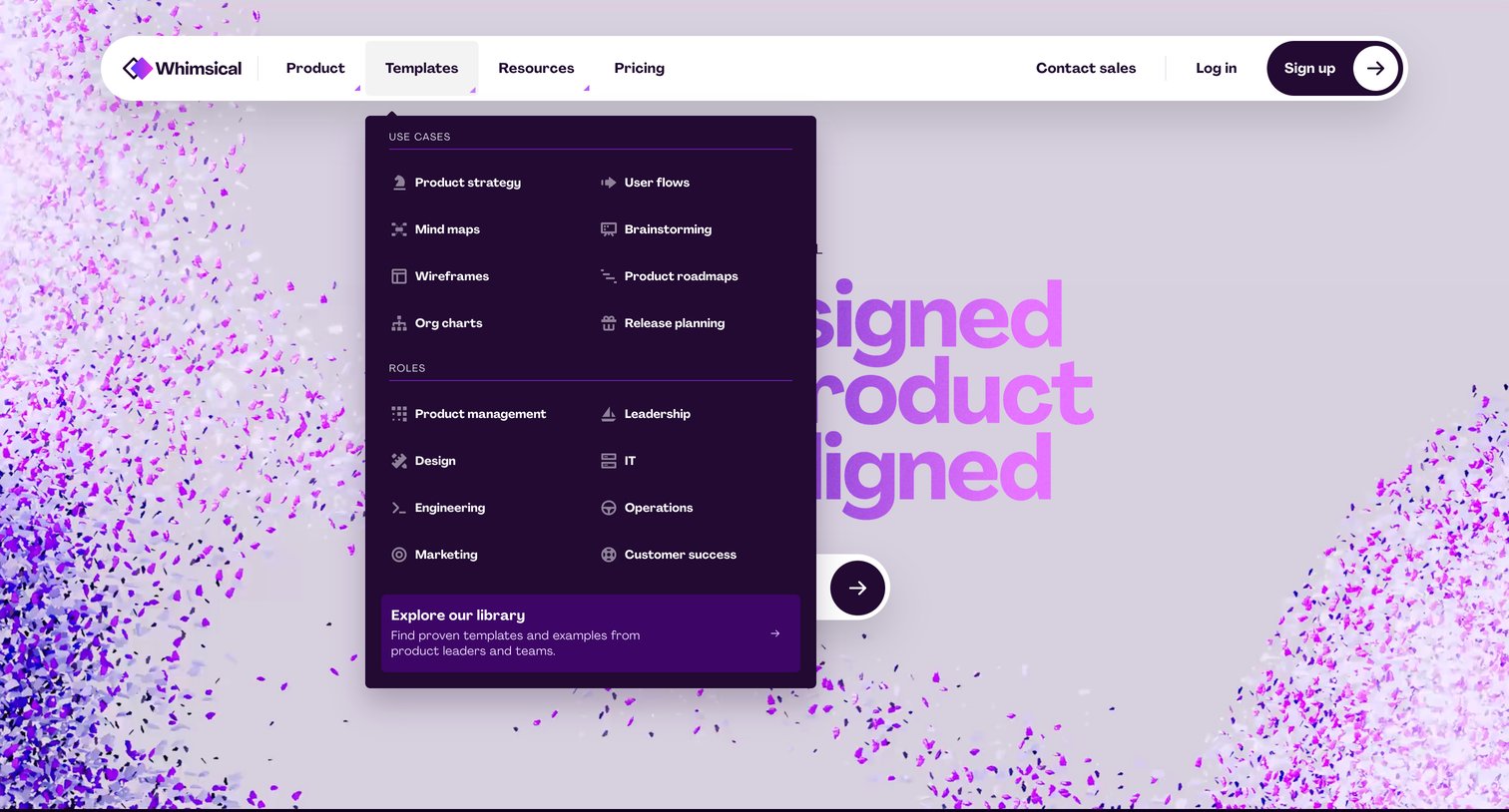
Landing page where the user opens the Templates mega menu to browse use cases like product strategy and roles like product management.
Landing page hero section featuring a pill-shaped floating header with an open resources dropdown, a gradient headline, and a customer logo wall.
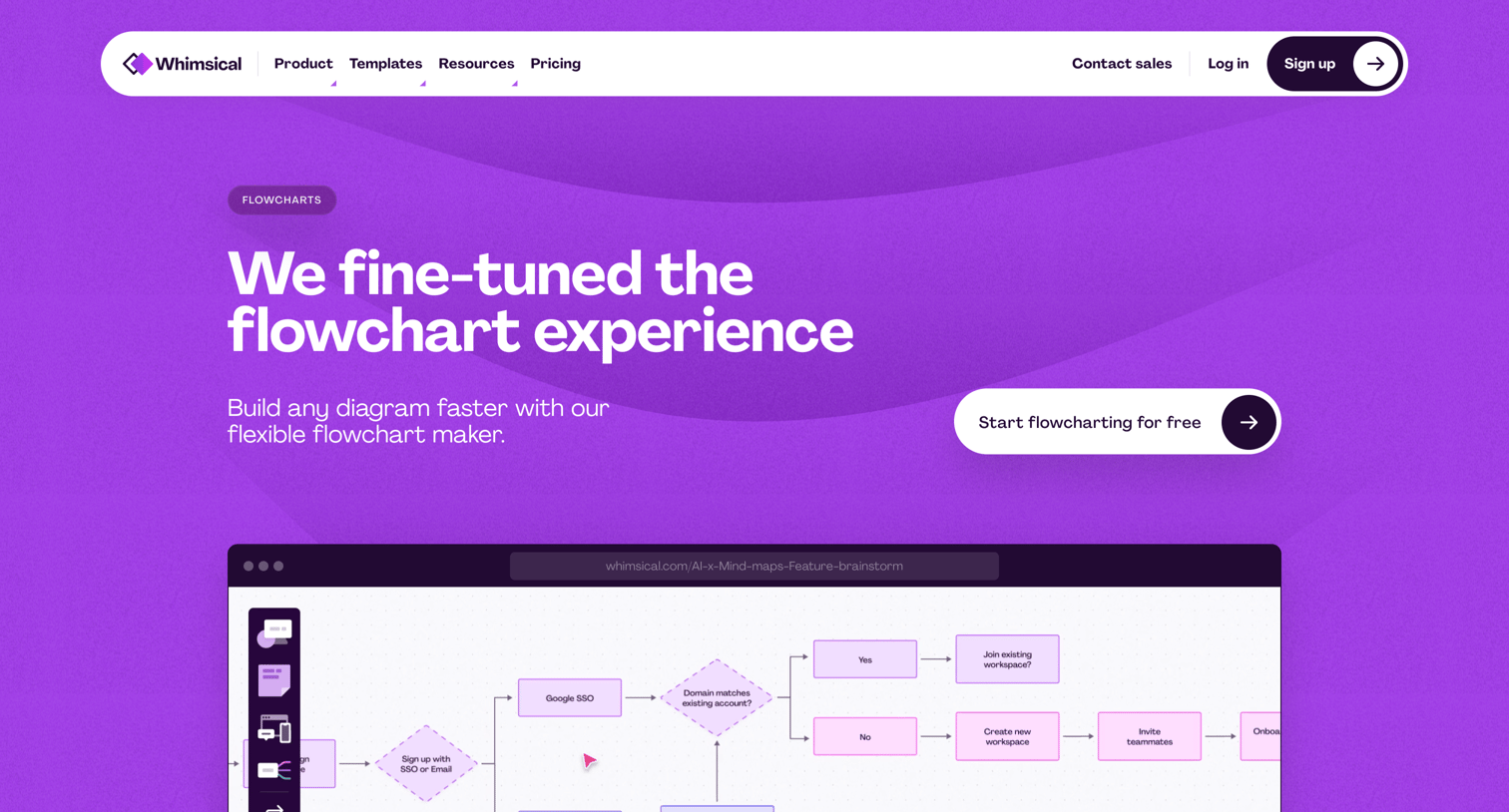
Feature page highlighting the flowchart maker with interactive previews, template examples, and a carousel of related diagramming tools.
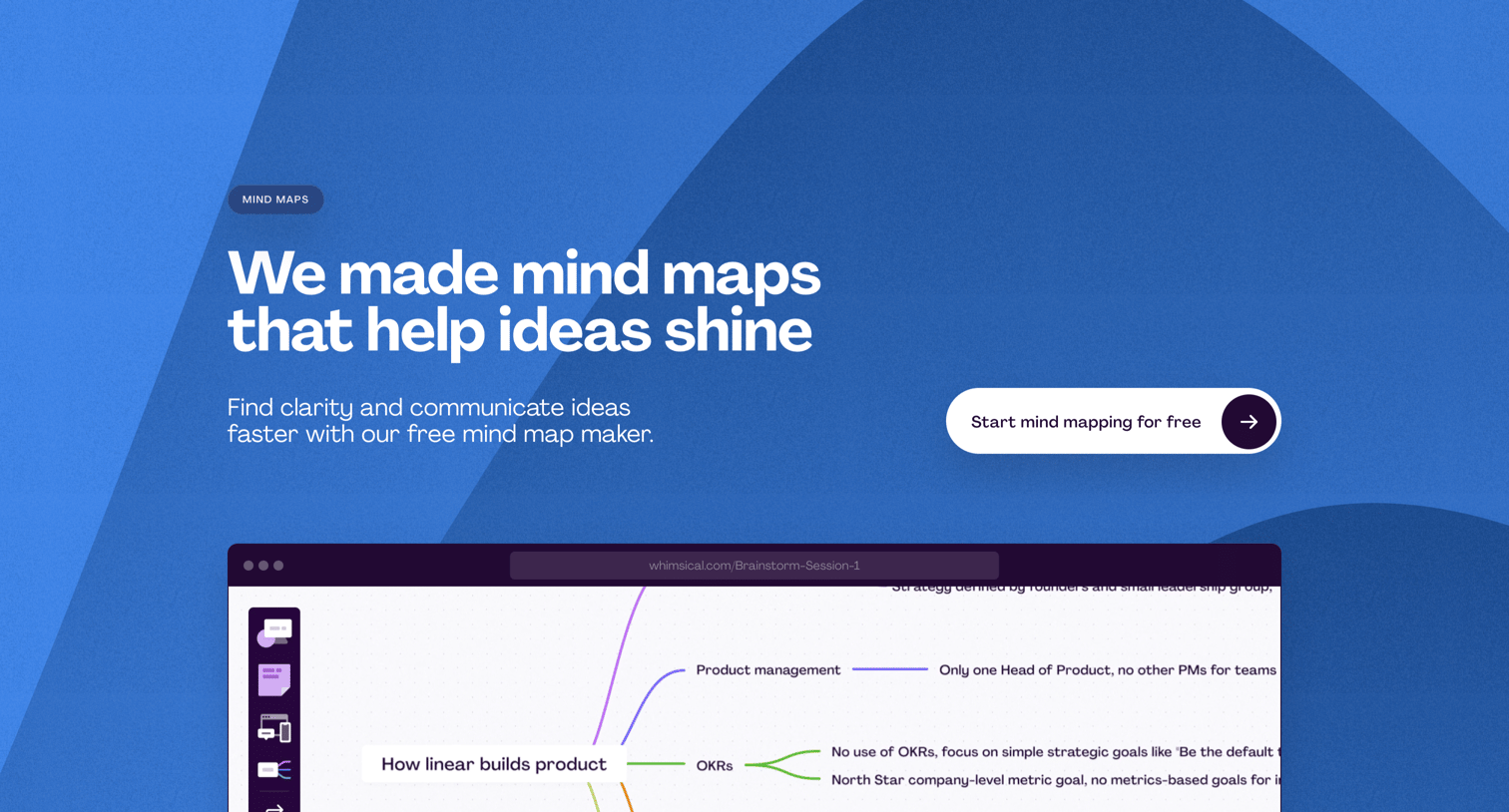
Marketing page showcasing the mind mapping feature with interactive product previews, template galleries, and cross-functional use cases.
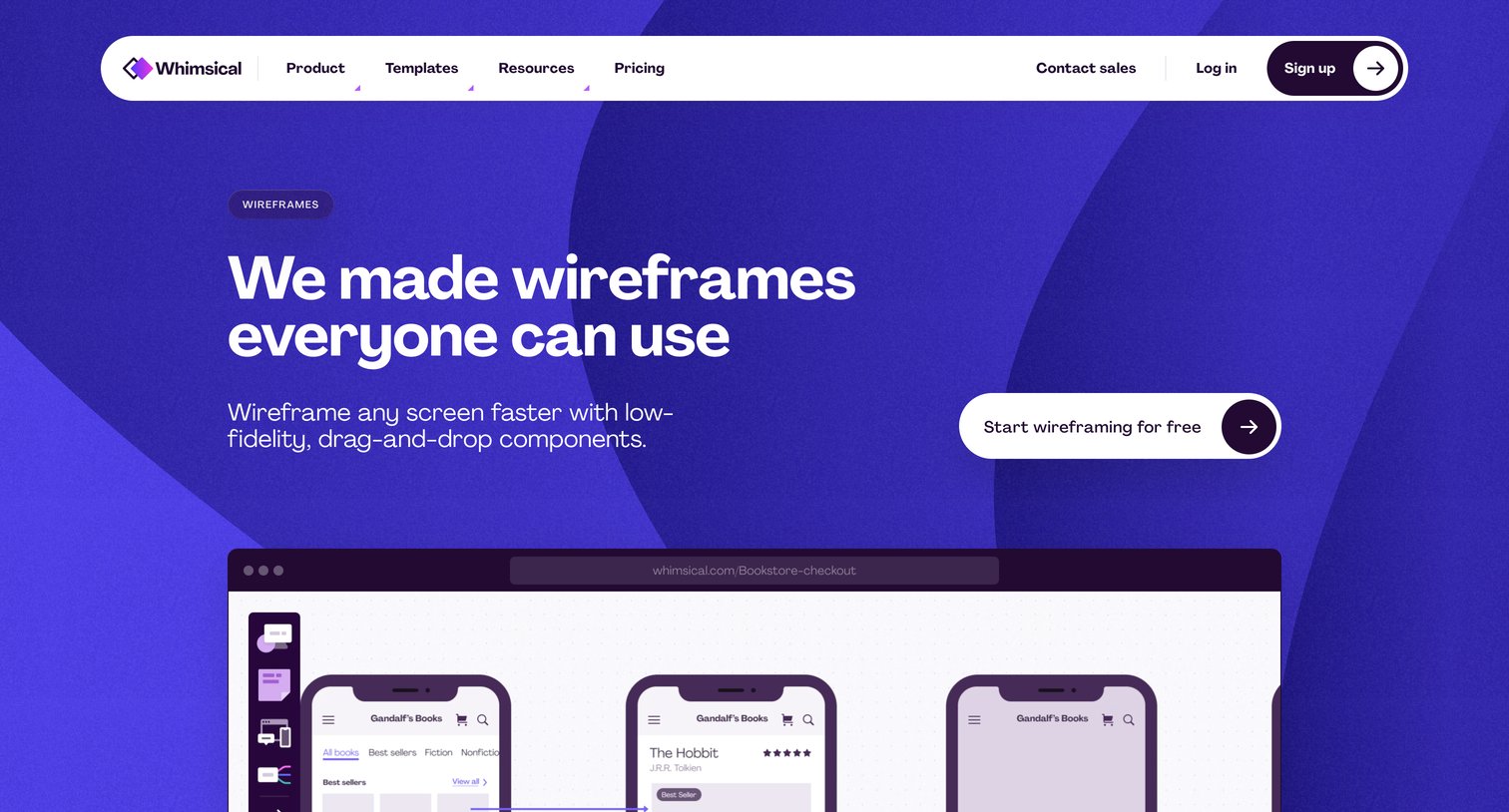
Feature page where the user learns about low-fidelity drag-and-drop wireframing capabilities, views alternating product previews, and browses related templates.
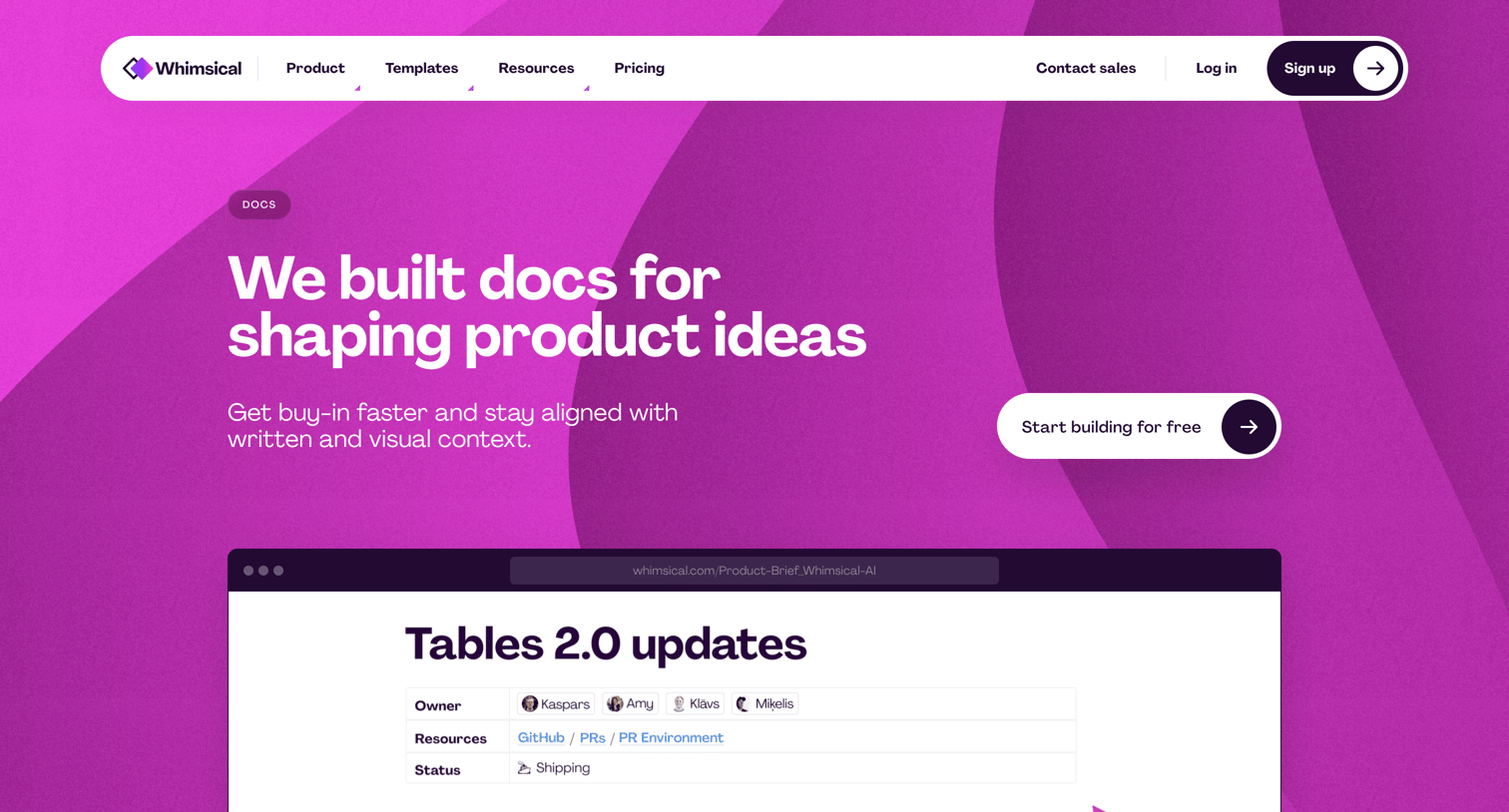
Feature page detailing the documentation capabilities of a visual workspace, highlighting rich text, visual embeds, and interconnected templates.
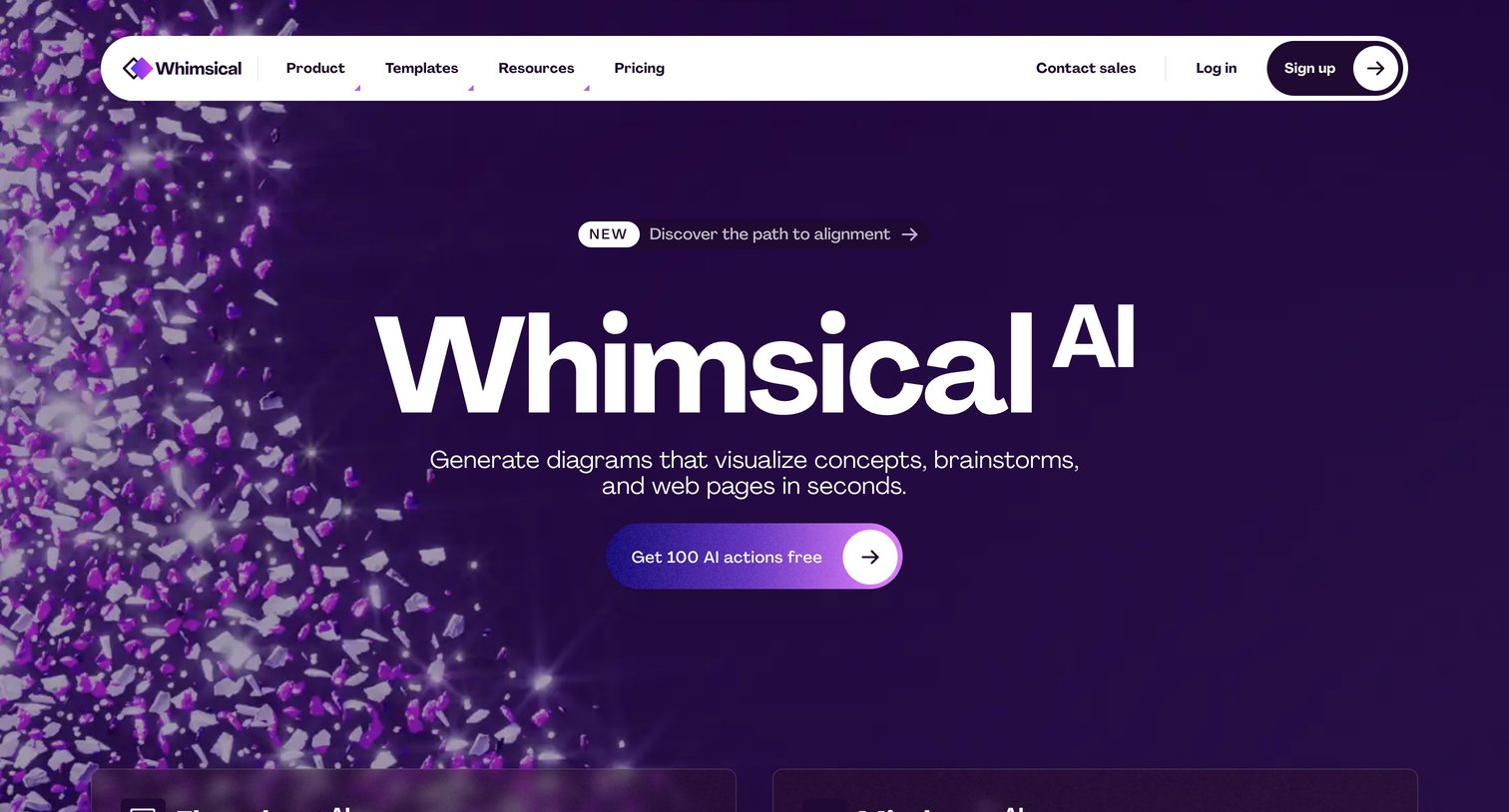
Feature page introducing Whimsical AI, highlighting its ability to generate flowcharts and mind maps, followed by a carousel of core tools and a section of strategy templates.
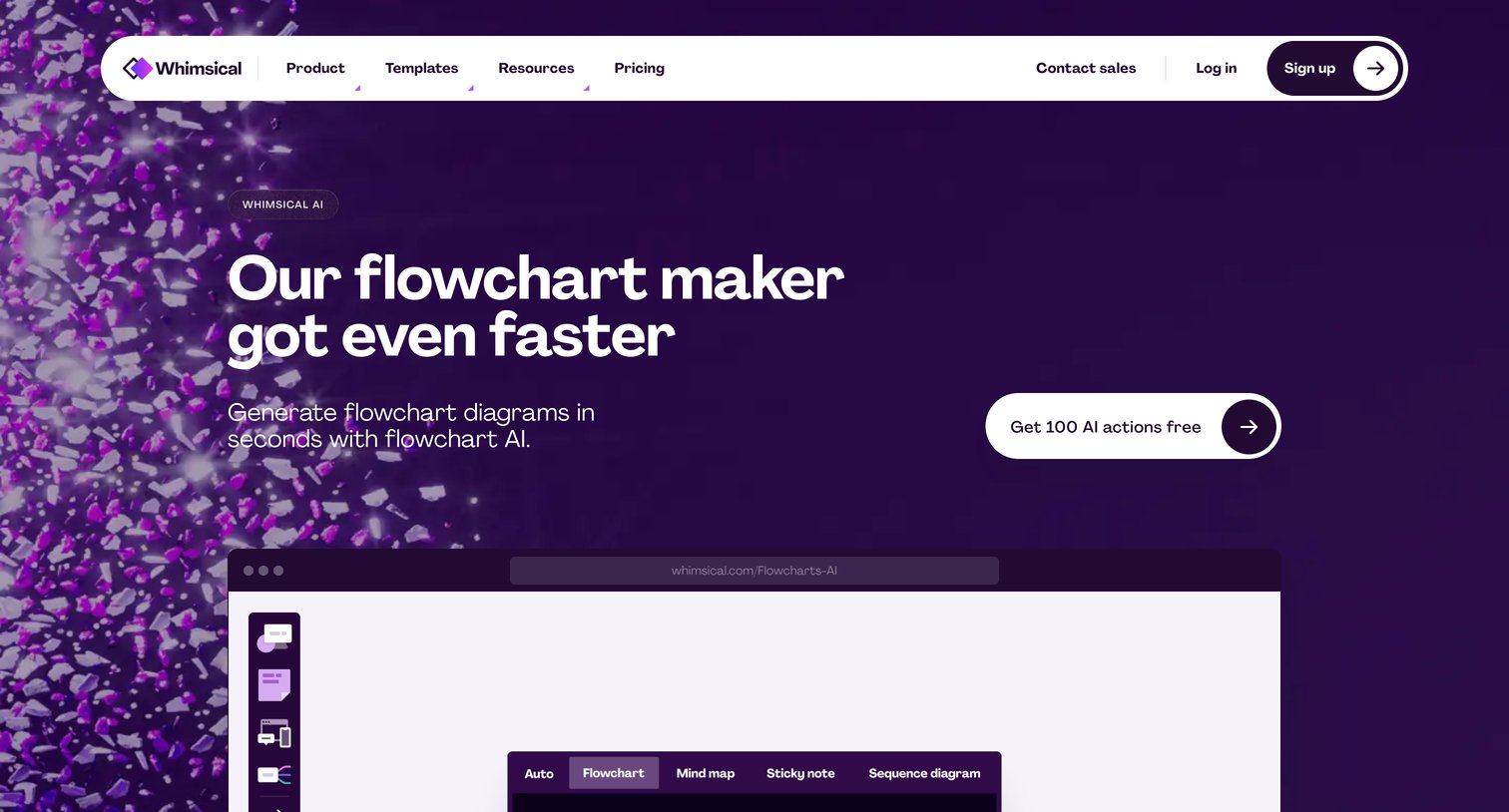
Feature page for Whimsical's AI flowchart maker, highlighting text-to-diagram capabilities, ChatGPT integration, and offering a free trial of AI actions.
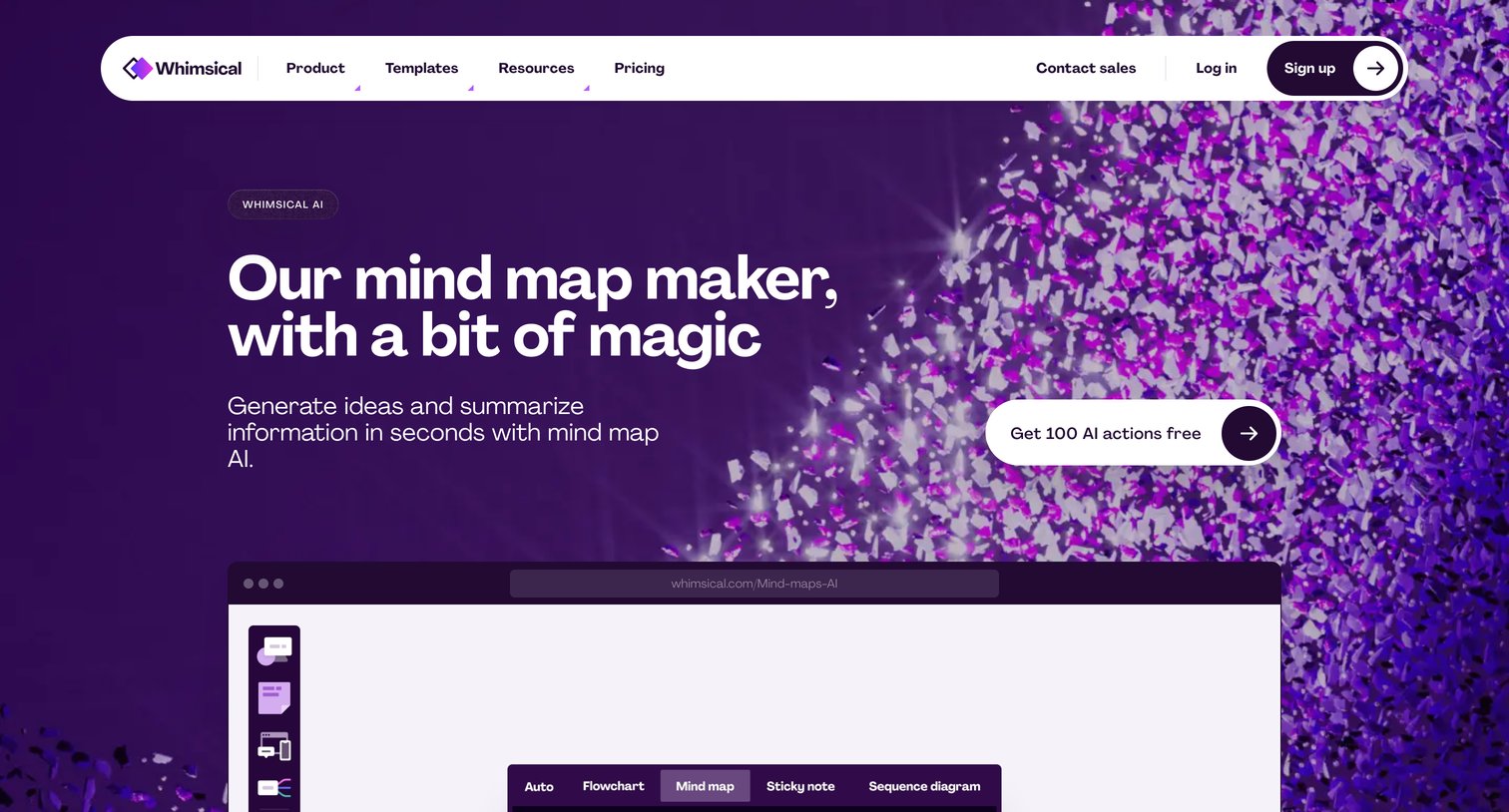
Feature page for an AI mind map maker highlighting its ability to generate ideas, summarize text into mental models, and integrate with ChatGPT.
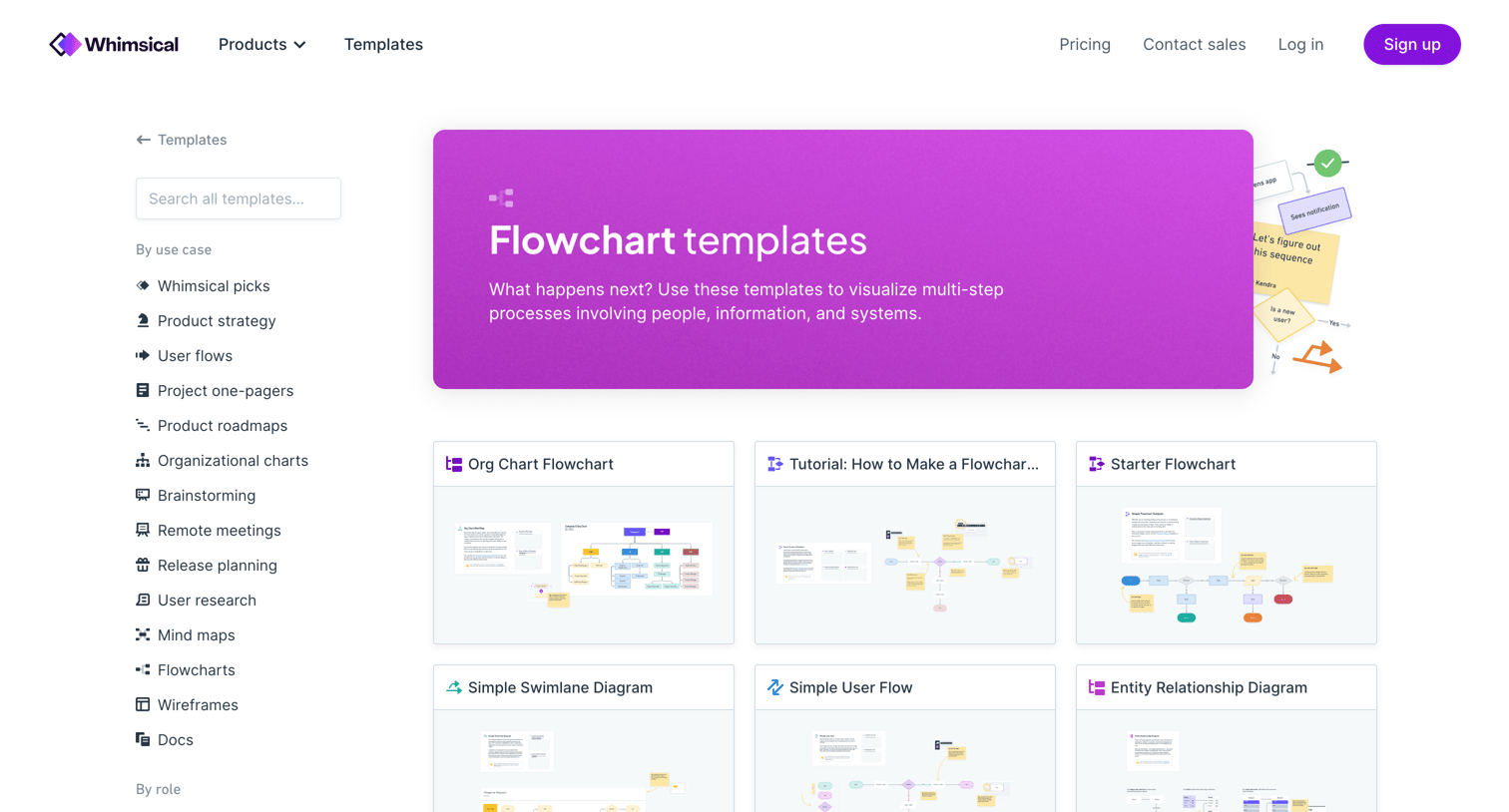
Template gallery where the user browses and selects flowchart templates by use case or role.
Explore the full SaaS screen library
Upgrade to unlock the full library.
Trusted by the best teams







