Marathon design examples
Explore Marathon UI design examples. Fully integrated feedback & task management for design teams
Product screens
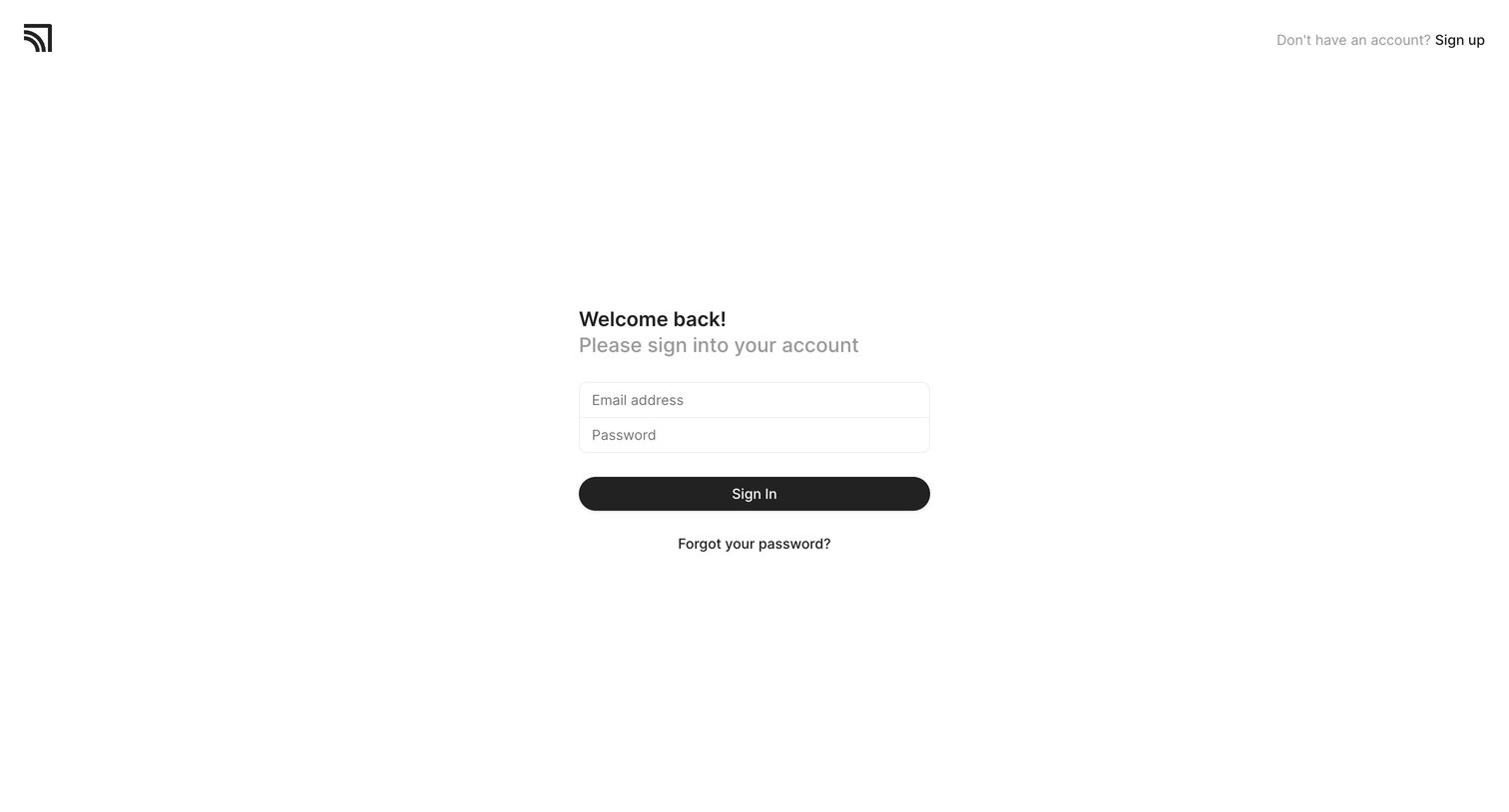
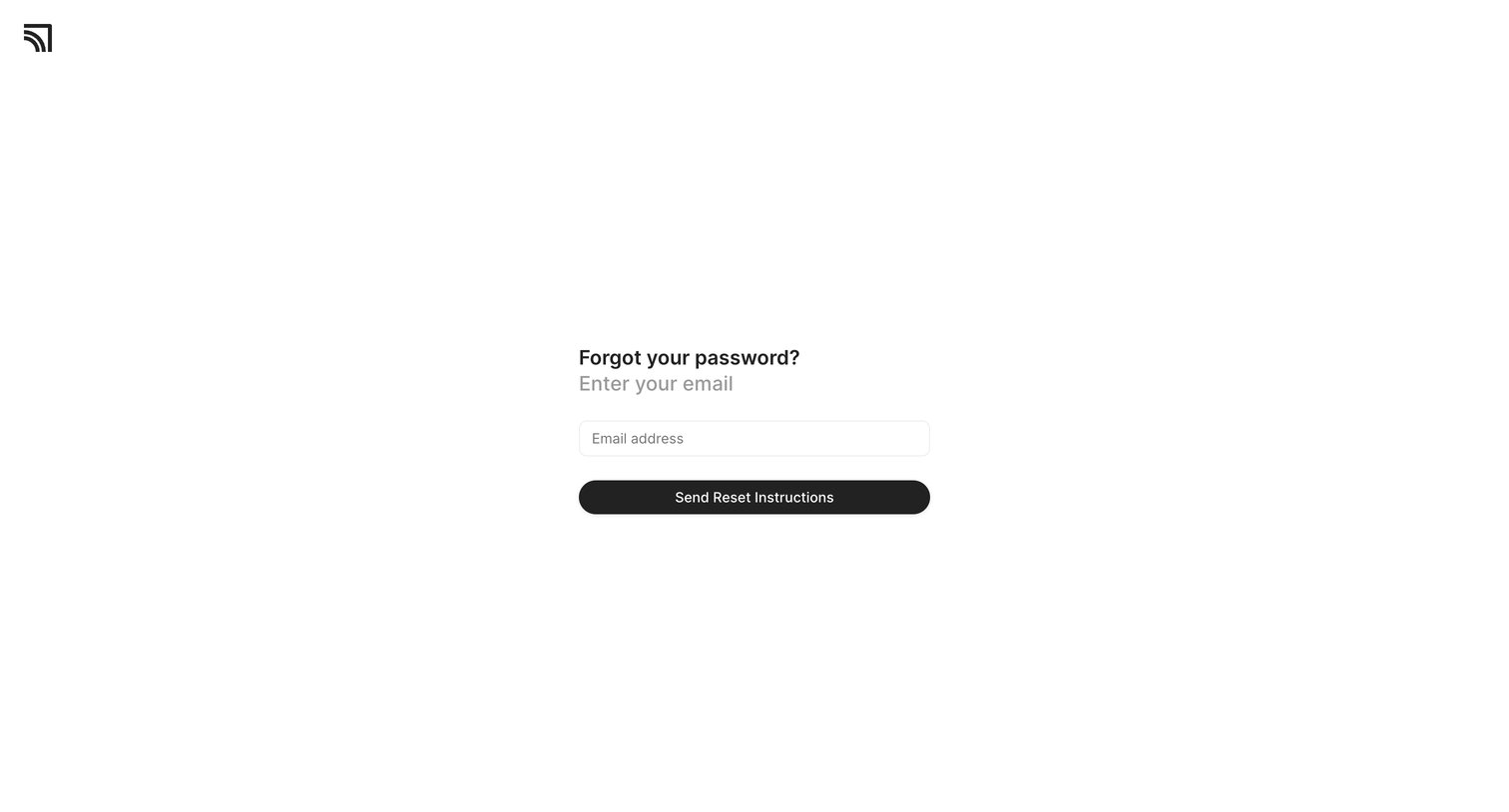

Password recovery screen where the user enters their email address to receive reset instructions.
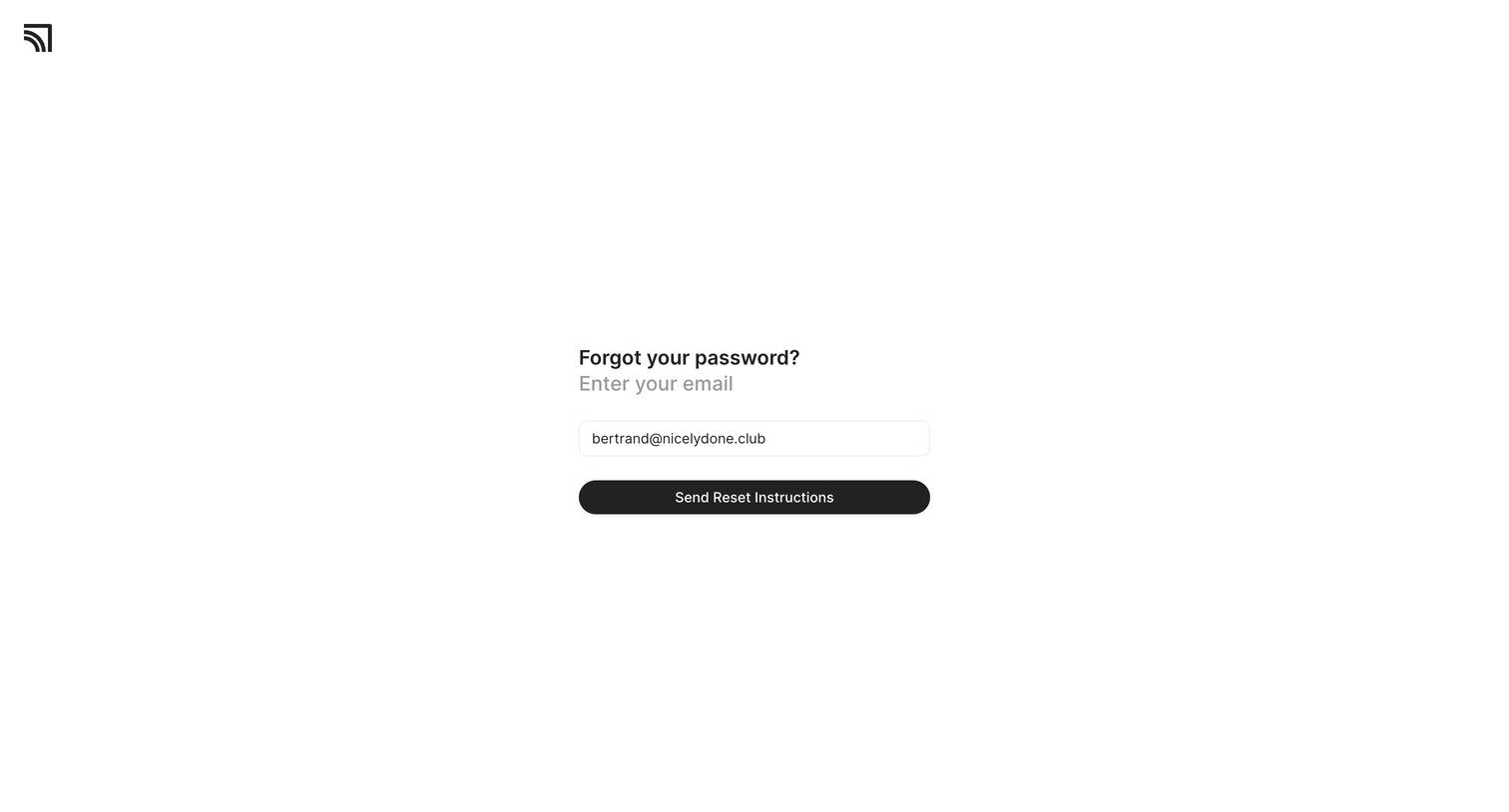
Password recovery screen where the user enters their email address to receive reset instructions.
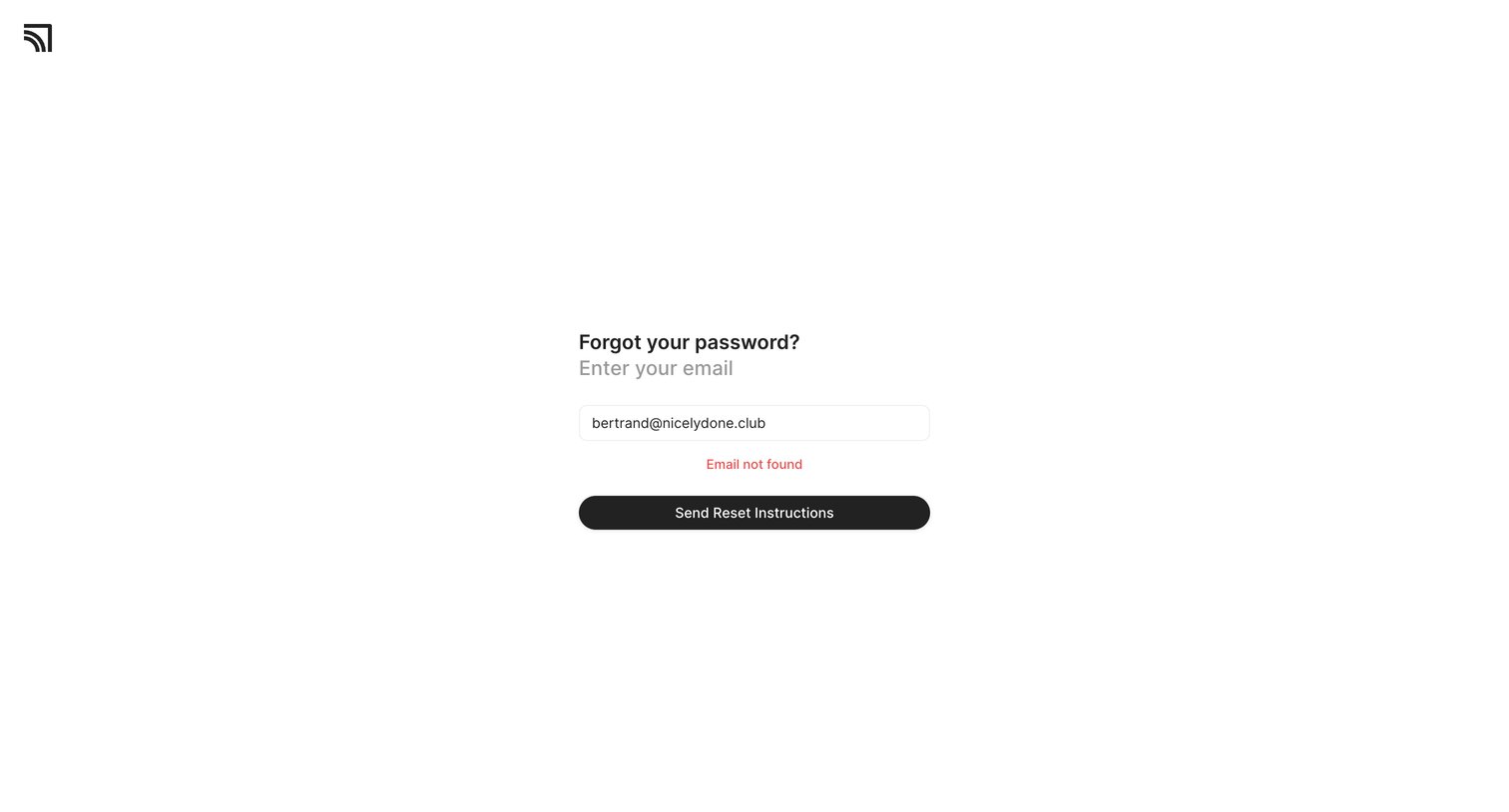
Password recovery screen where the user is informed that the entered email address was not found.
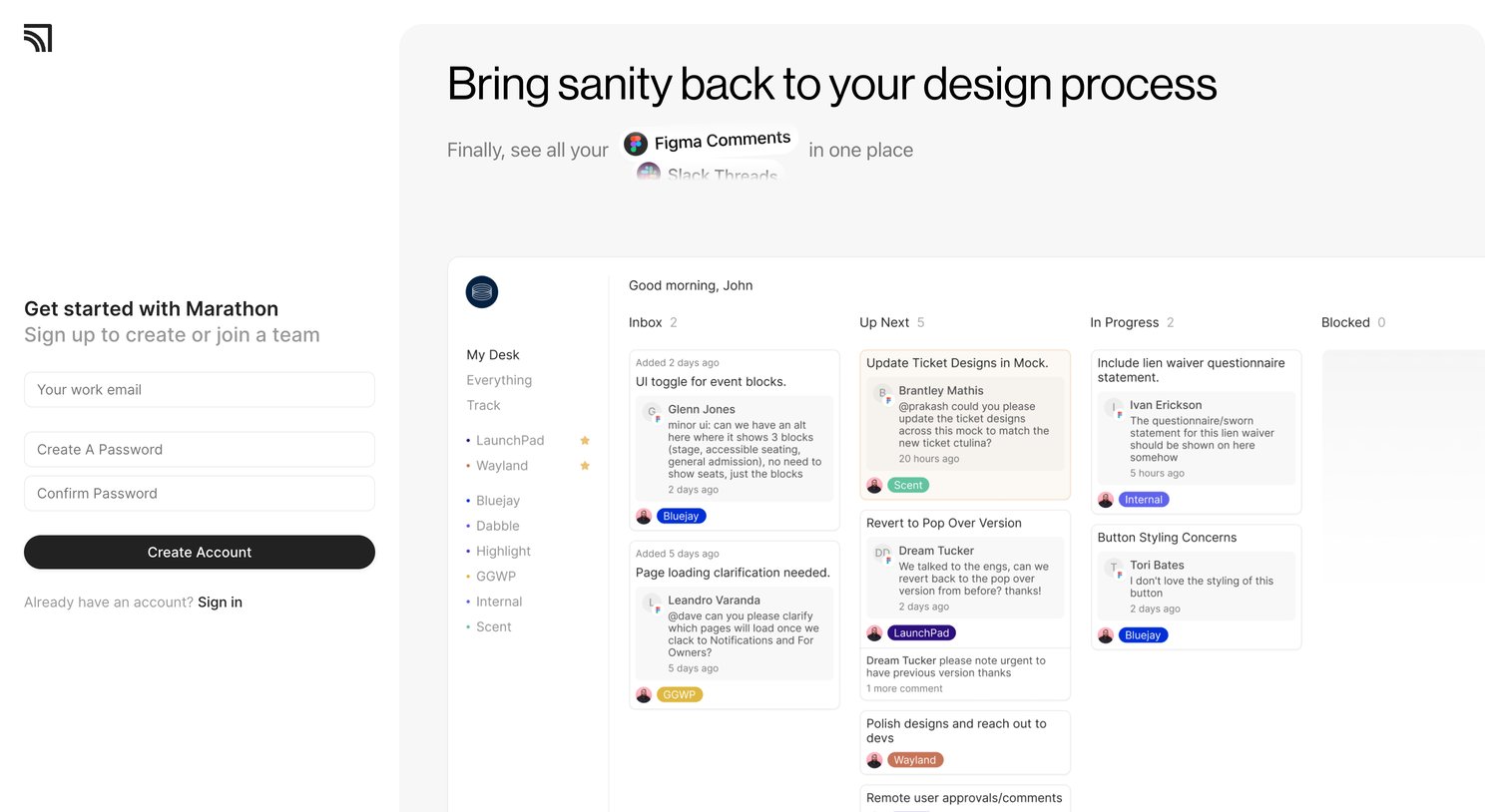
Signup screen where the user creates an account with their work email and password next to a product preview showing a kanban board of design feedback.
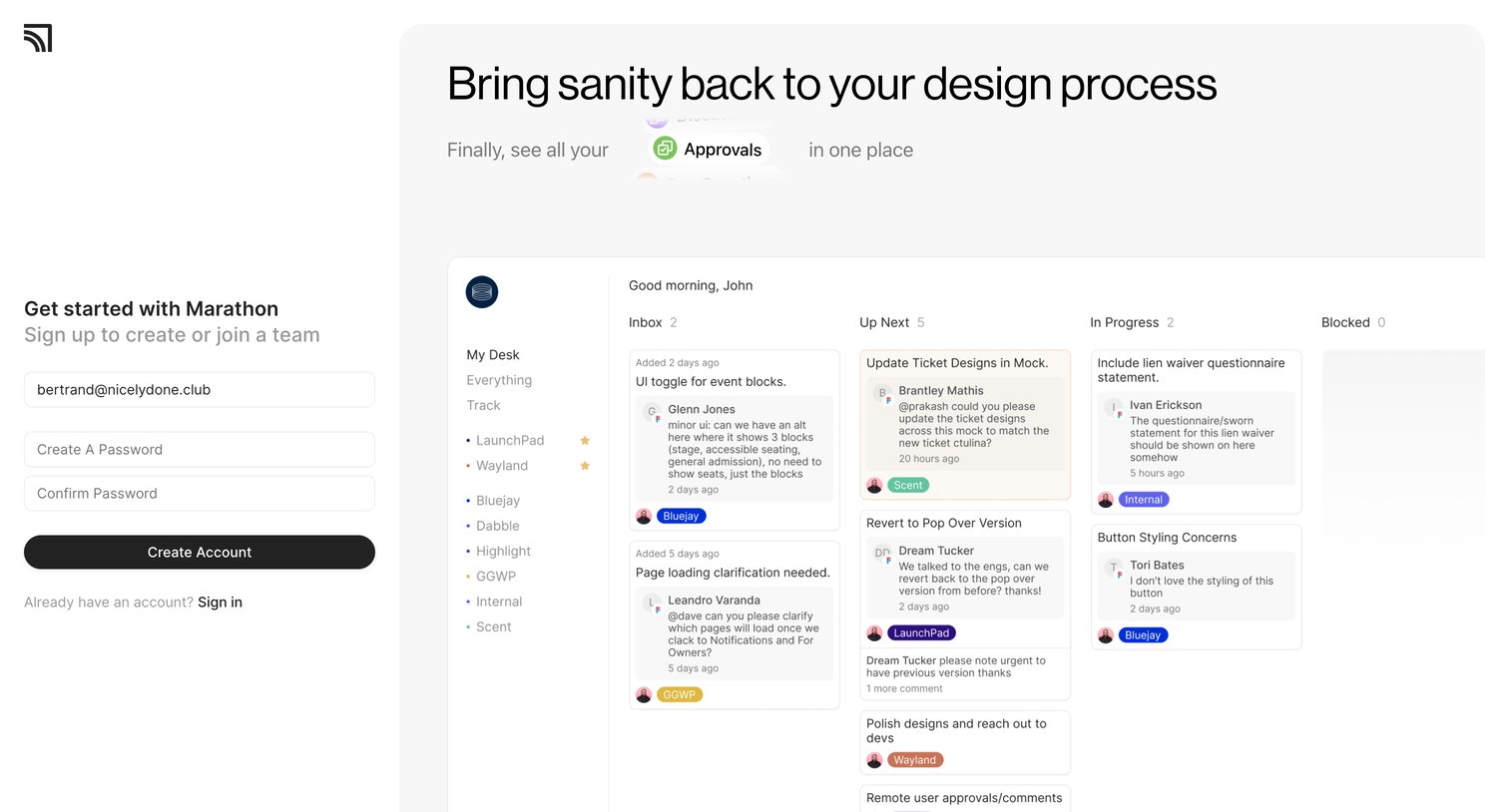
Signup page where the user creates an account with email and password, featuring a large product preview of a kanban board for design approvals.
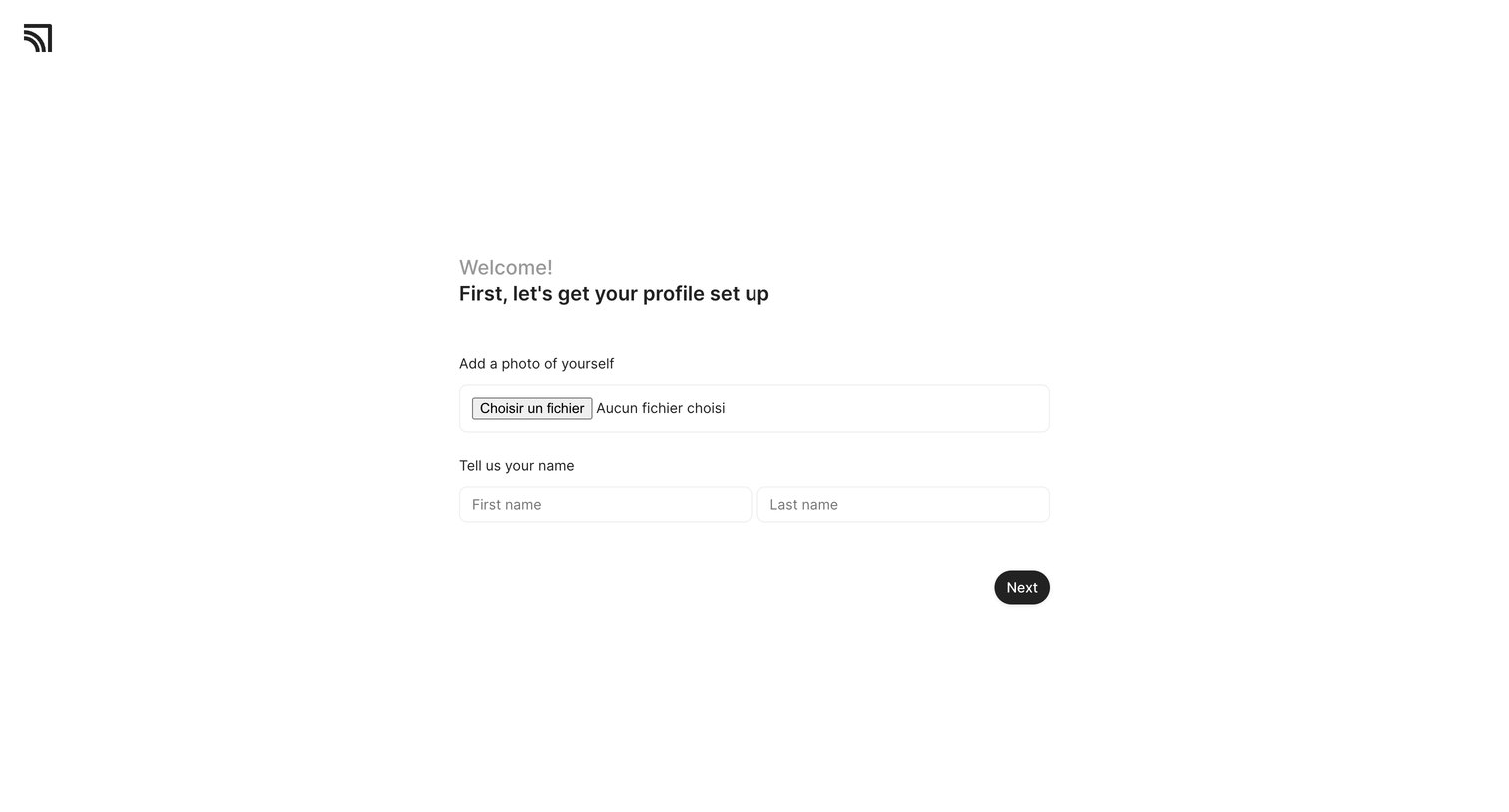
Onboarding step where the user uploads a profile photo and enters their first and last name.
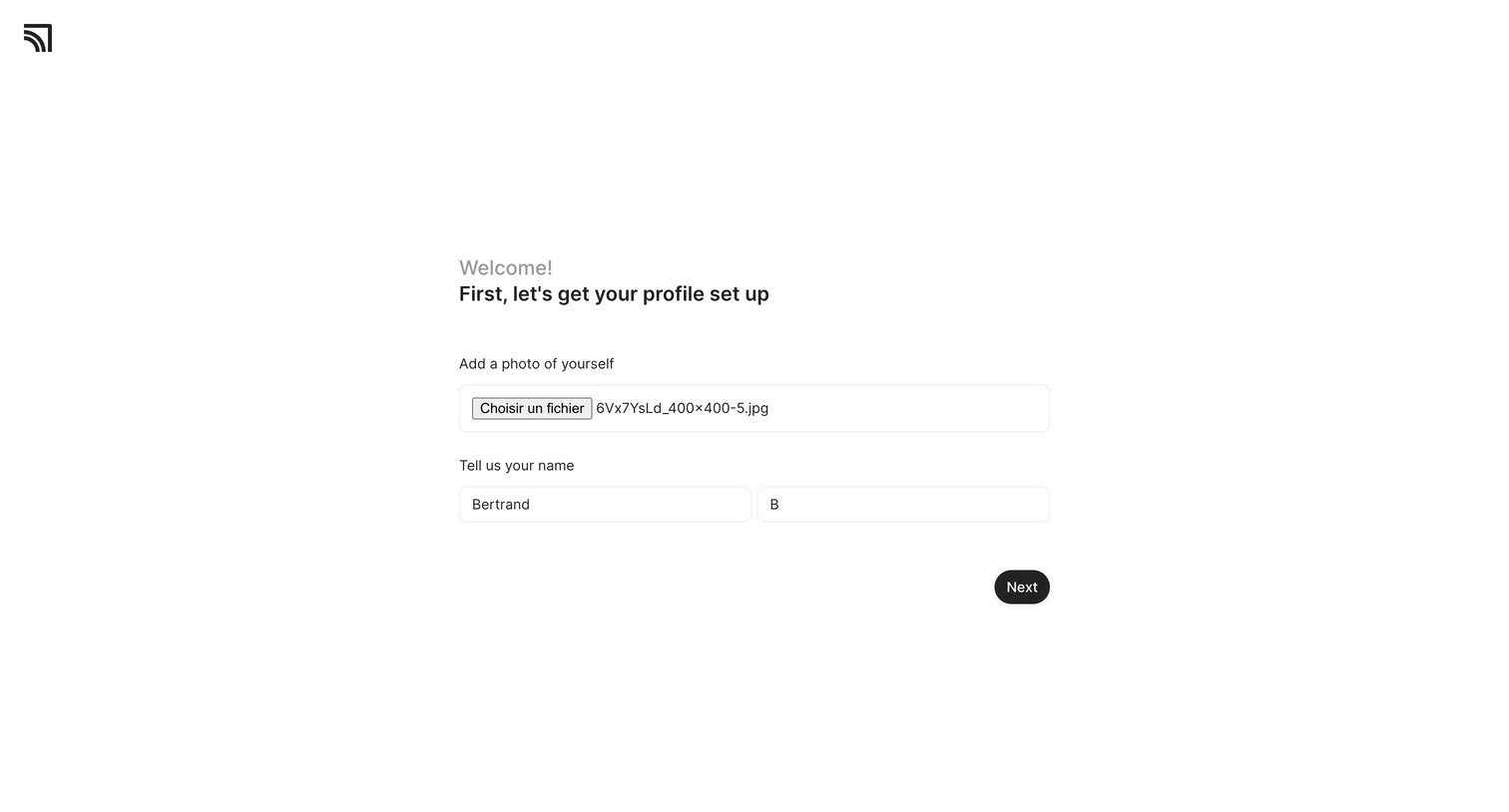
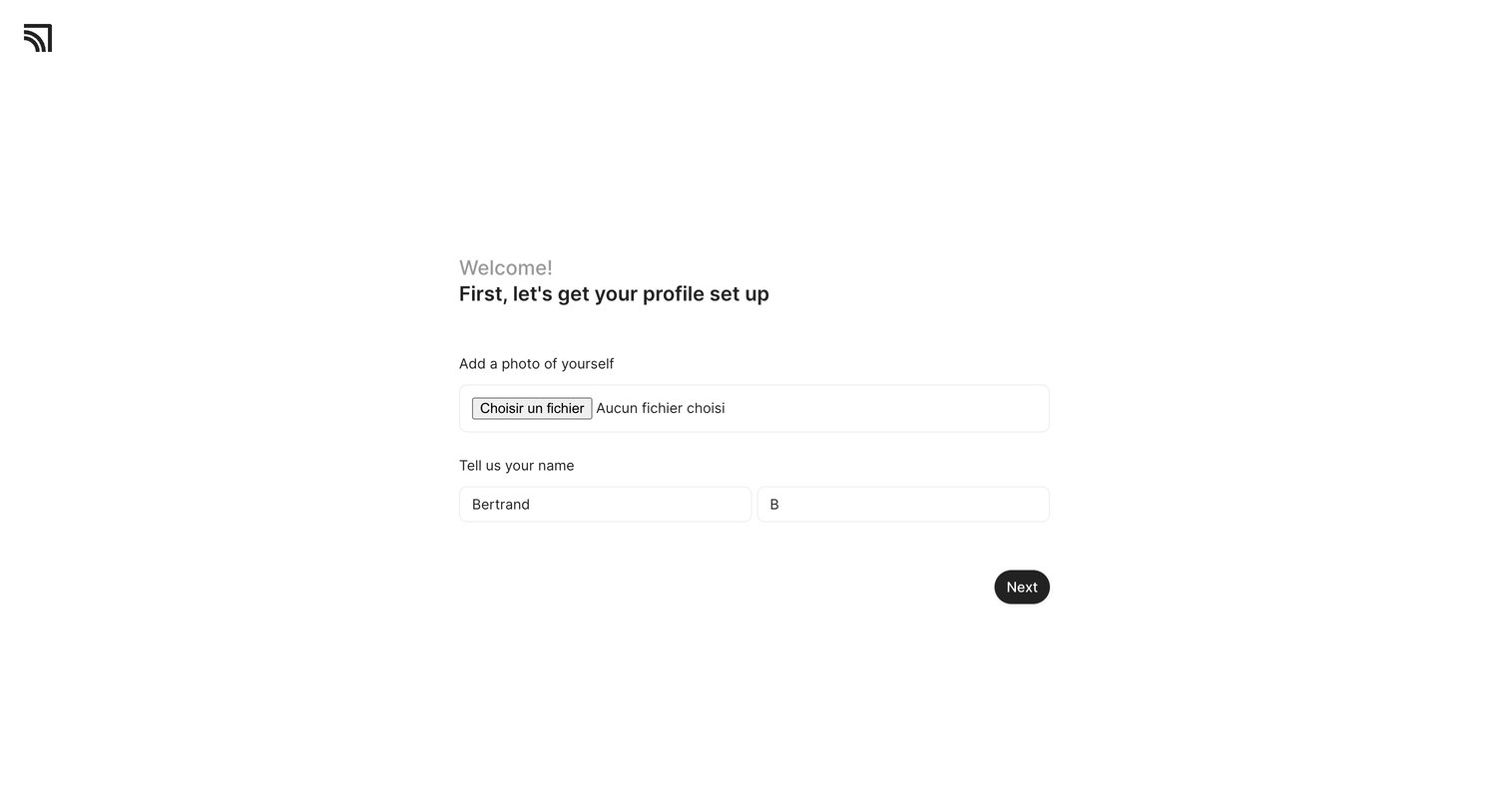
Onboarding step where the user uploads a profile photo and confirms their first and last name before proceeding.
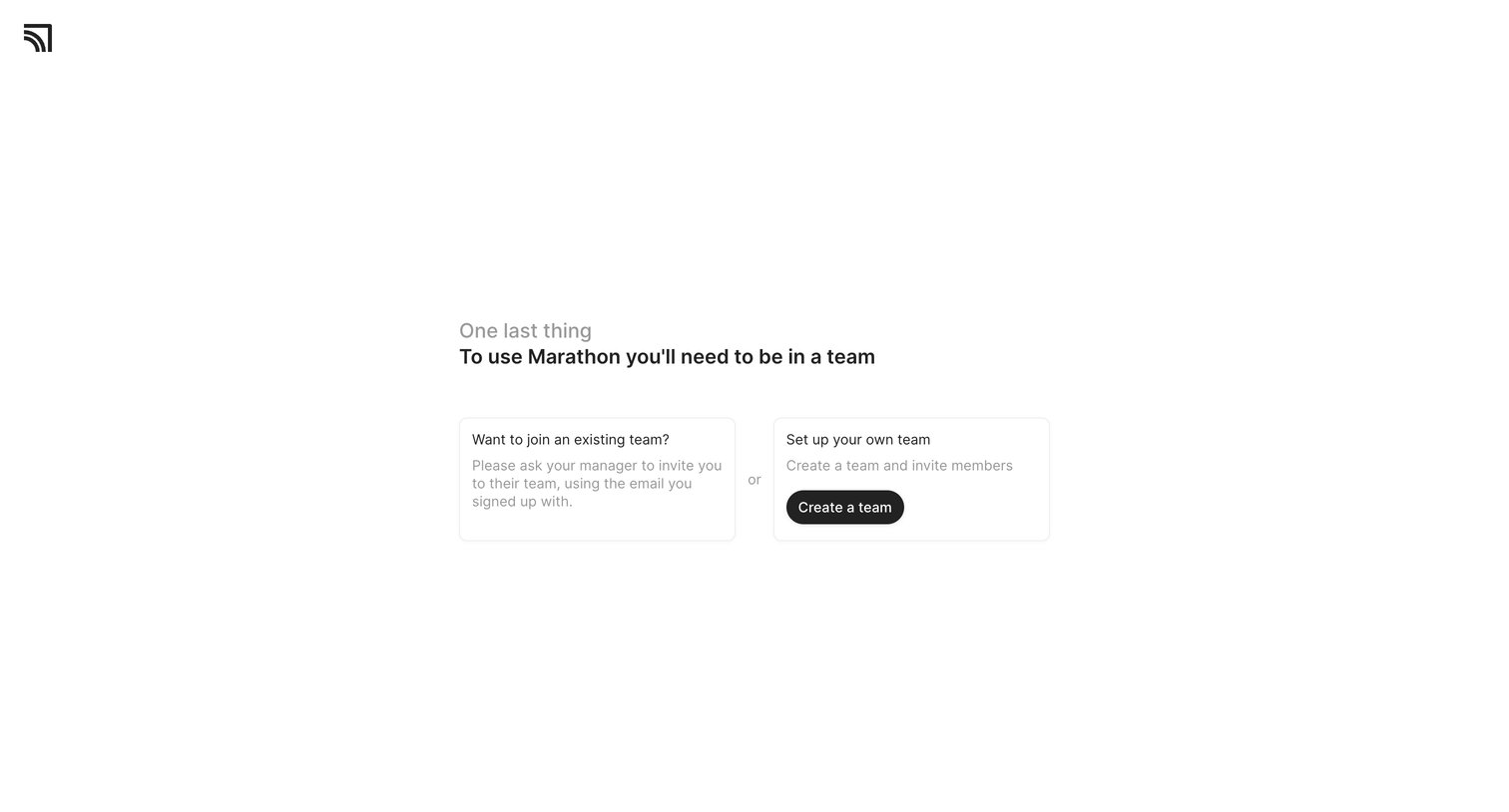
Onboarding step where the user chooses between joining an existing team or creating a new one.
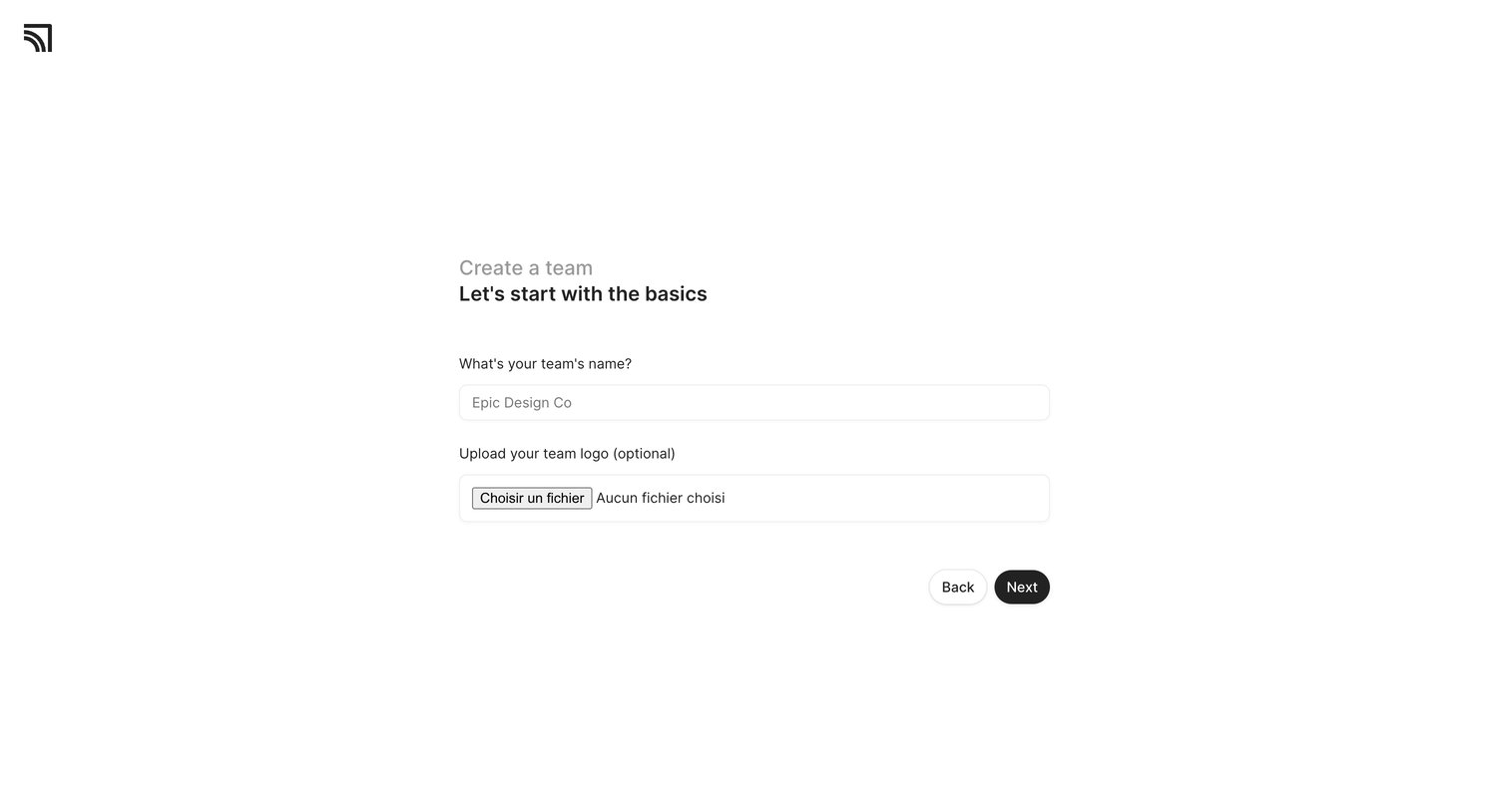
Onboarding step where the user names their team and optionally uploads a logo to start the workspace setup.
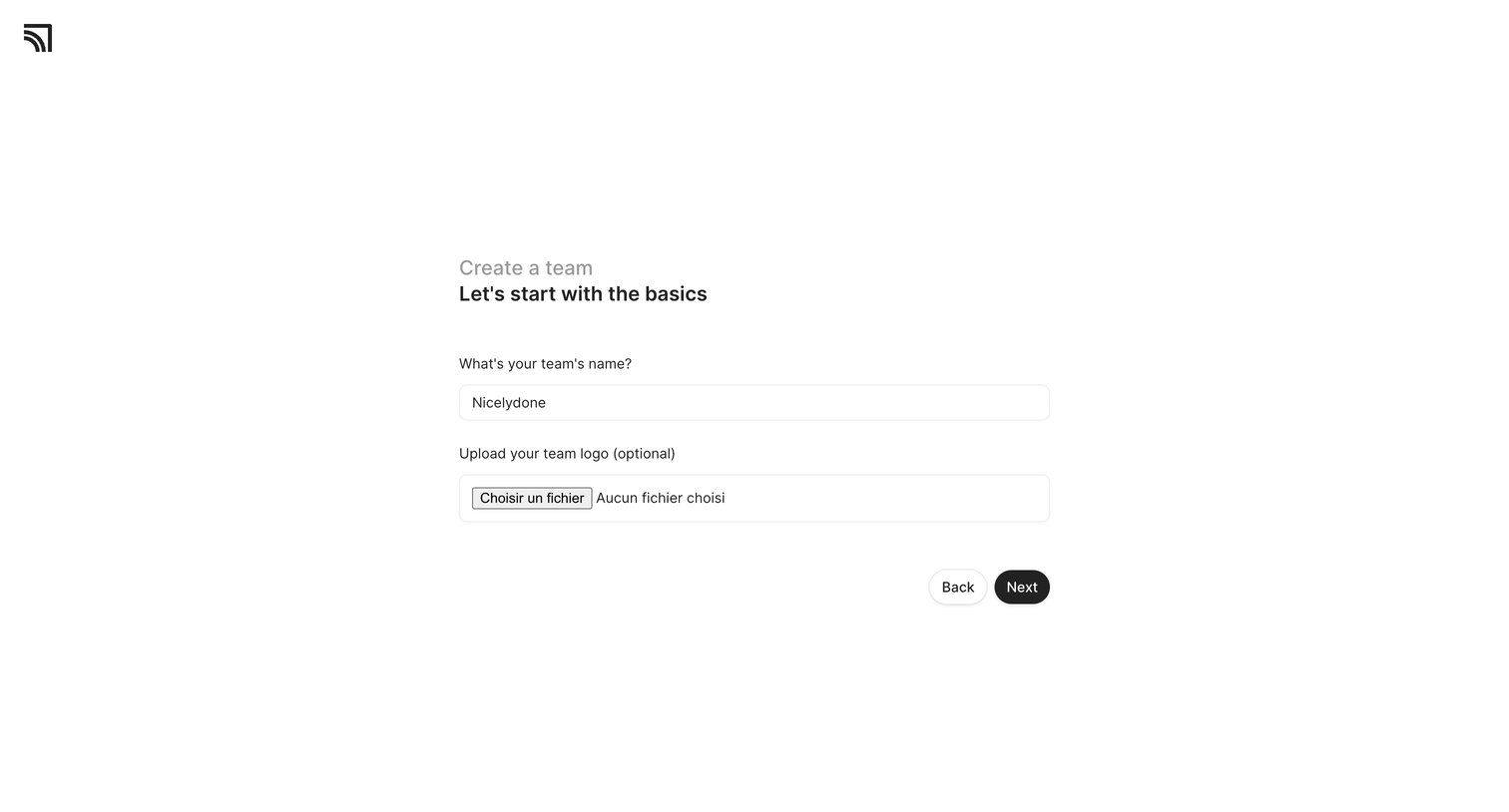
Onboarding step where the user names their team and optionally uploads a logo before proceeding.
Browse the full SaaS app library
Explore real SaaS apps with their product screens, marketing screens, flows, and components.
Trusted by the best teams







