Marathon UI components examples
Browse Marathon UI component design examples. Preview individual interface elements and explore related component categories. Fully integrated feedback & task management for design teams
Explore the examples
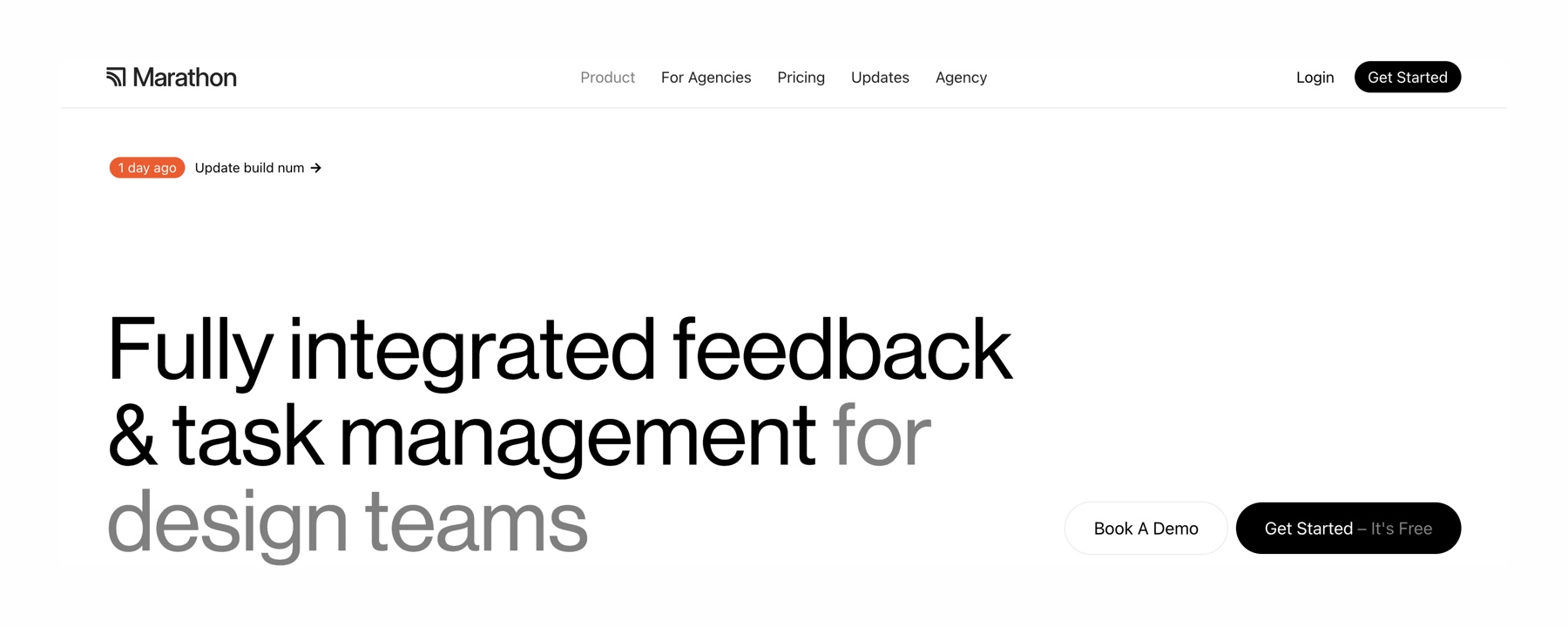

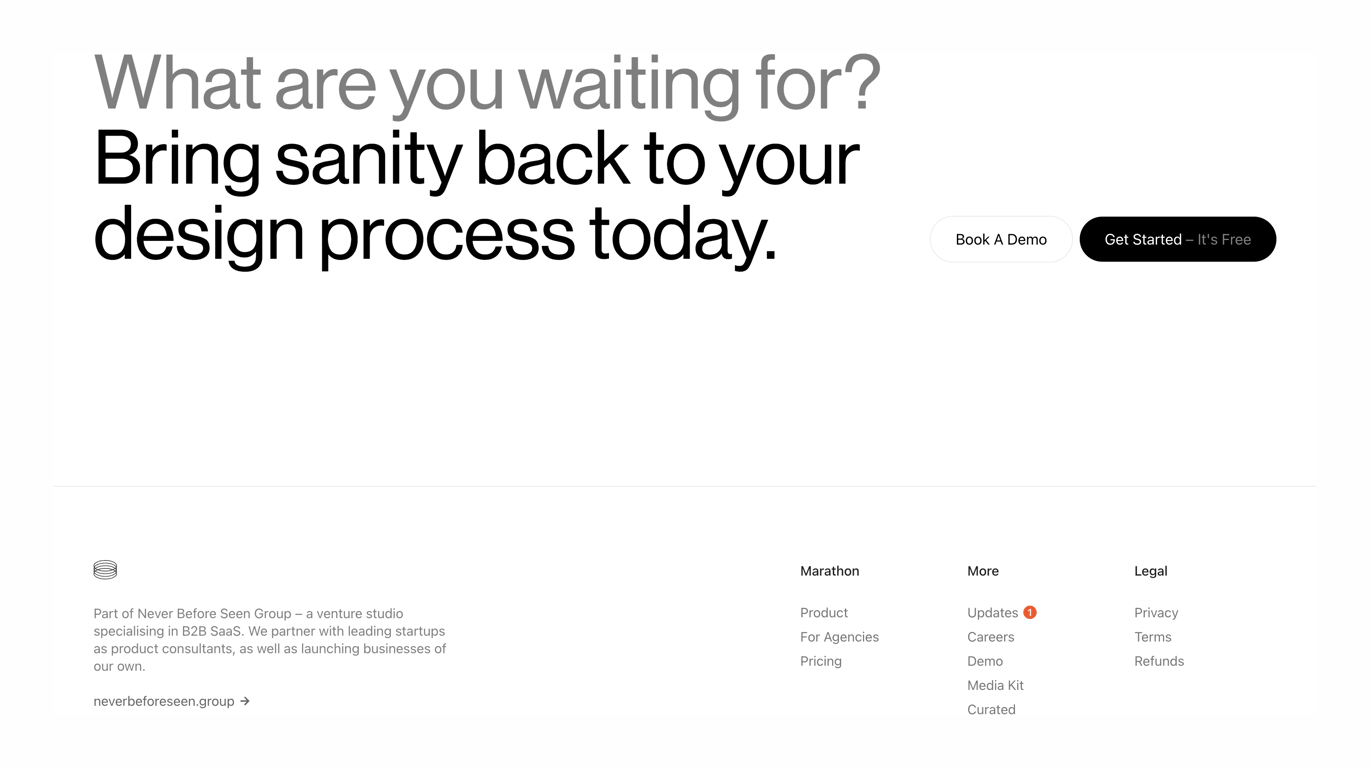
A hero section featuring a prominent headline, a recent update badge, and two call-to-action buttons. It includes a top navigation bar with a logo, links, and a 'Get Started' button.
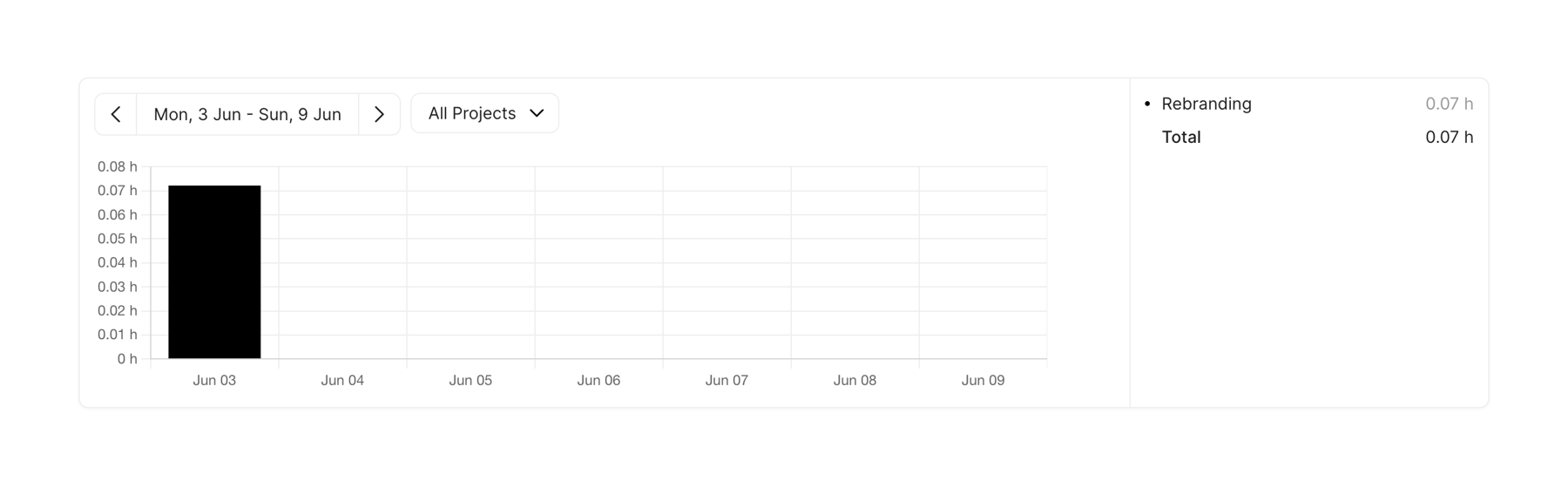
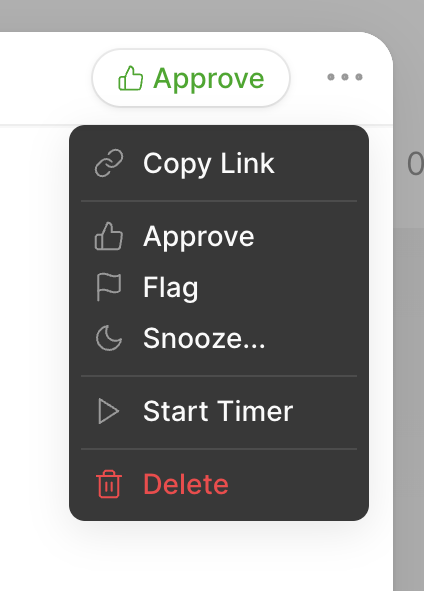
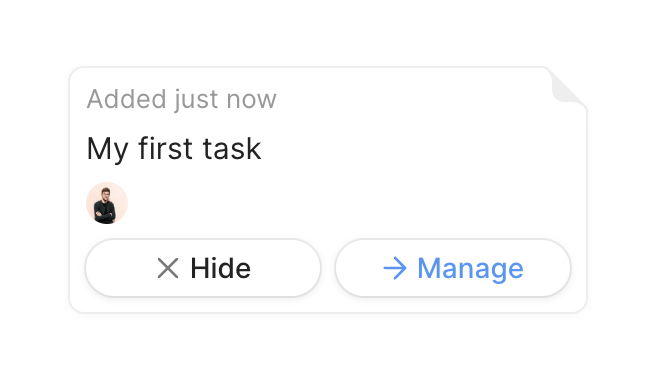
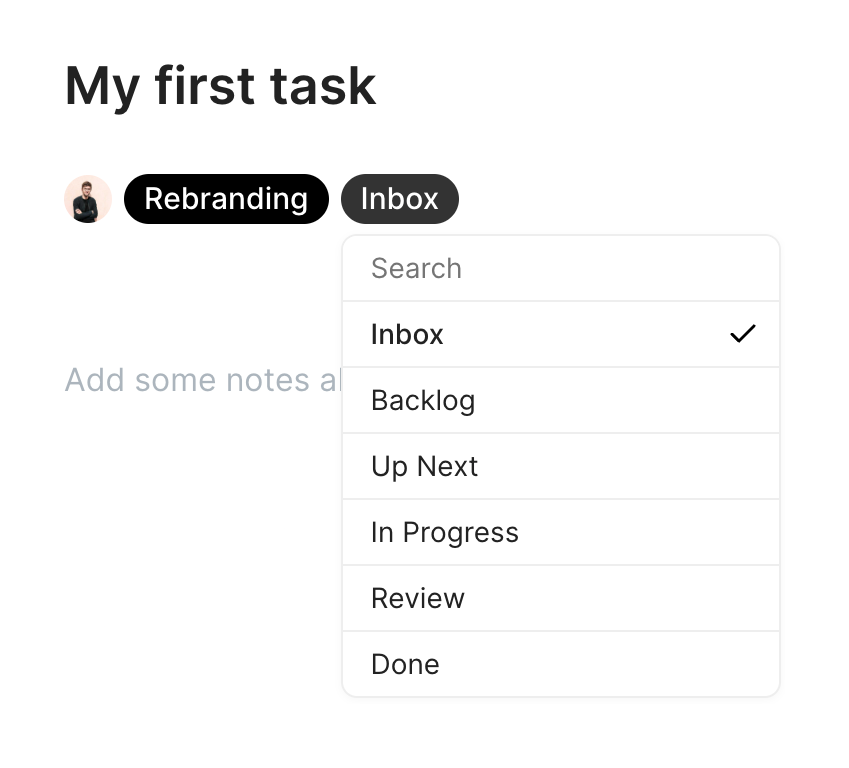
A task detail header showing a title, assignee avatar, and tags. A dropdown menu is open below the 'Inbox' tag, allowing the user to select a new status for the task.
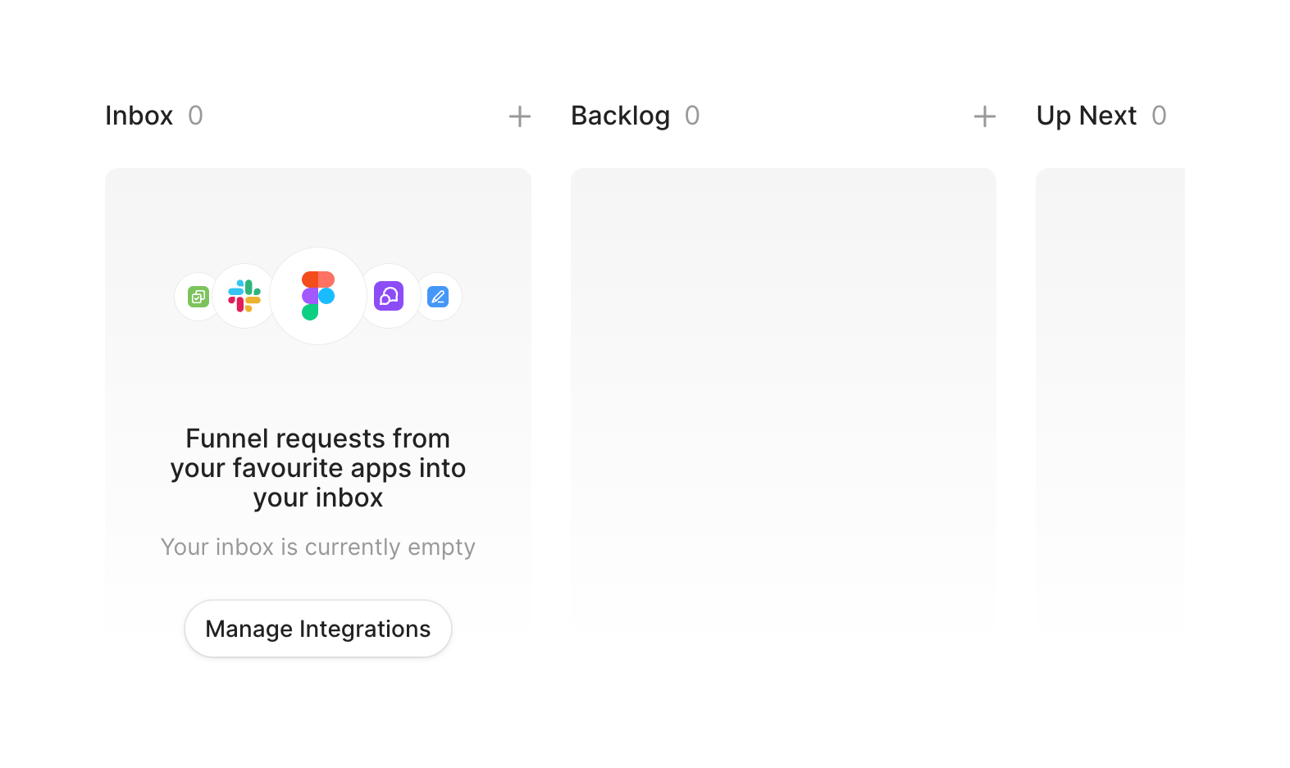
An empty state for a kanban board showing columns for Inbox, Backlog, and Up Next. The Inbox column features an empty state message with app integration icons and a call to action to manage integrations.
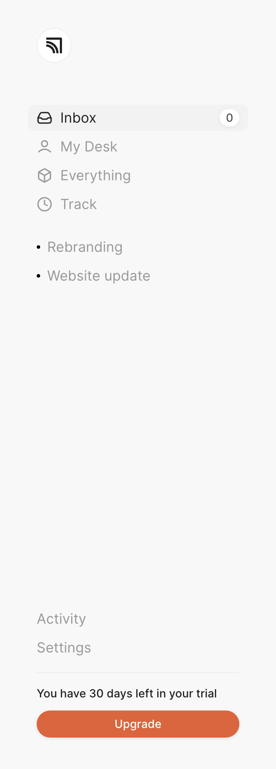
A vertical sidebar navigation menu with a logo, primary links, project links, secondary links, and a trial upgrade prompt at the bottom.
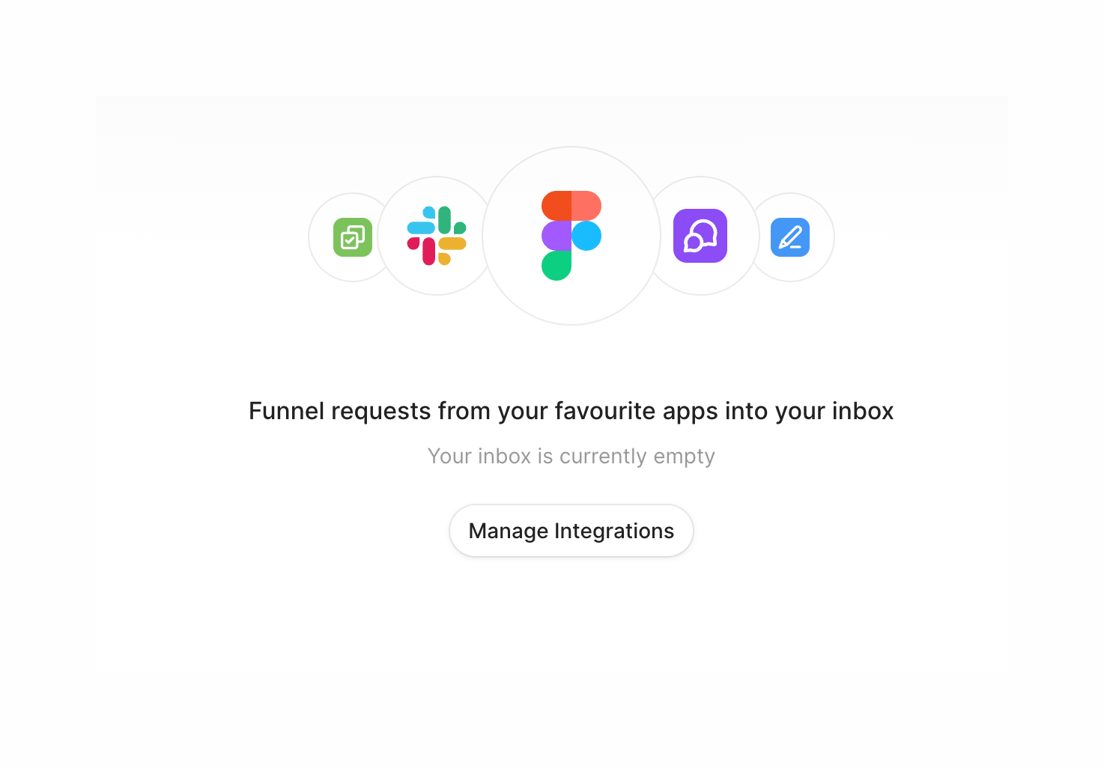

Browse the full component library
Browse the full UI component library.
Trusted by the best teams







