Save screen examples
Save screen design examples from SaaS apps. See how SaaS apps make saving changes part of an editing task. Explore how save actions and status messages communicate the relationship between current…
Explore the examples
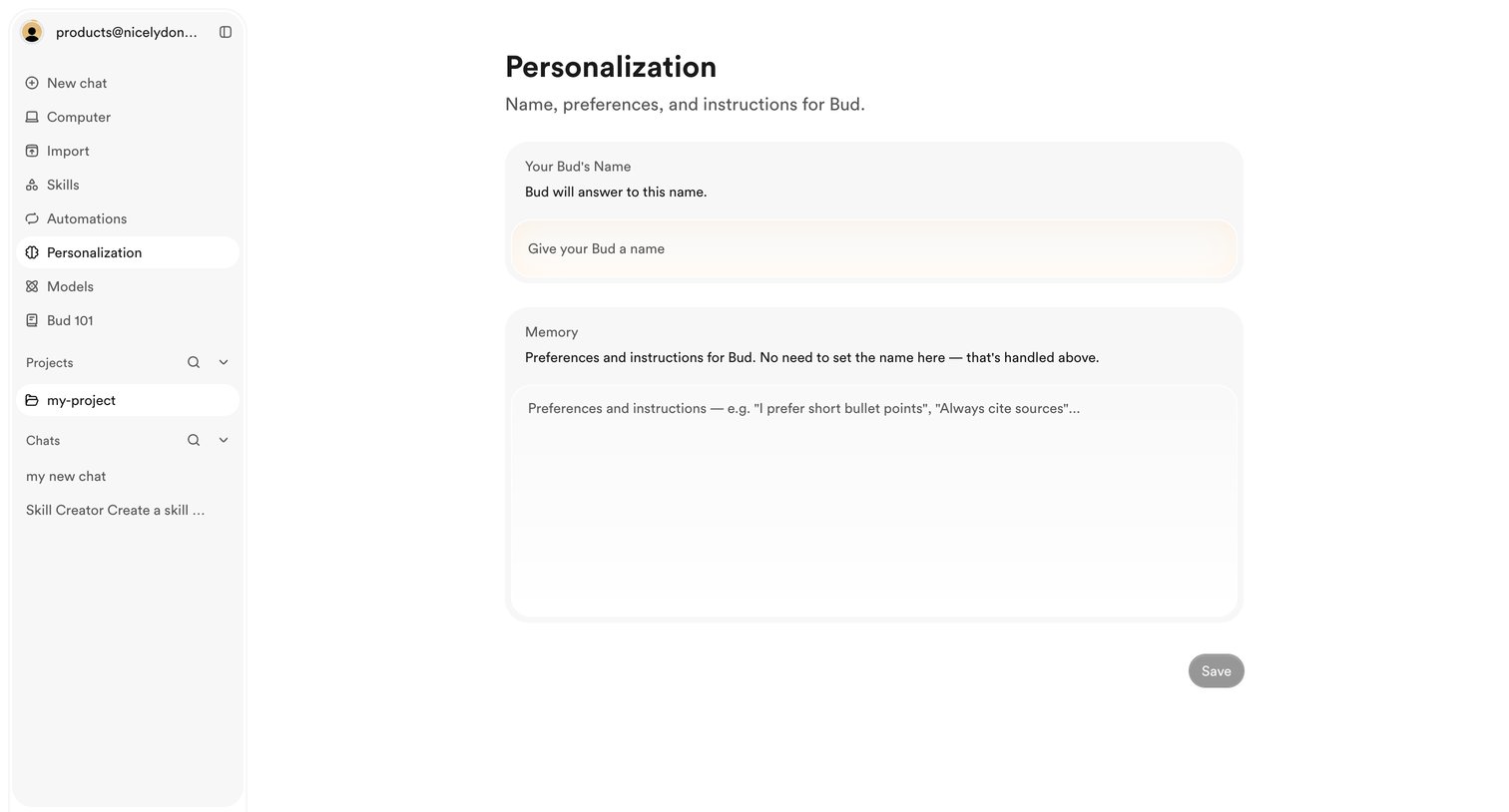

Settings page where the user configures their AI assistant's name and provides custom instructions for its memory.
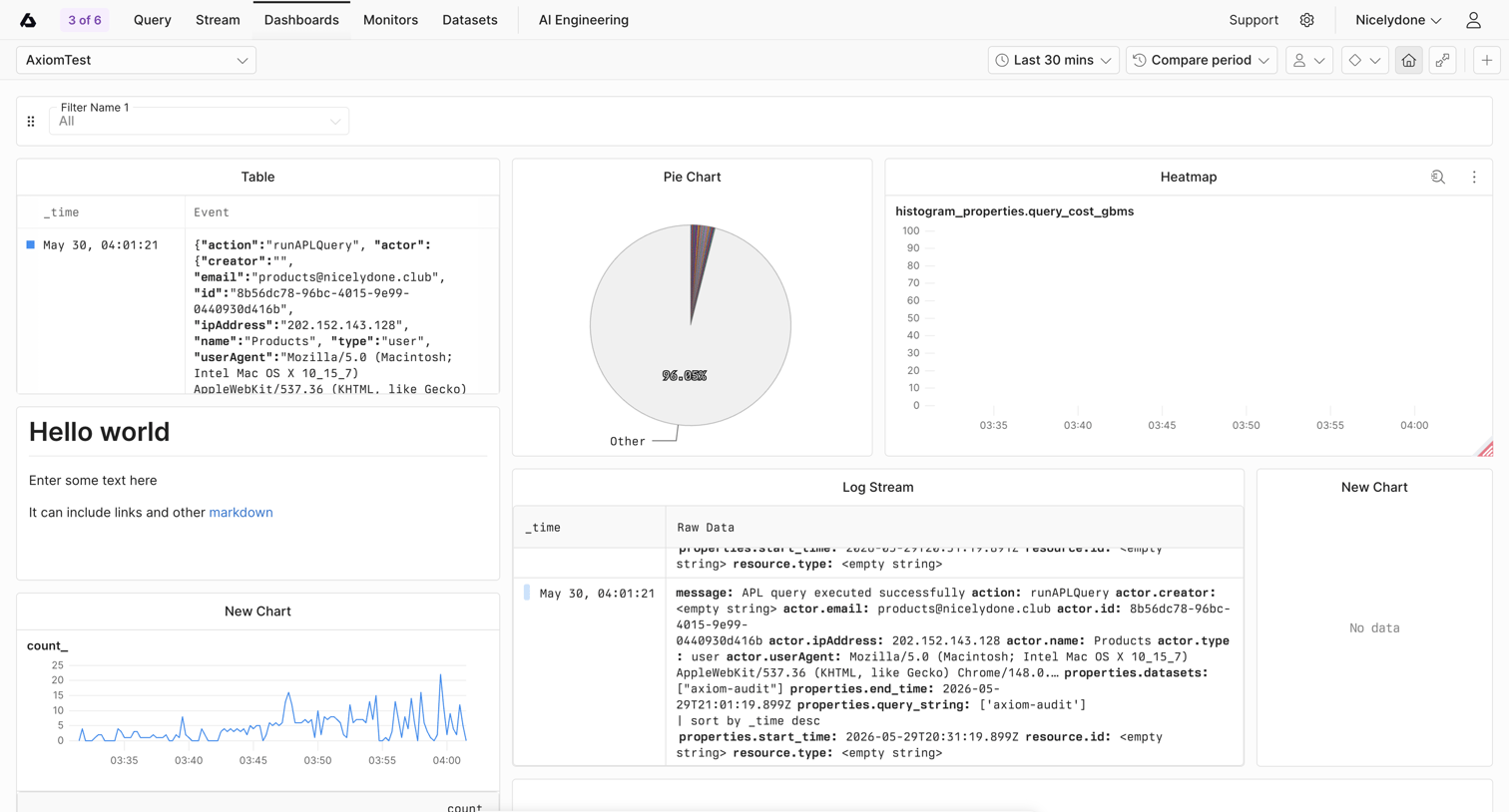

Dashboard showing a mix of log streams, a pie chart, a heatmap, and a line chart for an Axiom test environment, with a prominent toast prompting the user to save unsaved changes.
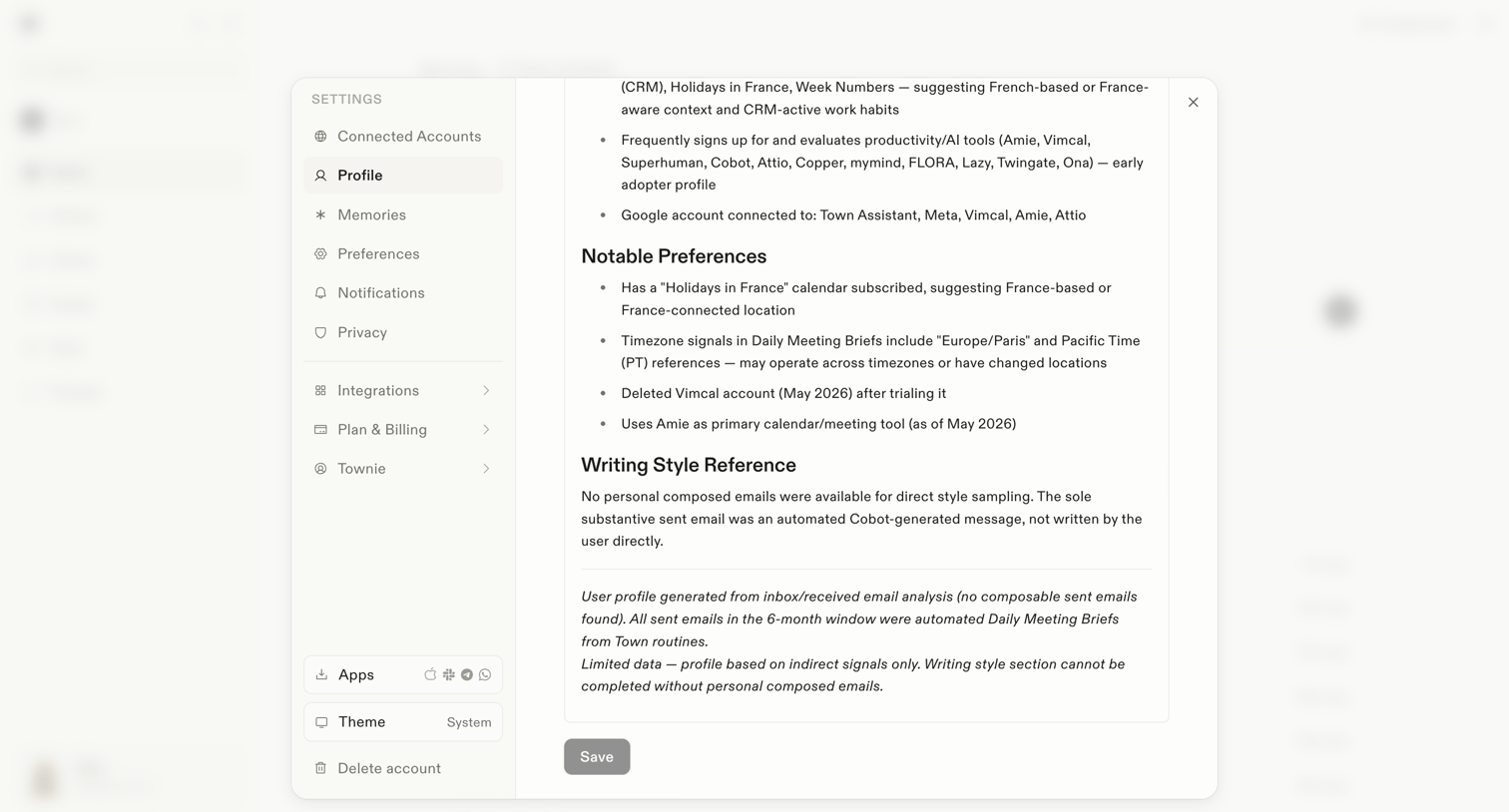

Settings modal where the user views their AI-generated profile, including notable preferences and writing style references, with an option to save changes.
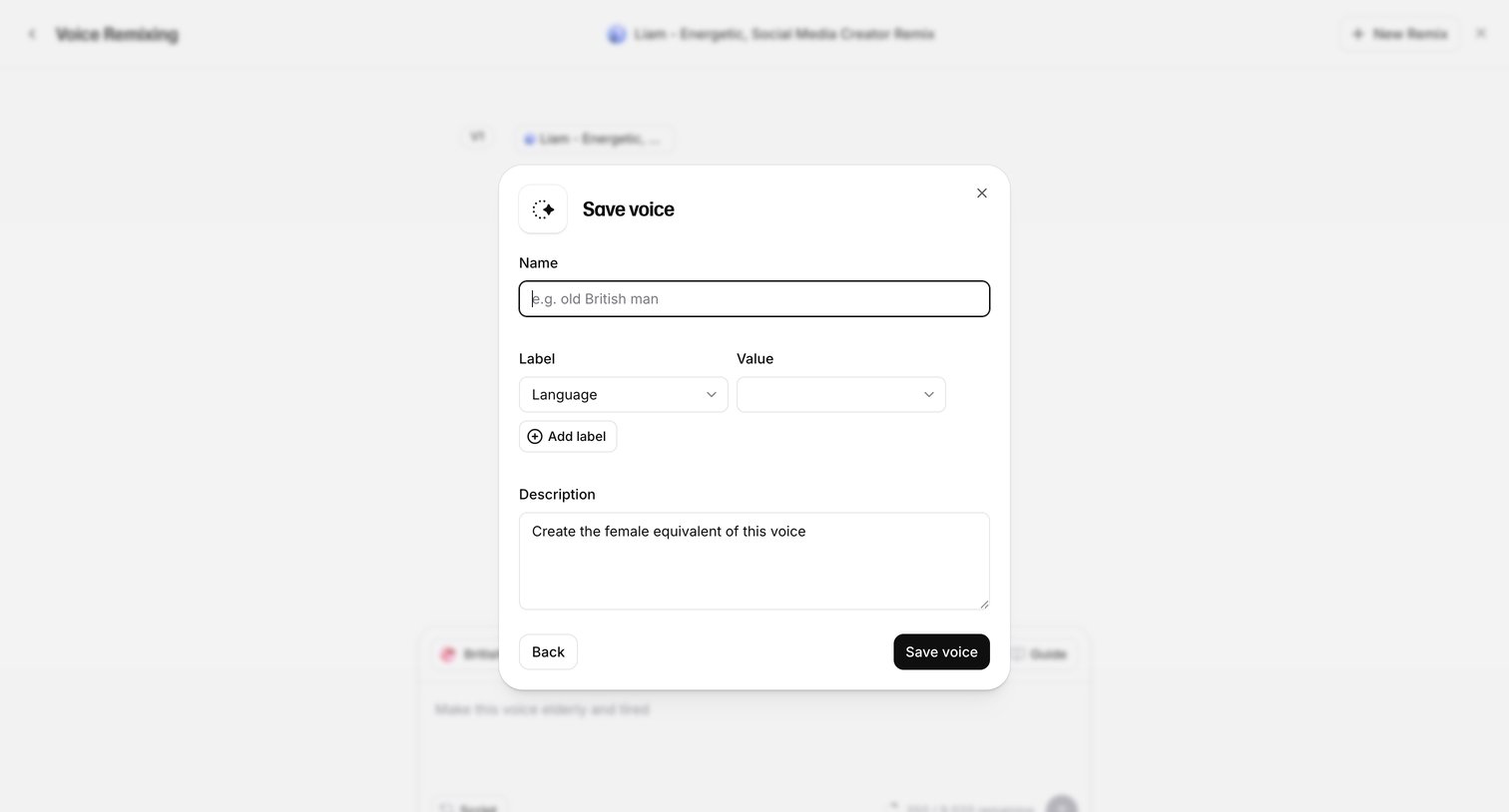

Modal where the user names, categorizes with custom labels, and describes a newly generated AI voice before saving it to their library.
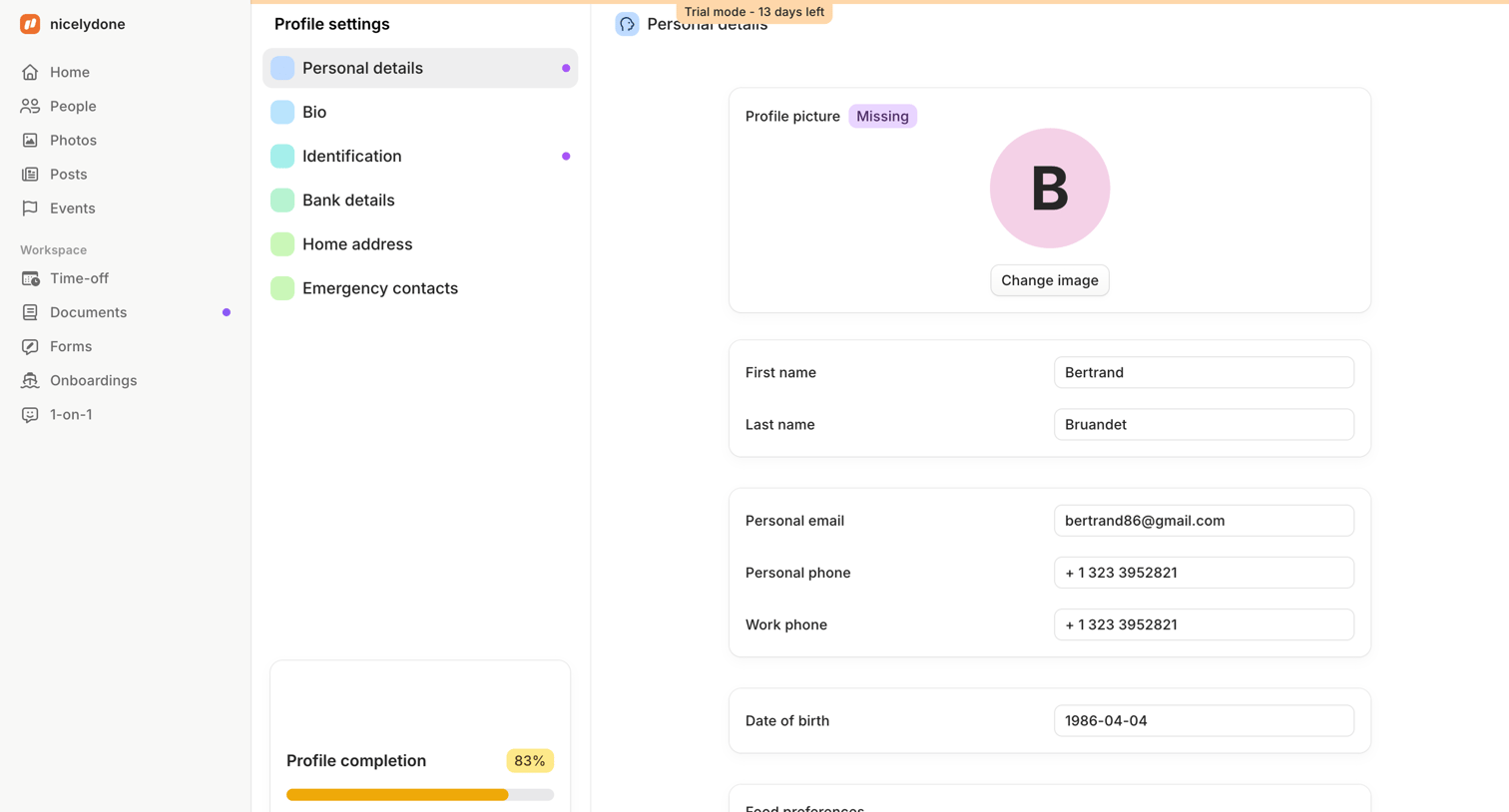

Settings page where an employee updates their personal details, contact information, and profile picture, while tracking their overall profile completion progress.
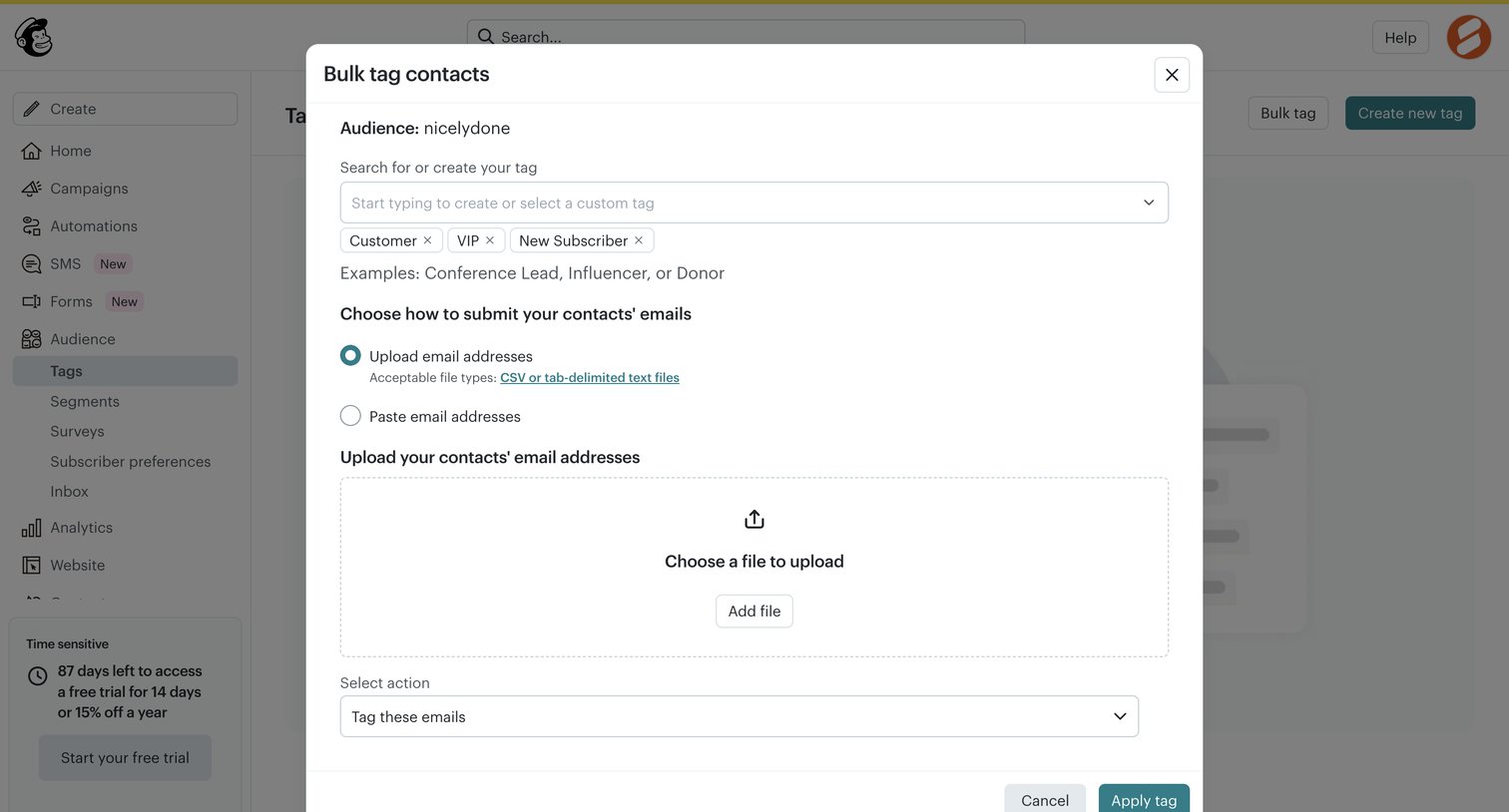

Modal where the user can bulk tag contacts by selecting existing tags and uploading a CSV file of email addresses.
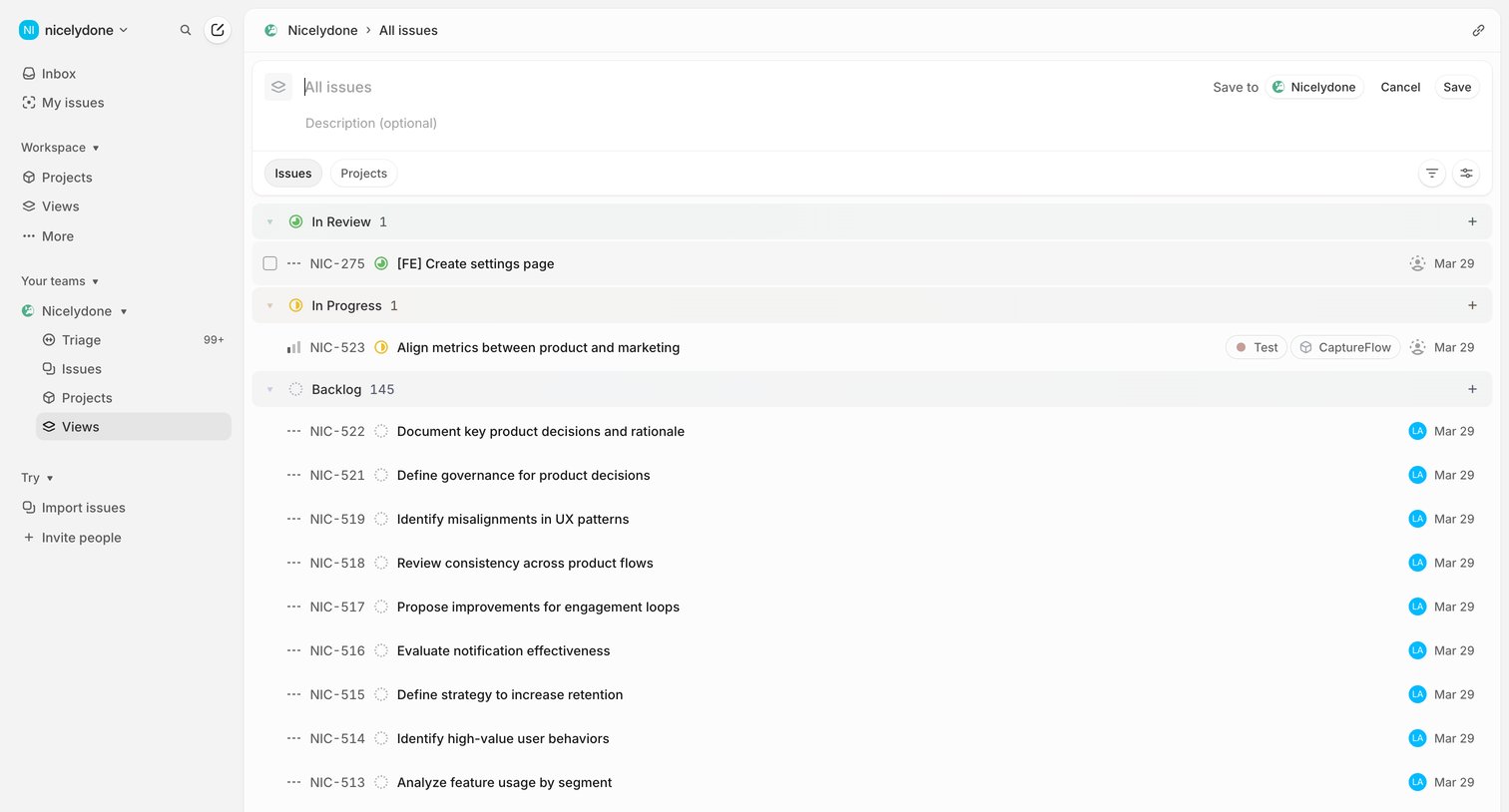

List view where the user configures a custom view of issues grouped by status, with options to name the view, add a description, and filter by issues or projects.
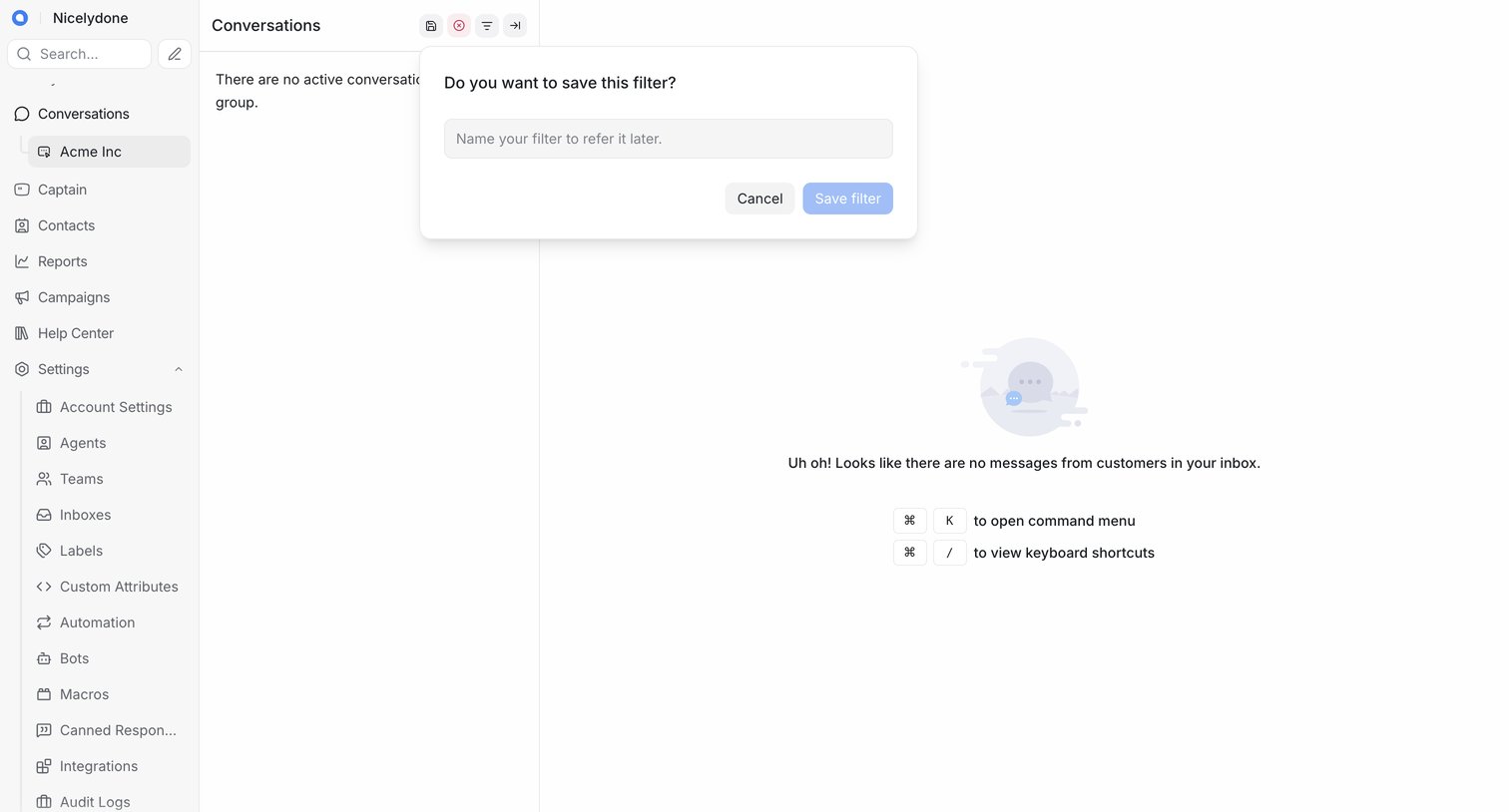

Inbox view where the user is prompted to name and save a custom conversation filter via a popover over an empty message list.
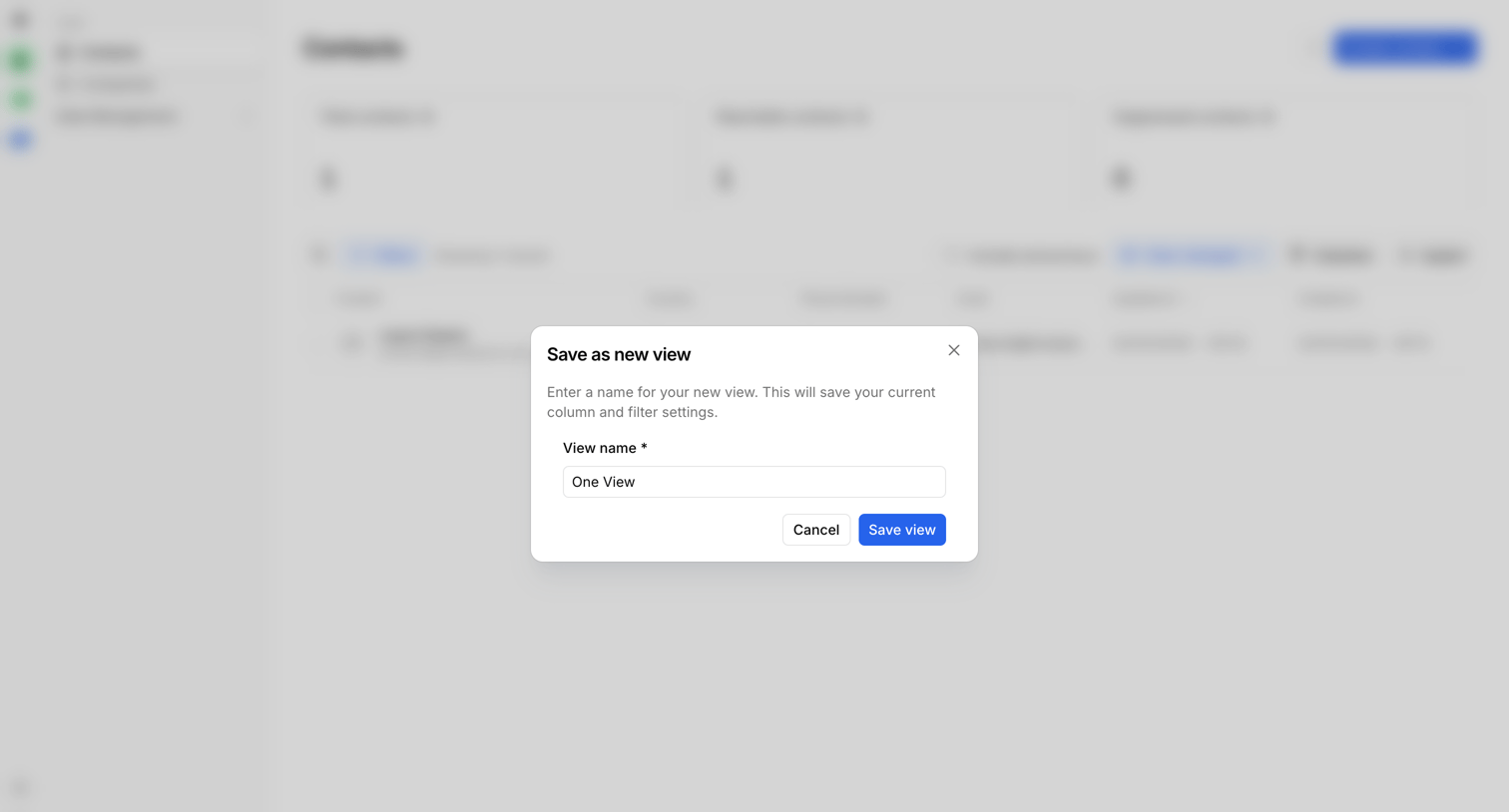

List view where the user saves their current column and filter settings as a new custom view via a modal.
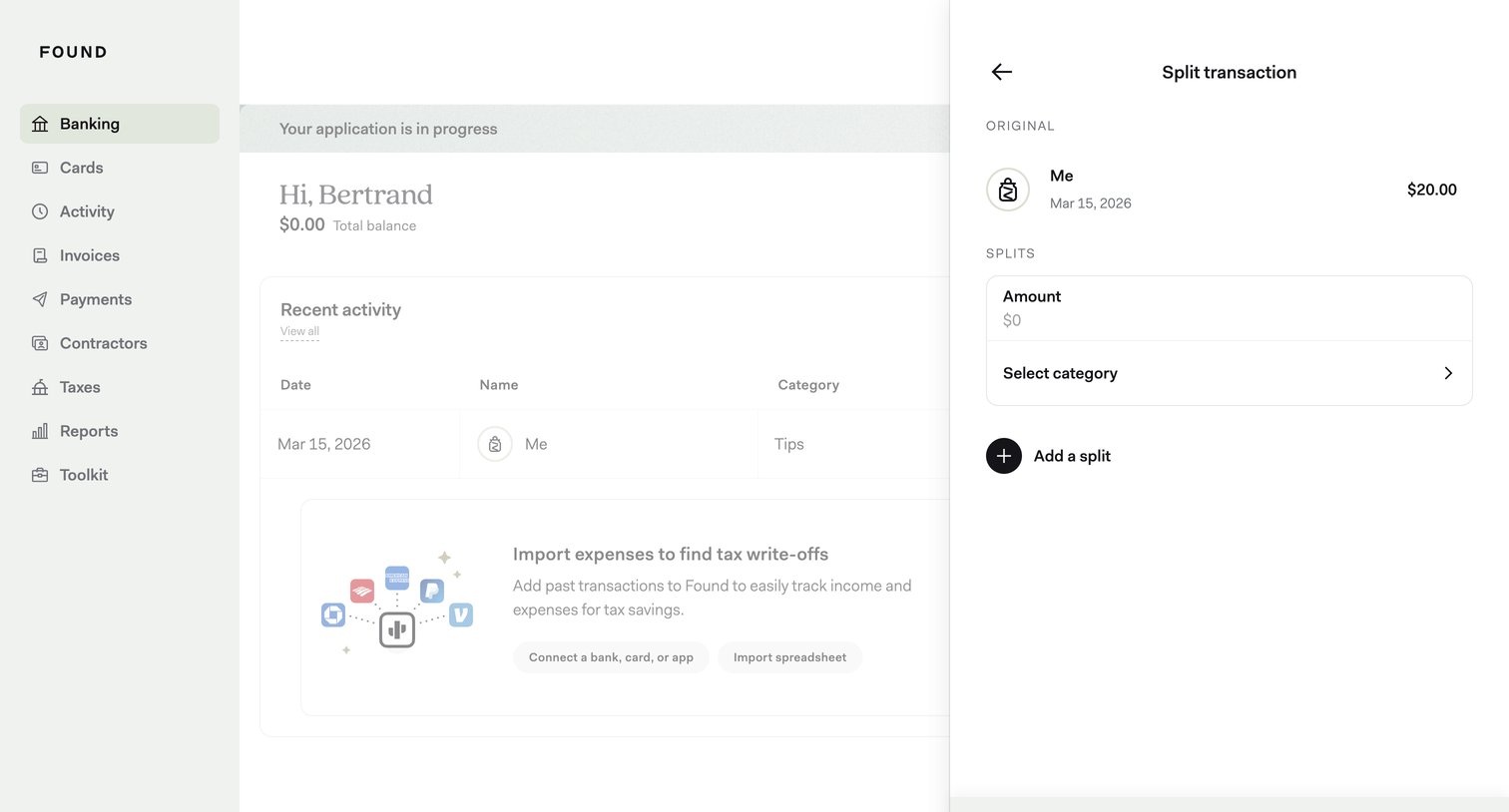

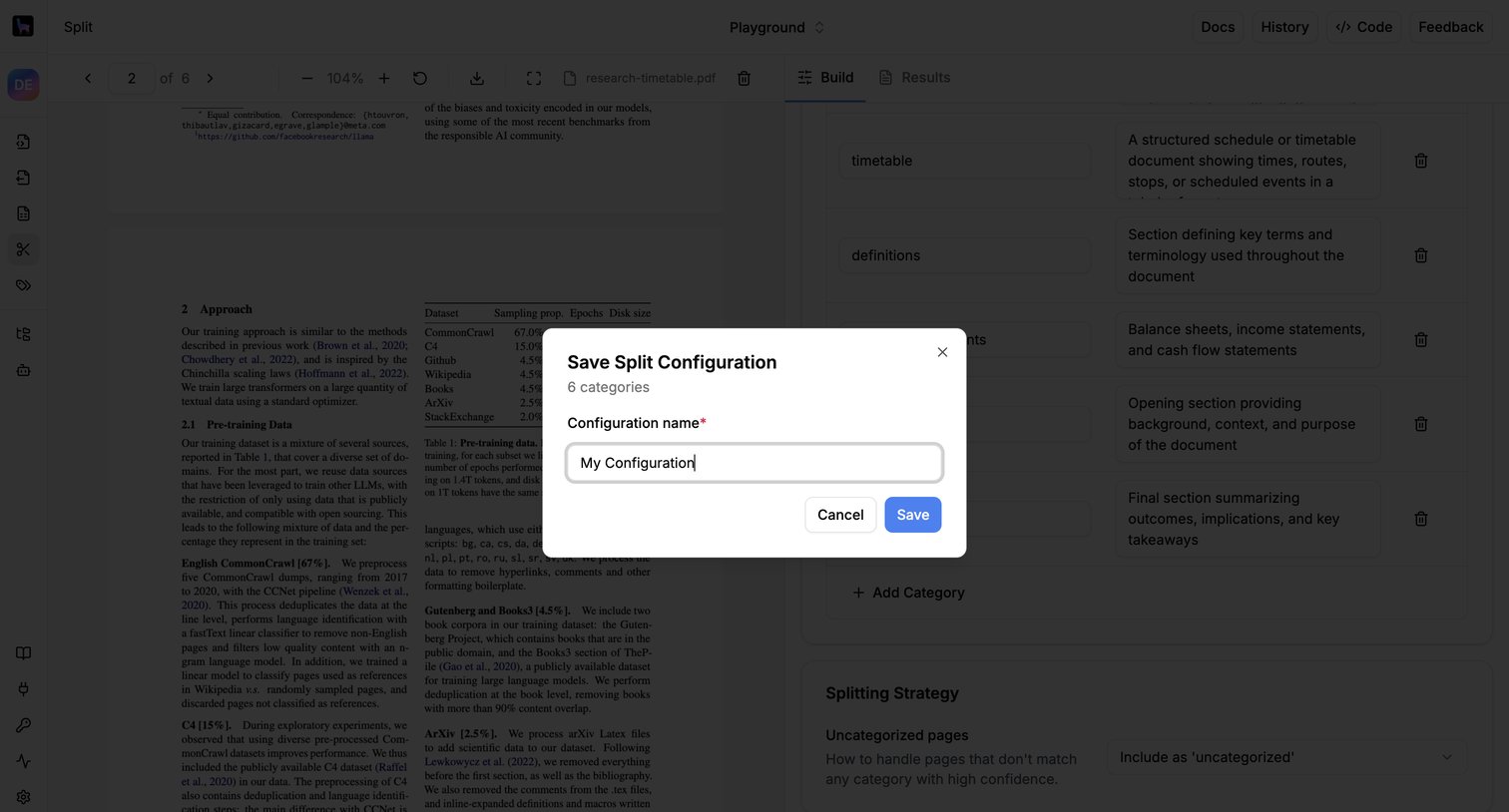

Modal where the user names and saves their custom document splitting configuration containing 6 categories.
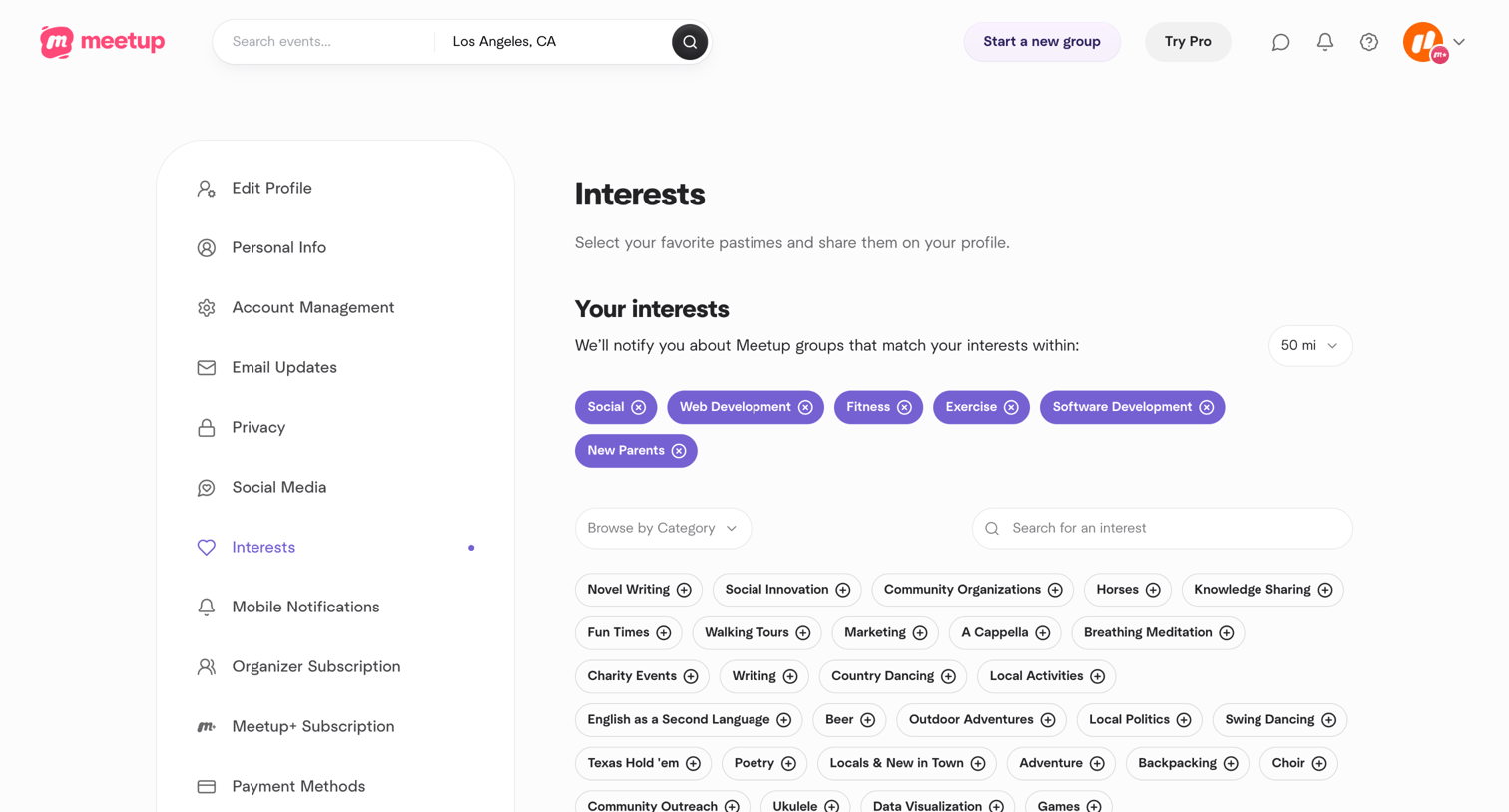

Settings page where the user manages their personal interests by searching, browsing categories, and adding or removing topics to tune their group recommendations.
Explore the full SaaS screen library
Upgrade to unlock the full library.
Trusted by the best teams








About Save
See how SaaS apps make saving changes part of an editing task. Explore how save actions and status messages communicate the relationship between current edits and stored content.