Reorder screen examples
Reorder screen design examples from SaaS apps. See how apps let people change the sequence of items. Explore how ordering controls and position cues appear within lists, boards, and other arranged…
Explore the examples
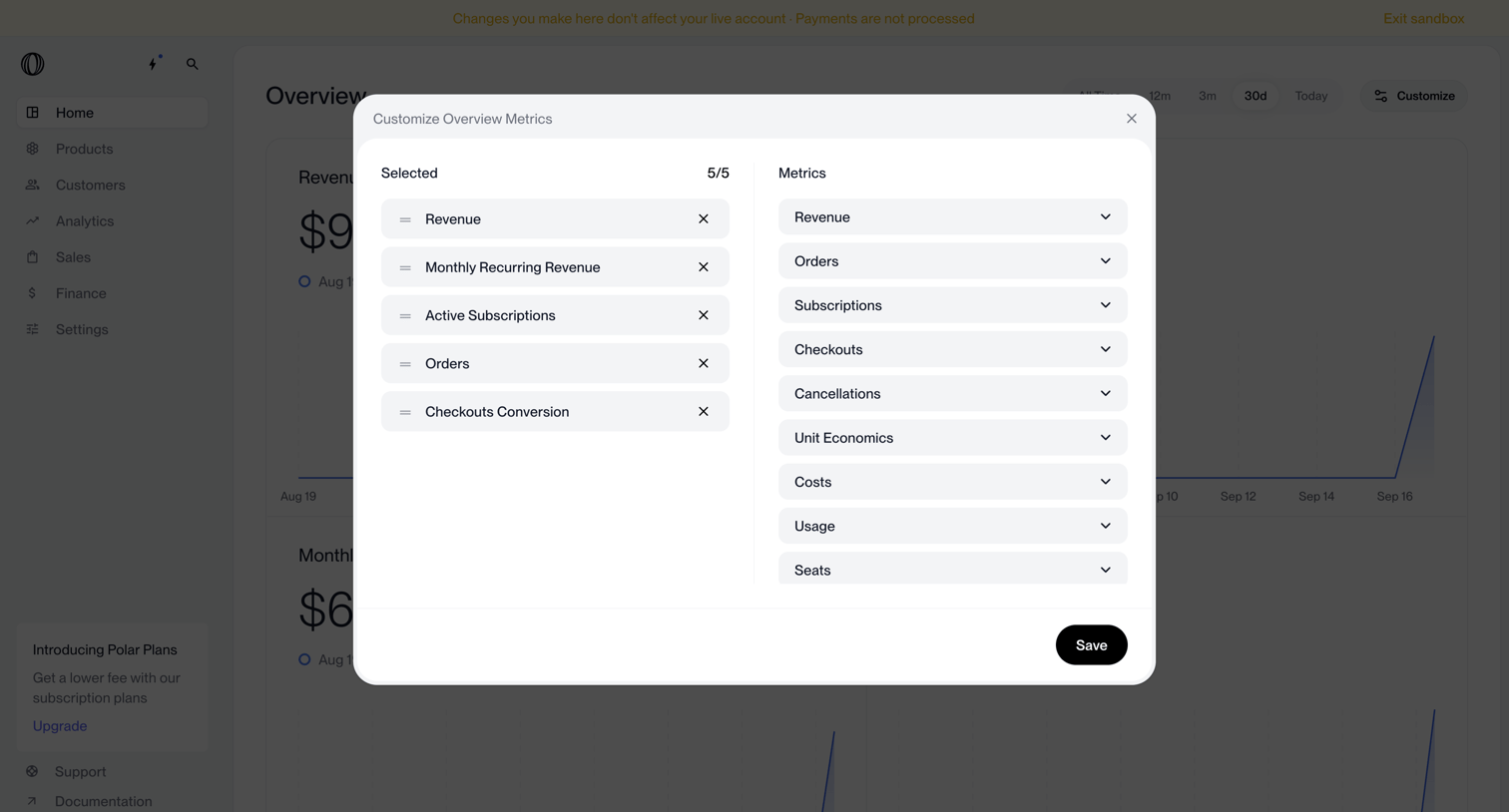

Dashboard with a modal overlay where the user selects and reorders up to five metrics to display on the overview.
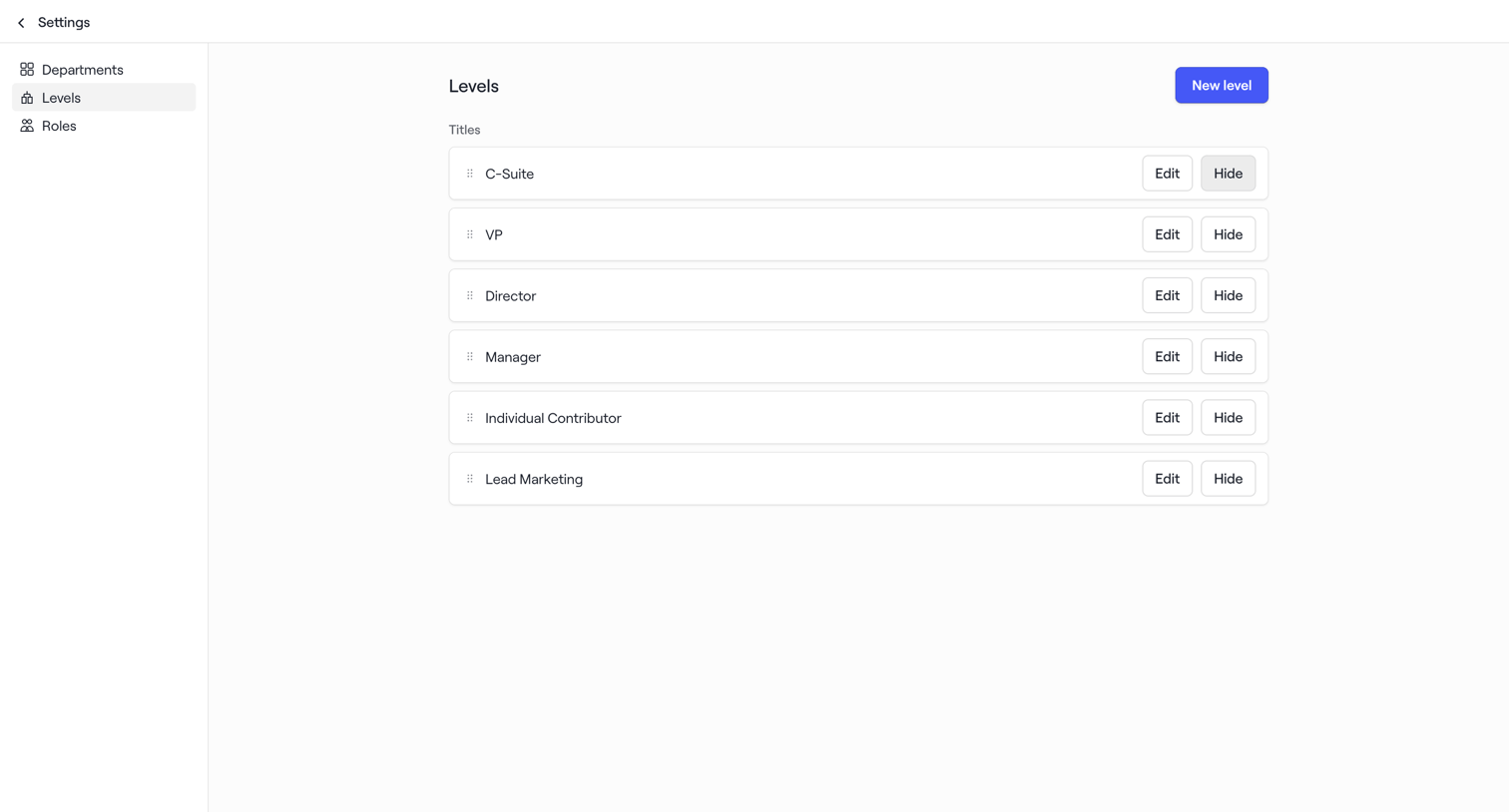

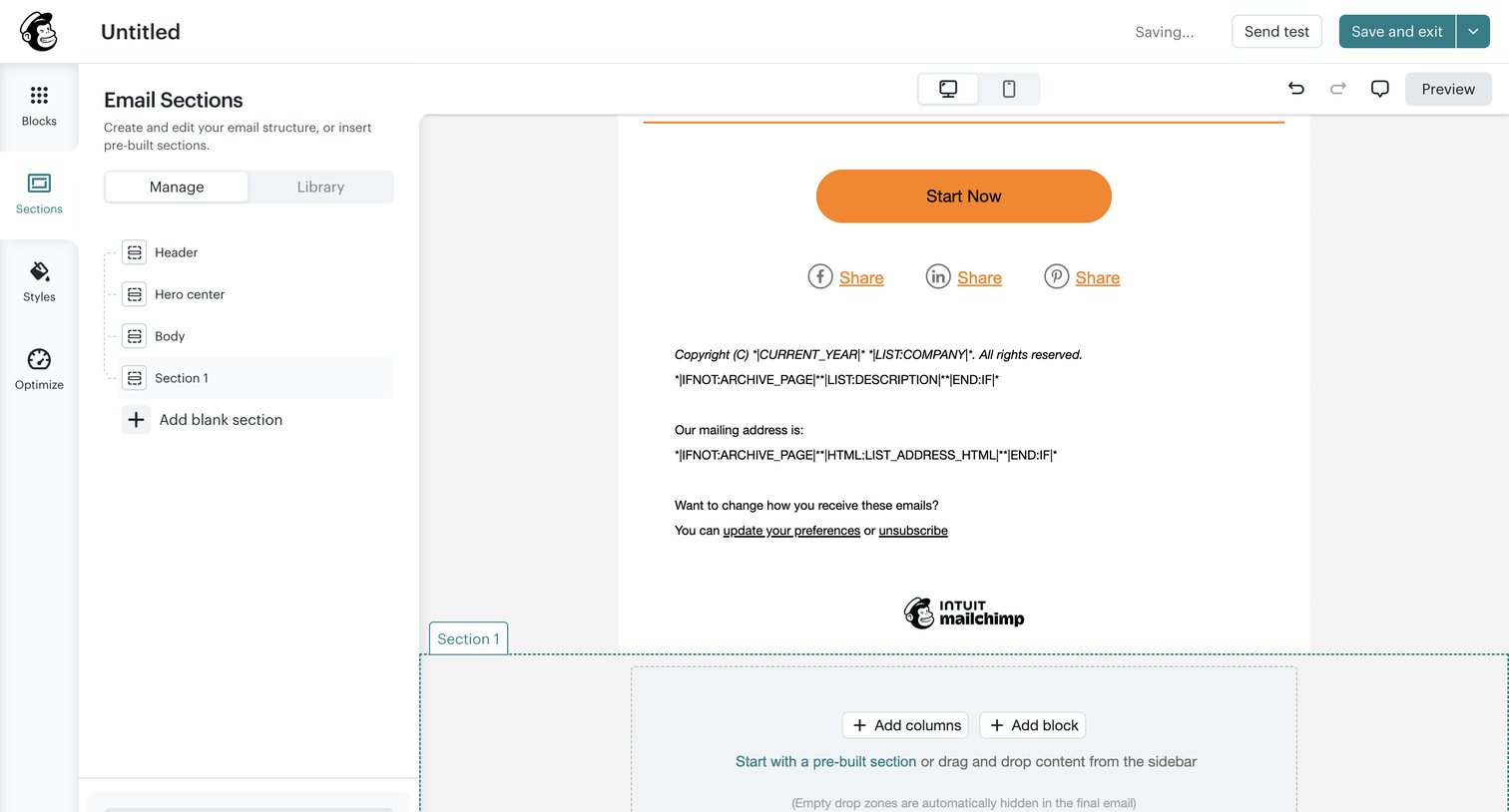

Email design editor where the user manages the structure of their campaign by adding, reordering, and editing sections like header, body, and footer.
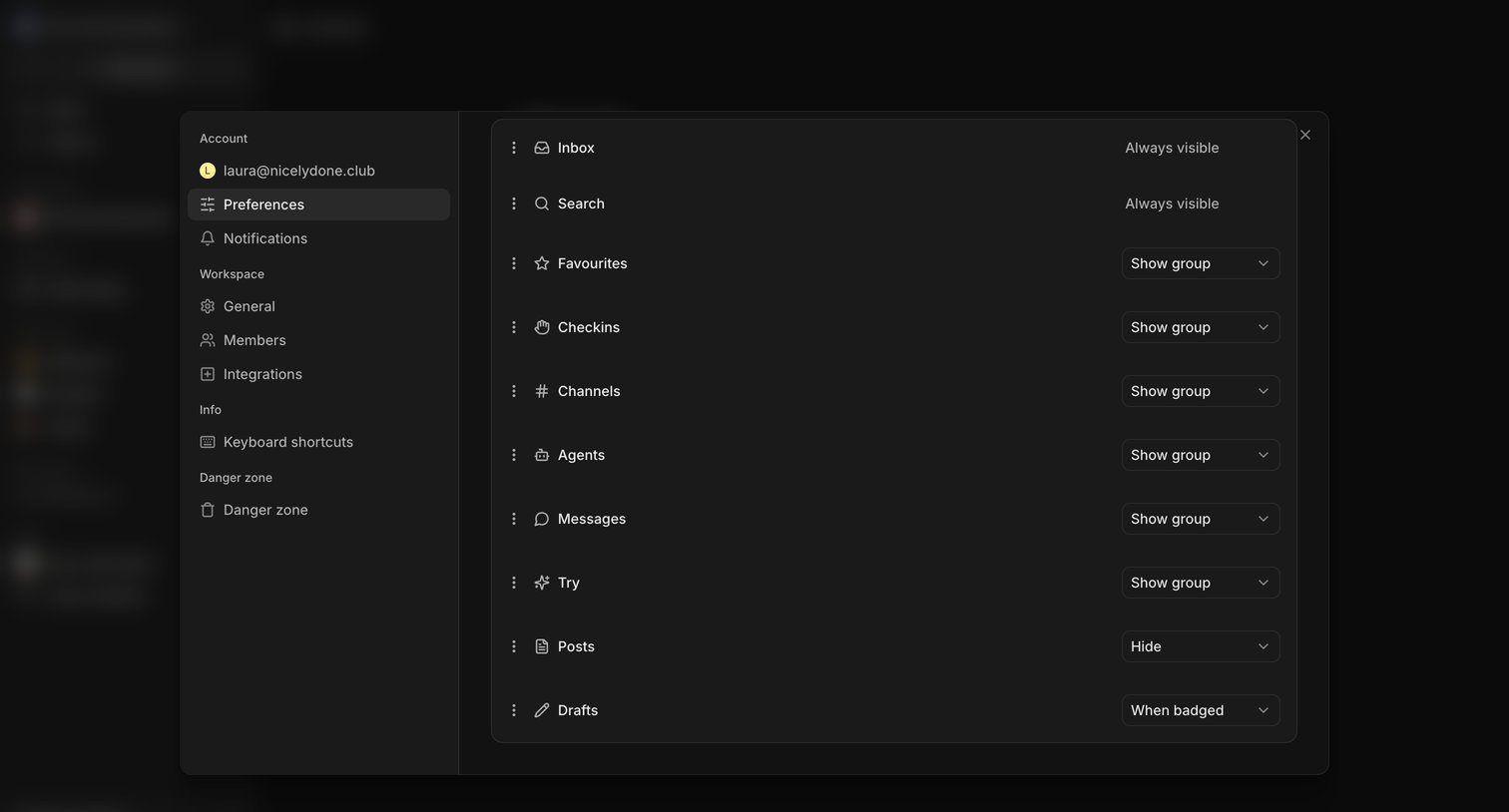

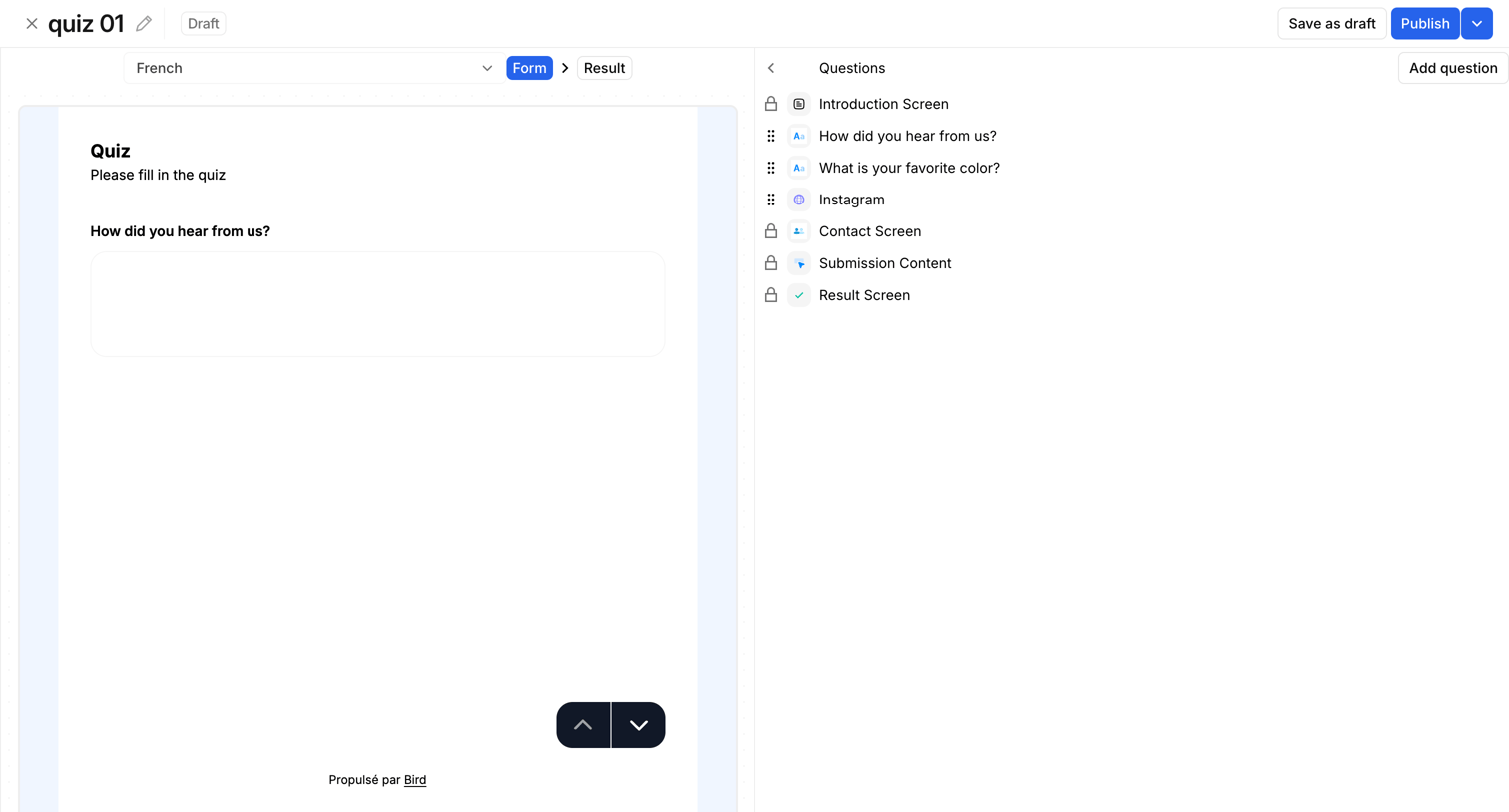

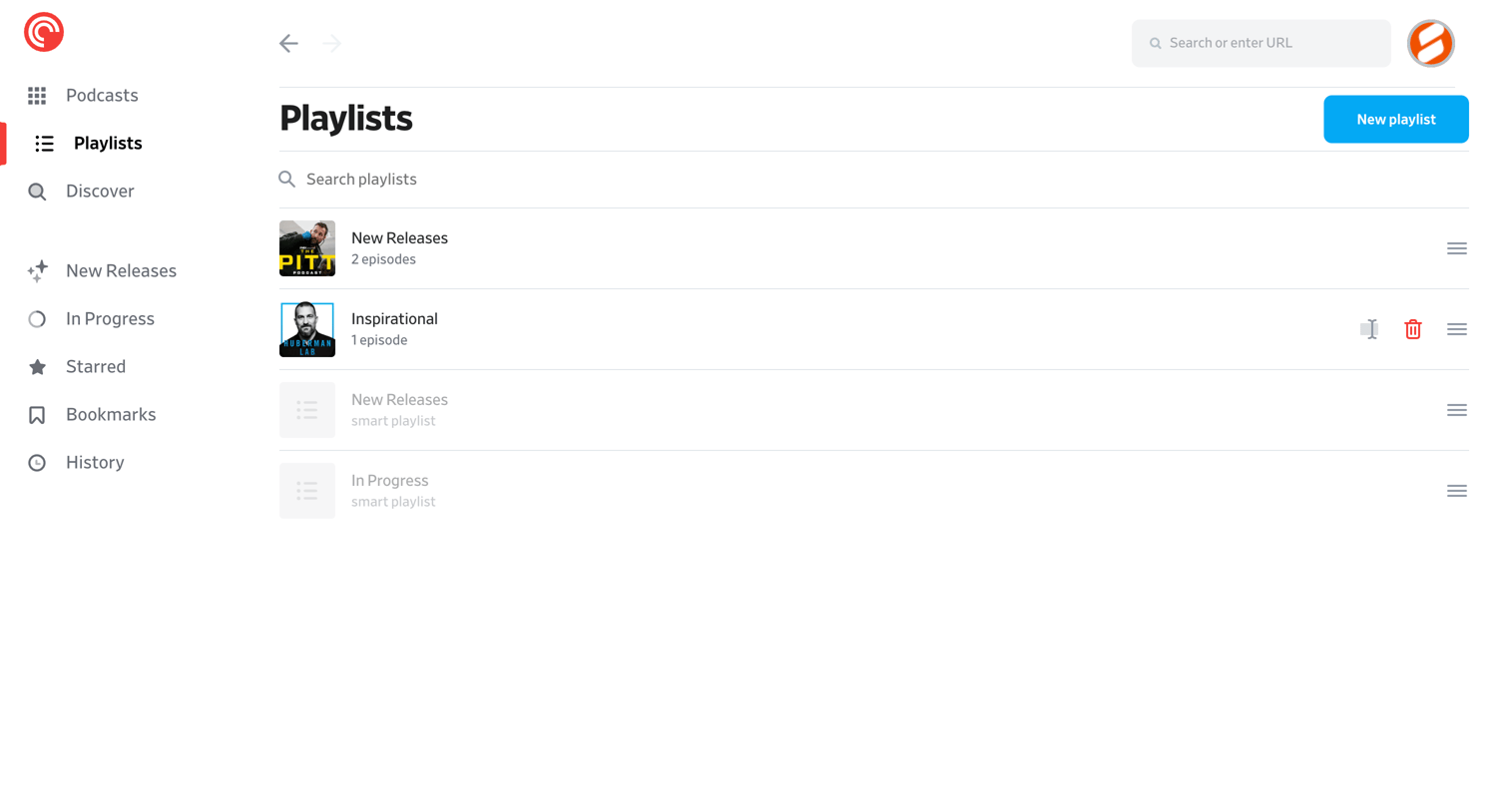

List view where the user manages their podcast playlists, with options to search, create, reorder, and delete them.
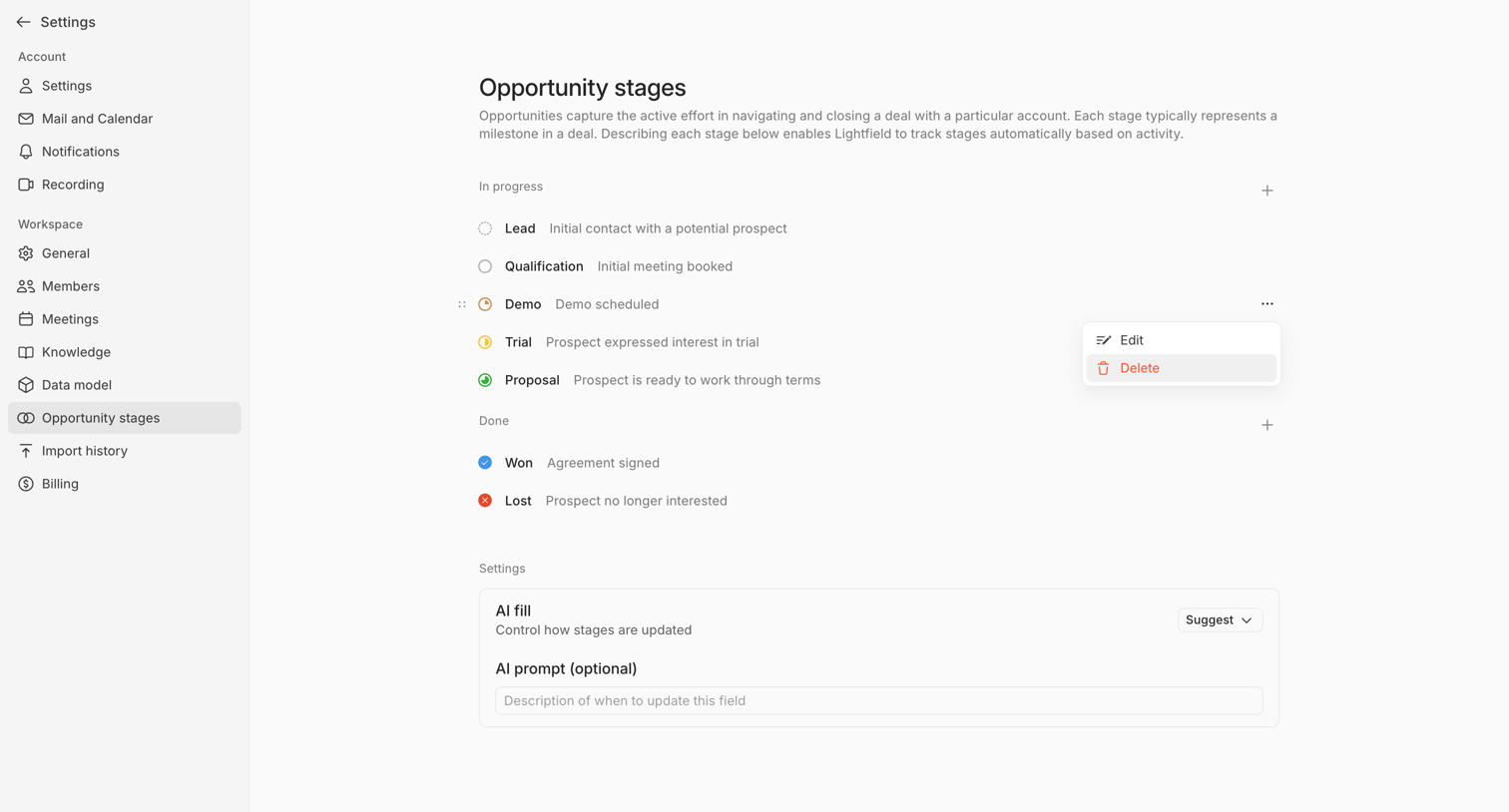

Settings page where the user configures and orders the opportunity stages for their CRM, including AI fill instructions.
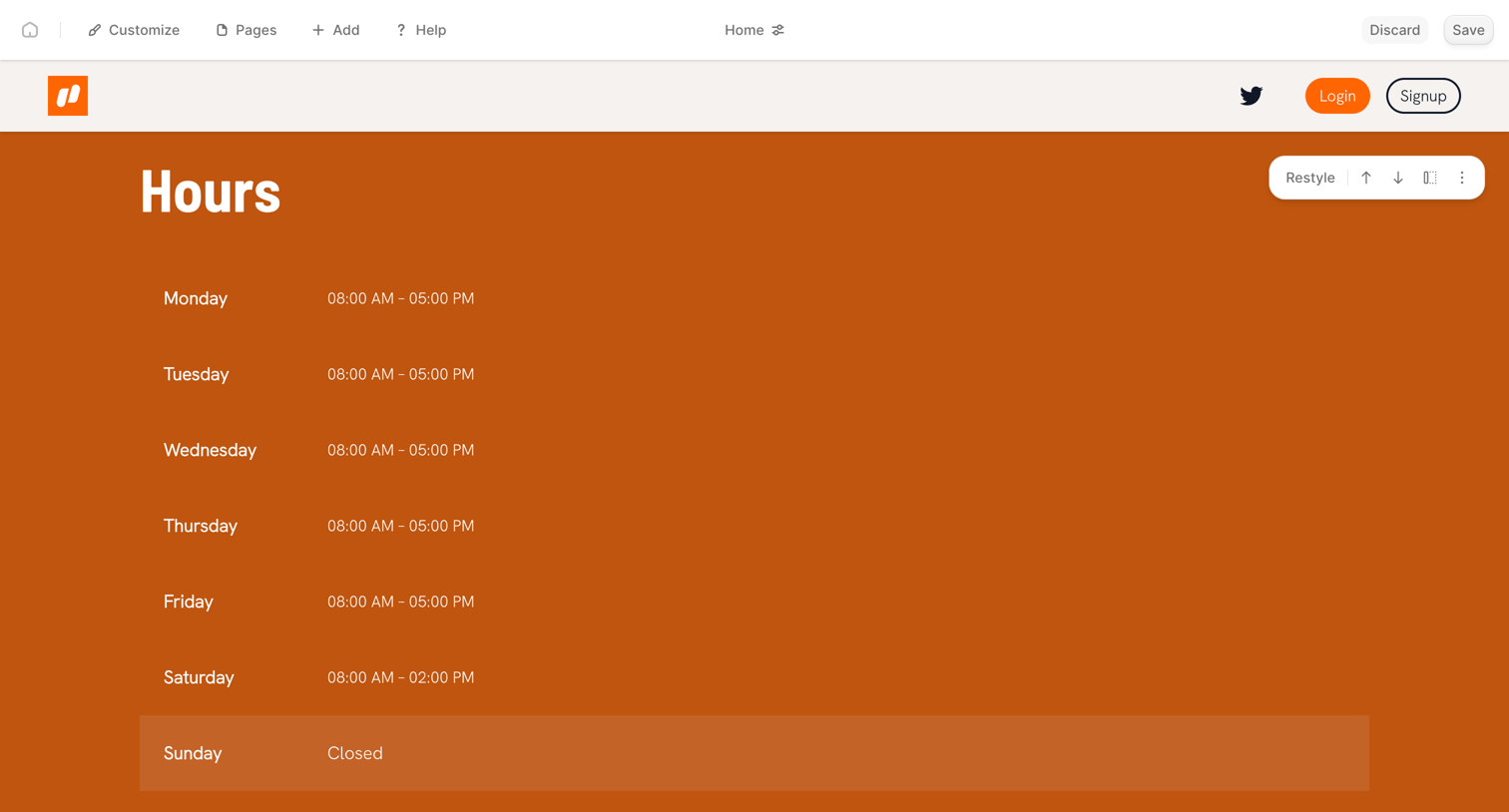

Design editor where the user is customizing a website's business hours section with inline tools to restyle, reorder, or add new sections.
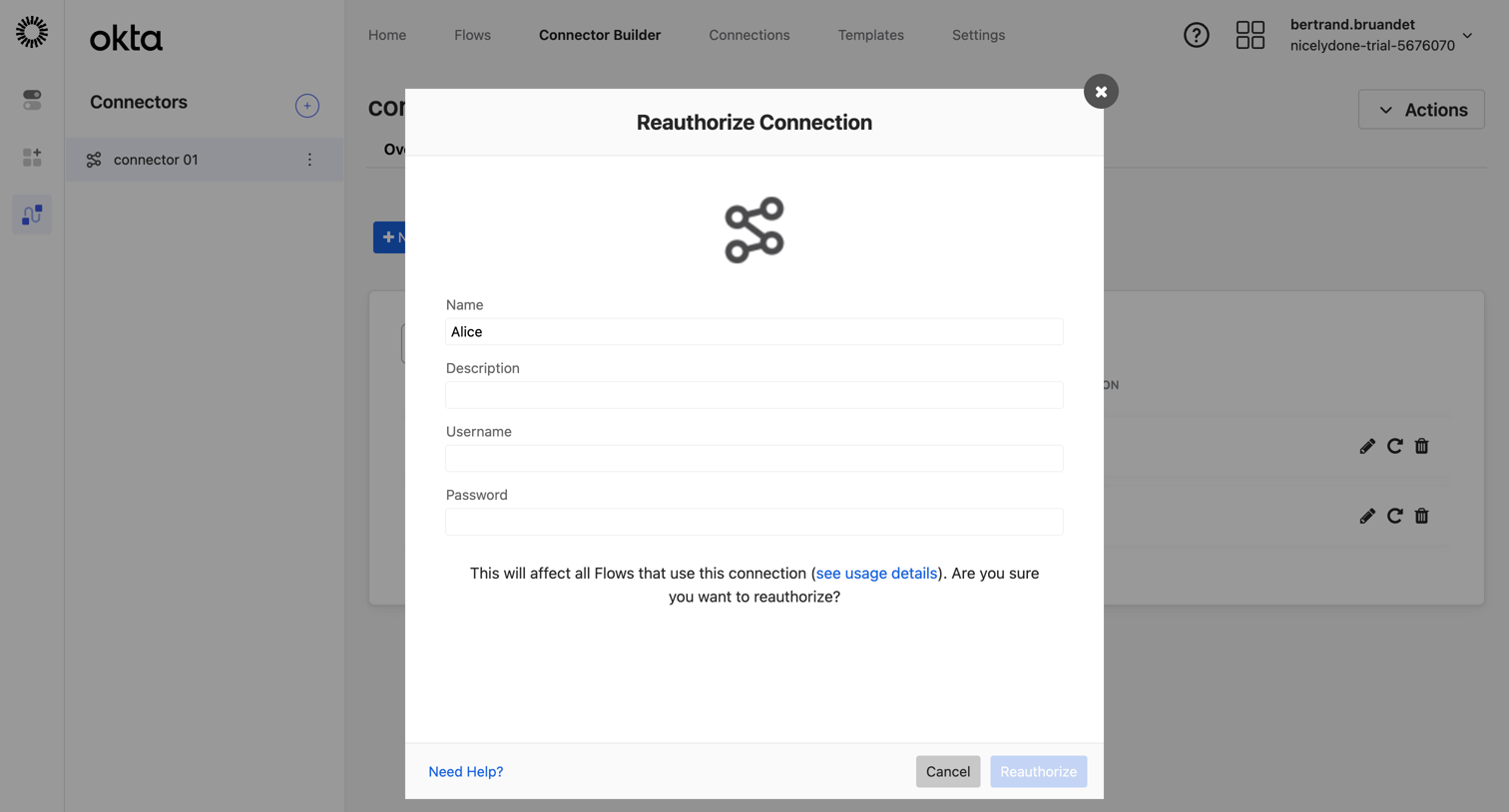

Settings page where the user reauthorizes a third-party connector by providing a username and password.
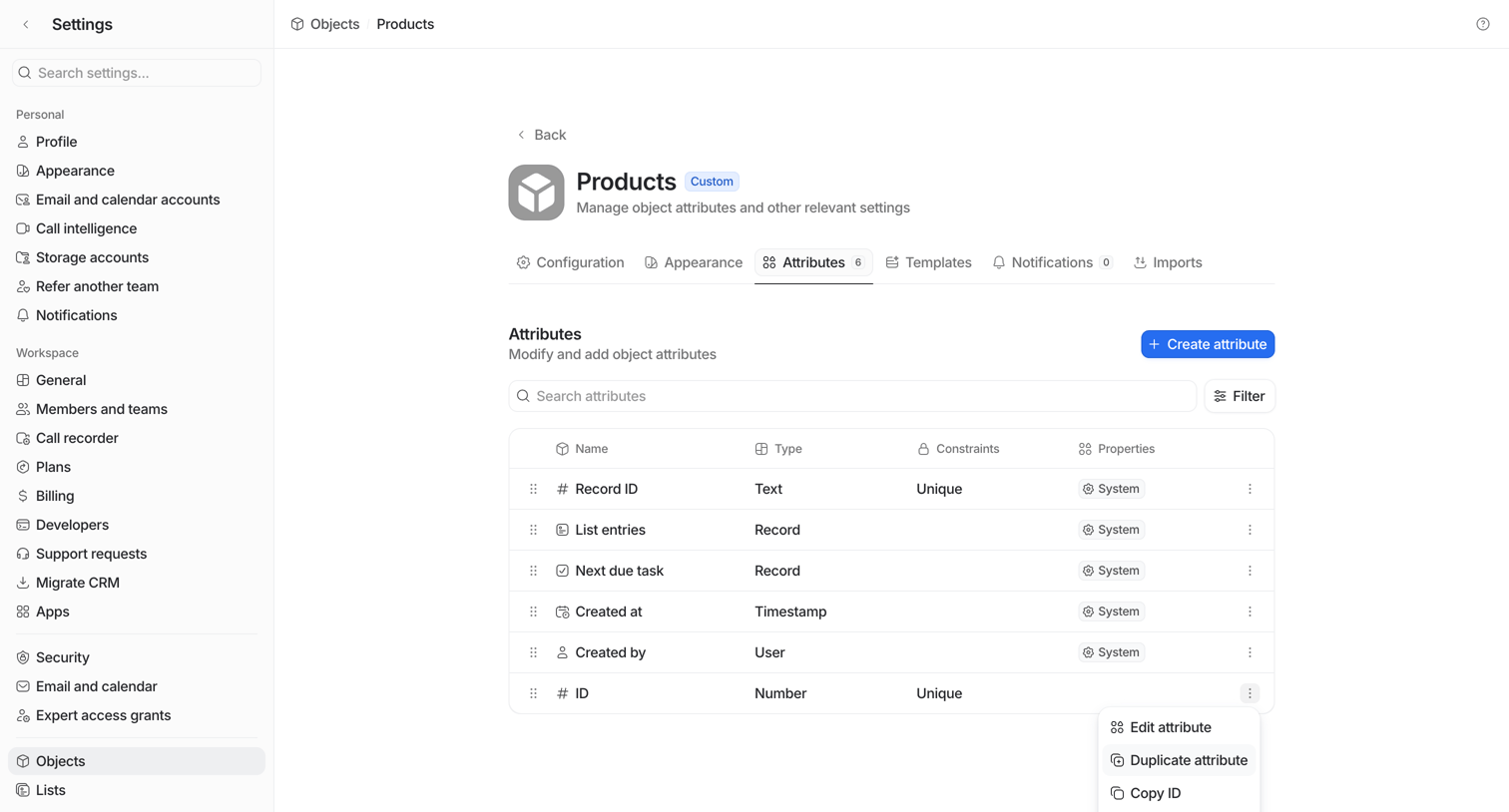

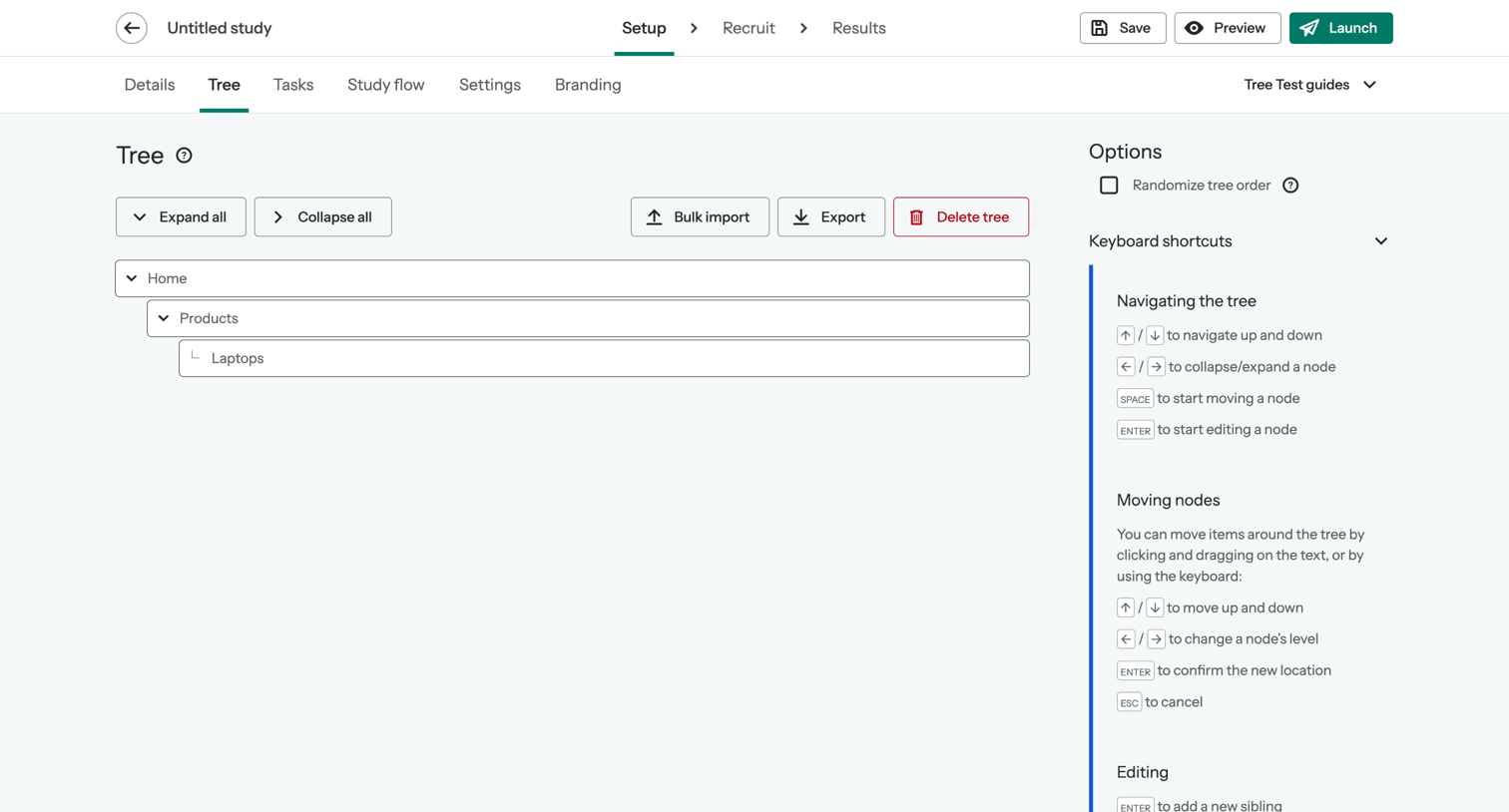

Study setup step where the user builds and organizes the hierarchical tree structure for an information architecture test.
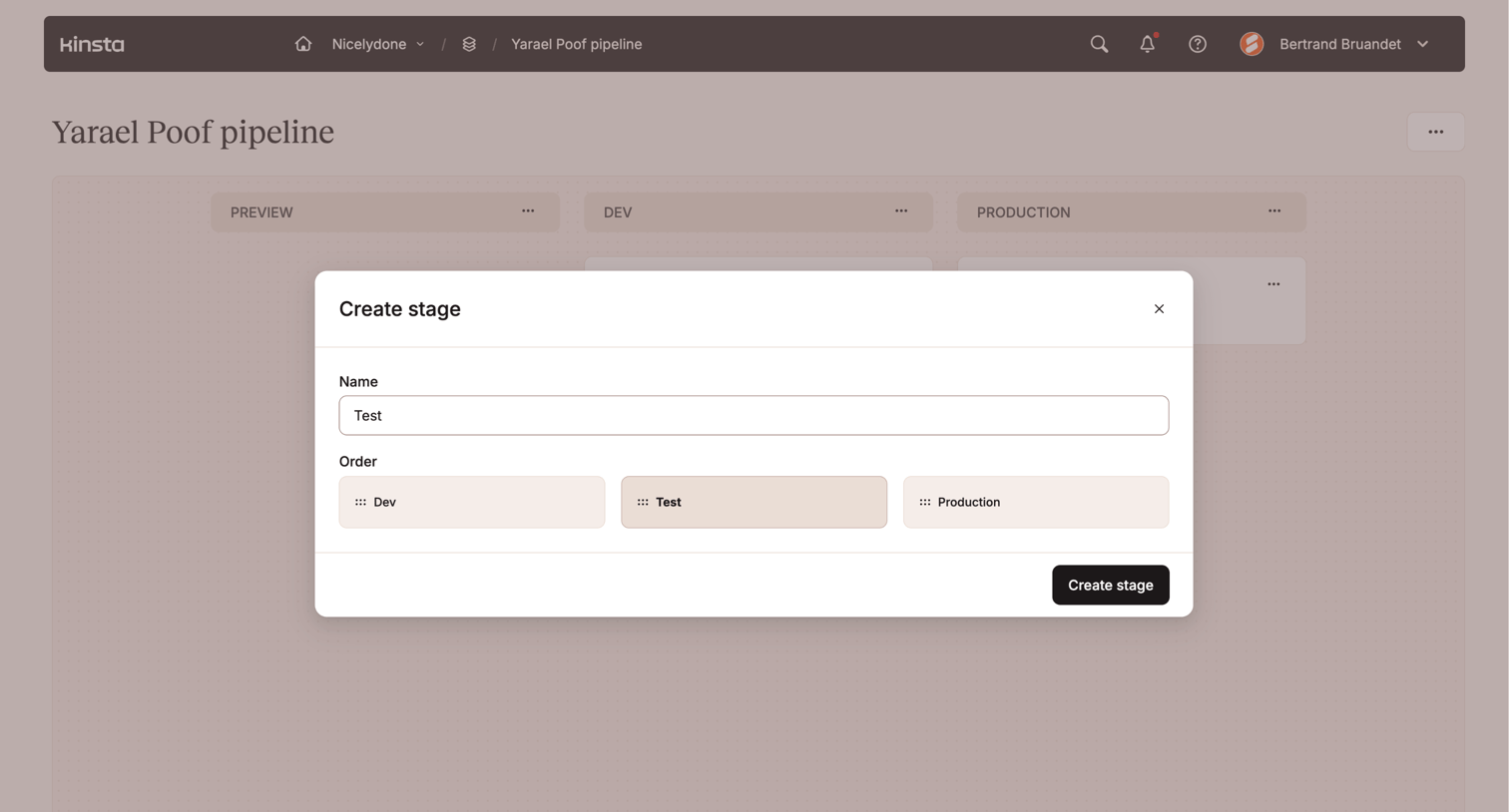

Modal for creating a new pipeline stage where the user inputs a name and sets its order relative to existing stages like Dev and Production.
Explore the full SaaS screen library
Upgrade to unlock the full library.
Trusted by the best teams








About Reorder
See how apps let people change the sequence of items. Explore how ordering controls and position cues appear within lists, boards, and other arranged collections.