Three-column grid screen examples
Three-column grid screen design examples from SaaS apps. Browse examples from Dock, Exa, Flora.
Explore the examples
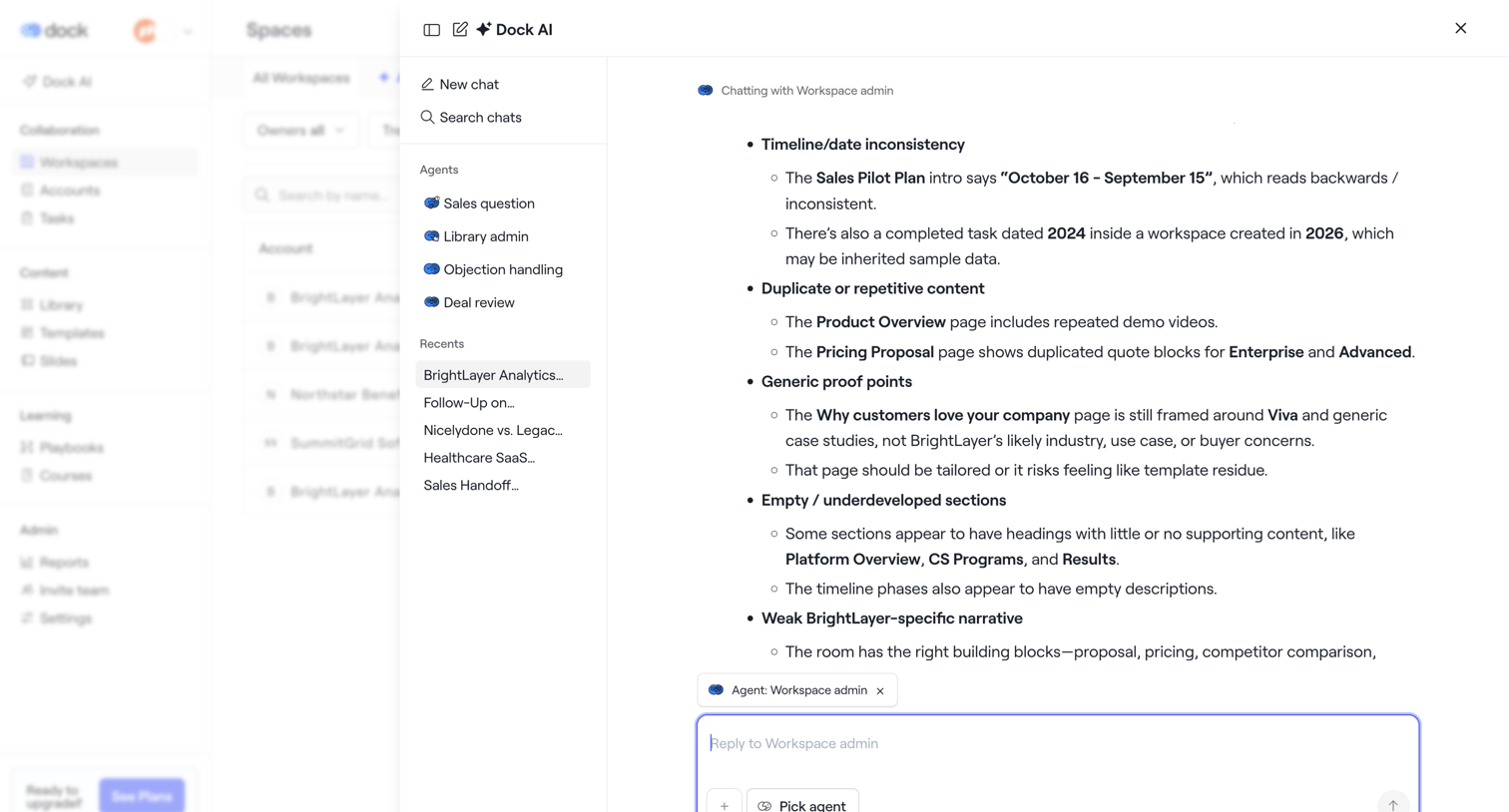

List view where the user has opened a large AI assistant drawer to chat with a workspace admin agent about document inconsistencies.
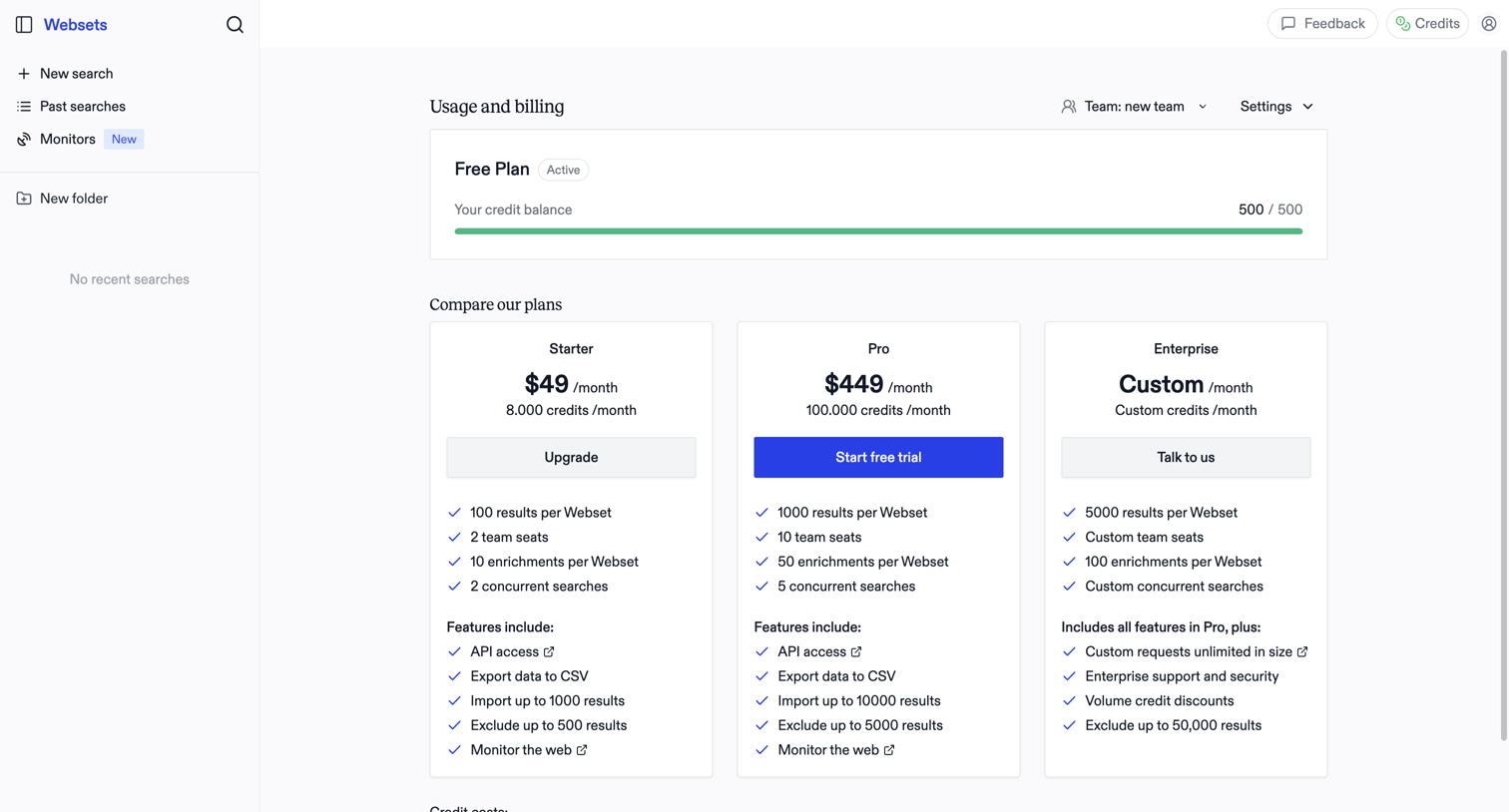

Billing settings page where the user monitors their free plan credit balance and compares paid subscription tiers to upgrade.
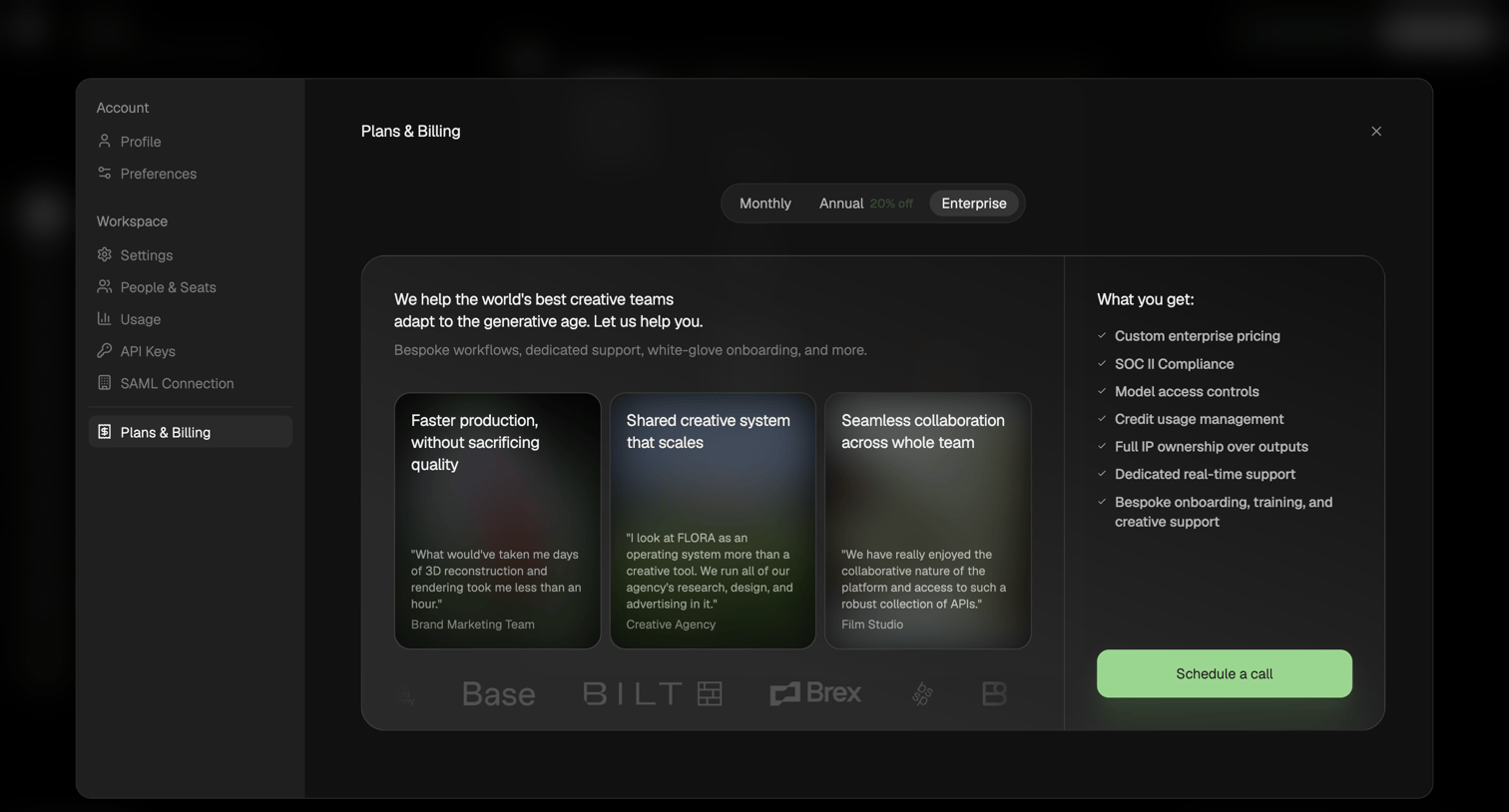

Settings modal where the user views the Enterprise plan details, including testimonials and features, and can schedule a sales call.
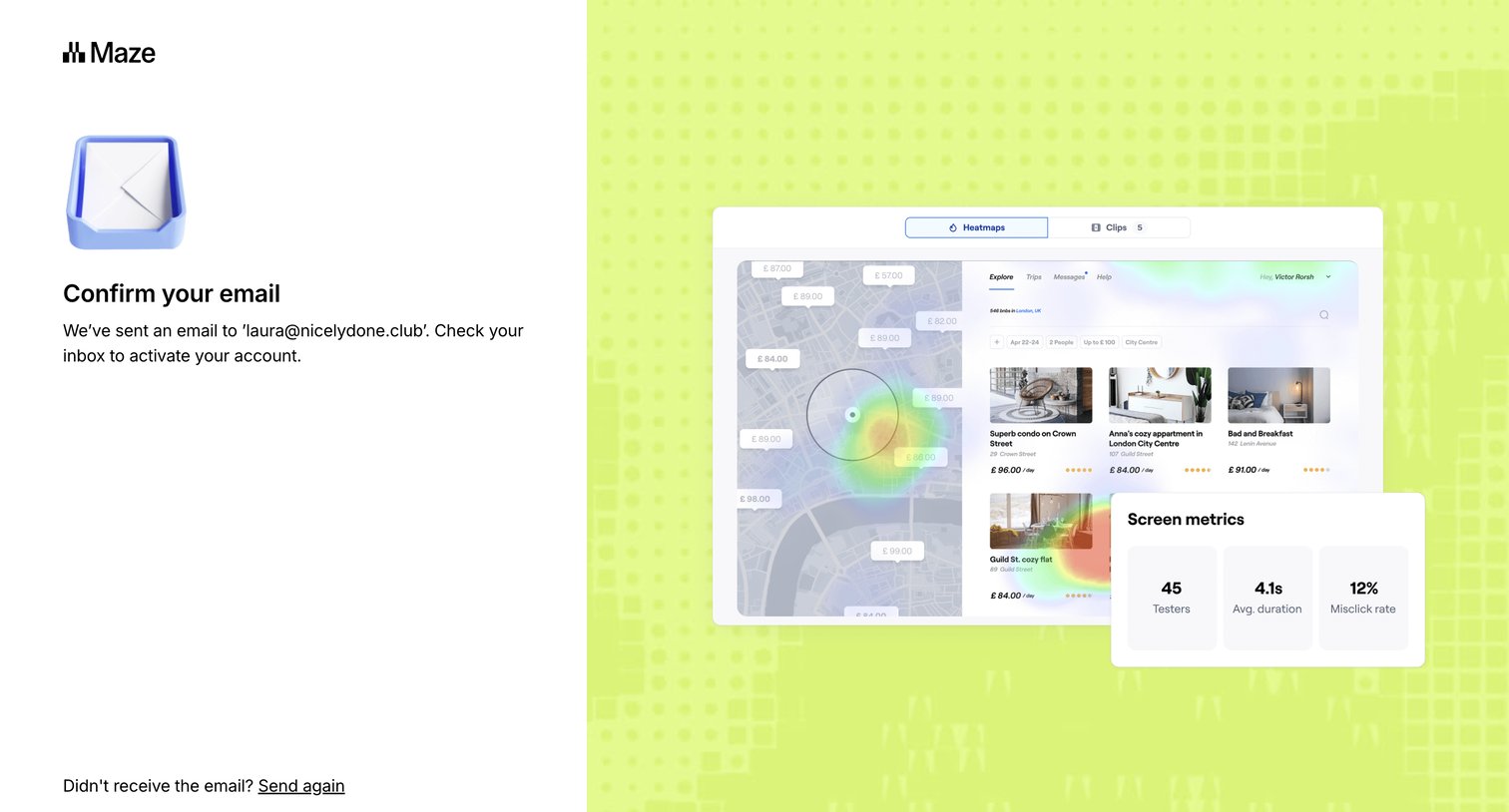

Verification screen where the user is instructed to check their email inbox to activate their account, with options to resend the email or return to signup.
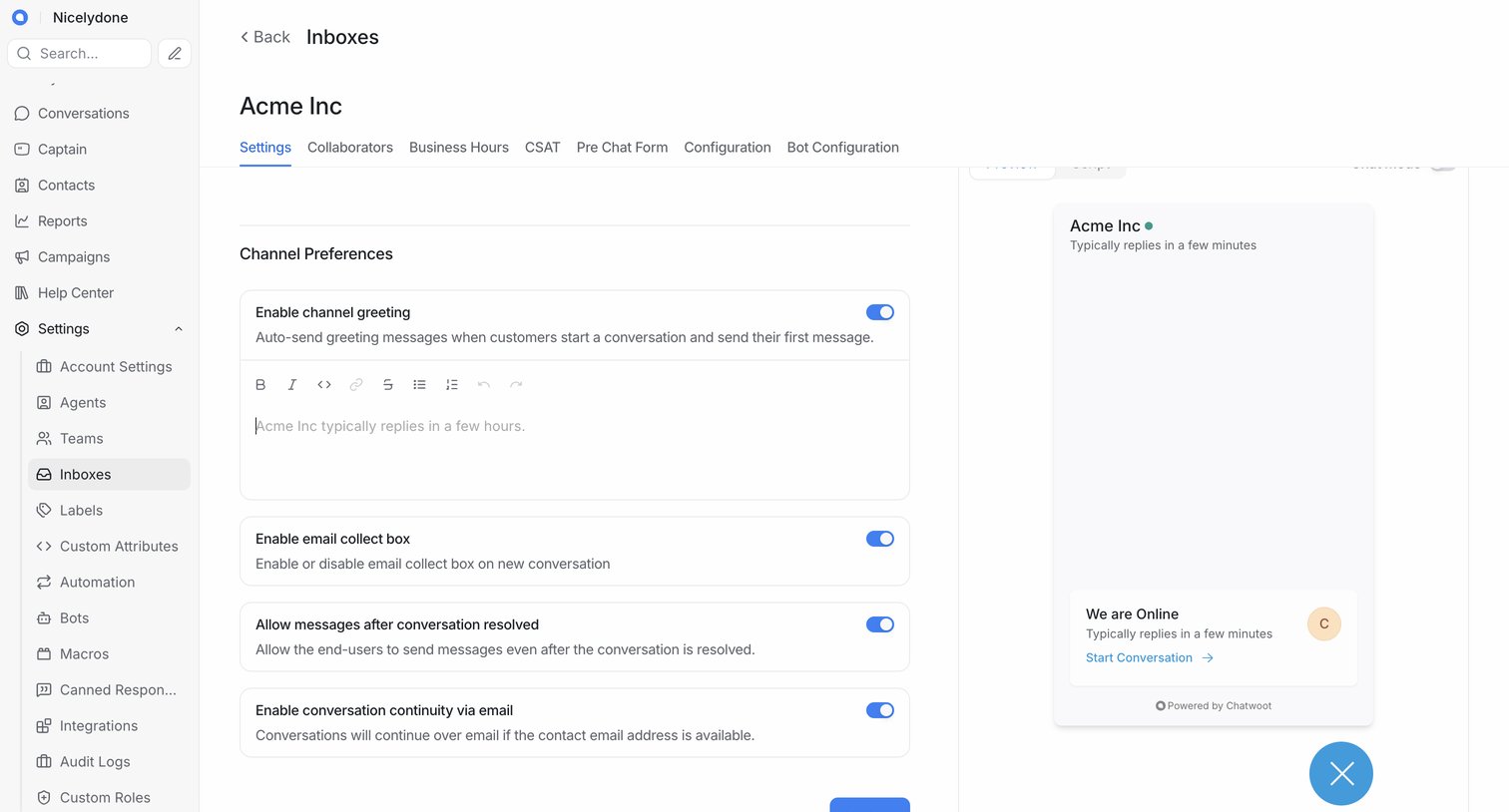

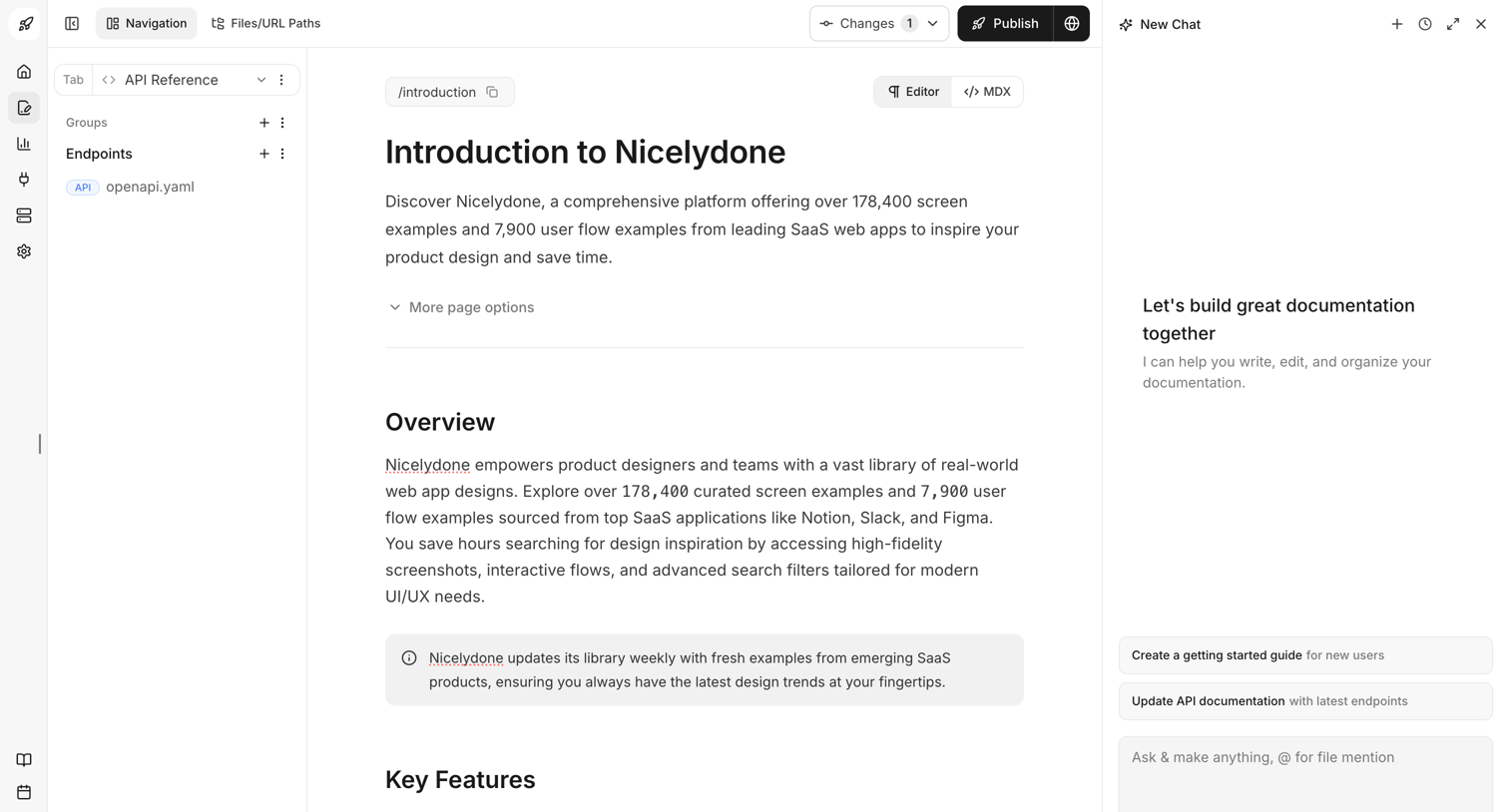

Content editor where the user writes the Introduction to Nicelydone documentation, with an AI assistant panel open on the right to help write and organize.
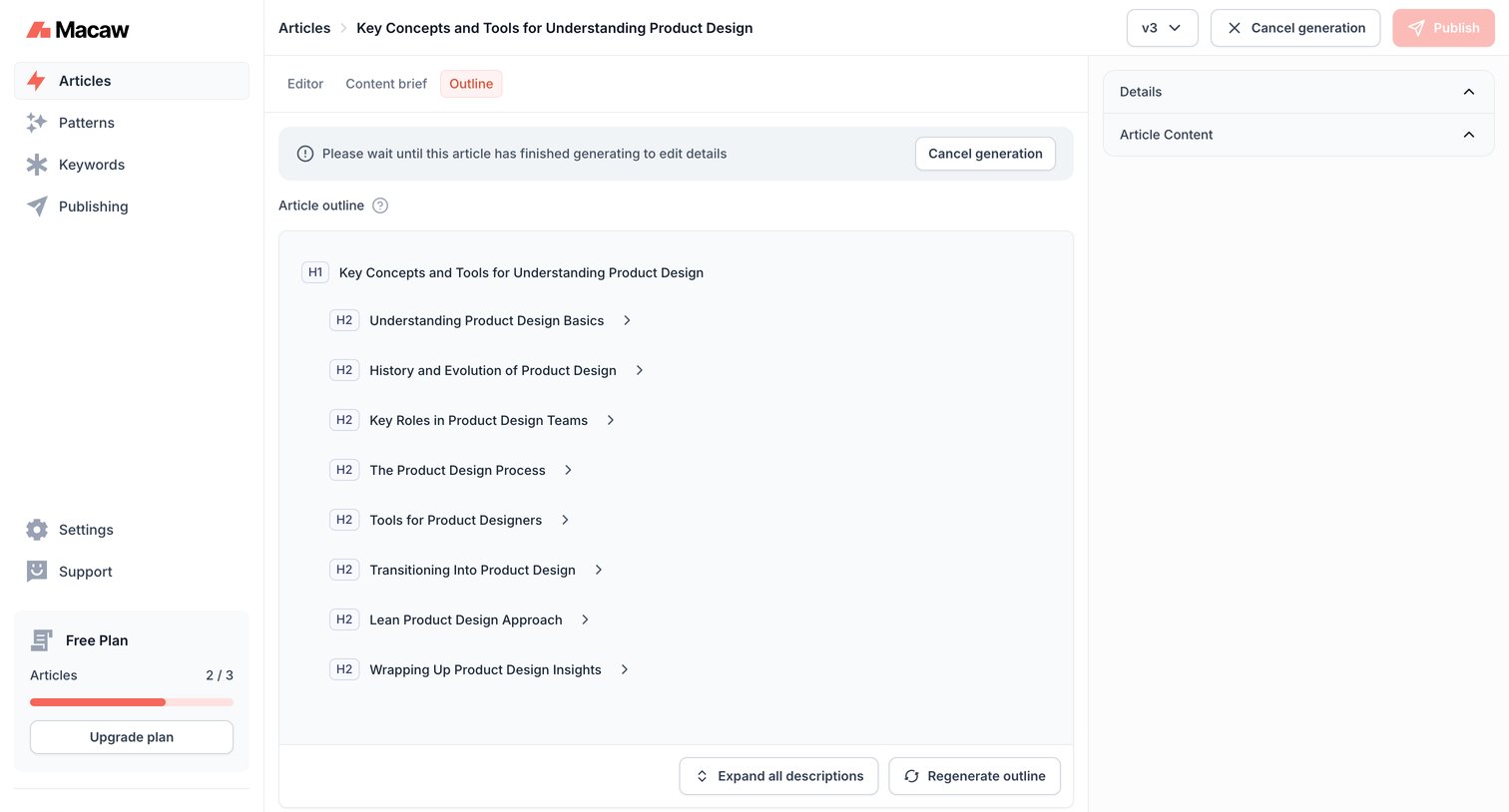

Content editor where the user views an AI-generated article outline while waiting for the full article generation to complete.
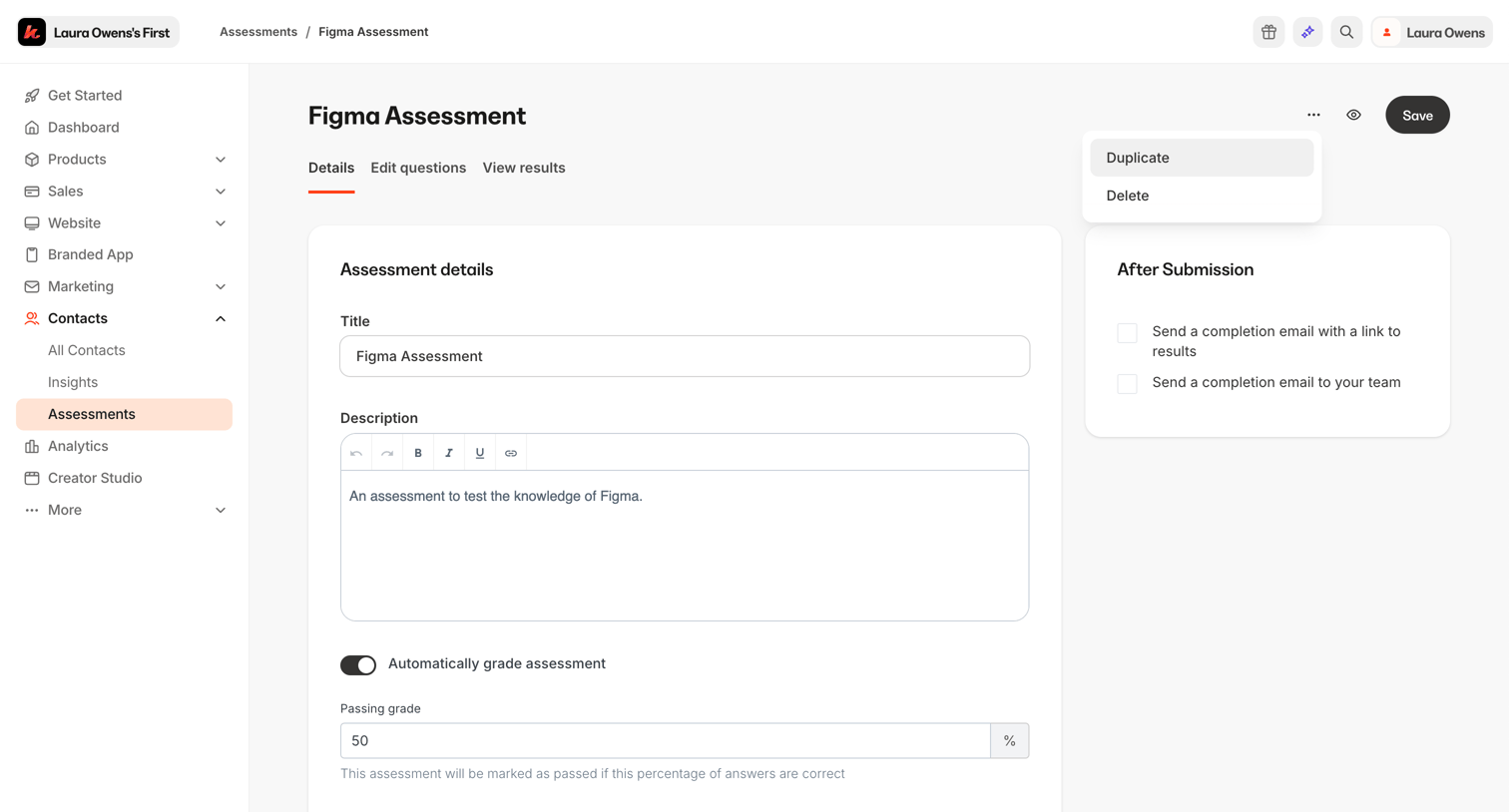

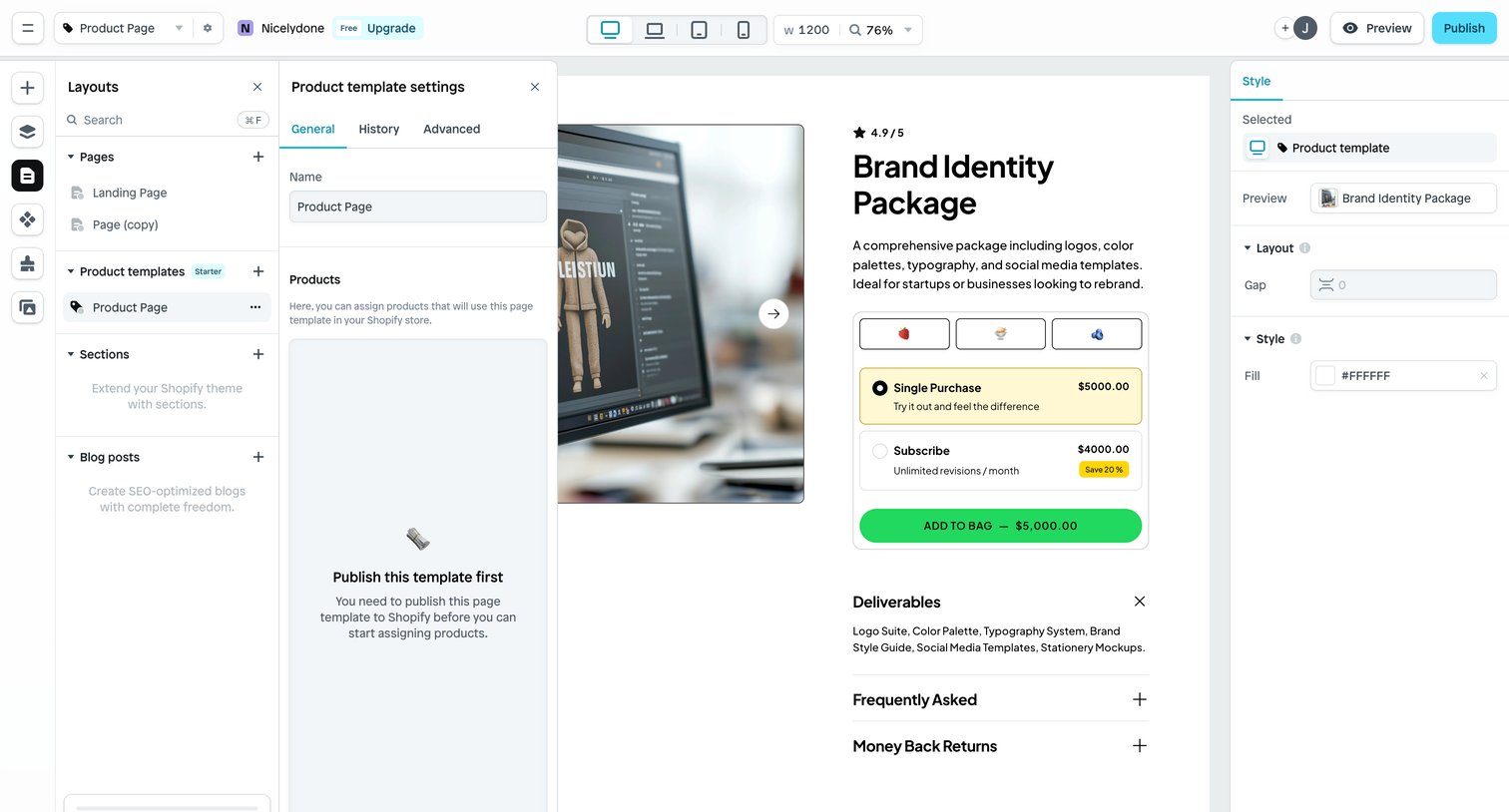

Page builder interface where the user edits a product template, adjusting layout and style settings in side panels while previewing the design on a central canvas.
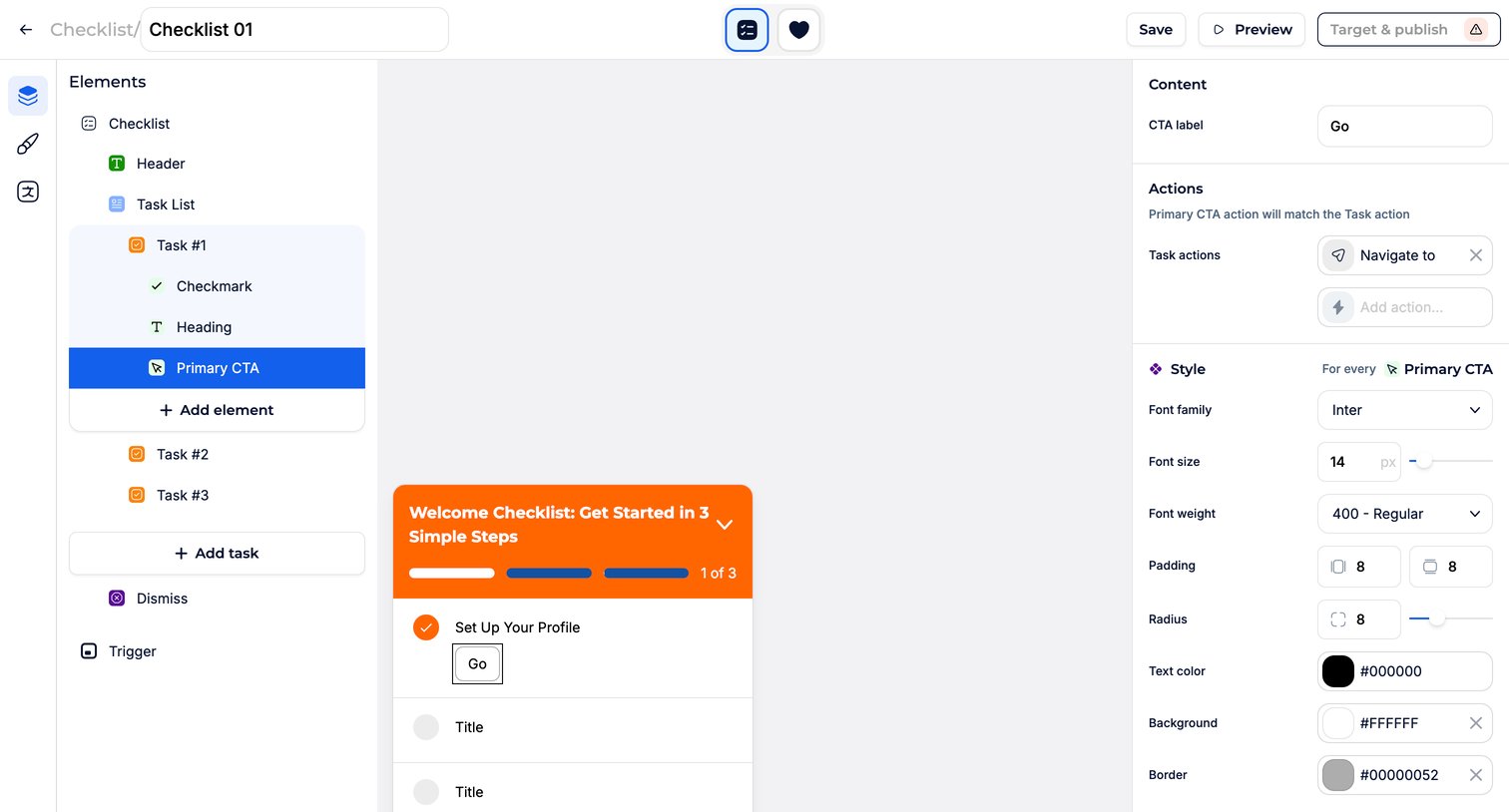

Design editor where the user configures the content, actions, and styling of an in-app onboarding checklist widget.
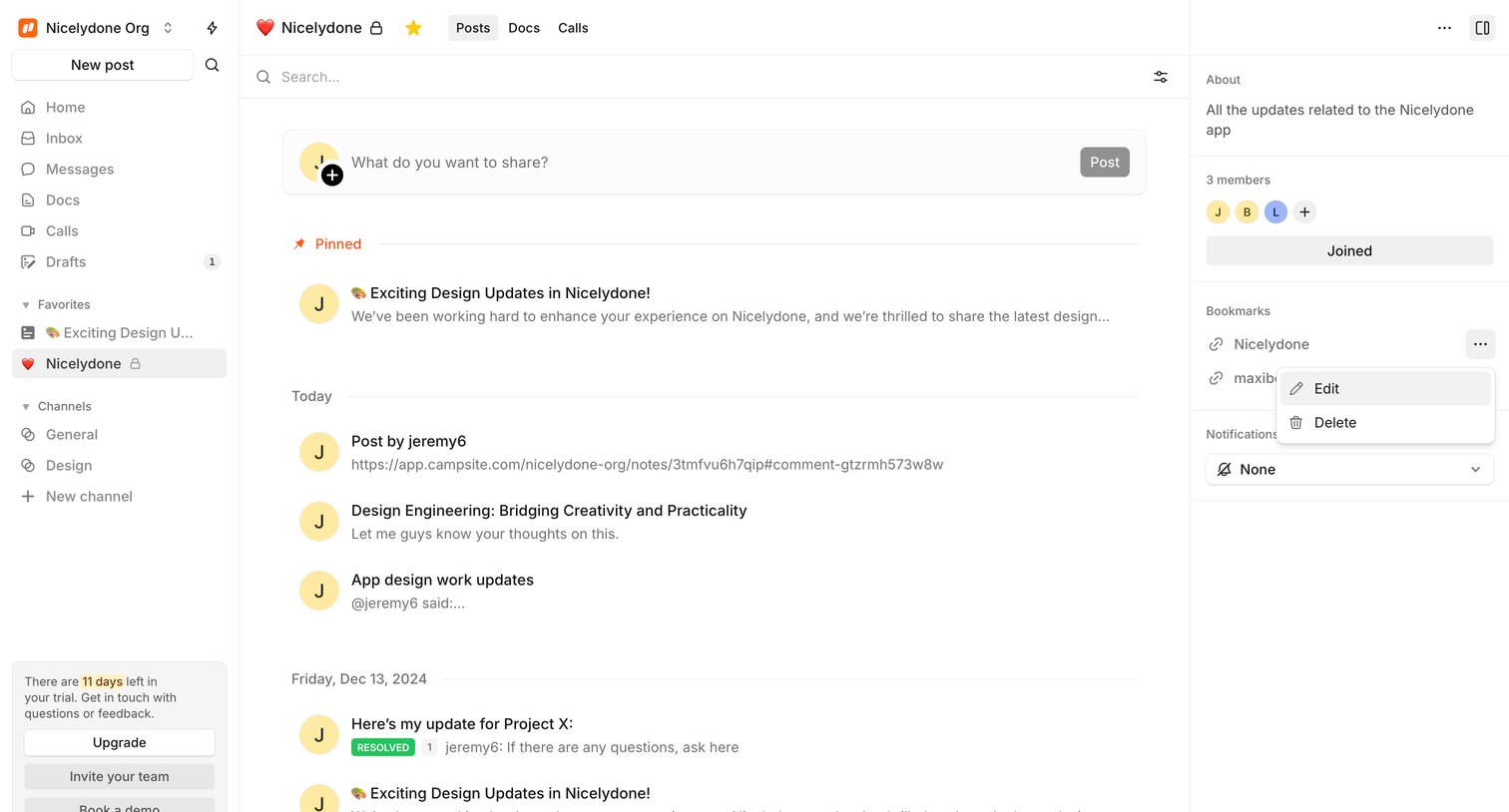

Project feed where the team shares updates, discusses design work, and manages bookmarks, with a trial countdown visible in the sidebar.
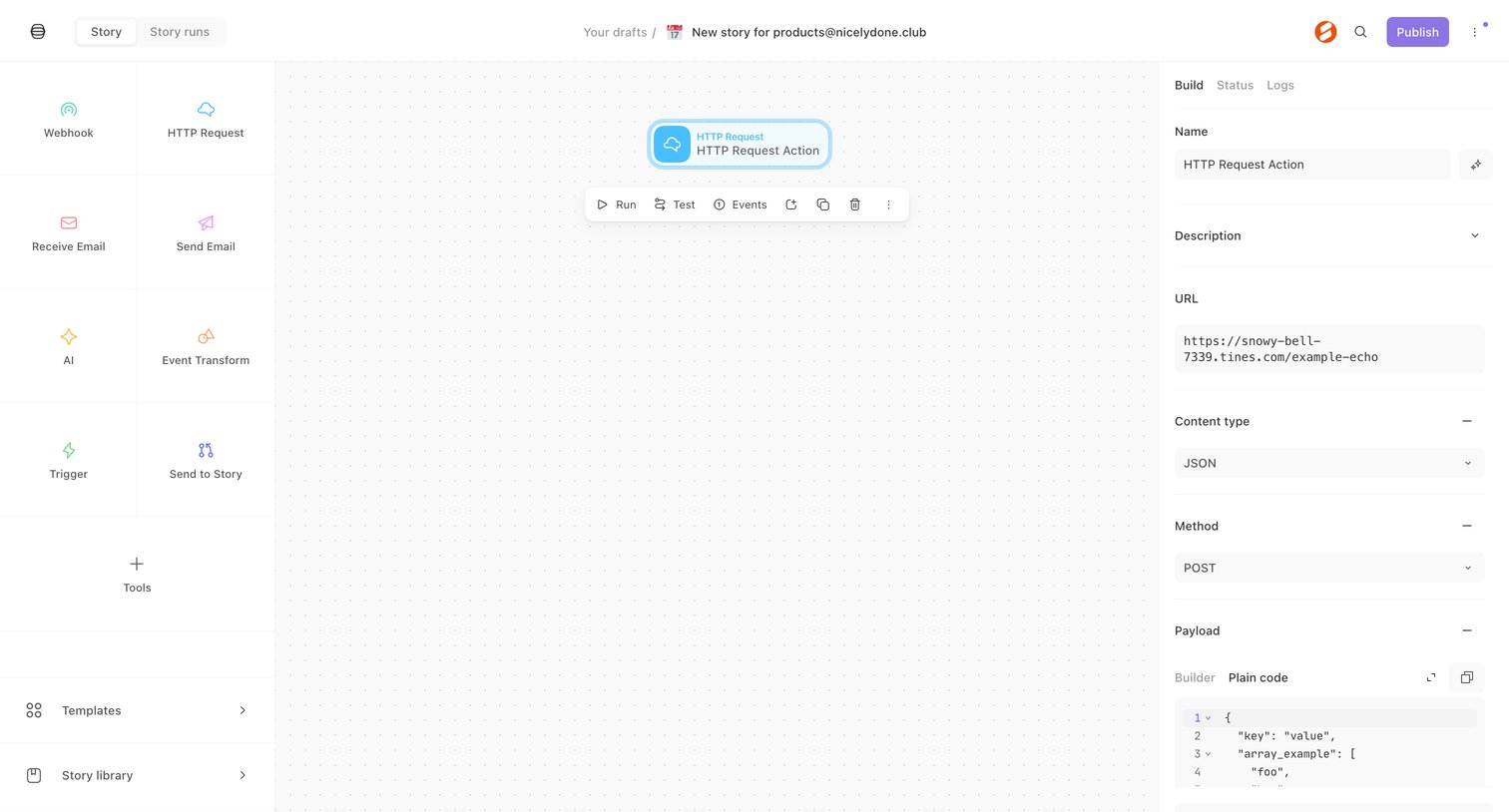

Workflow editor canvas where the user configures an HTTP Request action node using a right-side inspector panel.
Explore the full SaaS screen library
Upgrade to unlock the full library.
Trusted by the best teams







