Macaw design examples
Explore Macaw UI design examples. Generate AI content that humans love to read
Product screens
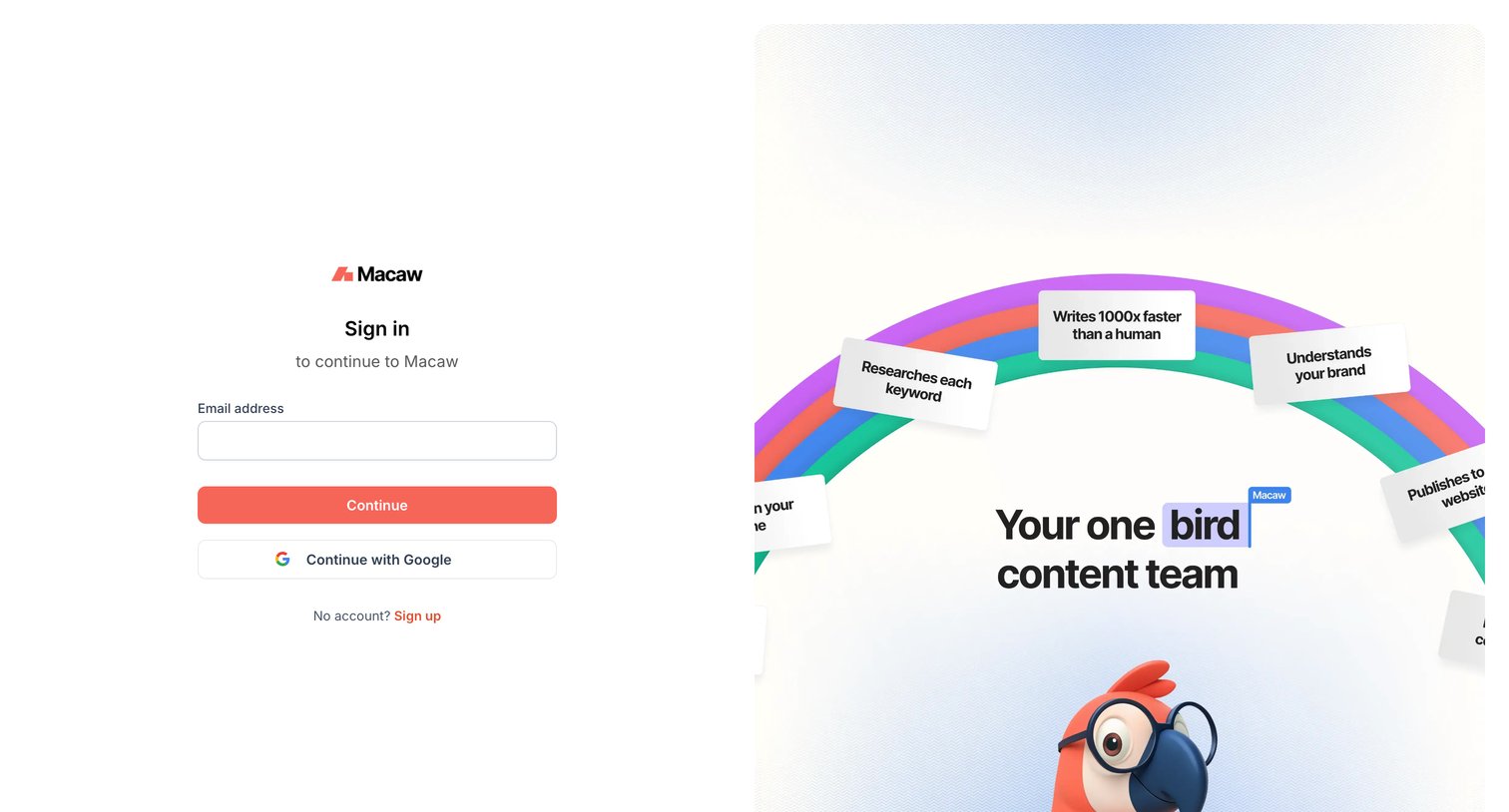
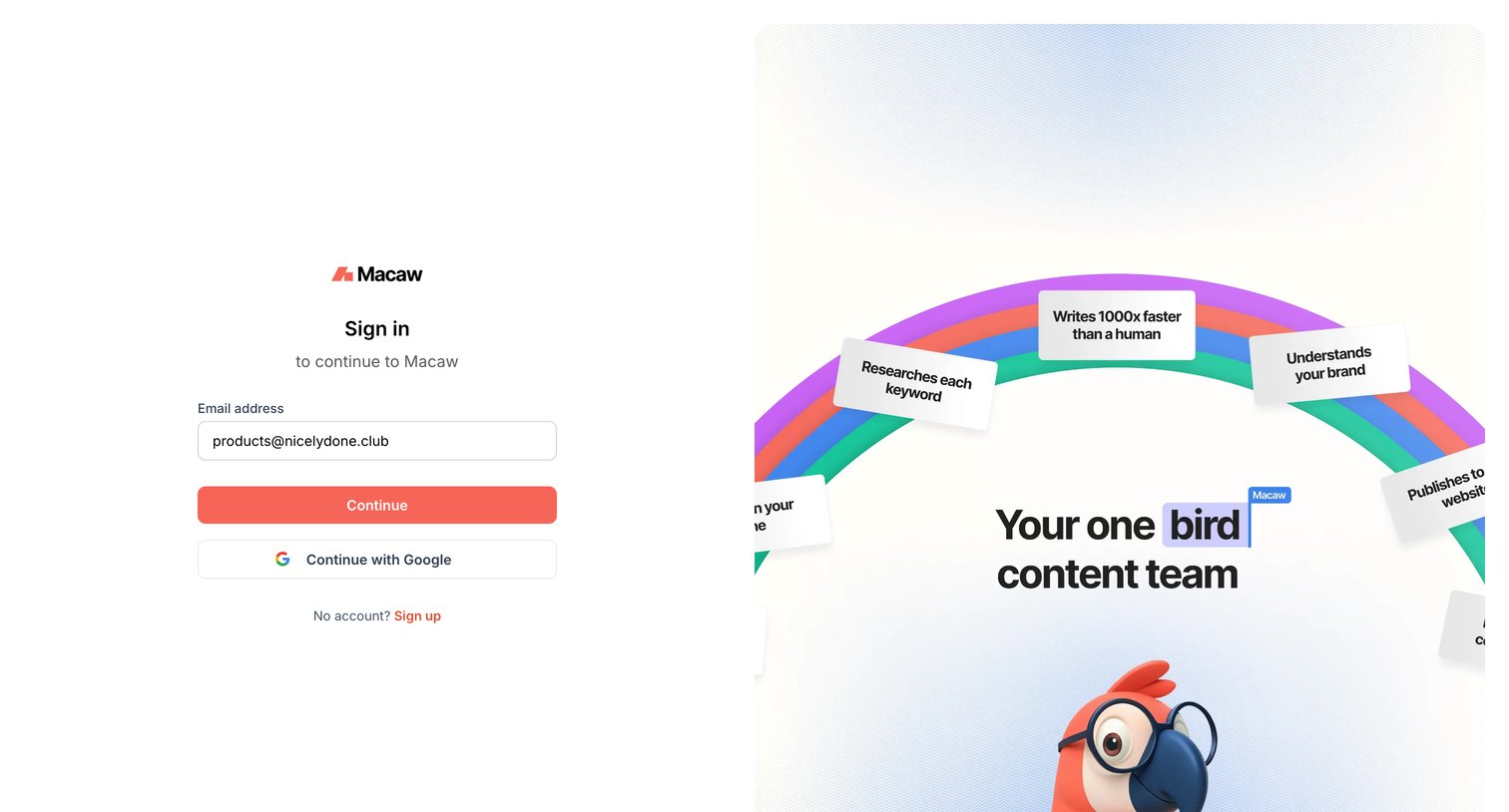
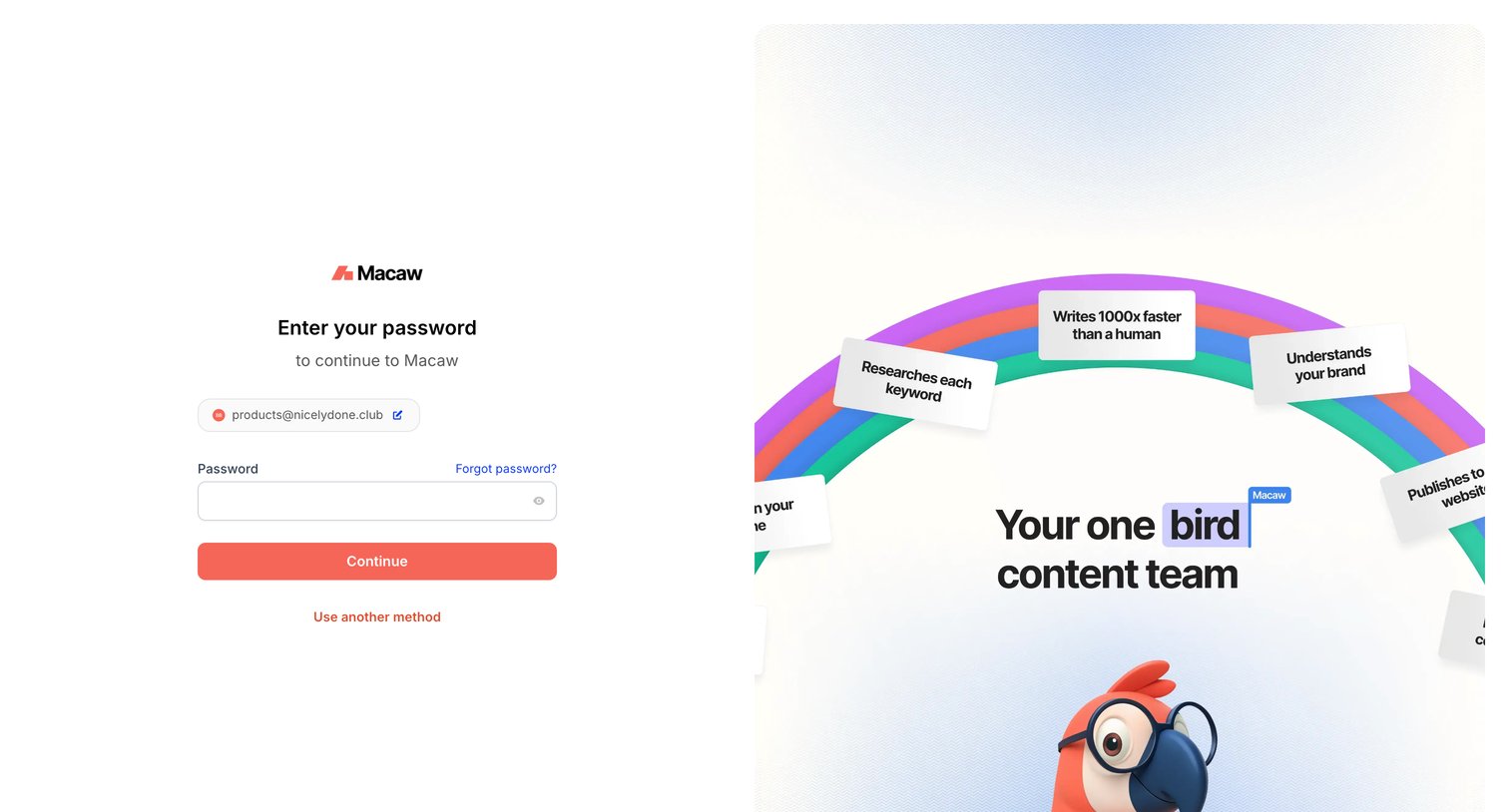

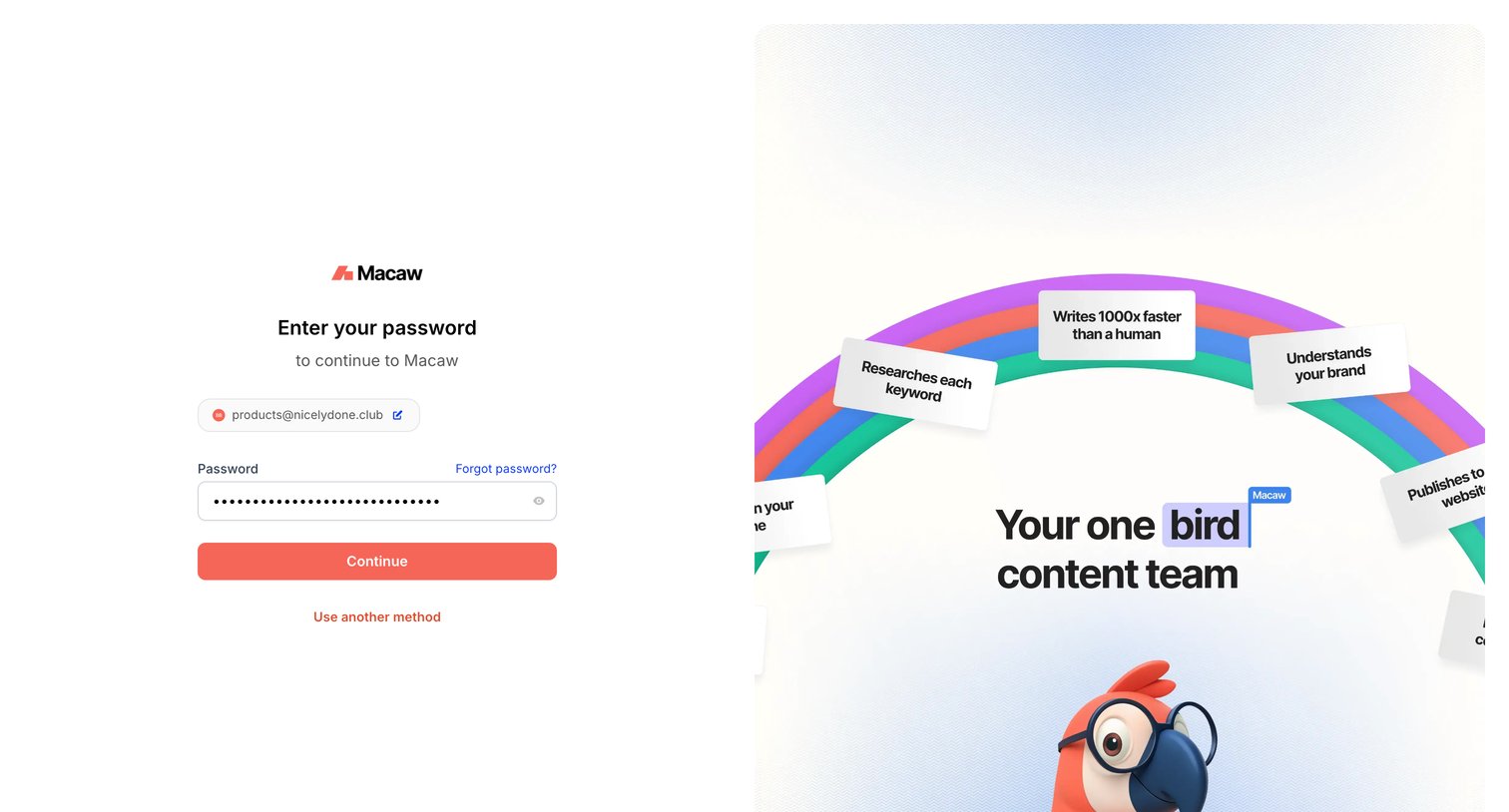
Sign-in screen where the user enters their password for an already provided email address, alongside a marketing graphic highlighting AI content creation features.
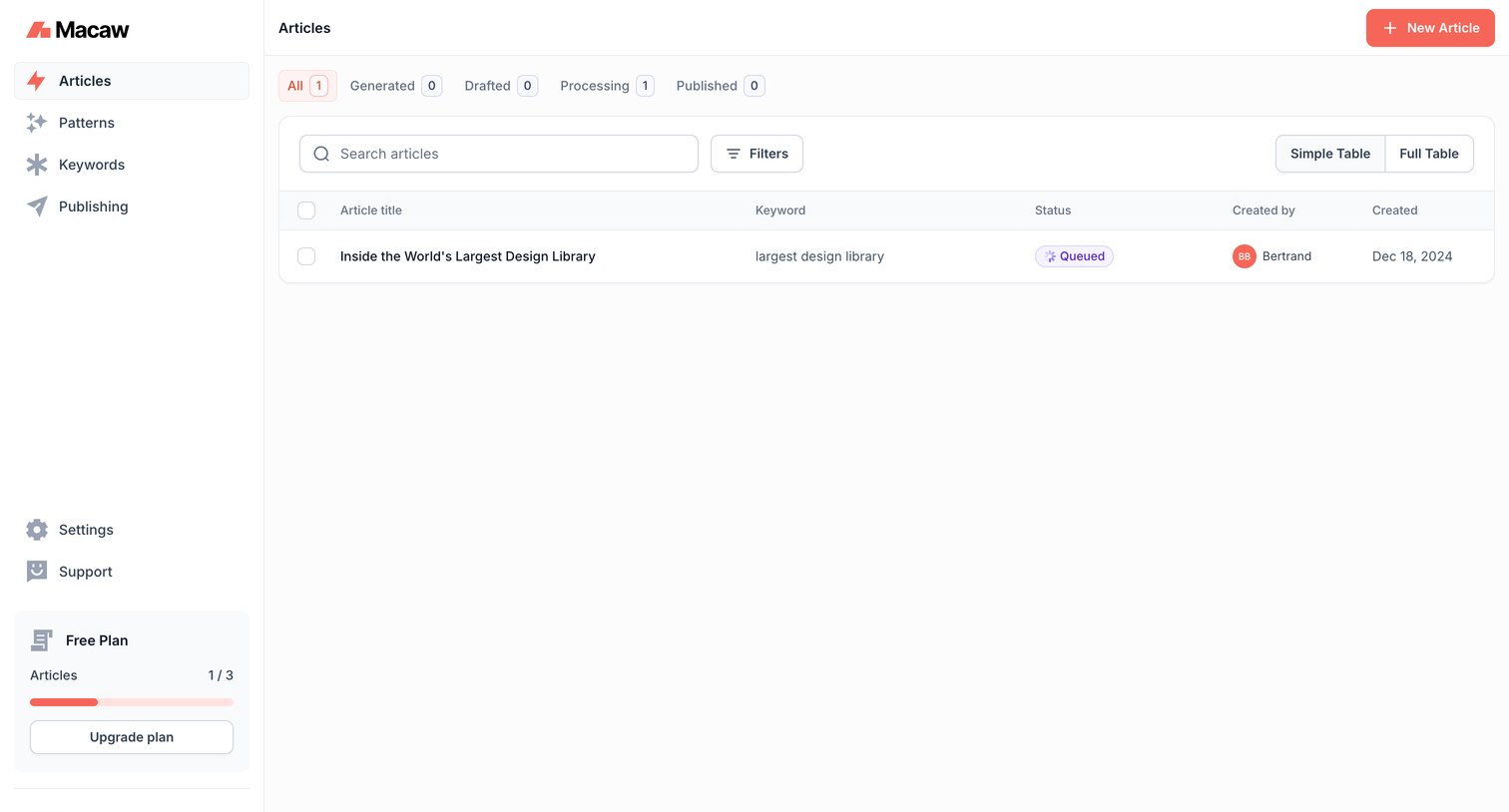
List view where the user manages their generated articles, featuring status tabs, a search and filter toolbar, and a sidebar with a plan usage nudge.
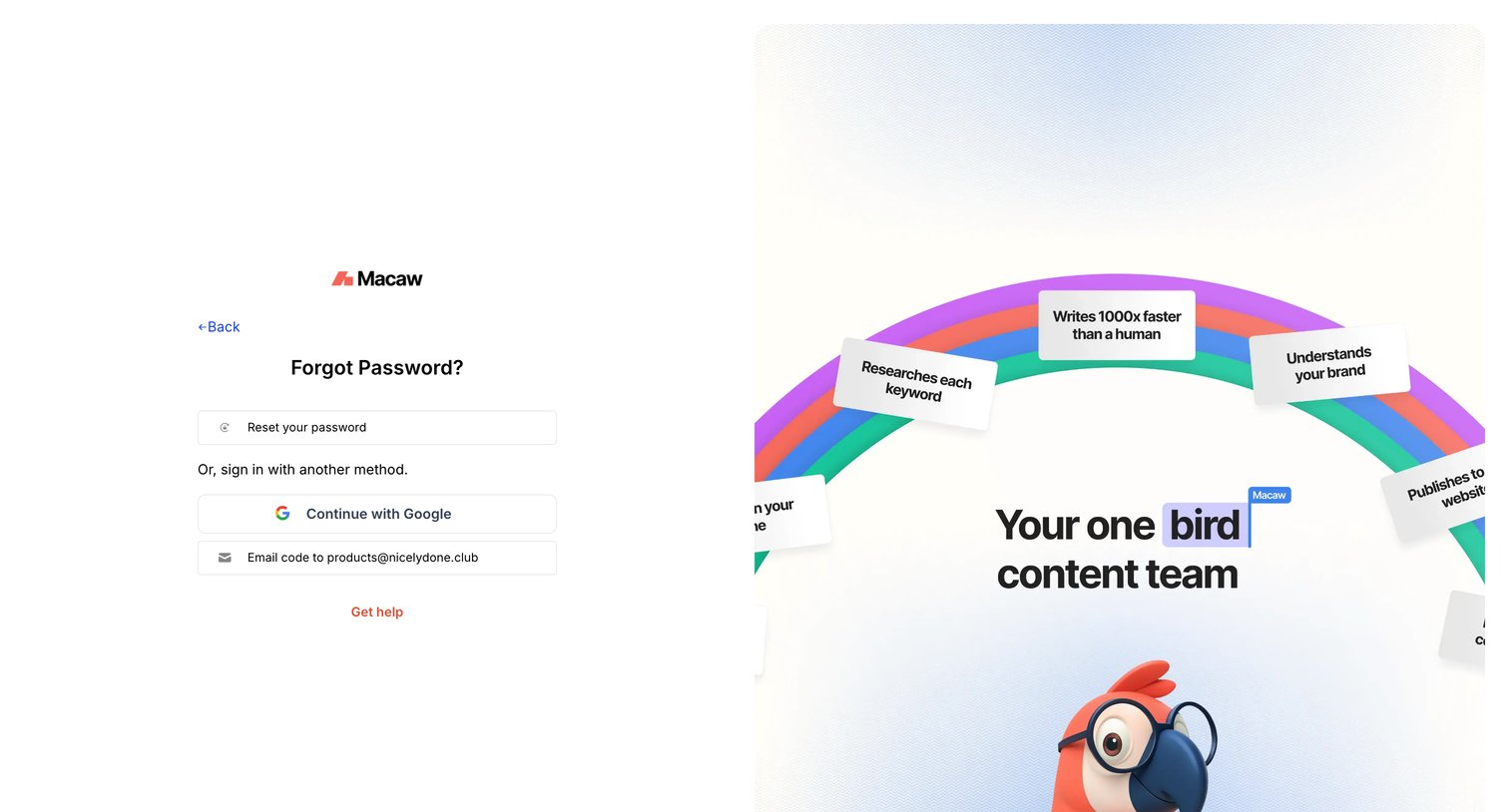
Password recovery screen where the user can choose to reset their password, sign in with Google, or receive a login code via email, accompanied by a marketing graphic highlighting product features.
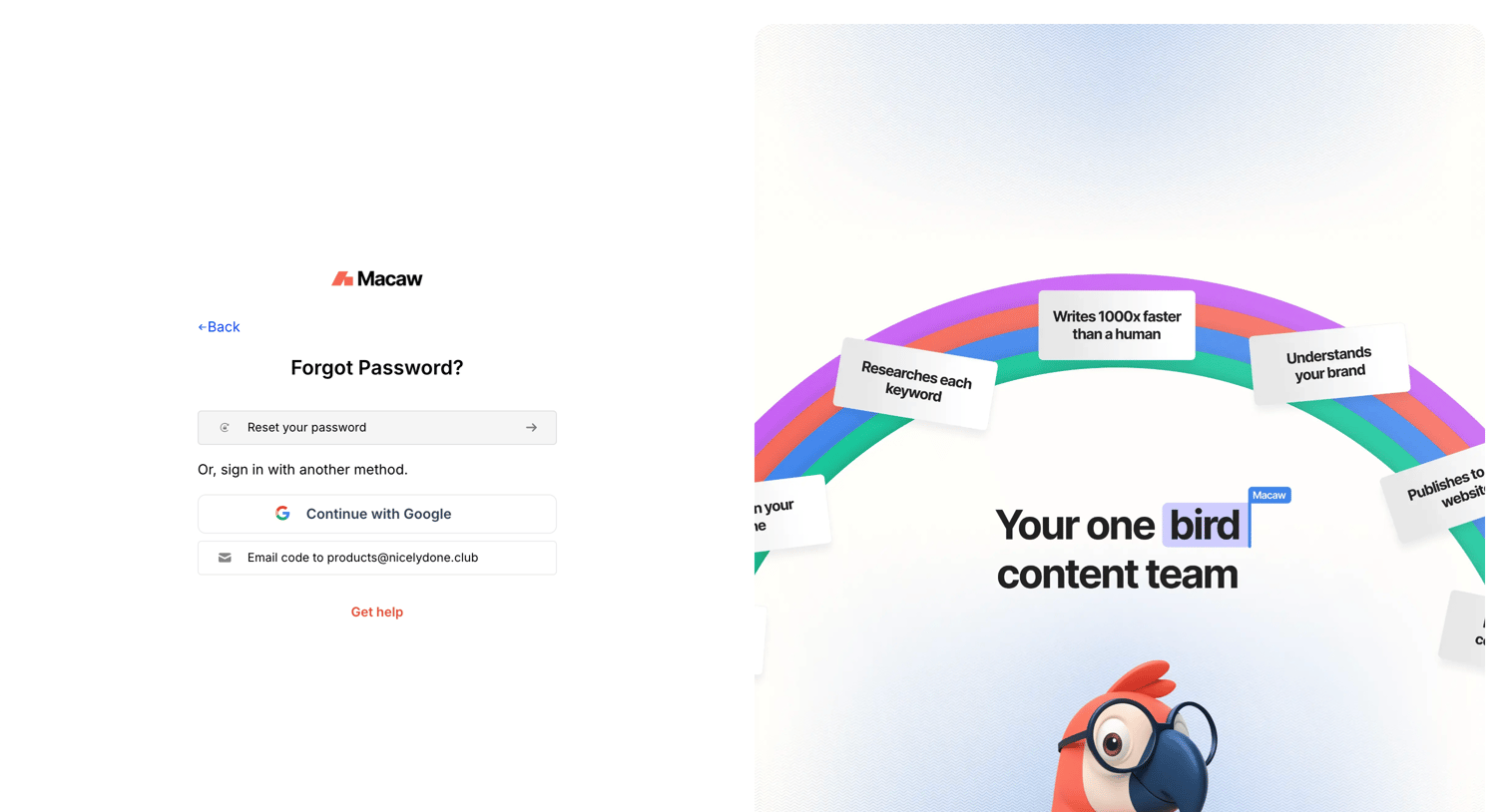
Password recovery screen where the user can choose to reset their password, authenticate with Google, or receive a login code via email.
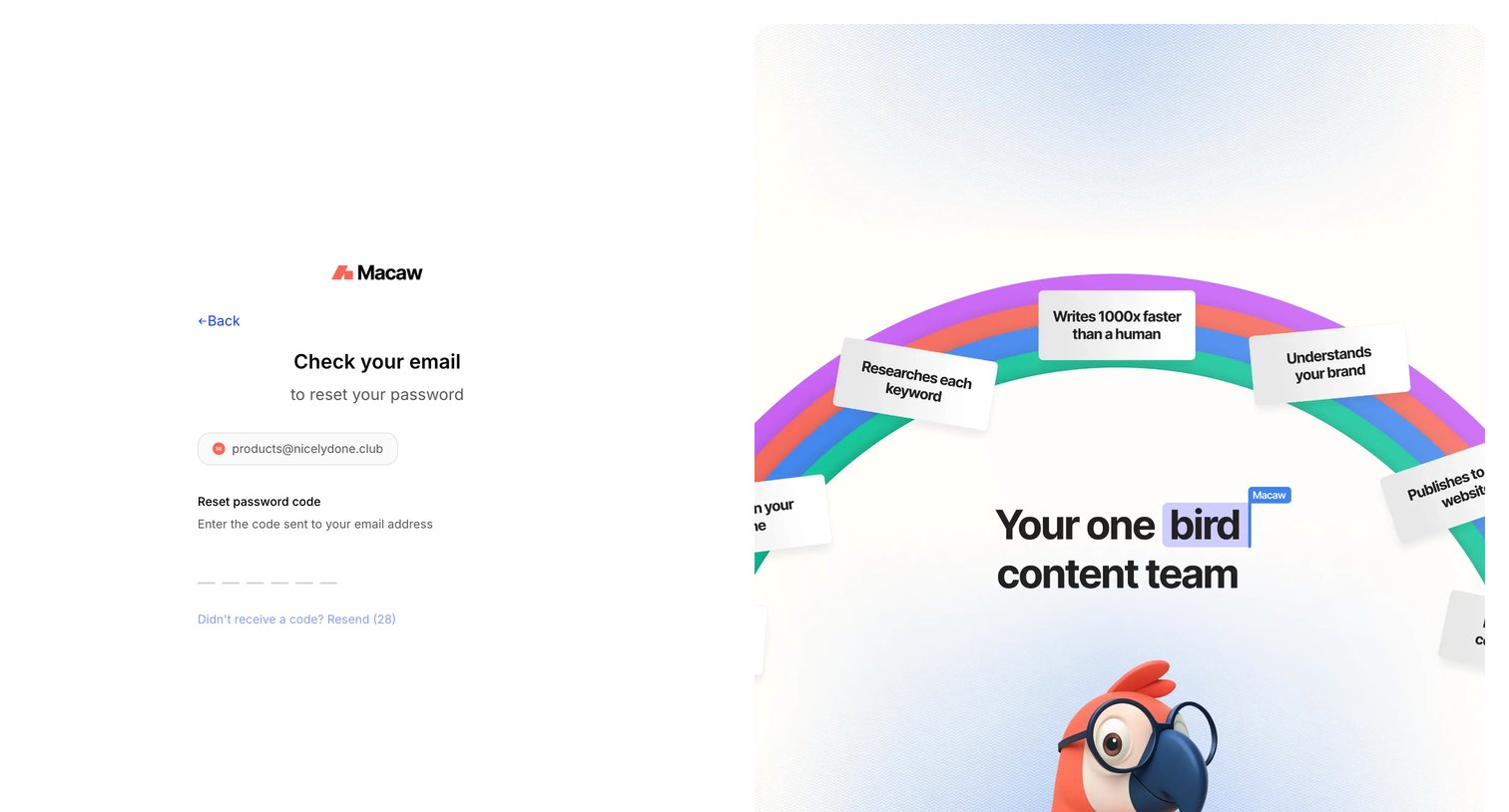
Password recovery screen where the user enters a 6-digit code sent to their email to verify their identity.
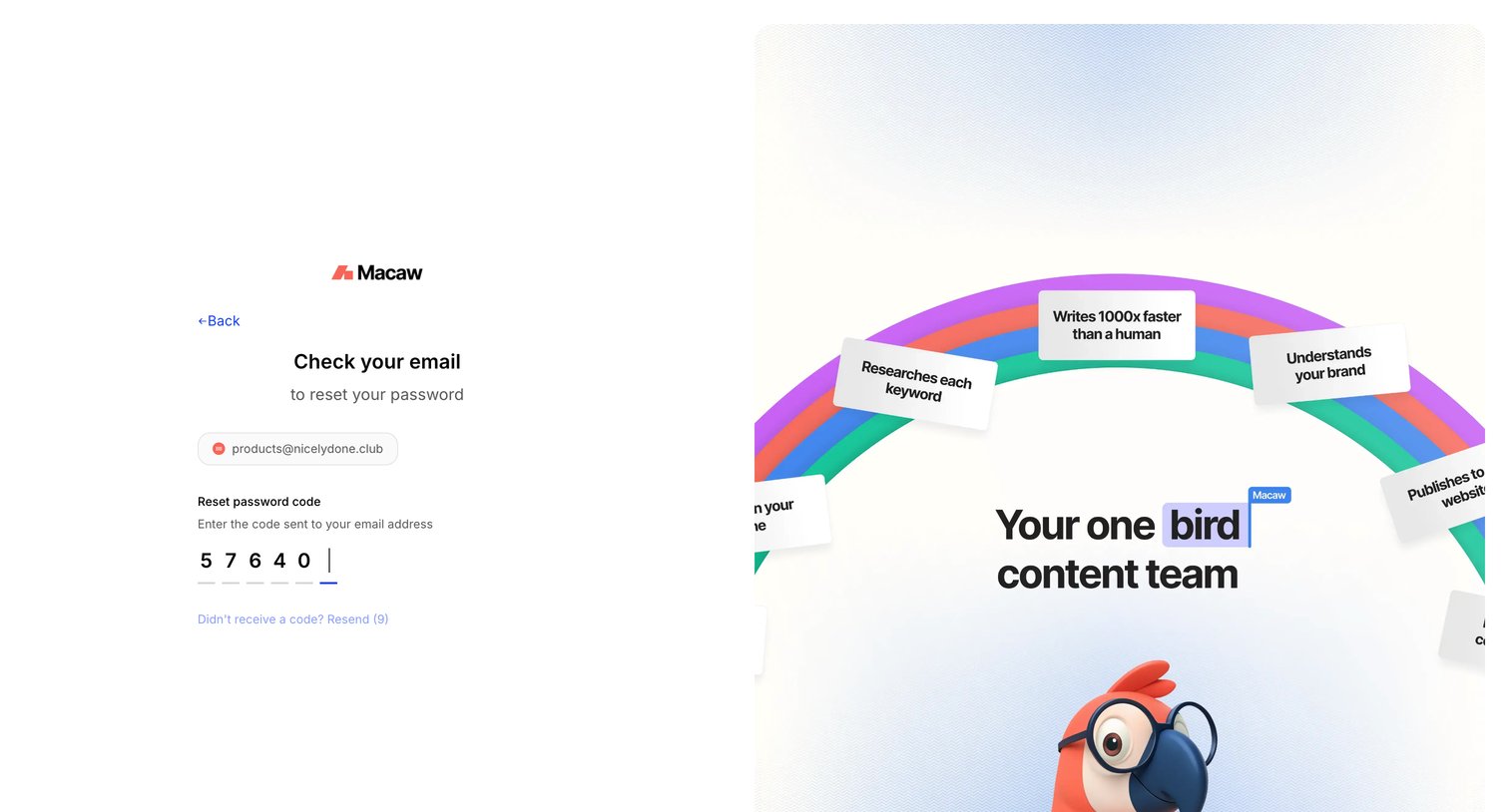
Verification screen where the user enters a 6-digit code sent to their email to reset their password.
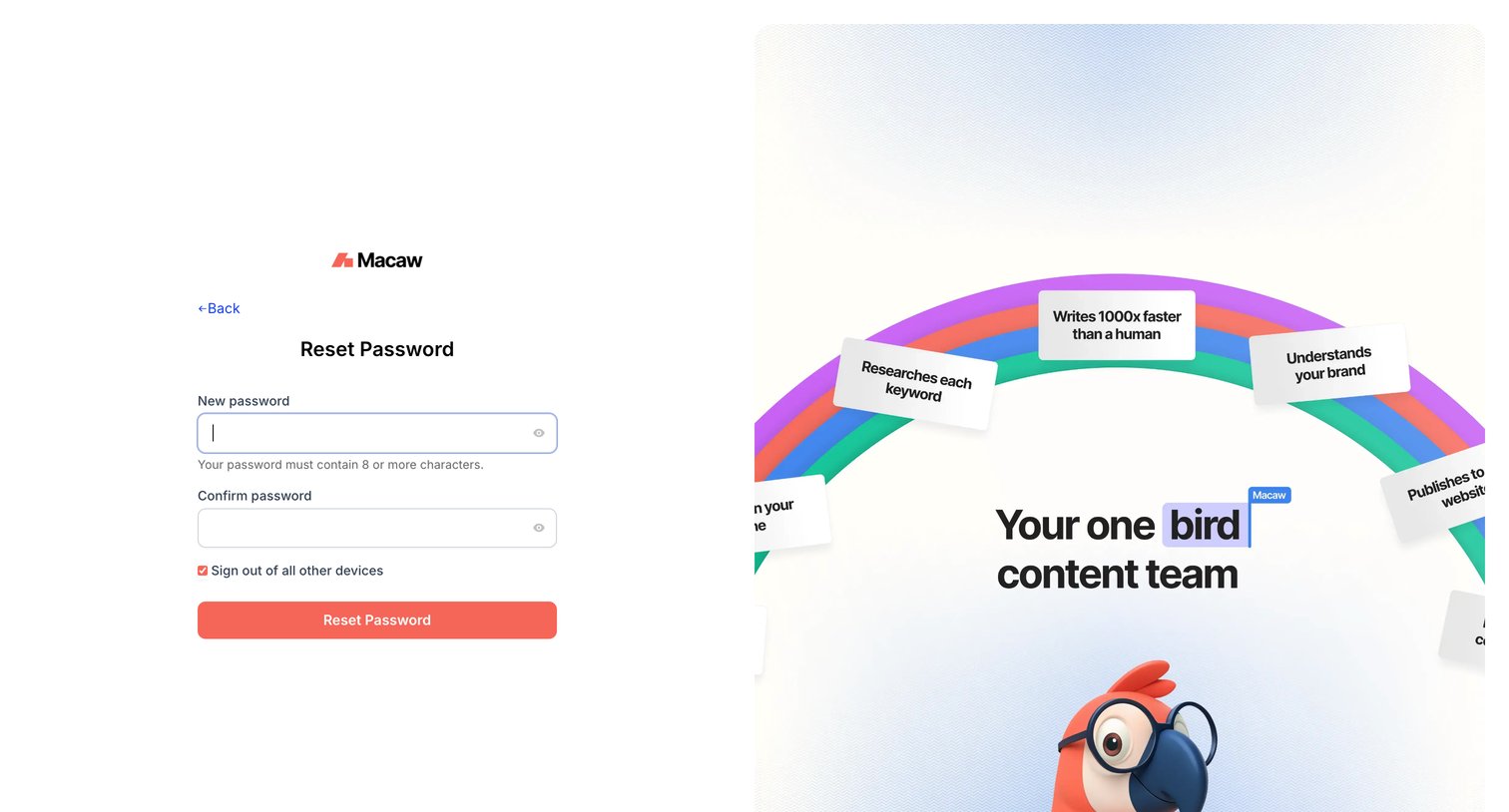
Password recovery screen where the user enters and confirms their new password, with an option to sign out of all other devices.
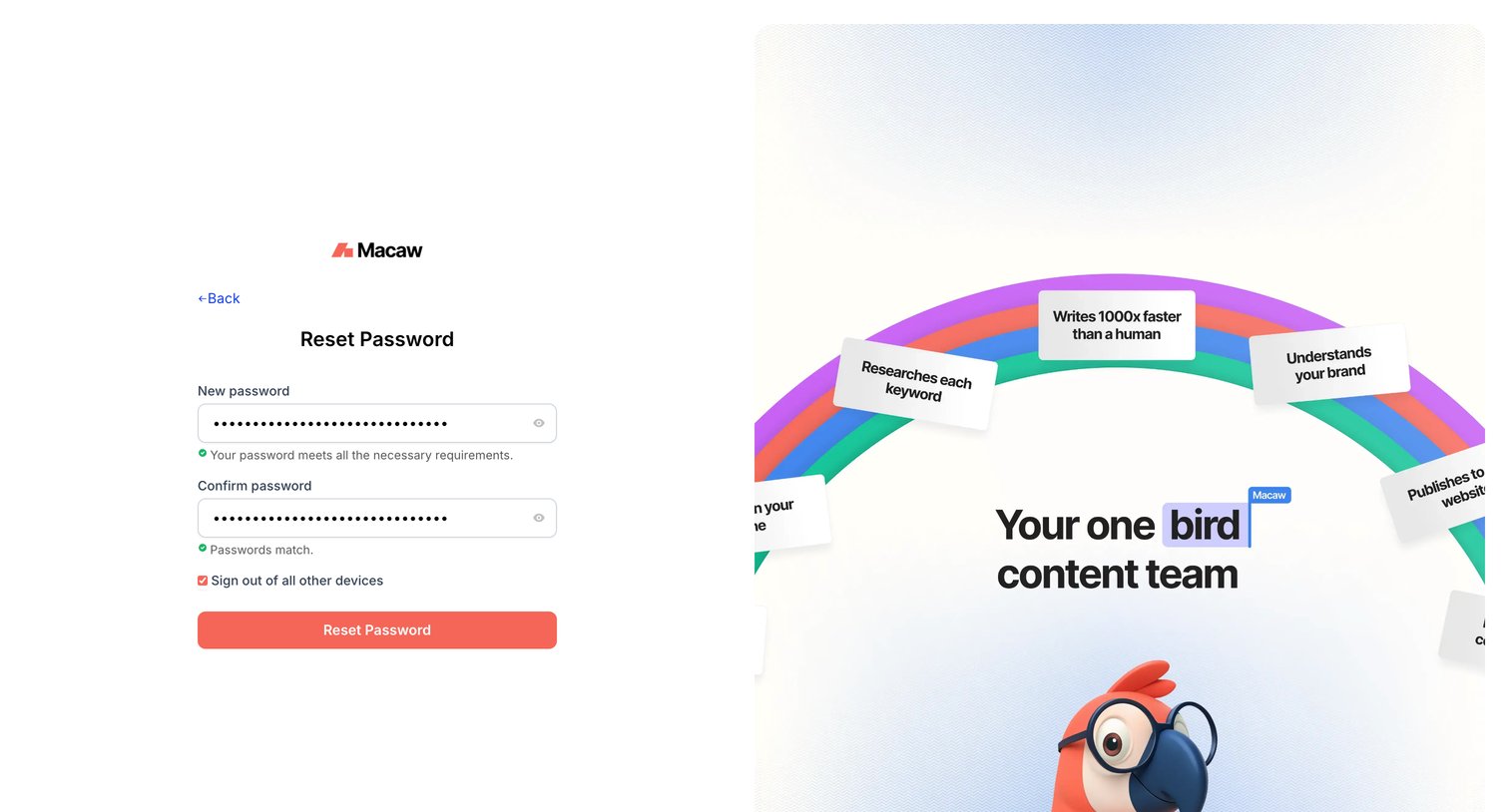
Password recovery screen where the user enters and confirms a new password, with real-time validation and an option to sign out of other devices.
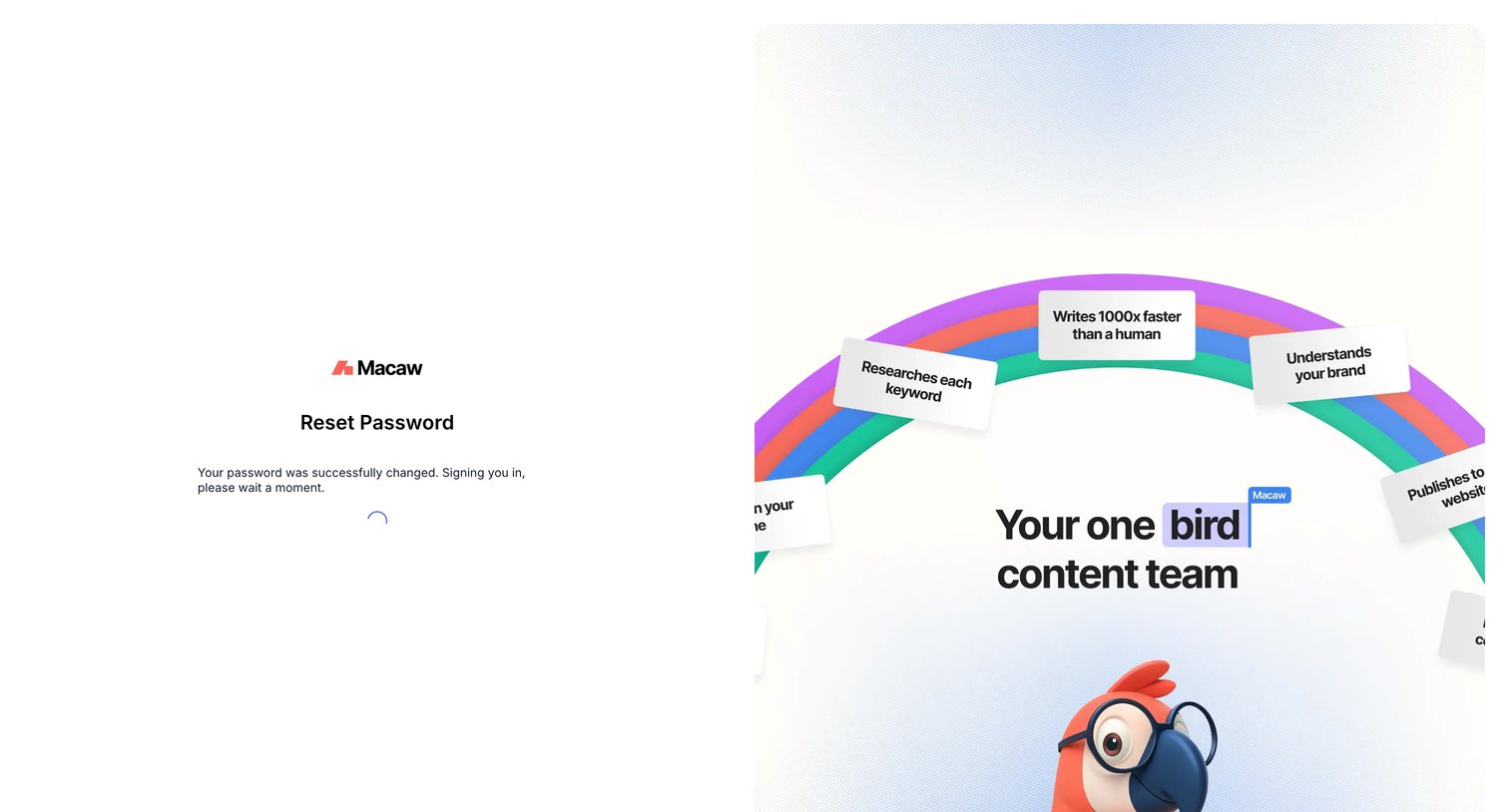
Authentication screen confirming a successful password reset and showing a loading spinner while automatically signing the user in.
Browse the full SaaS app library
Explore real SaaS apps with their product screens, marketing screens, flows, and components.
Trusted by the best teams







