Jimo design examples
Explore Jimo UI design examples. Onboard users smarter, scale faster.
Product screens
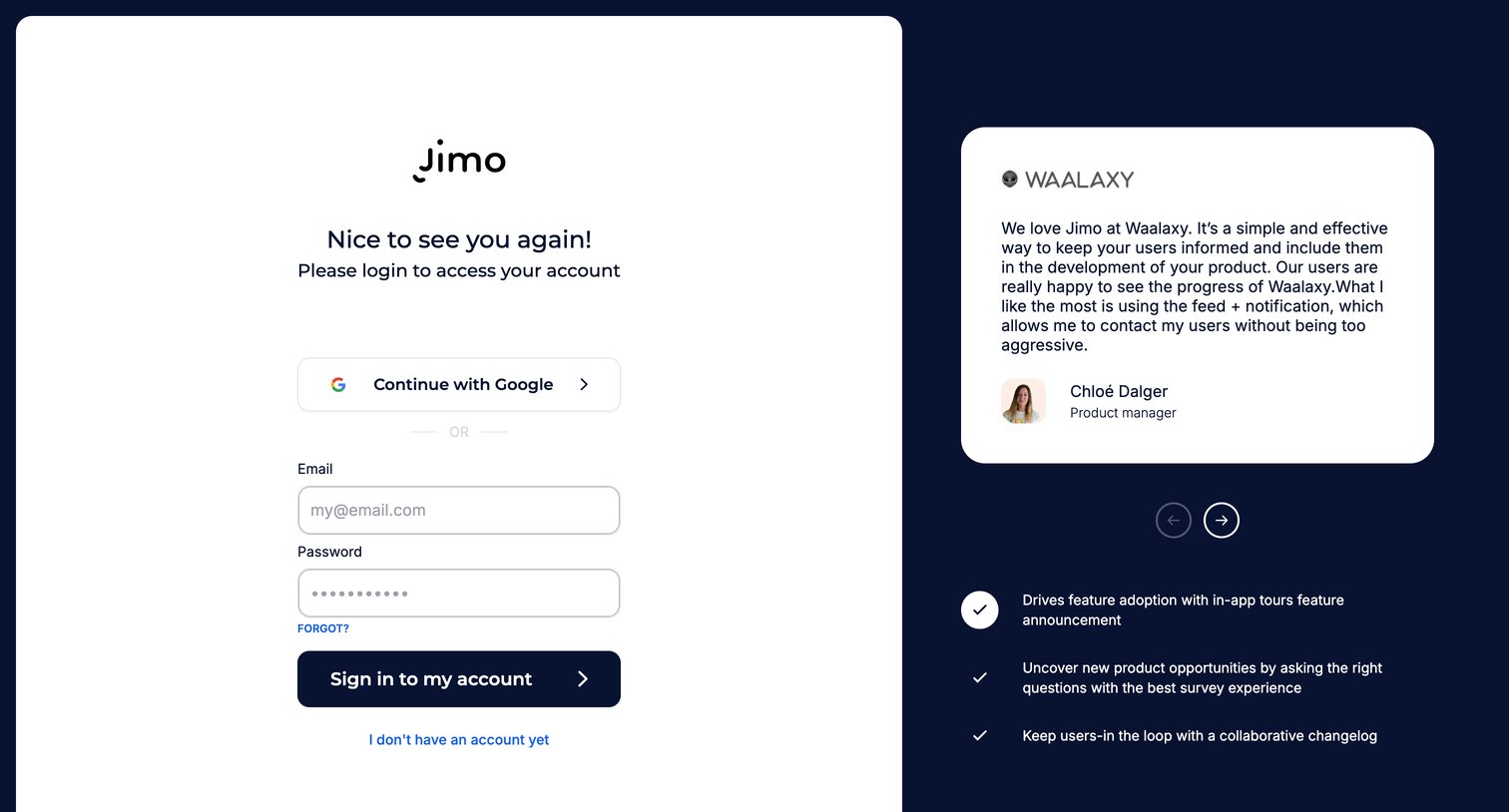

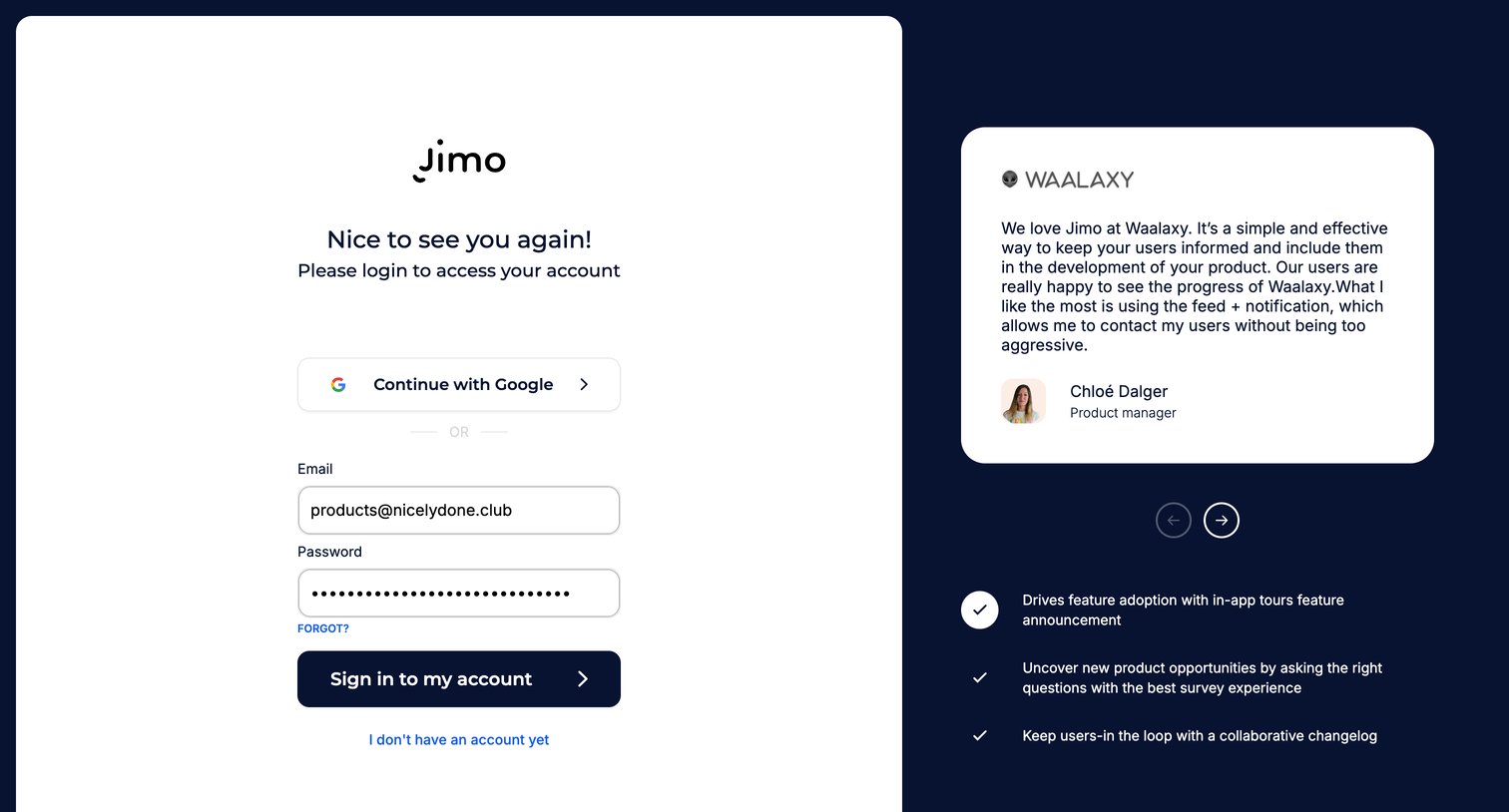
Sign-in screen where the user authenticates with Google or email, featuring a customer testimonial from Waalaxy and key product benefits on the side.
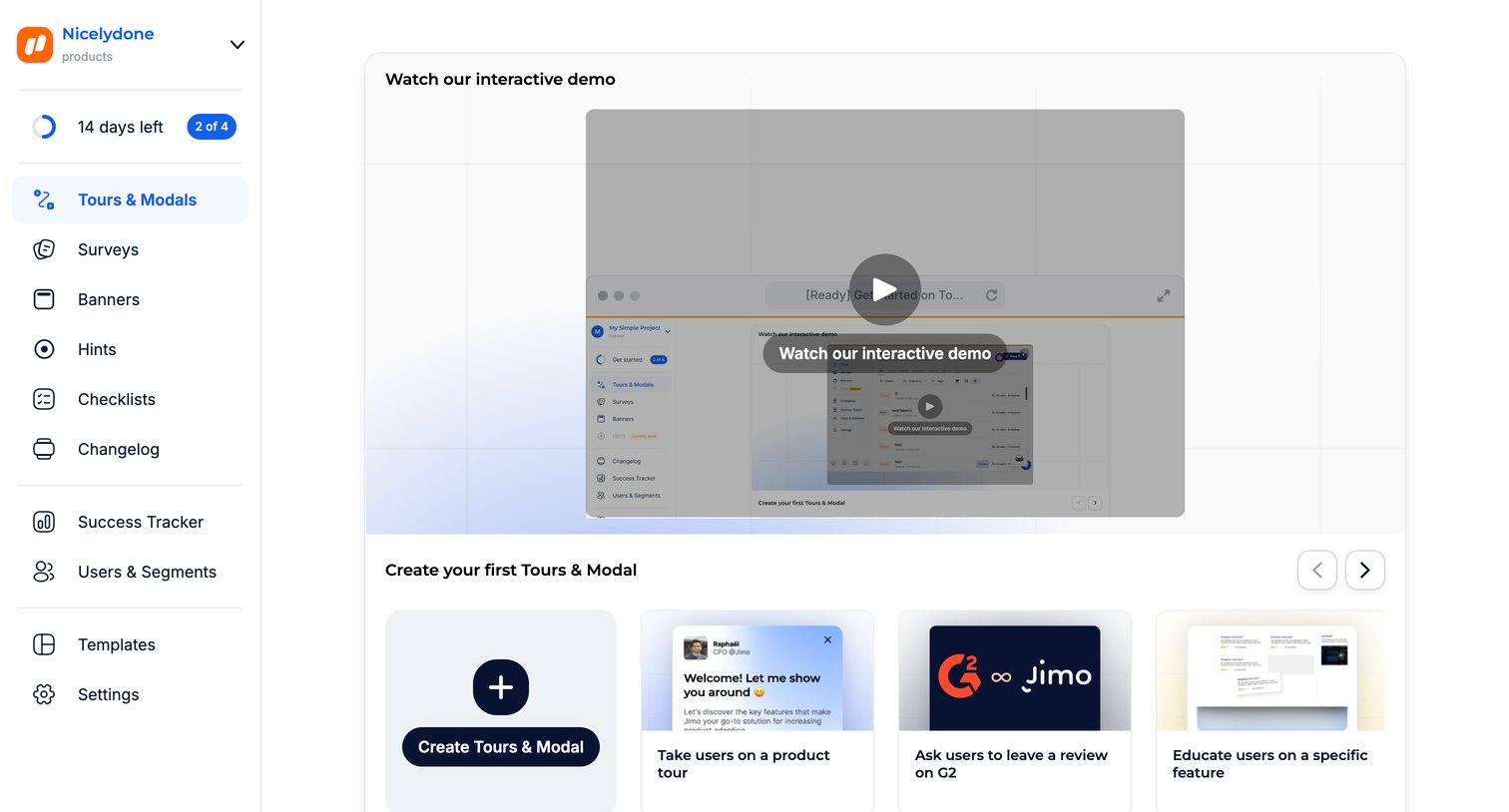
Onboarding screen for the Tours & Modals feature where the user can watch an interactive demo video or start creating from a carousel of templates.
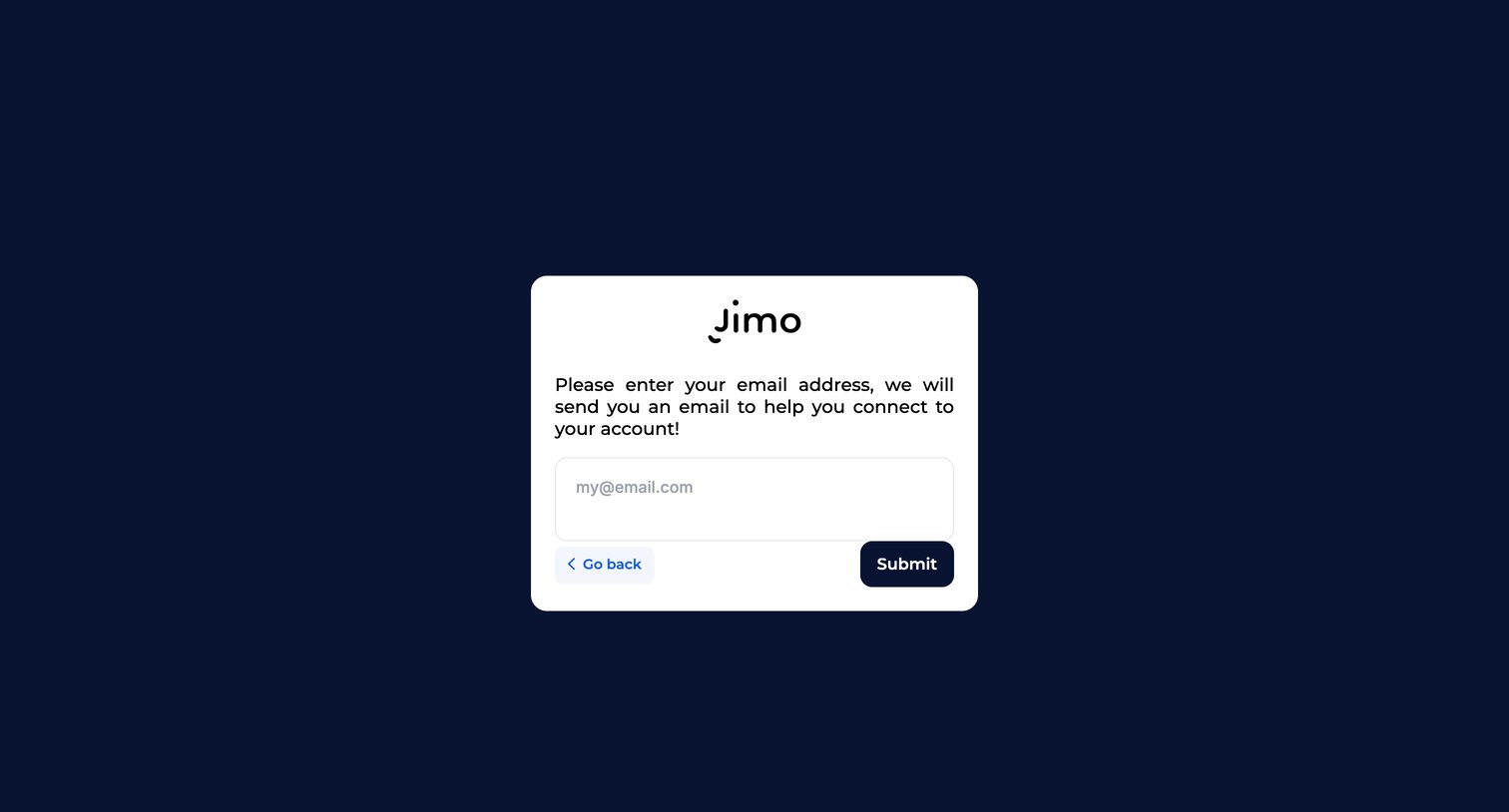
Password recovery screen where the user enters their email address to receive a connection link.
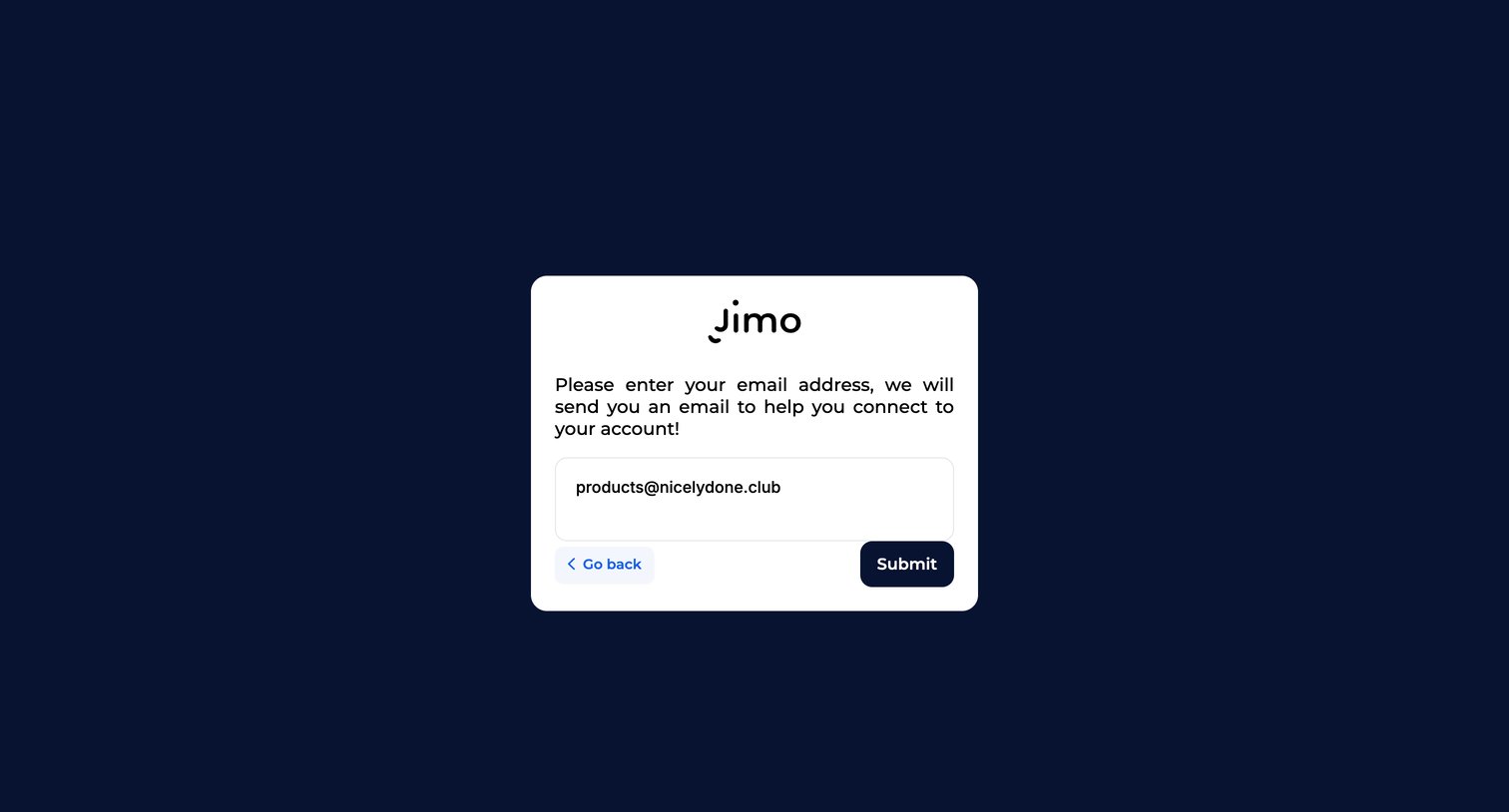
Password recovery screen where the user submits their email address to receive an account connection link.
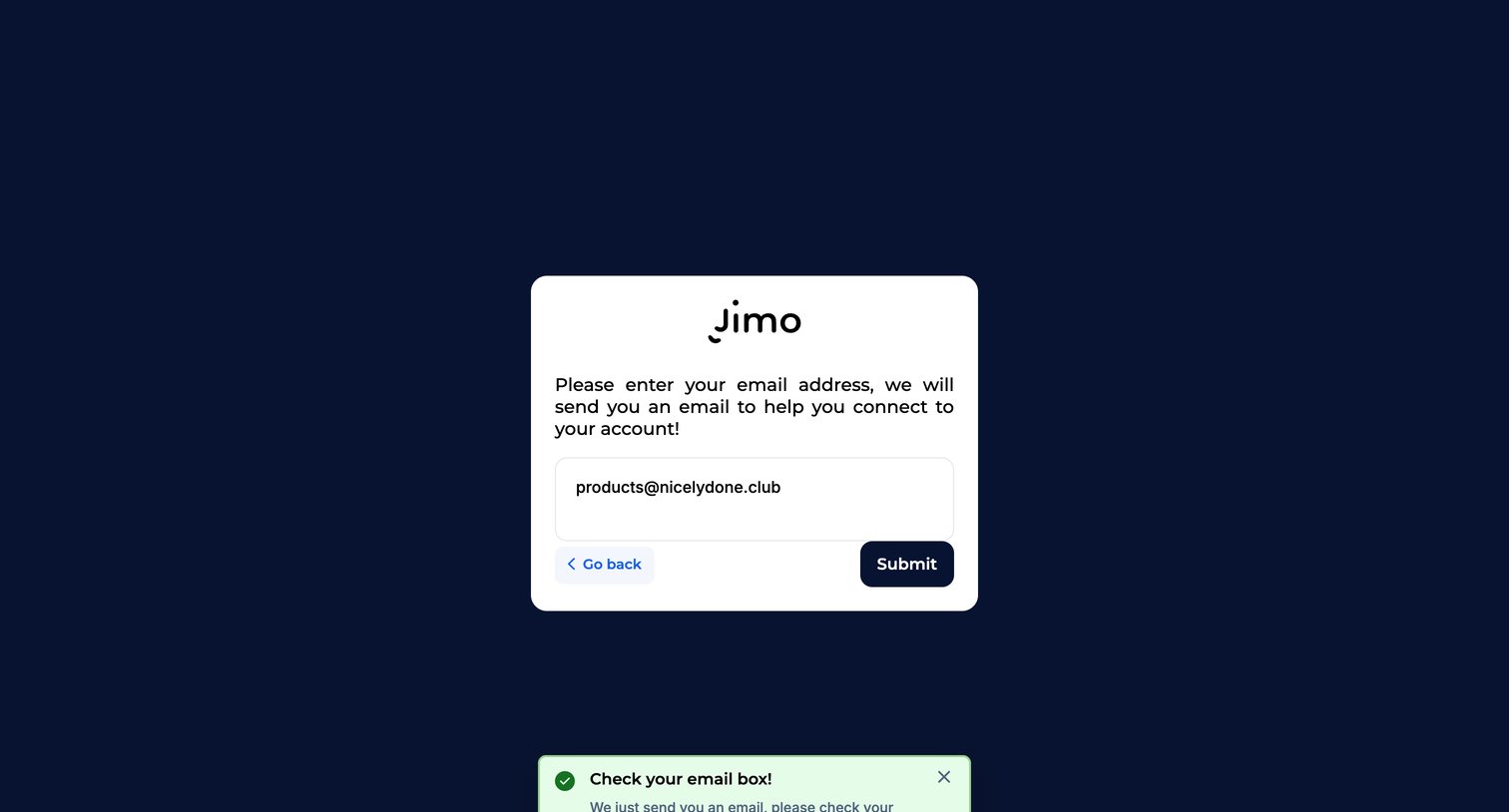
Password recovery screen where a success toast notifies the user to check their inbox after submitting their email address.
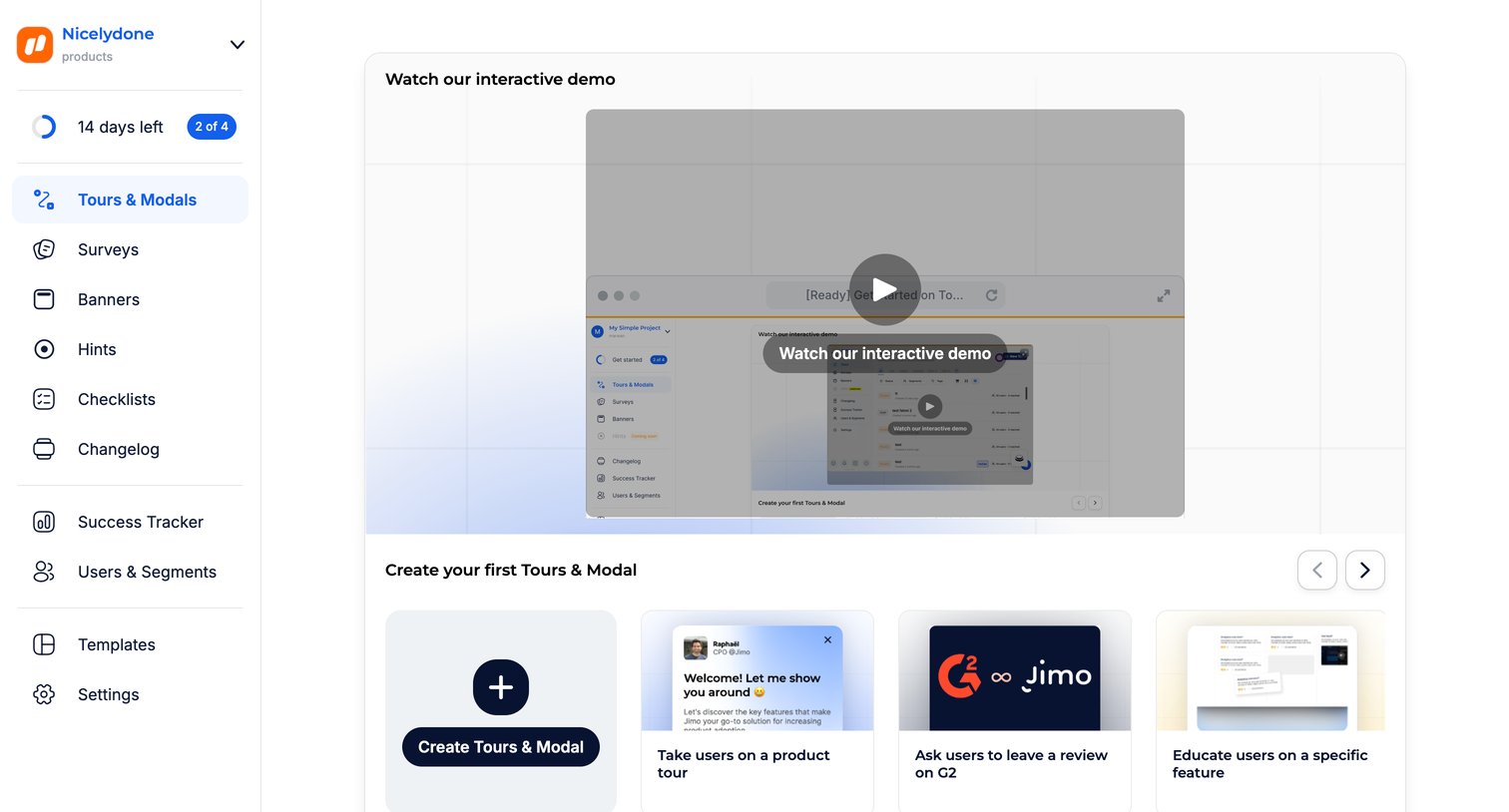
Dashboard empty state for tours and modals featuring an interactive demo video and a template gallery to create the first item.
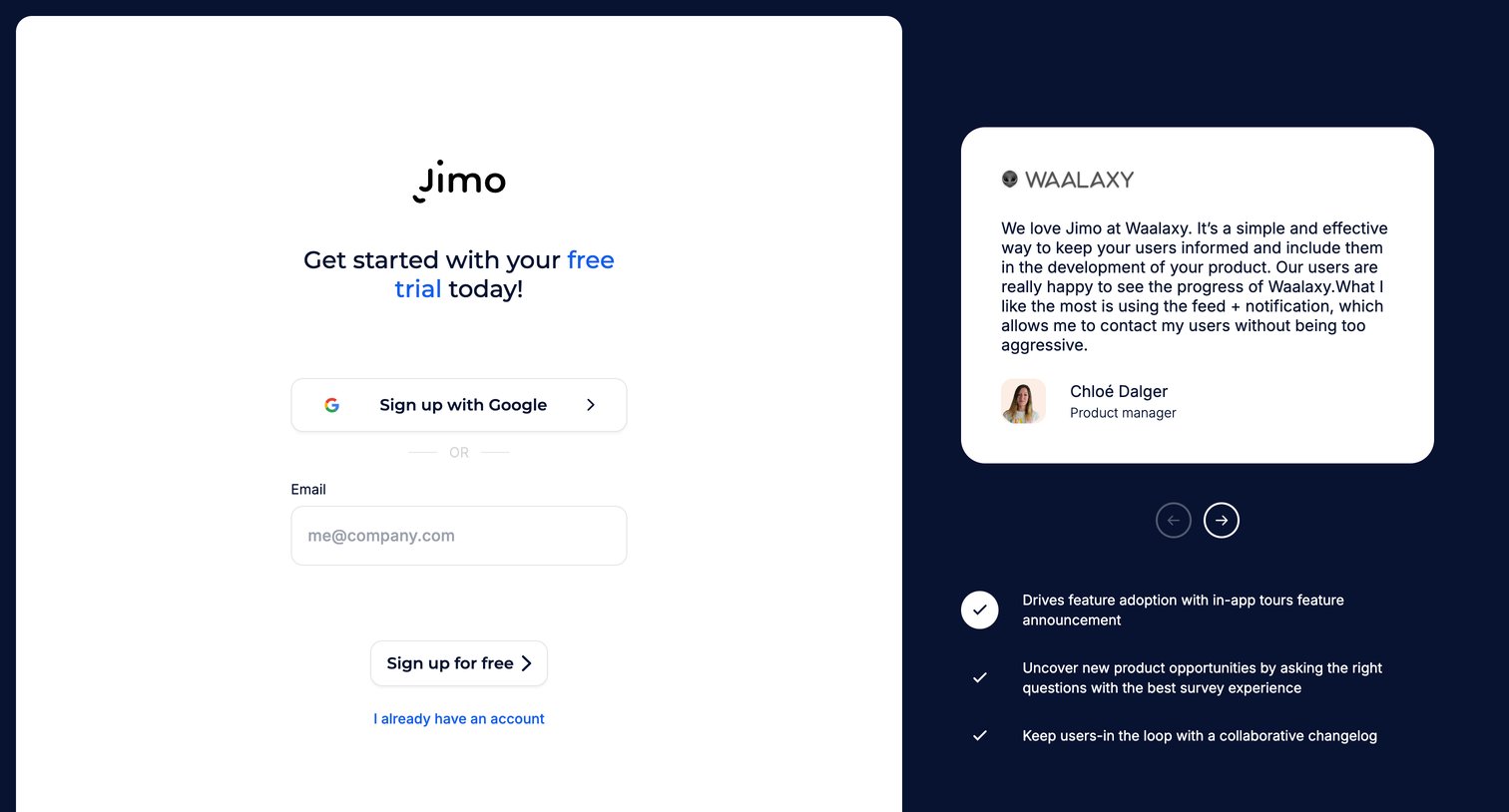
Signup screen where the user can start a free trial using Google or their email address, accompanied by a customer testimonial and feature highlights.
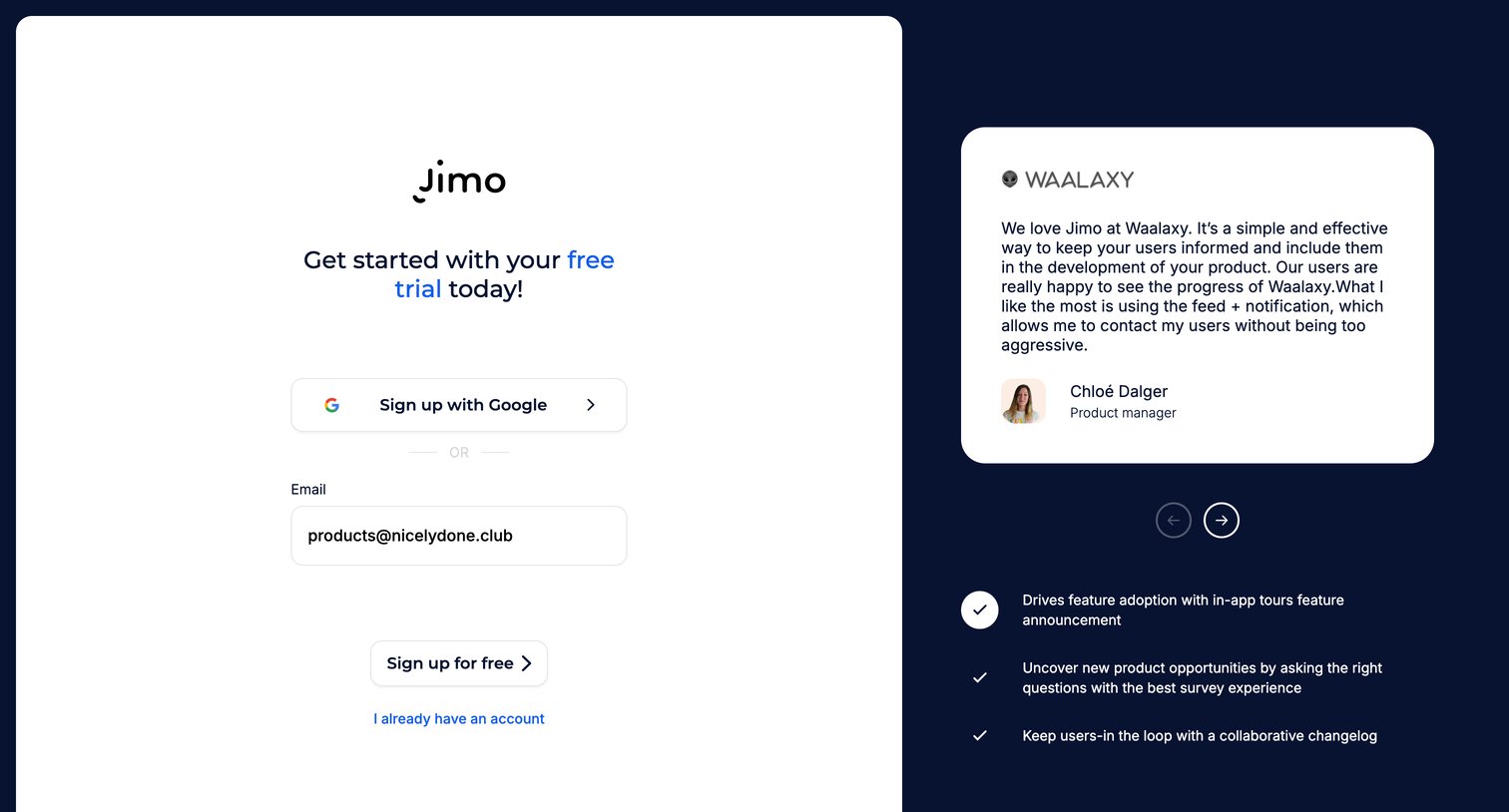
Signup screen where the user creates an account with Google or email, featuring a customer testimonial from Waalaxy and a list of product benefits.
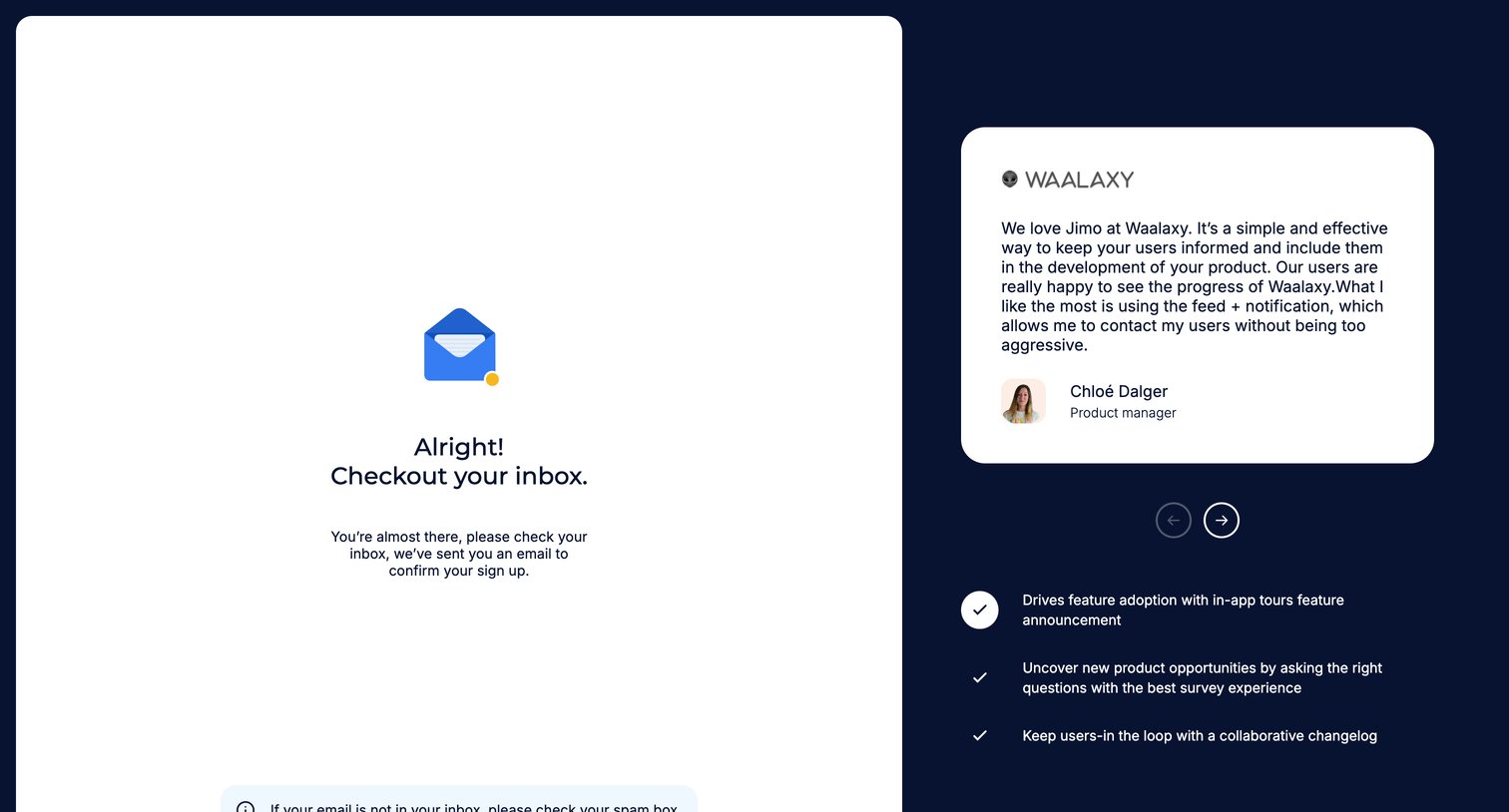
Verification screen where the user is instructed to check their inbox to confirm their sign up, alongside a customer testimonial and feature list.
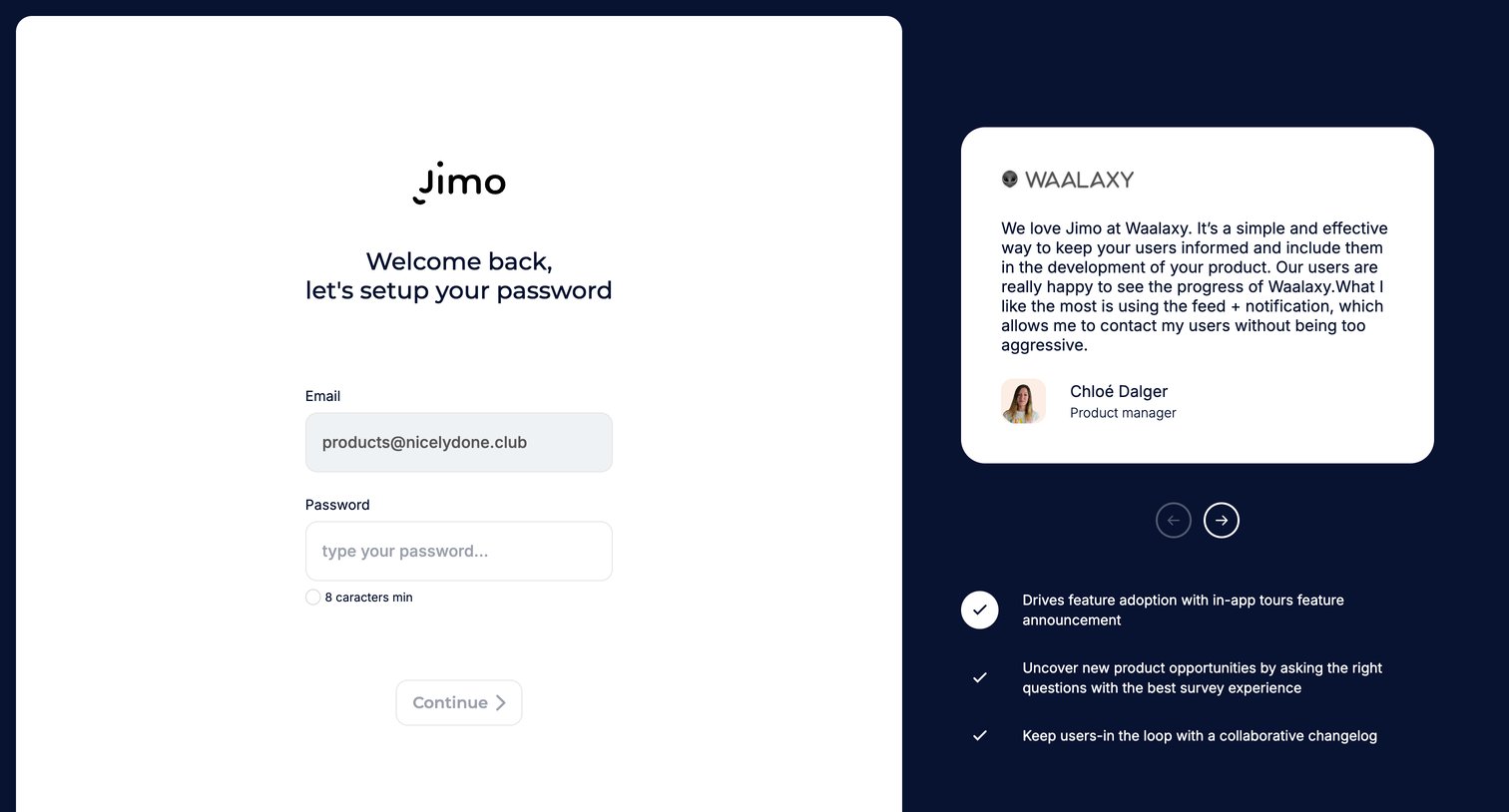
Signup step where the user sets their password alongside a customer testimonial and feature highlights.
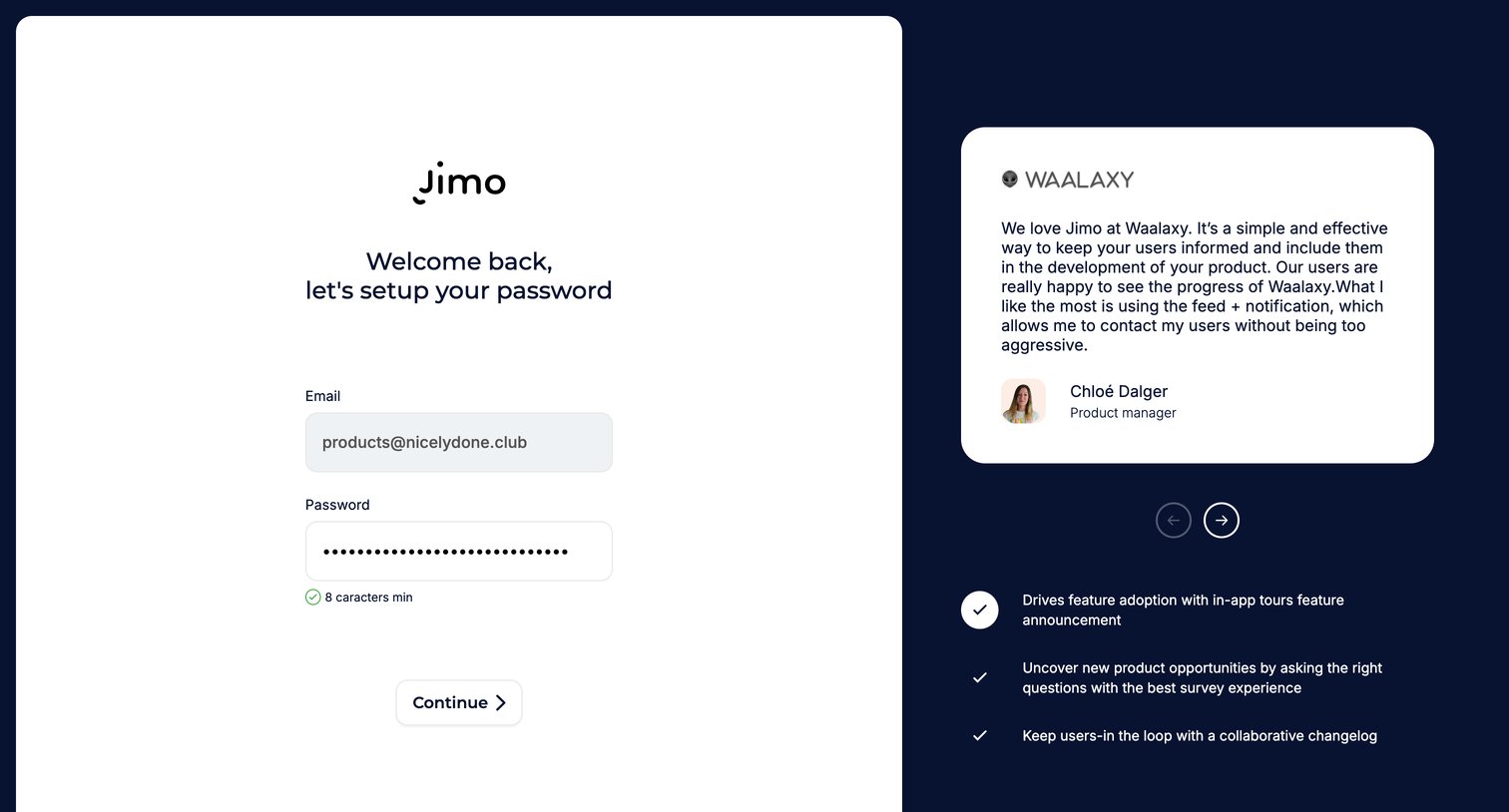
Signup step where the user sets a password for their pre-filled email address, accompanied by a customer testimonial and feature list.
Browse the full SaaS app library
Explore real SaaS apps with their product screens, marketing screens, flows, and components.
Trusted by the best teams







